01 Source Code Only
₹99
One-time Payment
- Complete project source code
- Database / data resources
- Dependencies & configuration
- README / setup guide
- Instant download access
Get runnable Hostel Management System Source Code with database files, project setup instructions, live demo options and installation support. This project resource helps students understand the implementation, modules, workflow and technical architecture of a complete PHP project.
Hover to zoom · Click to expand
Simple pricing. Instant access. Secure checkout.
01 Source Code Only
One-time Payment
02 Code + Setup Support
One-time Payment
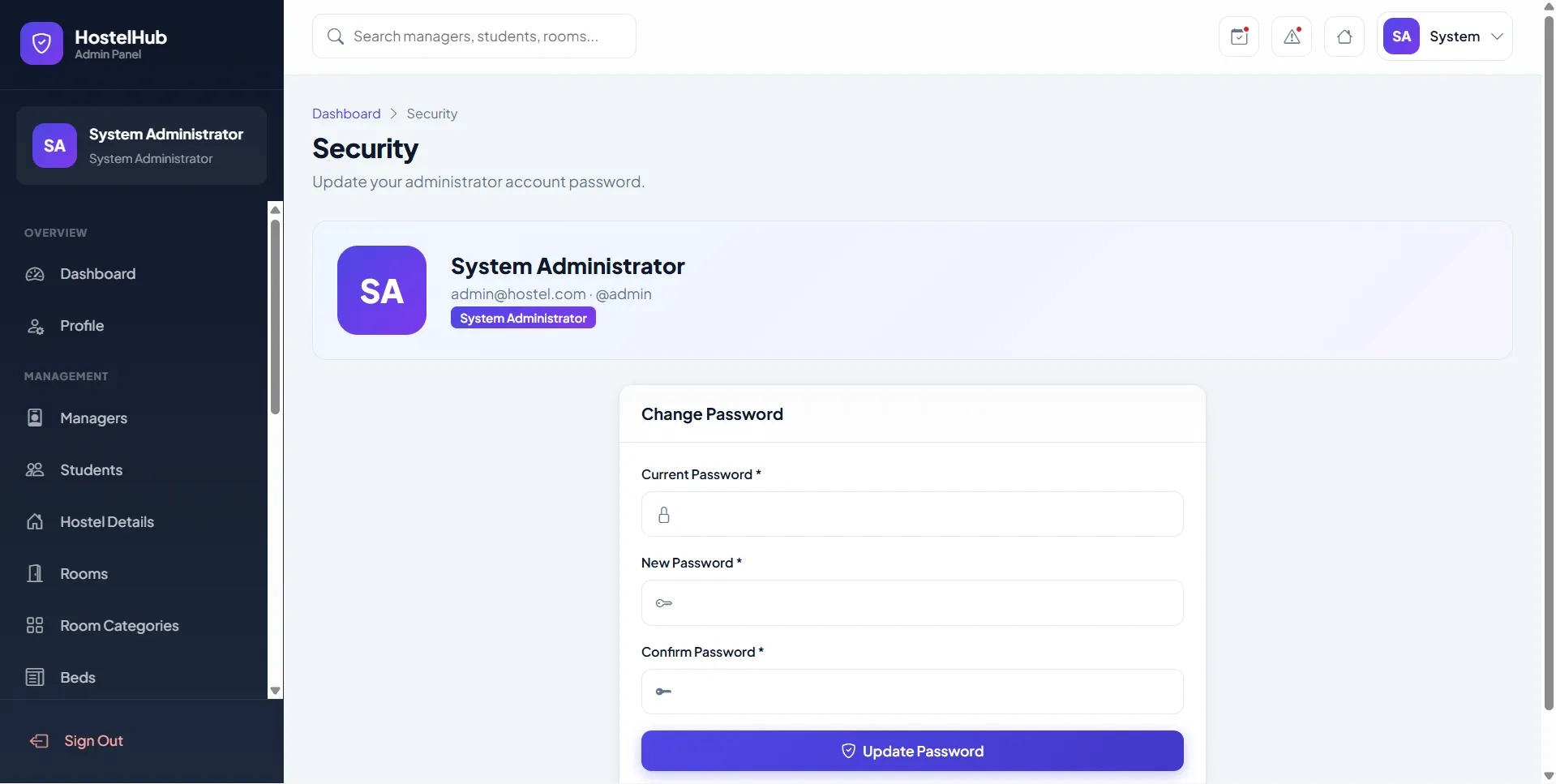
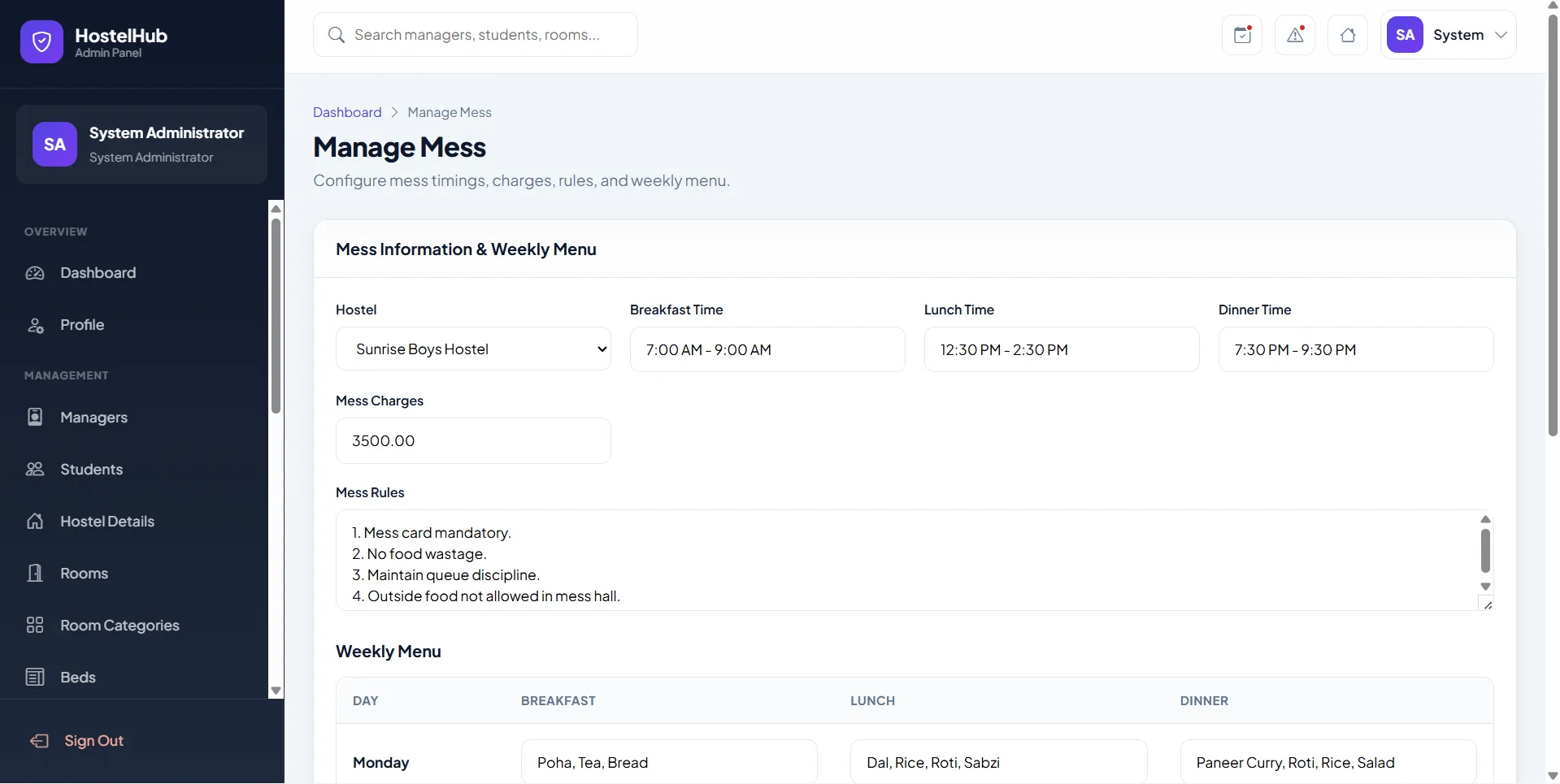
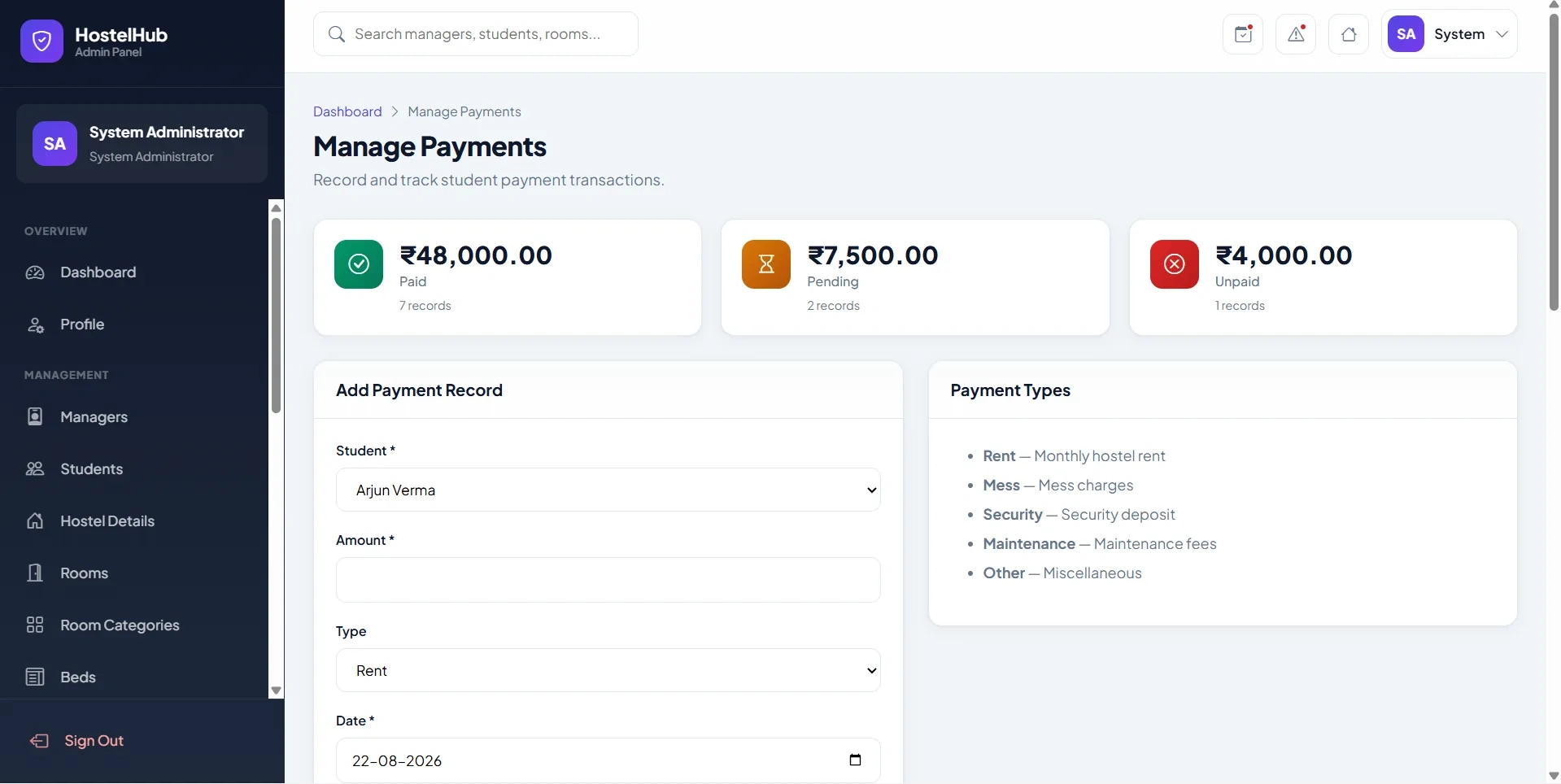
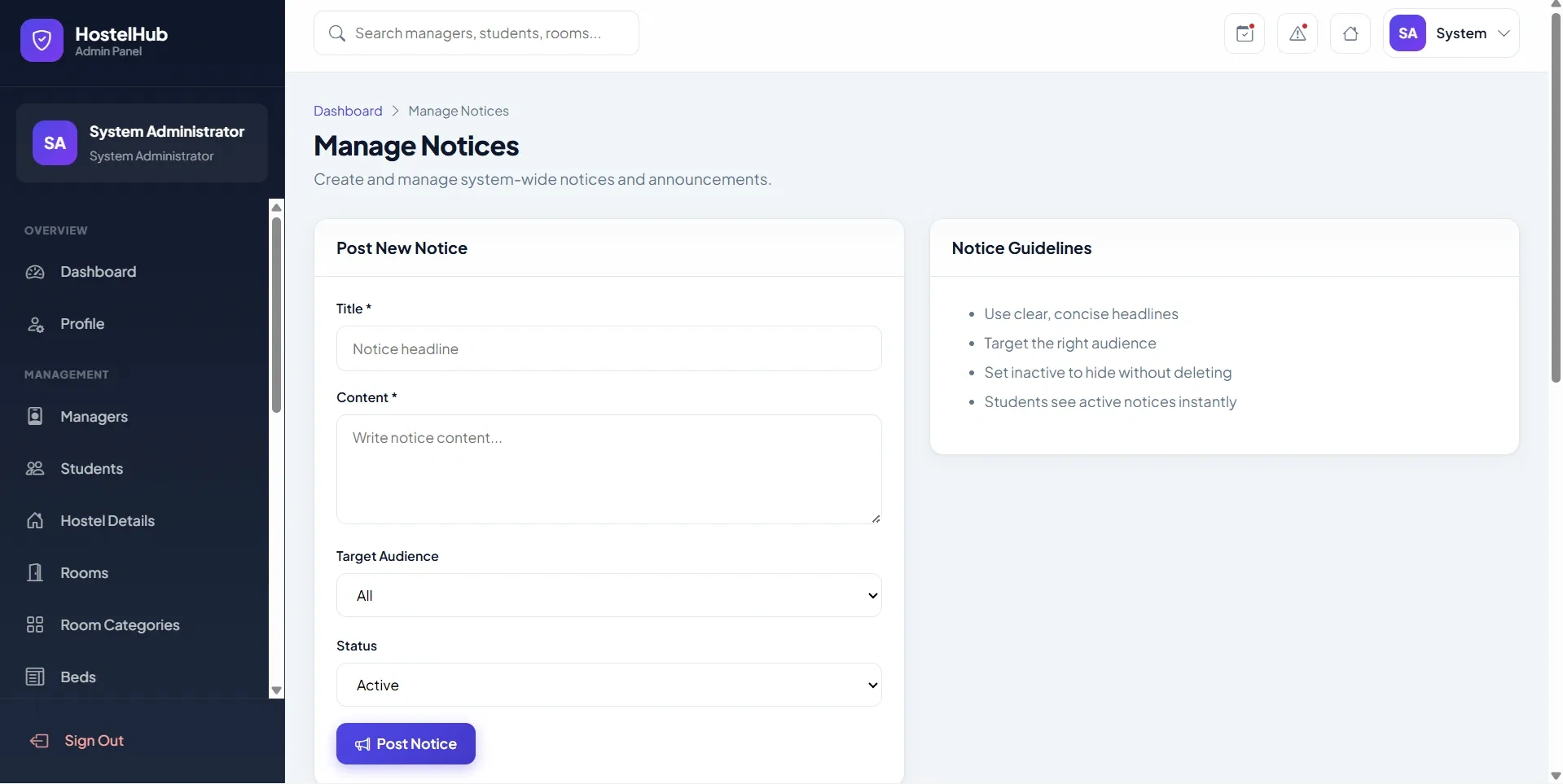
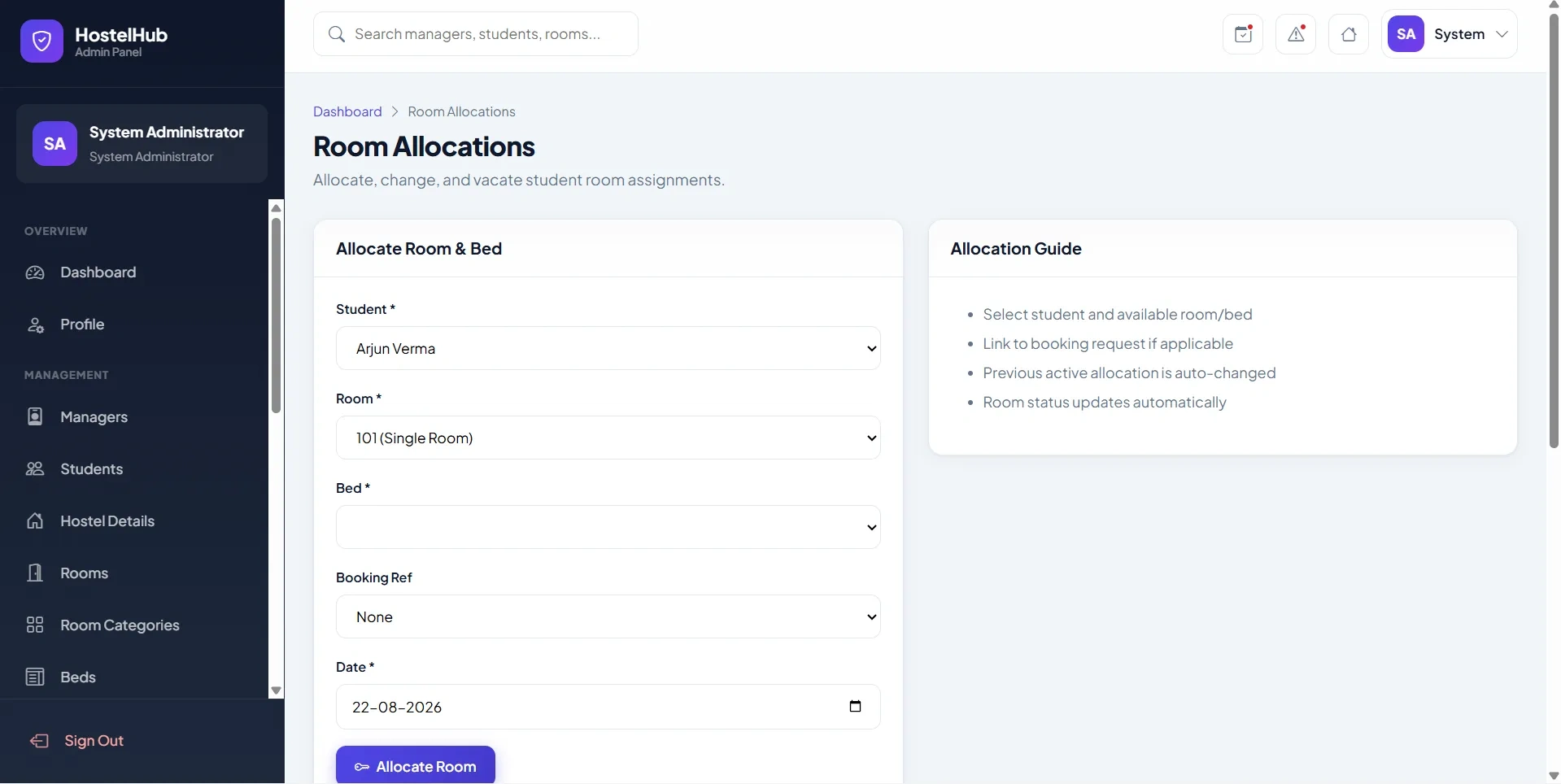
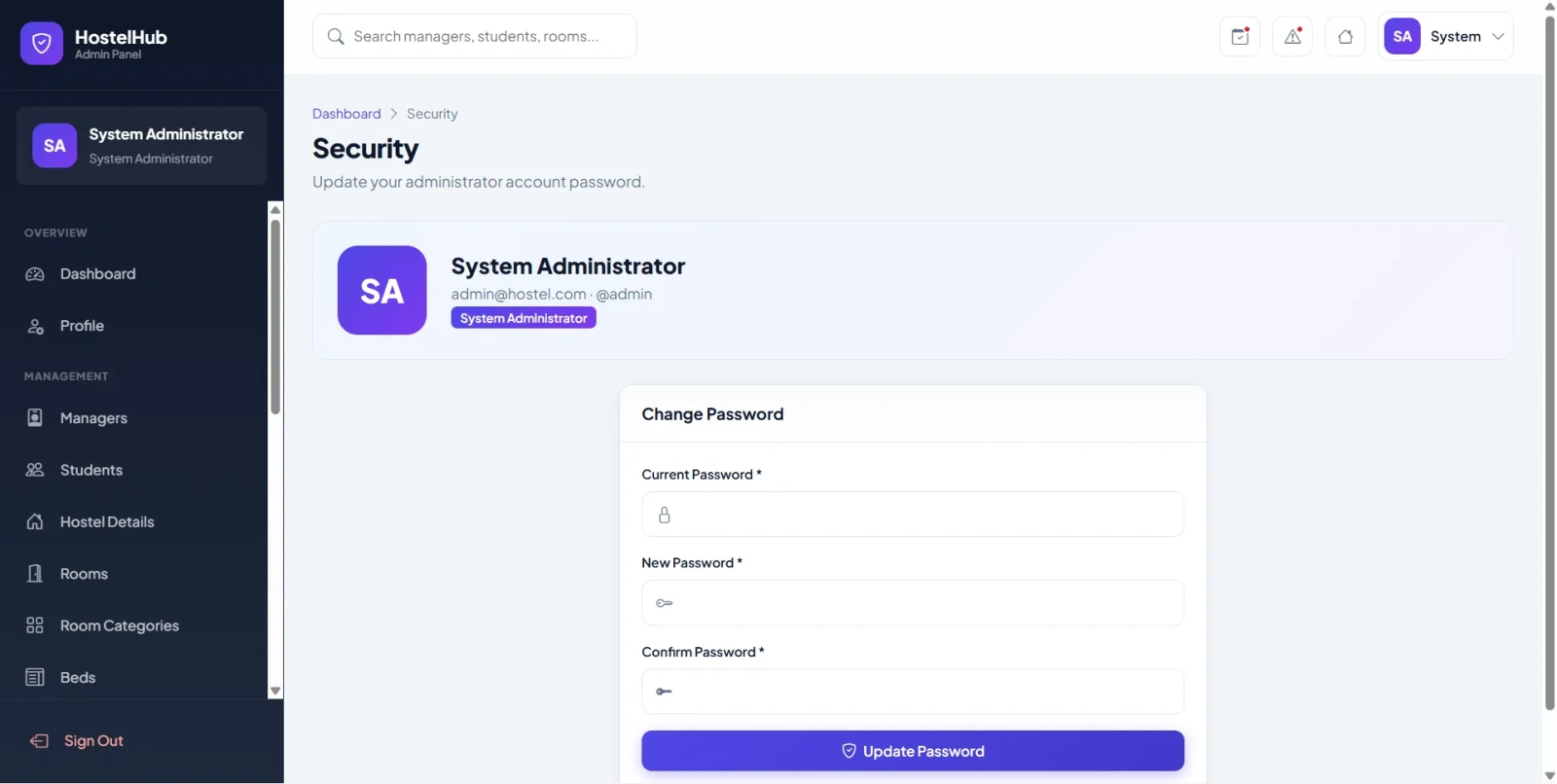
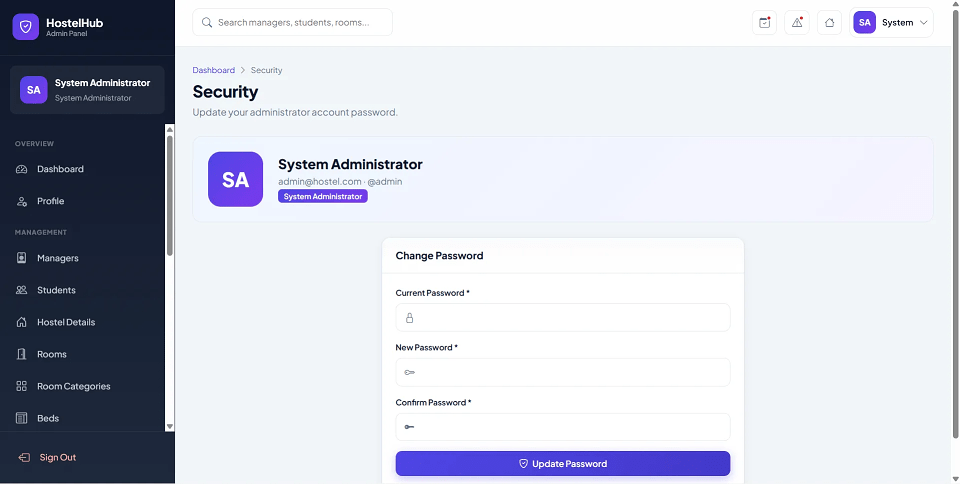
HostelHub Pro is a final year project developed using Core PHP and MySQL for managing hostel operations digitally through separate Admin, Manager, and Student portals. This final year project enables students to register, browse hostel rooms, submit booking requests, view room allocations, pay hostel fees, raise complaints, apply for leave, check mess menus, and receive notices. Managers handle hostel operations including room allocation, visitor management, attendance, maintenance requests, payments, and booking approvals. Administrators manage hostels, rooms, categories, beds, managers, students, bookings, allocations, complaints, notices, fees, payments, reports, and system settings. With role-based authentication, responsive dashboards, room allocation workflow, attendance tracking, and hostel analytics, this project is suitable for a final year major project in PHP and MySQL.
adminadmin123manager1admin123student1admin123Copy the final year project folder into:
C:\xampp\htdocs\Hostel Management System\
Open installer:
http://localhost/Hostel%20Management%20System/install.php
Configure database if required:
config/database.php
Update database credentials:
define('DB_HOST', 'localhost');
define('DB_NAME', 'hostel_management');
define('DB_USER', 'root');
define('DB_PASS', '');
install.php after successful installation.Open application:
http://localhost/Hostel%20Management%20System/
adminadmin123manager1admin123student1admin123