01 Source Code Only
₹99
One-time Payment
- Complete project source code
- Database / data resources
- Dependencies & configuration
- README / setup guide
- Instant download access
Get runnable Shopping Portal Source Code with database files, project setup instructions, live demo options and installation support. This project resource helps students understand the implementation, modules, workflow and technical architecture of a complete PHP project.
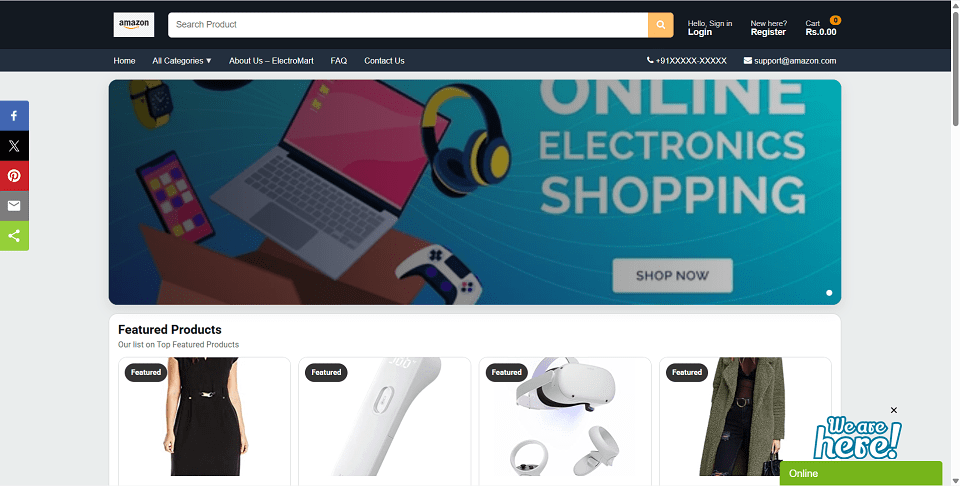
Hover to zoom · Click to expand
Simple pricing. Instant access. Secure checkout.
01 Source Code Only
One-time Payment
02 Code + Setup Support
One-time Payment
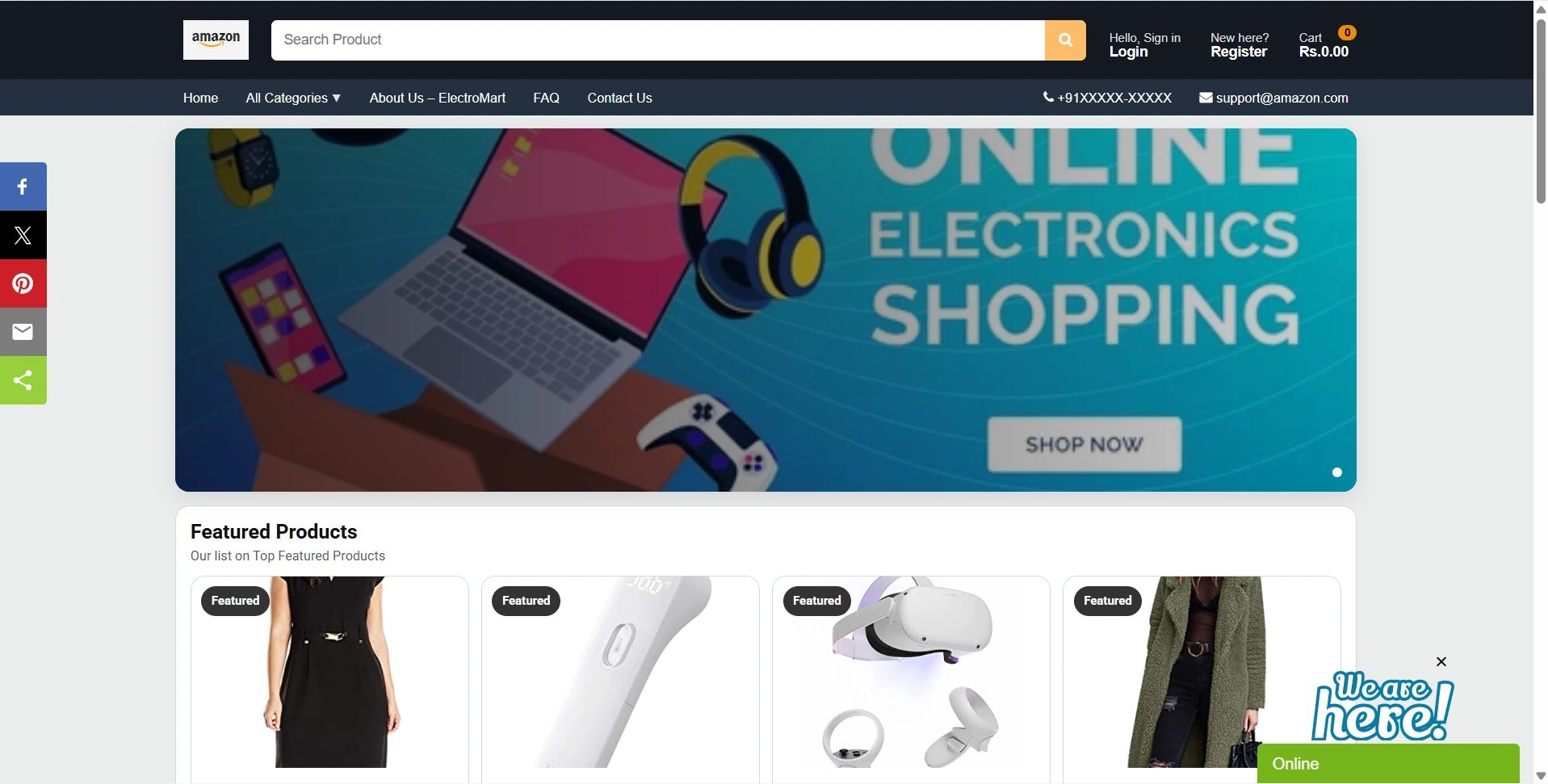
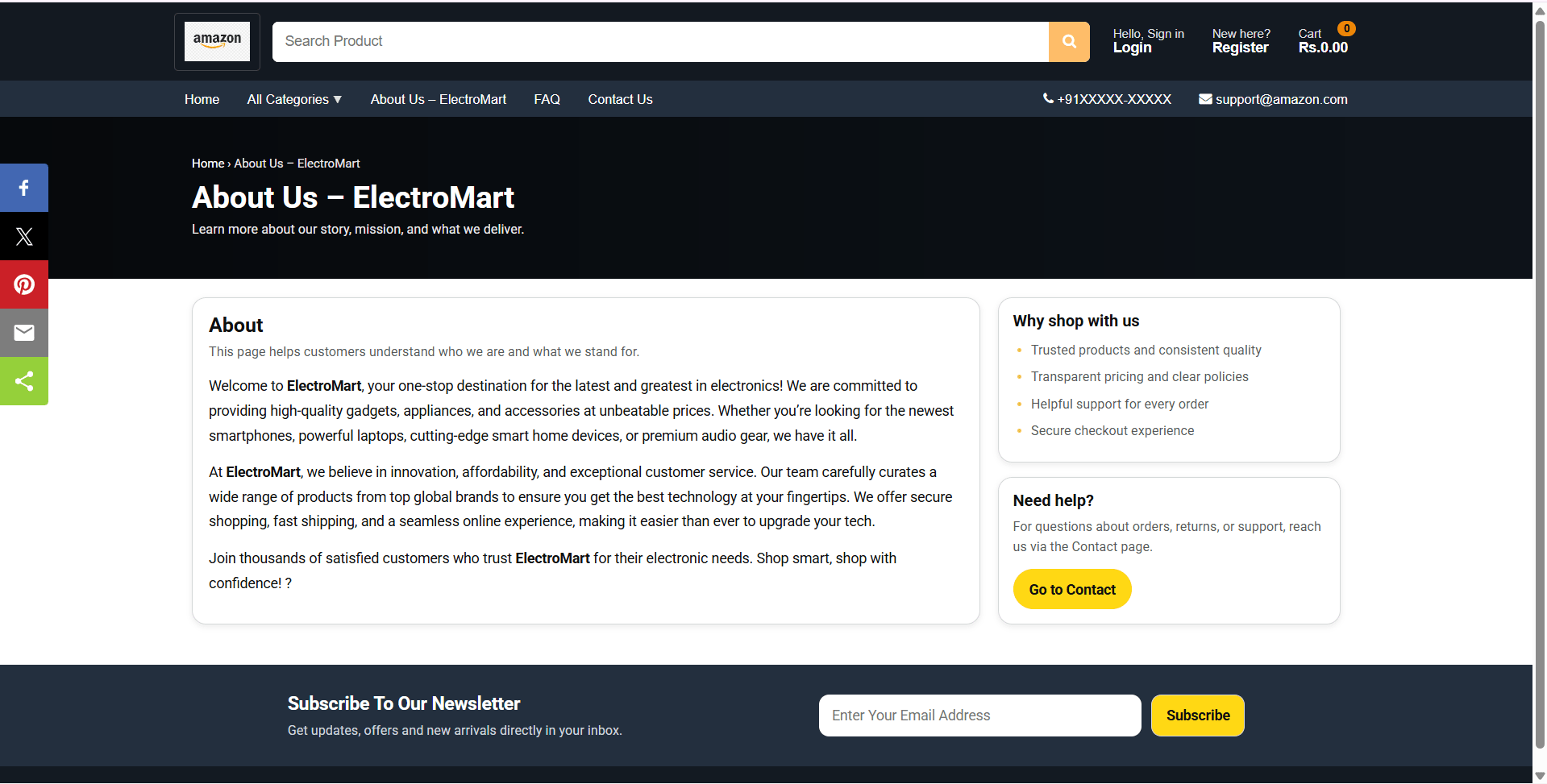
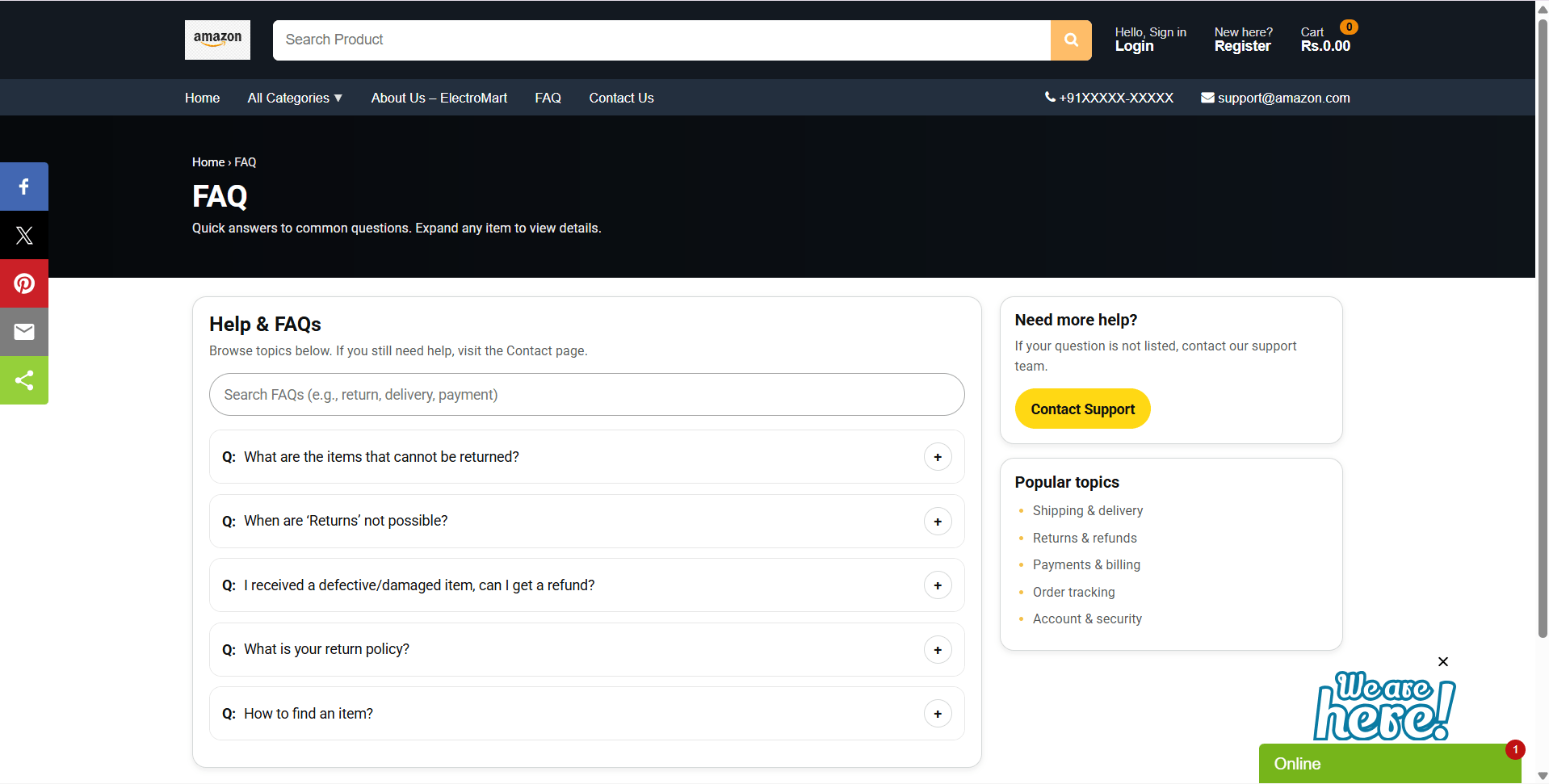
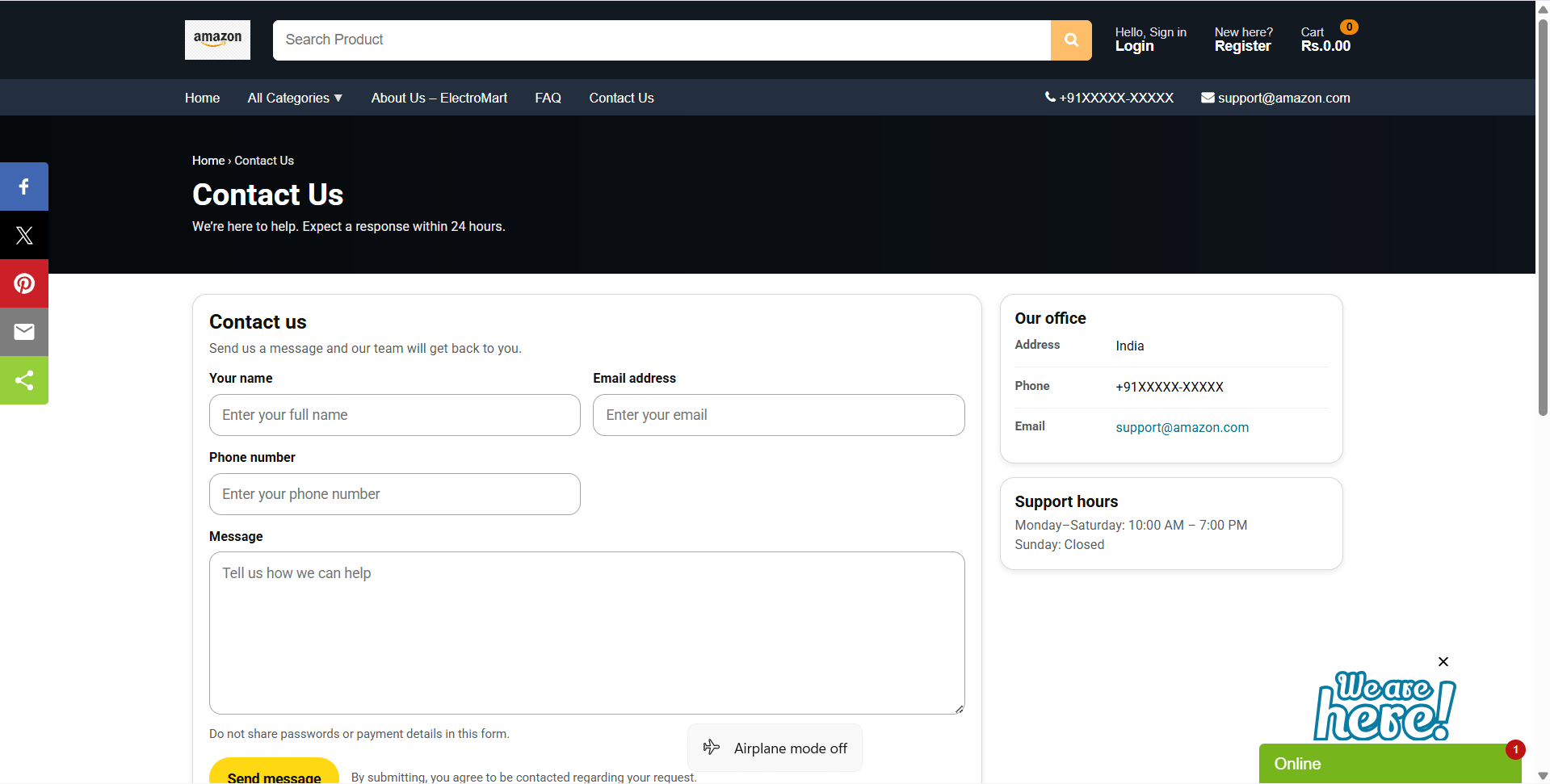
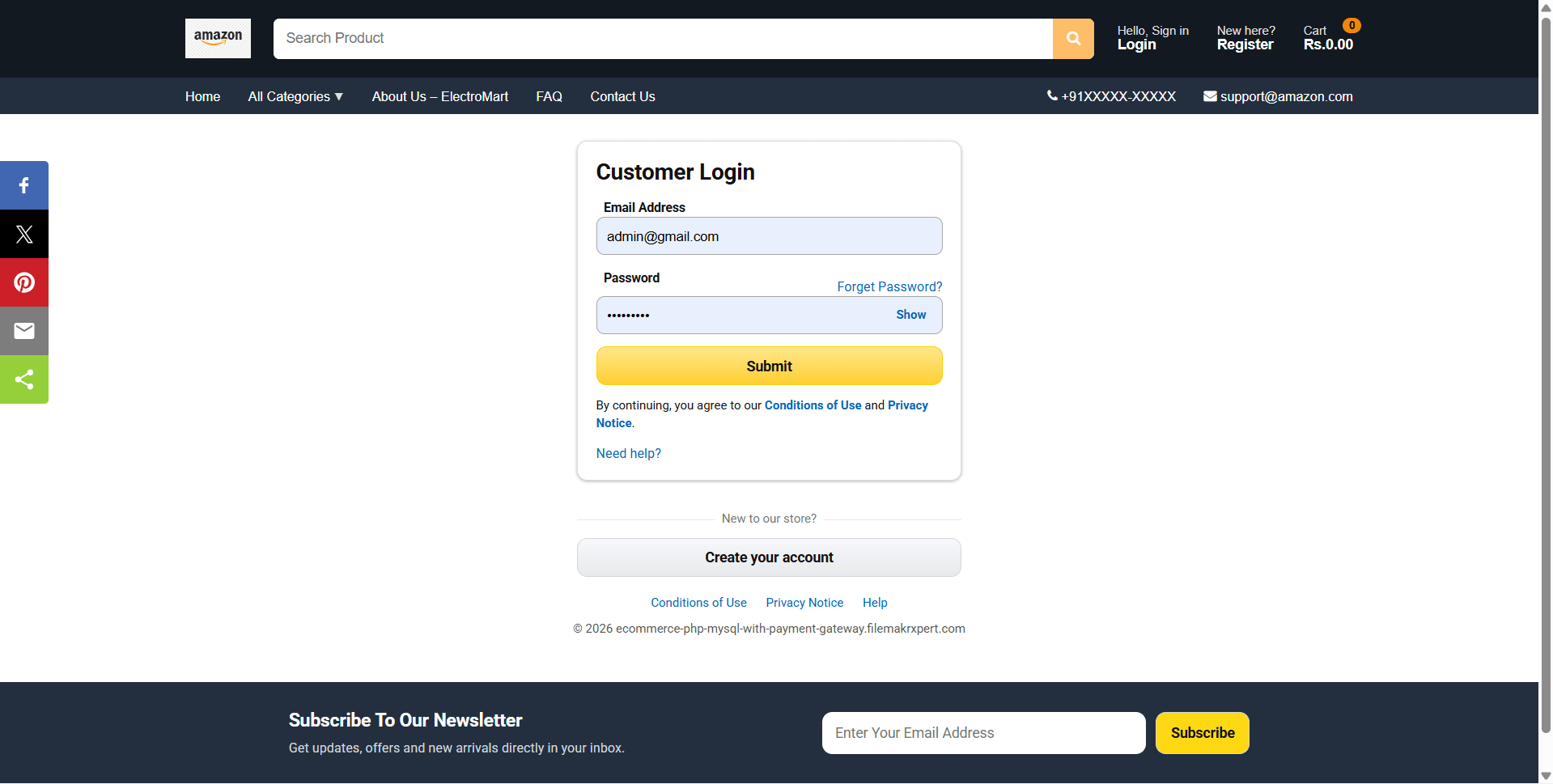
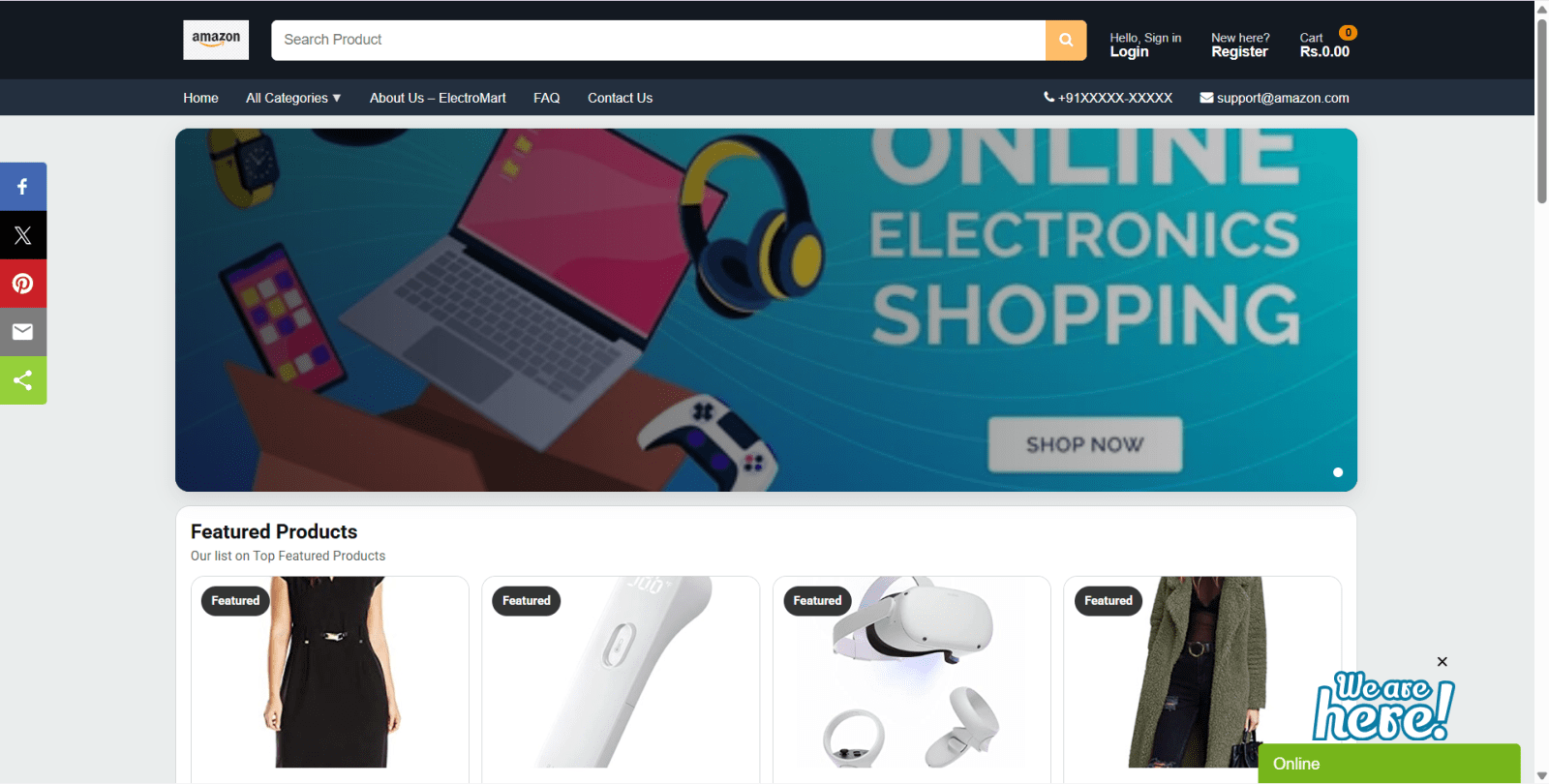
Online Shopping Portal is a final year project based on PHP and MySQL for students who want a practical e-commerce web application. This final year project includes an admin panel for managing dashboard data, top-level, mid-level, and end-level categories, products, inventory, users, and orders. Users can register, log in, update profiles, browse products, search items, apply filters by category, rating, and price, add products to cart, update quantities, save shipping details during checkout, and view order history. The system also supports order confirmation email notifications and product reviews for purchased products. With cart, checkout, product catalogue, category hierarchy, reviews, and order status handling, this project is suitable for a final year major project in PHP, MySQL, web development, and e-commerce management.
Copy the project folder into:
C:\xampp\htdocs\amazon_clone\
Create database:
ecommerceweb
Import database file:
DATABASE FILE/ecommerceweb.sql
Edit database configuration:
admin/inc/config.php
Set database details:
$dbhost = 'localhost';
$dbname = 'ecommerceweb';
$dbuser = 'root';
$dbpass = '';

define("BASE_URL", "http://localhost/amazon_clone/");
Ensure upload folder is writable:
assets/uploads/
Open storefront:
http://localhost/amazon_clone/
Open admin panel:
http://localhost/amazon_clone/admin/
Download the zip file.
Extract the file and copy "shopping" folder.
Paste inside root directory(for xampp xampp/htdocs, for wamp wamp/www, for lamp var/www/html).
Open PHPMyAdmin (http://localhost/phpmyadmin).
Create a database with name "shopping".
Import shopping.sql file(given inside the zip package in SQL file folder).
Run the script http://localhost/shopping (frontend).
For admin Panel http://localhost/shopping/admin.
Copy the project folder into:
C:\xampp\htdocs\amazon_clone\
Create database:
ecommerceweb
Import database file:
DATABASE FILE/ecommerceweb.sql
Edit database configuration:
admin/inc/config.php
Set database details:
$dbhost = 'localhost';
$dbname = 'ecommerceweb';
$dbuser = 'root';
$dbpass = '';

define("BASE_URL", "http://localhost/amazon_clone/");
Ensure upload folder is writable:
assets/uploads/
Open storefront:
http://localhost/amazon_clone/
Open admin panel:
http://localhost/amazon_clone/admin/