01 Source Code Only
₹99
One-time Payment
- Complete project source code
- Database / data resources
- Dependencies & configuration
- README / setup guide
- Instant download access
Get runnable Tourism Management System Source Code with database files, project setup instructions, live demo options and installation support. This project resource helps students understand the implementation, modules, workflow and technical architecture of a complete PHP project.
Hover to zoom · Click to expand
Simple pricing. Instant access. Secure checkout.
01 Source Code Only
One-time Payment
02 Code + Setup Support
One-time Payment
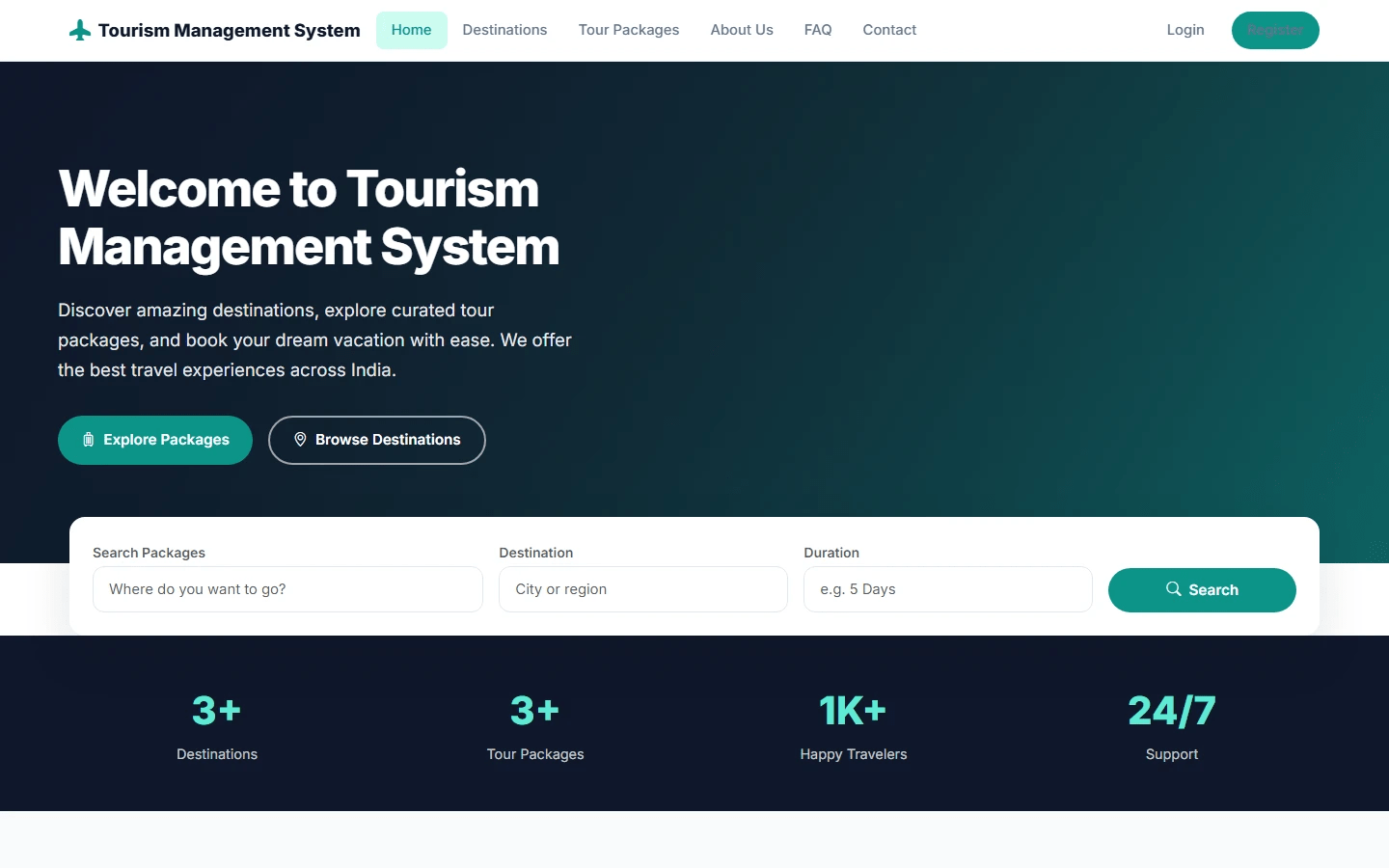
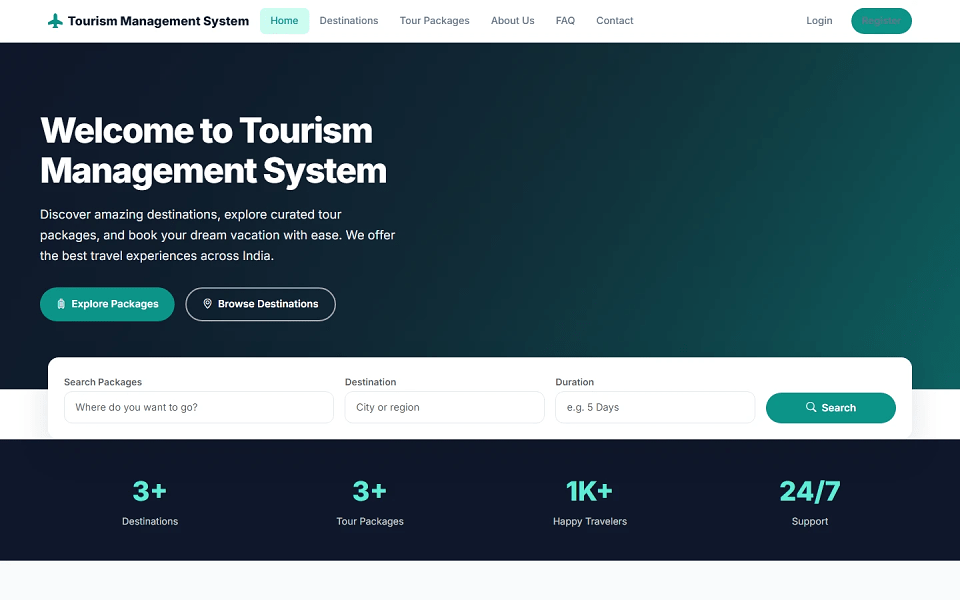
Tourism Management System in PHP with Source code is a PHP and MySQL based final year project developed for managing tourism destinations, tour packages, bookings, payments, cancellations, enquiries, reviews, and website content online. This major project includes a public website, user panel, and admin panel. Visitors can explore destinations, view tour packages, read package details, check itineraries, view hotel information, access FAQ, and contact the tourism service provider. Registered users can book tour packages, manage bookings, submit payment details with receipt upload, request cancellations, submit enquiries, give reviews, update profile details, change password, and print booking receipts. Admins can manage destinations, destination categories, packages, itineraries, hotels, users, bookings, payments, cancellations, enquiries, feedback, contact messages, homepage content, About Us content, FAQs, website settings, reports, and admin profile. This tourism management system source code is suitable for students who need a final year project, major project, minor project, source code, and project report based on PHP and MySQL.
adminadmin123/admin/password_hash()requireUser()requireAdmin()htmlspecialchars
Copy the project folder into:
C:\xampp\htdocs\Tourism Management System\
Import database file:
database/tourism_db.sql
Database name:
tourism_db
Edit database configuration:
config/database.php
Set database details:
define('DB_HOST', 'localhost');
define('DB_NAME', 'tourism_db');
define('DB_USER', 'root');
define('DB_PASS', '');
Edit base URL if needed:
config/config.php
Set:
define('BASE_URL', '/Tourism Management System');
Ensure upload folders exist and are writable:
assets/uploads/destinations/
assets/uploads/packages/
assets/uploads/banners/
assets/uploads/profiles/
assets/uploads/payments/
assets/uploads/settings/
assets/uploads/about/
http://localhost/Tourism%20Management%20System/
http://localhost/Tourism%20Management%20System/admin/
http://localhost/Tourism%20Management%20System/user/register.php
adminadmin123/admin/