01 Source Code Only
₹99
One-time Payment
- Complete project source code
- Database / data resources
- Dependencies & configuration
- README / setup guide
- Instant download access
Get runnable ATM Management System Final Year PHP Project Source Code with database files, project setup instructions, live demo options and installation support. This project resource helps students understand the implementation, modules, workflow and technical architecture of a complete PHP project.
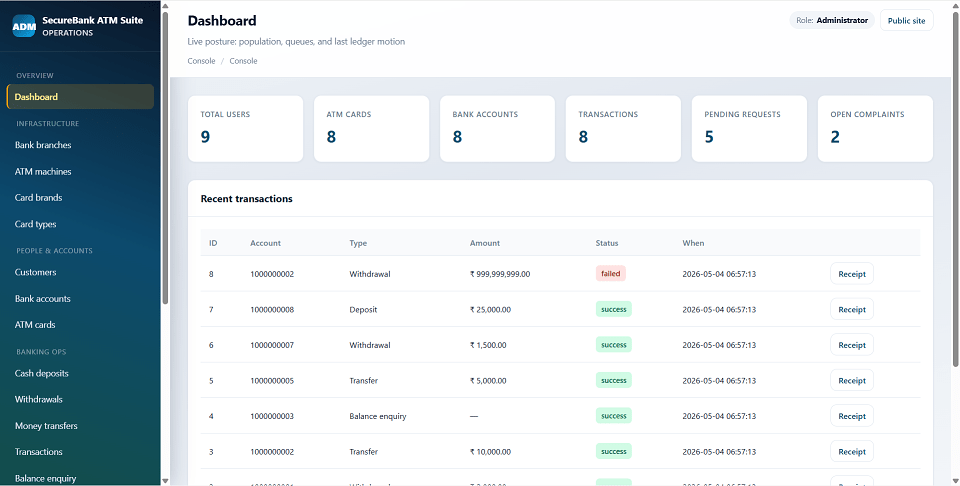
Hover to zoom · Click to expand
Simple pricing. Instant access. Secure checkout.
01 Source Code Only
One-time Payment
02 Code + Setup Support
One-time Payment
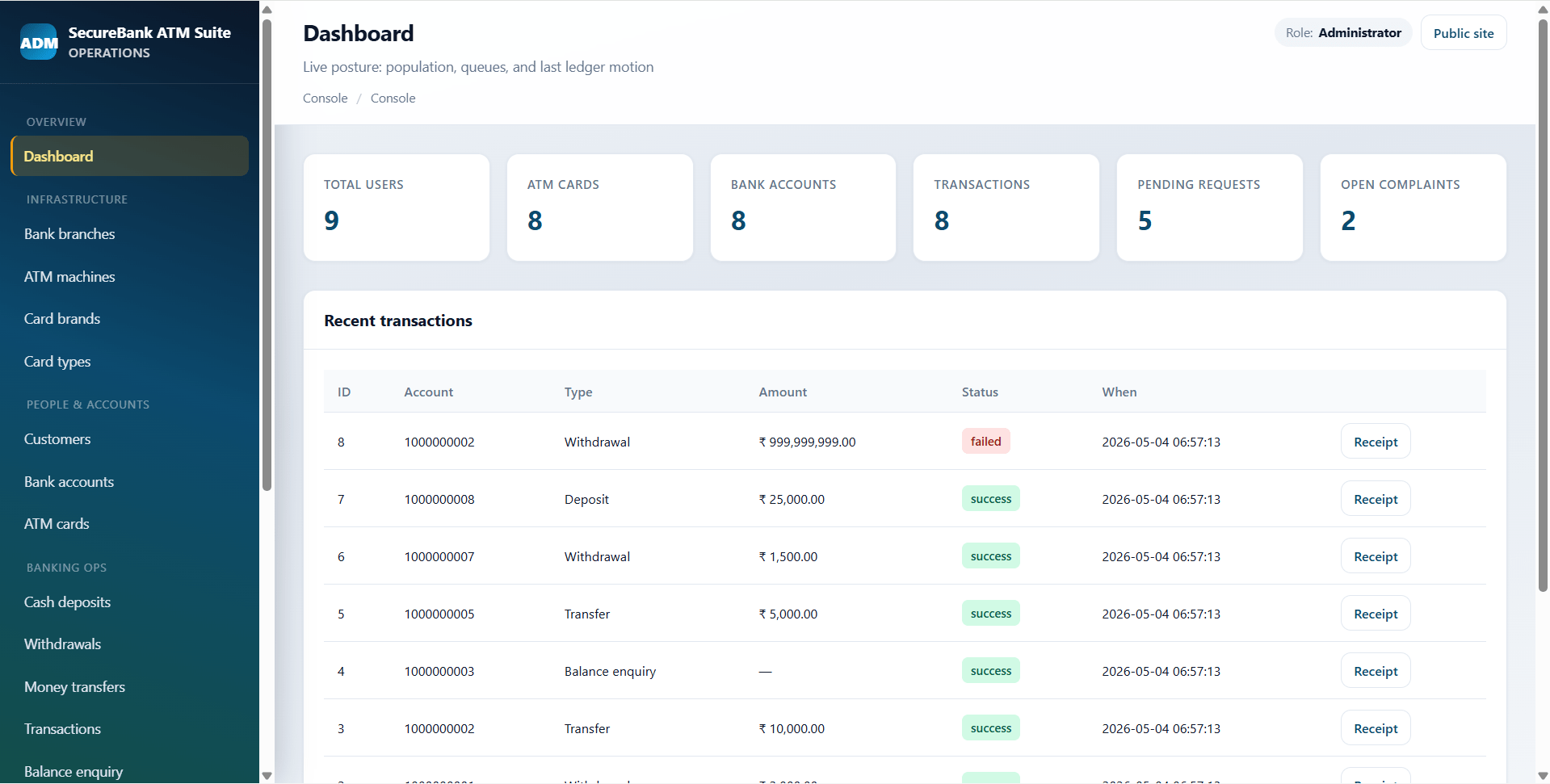
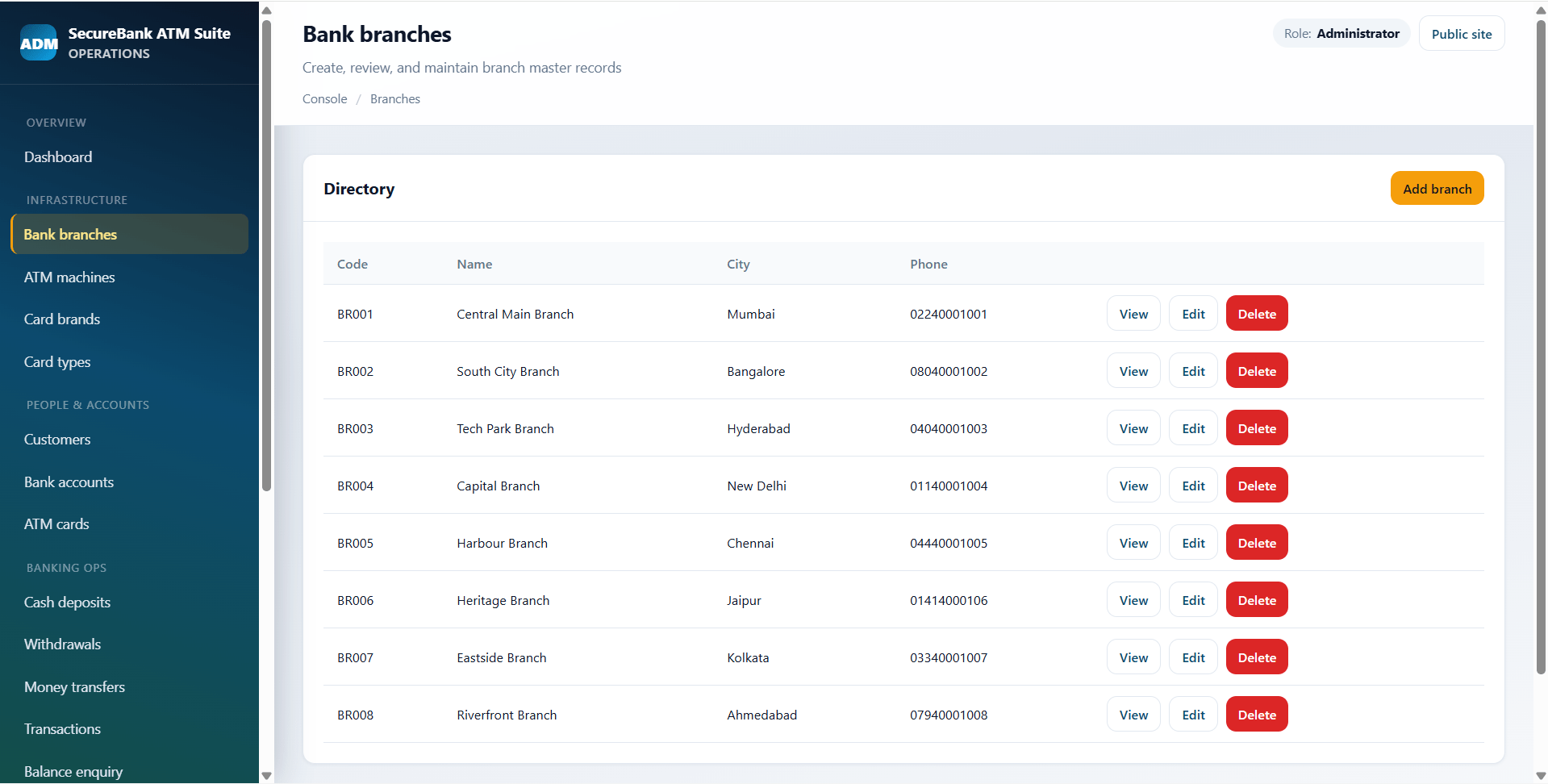
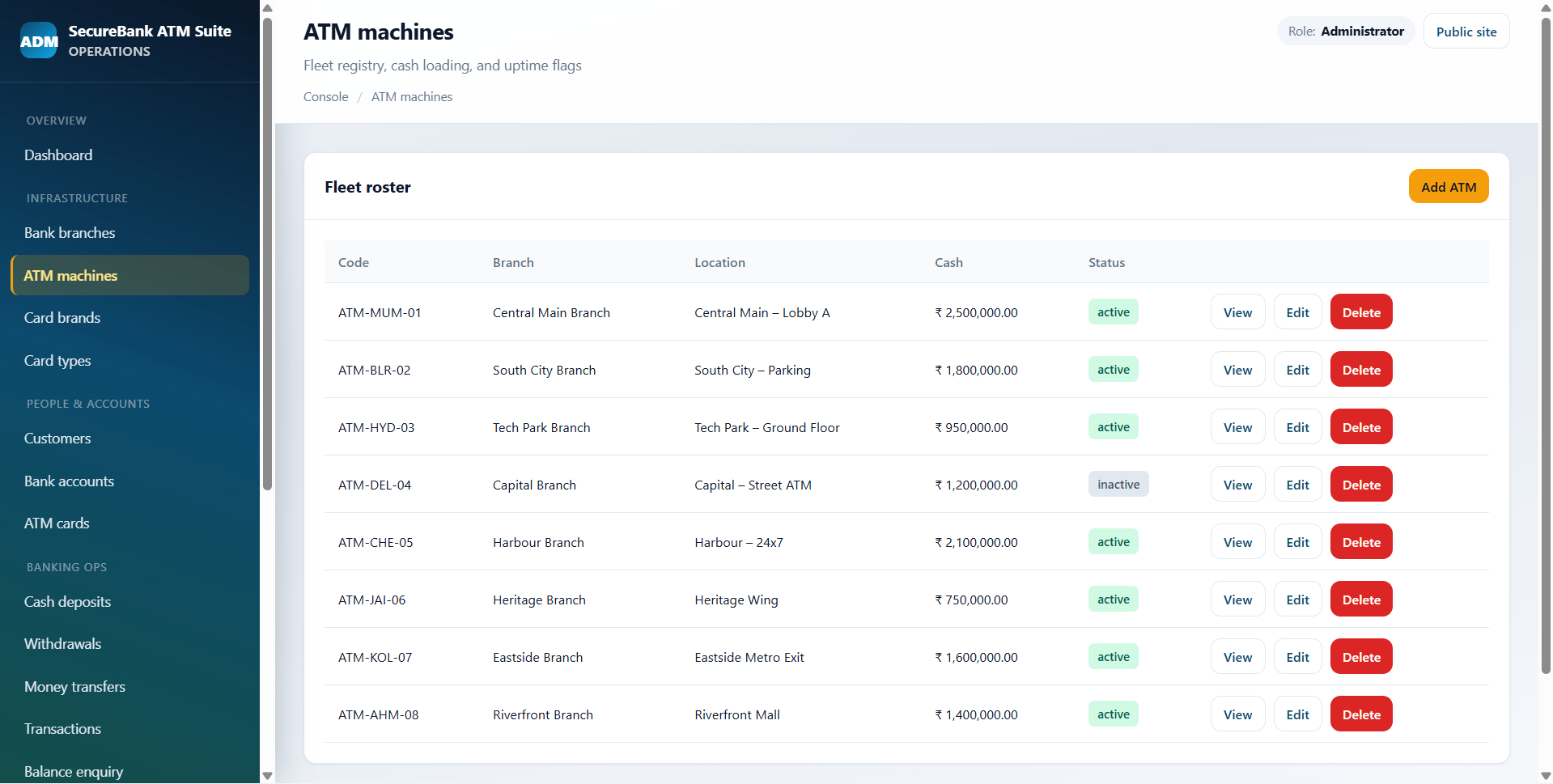
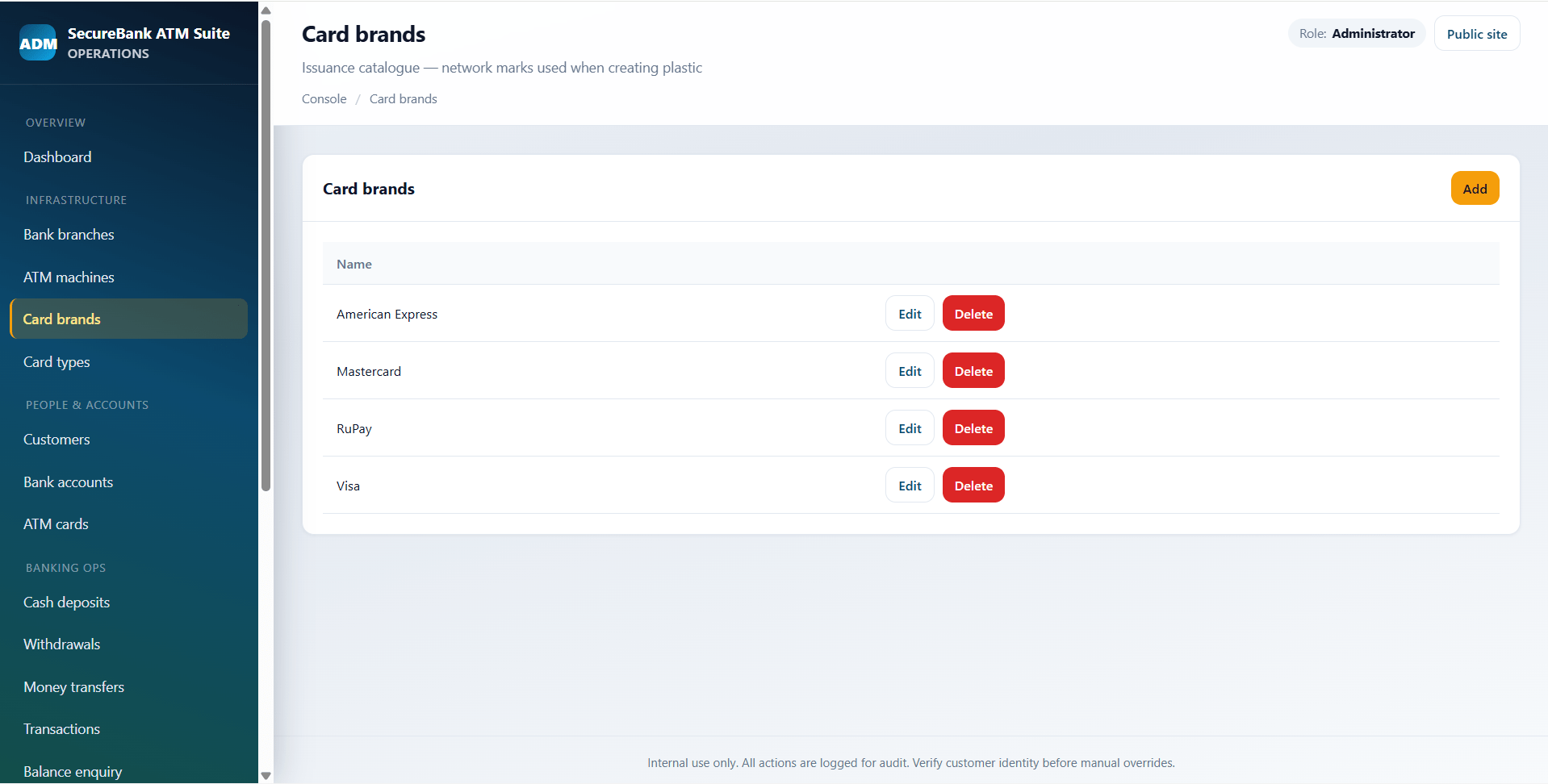
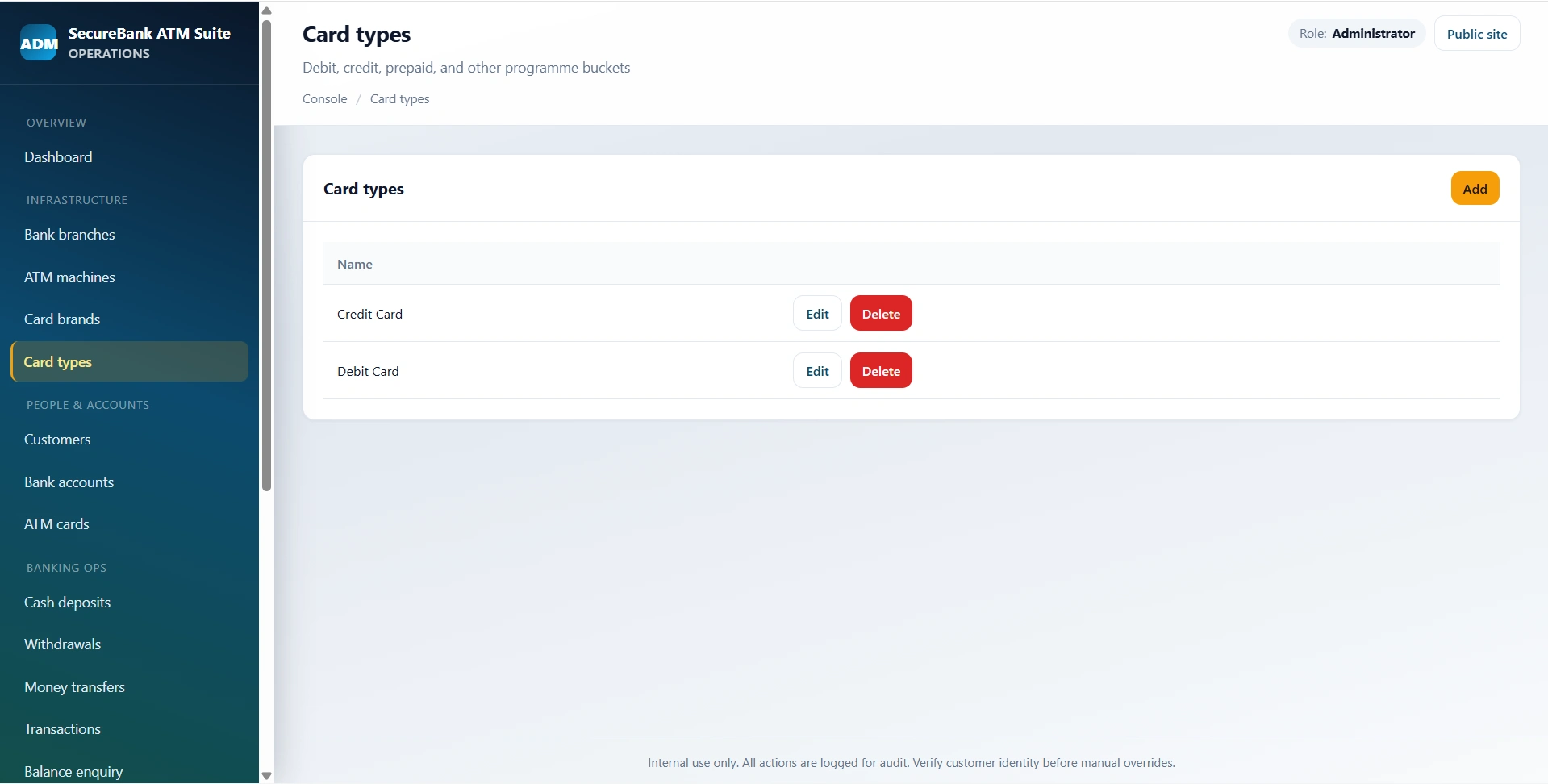
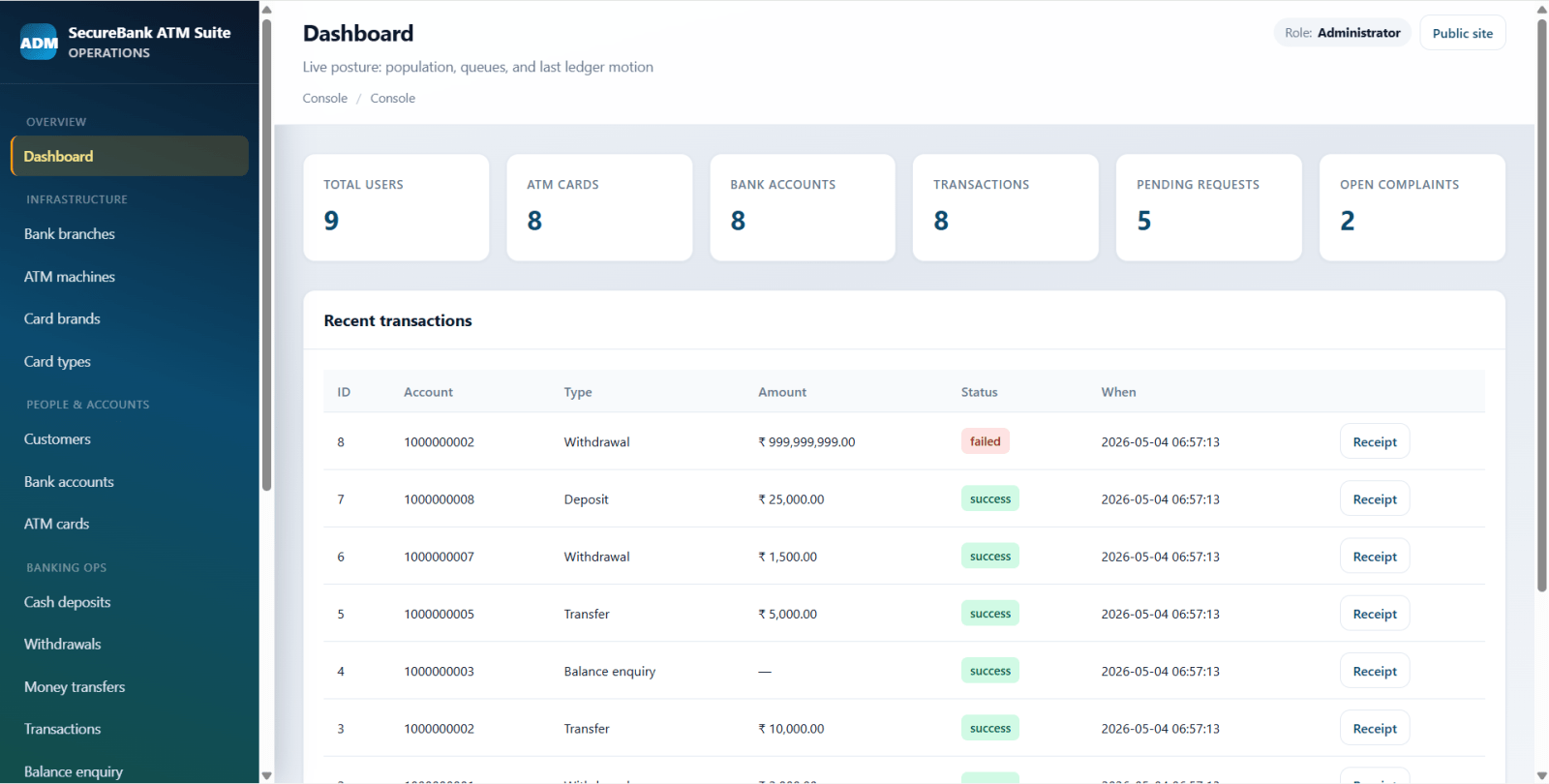
SecureBank ATM Suite is a final year project built with PHP and MySQL for students who want a practical ATM and retail banking operations system. This final year project includes a public marketing site, an administrator back office, and a customer self-service portal. Customers can register, view accounts and cards, submit deposit requests, perform PIN-based withdrawals, make account transfers, check balances, view mini statements, manage complaints, request PIN changes, and request card blocking. The admin side of this final year project manages branches, ATM machines, card brands, customers, accounts, ATM cards, deposit approvals, withdrawals, transfers, transactions, complaints, notifications, and CSV reports. With account approval workflows, transaction ledgers, receipt views, and demo banking data, this project is suitable for a final year major project in PHP, MySQL, banking systems, and transaction management.
Administrator
adminpassword123Active Customers
john_doe / password123priya_sharma / password123arjun_reddy / password123vikram_iyer / password123rohit_banerjee / password123anita_patel / password123Pending Customer
neha_verma / password123Inactive Customer
kavita_singh / password123ATM Card PIN
1234user/login.phpCREATE DATABASE atm_management CHARACTER SET utf8mb4 COLLATE utf8mb4_unicode_ci;config/database.phpdatabase/schema.sqldatabase/seed.sqlmysql -u root -p atm_management < database/schema.sqlmysql -u root -p atm_management < database/seed.sqlconfig/database.php or environment variables:
ATM_DB_HOSTATM_DB_NAMEATM_DB_USERATM_DB_PASSBASE_URL in config/config.php.php -S localhost:8080http://localhost:8080//index.php/user/register.php/user/login.php/admin/login.phpAdministrator
adminpassword123Active Customers
john_doe / password123priya_sharma / password123arjun_reddy / password123vikram_iyer / password123rohit_banerjee / password123anita_patel / password123Pending Customer
neha_verma / password123Inactive Customer
kavita_singh / password123ATM Card PIN
1234