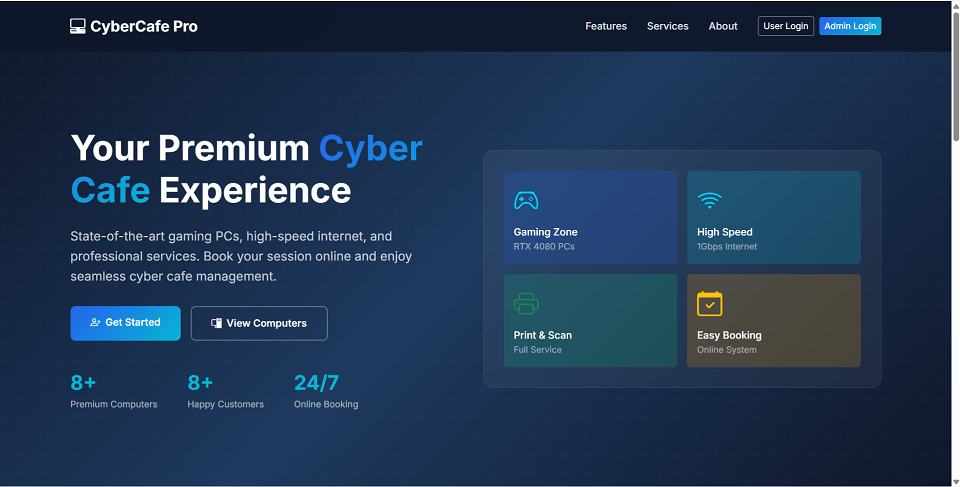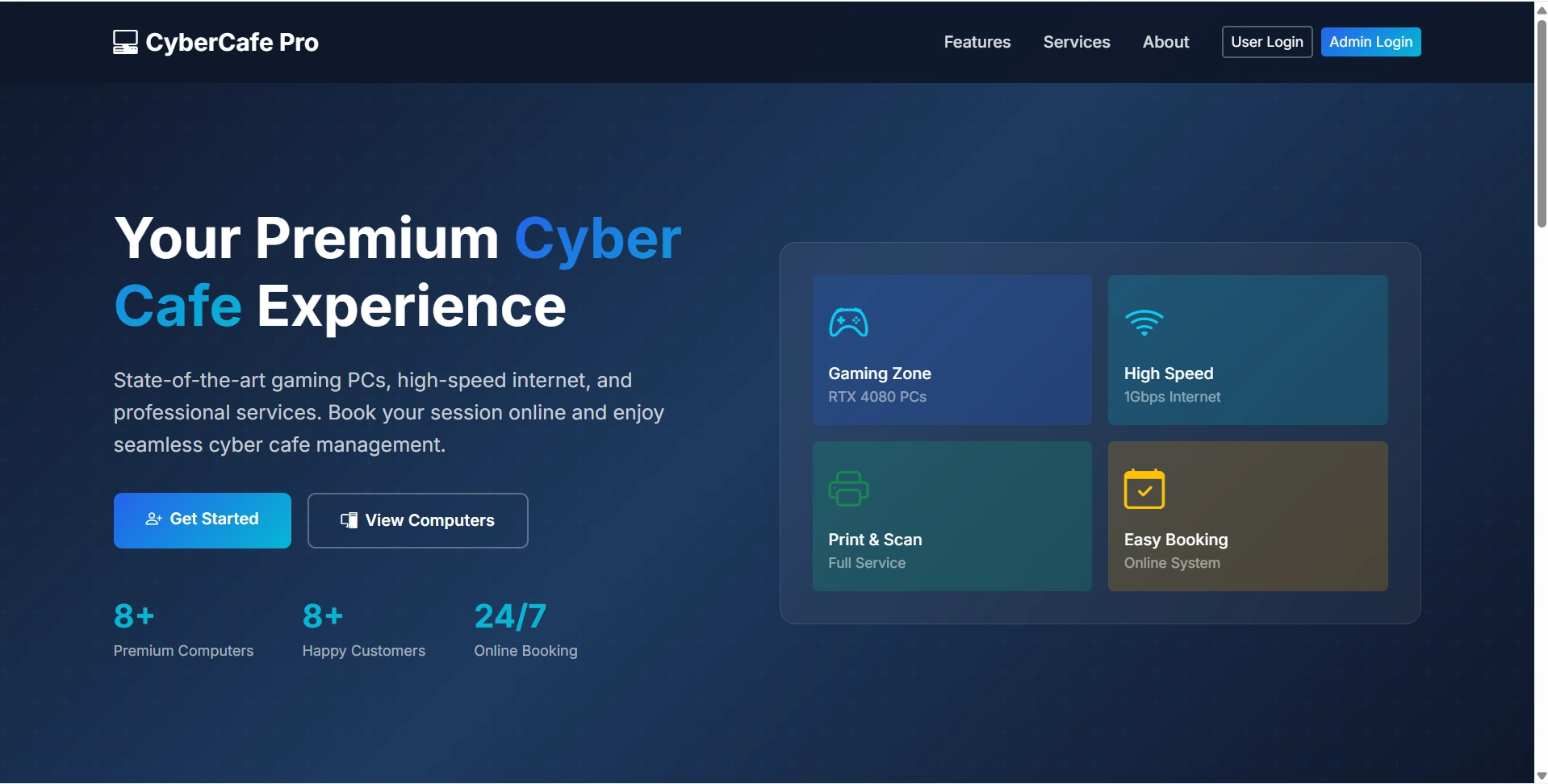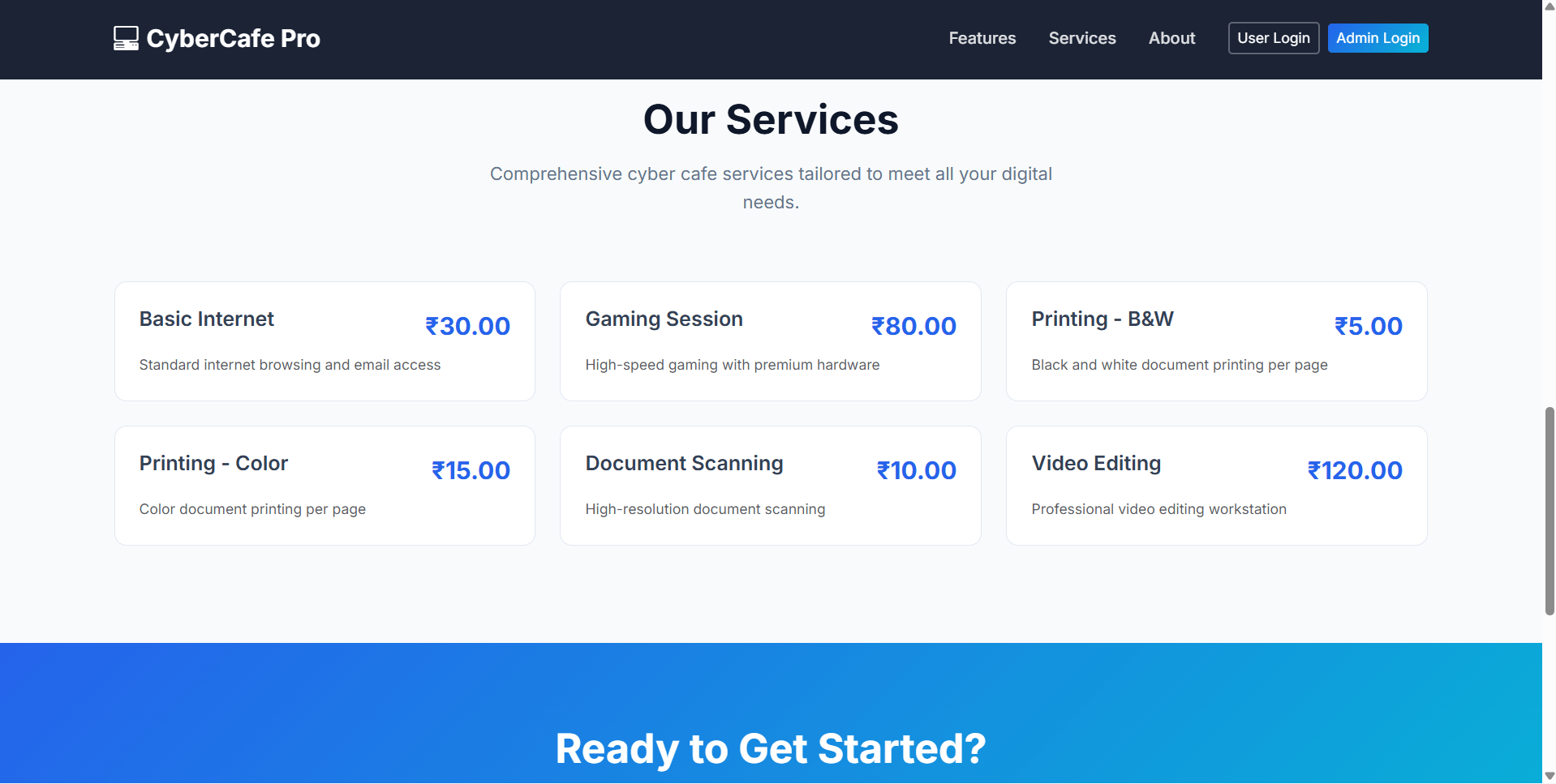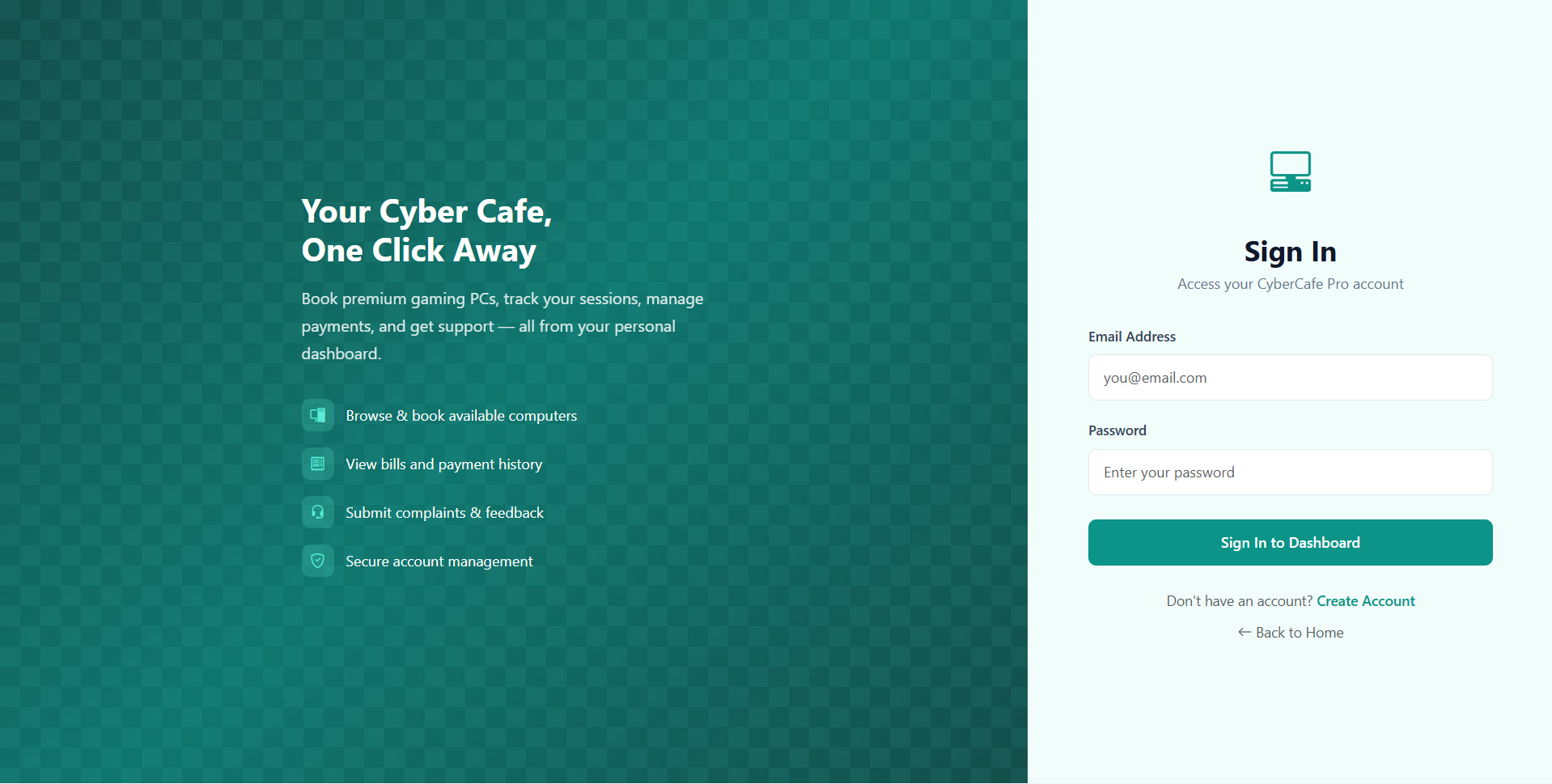
Cyber Cafe Management System | Source Code
LIMITED TIME
Get Source Code ₹99
Claim Offer
• Source Code

Cyber Cafe Management System Source Code ( Final Year)

Download clean, well-commented Cyber Cafe Management System source code for final year projects — easy to run, demo-ready, and mentor-friendly.

  • PHP Project
  • MySQL / MongoDB
  • Setup guide & demo steps
  • Beginner-friendly

Keywords: source code, final year project code, Cyber Cafe Management System Git, documentation, installation guide, php project, college project demo.

Download Source Code

Admin Features
  • Dashboard: In this section admin can briefly view total number of computers and total number of user come in cyber cafe.

  • Computer: In this section, admin can manage the computers(add/update).

  • Users: In this section, admin can add new users, update outime, price and remarks, and view details of old users.

  • Search: In this section admin can search users on the basis of entry id.

  • Report: In this section admin can view number of users comes in cyber café in particular periods.

  • Profile: In this section admin can update his/her profile.

  • Change Password: In this section admin can change his/her passwords

Description

The final-year Cyber Cafe Management System source code is structured for fast setup and easy customization. You get readable code, clear folder architecture, and a guided README so you can run locally and present confidently.

Quick setupRun in minutes with README
Clean architectureModular & scalable
Responsive UIMobile & desktop ready
What you’ll build & learn
  • Implement core modules and end-to-end workflow
  • Connect to database and handle CRUD operations
  • Follow best practices for project structure & comments
Included in the download
FrontendPages, components, assets
BackendAPIs, controllers, services
DatabaseSchema & sample/seed data
READMESetup steps, scripts, notes
Source Code Overview
Technical snapshot & environment
Project Name
Cyber Cafe Management System
Language / Stack
php
Database
MySQL or MongoDB
UI Technologies
HTML, AJAX, jQuery, JavaScript, Bootstrap
Browsers
Chrome, Firefox, Edge, Opera
Run Scripts
Documented in README (install, seed, start)
License
Academic use for college submission
Academic use only: this code is provided to help you learn and submit your college project. For institute-specific formatting or extra diagrams, contact us on WhatsApp.
User Features
Other Features
How to run Cyber Cafe Management System
  • Download the zip file.

  • Extract the file and copy "ccms" folder.

  • Paste inside root directory(for xampp xampp/htdocs, for wamp wamp/www, for lamp var/www/html).

  • Open PHPMyAdmin (http://localhost/phpmyadmin).

  • Create a database with name "ccms".

  • Import ccms.sql file(given inside the zip package in SQL file folder).

  • Run the script http://localhost/ccms (frontend).

  • For admin Panel http://localhost/ccms/admin.

Credentials
Pannel Username Password
Admin admin admin@123
License
Cyber Cafe Management System Source Code Tags
Cyber Cafe Management System Source Code Download
Final Year Cyber Cafe Management System Code for B.Tech
Final Year Cyber Cafe Management System Code for M.Tech
Final Year Cyber Cafe Management System Code for MCA
Final Year Cyber Cafe Management System Code for BCA
Final Year Cyber Cafe Management System Code for M.E.
Final Year Cyber Cafe Management System Code for B.E.
Final Year Cyber Cafe Management System Code for M.Sc
Final Year Cyber Cafe Management System Code for B.Sc
Cyber Cafe Management System Project with Documentation
Ready-to-Run Cyber Cafe Management System Code
Customizable Cyber Cafe Management System Source Code
Responsive Cyber Cafe Management System Project Code
Cyber Cafe Management System Code with Database
Best Final Year Cyber Cafe Management System Code
Plagiarism-Free Cyber Cafe Management System Code
Complete Cyber Cafe Management System Code Package
Faculty Approved Cyber Cafe Management System Code
final year students source code
source code
python
final year project
Cyber Cafe Management System
mysql
Recommended for you

Related & Popular Project Reports

Explore more final-year projects you might be interested in

Bank Locker Management System using PHP and MySQL

Bank Locker Management System is a web-based application that deals with bank lockers that store the valuables things of bank customers. All details of lockers are saved in the database. Bank Locker Management System project is developed using PHP with MySQLi extension. Bank Locker Management System project has three modules i.e. Banker, Sub-banker, and User

Book Store Management Using PHP and MySQL

The Bookstore Management System (PHP & MySQL Project) is designed to streamline the management of book-related tasks and eliminate paperwork. It provides two main modules: Admin and Client. Admins can manage book categories, add new books, view records, and manage client messages. Clients can register, browse books, add items to the cart, and place orders using cash on delivery. The project is built using PHP, MySQL, and Bootstrap, with a focus on user-friendly navigation. Future improvements include adding online payment functionality, multilingual support, and a help module for user assistance.

Dairy Farm Shop Managment System

The Dairy Farm Shop Management System (DFSMS) is a web-based application designed to help dairy shop owners effectively manage their products. The system comprises of a single module, the admin module, which allows the store owner to handle all aspects of their business. The admin module enables the store owner to add, update and delete products, assign staff to specific tasks, track stock levels, manage customer accounts and generate reports. DFSMS is designed with the aim of providing an efficient and user-friendly system to streamline the management of dairy shop operations.

Employee Leave Management System

Employee Leave Management System (ELMS) is a web-based system that enables employees and administrators to manage leave requests and track employee leave information. The system is divided into two modules: the employee module and the admin module. The Admin Module allows the administrator to add, update and delete leave types and departments, add new employees and update employee information, activate or block an employee, manage the leave application (approval and non-approval) and view the admin dashboard. Every time an employee applies for leave, the administrator will receive a notification. The administrator can also change their own password after logging in. The Employee Module allows the employee to log in with a valid email and password, update their profile, apply for leave, view their leave history, change their password, and recover their password with a valid email and employee ID. ELMS allows employees and administrators to efficiently manage leave requests and track employee leave information, ensuring a smooth and streamlined process.

Daily Expense Tracker

The Daily Expense Tracker System (DETS) is a web-based application used to manage a user's daily expenditures. This project was developed with the use of PHP and MySQL to create a database to store the user's financial records. The system consists of one module, the user, and allows them to keep track of their income, expenses, and budget. With this tool, users can easily identify where their money is going and how much they have left to spend. In addition, the system provides an overview of their financial situation and helps them to make informed decisions about their spending. DETS is a powerful tool for anyone hoping to gain insight into their financial situation and better manage their money.

Three Level Password Authentication Using PHP

Three-level password authentication in PHP involves verifying a user's password, selecting a predefined color, and verifying the selection with an OTP (One-Time Password). This process enhances security by adding multiple layers of verification before granting access. The user first enters their password, then selects a color from a predefined set, and finally receives an OTP to complete the authentication process.

Directory Management System Using PHP and MySQL

Directory Management System Using PHP and MySQL

Zoo Management System Using PHP and MySQL

Zoo Management System is a web-based technology that manages peoples’, and animals’ details and provides tickets to the person who comes to visit in the zoo with his/her family. This web application provides a way to effectively control records & track the people who visit the zoo.

Blood Bank & Donor Management System

The Blood Bank and Donor Management System is a web-based application that provides a platform for donors and recipients to connect. Potential donors are able to register on the platform and provide their blood type and city of residence. People in need of blood can search for donors with the same blood type within their city. If a donor is found, they are provided with the donor’s contact information. If no donor is found, the system provides contact information for life-saving contact persons in major cities. In this way, the Blood Bank and Donor Management System facilitates the connection of donors with those in need of blood, thereby helping to save lives.

Tourism Management System in PHP with Source code

Tourism Management System in PHP with Source code

Online DJ Booking System

The Online DJ Management System Module is designed to streamline the process of managing DJs and their services. The module consists of two sections, the Admin Module and the User Module. The Admin Module consists of a dashboard, DJ Services, Type of Event, Pages, Booking, Contact us Queries, Reports, and Search sections. The dashboard allows the admin to view an overview of all services, queries, bookings, and event types. The DJ Services section allows the admin to add and delete services. The Type of Event section allows the admin to add and delete event types. The Pages section allows the admin to manage About Us and Contact Us pages. The Booking section allows the admin to view new, approved, and cancelled bookings and add remarks. The Contact us Queries section allows the admin to view and maintain queries. The Reports section allows the admin to view bookings in a particular period. The Search section allows the admin to search for bookings and user queries with the help of name, mobile number, and booking id. The User Module allows users to view and book services, view bookings, and contact DJs.

IFSC Code Finder Project Using PHP

IFSC Code Finder Project Using PHP is a web-based application that helps the user to find the IFSC code of any bank instantly. In “IFSC Code Finder Project” we use PHP and MySQL database. It has two modules i.e. user and admin. In the present system, Users have to visit the bank to ask ISFC Code. This IFSC Code finder project helps the user to find IFSC Code online from anywhere.

What we provide

Project reports, source code, and PPTs tailored for final-year students. Explore, or message us for a custom build.