01 Source Code Only
₹99
One-time Payment
- Complete project source code
- Database / data resources
- Dependencies & configuration
- README / setup guide
- Instant download access
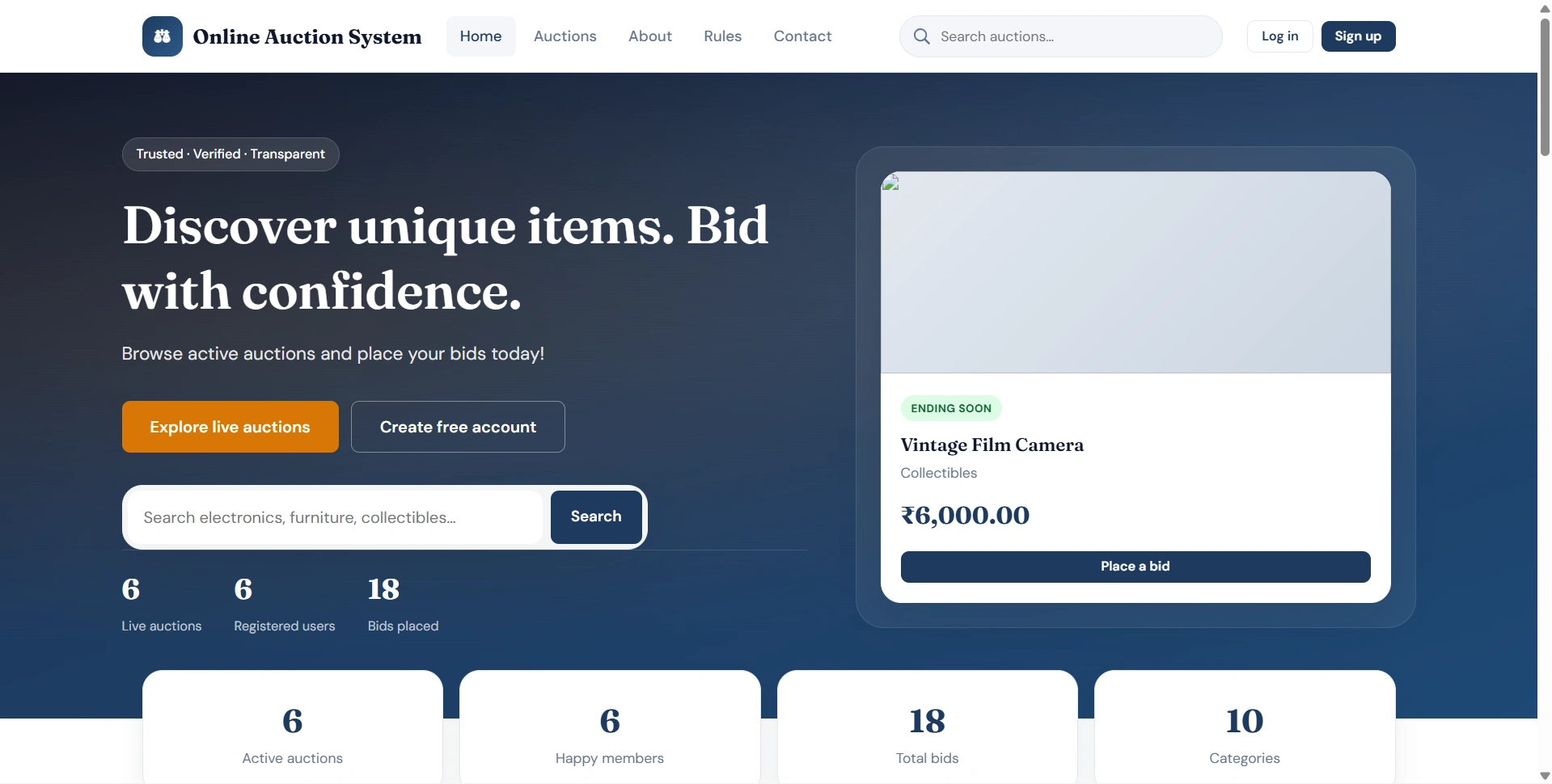
Get runnable Online Auction System Final Year PHP Project Source Code with database files, project setup instructions, live demo options and installation support. This project resource helps students understand the implementation, modules, workflow and technical architecture of a complete PHP project.
Hover to zoom · Click to expand
Simple pricing. Instant access. Secure checkout.
01 Source Code Only
One-time Payment
02 Code + Setup Support
One-time Payment
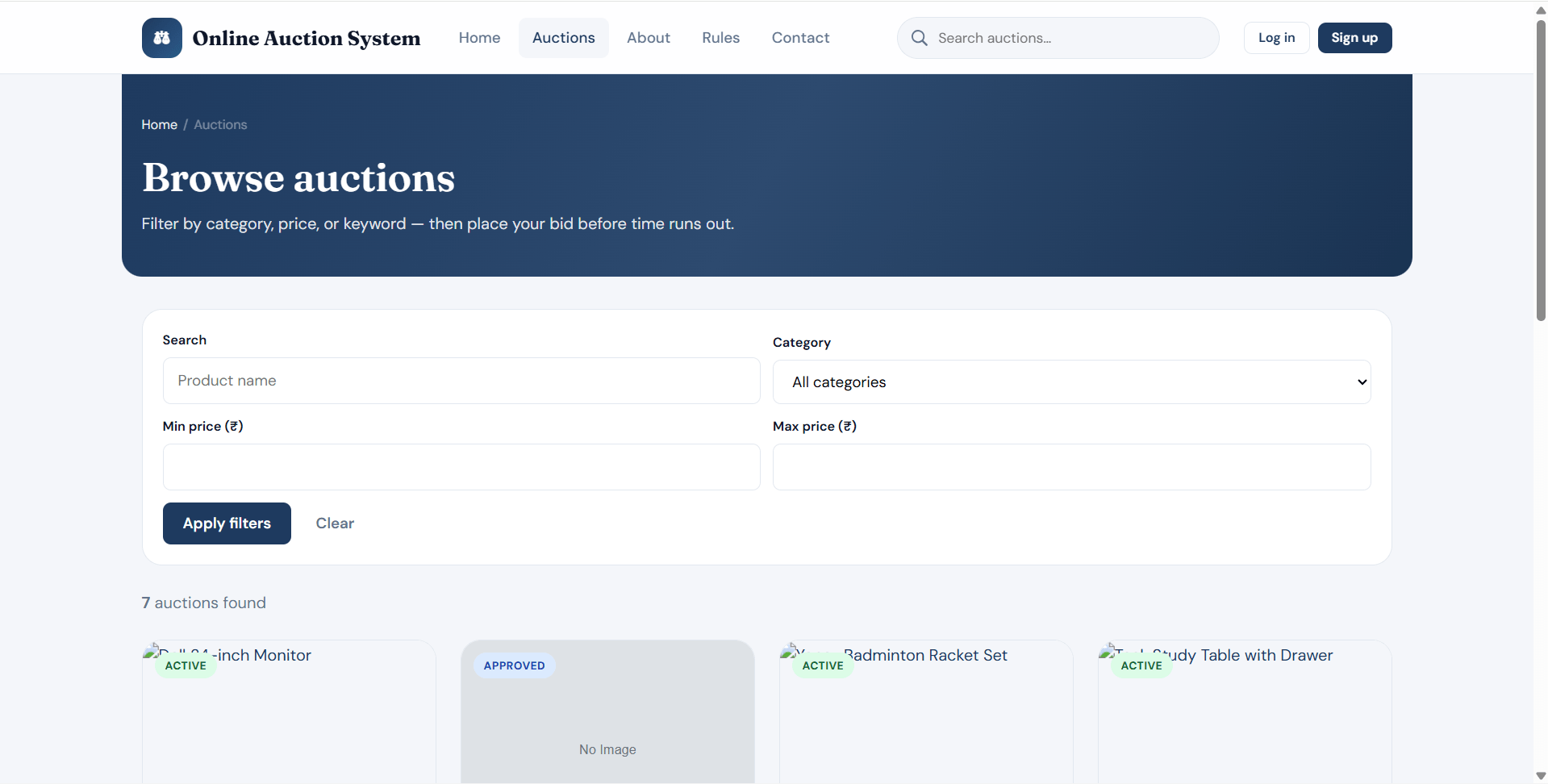
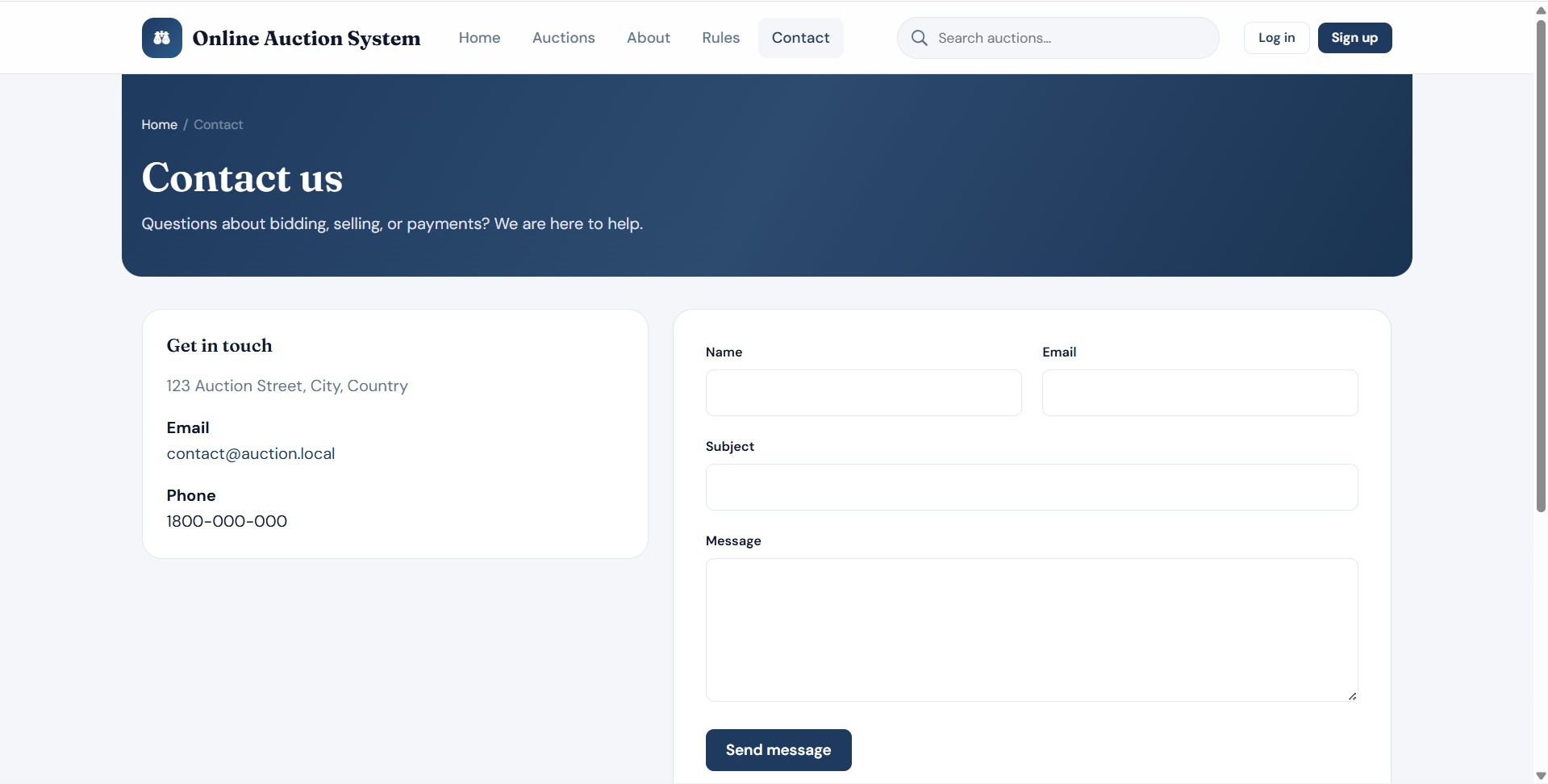
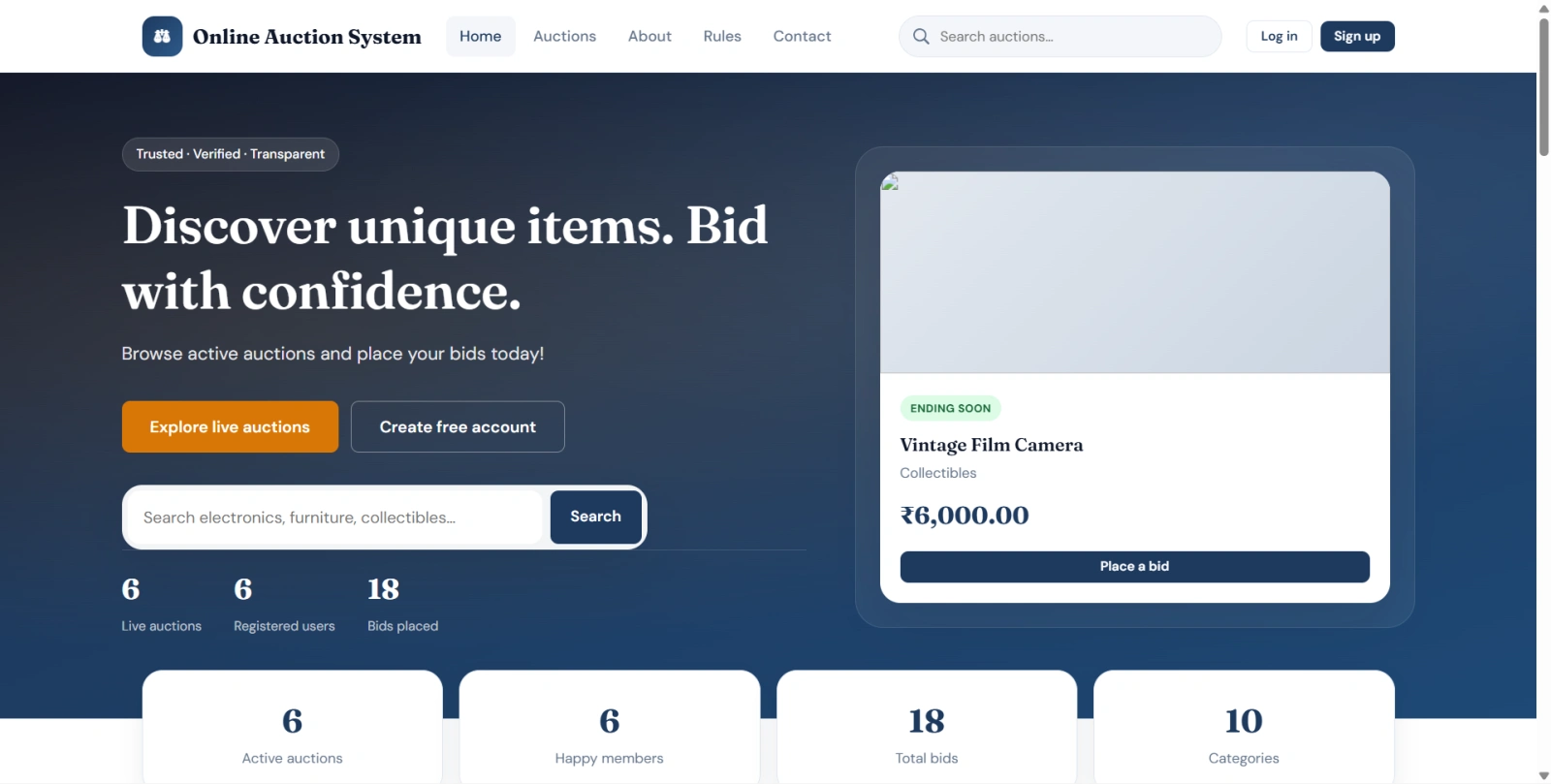
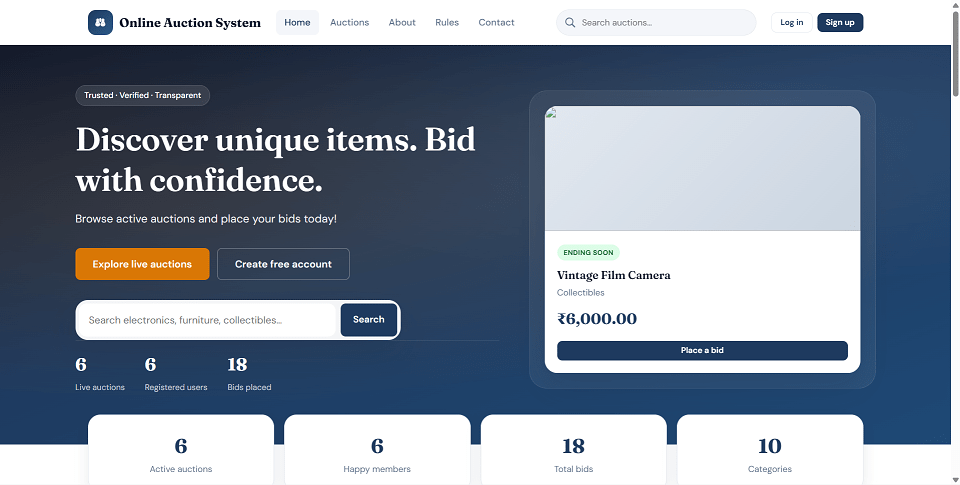
Online Auction System is a web-based auction platform developed with PHP and MySQL for managing online product listings, bidding, winners, manual payment verification, delivery updates, complaints, notifications, and admin moderation. The system allows registered users to list products for auction, place bids on active auctions, manage watchlists, track won auctions, submit payment details, and update delivery status for sold products.
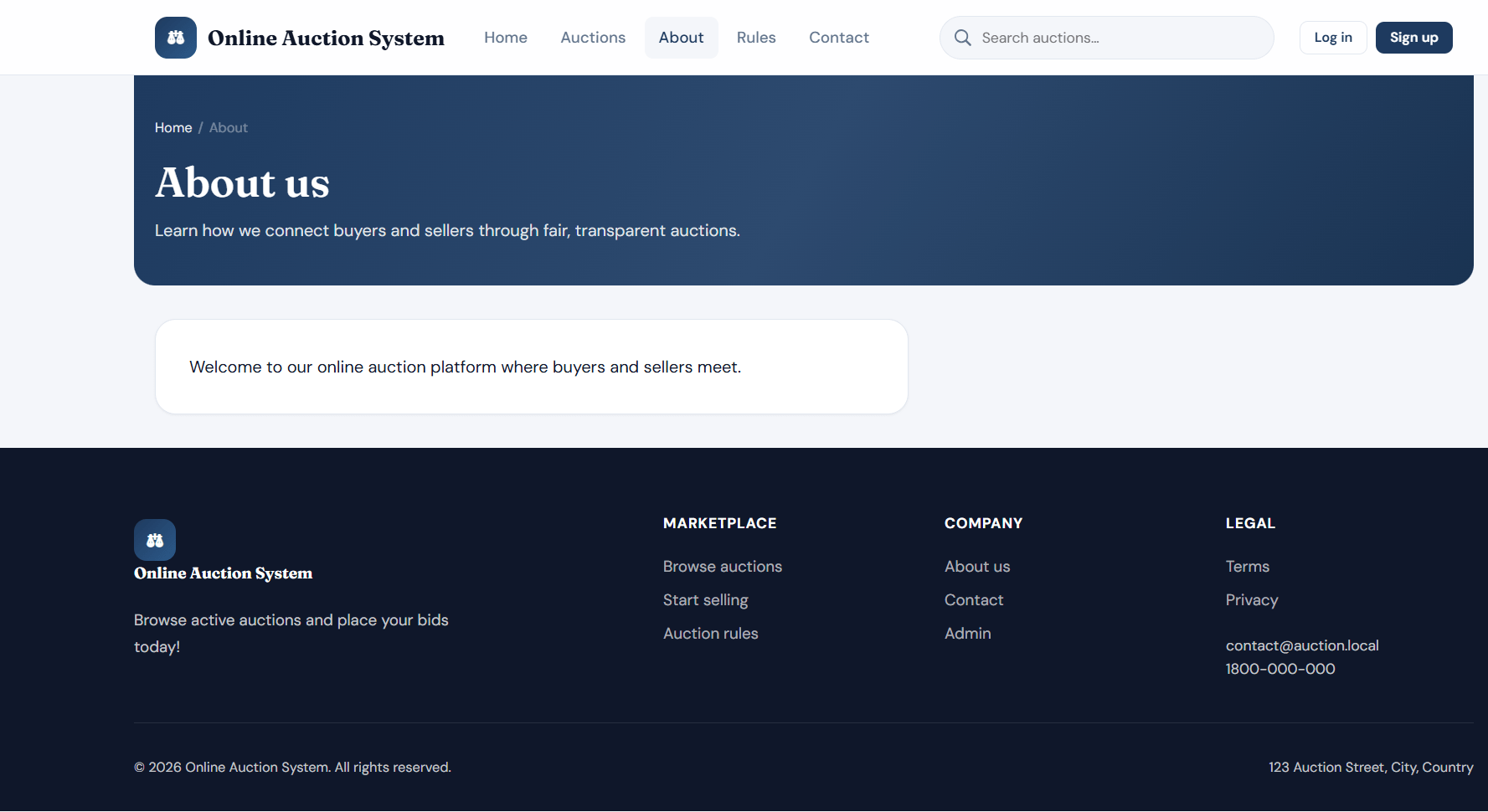
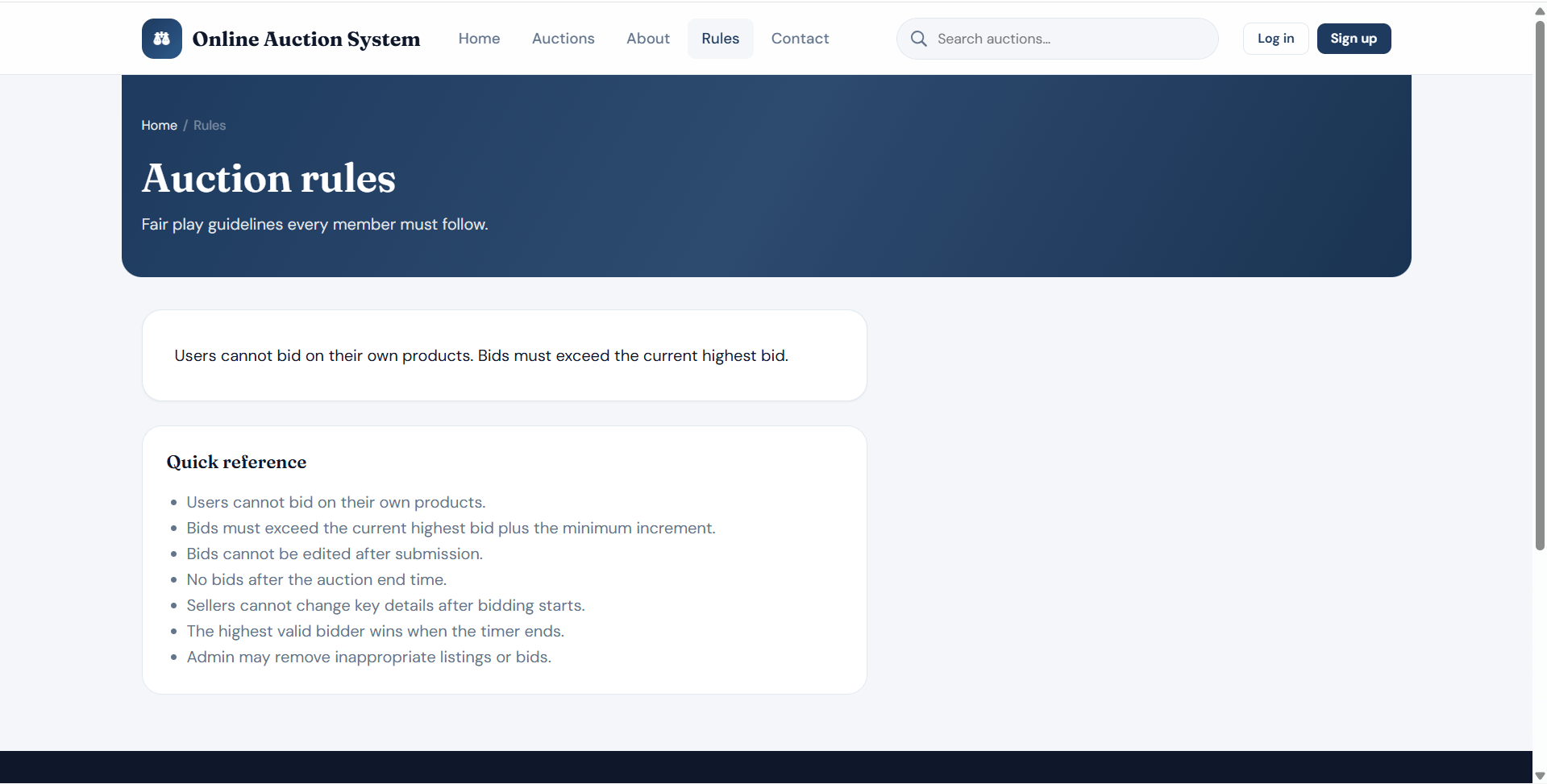
The project includes a separate Admin Panel where administrators can approve or reject product listings, manage users, categories, products, bids, winners, payments, deliveries, complaints, enquiries, notifications, reports, and website content. It also includes public website pages where visitors can browse auctions, search products, filter by category or price, view product details, read auction rules, and contact the site admin.
This project is suitable for B.Tech, M.Tech, BCA, MCA, BE, ME, BSc, and MSc students who need a practical final year project, major project, or minor project based on auction workflow, bidding logic, PHP sessions, PDO database operations, file uploads, admin moderation, and report management. FileMakr can provide this project with source code, project report, documentation, and setup support for academic submission.
All demo accounts use this password:
password
| Role | Username | Password | |
|---|---|---|---|
| Admin | admin |
[email protected] |
password |
| Admin | support |
[email protected] |
password |
| Username | Notes | |
|---|---|---|
john_seller |
[email protected] |
Seller with many listings |
mary_buyer |
[email protected] |
Buyer with bids and watchlist |
alex_bidder |
[email protected] |
Bidder account |
priya_shah |
[email protected] |
Won sample iPhone auction |
rahul_kumar |
[email protected] |
Mixed seller/bidder account |
demo_user |
[email protected] |
General test account |
inactive_user |
[email protected] |
Cannot log in because account is inactive |
blocked_user |
[email protected] |
Cannot log in because account is blocked |
password_hash() and password_verify()Place the project folder inside your local web server root.
For XAMPP:
C:\xampp\htdocs\Online Auction System
For WAMP:
C:\wamp64\www\Online Auction System
Using MySQL command line:
mysql -u root -p < "database/schema.sql"
mysql -u root -p auction_system < "database/seed.sql"
Or using phpMyAdmin:
database/schema.sqldatabase/seed.sql for sample users and auction recordsOpen:
config/database.php
Update database details:
$dbHost = 'localhost';
$dbName = 'auction_system';
$dbUser = 'root';
$dbPass = '';
Open:
config/config.php
Set BASE_URL according to your folder path:
define('BASE_URL', '/Online Auction System');
Make sure PHP can write to these folders:
assets/uploads/profiles
assets/uploads/products
assets/uploads/categories
assets/uploads/complaints
assets/uploads/site
These folders are auto-created on first request through includes/init.php.
Start Apache and MySQL using XAMPP, WAMP, or Laragon.
| Area | URL |
|---|---|
| Home | http://localhost/Online Auction System/index.php |
| User Login | http://localhost/Online Auction System/user/login.php |
| Admin Login | http://localhost/Online Auction System/admin/login.php |
| Setup Check | http://localhost/Online Auction System/install.php |
All demo accounts use this password:
password
| Role | Username | Password | |
|---|---|---|---|
| Admin | admin |
[email protected] |
password |
| Admin | support |
[email protected] |
password |
| Username | Notes | |
|---|---|---|
john_seller |
[email protected] |
Seller with many listings |
mary_buyer |
[email protected] |
Buyer with bids and watchlist |
alex_bidder |
[email protected] |
Bidder account |
priya_shah |
[email protected] |
Won sample iPhone auction |
rahul_kumar |
[email protected] |
Mixed seller/bidder account |
demo_user |
[email protected] |
General test account |
inactive_user |
[email protected] |
Cannot log in because account is inactive |
blocked_user |
[email protected] |
Cannot log in because account is blocked |