Agricultural Monitoring and Crop Prediction System with Machine Learning Source Code ( Final Year)
Download clean, well-commented Agricultural Monitoring and Crop Prediction System with Machine Learning source code for final year projects — easy to run, demo-ready, and mentor-friendly.
- MACHINE-LEARNING Project
- MySQL / MongoDB
- Setup guide & demo steps
- Beginner-friendly
Keywords: source code, final year project code, Agricultural Monitoring and Crop Prediction System with Machine Learning Git, documentation, installation guide, machine-learning project, college project demo.
Download Source Code
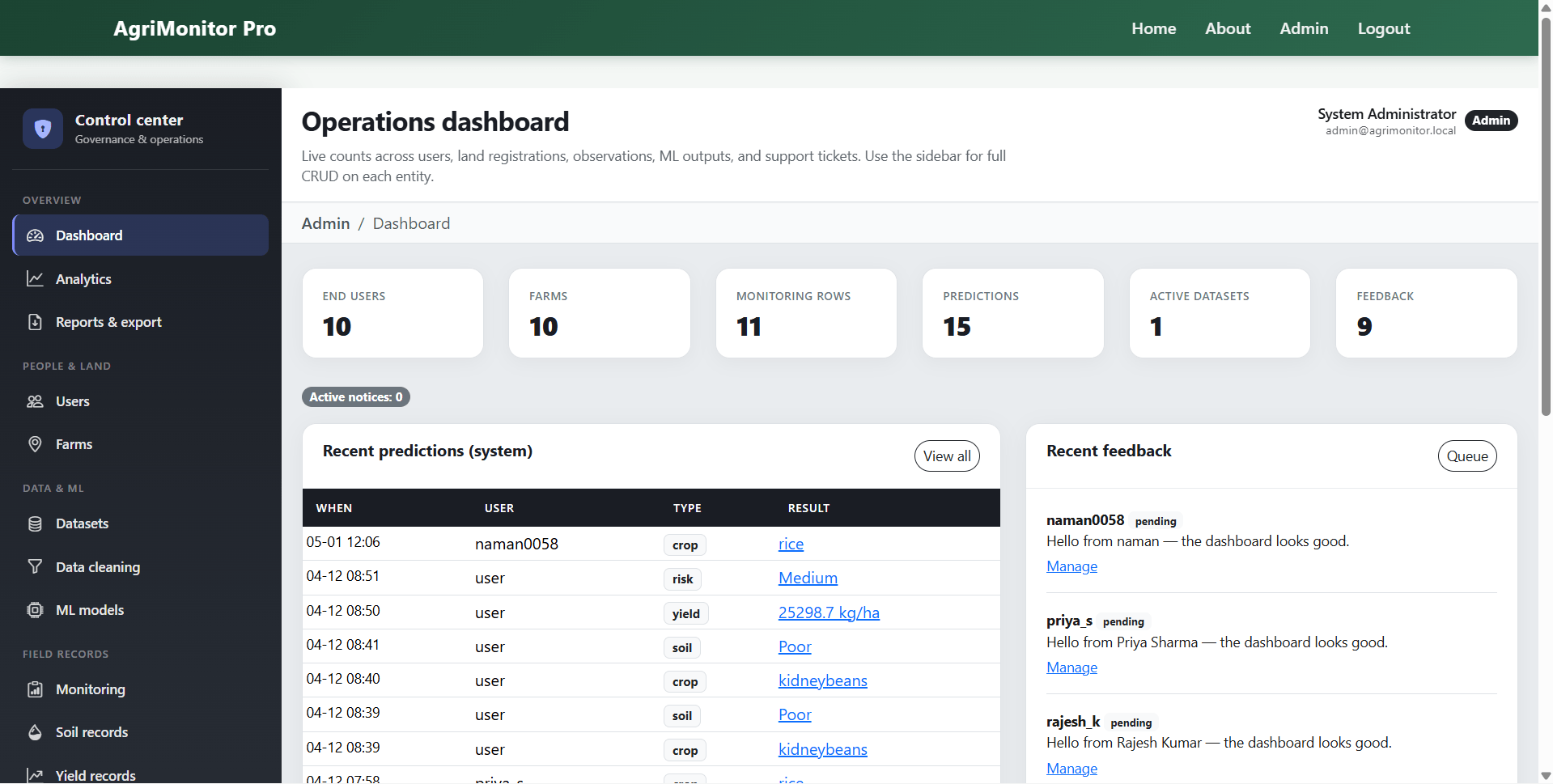
Admin Features
- Admin login and dashboard
- User management with create, edit, view, activate, deactivate, and delete options
- Farm management for all registered users
- Dataset upload, preview, archive, restore, and training selection
- Data preprocessing with missing value and duplicate inspection
- Machine learning model training for crop recommendation, yield estimation, and risk prediction
- Default model selection for crop, yield, and risk modules
- Model metrics view and trained model management
- Global crop monitoring record management
- Soil, yield, and risk record management
- Prediction record management with update and delete options
- Parameter range management for agricultural input validation
- Feedback management with status update, resolve, reopen, and delete
- Notification and notice management
- Analytics and aggregated reporting dashboard
- CSV and PDF export reports
- Database backup workflow
Description
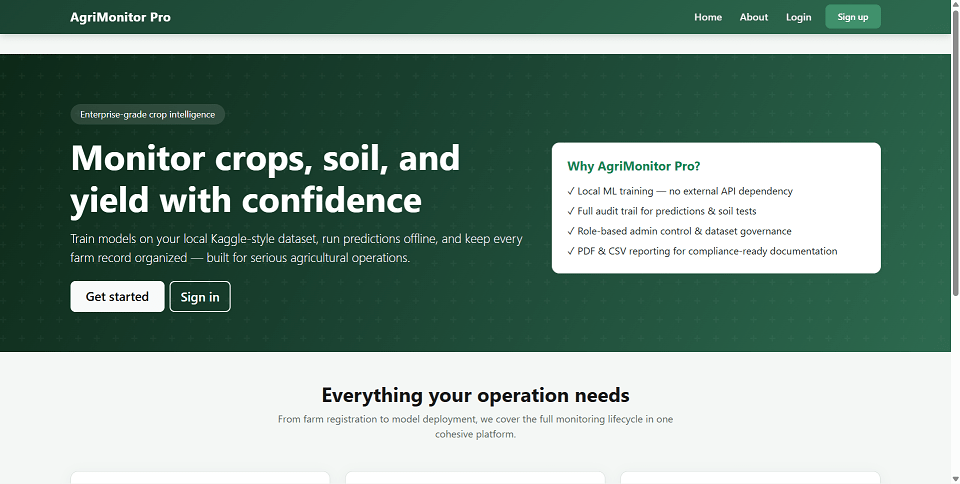
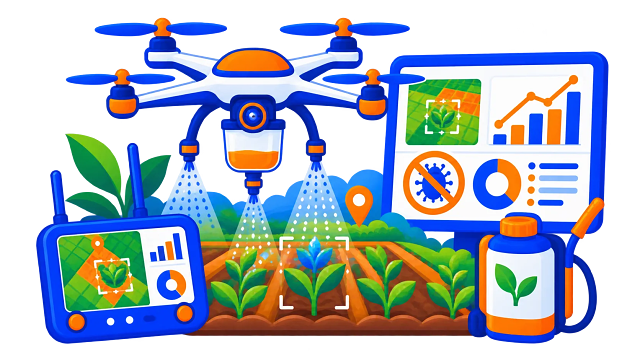
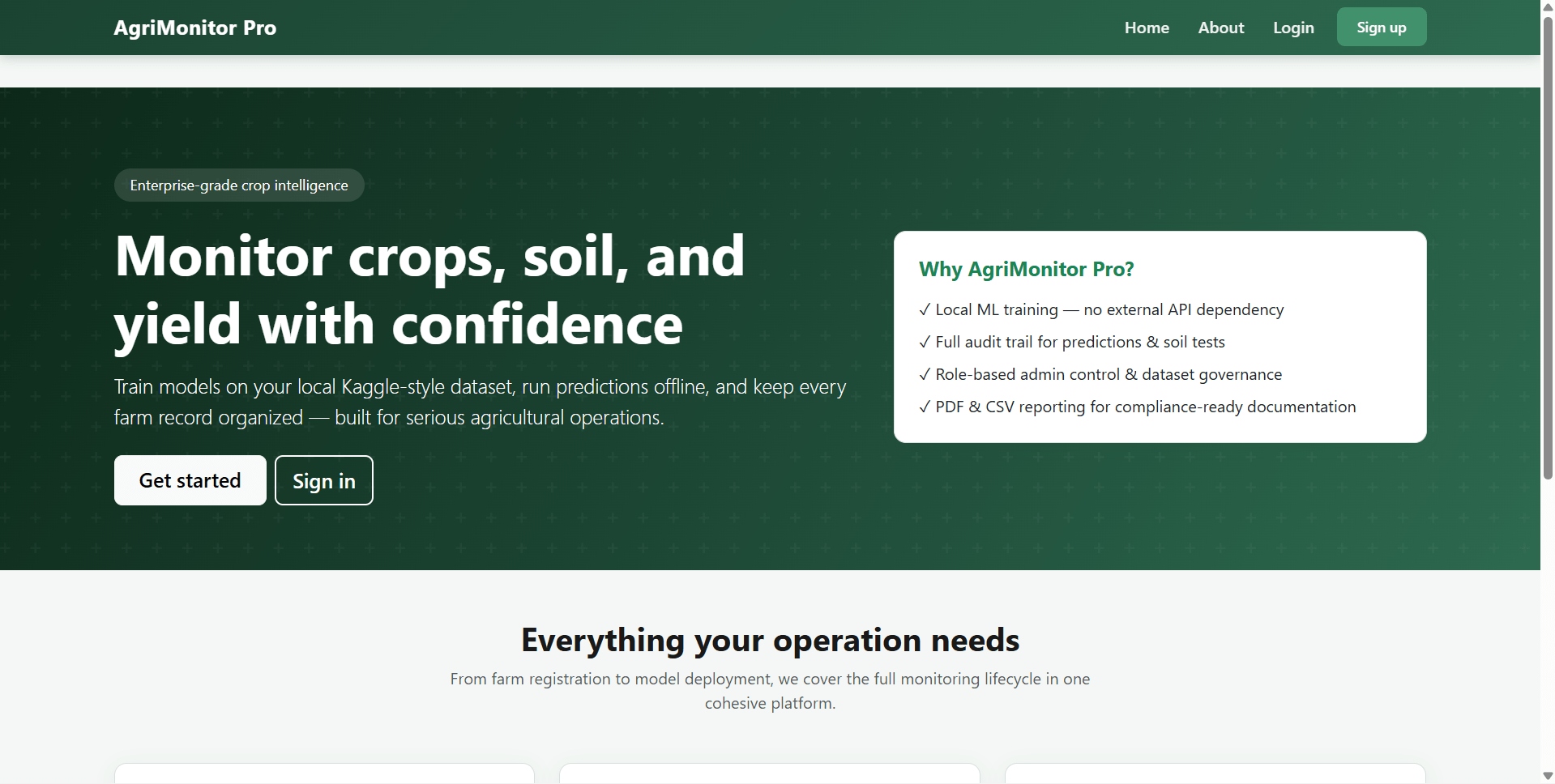
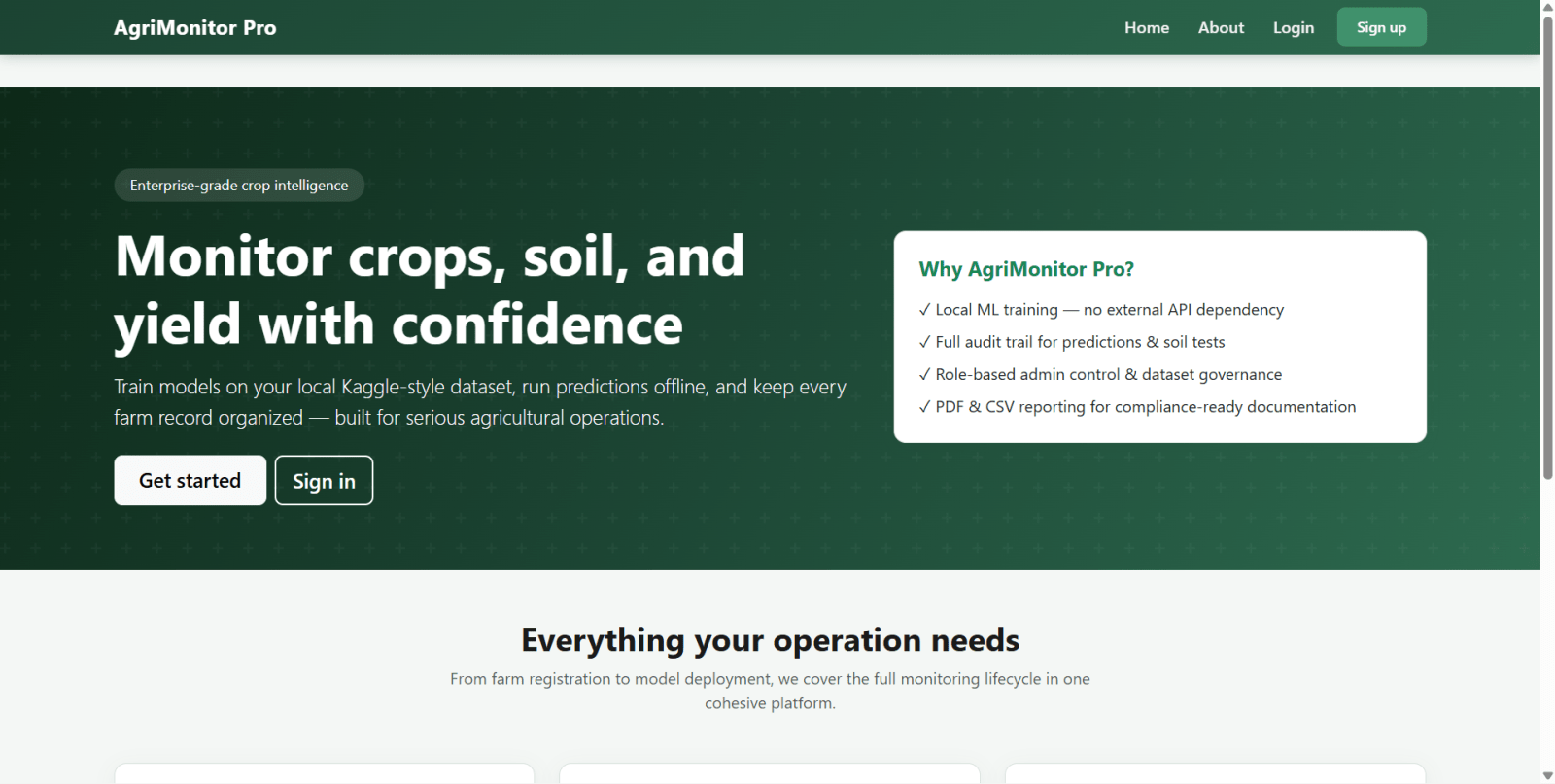
AgriMonitor Pro is a Flask web application for smart agricultural monitoring, crop recommendation, yield prediction, and risk classification using machine learning. The system is designed for farmers and administrators to manage farms, record crop and soil data, train ML models locally, generate predictions, and download reports in CSV and PDF formats.
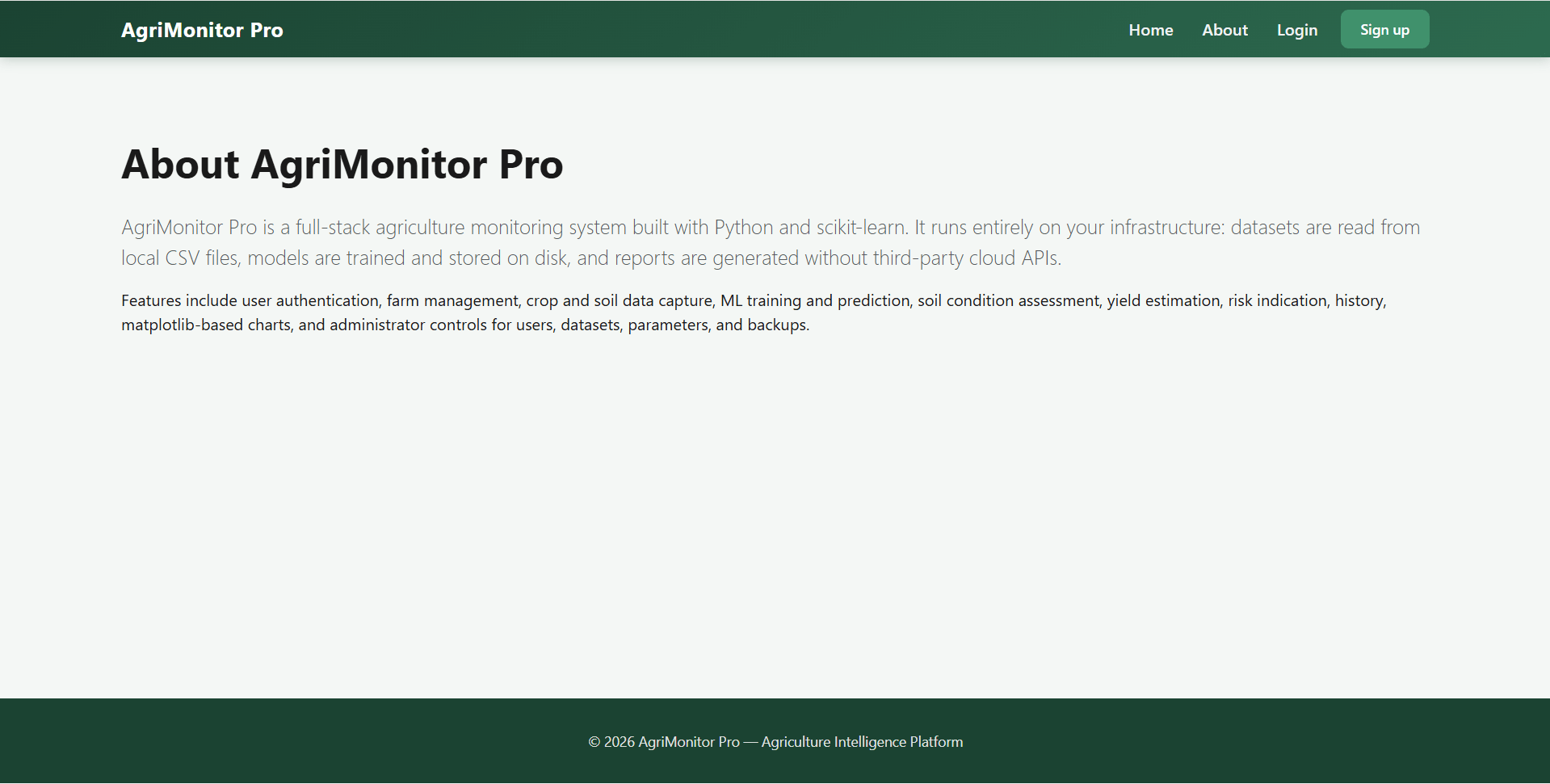
This agriculture management system uses Python 3, Flask 3, SQLAlchemy, SQLite, pandas, and scikit-learn. It supports Random Forest classification and regression, dataset management, user management, farm monitoring, soil health tracking, analytics dashboards, and report generation with Matplotlib and ReportLab.
The platform provides a guided farmer portal for adding farms, entering NPK and weather values, checking crop health, estimating yield, and reviewing prediction history. It also includes a powerful admin panel for managing users, datasets, model training, notifications, feedback, and data exports.
This project is suitable for agriculture technology, farm management software, smart farming solutions, precision agriculture systems, and machine learning based crop advisory platforms
The Agricultural Monitoring and Crop Prediction System with Machine Learning final-year Agricultural Monitoring and Crop Prediction System with Machine Learning source code is structured for fast setup and easy customization. You get readable code, clear folder architecture, and a guided README so you can run locally and present confidently.
Source Code Overview
Technical snapshot & environment- Project Name
- Agricultural Monitoring and Crop Prediction System with Machine Learning
- Language / Stack
- machine-learning
- Database
- MySQL or MongoDB
- Browsers
- Chrome, Firefox, Edge, Opera
- Included in the download
- Frontend,Backend,Database
- Run Scripts
- Documented in README (install, seed, start)
- License
- Academic use for college submission
User Features
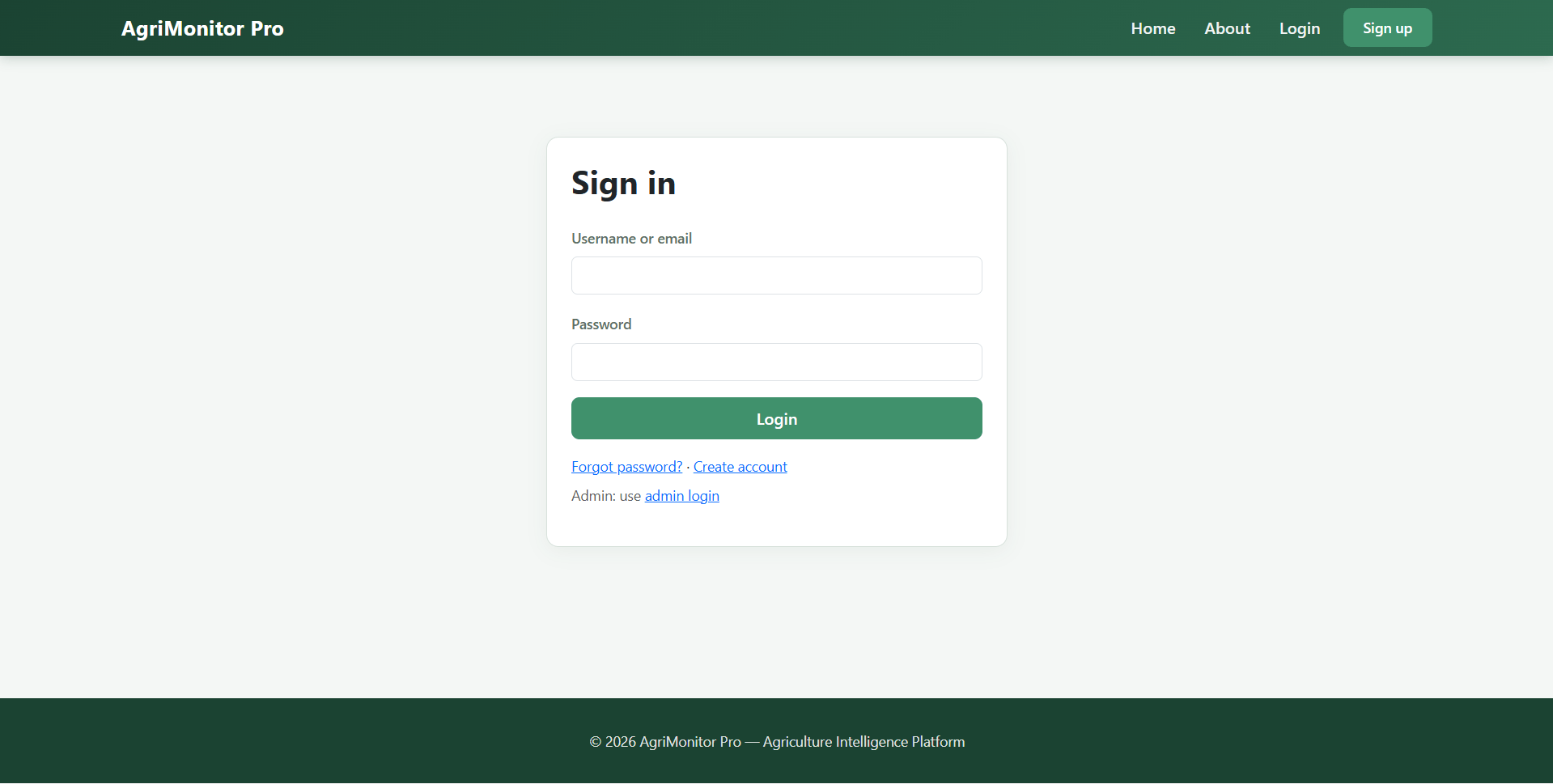
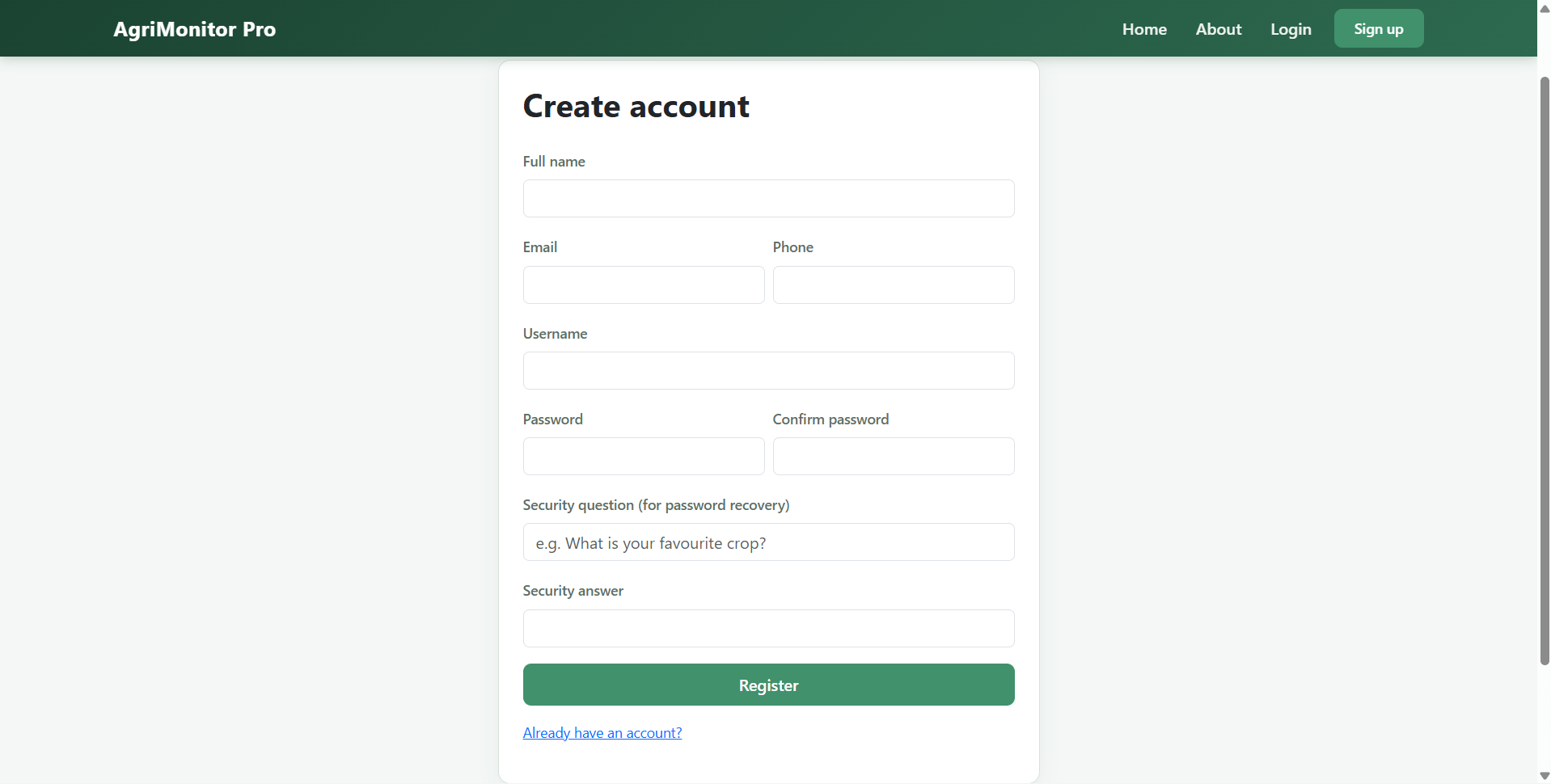
- Farmer signup and login system
- User dashboard with farm overview and activity summary
- Profile management with password, security question, contact details, and profile image
- Farm creation, editing, and deletion
- Crop monitoring entry for N, P, K, temperature, humidity, rainfall, soil moisture, pH, season, crop, and yield
- Data validation using admin-defined parameter ranges
- View active training dataset
- Trigger machine learning model training from the user portal
- Crop prediction based on soil nutrients and climate data
- Soil health monitoring with rule-based condition labels
- Yield estimation using trained regression model
- Agricultural risk classification using trained ML model
- Monitoring history management
- Prediction history view
- Personal report generation with chart views
- Download personal CSV and PDF reports
- Feedback submission to administrators
Other Features
- Built with Flask 3 and Python 3
- Uses SQLAlchemy ORM with SQLite database by default
- Supports local machine learning model training with scikit-learn
- Random Forest classifier and regressor integration
- Pickle model storage under
instance/models/ - Automatic creation of required folders and database on first launch
- Default admin account generation
- Default parameter range generation
- Dataset fallback using
data/crop_recommendation.csv - Kaggle dataset compatible crop recommendation workflow
- Extended support for yield and risk columns
- Report generation using ReportLab and Matplotlib
- CSV cleaning and export support
- Suitable for academic, portfolio, internship, and final year project use
How to run Agricultural Monitoring and Crop Prediction System with Machine Learning
- Clone or download the project.
-
Create a virtual environment:
python -m venv .venv
.\.venv\Scripts\Activate.ps1 -
Install dependencies:
pip install -r requirements.txt
-
Run the Flask application:
python app.py
-
Open in browser:
http://127.0.0.1:5000
Optional environment variables
SECRET_KEYfor Flask session securityDATABASE_URLfor custom database connectionADMIN_PASSWORDto set initial admin password before first database creation
Seed demo data
python seed_data.py
Credentials
Administrator
- Username:
admin - Password:
admin123
Demo Farmer Users
-
Generated after running:
python seed_data.py
- Default password for seeded farmers:
farmer123
License
Agricultural Monitoring and Crop Prediction System with Machine Learning Source Code Tags
Related & Popular Project Reports
Explore more final-year projects you might be interested in
Fake News Detection System Using Django and Machine Learning — Source Code
<p>Fake News Detection is a Django web application that classifies news articles as Real or Fake using a hybrid machine learning model. The system uses TF-IDF vectorization with Logistic Regression and Random Forest for accurate fake news classification. Users can register, log in, check news by pasting text or article URLs, and view prediction history, analytics, and dashboard reports. The application also supports URL-based article extraction using BeautifulSoup and requests, model transparency with probability scores, admin management tools, staff dashboard access, and report visualization with charts. This project is ideal for demonstrating Django, machine learning, NLP, fake news detection, user authentication, admin panel development, and dashboard analytics in one complete web application</p>
Credit Card Fraud Detection Using Machine Learning — Source Code
Fraud Detection model based on anonymized credit card transaction. It is important that credit card companies are able to recognize fraudulent credit card transactions so that customers are not charged for items that they did not purchase. The datasets contains transactions made by credit cards in September 2013 by European cardholders. This dataset presents transactions that occurred in two days, where we have 492 frauds out of 284,807 transactions. The dataset is highly unbalanced, the positive class (frauds) account for 0.172% of all transactions.
Dynamic Event Scheduling and Conflict Resolution System — Source Code
FestivalOS is a smart and scalable festival management web application developed using Python, Flask, SQLAlchemy, SQLite, Bootstrap 5, and scikit-learn. The system is designed for large-scale festival operations and helps manage events, venues, resources, participants, and schedule conflicts through an intelligent web platform. This project includes a public landing page, a secure admin console, and a dedicated user portal for attendees, volunteers, performers, coordinators, and administrators. The core highlight of the system is its constraint-aware event scheduling engine, conflict detection module, and machine-learning–assisted priority scoring for better slot recommendations. FestivalOS is an ideal final year college project for students looking to build a real-world event management and scheduling system using Flask and Python.
Mental Health Chatbot Using Machine Learning and Flask — Source Code
<p><strong>MindCare</strong> is a <strong>mental health chatbot web application</strong> built with <strong>Python Flask and Machine Learning</strong>. It helps users with <strong>mental wellness support, mood tracking, self-assessments, chat history, and emotional analysis</strong>. The system uses <strong>NLP, TF-IDF, Logistic Regression, and rule-based response selection</strong> to generate chatbot replies from local training data. It also includes a powerful <strong>admin panel</strong> to manage users, chatbot training data, emotion labels, assessments, reports, and wellness content.</p> <p>This <strong>Flask mental health project</strong> is designed for <strong>academic projects, final year projects, portfolio websites, and machine learning demos</strong>. OpenAI integration is optional and can be enabled in code for AI-generated responses.</p>
Brain Tumor Detection Using Machine Learning — Source Code
Brain Tumor Detection Using Machine Learning Source Code project implements a U-Net model to segment brain tumors in MRI images. It focuses on identifying and classifying three types of brain tumors: meningioma, glioma, and pituitary tumors. The project uses the dataset from publicly available brain tumor segmentation data and applies deep learning techniques to accurately delineate tumor regions from MRI scans.
Brain Tumor Detection System using Python and Machine Learning — Source Code
<p><strong>NeuroScan</strong> is a college-level <strong>brain tumor detection web application</strong> built with <strong>Python Flask</strong>, <strong>SQLite</strong>, <strong>scikit-learn</strong>, and <strong>OpenCV</strong>. The system allows users to upload <strong>brain MRI images</strong>, preview scans, run <strong>brain tumor classification</strong>, and download <strong>PDF/TXT reports</strong>. It includes a complete <strong>user panel</strong> and <strong>admin dashboard</strong> with authentication, prediction history, model training, dataset management, reporting, and feedback handling.</p> <p>This project performs <strong>local machine learning inference</strong> without using any third-party API. The ML pipeline uses <strong>HOG features</strong>, <strong>image histogram analysis</strong>, <strong>edge detection</strong>, and a <strong>RandomForestClassifier</strong> for <strong>MRI image classification</strong>. It supports both <strong>binary classification</strong> such as <strong>Tumor / No Tumor</strong> and <strong>multiclass brain tumor classification</strong> depending on the training dataset.</p> <p>The project is ideal for <strong>final year students</strong>, <strong>machine learning beginners</strong>, <strong>Flask web development learners</strong>, and <strong>academic demonstration purposes</strong></p>
Concrete Crack Detection Using Machine Learning — Source Code
This project leverages computer vision and machine learning techniques to automate the process of detecting cracks in concrete structures. The primary goal is to provide an efficient and accurate method for damage surveillance in buildings, which is crucial for maintaining structural integrity and safety. The project was developed as an entry for the "PS-1, Concrete Crack Detection". The model has achieved an impressive F1 score of 1, indicating its high accuracy in distinguishing between cracked and non-cracked surfaces.
Quick actions
What we provide
Project reports, source code, and PPTs tailored for final-year students. Explore, or message us for a custom build.