Dynamic Event Scheduling and Conflict Resolution System | Source Code
LIMITED TIME
Get Source Code ₹99
View All Screenshots
Real project UI Full source included

Tap to browse screenshots · Request demo access

23 UI screenshots — preview every screen before purchase

Dynamic Event Scheduling and Conflict Resolution System

Complete final-year project source code with frontend, backend, database, and setup guide. Instant download after secure payment.

  • MACHINE-LEARNING Stack
  • Instant Download
Secure CCAvenue payment Instant download link WhatsApp support

Choose your plan

Source Code Only

Full ZIP with frontend, backend, database & documentation.

₹99 one-time
  • Complete project source files
  • Database script included
  • How-to-run guide

What's in your download

Review features, setup steps, and credentials before you pay.

Project Overview

Description, tech stack, and what is included

Full source Frontend + backend
Database .sql file
Setup guide README included

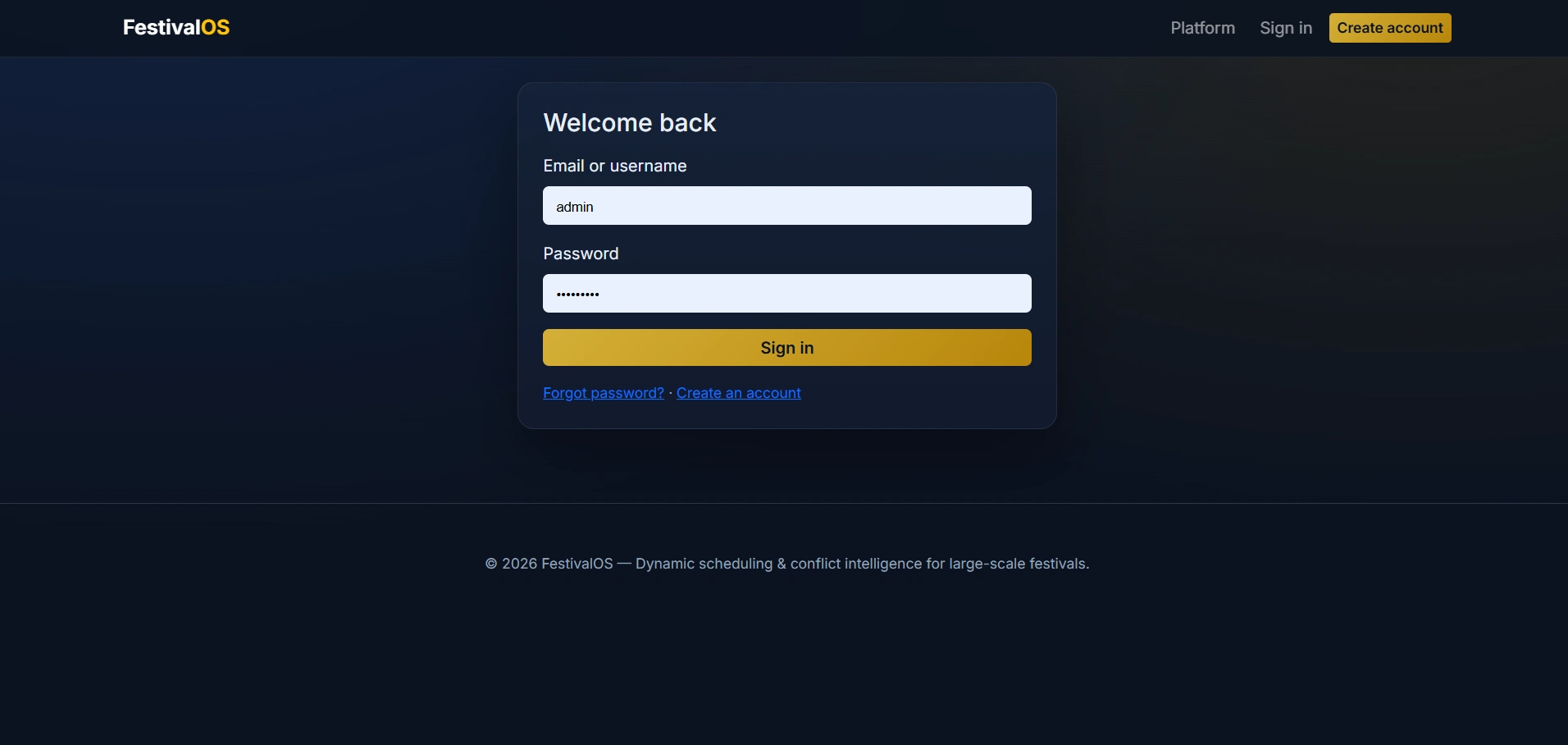
FestivalOS is a smart and scalable festival management web application developed using Python, Flask, SQLAlchemy, SQLite, Bootstrap 5, and scikit-learn. The system is designed for large-scale festival operations and helps manage events, venues, resources, participants, and schedule conflicts through an intelligent web platform. This project includes a public landing page, a secure admin console, and a dedicated user portal for attendees, volunteers, performers, coordinators, and administrators. The core highlight of the system is its constraint-aware event scheduling engine, conflict detection module, and machine-learning–assisted priority scoring for better slot recommendations. FestivalOS is an ideal final year college project for students looking to build a real-world event management and scheduling system using Flask and Python.

Technical snapshot

Project
Dynamic Event Scheduling and Conflict Resolution System
Stack
MACHINE-LEARNING
Includes
Code, DB, README
License
Academic submission
Secure CCAvenue payment · Instant download · Need help? WhatsApp us

Admin Features

Modules and controls available to administrators

  • Secure admin login with role-based access control
  • Professional admin dashboard with festival statistics
  • User management with search, edit, role assignment, and permissions
  • Venue management with capacity, venue type, sound limit, and availability
  • Resource management with quantity tracking and category handling
  • Event management with create, update, delete, clone, and registration approval
  • Schedule version management with draft, final, and published states
  • Manual slot assignment for events and venues
  • Automatic schedule generation using machine learning recommendations
  • Conflict detection for overlapping events, venue clashes, and scheduling issues
  • Conflict resolution and status tracking
  • ML Studio to train and retrain RandomForest model on event data
  • Event priority ranking with confidence-based score output
  • Notification broadcasting to all users or selected attendee groups
  • Feedback review and complaint resolution
  • Attendance management for registered participants
  • Report generation in CSV and PDF format
  • SQLite database backup export
  • Super admin features for system settings, admin account creation, and activity logs

User Features

What end users can do in this application

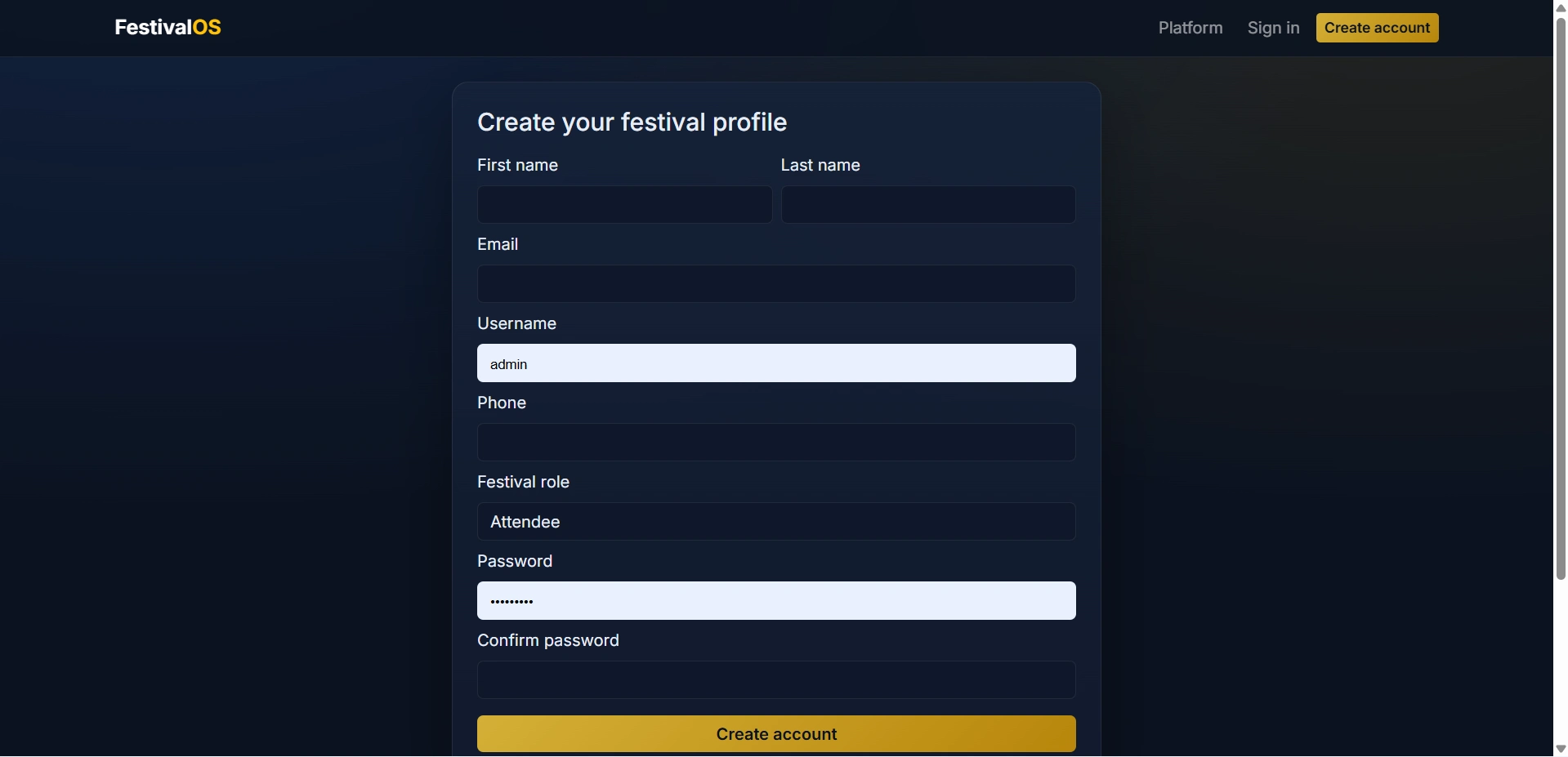
  • Secure user registration and login
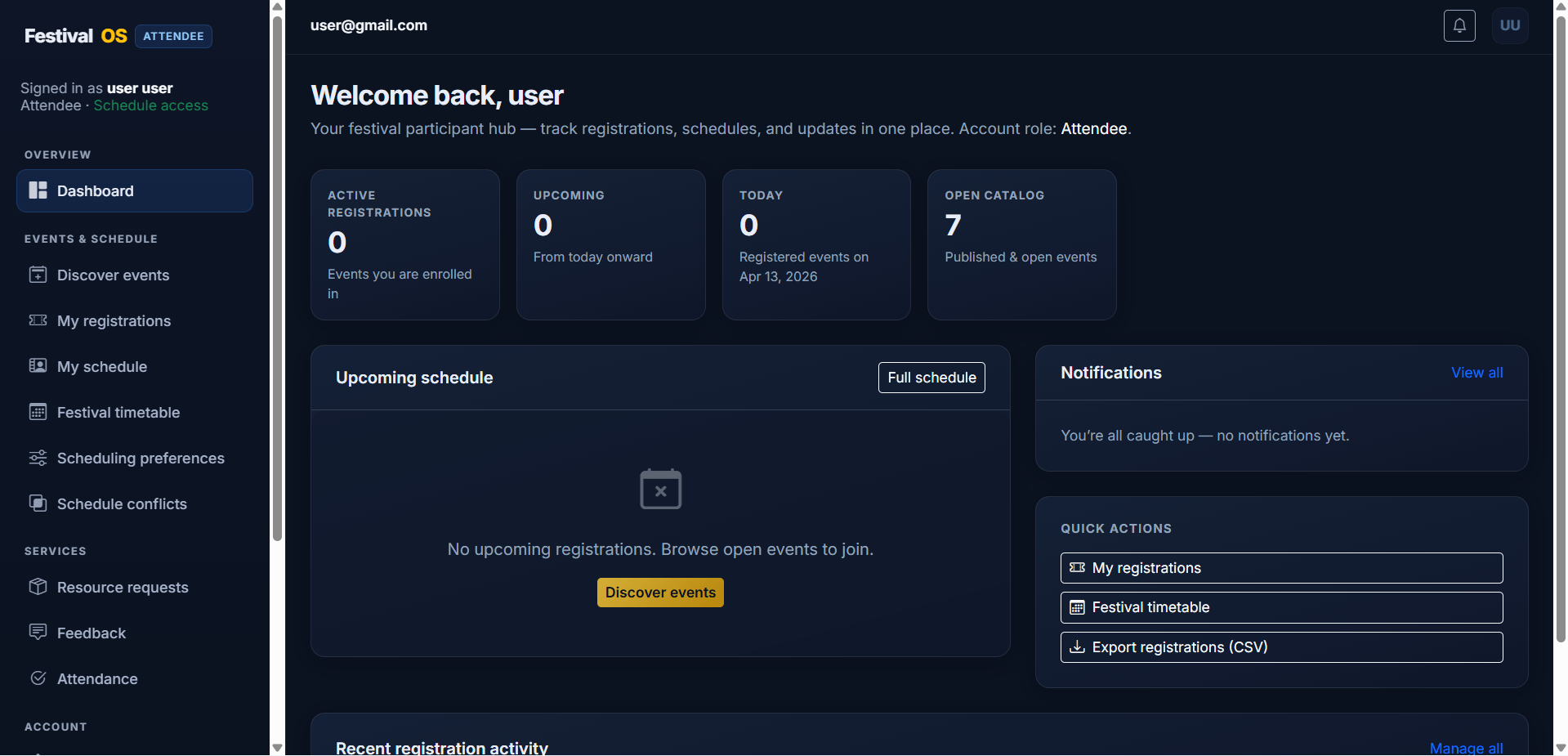
  • User dashboard with registration summary and notifications
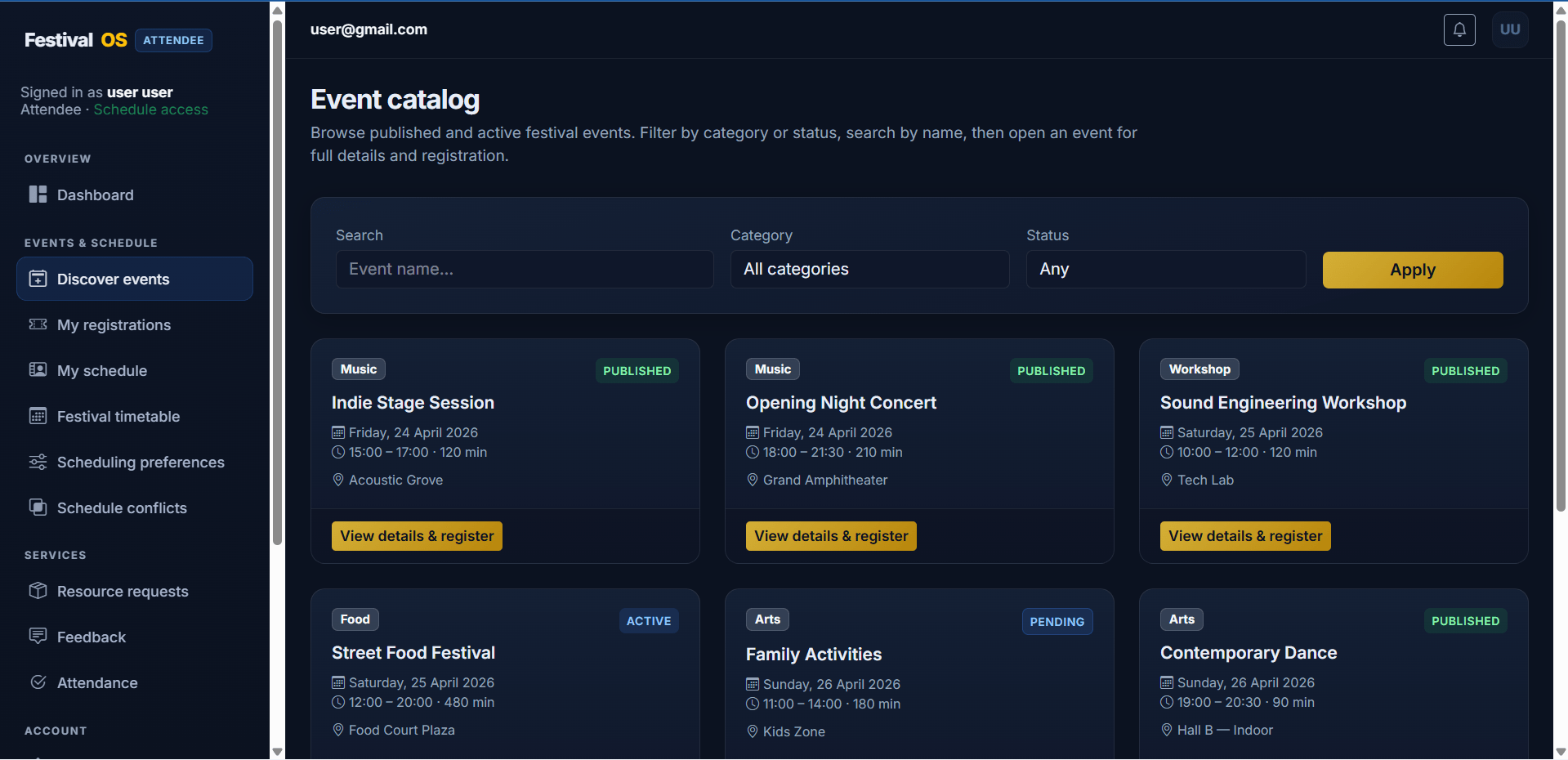
  • Browse published and active festival events
  • View event details including venue, time, and description
  • Register for festival events online
  • Automatic waiting list when event capacity is full
  • Cancel event registration
  • View all my registrations with status updates
  • Personal event schedule based on registered slots
  • Festival-wide public schedule view
  • Conflict view for overlapping registered events
  • Add scheduling preferences and notes
  • Submit resource requests for linked events
  • In-app notifications with read and delete options
  • Notification preference settings
  • Submit feedback and complaints
  • View attendance records
  • Update profile and account information
  • Change password securely
  • Request account deletion
  • Export personal registration report in CSV format

Other Features

Additional capabilities included in the project

  • Public landing page with professional design
  • Authentication using email or username
  • Password change and forgot password module
  • CSRF protection using Flask-WTF
  • Login attempt lockout for security
  • Role-based route protection
  • Optional admin activity logging
  • Machine learning integration using scikit-learn
  • PDF report generation using ReportLab
  • Clean Bootstrap 5 responsive UI
  • SQLite database integration
  • Multi-role access for attendee, volunteer, performer, coordinator, admin, and super admin

How to Run

Step-by-step setup on your laptop or PC

  • Download or extract the source code project folder.
  • Open the project in VS Code, PyCharm, or any Python IDE.
  • Make sure Python 3.10 or above is installed.
  • Create and activate a virtual environment.
  • Install the required dependencies using:
    pip install -r requirements.txt
  • Run the Flask application using:
    python app.py
    or
    flask run
  • Open your browser and visit:
    http://127.0.0.1:5000/
  • Login as admin or user to access the respective dashboard.

Login Credentials

Default demo accounts for testing after setup

Admin Login
Email: [email protected]
Username: admin
Password: admin123

Super Admin Login
Email: [email protected]
Username: superadmin
Password: admin123

User Login
Email: [email protected]
Username: user
Password: user123

Use your seeded database credentials if your project already includes demo accounts.

License

Usage terms for academic and personal projects

Related Tags

Search terms and categories for this source code

Dynamic Event Scheduling and Conflict Resolution System Source Code Final Year MACHINE-LEARNING Project Ready-to-Run Code With Database File Plagiarism-Free Faculty Approved