01 Source Code Only
₹99
One-time Payment
- Complete project source code
- Database / data resources
- Dependencies & configuration
- README / setup guide
- Instant download access
Get runnable E-Learning LMS Platform using Python Source Code with database files, project setup instructions, live demo options and installation support. This project resource helps students understand the implementation, modules, workflow and technical architecture of a complete PYTHON project.
Hover to zoom · Click to expand
Simple pricing. Instant access. Secure checkout.
01 Source Code Only
One-time Payment
02 Code + Setup Support
One-time Payment
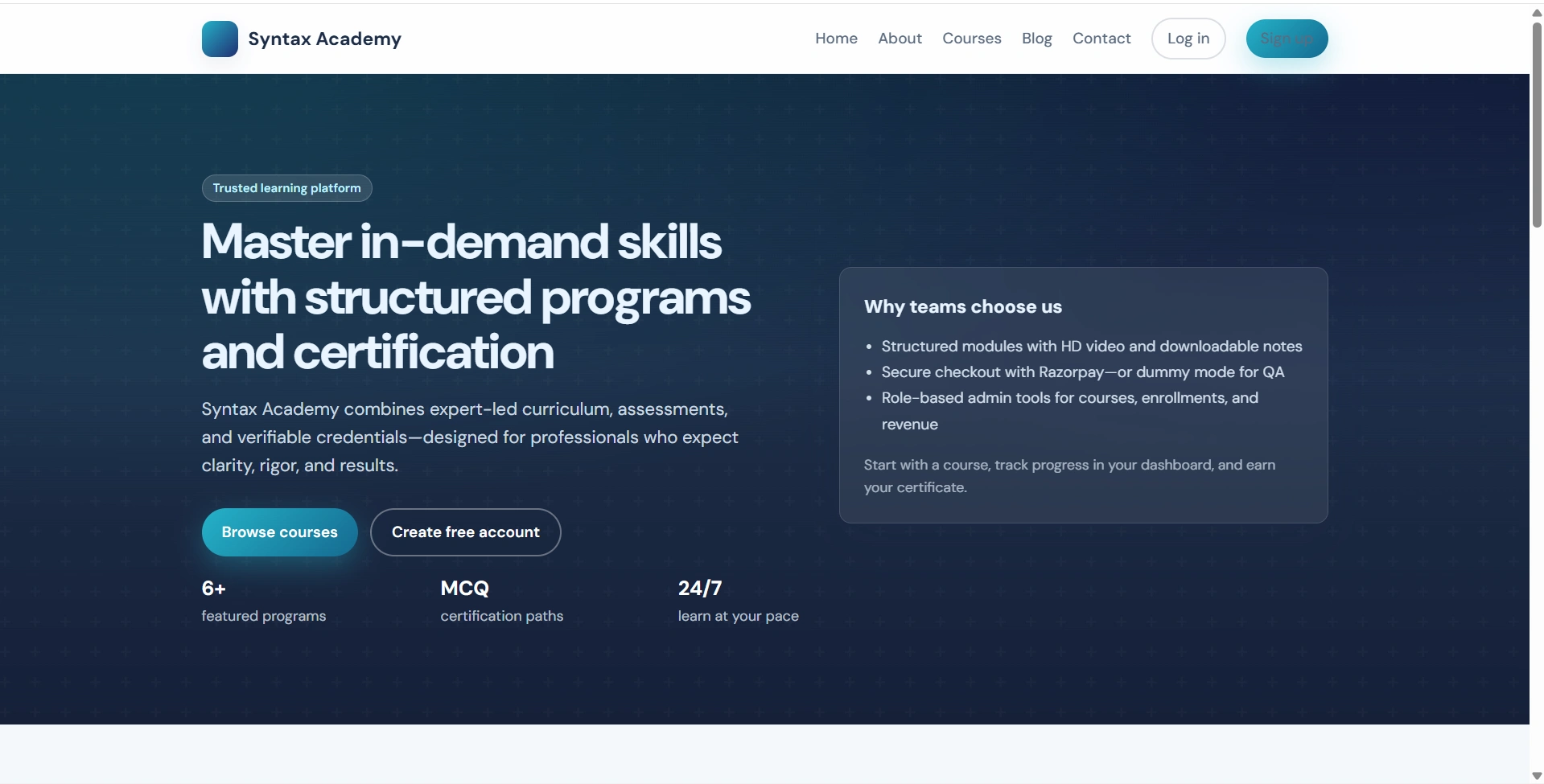
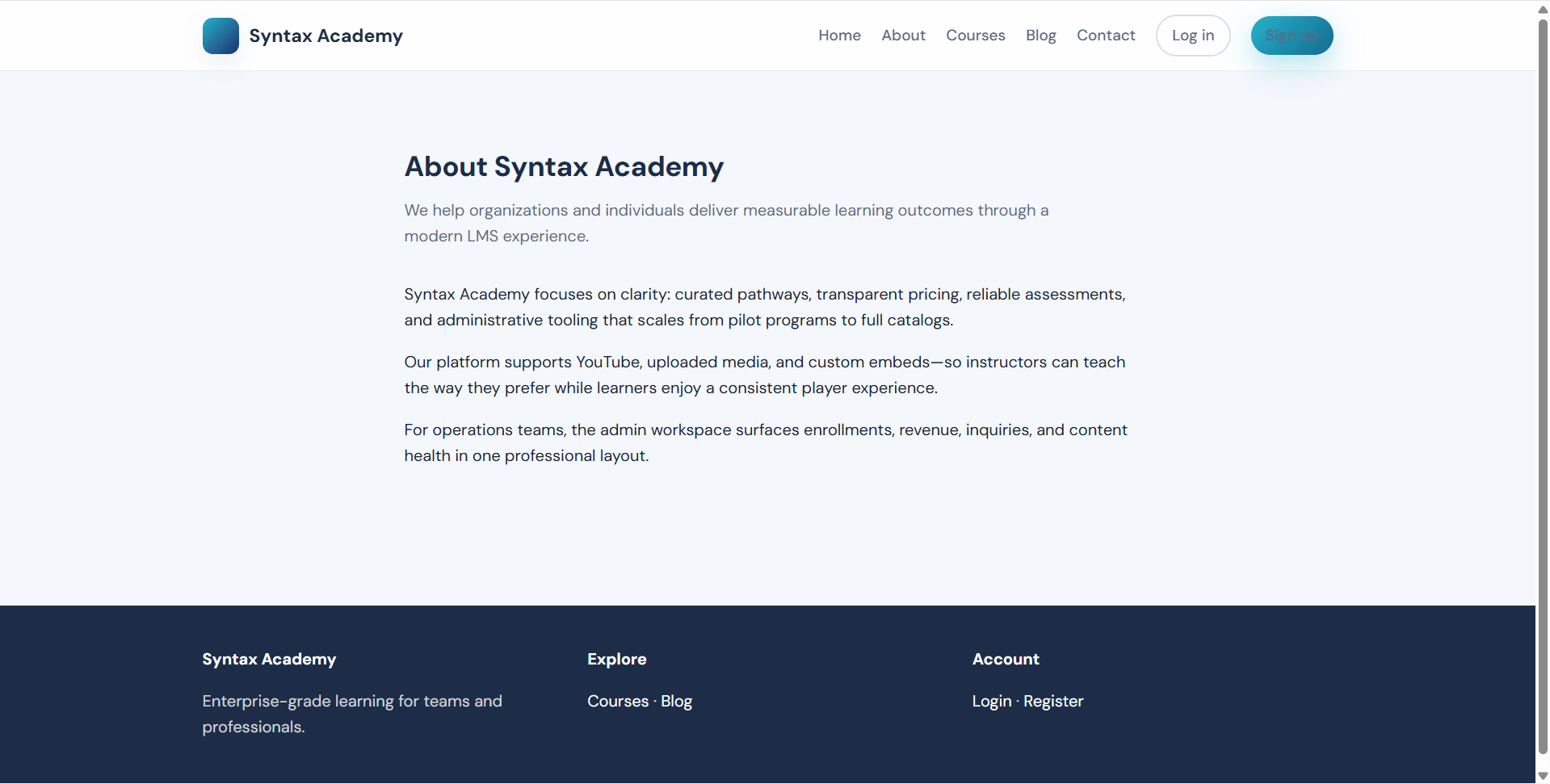
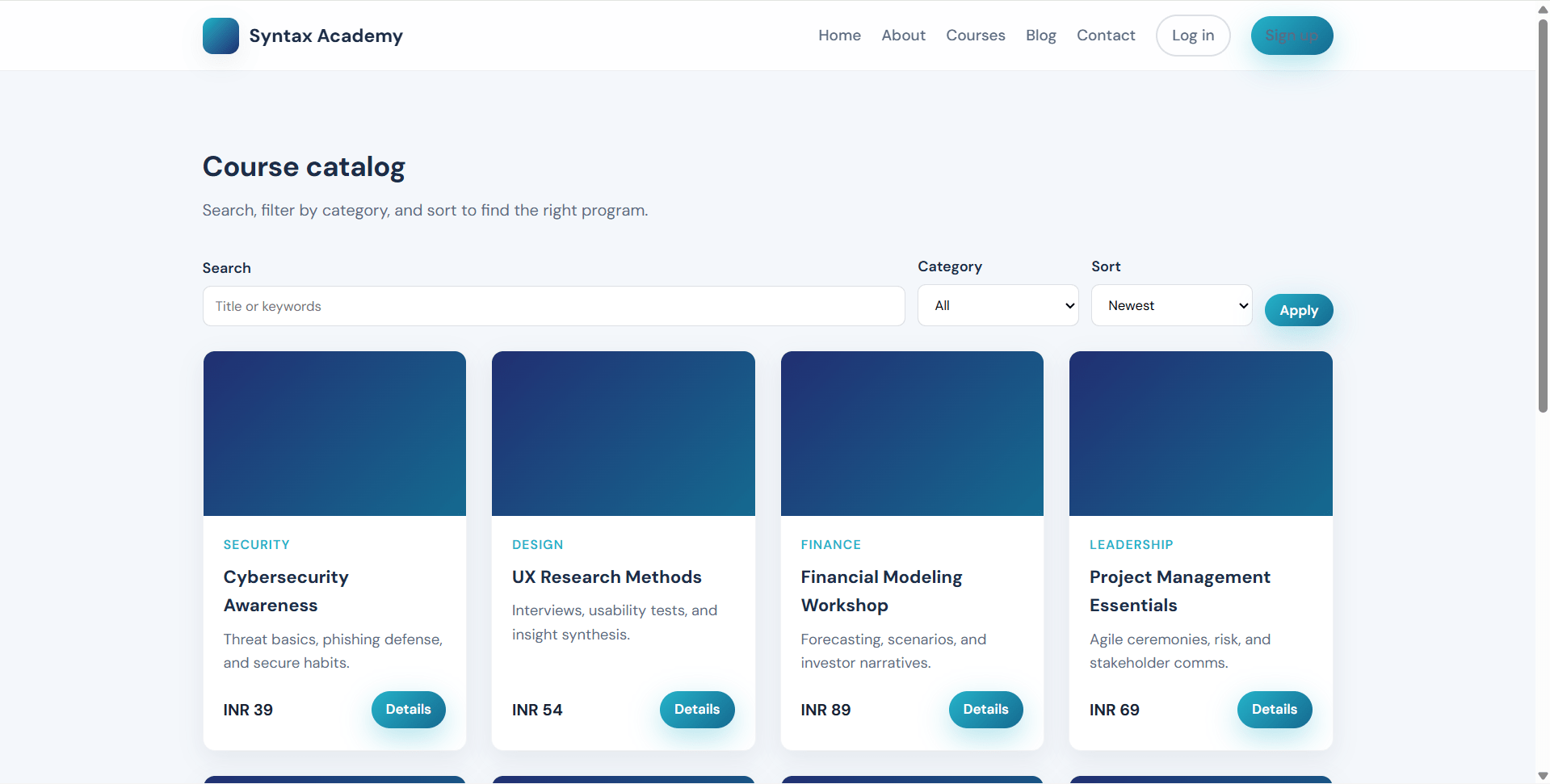
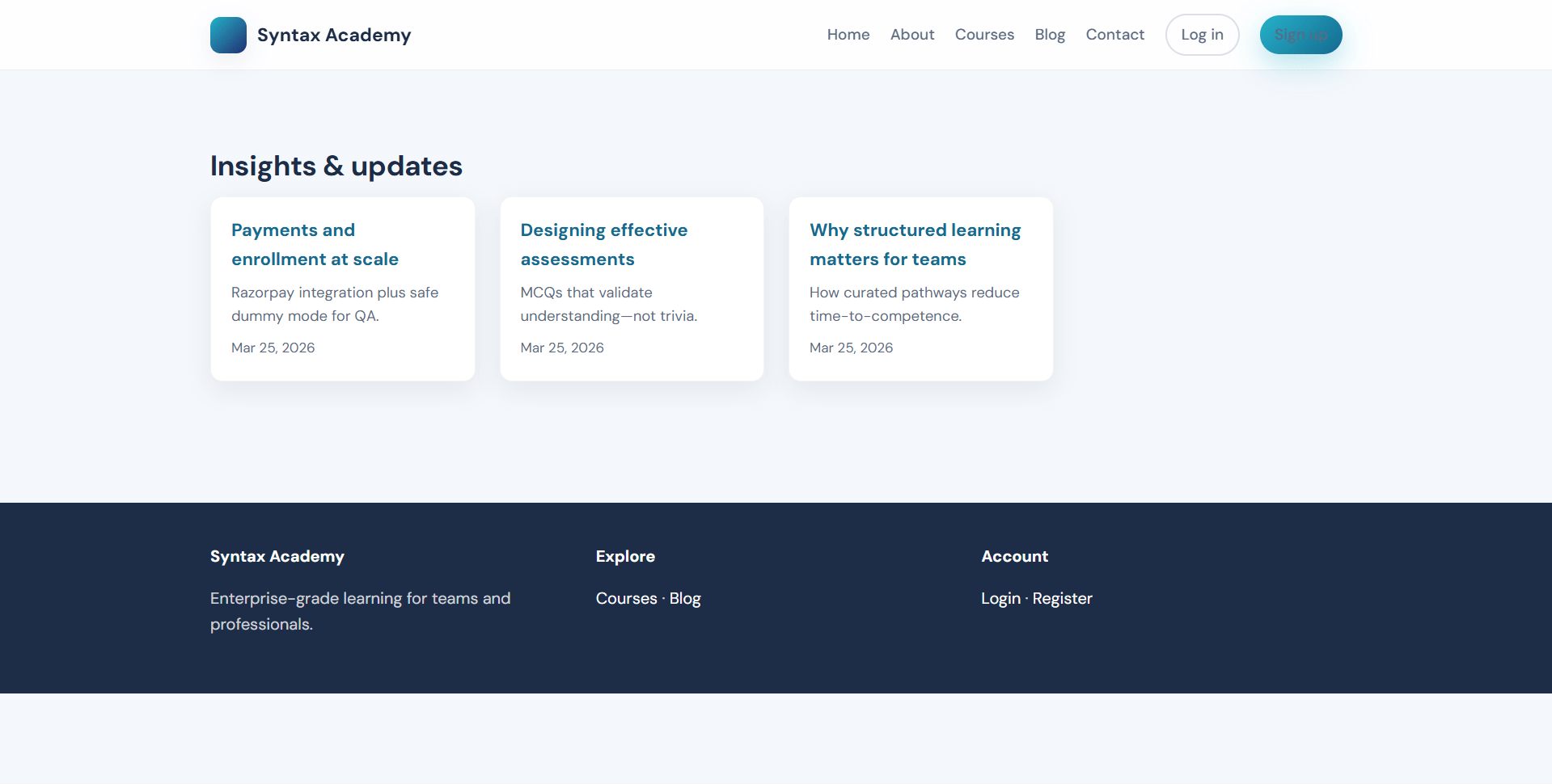
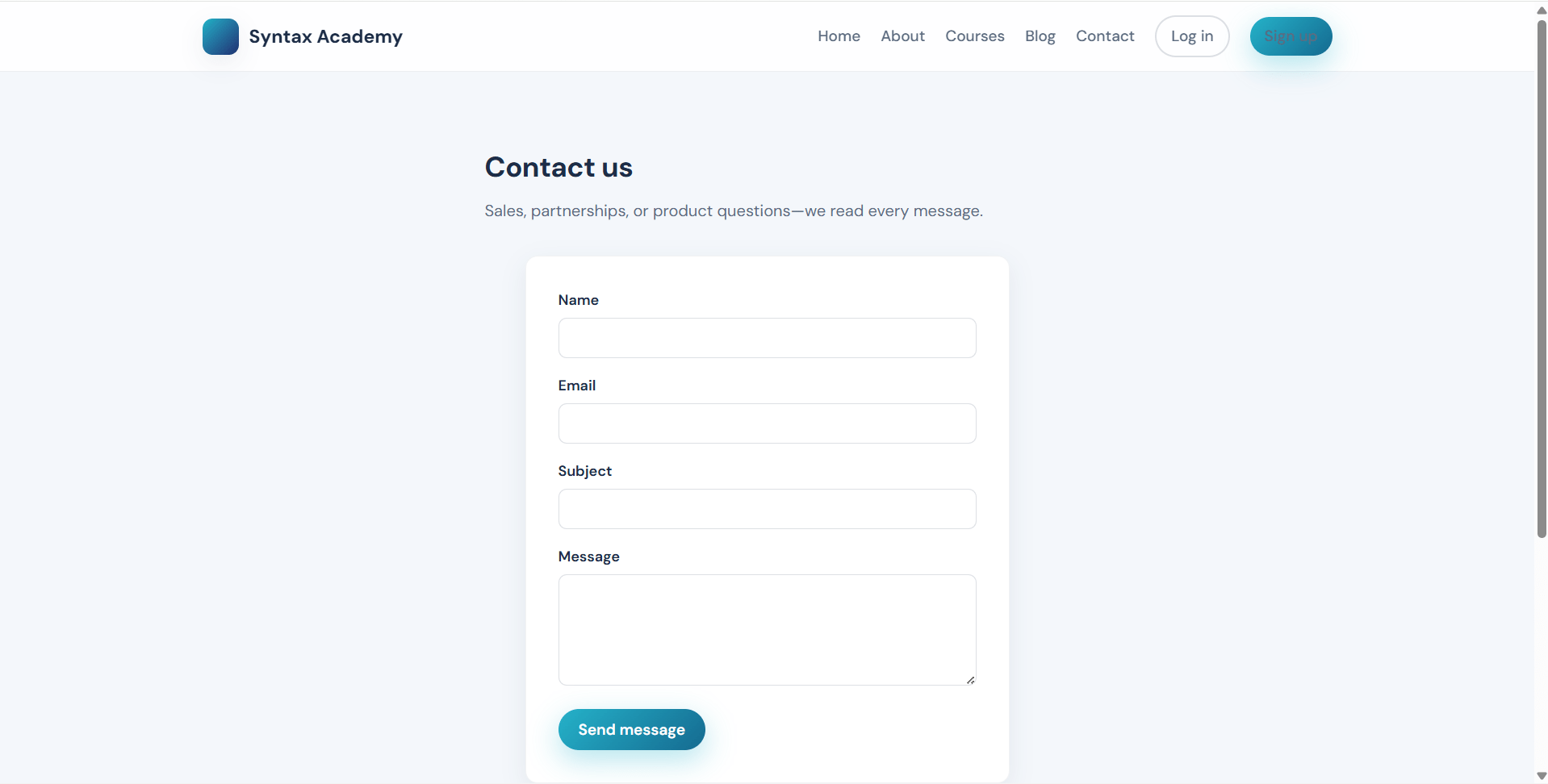
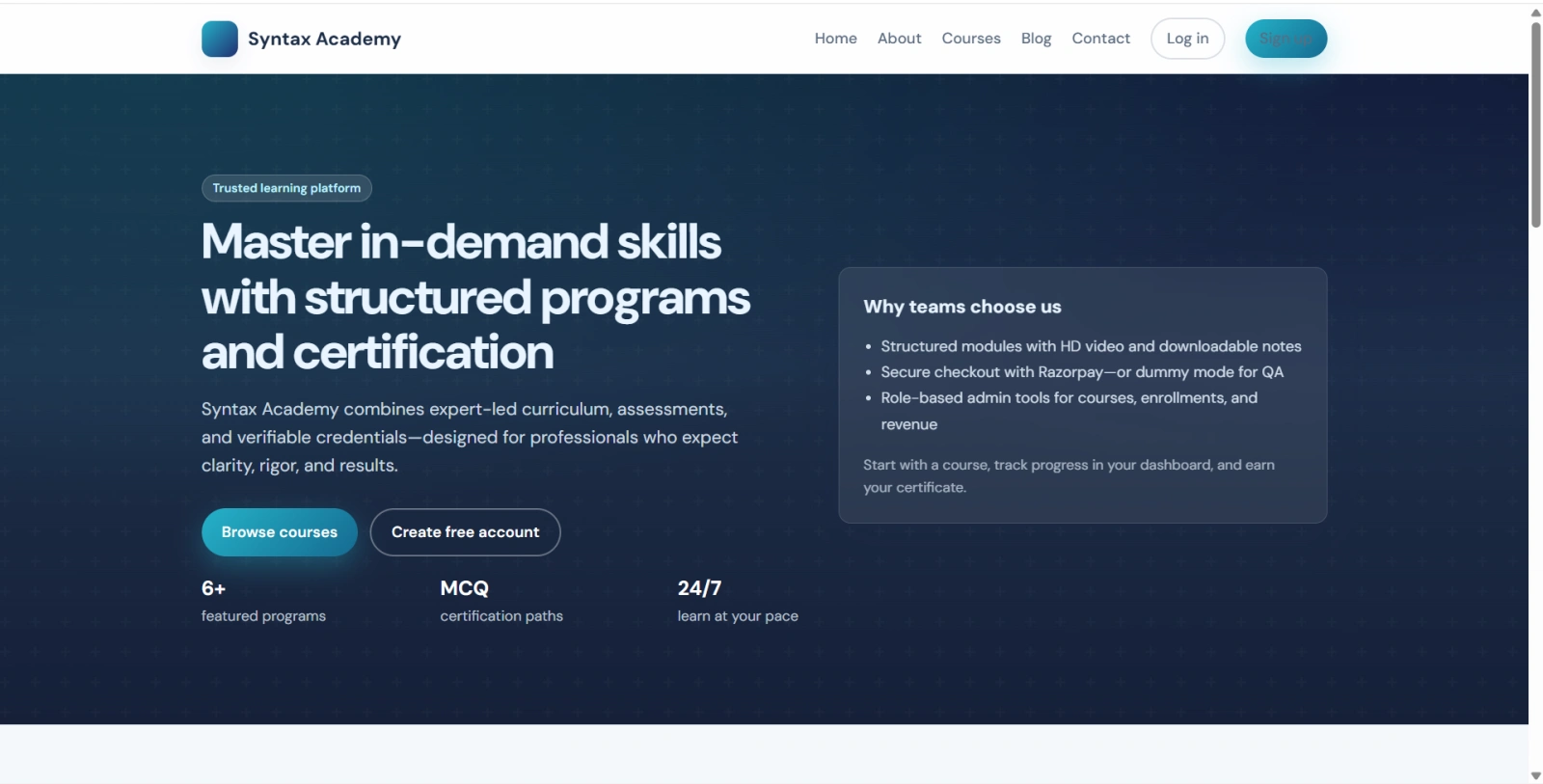
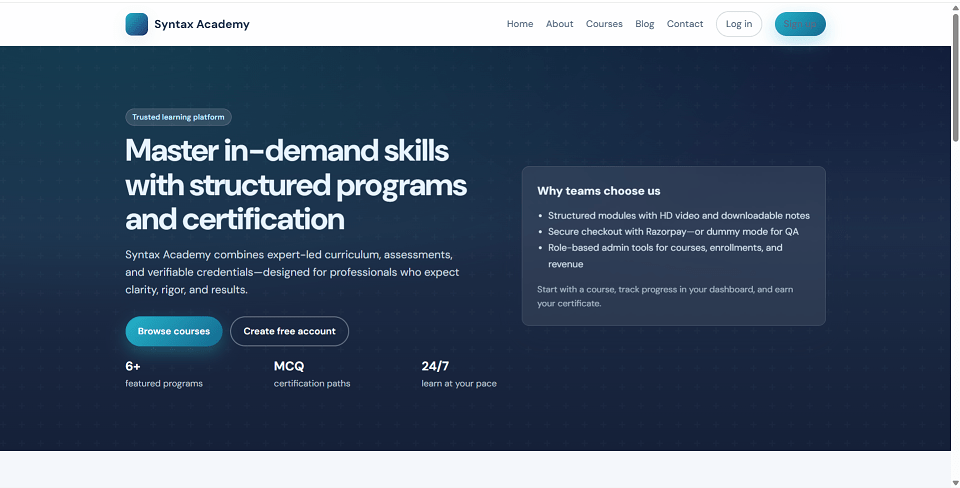
Syntax Academy is a full-stack Django LMS project built for online learning, course selling, student enrollment, video lessons, quizzes, certificates, and staff management. This e-learning platform comes with a modern public website, learner dashboard, payment integration, course player, MCQ assessments, certificate generation, blog, contact inquiries, and a powerful custom admin panel.
Built with Python 3 and Django 5, this learning management system supports course discovery, category filtering, sorting, free and paid enrollment, Razorpay payment gateway, dummy test payment mode, downloadable study materials, progress tracking, certificate PDF download, and REST API authentication using JWT.
This Django online course platform is suitable for developers, startups, training institutes, schools, coaching centers, and businesses that want to launch a custom LMS website or online education portal.
Admin Account
adminAdmin123!Learner Account
learnerLearner123!Note
Run python manage.py seed_lms first to create the default demo accounts and sample LMS data.
/admin//django-admin/ for raw model controlpip install -r requirements.txt.env.example to .envSECRET_KEY, DEBUG, EMAIL_*, and payment keys if neededpython manage.py migratepython manage.py seed_lmspython manage.py runserverQuick setup commands
python -m venv venv
# Activate venv
pip install -r requirements.txt
python manage.py migrate
python manage.py seed_lms
python manage.py runserver
Project URLs
http://127.0.0.1:8000/http://127.0.0.1:8000/dashboard/http://127.0.0.1:8000/admin/http://127.0.0.1:8000/django-admin/POST /api/token/Admin Account
adminAdmin123!Learner Account
learnerLearner123!Note
Run python manage.py seed_lms first to create the default demo accounts and sample LMS data.