Online Voting System with Face Recognition using Python Flask | Source Code
LIMITED TIME
Get Source Code ₹99
Open Live Demo
Real project UI Full source included Opens in new tab

Tap to open live demo

Interactive live demo — verify the project before you buy

Online Voting System with Face Recognition using Python Flask

Live Demo

Complete final-year project source code with frontend, backend, database, and setup guide. Instant download after secure payment.

  • PYTHON Stack
  • Instant Download
Secure CCAvenue payment Instant download link WhatsApp support

Choose your plan

Source Code Only

Full ZIP with frontend, backend, database & documentation.

₹99 one-time
  • Complete project source files
  • Database script included
  • How-to-run guide

What's in your download

Review features, setup steps, and credentials before you pay.

Project Overview

Description, tech stack, and what is included

Full source Frontend + backend
Database .sql file
Setup guide README included

SecureVote is a final year project built with Python, Flask, SQLite, and TensorFlow for students who want a secure online election management web application. This final year project provides separate portals for administrators and voters, with voter registration, approval, elections, candidates, ballots, voting, results, audit logs, login history, and reports. A key feature of this final year project is face identity verification before vote submission using TensorFlow MobileNetV2 image embeddings and cosine similarity. Voters can enroll face images, view elections, cast one vote per election, and see published results. Admins can manage voters, elections, candidates, ballots, face data, fraud signals, notifications, results, CSV exports, and SQLite backups. SecureVote is suitable for a final year major project in Flask, cybersecurity, election systems, machine learning, and identity verification.

Technical snapshot

Project
Online Voting System with Face Recognition using Python Flask
Stack
PYTHON
Includes
Code, DB, README
License
Academic submission
Secure CCAvenue payment · Instant download · Need help? WhatsApp us

Ready to download?Pay once · Use for submission & viva

Admin Features

Modules and controls available to administrators

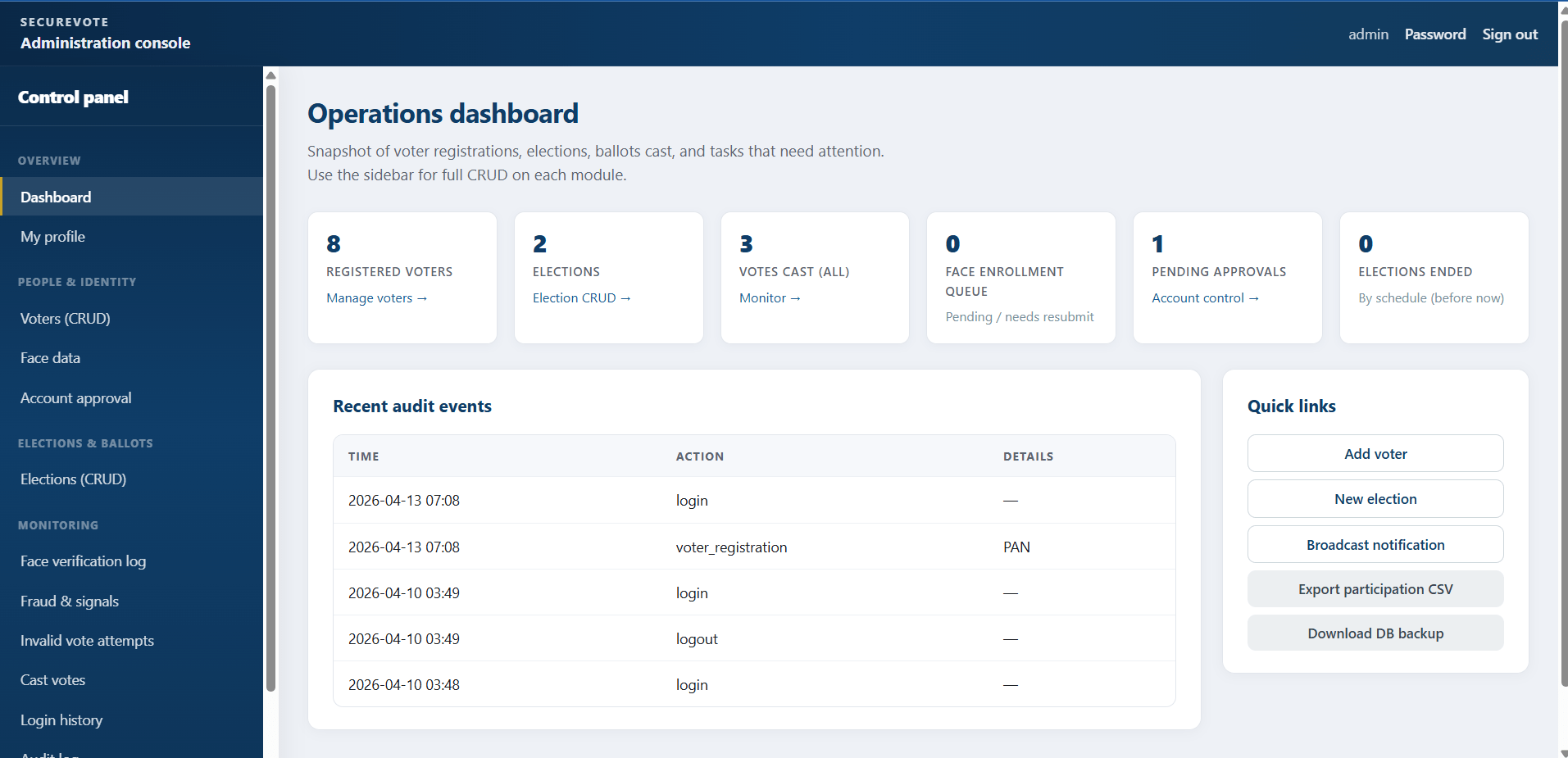
  • Admin dashboard for this final year project with voters, elections, votes, pending face tasks, completed elections, and audit snippets
  • Admin profile update and password change
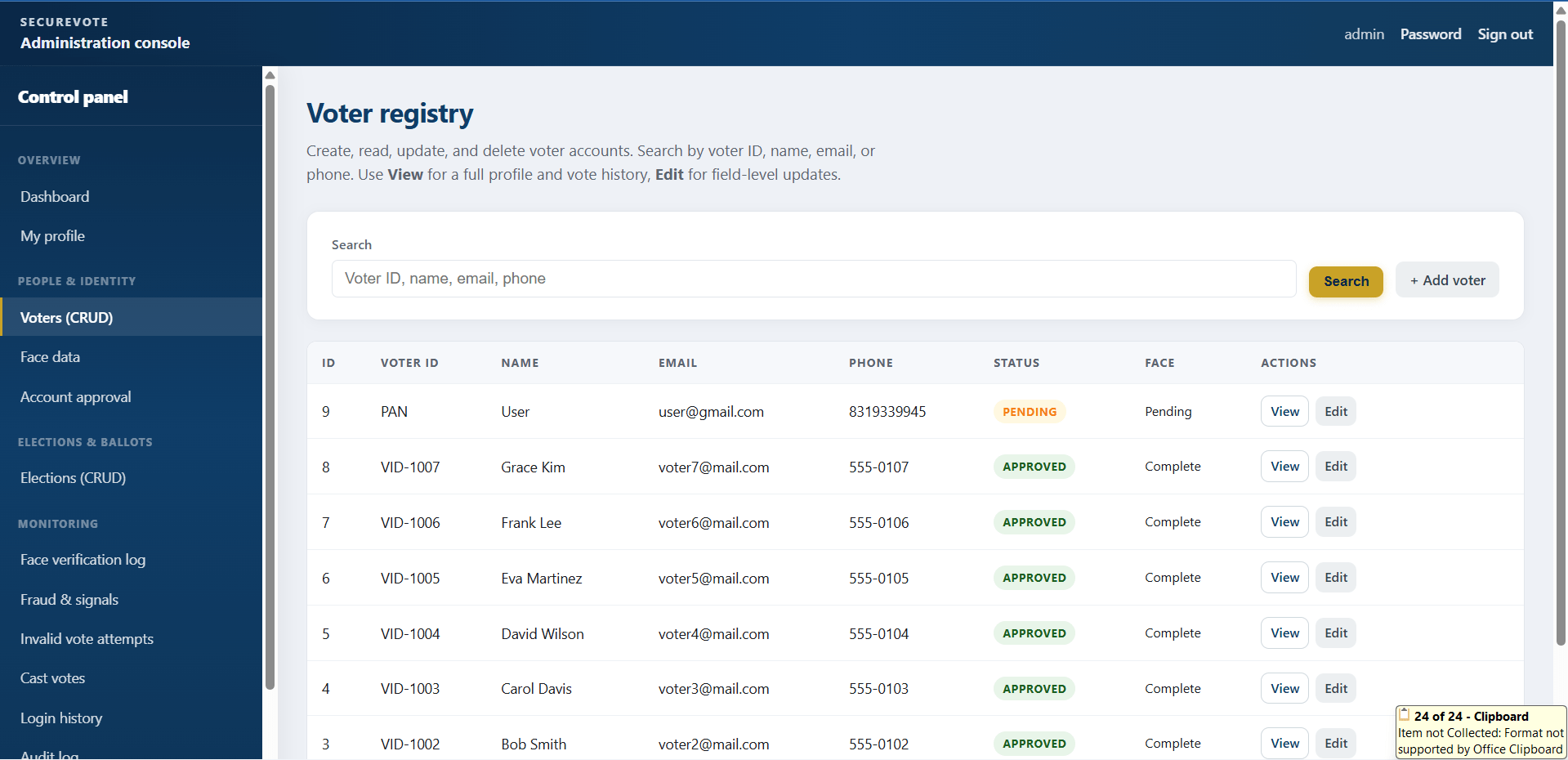
  • Voter list, search, add, edit, delete, activate/deactivate, approve registration, and password reset
  • Face data gallery management for voters
  • Delete unclear face images and request re-upload
  • Mark face enrollment complete
  • Election creation and editing with title, description, start/end schedule, and ballot settings
  • Election activation, deactivation, manual close, and deletion where allowed
  • Ballot publishing and single-candidate-only option configuration
  • Candidate add, edit, and delete with photo support
  • Account control for pending, blocked, and locked users
  • Face verification logs with score review and suspicious/reviewed status
  • Fraud record viewing, resolving, flagging, and voting restriction support
  • Cast vote monitoring with verification metadata
  • Election result tallies, percentages, publish/hide controls, and CSV download
  • Participation and verification-failure CSV reports
  • In-app notification broadcast to all voters or selected users
  • Audit log and login history
  • SQLite database backup download

User Features

What end users can do in this application

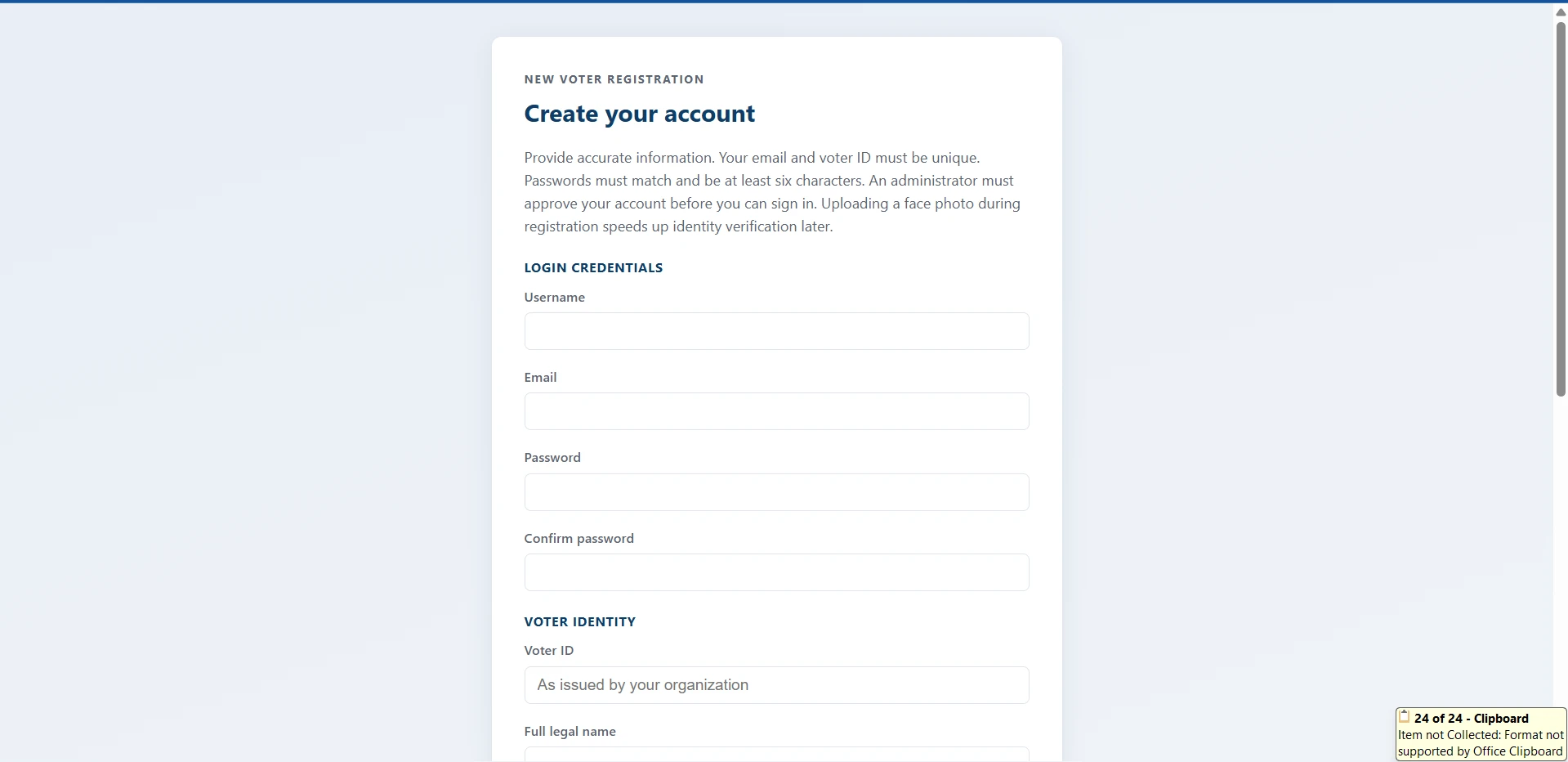
  • Voter registration in this final year project with profile fields and optional face image
  • Duplicate username, email, and voter ID validation
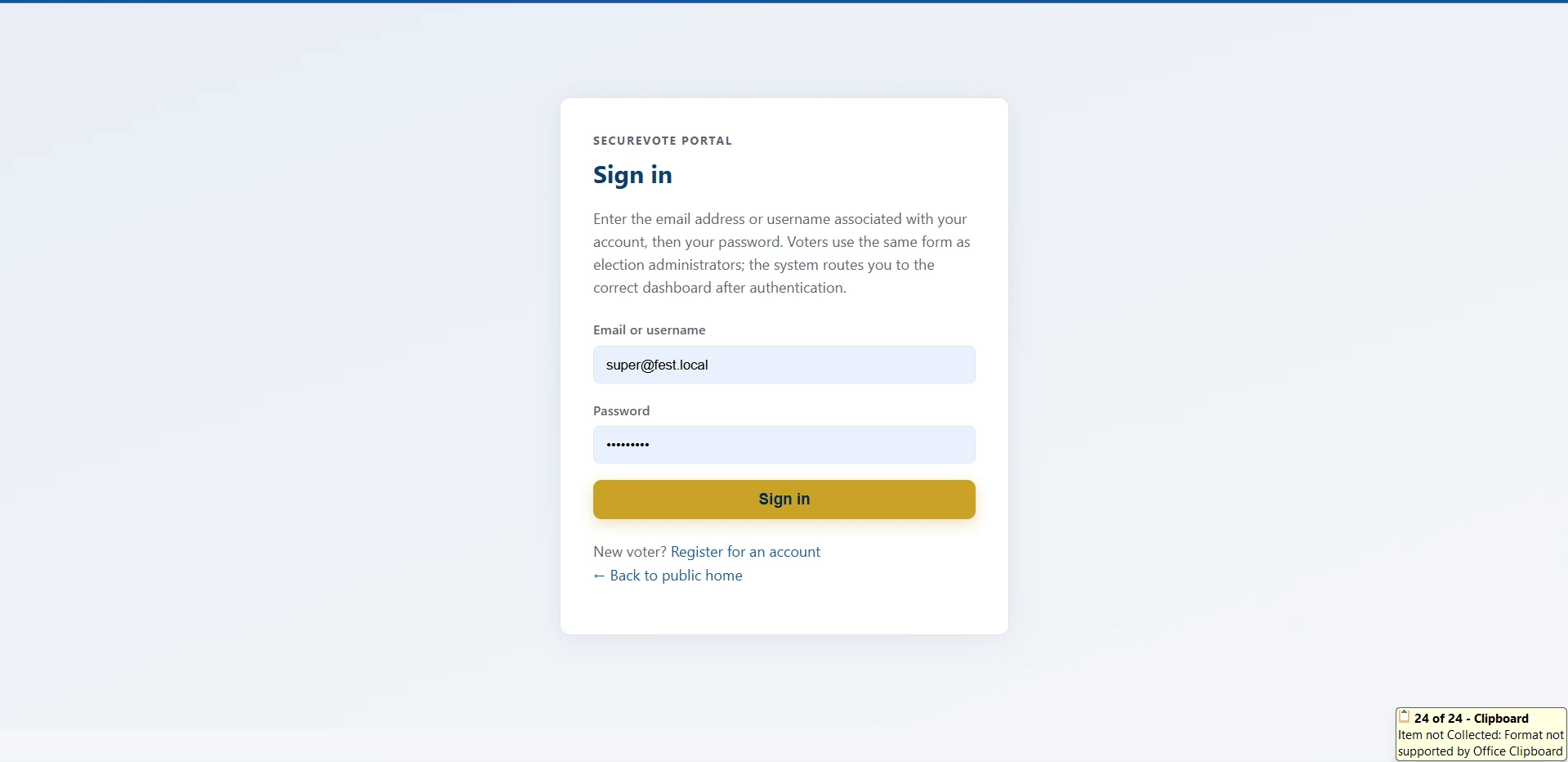
  • Login using email or username and password
  • Pending approval flow before full voter access
  • Voter dashboard with profile summary, notifications, election status, and voted indicators
  • Profile update for email, phone, and address
  • Change password support
  • Face enrollment with one or more images
  • Face image preview list
  • Re-upload response when admin requests clearer face data
  • Open and all election listing
  • Election detail view with candidates
  • Ballot access during valid election window
  • Webcam capture before voting
  • Server-side face verification before vote submission
  • Candidate selection and one-vote-per-election submission
  • Published result viewing where allowed
  • Logout functionality

Other Features

Additional capabilities included in the project

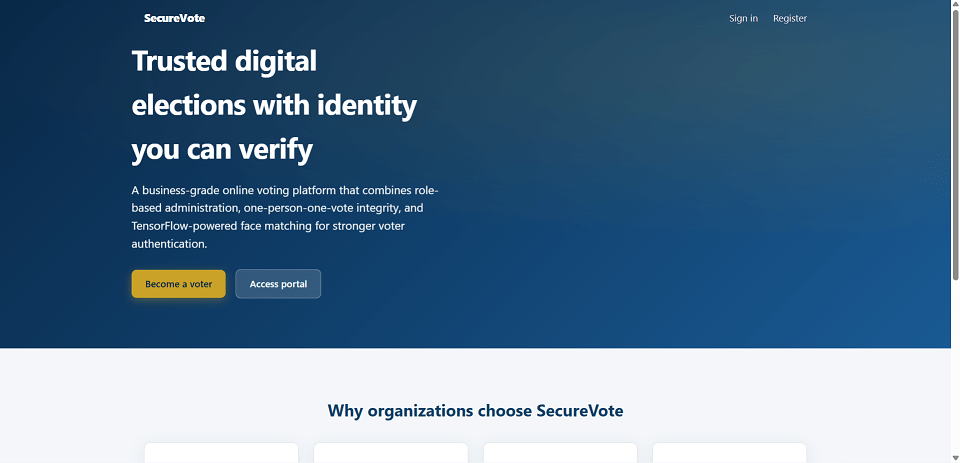
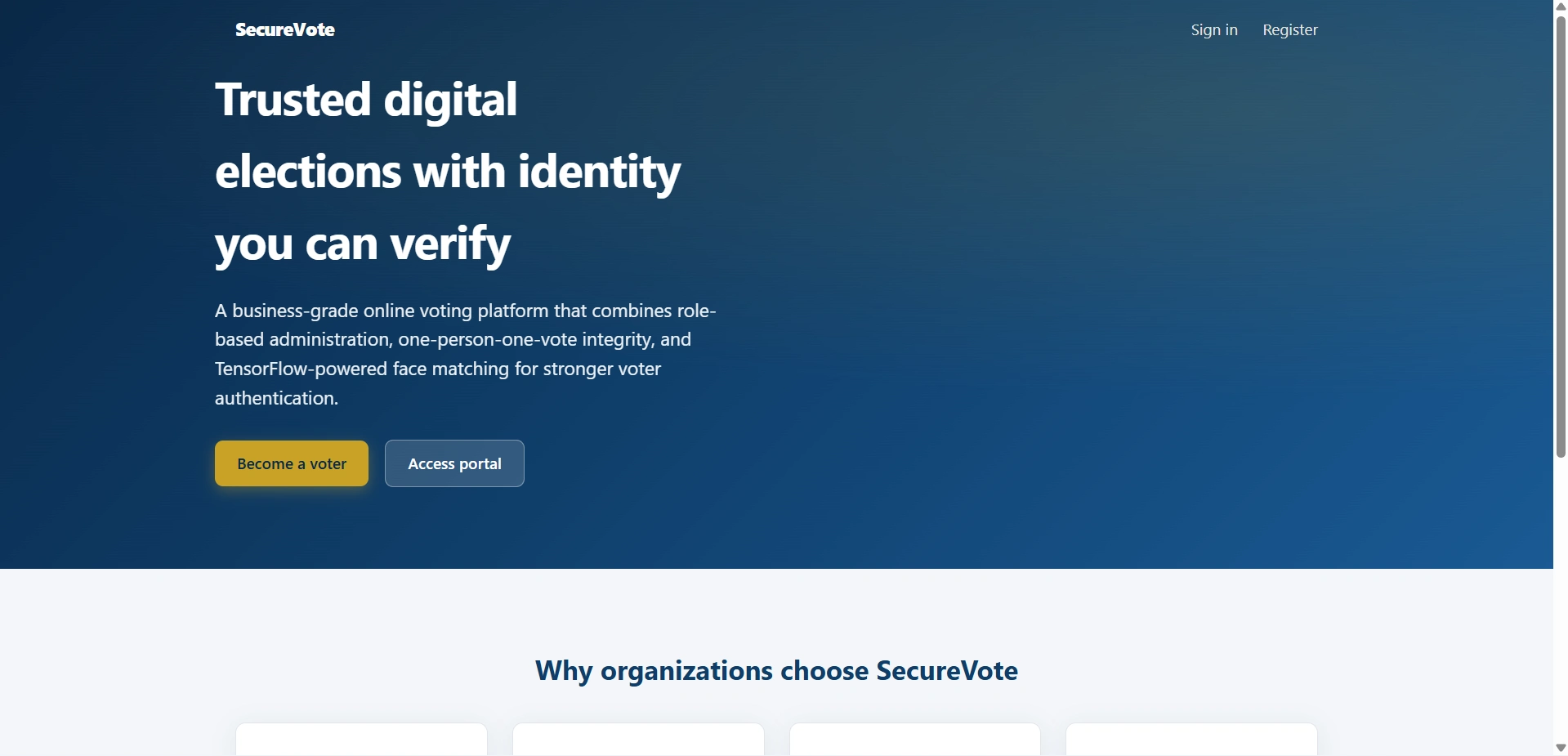
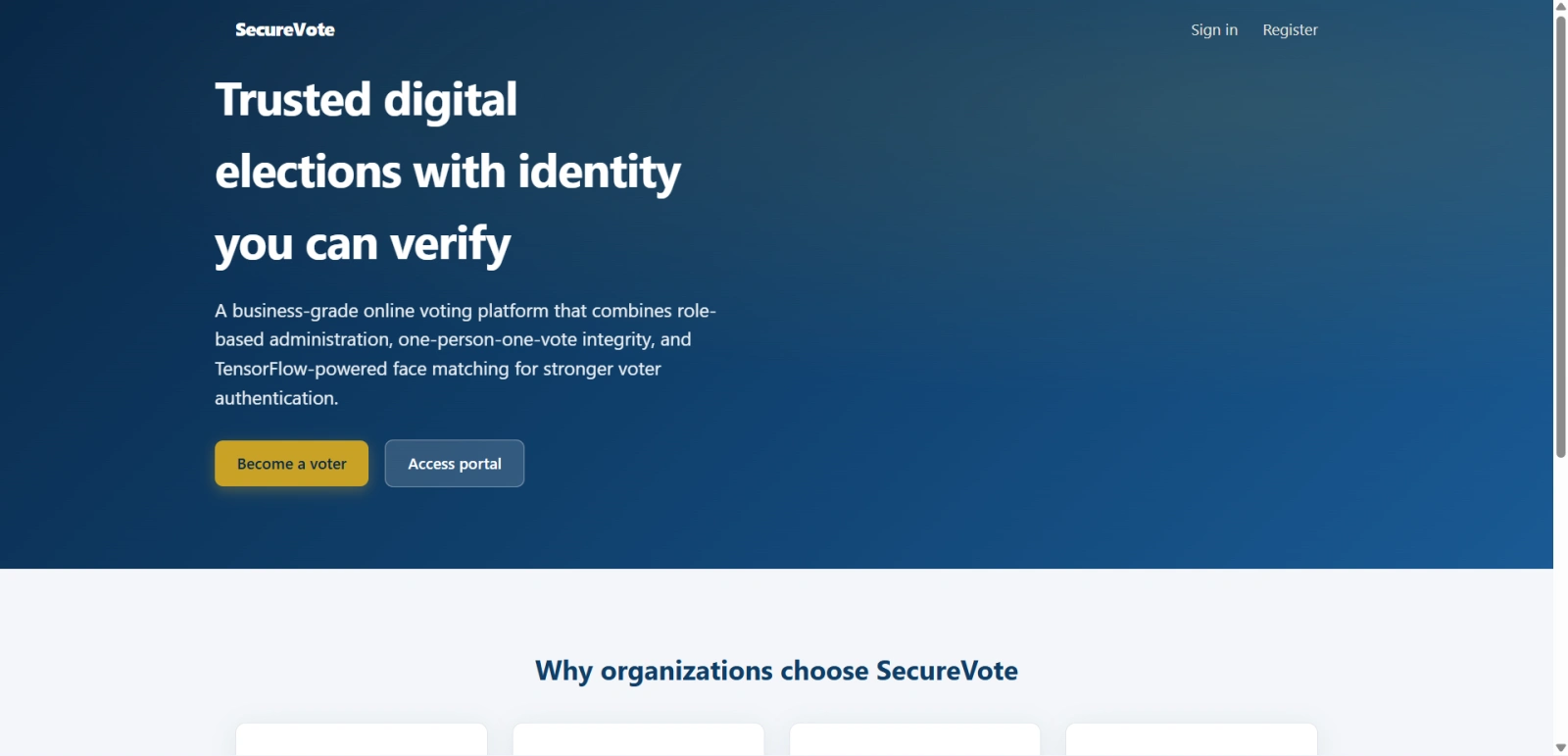
  • Public landing page included in this final year project
  • Flask-Login session handling
  • Werkzeug password hashing
  • SQLite database with optional DATABASE_URL override
  • Pillow-based image handling
  • TensorFlow MobileNetV2 embeddings for face matching
  • Cosine similarity threshold controlled by FACE_MATCH_THRESHOLD
  • Configurable MAX_FACE_VERIFICATION_RETRIES reserved for future stricter retry handling
  • In-app notifications stored in the database
  • Seed data with admin, seven voters, elections, candidates, sample votes, and generated face images
  • CSV exports for participation, verification failures, and election results
  • Database backup download
  • Suitable for final year project demo, viva, source code review, and report preparation

How to Run

Step-by-step setup on your laptop or PC

  1. Open the final year project root folder containing run.py and requirements.txt.
  2. Install dependencies:
    pip install -r requirements.txt
    Windows alternative:
    python -m pip install -r requirements.txt
  3. Optional: load demo data using:
    python seed_data.py
    Note: this drops all tables and recreates demo records.
  4. Start the final year Flask project server:
    python run.py
  5. Open the application at:
    http://127.0.0.1:5000
  6. Use these paths:
    • Home: /
    • Login: /auth/login
    • Voter registration: /auth/signup
    • Admin dashboard: /admin/dashboard
    • Voter dashboard: /voter/dashboard
  7. For testing face verification, allow browser camera permission and enroll real photos if live capture does not match generated demo images.

Login Credentials

Default demo accounts for testing after setup

Administrator

  • Username: admin
  • Password: admin123
  • Access: /admin/*

Demo Voters

  • Usernames: voter1 to voter7
  • Password: voter123
  • Access: /voter/* after login

License

Usage terms for academic and personal projects

Related Tags

Search terms and categories for this source code

Online Voting System with Face Recognition using Python Flask Source Code Final Year PYTHON Project Ready-to-Run Code With Database File Plagiarism-Free Faculty Approved online voting system final year project face verification voting system Flask voting project Python election management system secure voting system source code TensorFlow face verification project MobileNetV2 voting project voter portal admin panel project election result system final year Flask project