01 Source Code Only
₹99
One-time Payment
- Complete project source code
- Database / data resources
- Dependencies & configuration
- README / setup guide
- Instant download access
Get runnable Food Delivery Management System Final Year Project Source Code with database files, project setup instructions, live demo options and installation support. This project resource helps students understand the implementation, modules, workflow and technical architecture of a complete NODE-JS project.
Hover to zoom · Click to expand
Simple pricing. Instant access. Secure checkout.
01 Source Code Only
One-time Payment
02 Code + Setup Support
One-time Payment
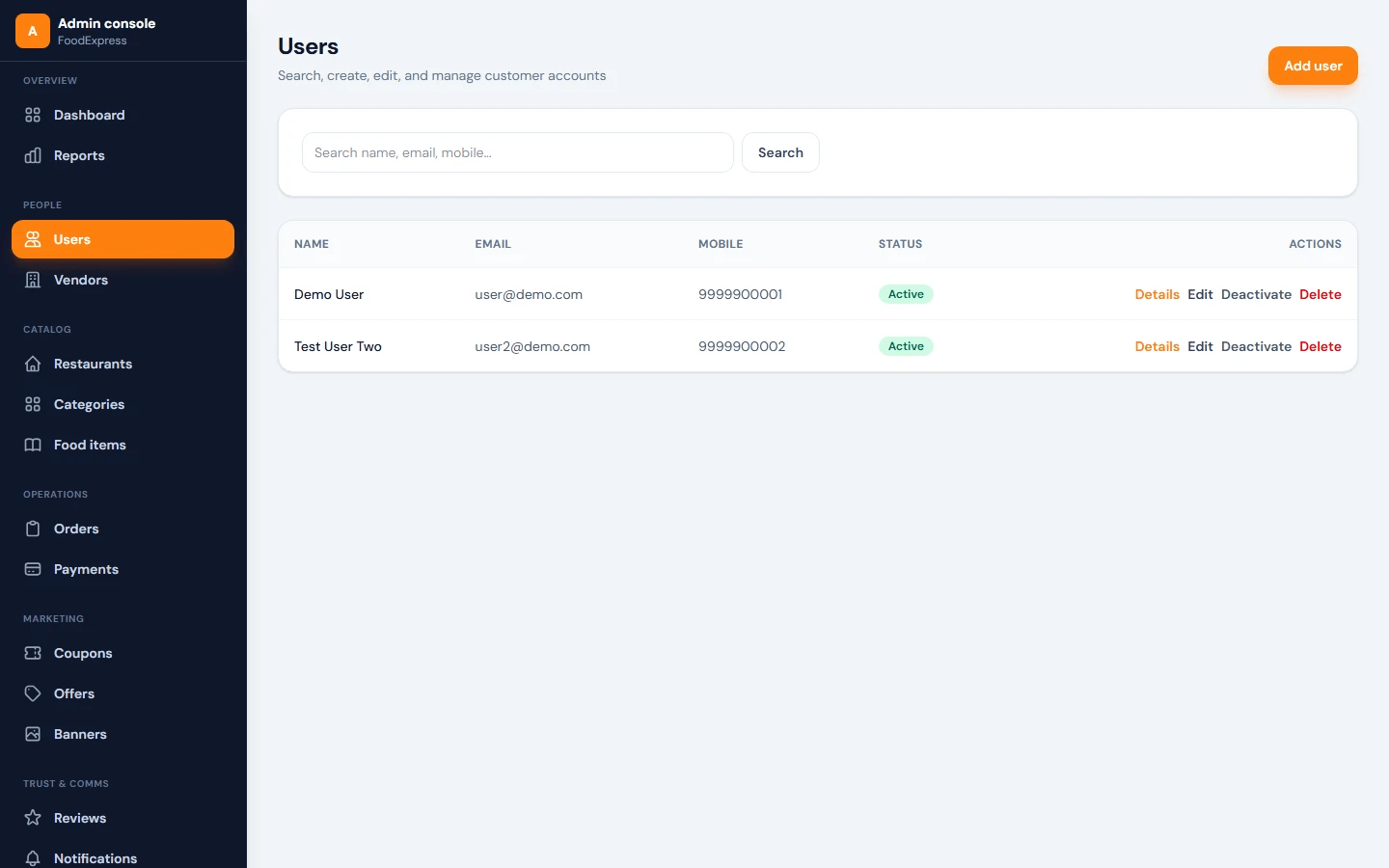
Swiggy-style MERN Food Delivery App is a full-stack food ordering and delivery platform built using MongoDB, Express.js, React, Vite, Node.js, JWT authentication, and Tailwind CSS. The system is designed for managing online food ordering through three main panels: Customer App, Restaurant Partner/Vendor Dashboard, and Admin Console.
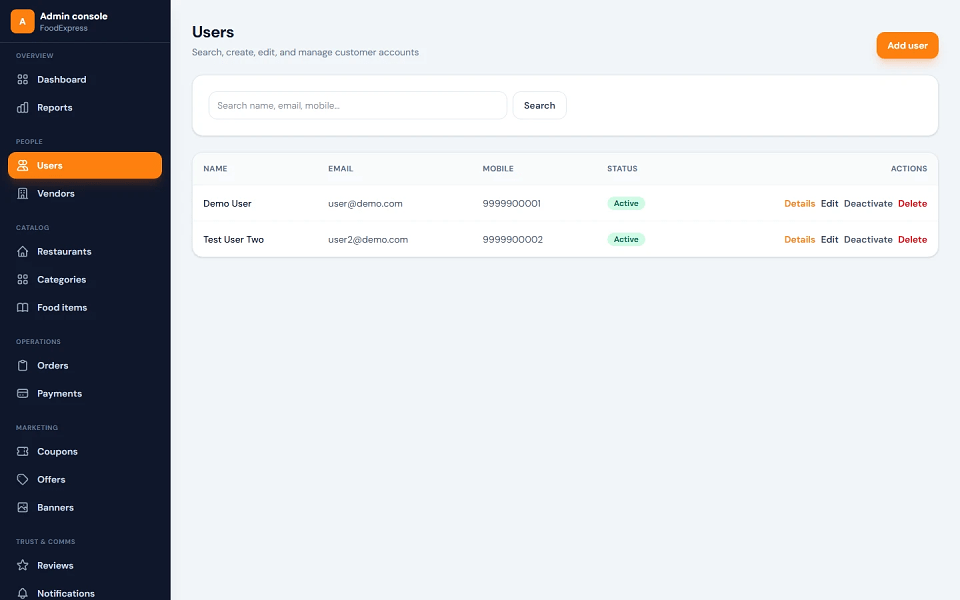
Customers can browse restaurants, view food items, add products to cart, apply coupons, select delivery addresses, choose payment method, place orders, and track order history. Vendors can manage restaurant profiles, menus, food items, offers, customer reviews, and order status updates. Admin can manage users, vendors, restaurants, categories, subcategories, food items, orders, payments, coupons, offers, banners, reviews, notifications, cities, areas, settings, and reports.
This project is suitable for B.Tech, M.Tech, BCA, MCA, BE, ME, BSc, and MSc students who need a practical final year project, major project, or minor project based on food delivery management, MERN stack development, restaurant ordering workflow, vendor management, cart checkout, and admin dashboard functionality. FileMakr can provide this project with source code, project report, documentation, and setup support for academic submission.
| Field | Value |
|---|---|
| Username or Email | admin or [email protected] |
| Password | Admin@123 |
| Login URL | /admin/login |
| Password | |
|---|---|
[email protected] |
User@123 |
[email protected] |
User@123 |
All seeded vendors use:
Vendor@123
| Restaurant | |
|---|---|
[email protected] |
Paradise Biryani |
[email protected] |
MTR 1924 |
[email protected] |
Burger Junction |
[email protected] |
Wok Express |
[email protected] |
Sweet Tooth |
[email protected] |
Punjabi Tadka |
[email protected] |
Green Bowl |
[email protected] |
Filter Coffee House |
Seeded vendors are marked as approved, so they can access the partner dashboard immediately.
| Code | Notes |
|---|---|
WELCOME20 |
Percentage discount; rules, minimum cart value, and expiry are available in seed data |
/uploads serving| Layer | Technology |
|---|---|
| Frontend | React 19, Vite, React Router |
| Styling | Tailwind CSS |
| API Client | Axios |
| Backend | Node.js, Express 4 |
| Database | MongoDB |
| ODM | Mongoose |
| Authentication | JWT Bearer Tokens, bcrypt |
| Uploads | Multer, /uploads static path |
| Development | npm scripts, Vite proxy |
From the project root:
npm run install:all
Or install each workspace separately:
cd server && npm install
cd ../client && npm install
Copy the example file:
copy server\.env.example server\.env
For macOS/Linux:
cp server/.env.example server/.env
Open server/.env and update:
MONGODB_URI=mongodb://127.0.0.1:27017/swiggy_clone
PORT=5000
JWT_SECRET=your-secret-key-change-in-production
CLIENT_URL=http://localhost:5173
The Vite development server proxies /api and /uploads to:
http://localhost:5000
No client .env is required in development when default ports are used.
Make sure MongoDB is running, then run:
npm run seed
The seed command clears collections and inserts demo data such as admin, users, vendors, restaurants, menu items, coupons, and sample order records.
npm run server
This runs the backend server with watch mode.
Open a second terminal and run:
npm run client
Open:
http://localhost:5173
cd client
npm run build
npm run preview
The production build is generated inside:
client/dist
| Area | URL |
|---|---|
| Frontend | http://localhost:5173 |
| Backend API | http://localhost:5000 |
| Admin Login | /admin/login |
| Admin Dashboard | /admin |
| API Base Path | /api |
| Uploads | /uploads |
| Health Check | /api/health |
| Field | Value |
|---|---|
| Username or Email | admin or [email protected] |
| Password | Admin@123 |
| Login URL | /admin/login |
| Password | |
|---|---|
[email protected] |
User@123 |
[email protected] |
User@123 |
All seeded vendors use:
Vendor@123
| Restaurant | |
|---|---|
[email protected] |
Paradise Biryani |
[email protected] |
MTR 1924 |
[email protected] |
Burger Junction |
[email protected] |
Wok Express |
[email protected] |
Sweet Tooth |
[email protected] |
Punjabi Tadka |
[email protected] |
Green Bowl |
[email protected] |
Filter Coffee House |
Seeded vendors are marked as approved, so they can access the partner dashboard immediately.
| Code | Notes |
|---|---|
WELCOME20 |
Percentage discount; rules, minimum cart value, and expiry are available in seed data |