01 Source Code Only
₹99
One-time Payment
- Complete project source code
- Database / data resources
- Dependencies & configuration
- README / setup guide
- Instant download access
Get runnable Multilingual Text and Speech Translator Final Year Source Code with database files, project setup instructions, live demo options and installation support. This project resource helps students understand the implementation, modules, workflow and technical architecture of a complete NODE-JS project.
Hover to zoom · Click to expand
Simple pricing. Instant access. Secure checkout.
01 Source Code Only
One-time Payment
02 Code + Setup Support
One-time Payment
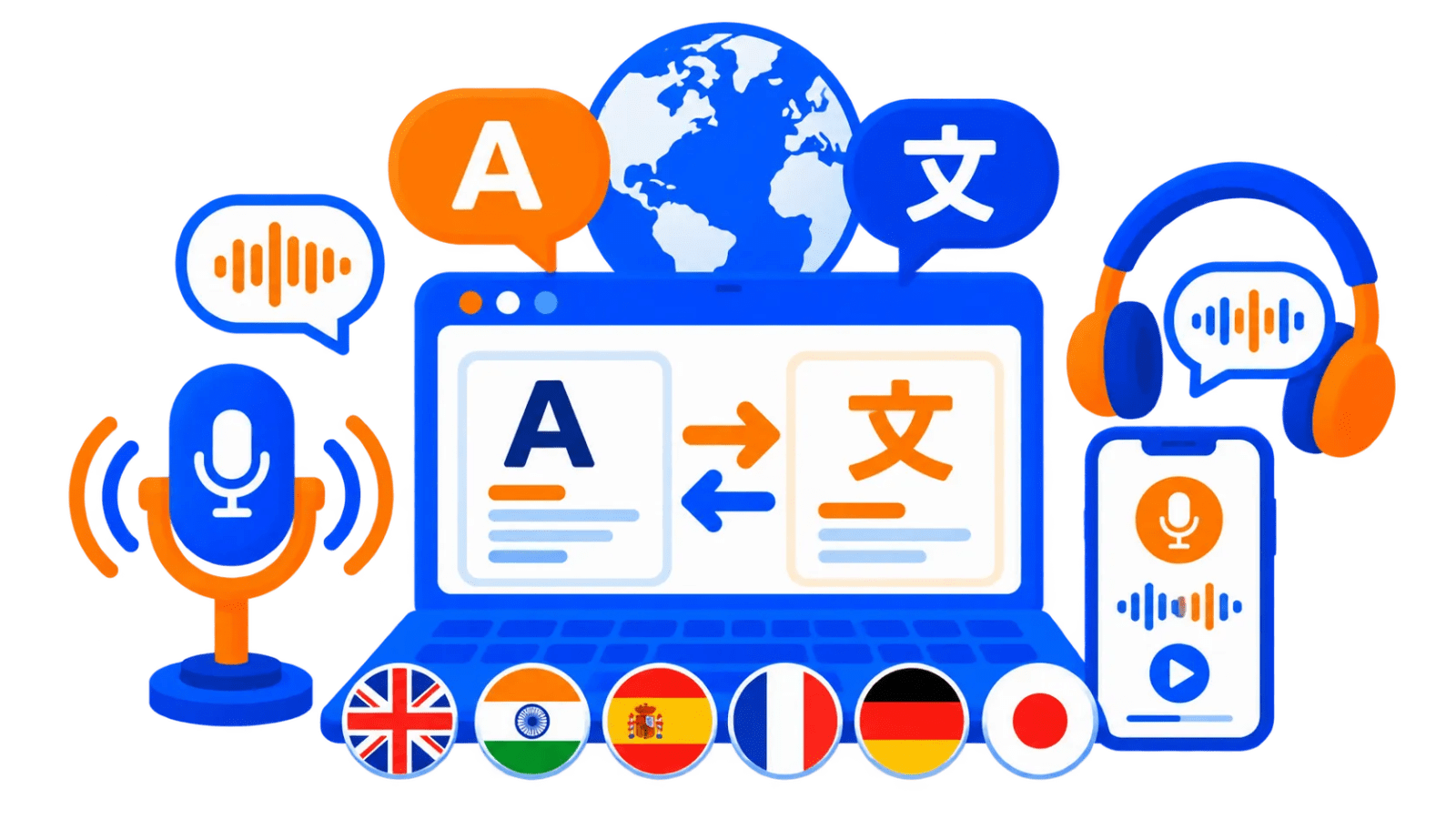
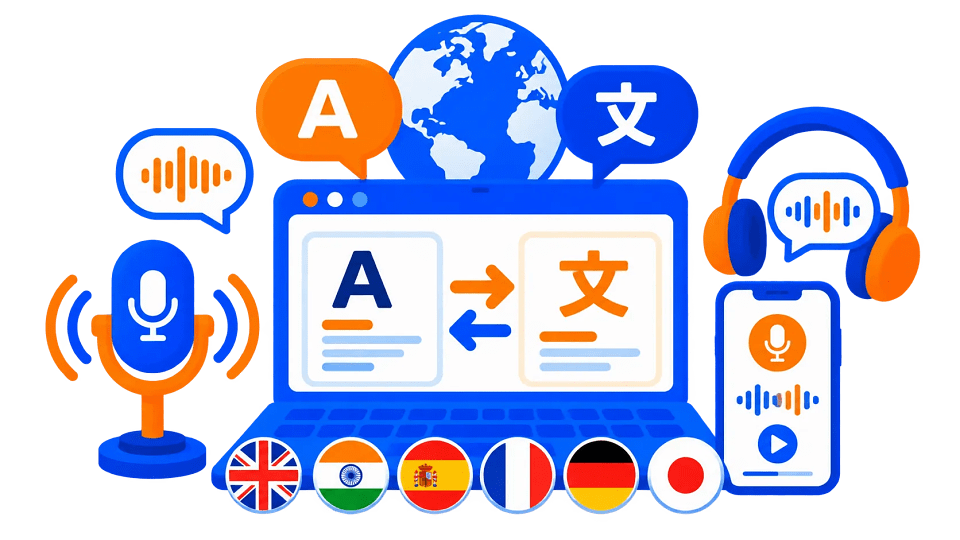
Multilingual Text and Speech Translator is a full-stack MERN web application that allows users to type or speak text, translate it into a selected target language, listen to translated output using browser speech synthesis, and store translation records in MongoDB. The application follows a client-server architecture with a React frontend, Express backend, and MongoDB database.
The system supports translation across 100+ languages, speech-to-text input, text-to-speech playback, source/target language selection, language swap, copy translation, clear all, dark/light mode, keyboard shortcut, live character count, loading states, error messages, and translation logging in MongoDB.
This project is suitable for B.Tech, M.Tech, BCA, MCA, BE, ME, BSc, and MSc students who need a practical final year project, major project, or minor project based on language translation, speech recognition, text-to-speech, MERN stack development, REST API integration, MongoDB persistence, React frontend design, Chakra UI, and browser Web Speech API. FileMakr can provide this project with source code, project report, documentation, and setup support for academic submission.
This application does not require login or authentication.
There are:
The only required local development credential/configuration is the MongoDB connection string in backend/.env
In this Final Year project User Functionality only Exists
Ctrl + Enter or Cmd + Enter shortcut for translationThe core features include text translation, speech-to-text, text-to-speech, language swap, copy translation, clear all, theme toggle, shortcut support, character count, loading/error states, and MongoDB logging.
The technology stack includes React, Create React App, Chakra UI, Framer Motion, Axios, react-speech-recognition, React Icons, Emotion, Web Speech APIs, Node.js, Express, Mongoose, translate-google-api, CORS, dotenv, Nodemon, MongoDB, Vercel, and Render.
| Layer | Technology |
|---|---|
| Frontend | React 18 |
| Build Tool | Create React App |
| UI Library | Chakra UI |
| Animation | Framer Motion |
| API Client | Axios |
| Speech-to-Text | react-speech-recognition, Web Speech API |
| Text-to-Speech | Web Speech Synthesis API |
| Icons | React Icons |
| Styling | Chakra UI, Emotion |
| Backend | Node.js, Express.js |
| Database | MongoDB |
| ODM | Mongoose |
| Translation API | translate-google-api |
| Middleware | CORS |
| Environment | dotenv |
| Dev Tool | Nodemon |
| Deployment | Vercel frontend, Render backend |
git clone <repository-url>
cd multilingual-text-and-speech-translator-main
cd backend
npm install
Create backend/.env:
DATABASE_URL=mongodb://localhost:27017/linguaflow
PORT=8080
Start backend server:
npm run dev
For production:
npm start
Expected output:
Connected to database
http://localhost:8080
Open a new terminal:
cd frontend
npm install
To use local backend, update API_URL in:
frontend/src/hooks/useTranslator.js
Set:
const API_URL = "http://localhost:8080/translate-text";
Start React app:
npm start
Frontend opens at:
http://localhost:3000
The run instructions include backend setup, .env configuration, backend start, frontend setup, optional local API URL update, and frontend start.
.envDATABASE_URL=mongodb://localhost:27017/linguaflow
PORT=8080
| Variable | Required | Description |
|---|---|---|
DATABASE_URL |
Yes | MongoDB connection string |
PORT |
No | Server port, default 8080 |
This application does not require login or authentication.
There are:
The only required local development credential/configuration is the MongoDB connection string in backend/.env