01 Source Code Only
₹99
One-time Payment
- Complete project source code
- Database / data resources
- Dependencies & configuration
- README / setup guide
- Instant download access
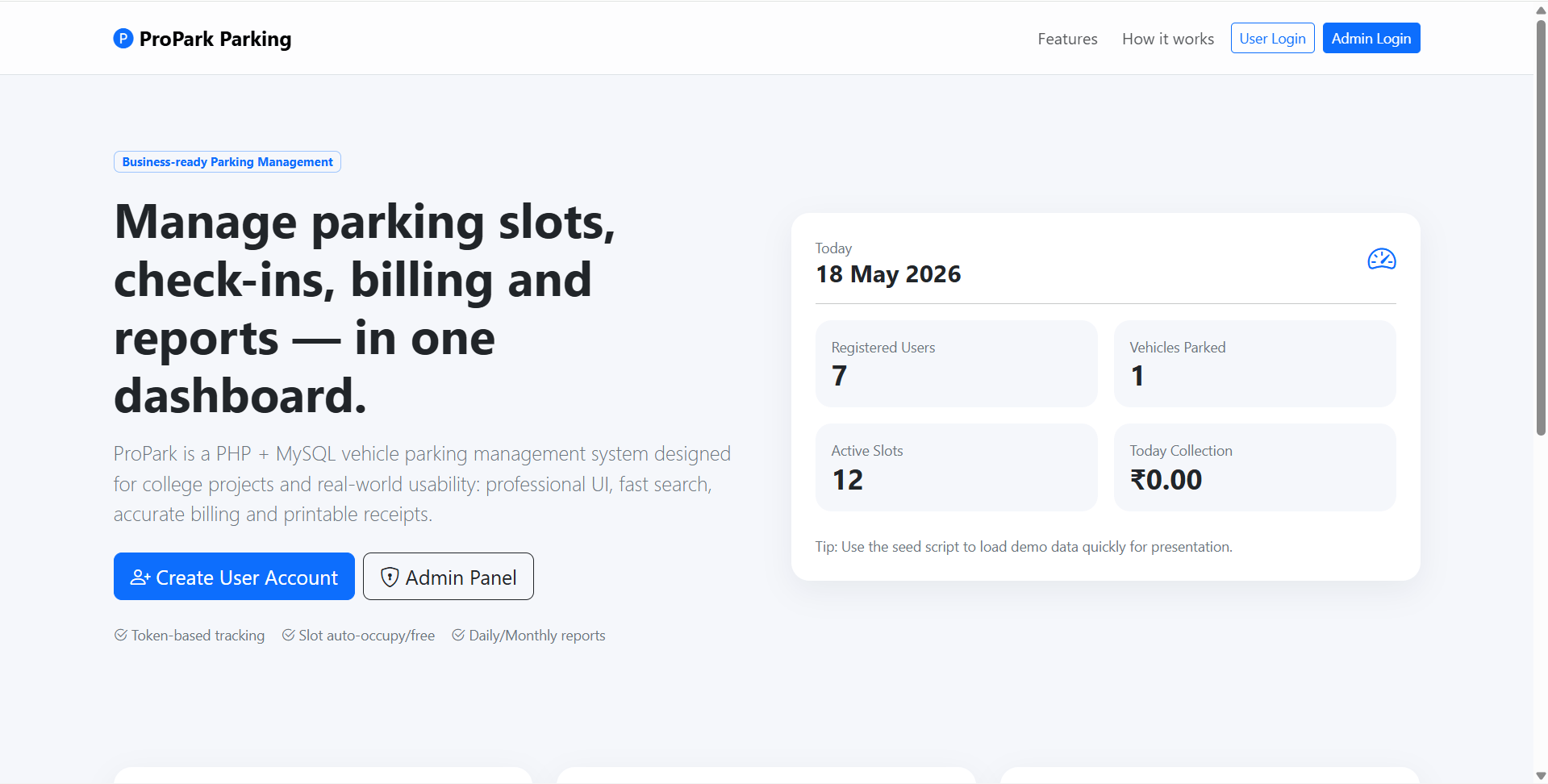
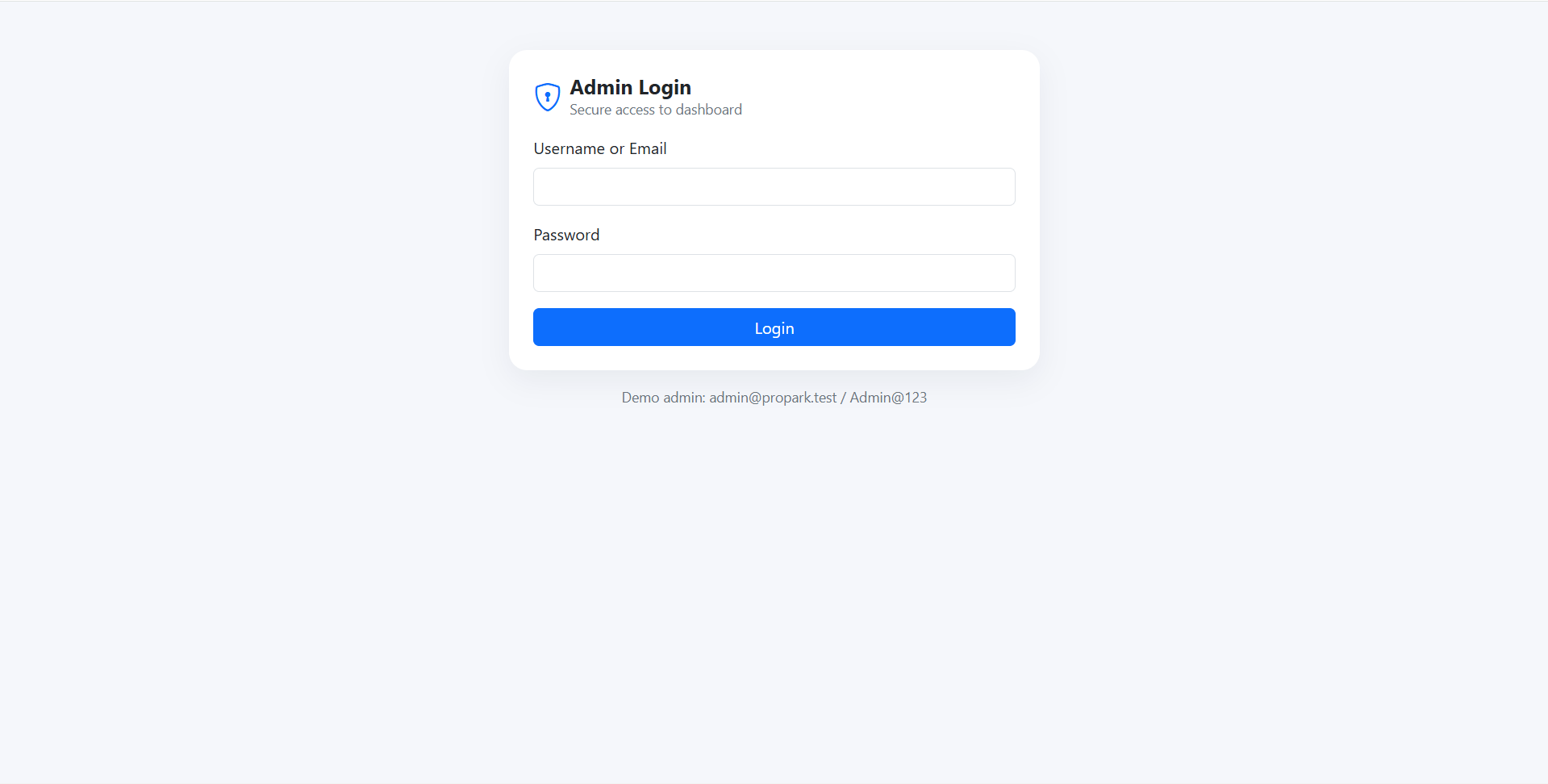
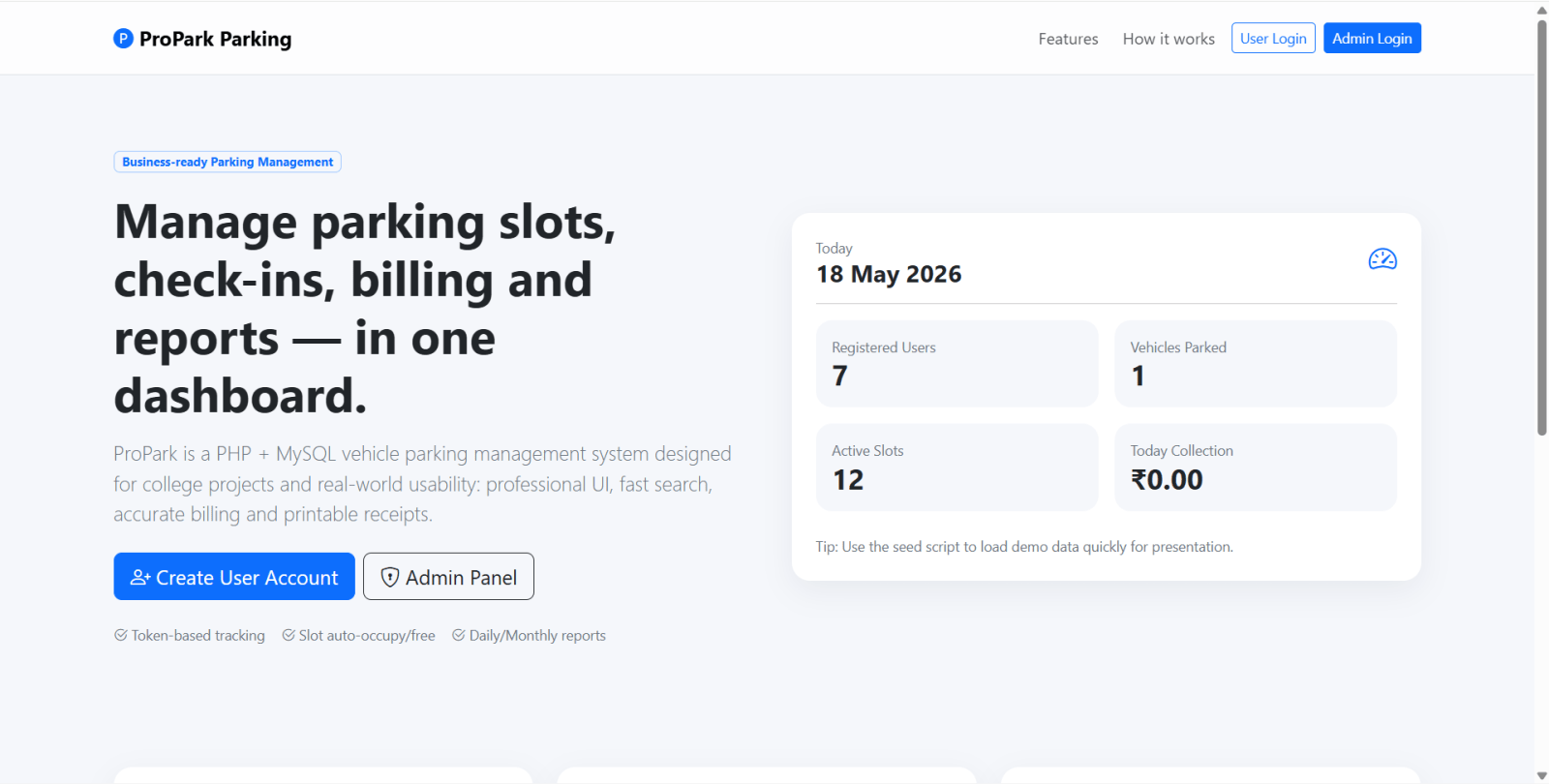
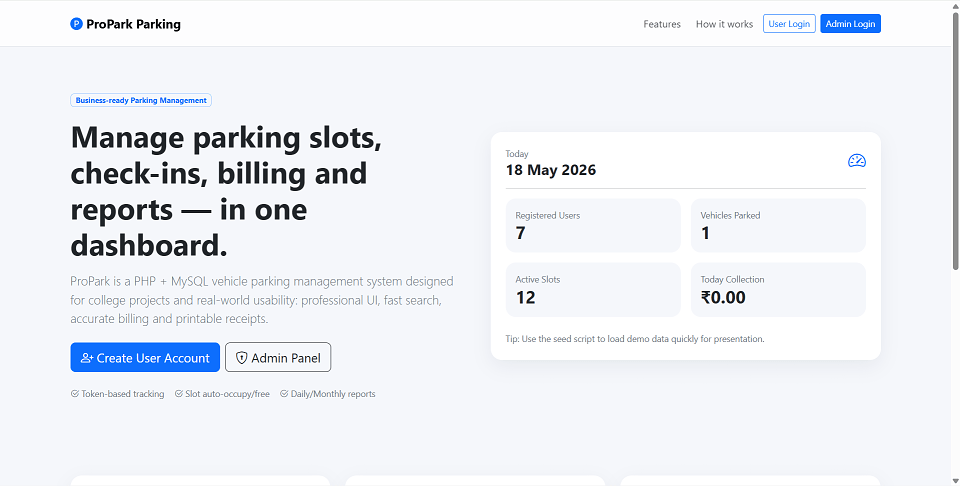
Get runnable Vehicle Parking Management System Source Code with database files, project setup instructions, live demo options and installation support. This project resource helps students understand the implementation, modules, workflow and technical architecture of a complete PHP project.
Hover to zoom · Click to expand
Simple pricing. Instant access. Secure checkout.
01 Source Code Only
One-time Payment
02 Code + Setup Support
One-time Payment
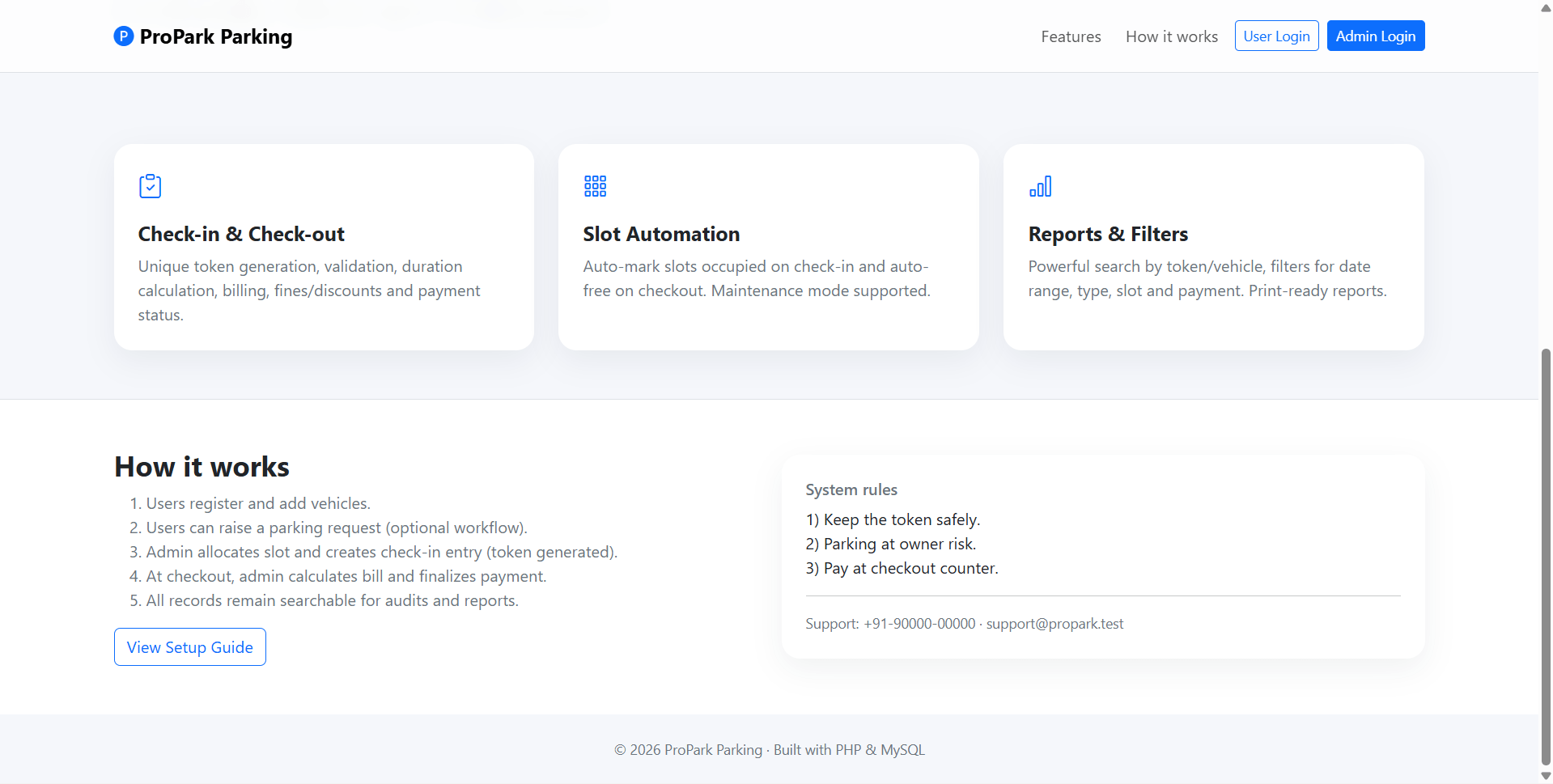
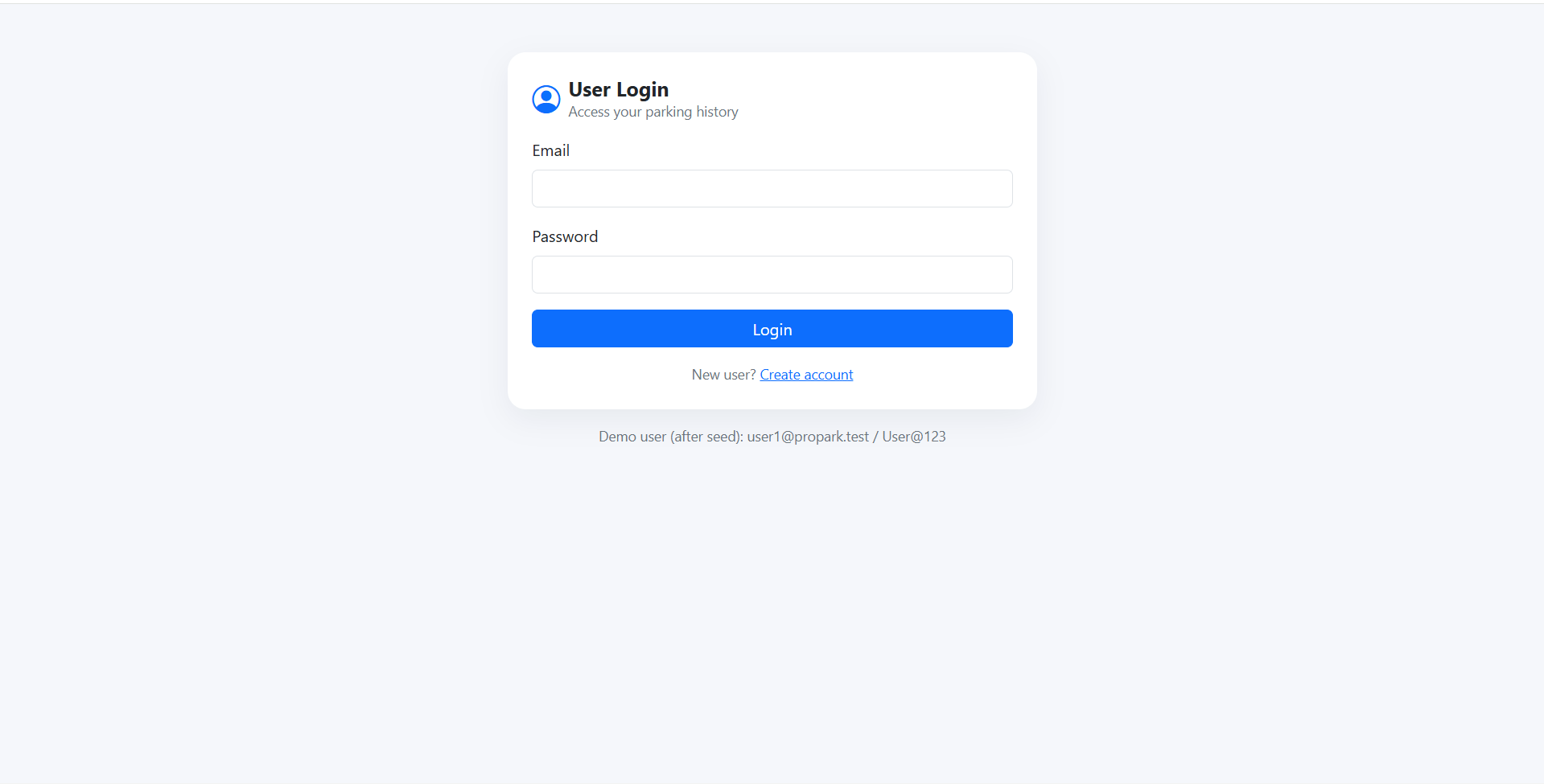
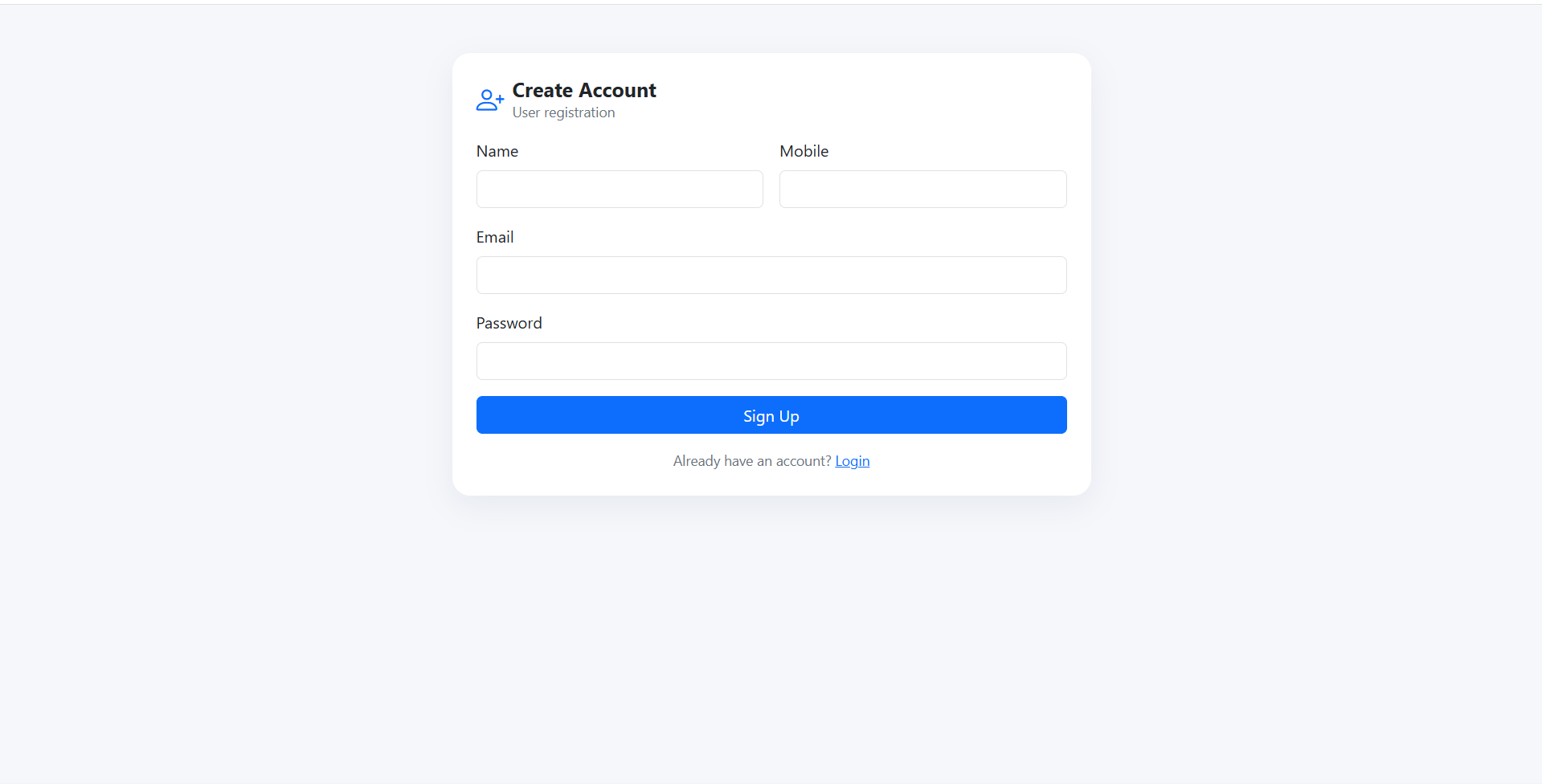
Vehicle Parking Management System is a final year project built with PHP and MySQL for students who want a business-style parking operations web application. This final year project includes separate admin and user portals for managing parking slots, vehicle types, check-in entries, check-out billing, user vehicles, parking requests, payment confirmation, records, and reports. Admins can create parking slots, manage vehicle type pricing, check in vehicles with token generation, assign slots, print entry slips, check out vehicles with duration-based billing, apply fines or discounts, and print receipts. Users can register, manage vehicles, submit parking requests, view active parking status, confirm cash payment, and access parking history. With hourly/day-wise billing, slot utilization reports, advanced filters, and printable records, this project is suitable for a final year major project in PHP, MySQL, and business automation.
PRKYYMMDD####htdocs/vehicle-parkingwww/vehicle-parkingvehicle_parkingdatabase/schema.sql in phpMyAdminconfig/db.phphttp://localhost/vehicle-parking/database/seed.phphttp://localhost/vehicle-parking/Admin
[email protected]Admin@123User
[email protected]User@123