01 Source Code Only
₹99
One-time Payment
- Complete project source code
- Database / data resources
- Dependencies & configuration
- README / setup guide
- Instant download access
Get runnable ATM Management System Final Year Project Source Code with database files, project setup instructions, live demo options and installation support. This project resource helps students understand the implementation, modules, workflow and technical architecture of a complete PYTHON project.
Hover to zoom · Click to expand
Simple pricing. Instant access. Secure checkout.
01 Source Code Only
One-time Payment
02 Code + Setup Support
One-time Payment
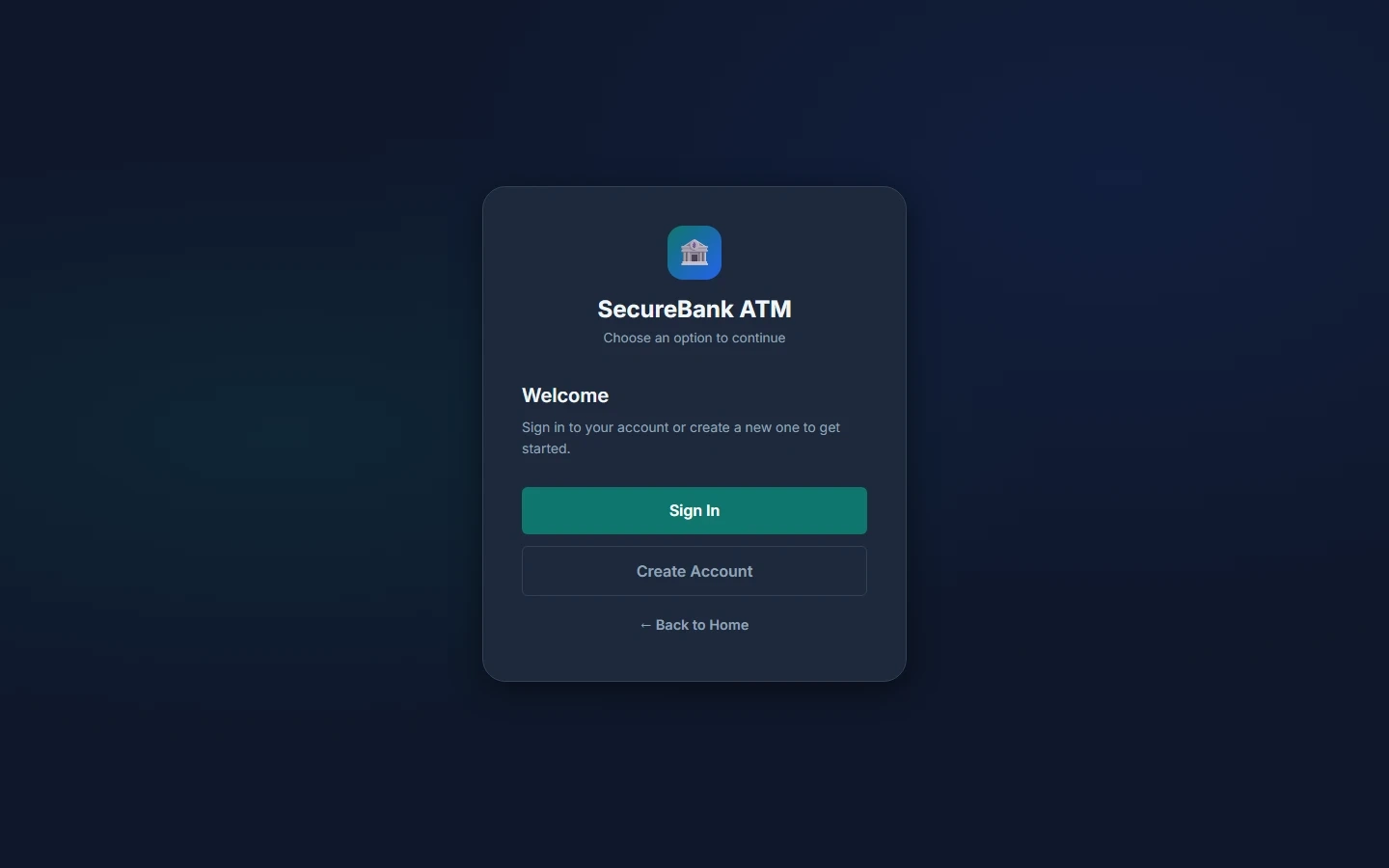
SecureBank ATM is a Django-based final year project developed as an online ATM and banking portal. This major project allows users to register, log in, manage account balances, deposit money, withdraw money, view transaction history, update profile details, change password, reset password through email, and close their account. The dashboard provides a balance overview, quick actions, recent transactions, and responsive sidebar navigation. The system uses Django built-in authentication, SQLite database for local development, optional PostgreSQL support for production, and Django Admin for managing users, balances, and transactions. This ATM Management System source code is suitable for students who need a final year project, major project, minor project, source code, and project report based on Django, Python, database management, and online banking workflow.
Default Django Admin Account
| Account | Username | Password |
|---|---|---|
| Admin | admin |
Admin@123 |
Regular User Account
No pre-created regular user account is provided. Create a new account through:
http://127.0.0.1:8000/signup/
After signup, log in and make the first deposit to activate the account.
Balance_inq recordsTransactionHistory recordsCreate virtual environment on Windows:
python -m venv venv
.\venv\Scripts\Activate.ps1
Create virtual environment on macOS/Linux:
python3 -m venv venv
source venv/bin/activate
Install dependencies:
pip install -r requirements.txt
Apply database migrations:
python manage.py migrate
Optional: create admin superuser:
python manage.py createsuperuser
Run development server:
python manage.py runserver
Open home page:
http://127.0.0.1:8000/
Open user login:
http://127.0.0.1:8000/login/
http://127.0.0.1:8000/signup/
http://127.0.0.1:8000/admin/
Default Django Admin Account
| Account | Username | Password |
|---|---|---|
| Admin | admin |
Admin@123 |
Regular User Account
No pre-created regular user account is provided. Create a new account through:
http://127.0.0.1:8000/signup/
After signup, log in and make the first deposit to activate the account.