Data Sanitization and Restoring Using Python and ML Source Code ( Final Year)
Download clean, well-commented Data Sanitization and Restoring Using Python and ML source code for final year projects — easy to run, demo-ready, and mentor-friendly.
- MACHINE-LEARNING Project
- MySQL / MongoDB
- Setup guide & demo steps
- Beginner-friendly
Keywords: source code, final year project code, Data Sanitization and Restoring Using Python and ML Git, documentation, installation guide, machine-learning project, college project demo.
Download Source Code
Admin Features
- Admin dashboard for this final year project with users, datasets, sanitized/restored artefacts, mappings, pending restoration tickets, and recent audit events
- User search, dossier view, edit, active toggle, and purge account workflow
- Per-user file list
- Category CRUD with delete blocking when datasets reference the category
- Sensitive data type CRUD with delete blocking when rules reference the type
- Sanitize and restore rule management with JSON config and active flag
- Global dataset list/search and dataset dossier with lineage
- Dataset status, category, and workspace field editing
- Deep dataset delete with cleanup
- Original dataset preview
- Operator-triggered sanitization
- Sanitized file browsing, search, detail, preview, compare, and deep delete
- Restoration ticket queue with approve, reject, and run restoration actions
- ML model registry and Train/refresh workflow
- Value mapping list with dataset filters, pagination, delete, and bulk old mapping delete
- Sanitization and restoration KPI reports
- CSV and PDF report downloads
- Audit log filtering by action and user ID
- Preview and compare tools for original, sanitized, and restored rows
Description
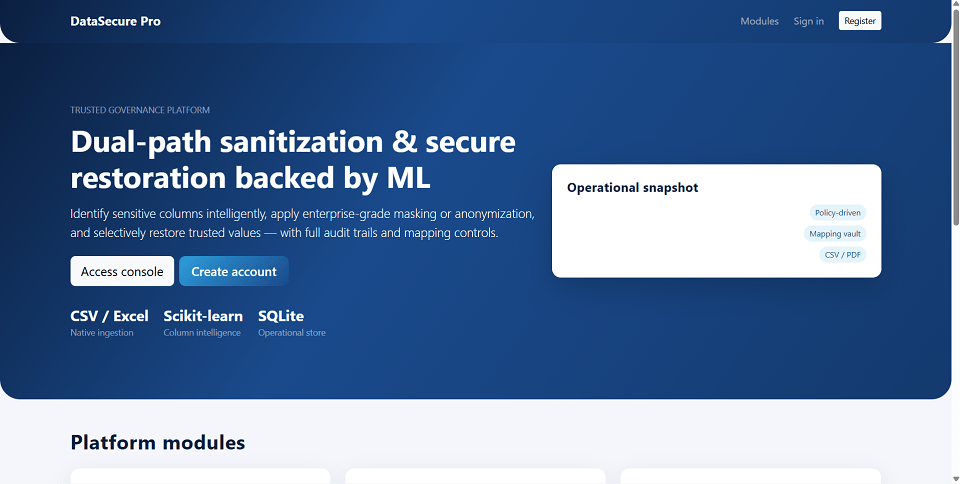
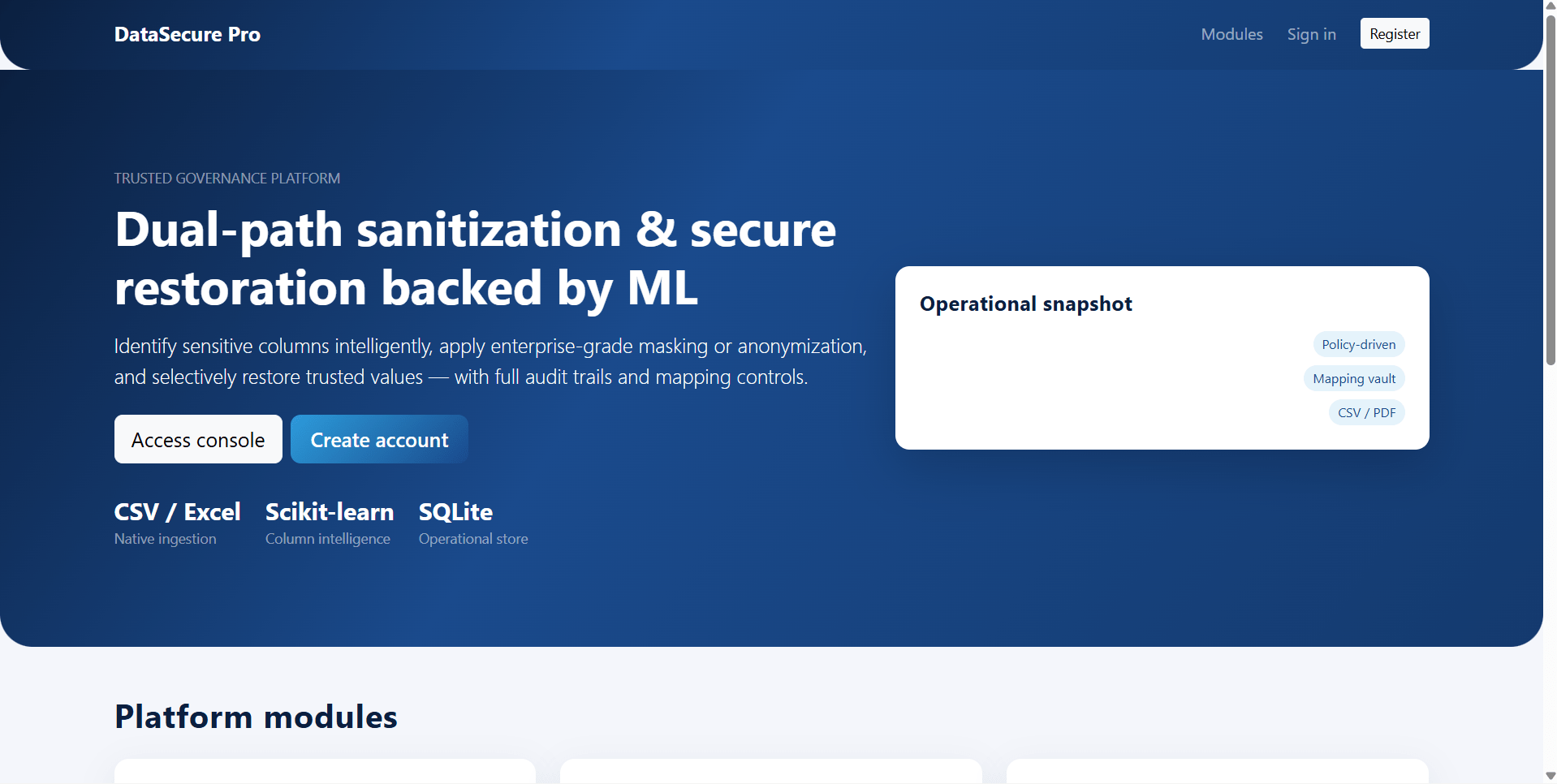
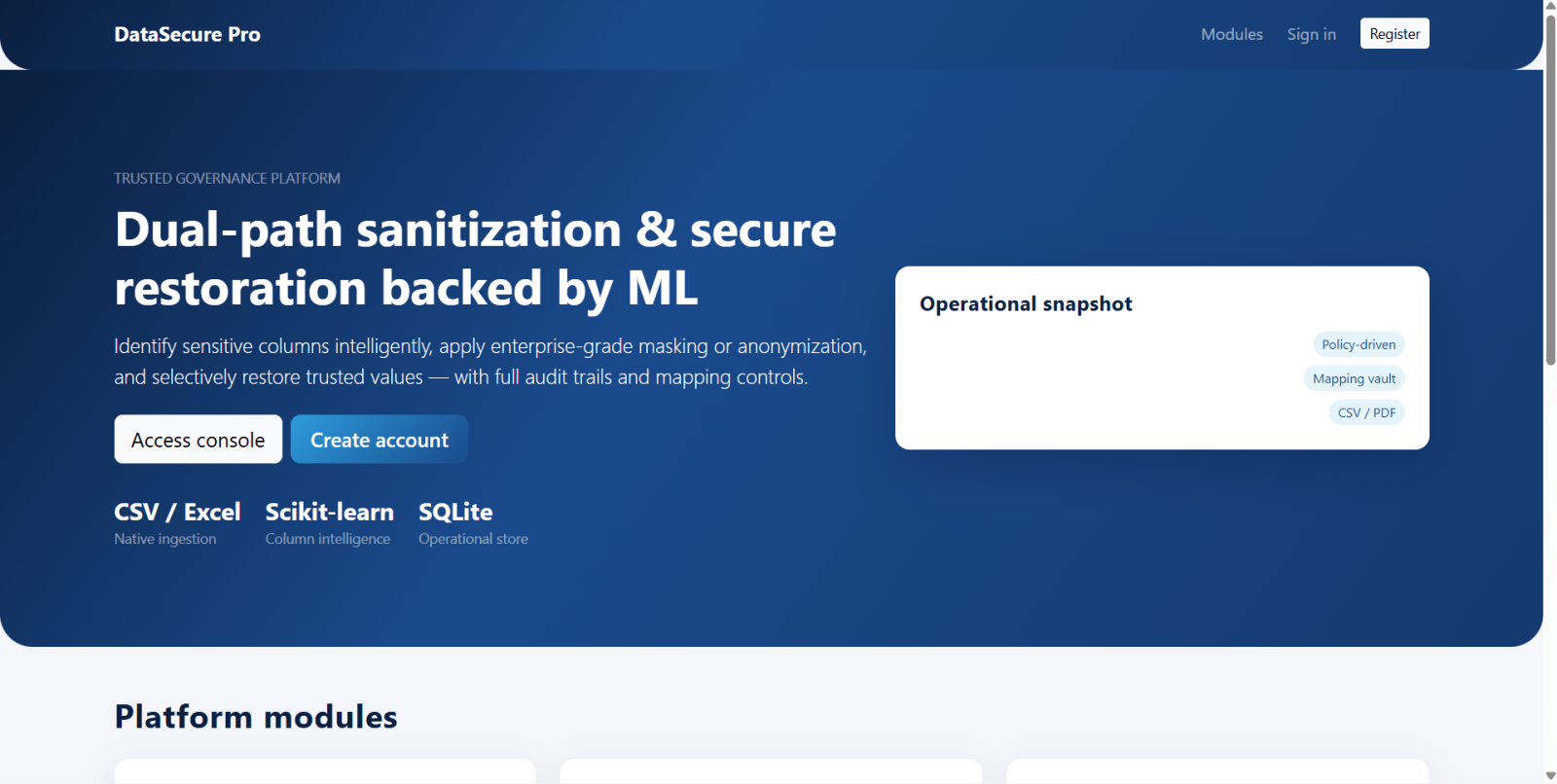
DataSecure Pro is a final year project built with Python Flask and machine learning for students who want a practical data privacy and sanitization web application. This final year project allows users to upload CSV or XLSX datasets, preview data, run sanitization modes such as masking, anonymization, cleaning, encoding, and sensitive-column detection, then download sanitized outputs. Users can also request controlled restoration of sanitized files, while admins approve, reject, or run restoration workflows using stored mappings where possible. The admin side of this final year project includes users, categories, sensitive data types, sanitize/restore rules, datasets, sanitized files, restoration tickets, ML models, value mappings, reports, and audit logs. With ML-assisted column detection, KPI exports, and governance workflows, DataSecure Pro is suitable for a final year major project in data privacy, Flask, ML, and cybersecurity.
The Data Sanitization and Restoring Using Python and ML final-year Data Sanitization and Restoring Using Python and ML source code is structured for fast setup and easy customization. You get readable code, clear folder architecture, and a guided README so you can run locally and present confidently.
Source Code Overview
Technical snapshot & environment- Project Name
- Data Sanitization and Restoring Using Python and ML
- Language / Stack
- machine-learning
- Database
- MySQL or MongoDB
- Browsers
- Chrome, Firefox, Edge, Opera
- Included in the download
- Frontend,Backend,Database
- Run Scripts
- Documented in README (install, seed, start)
- License
- Academic use for college submission
User Features
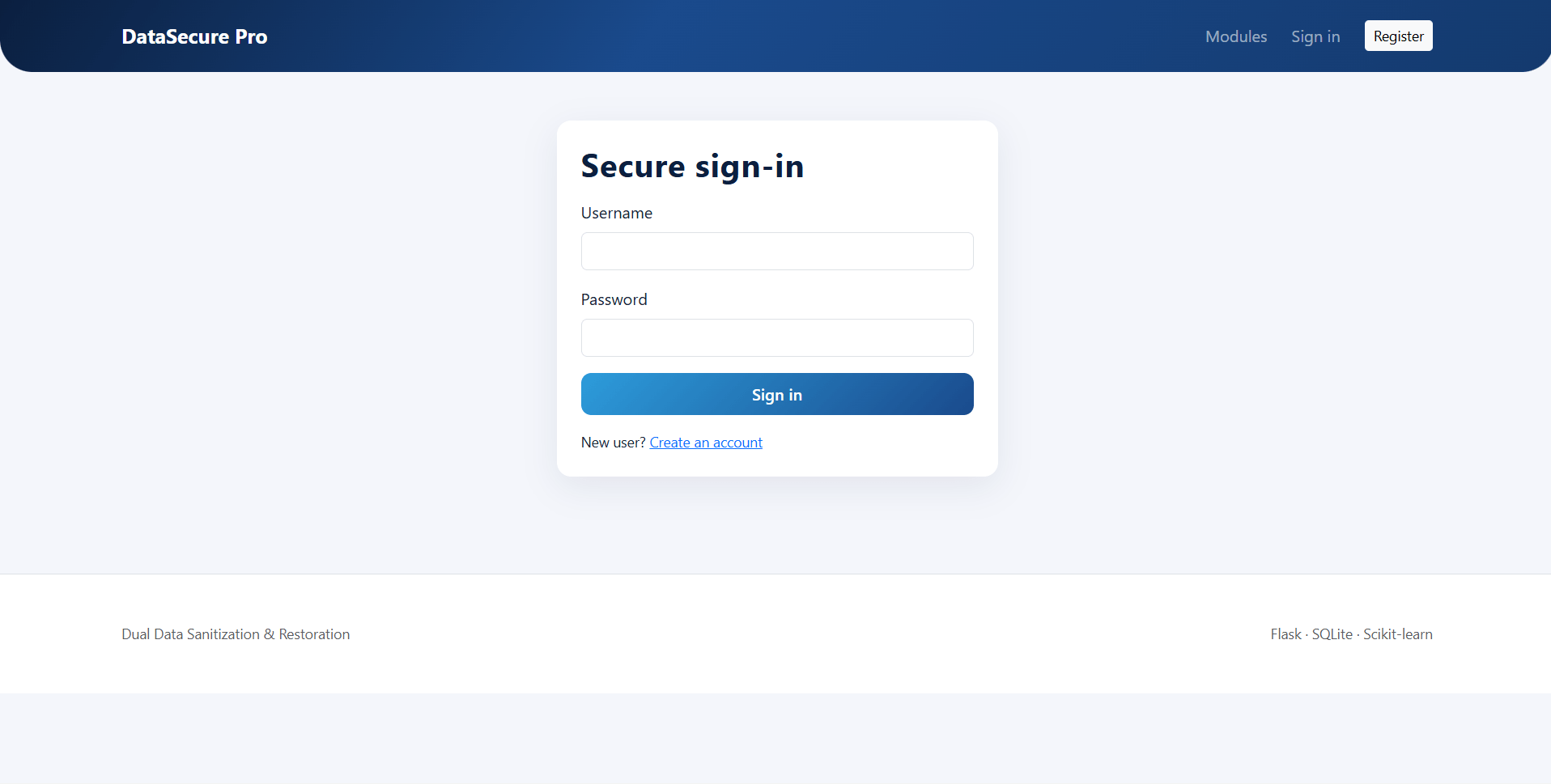
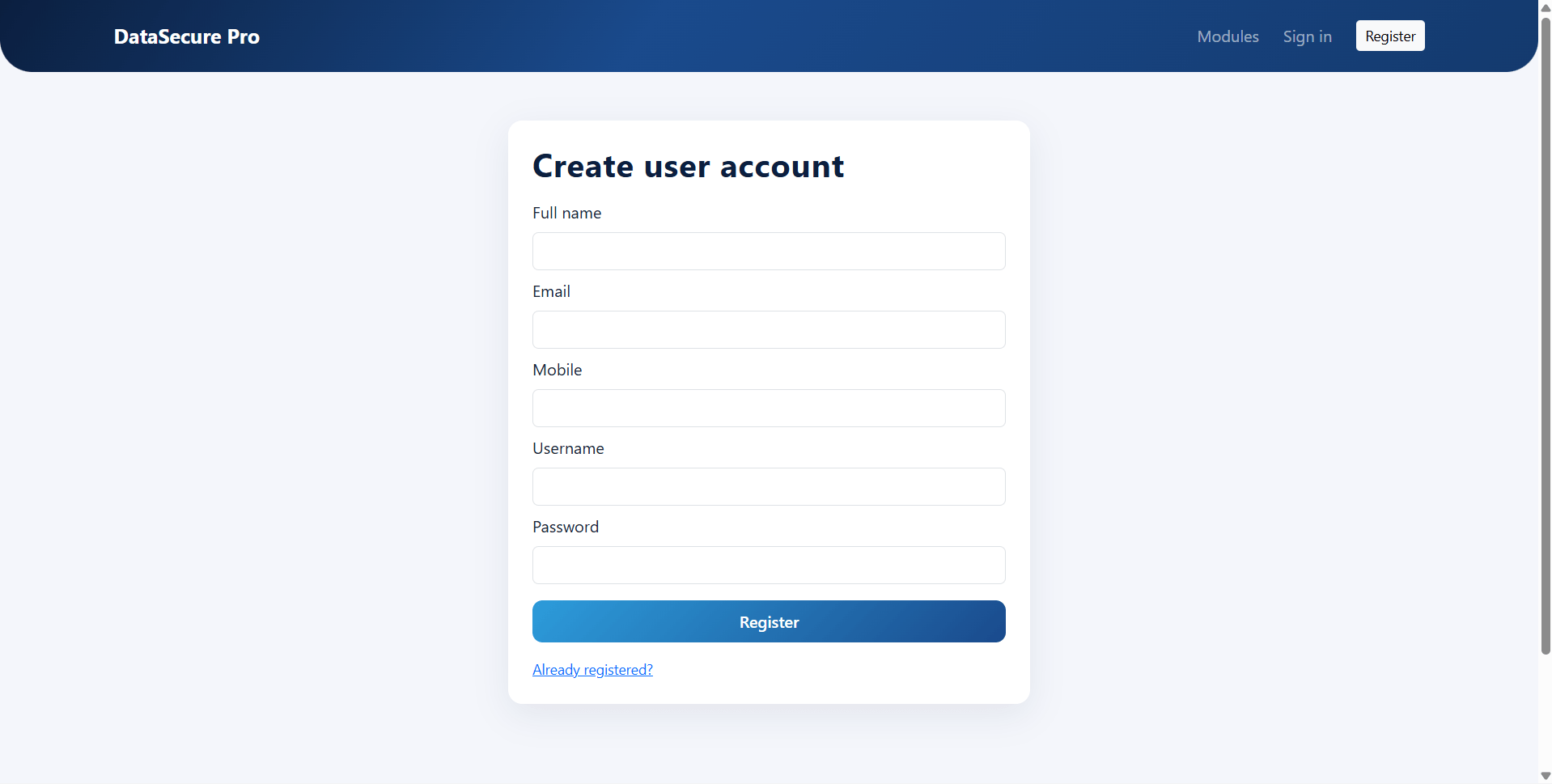
- User login and portal access in this final year project
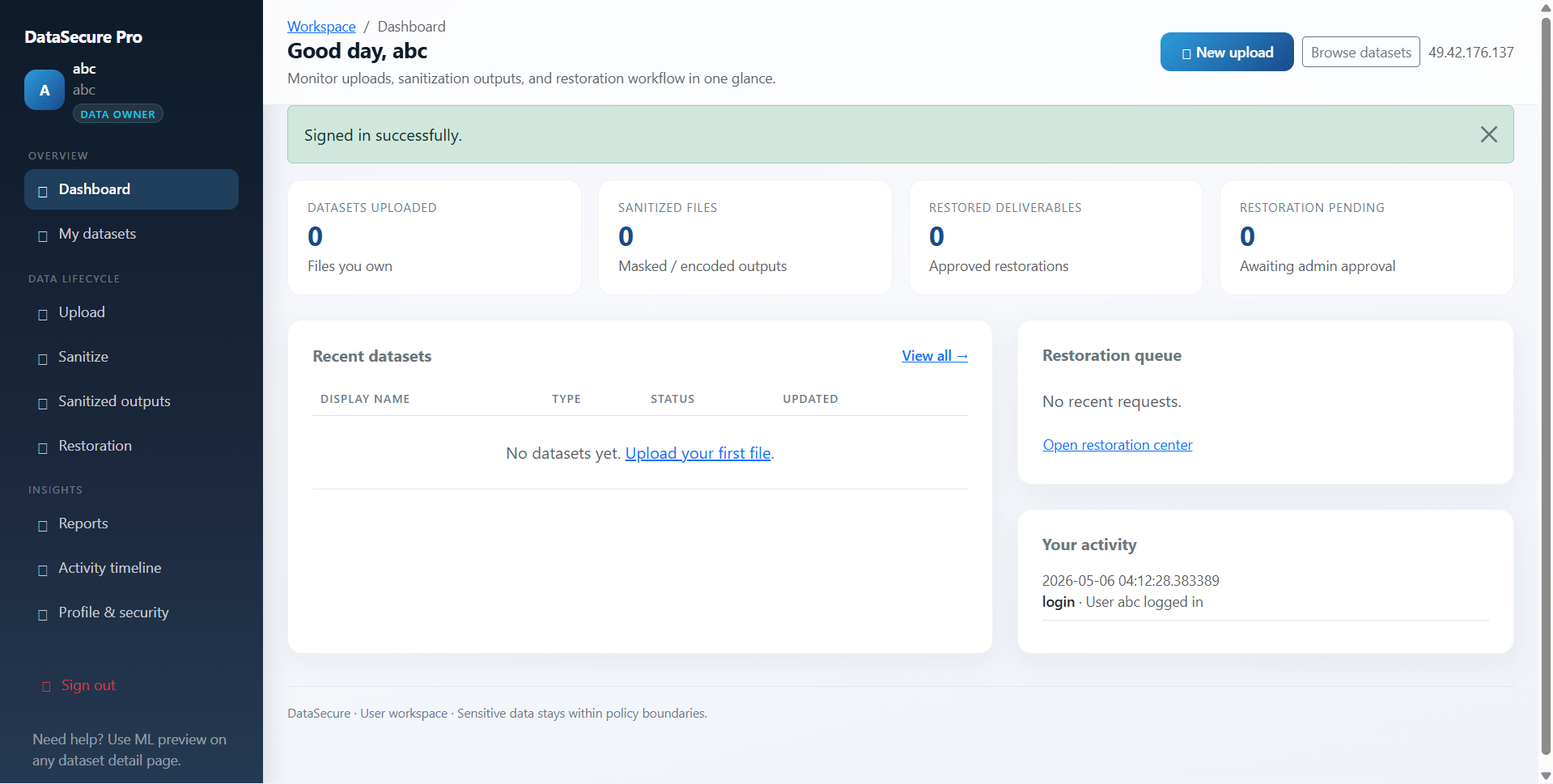
- Dashboard with datasets and recent activity overview
- Upload CSV/XLSX tabular files within configured size limits
- Optional category assignment and workspace notes
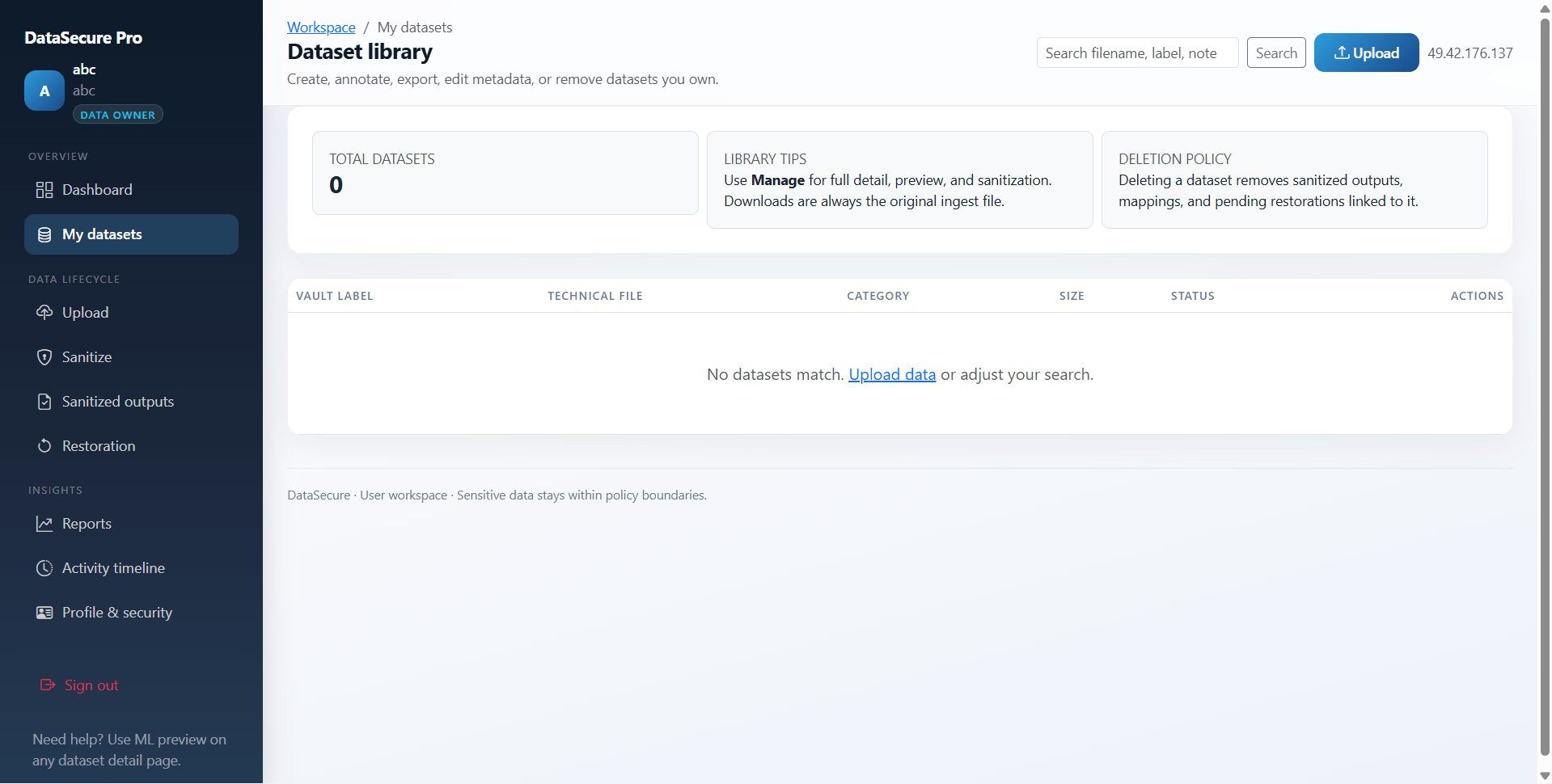
- My datasets list with metadata, preview, edit, delete, and original download
- Sanitization mode selection for a dataset
- ML column detection preview
- Sanitization engine using ML detection and rules
- Sanitized output listing and detail
- Sanitized file compare/preview flows
- Sanitized file delete or download
- Restoration request creation against sanitized files
- Column-scope restoration request handling
- Restoration status tracking
- Restored artefact downloads when completed and allowed
- User-visible KPI-style reports
- Account history and profile update
Other Features
- Public landing page included in this final year project
- SQLite default database with
DATABASE_URLoverride - CSV and XLSX upload support
- ReportLab-based PDF reporting
- SensitiveColumnDetector trained on curated column labels
- RandomForest model using TF-IDF word/character n-grams and lexical features
- Heuristic support for email and phone-like cell patterns
APP_DATA_ROOTsupport for writable shared-hosting storage- Seed script with demo users, categories, rules, and sample CSV
- Upload folders for original, sanitized, and restored files
- ML model storage under
ml_models/ - Optional scripts for building sensitive column labels and importing CSV headers
- Suitable for final year project demo, viva, source code review, and report preparation
How to run Data Sanitization and Restoring Using Python and ML
- Open the final year project folder:
cd "Dual Data Sanitization and Restoration Using Machine Learning" - Create a virtual environment:
python -m venv .venv - Activate the environment:
- Windows:
.venv\Scripts\activate - macOS/Linux:
source .venv/bin/activate
- Windows:
- Install dependencies:
pip install -r requirements.txt - Optional: set environment variables such as:
SECRET_KEYDATABASE_URLAPP_DATA_ROOTSEED_ADMIN_PASSWORD
- Seed the database and demo files:
python seed.py - Run the final year Flask project:
python run.py - Open:
http://127.0.0.1:5000 - First-time flow: login as admin or seeded user, upload a dataset, preview ML detection, run sanitization, and test restoration workflow
Credentials
Administrator
- Username:
admin - Password:
ChangeMeAdmin!2026or the value ofSEED_ADMIN_PASSWORD - Email:
[email protected]
Demo Users
All demo users use password: user123 unless changed in seed logic.
priyanair— owns bundledseed_sample.csvdataset rowjohnc
License
Data Sanitization and Restoring Using Python and ML Source Code Tags
Related & Popular Project Reports
Explore more final-year projects you might be interested in
Mental Health Chatbot Using Machine Learning and Flask — Source Code
<p><strong>MindCare</strong> is a <strong>mental health chatbot web application</strong> built with <strong>Python Flask and Machine Learning</strong>. It helps users with <strong>mental wellness support, mood tracking, self-assessments, chat history, and emotional analysis</strong>. The system uses <strong>NLP, TF-IDF, Logistic Regression, and rule-based response selection</strong> to generate chatbot replies from local training data. It also includes a powerful <strong>admin panel</strong> to manage users, chatbot training data, emotion labels, assessments, reports, and wellness content.</p> <p>This <strong>Flask mental health project</strong> is designed for <strong>academic projects, final year projects, portfolio websites, and machine learning demos</strong>. OpenAI integration is optional and can be enabled in code for AI-generated responses.</p>
Electronic Health Recognition Summarization Final Year Flask Project — Source Code
<p>MedSynapse EHR is a <strong>final year project</strong> built with Python Flask for students who want a healthcare-focused web application with document processing and clinical summarization features. This <strong>final year project</strong> allows users to add patients, upload PDF or TXT electronic health records, extract text, generate structured 8-section summaries, compare extracted content with generated sections, edit the final narrative, and download summary reports as PDF. The admin side of this <strong>final year project</strong> includes users, patients, EHR documents, summaries, medical categories, terms, diseases, medicines, reports, and branding settings. The system works with a heuristic summarizer by default and also supports optional Hugging Face Flan-T5 fine-tuning for advanced experimentation. MedSynapse EHR is suitable for a <strong>final year major project</strong> in Flask, healthcare software, NLP, or AI-assisted clinical documentation.</p>
Credit Card Fraud Detection Using Machine Learning — Source Code
Fraud Detection model based on anonymized credit card transaction. It is important that credit card companies are able to recognize fraudulent credit card transactions so that customers are not charged for items that they did not purchase. The datasets contains transactions made by credit cards in September 2013 by European cardholders. This dataset presents transactions that occurred in two days, where we have 492 frauds out of 284,807 transactions. The dataset is highly unbalanced, the positive class (frauds) account for 0.172% of all transactions.
Concrete Crack Detection Using Machine Learning — Source Code
<p>This project leverages computer vision and machine learning techniques to automate the process of detecting cracks in concrete structures. The primary goal is to provide an efficient and accurate method for damage surveillance in buildings, which is crucial for maintaining structural integrity and safety. The project was developed as an entry for the "PS-1, Concrete Crack Detection". The model has achieved an impressive F1 score of 1, indicating its high accuracy in distinguishing between cracked and non-cracked surfaces.</p>
Dynamic Event Scheduling and Conflict Resolution System — Source Code
FestivalOS is a smart and scalable festival management web application developed using Python, Flask, SQLAlchemy, SQLite, Bootstrap 5, and scikit-learn. The system is designed for large-scale festival operations and helps manage events, venues, resources, participants, and schedule conflicts through an intelligent web platform. This project includes a public landing page, a secure admin console, and a dedicated user portal for attendees, volunteers, performers, coordinators, and administrators. The core highlight of the system is its constraint-aware event scheduling engine, conflict detection module, and machine-learning–assisted priority scoring for better slot recommendations. FestivalOS is an ideal final year college project for students looking to build a real-world event management and scheduling system using Flask and Python.
Agricultural Monitoring and Crop Prediction System with Machine Learning — Source Code
<p><strong>AgriMonitor Pro</strong> is a Flask web application for <strong>smart agricultural monitoring</strong>, <strong>crop recommendation</strong>, <strong>yield prediction</strong>, and <strong>risk classification</strong> using <strong>machine learning</strong>. The system is designed for <strong>farmers</strong> and <strong>administrators</strong> to manage farms, record crop and soil data, train ML models locally, generate predictions, and download reports in <strong>CSV</strong> and <strong>PDF</strong> formats.</p> <p>This agriculture management system uses <strong>Python 3</strong>, <strong>Flask 3</strong>, <strong>SQLAlchemy</strong>, <strong>SQLite</strong>, <strong>pandas</strong>, and <strong>scikit-learn</strong>. It supports <strong>Random Forest classification and regression</strong>, dataset management, user management, farm monitoring, soil health tracking, analytics dashboards, and report generation with <strong>Matplotlib</strong> and <strong>ReportLab</strong>.</p> <p>The platform provides a guided farmer portal for adding farms, entering NPK and weather values, checking crop health, estimating yield, and reviewing prediction history. It also includes a powerful admin panel for managing users, datasets, model training, notifications, feedback, and data exports.</p> <p>This project is suitable for <strong>agriculture technology</strong>, <strong>farm management software</strong>, <strong>smart farming solutions</strong>, <strong>precision agriculture systems</strong>, and <strong>machine learning based crop advisory platforms</strong></p>
Fake News Detection System Using Django and Machine Learning — Source Code
<p>Fake News Detection is a Django web application that classifies news articles as Real or Fake using a hybrid machine learning model. The system uses TF-IDF vectorization with Logistic Regression and Random Forest for accurate fake news classification. Users can register, log in, check news by pasting text or article URLs, and view prediction history, analytics, and dashboard reports. The application also supports URL-based article extraction using BeautifulSoup and requests, model transparency with probability scores, admin management tools, staff dashboard access, and report visualization with charts. This project is ideal for demonstrating Django, machine learning, NLP, fake news detection, user authentication, admin panel development, and dashboard analytics in one complete web application</p>
Brain Tumor Detection System using Python and Machine Learning — Source Code
<p><strong>NeuroScan</strong> is a college-level <strong>brain tumor detection web application</strong> built with <strong>Python Flask</strong>, <strong>SQLite</strong>, <strong>scikit-learn</strong>, and <strong>OpenCV</strong>. The system allows users to upload <strong>brain MRI images</strong>, preview scans, run <strong>brain tumor classification</strong>, and download <strong>PDF/TXT reports</strong>. It includes a complete <strong>user panel</strong> and <strong>admin dashboard</strong> with authentication, prediction history, model training, dataset management, reporting, and feedback handling.</p> <p>This project performs <strong>local machine learning inference</strong> without using any third-party API. The ML pipeline uses <strong>HOG features</strong>, <strong>image histogram analysis</strong>, <strong>edge detection</strong>, and a <strong>RandomForestClassifier</strong> for <strong>MRI image classification</strong>. It supports both <strong>binary classification</strong> such as <strong>Tumor / No Tumor</strong> and <strong>multiclass brain tumor classification</strong> depending on the training dataset.</p> <p>The project is ideal for <strong>final year students</strong>, <strong>machine learning beginners</strong>, <strong>Flask web development learners</strong>, and <strong>academic demonstration purposes</strong></p>
Skin Disease Detection Final Year using Machine Learning — Source Code
<p>DermaSense is a <strong>final year project</strong> built with Python Flask, TensorFlow/Keras, and SQLite for students who want a machine learning based healthcare web application. This <strong>final year project</strong> allows users to upload skin images, run CNN inference, view predicted disease labels with confidence scores, and maintain private prediction history. The system also supports disease information, precautions, medicine suggestions, optional Grad-CAM overlays, printable reports, and user profile management. The admin console of this <strong>final year project</strong> includes user management, prediction logs, disease catalog management, precautions, medicines, model upload, model activation, monitoring, and maintenance tools. With support for <code>.keras</code> and <code>.h5</code> models, DermNet-style class labels, and a demo model generator, DermaSense is suitable for a <strong>final year major project</strong> in machine learning, Flask, TensorFlow, image processing, or healthcare AI.</p>
Brain Tumor Detection Using Machine Learning — Source Code
Brain Tumor Detection Using Machine Learning Source Code project implements a U-Net model to segment brain tumors in MRI images. It focuses on identifying and classifying three types of brain tumors: meningioma, glioma, and pituitary tumors. The project uses the dataset from publicly available brain tumor segmentation data and applies deep learning techniques to accurately delineate tumor regions from MRI scans.
Quick actions
What we provide
Project reports, source code, and PPTs tailored for final-year students. Explore, or message us for a custom build.