Brain Tumor Detection System Using Machine Learning | Source Code
LIMITED TIME
Get Source Code ₹99
Open Live Demo
Real project UI Full source included Opens in new tab

Tap to open live demo

Interactive live demo — verify the project before you buy

Brain Tumor Detection System Using Machine Learning

Live Demo

Complete final-year project source code with frontend, backend, database, and setup guide. Instant download after secure payment.

  • MACHINE-LEARNING Stack
  • Instant Download
Secure CCAvenue payment Instant download link WhatsApp support

Choose your plan

Source Code Only

Full ZIP with frontend, backend, database & documentation.

₹99 one-time
  • Complete project source files
  • Database script included
  • How-to-run guide

What's in your download

Review features, setup steps, and credentials before you pay.

Project Overview

Description, tech stack, and what is included

Full source Frontend + backend
Database .sql file
Setup guide README included

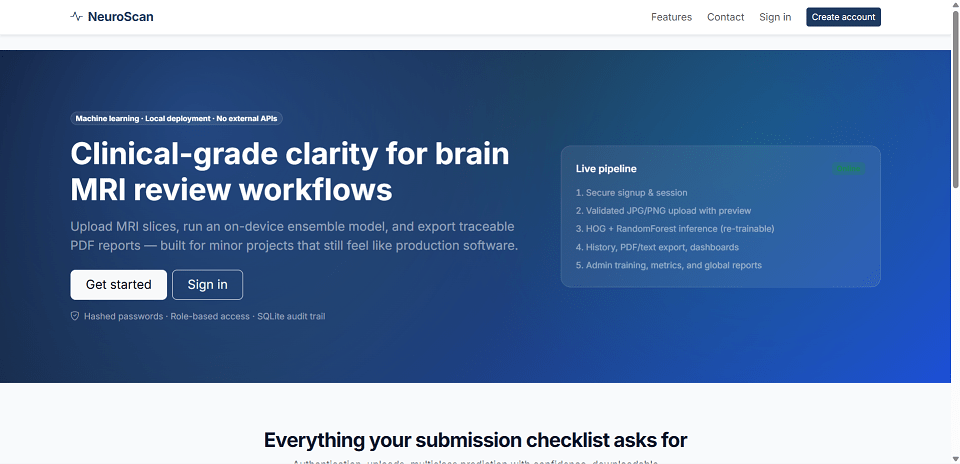
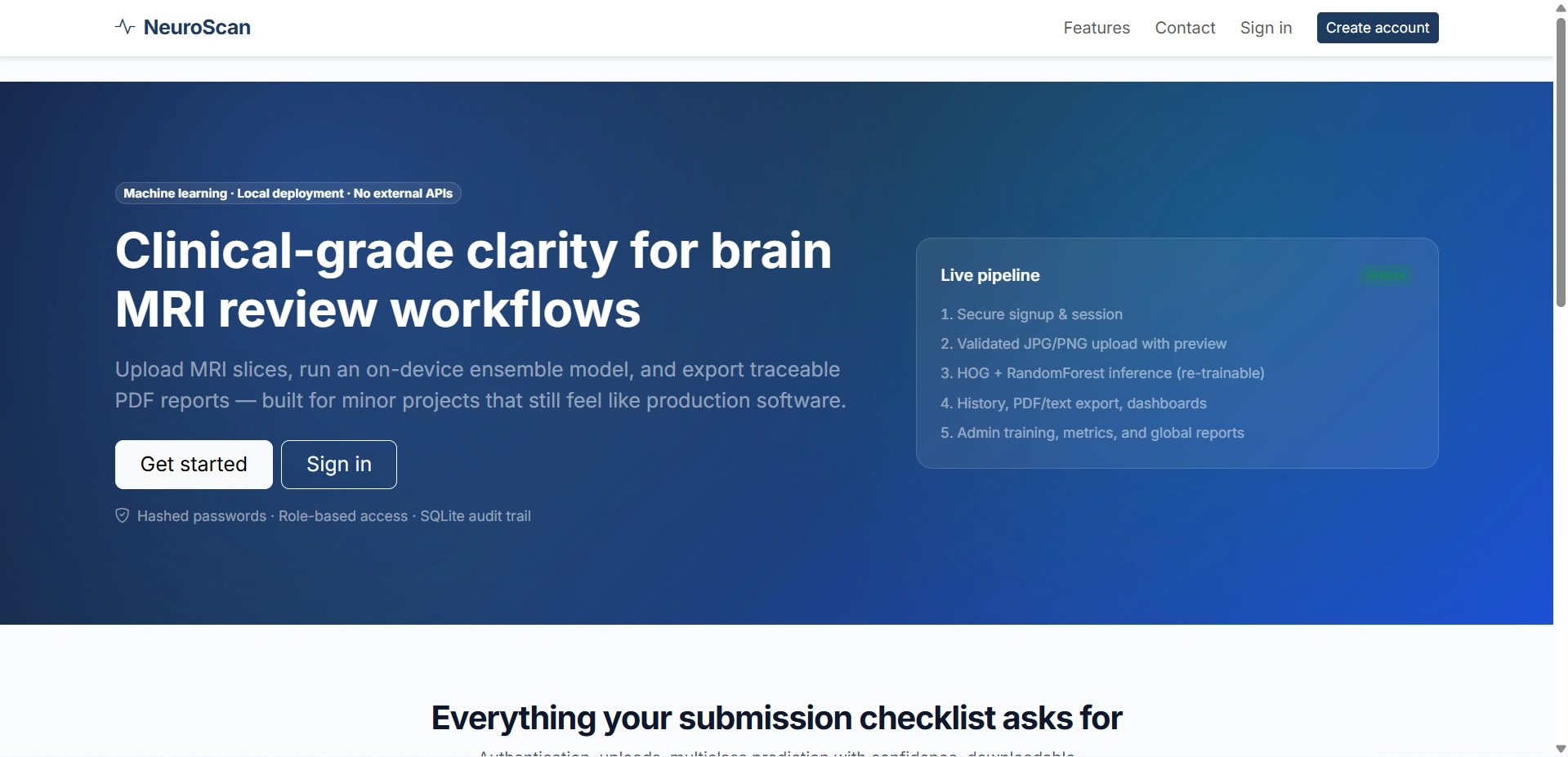
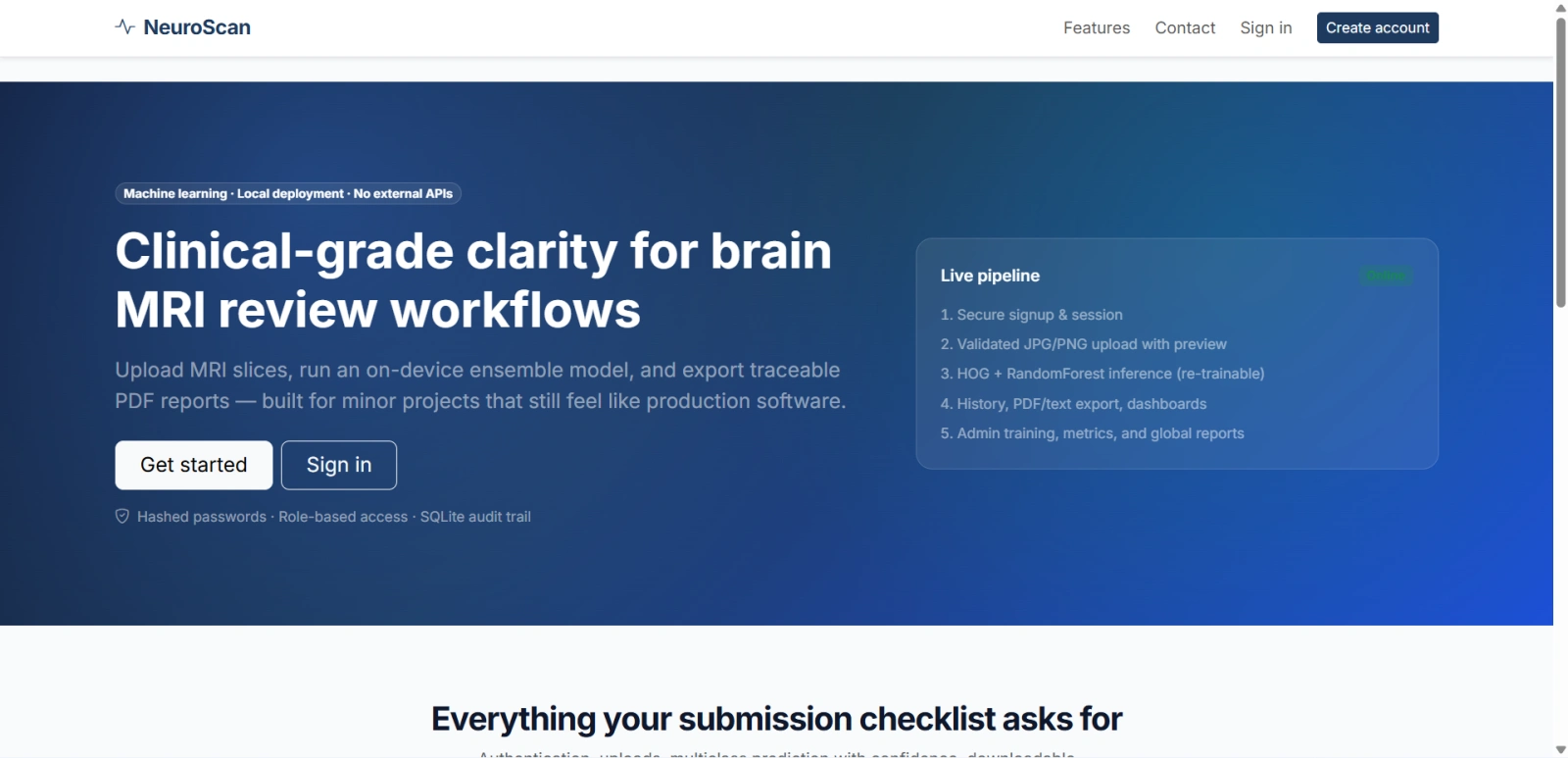
NeuroScan is a brain tumor detection web application developed using Python, Flask, Machine Learning, OpenCV, scikit-learn, and SQLite. This project is designed to classify brain MRI images and predict whether the scan indicates a tumor or no tumor, with support for multiclass classification as well. The system provides a complete workflow from MRI image upload and prediction to result history, report generation, and admin-based model training. It is an ideal project for students and developers looking for a medical image classification project in Python or a Flask machine learning project for final year students. This application runs completely on a local environment without using any third-party AI APIs, making it a practical and secure solution for learning medical image processing, Flask web development, and machine learning model deployment

Technical snapshot

Project
Brain Tumor Detection System Using Machine Learning
Stack
MACHINE-LEARNING
Includes
Code, DB, README
License
Academic submission
Secure CCAvenue payment · Instant download · Need help? WhatsApp us

Ready to download?Pay once · Use for submission & viva

Admin Features

Modules and controls available to administrators

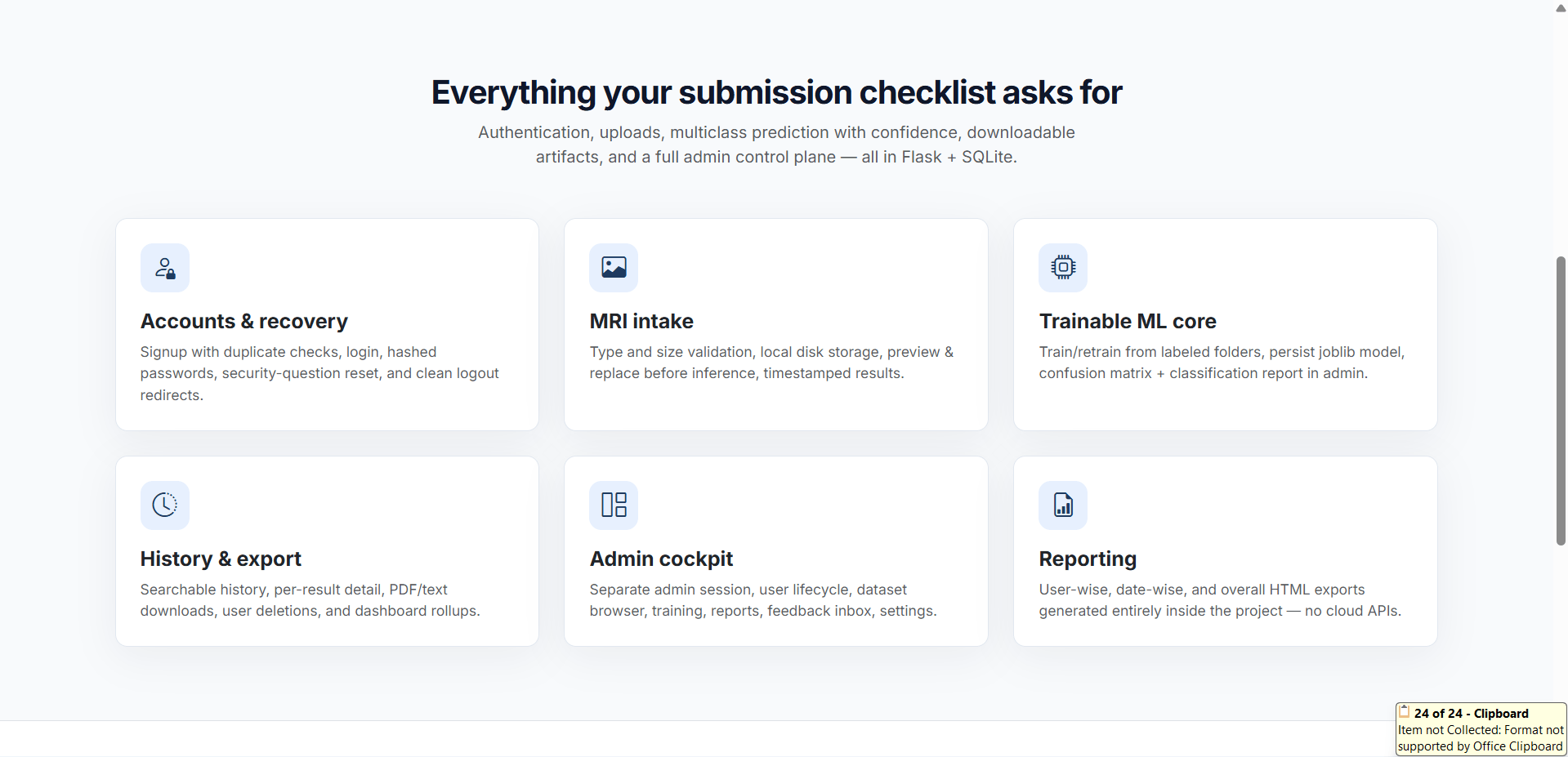
  • Secure admin login system with separate admin session
  • Admin dashboard with total users, MRI uploads, predictions, and tumor vs no-tumor statistics
  • User management system with edit, activate, deactivate, reset password, and delete options
  • View and manage all uploaded brain MRI images
  • Access all prediction records with filters and delete functionality
  • Dataset management to upload training images into tumor and non-tumor folders
  • Train and retrain the brain tumor detection machine learning model from the admin panel
  • View model accuracy, classification report, and confusion matrix
  • Generate downloadable HTML reports such as user-wise, date-wise, and overall system reports
  • Manage user feedback and contact messages
  • Update system settings like allowed file types, upload size, model path, and admin credentials

User Features

What end users can do in this application

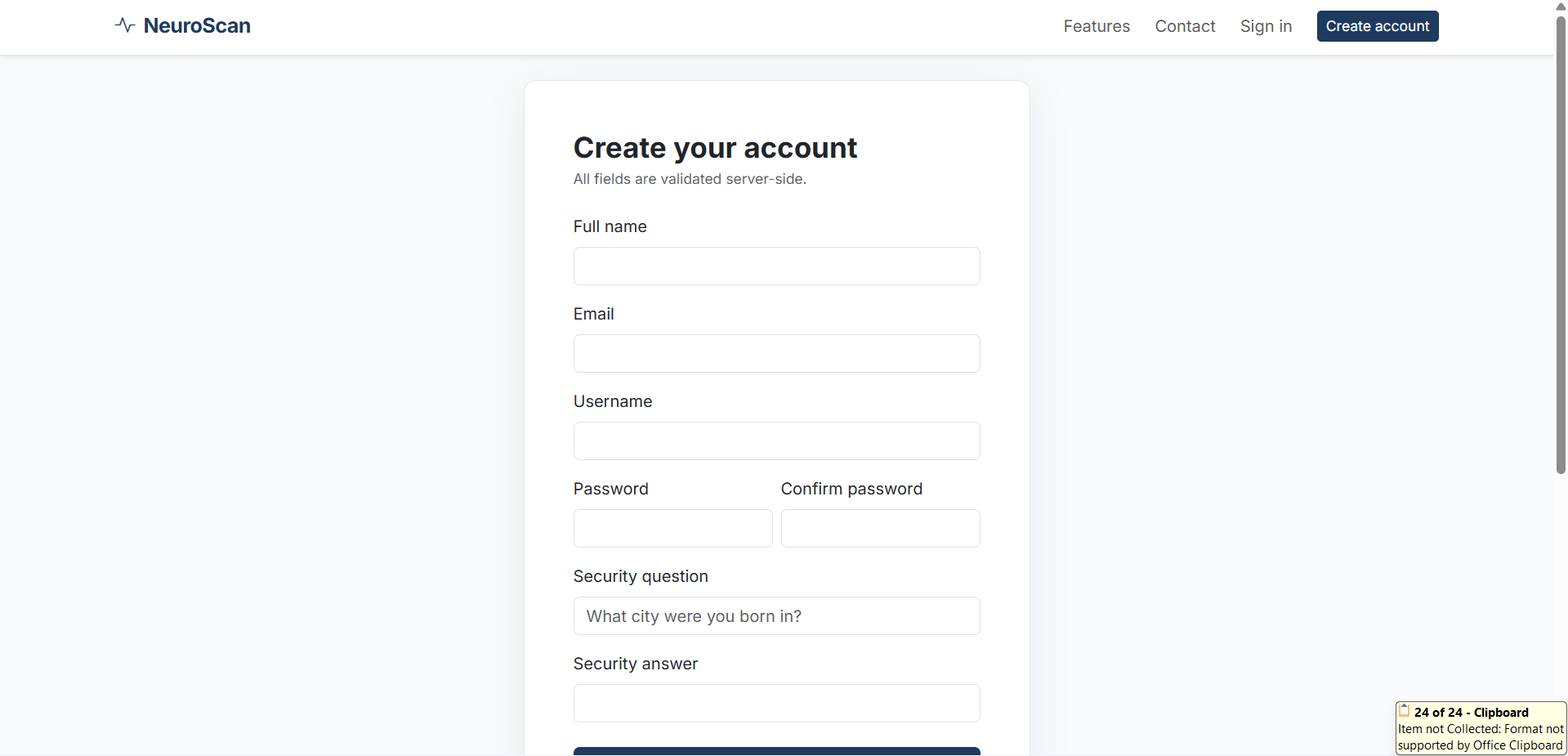
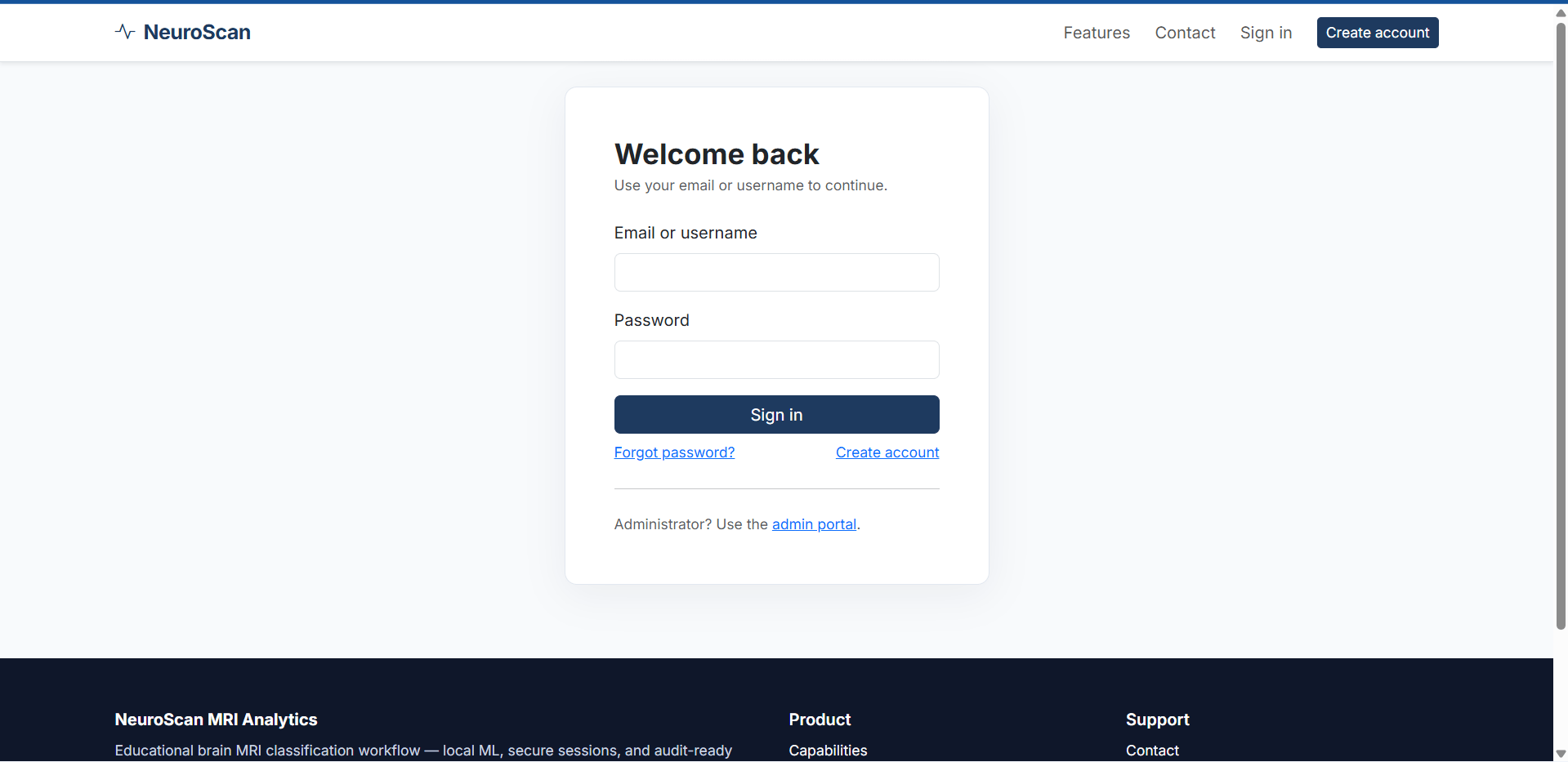
  • User registration with name, email, username, password, and security question
  • Secure login and logout using email or username
  • Forgot password option using security answer verification
  • User profile management with edit profile and change password functionality
  • Upload brain MRI scan images in JPG, JPEG, and PNG formats
  • Preview MRI images before prediction
  • Run brain tumor prediction using the trained machine learning model
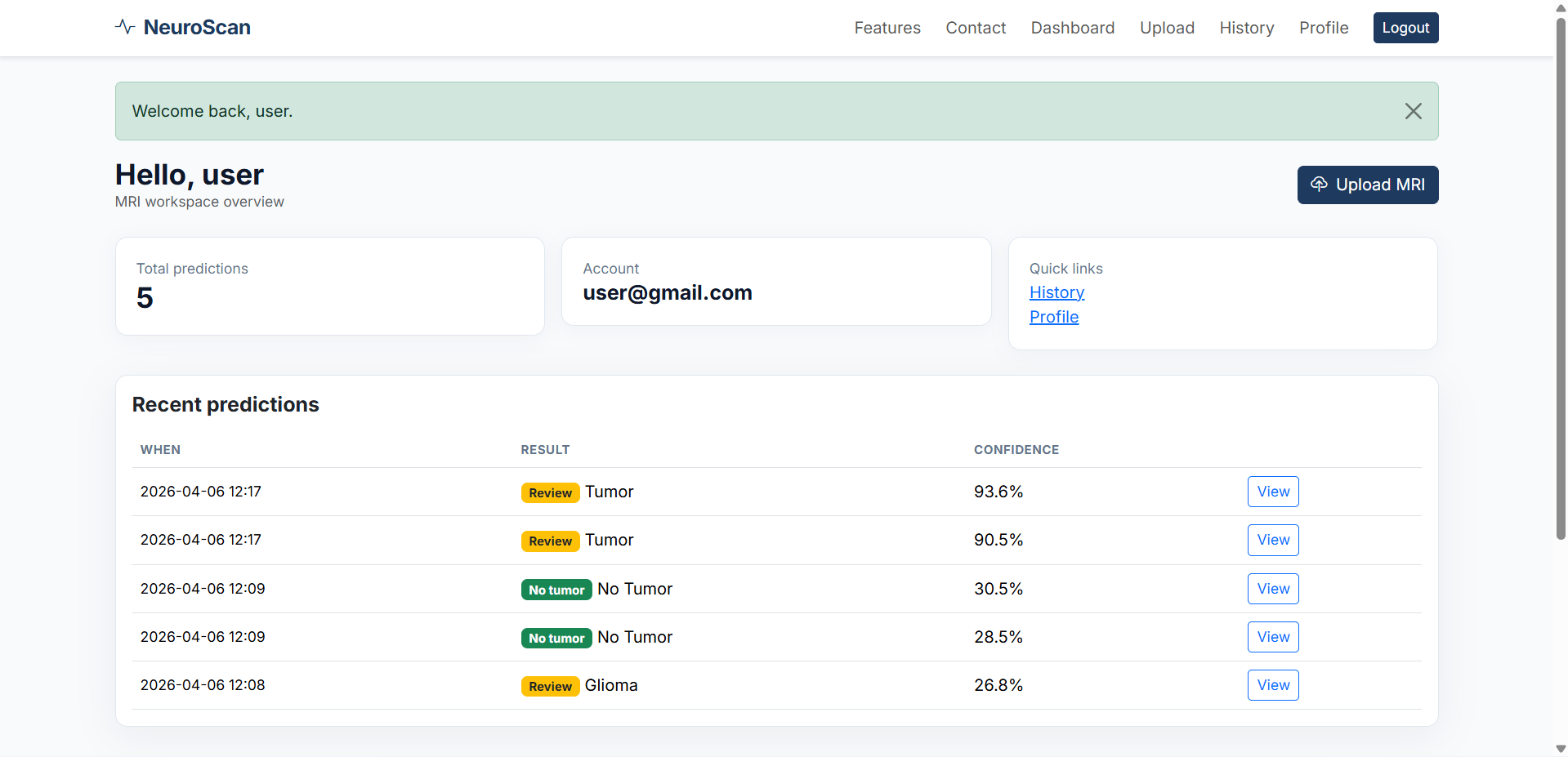
  • View prediction result with class label, confidence score, timestamp, and image details
  • Download prediction reports in PDF and TXT format
  • Access prediction history with filters by date, tumor status, and label
  • Delete personal prediction records
  • User dashboard with total scans and recent prediction history

Other Features

Additional capabilities included in the project

  • Built with Flask web framework for a lightweight and scalable backend
  • Uses SQLite database for storing users, predictions, feedback, and system settings
  • Implements secure password hashing with Werkzeug
  • Supports machine learning model training and inference locally
  • Feature extraction using OpenCV, including HOG, histogram, image statistics, and edge detection
  • Uses RandomForestClassifier from scikit-learn for classification
  • Supports both binary classification and multiclass brain tumor detection
  • Generates downloadable reports and visual model performance analytics
  • Responsive frontend built with HTML, CSS, and Bootstrap 5
  • Ideal for final year projects, portfolio websites, and machine learning project showcases

How to Run

Step-by-step setup on your laptop or PC

Step 1: Install Dependencies

Open the project folder and run:


pip install -r requirements.txt

Step 2: Seed Demo Data

To create the database, sample users, sample predictions, and demo model, run:


python seed_data.py

Step 3: Start the Flask Server

Run the application using:


python run.py

Step 4: Open in Browser

Visit:


http://127.0.0.1:5000

Login Credentials

Default demo accounts for testing after setup

Default Admin Login

Username: admin
Password: Admin@123

Default User Login

Username: alice_c
Password: User@123

License

Usage terms for academic and personal projects

Related Tags

Search terms and categories for this source code

Brain Tumor Detection System Using Machine Learning Source Code Final Year MACHINE-LEARNING Project Ready-to-Run Code With Database File Plagiarism-Free Faculty Approved