01 Source Code Only
₹99
One-time Payment
- Complete project source code
- Database / data resources
- Dependencies & configuration
- README / setup guide
- Instant download access
Get runnable Deepfake Detection Final Year Machine Learning Project Source Code with database files, project setup instructions, live demo options and installation support. This project resource helps students understand the implementation, modules, workflow and technical architecture of a complete MACHINE-LEARNING project.
Hover to zoom · Click to expand
Simple pricing. Instant access. Secure checkout.
01 Source Code Only
One-time Payment
02 Code + Setup Support
One-time Payment
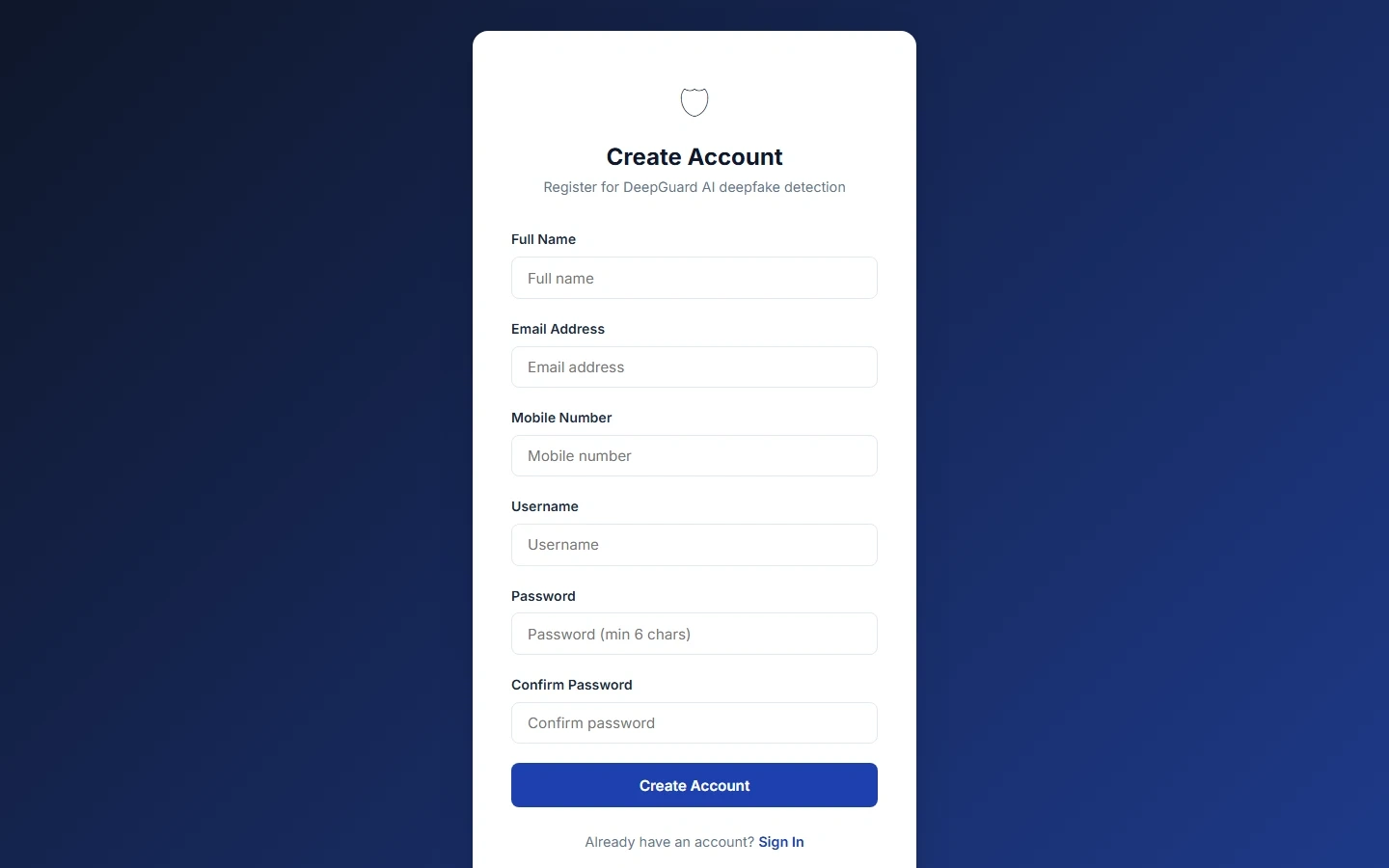
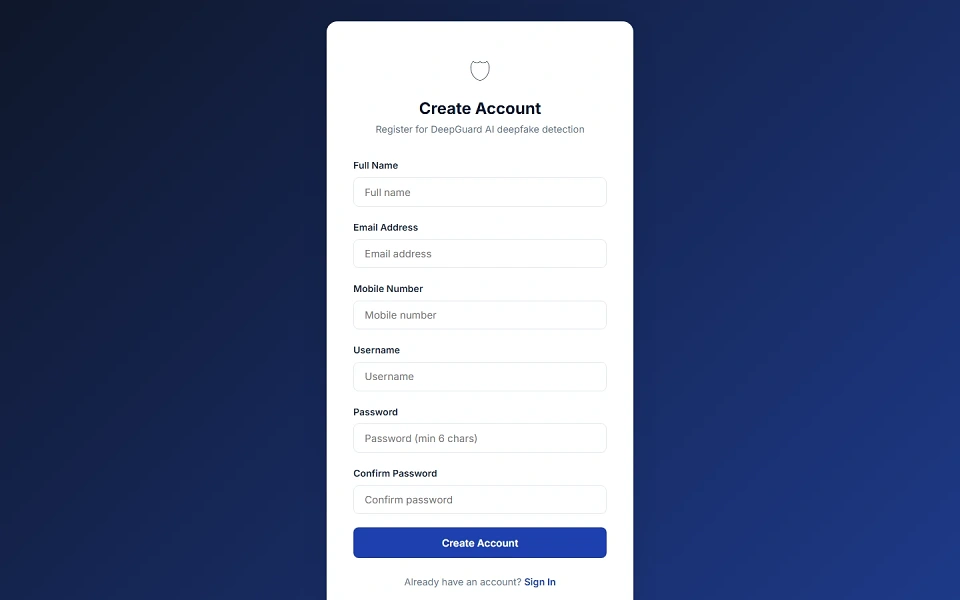
Deepfake Detection Using Machine Learning is a Python Flask based final year project developed for detecting deepfake images and videos using machine learning. This major project includes a public landing page, user dashboard, and admin dashboard. Users can register, log in, upload images, upload videos, run deepfake detection, view real/fake predictions, check confidence scores, view frame-wise video analysis, download PDF or TXT reports, manage detection history, update profile details, change password, and securely log out. Admins can monitor total users, total detections, real media count, deepfake count, failed detections, recent users, all detection records, and user accounts. The detection pipeline uses OpenCV face detection, feature extraction, Xception + LSTM machine learning model prediction, and local processing without third-party APIs. This deepfake detection source code is suitable for students who need a final year project, major project, minor project, source code, and project report based on Python, Flask, TensorFlow, Keras, OpenCV, and machine learning.
Admin Account
[email protected]adminadmin123/admin/Sample User Accounts
All sample users use password:
password123
Sample users:
johnsmith — Email: [email protected]sarahj — Email: [email protected]mikebrown — Email: [email protected]emilyd — Email: [email protected]davidw — Email: [email protected]lisaanderson — Email: [email protected]jamest — Email: [email protected]mariag — Email: [email protected]Open project folder:
cd "Deepfake Detection Using Machine Learning"
Create virtual environment:
python -m venv venv
Activate virtual environment on Windows:
venv\Scripts\activate
Activate virtual environment on Linux/macOS:
source venv/bin/activate
Install dependencies:
pip install -r requirements.txt
Place trained ML model weights file:
ml_models/deepfake_model.weights.h5
Seed the database:
python seed.py
Start the application:
python app.py
http://localhost:5000


Most Important - Download the Pre Trained Model File from here.
Admin Account
[email protected]adminadmin123/admin/Sample User Accounts
All sample users use password:
password123
Sample users:
johnsmith — Email: [email protected]sarahj — Email: [email protected]mikebrown — Email: [email protected]emilyd — Email: [email protected]davidw — Email: [email protected]lisaanderson — Email: [email protected]jamest — Email: [email protected]mariag — Email: [email protected]