eRail - An online railway reservation system | Source Code
LIMITED TIME
Get Source Code ₹99
Open Live Demo
Real project UI Full source included Opens in new tab

Tap to open live demo

Interactive live demo — verify the project before you buy

eRail - An online railway reservation system

Live Demo

Complete final-year project source code with frontend, backend, database, and setup guide. Instant download after secure payment.

  • PHP Stack
  • Instant Download
Secure CCAvenue payment Instant download link WhatsApp support

Choose your plan

Source Code Only

Full ZIP with frontend, backend, database & documentation.

₹99 one-time
  • Complete project source files
  • Database script included
  • How-to-run guide

What's in your download

Review features, setup steps, and credentials before you pay.

Project Overview

Description, tech stack, and what is included

Full source Frontend + backend
Database .sql file
Setup guide README included

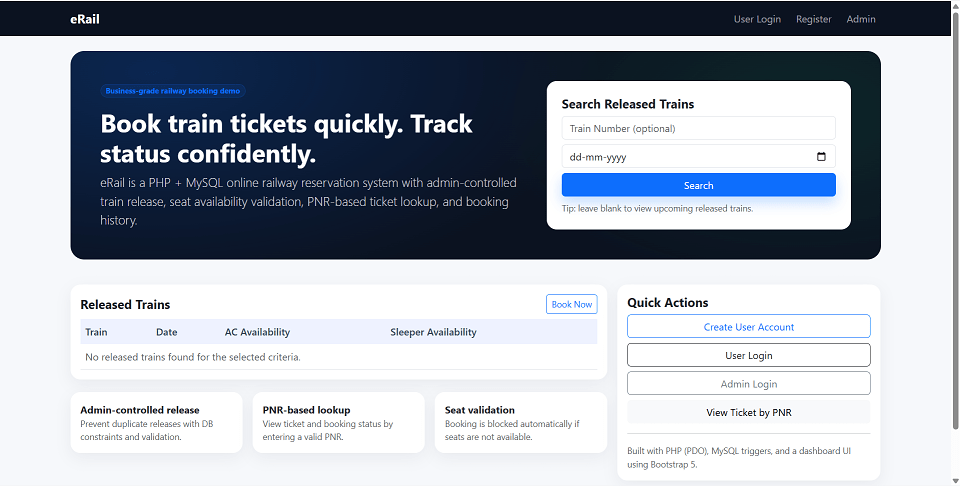
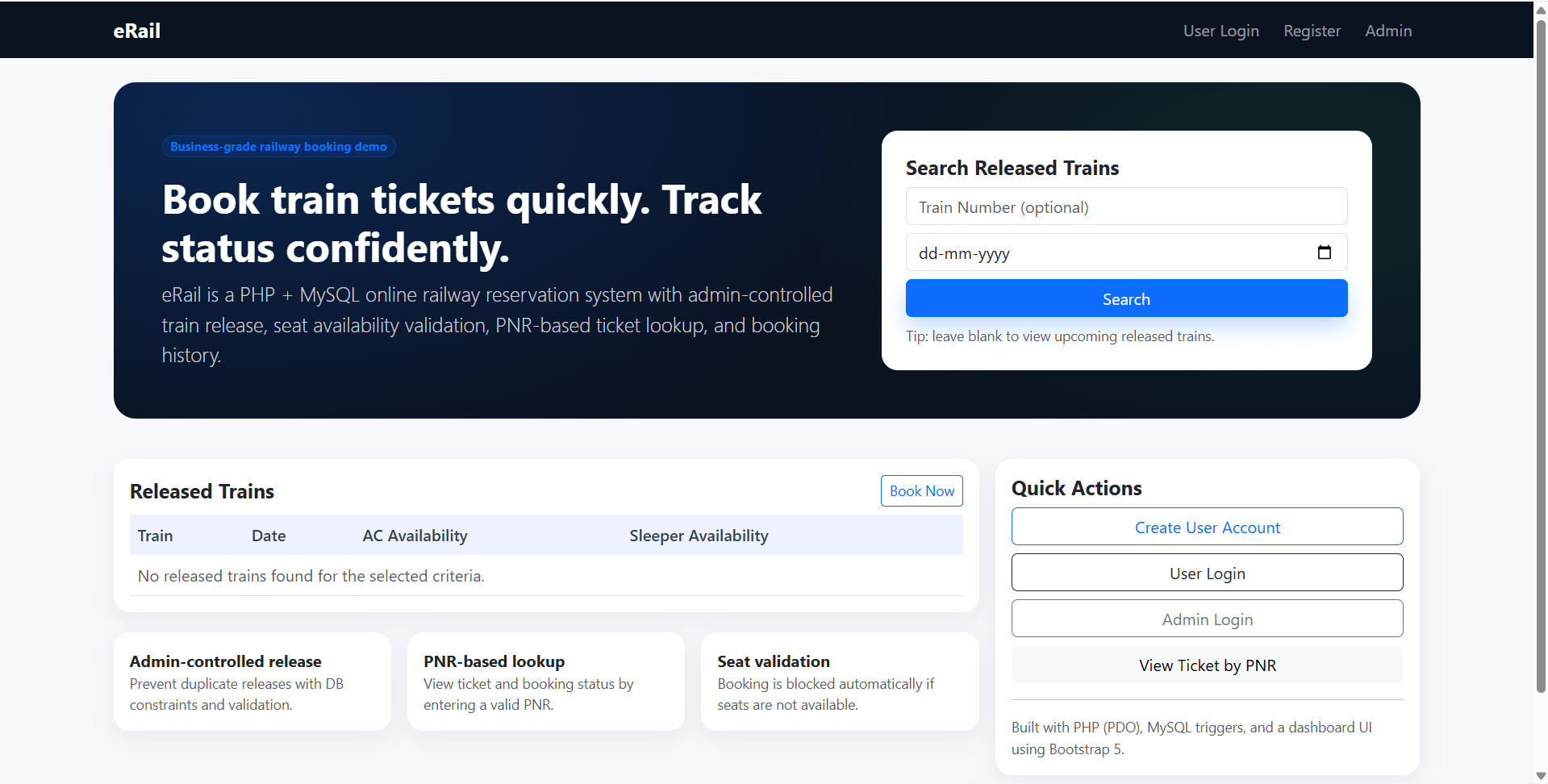
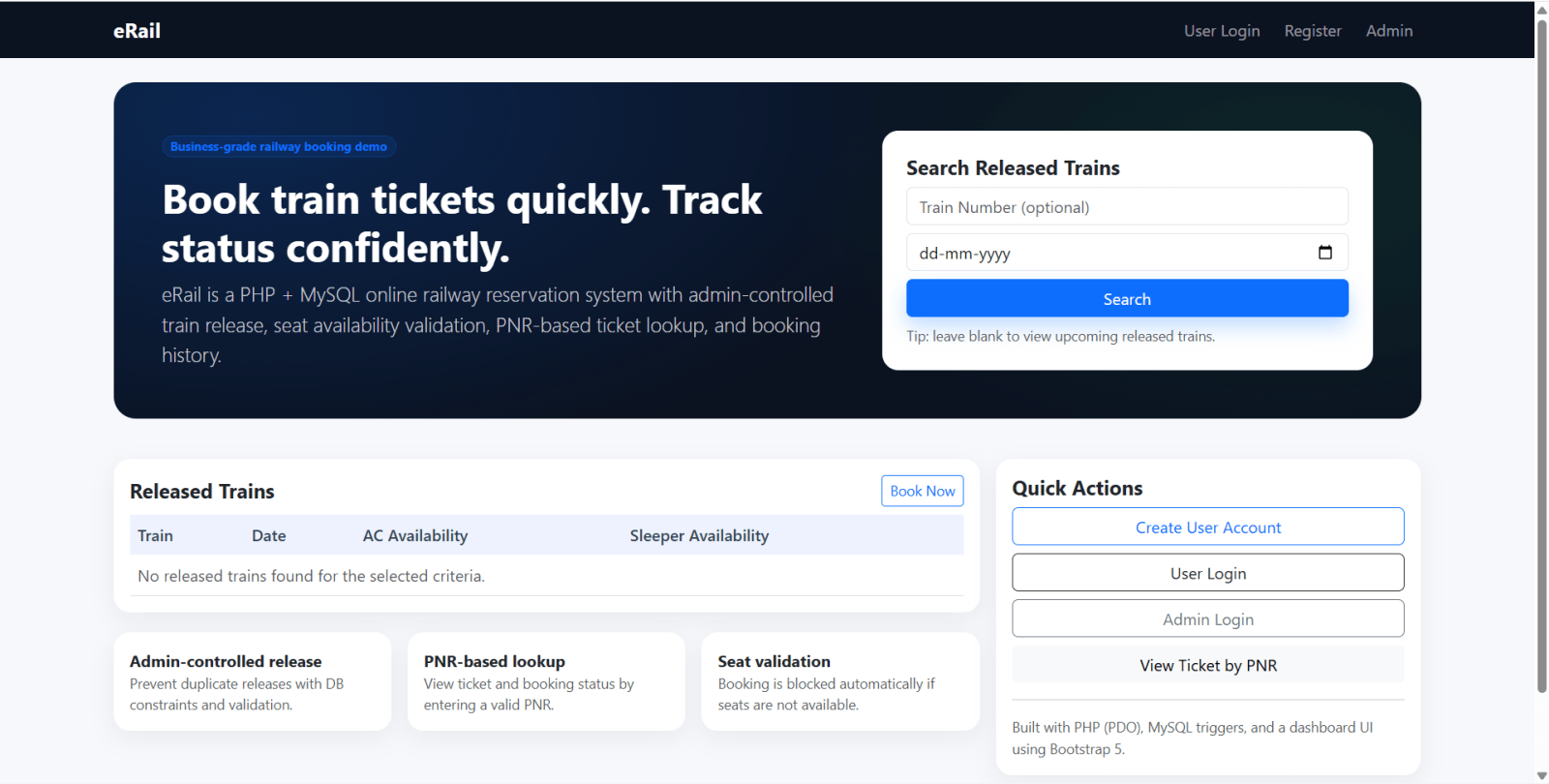
eRail is a final year project built with PHP and MySQL for students who want a practical online railway reservation and ticket booking system. This final year project includes separate admin and user workflows. Admins can log in, release trains, view released trains, manage users, delete users, view bookings, and check train status. Users can register, log in, view released trains, book AC or Sleeper tickets, check booking history, and view ticket details using PNR. The system also includes database-level integrity through MySQL stored procedures and a trigger that blocks duplicate train releases for the same train number and date while validating seat availability during booking. With train release management, PNR ticket tracking, booking history, and AC/Sleeper seat workflows, this project is suitable for a final year major project in PHP, MySQL, transport management, and database-driven web applications.

Technical snapshot

Project
eRail - An online railway reservation system
Stack
PHP
Includes
Code, DB, README
License
Academic submission
Secure CCAvenue payment · Instant download · Need help? WhatsApp us

Ready to download?Pay once · Use for submission & viva

Admin Features

Modules and controls available to administrators

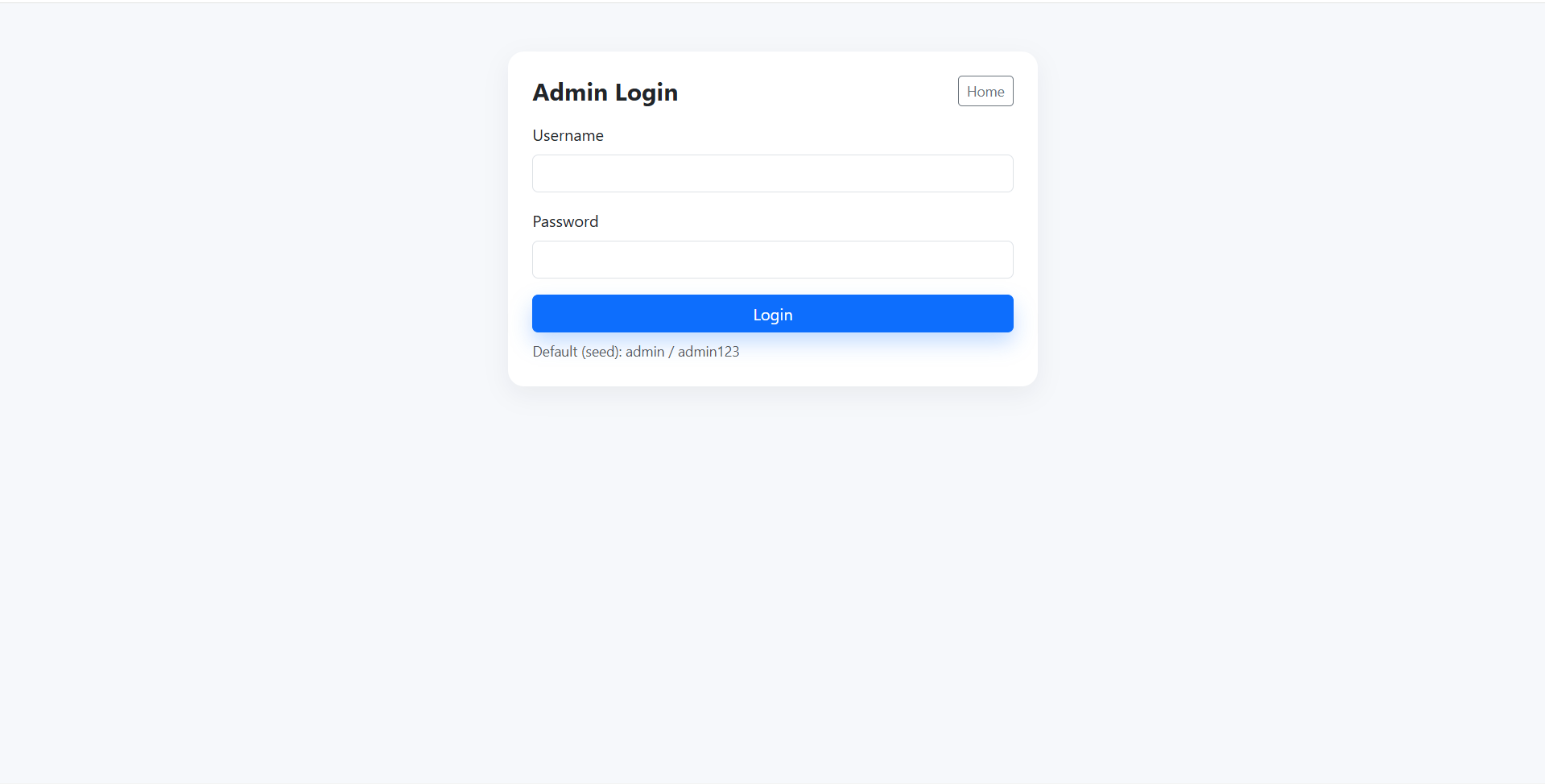
  • Admin login for this final year project
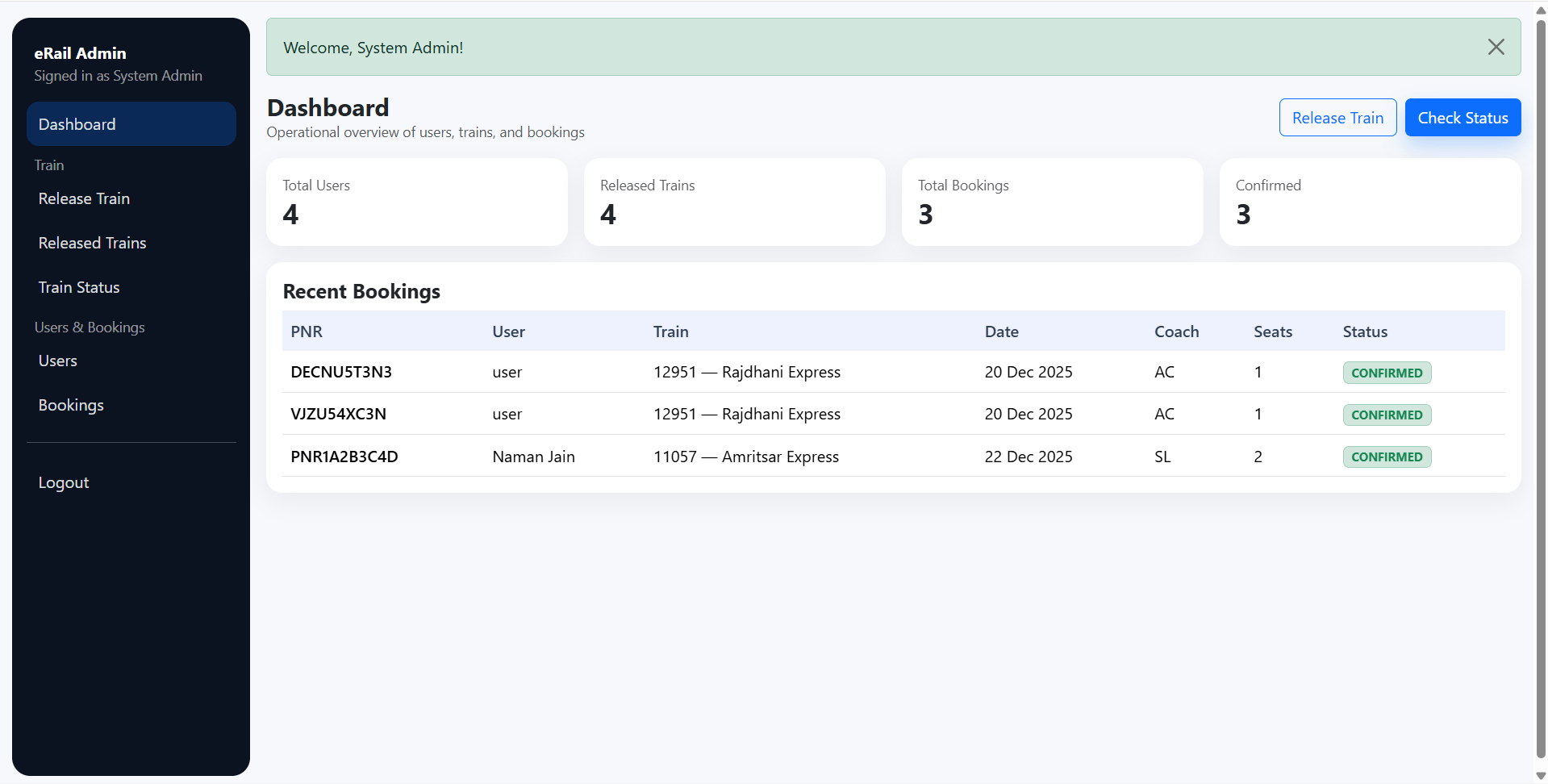
  • Admin dashboard or management access for railway operations
  • Release train with train number and journey date
  • View released trains
  • View registered users
  • Delete users where required
  • View all bookings
  • Check train status
  • Manage train availability through release workflow
  • Duplicate train release blocked at database level
  • Booking and seat validation supported through database integrity rules

User Features

What end users can do in this application

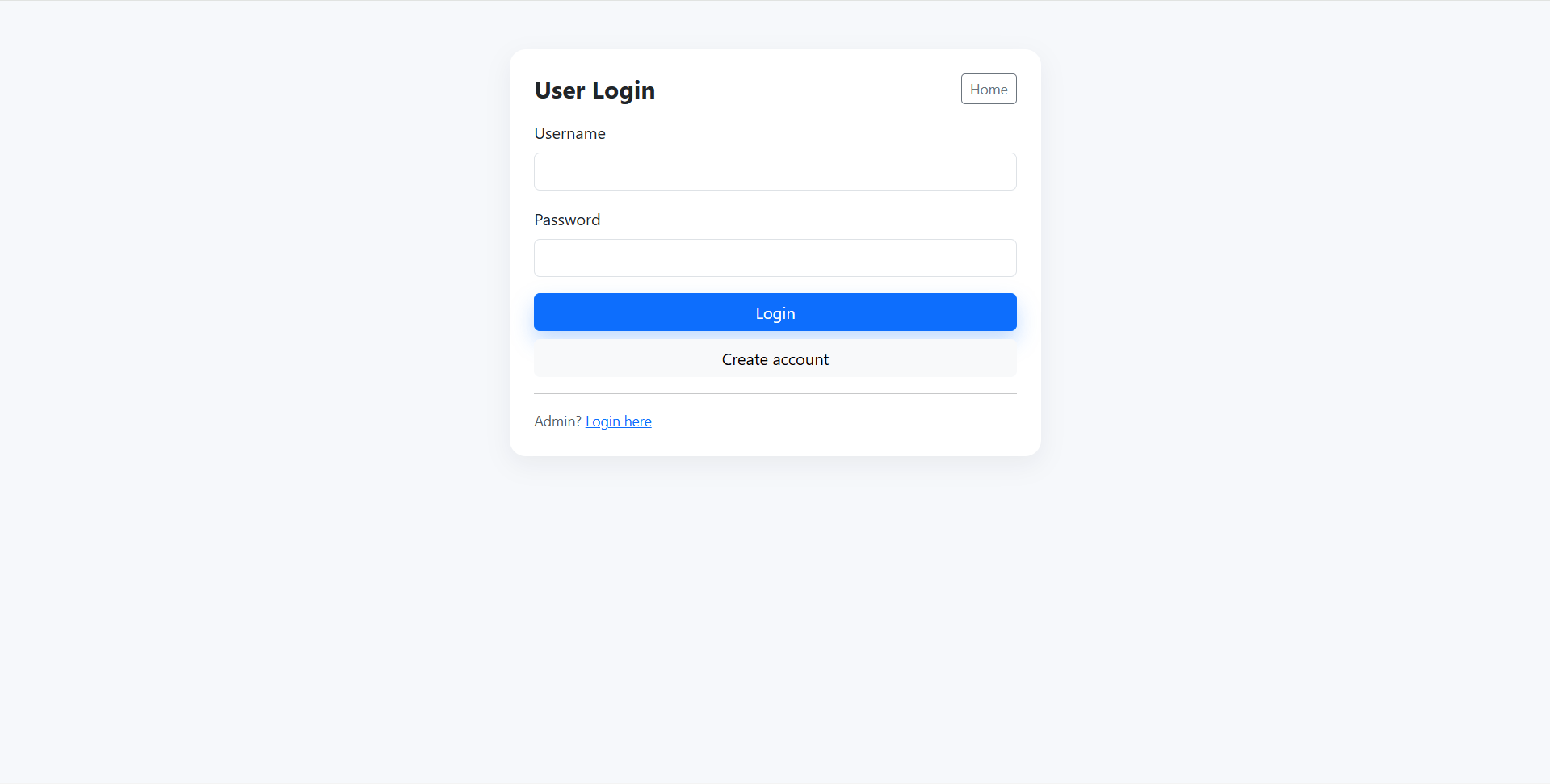
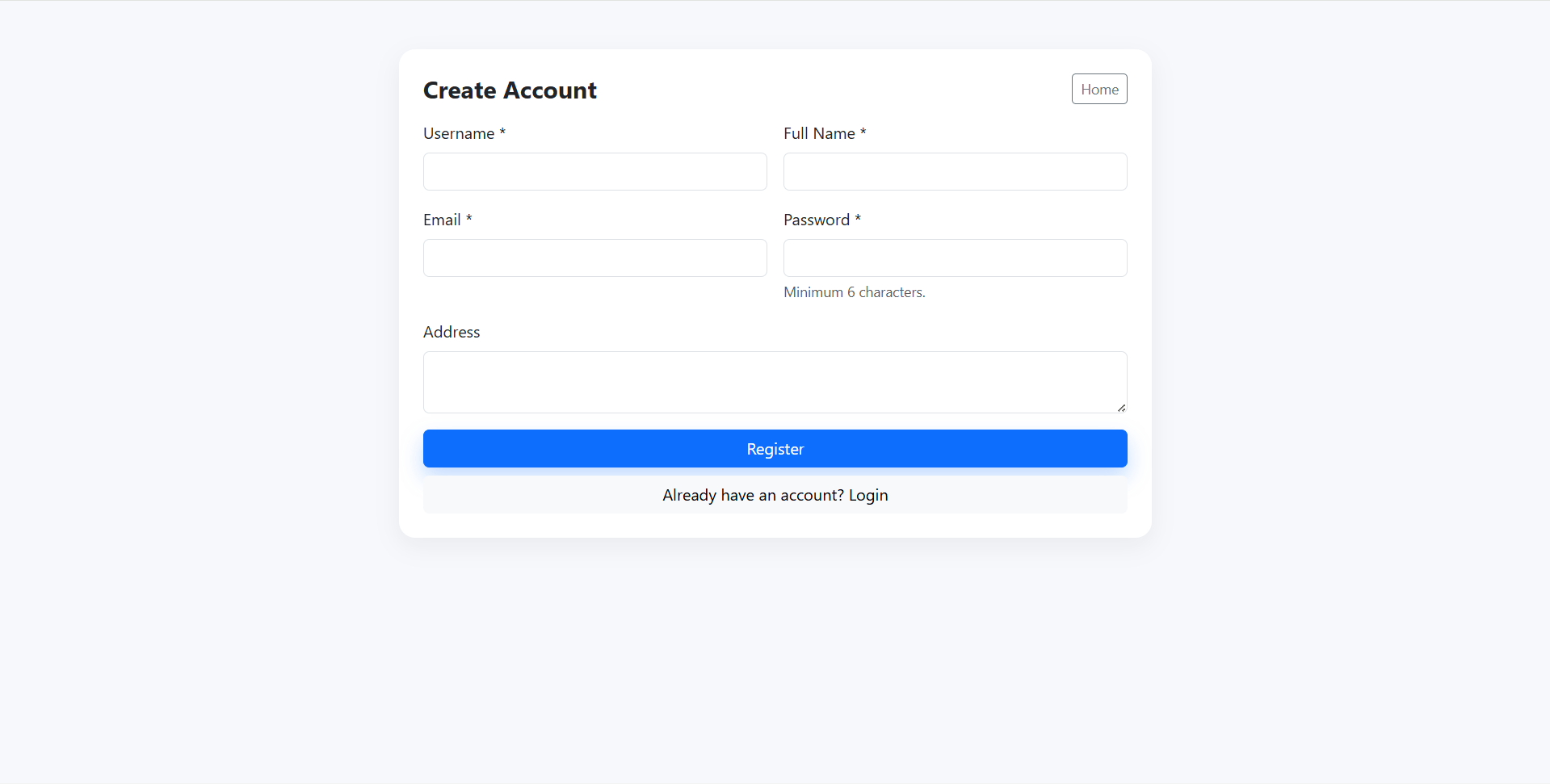
  • User registration and login in this final year project
  • View released trains
  • Book railway tickets
  • Select AC or Sleeper ticket type
  • Booking history view
  • PNR-based ticket view
  • View ticket details using generated PNR
  • Passenger-side access to available train booking workflow

Other Features

Additional capabilities included in the project

  • PHP 8+ and MySQL/MariaDB based architecture
  • PDO-based database connection
  • Bootstrap 5 CDN user interface
  • MySQL stored procedures for railway booking logic
  • MySQL trigger for database-level integrity
  • Duplicate release prevention for same train number and date
  • Seat availability validation at database level
  • Seed data with default admin and user accounts
  • Academic/demo project structure for XAMPP, WAMP, and LAMP
  • Suitable for final year project demo, viva, source code review, and report preparation

How to Run

Step-by-step setup on your laptop or PC

  • Copy the final year project folder erail into your web root.
    • Example for XAMPP: htdocs/erail
  • Create the database and import project SQL:
    • Import database/database.sql using phpMyAdmin or MySQL CLI
  • Update database configuration if required in:
    config/config.php
  • Start Apache and MySQL using XAMPP/WAMP/LAMP.
  • Open the project in browser using your local path, for example:
    http://localhost/erail/
  • Login as admin to release trains and manage bookings.
  • Login as user to view released trains, book tickets, and check PNR ticket details.

Login Credentials

Default demo accounts for testing after setup

Admin

  • Username: admin
  • Password: admin123

User

  • Username: naman
  • Password: user123

License

Usage terms for academic and personal projects

Related Tags

Search terms and categories for this source code

eRail - An online railway reservation system Source Code Final Year PHP Project Ready-to-Run Code With Database File Plagiarism-Free Faculty Approved online railway reservation final year project PHP railway reservation system train ticket booking project railway booking system source code PNR ticket view project AC sleeper ticket booking MySQL stored procedure project train release management PHP MySQL final year project eRail reservation system