Source Code Only
Full ZIP with frontend, backend, database & documentation.
₹99 one-time
- Complete project source files
- Database script included
- How-to-run guide
Tap to open live demo
Interactive live demo — verify the project before you buy
Complete final-year project source code with frontend, backend, database, and setup guide. Instant download after secure payment.
Choose your plan
Full ZIP with frontend, backend, database & documentation.
We install & configure the project on your laptop within 24 hours.
Review features, setup steps, and credentials before you pay.
Description, tech stack, and what is included
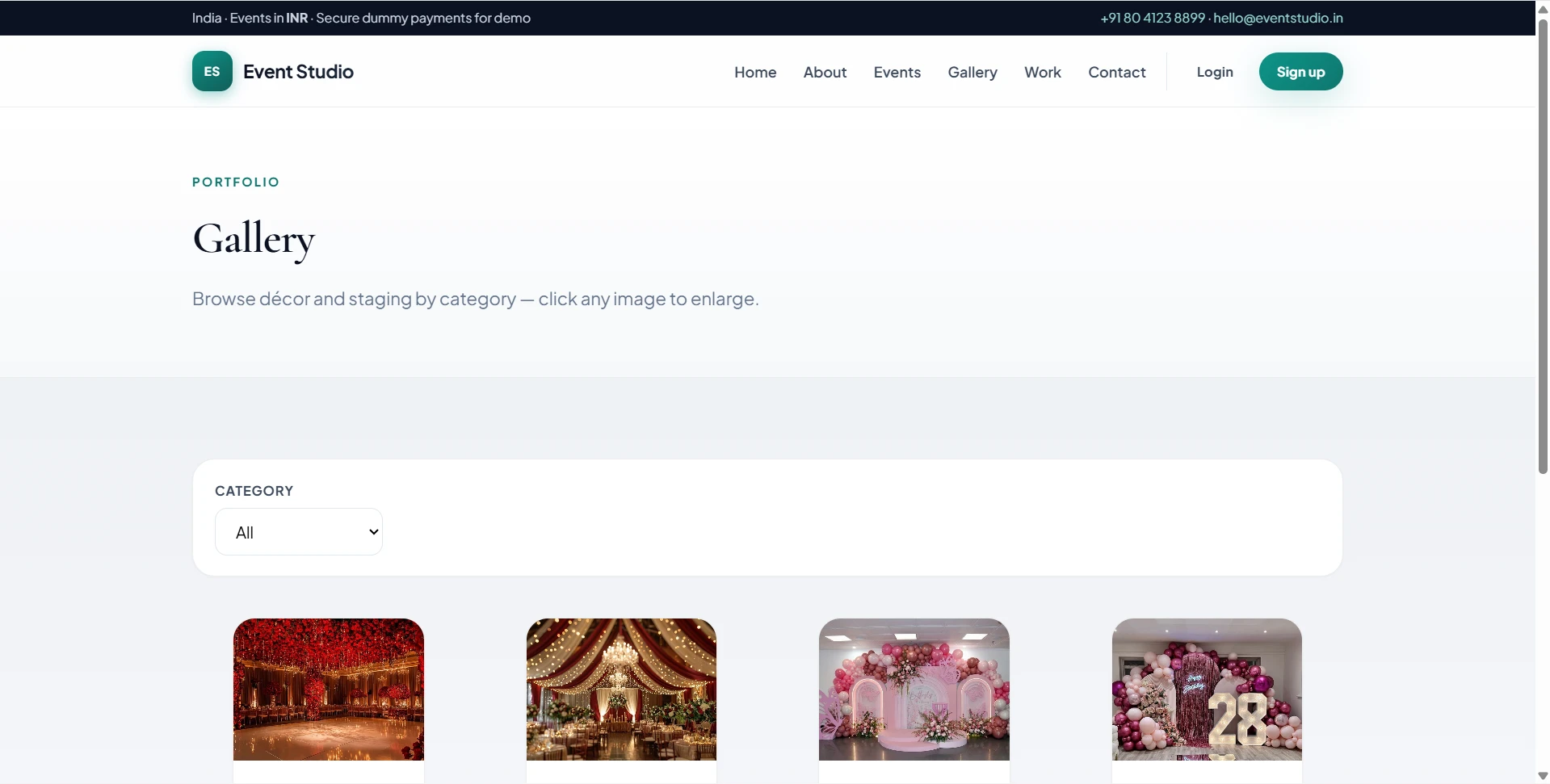
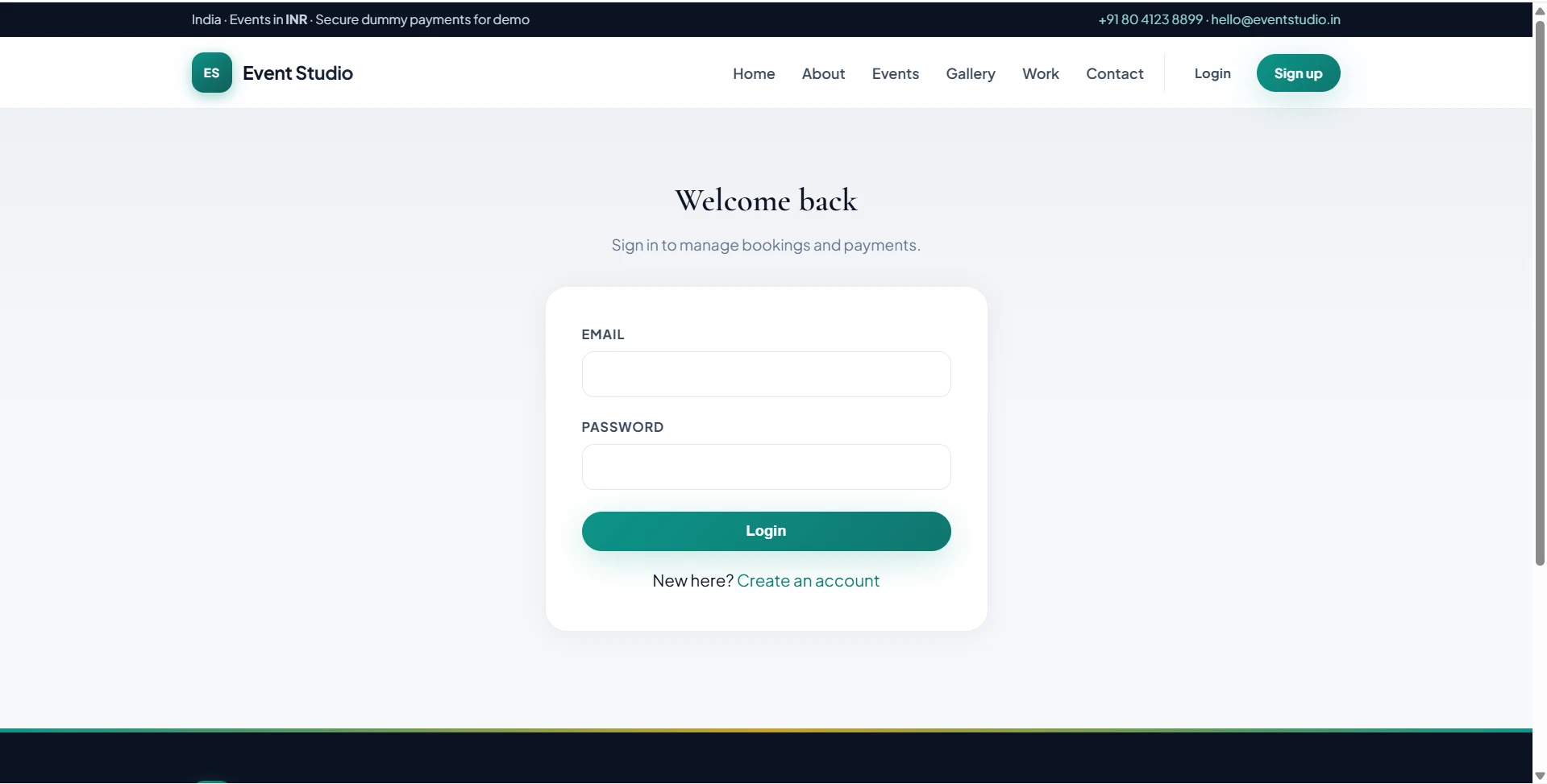
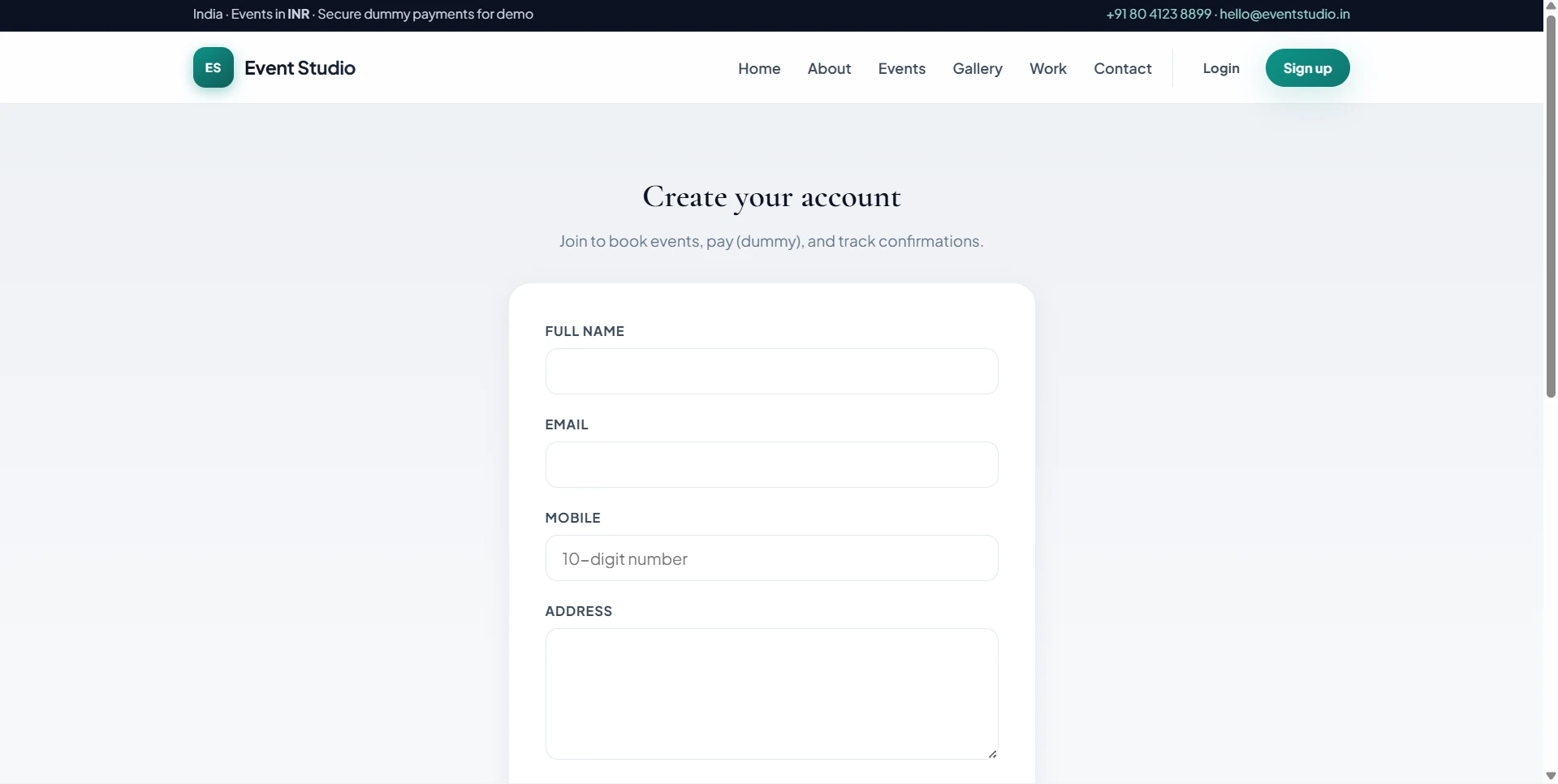
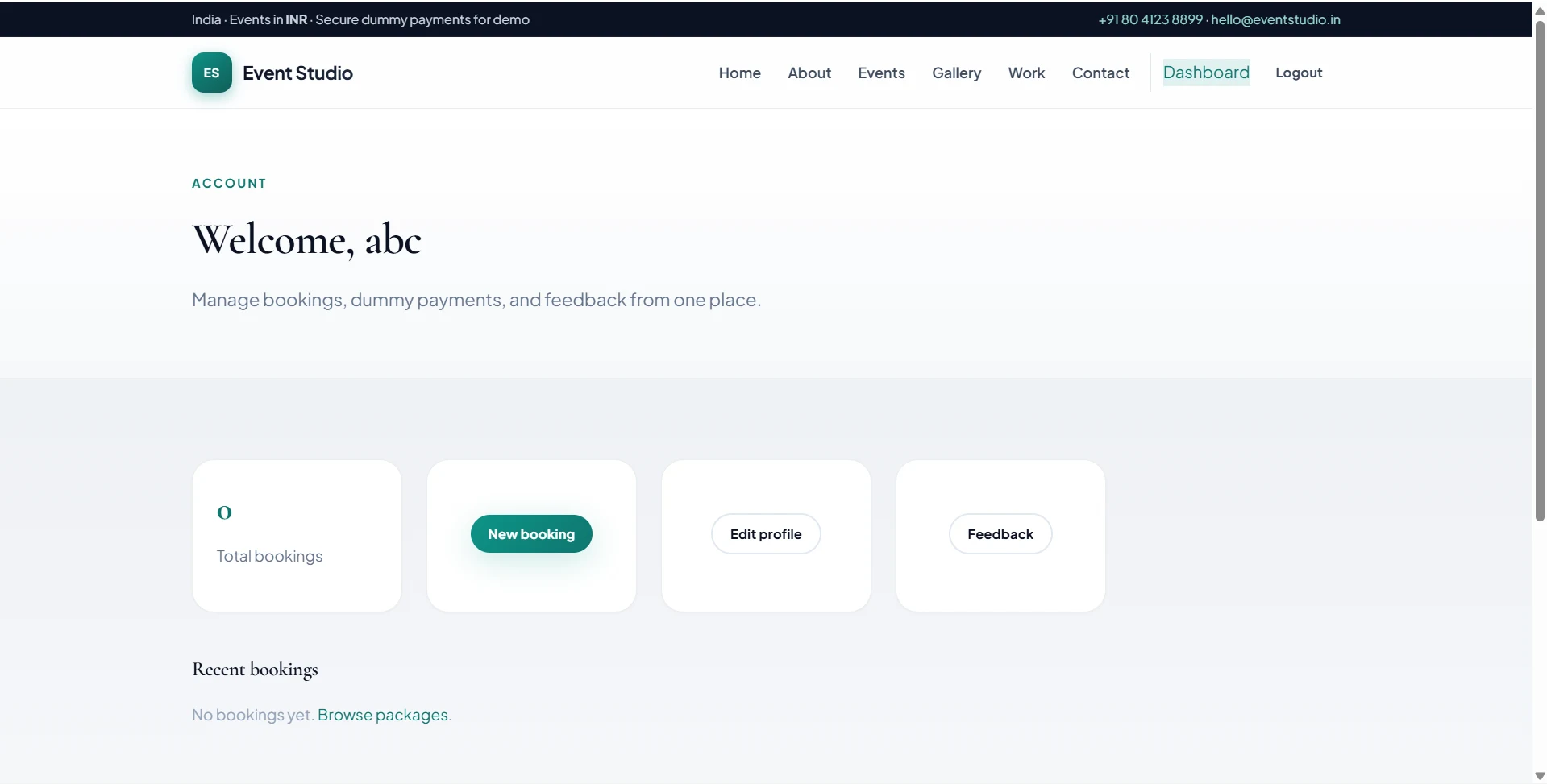
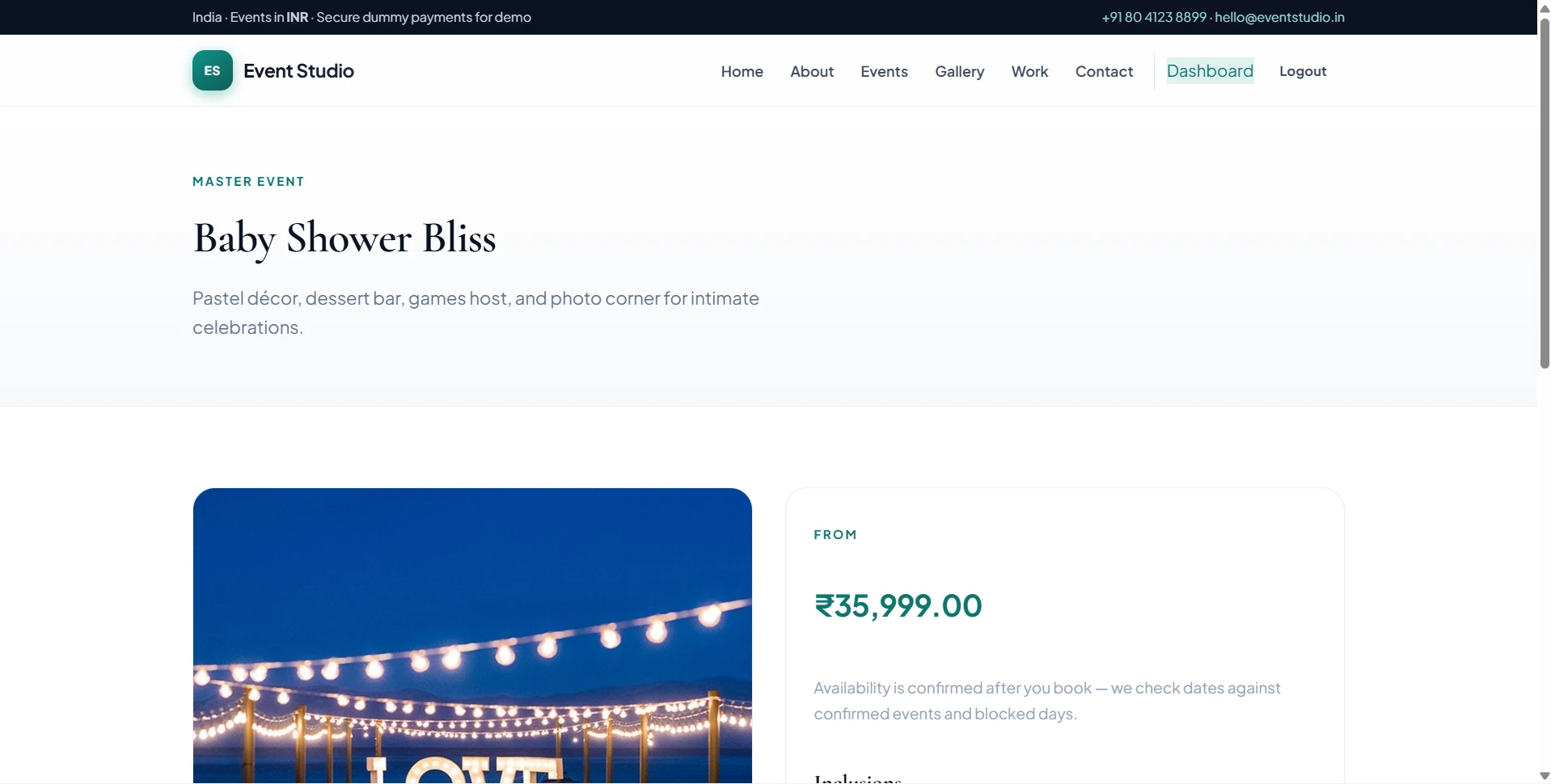
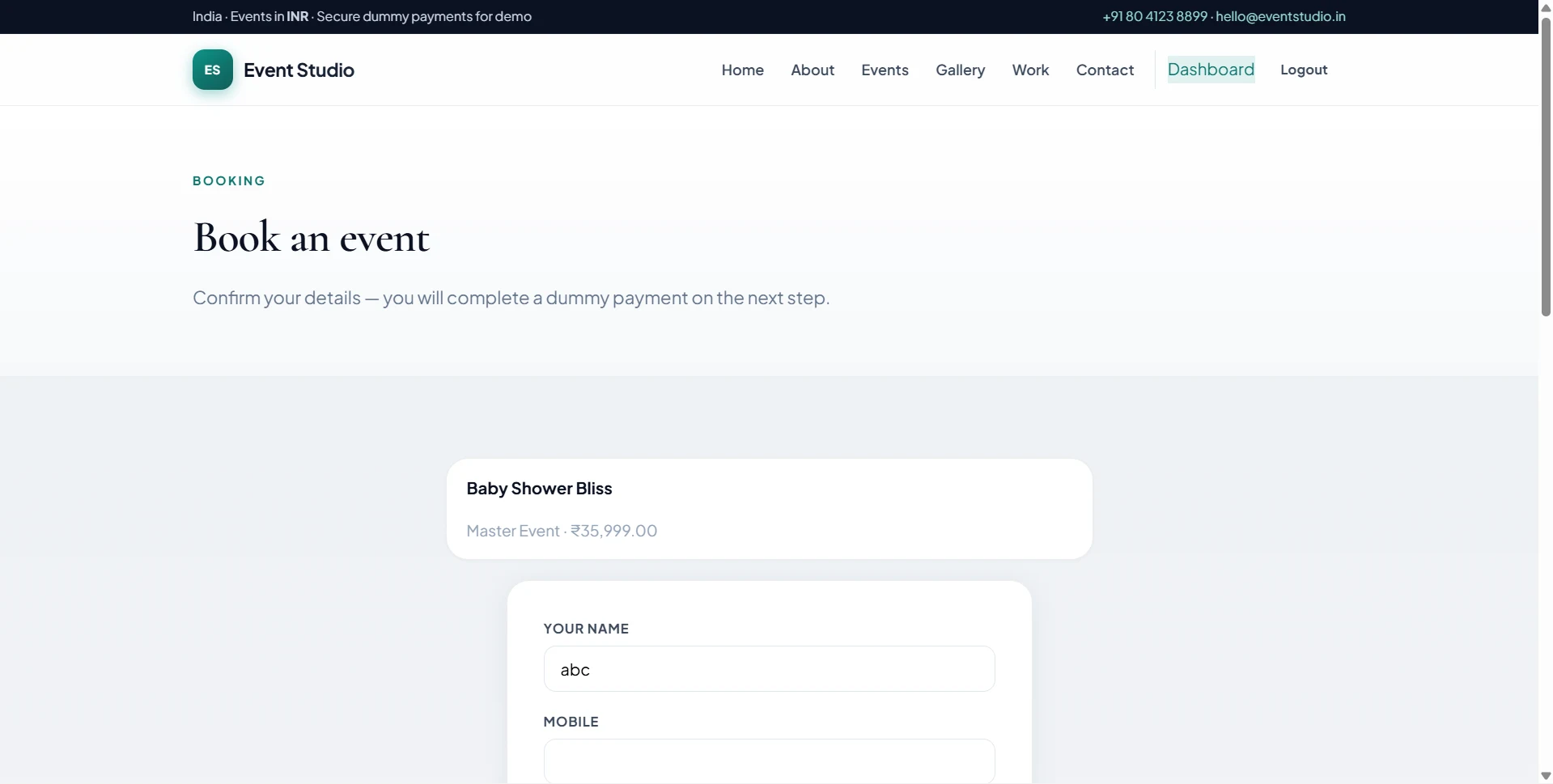
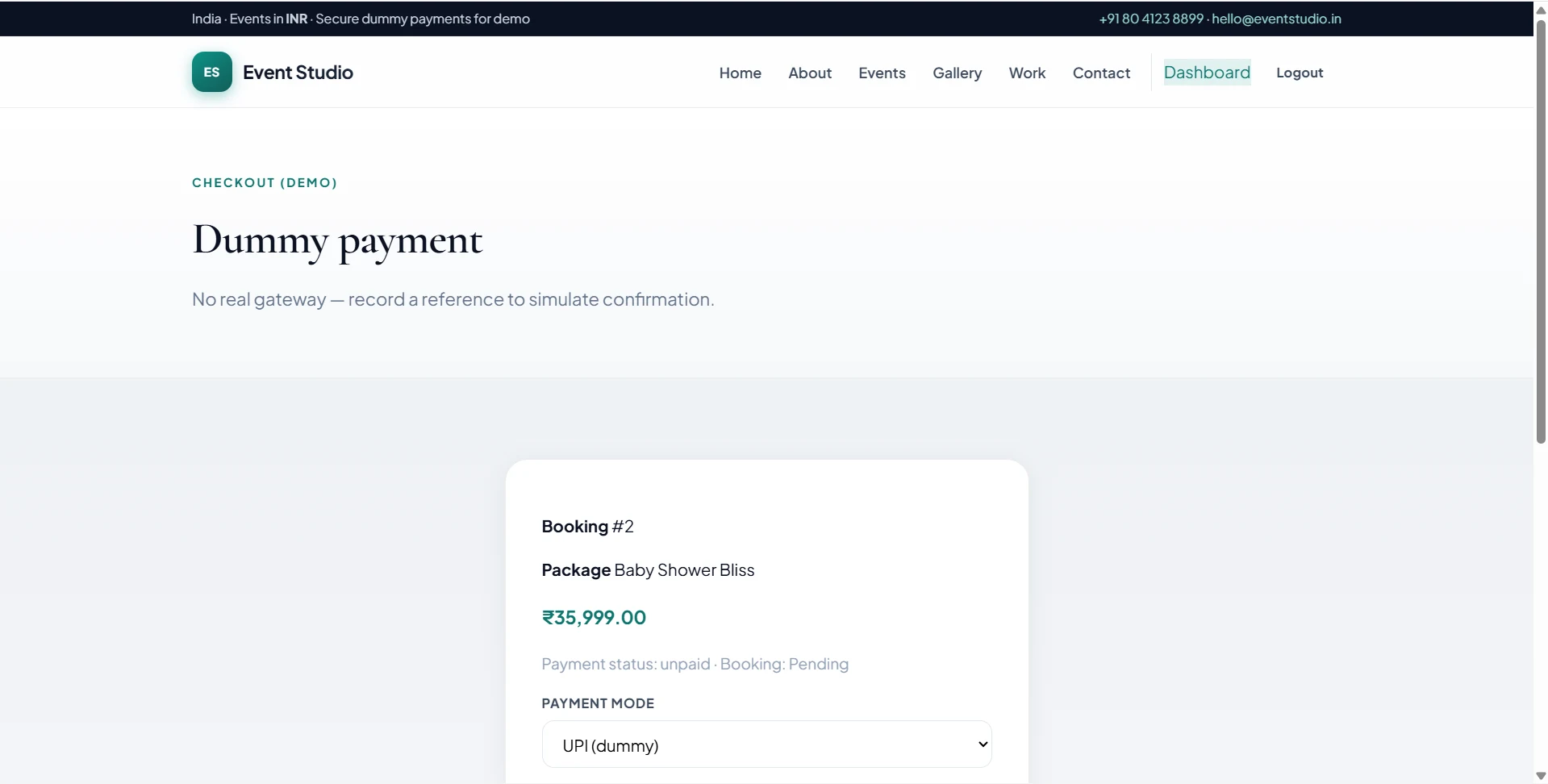
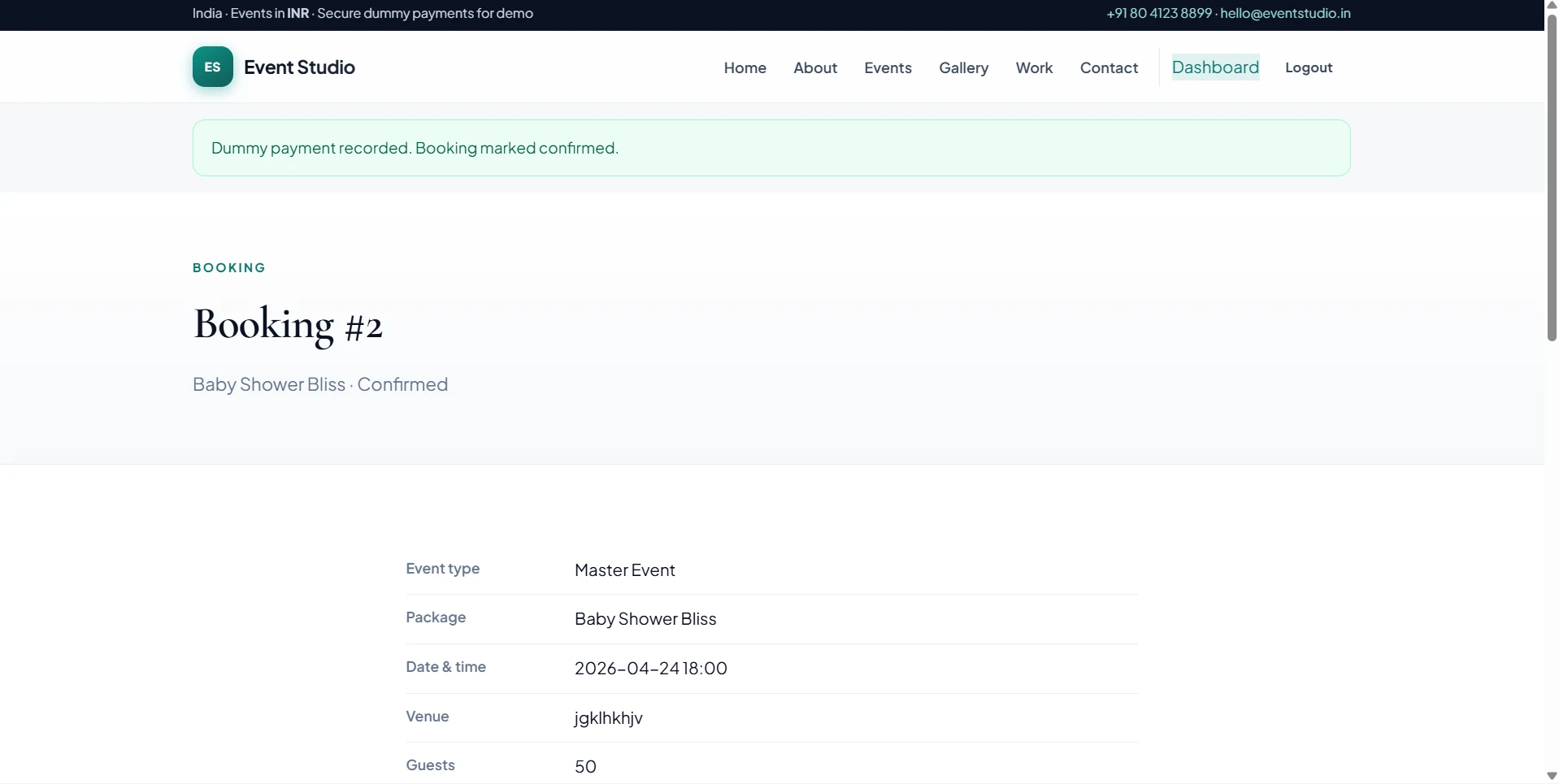
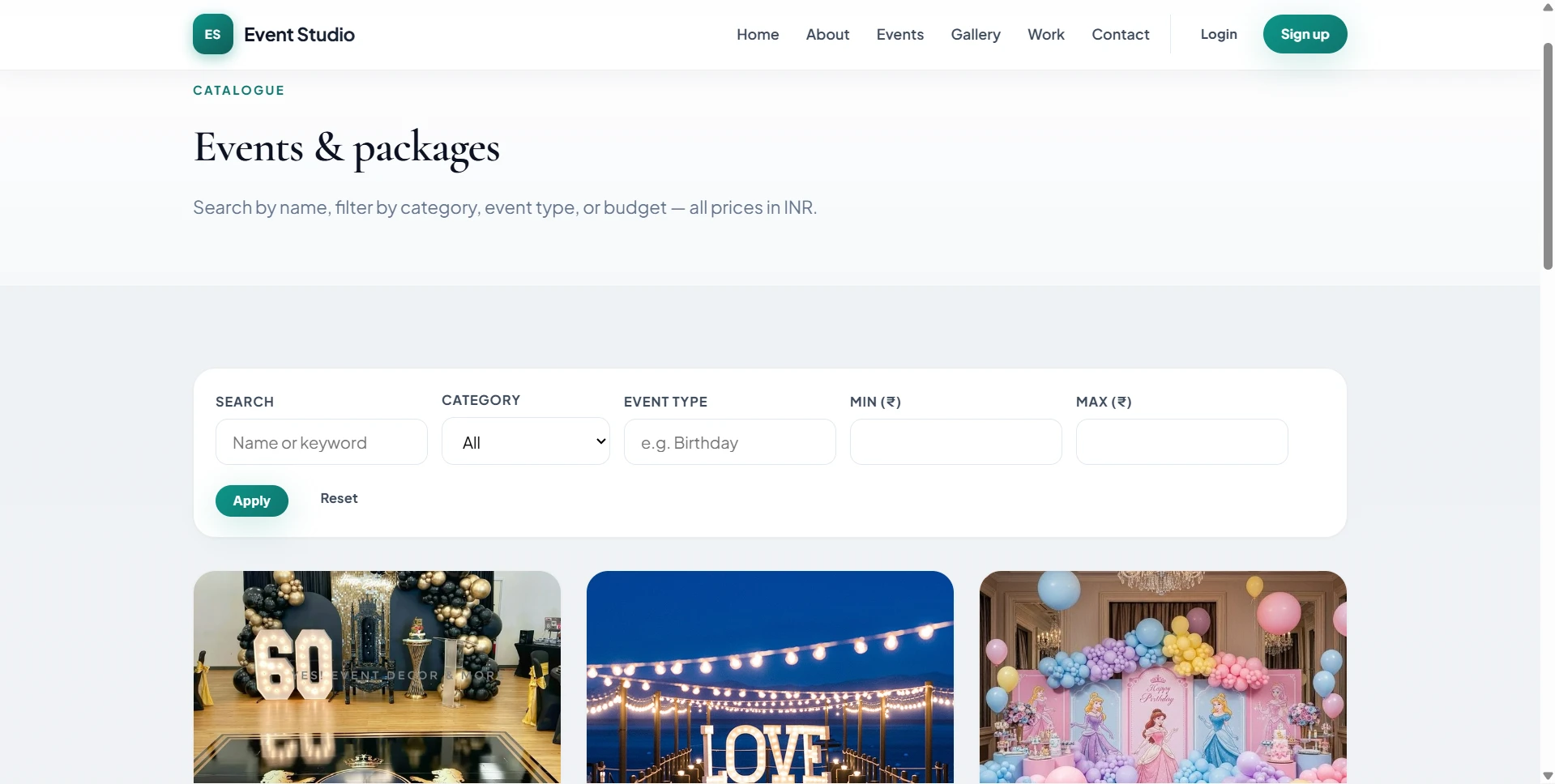
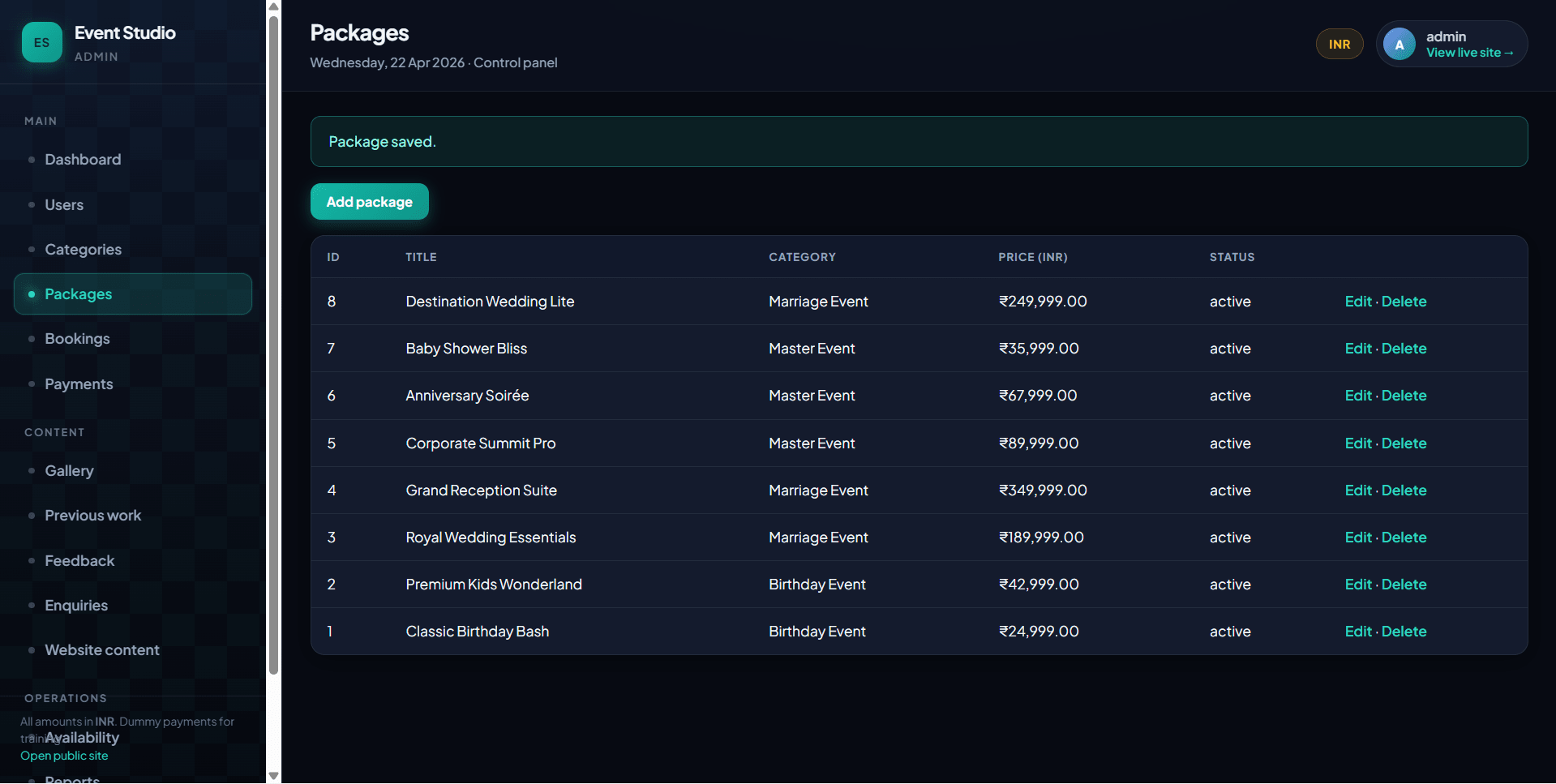
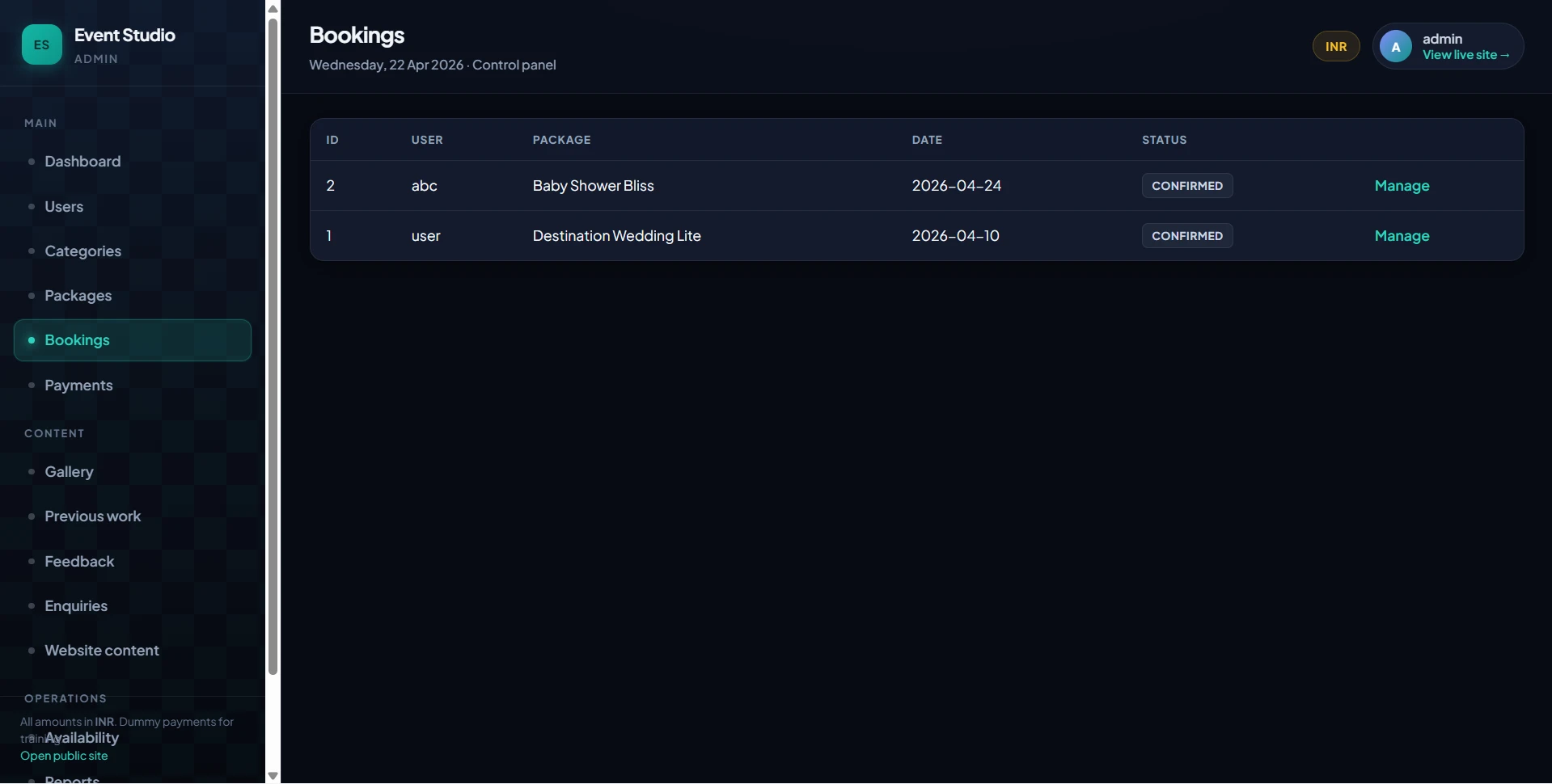
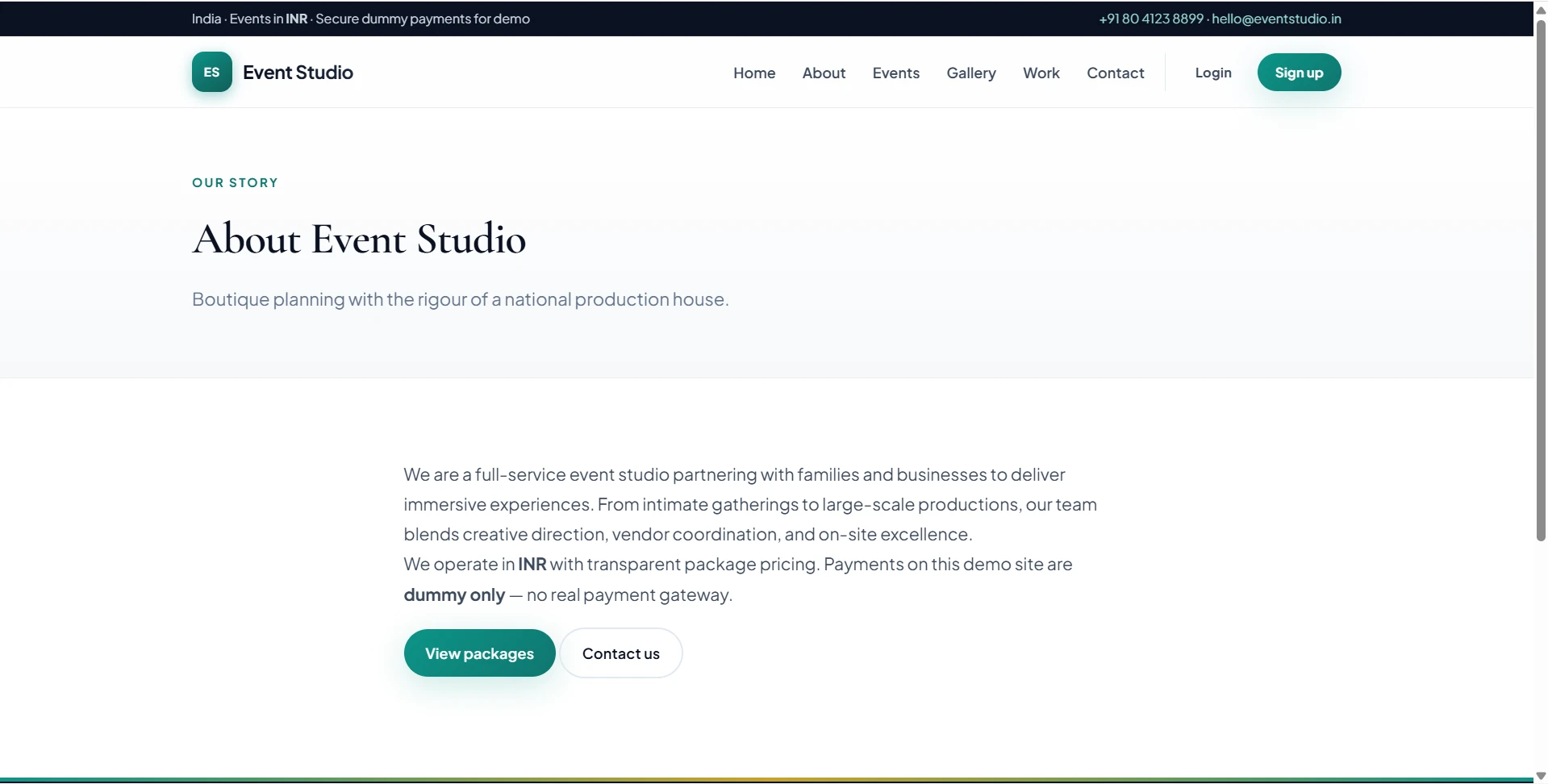
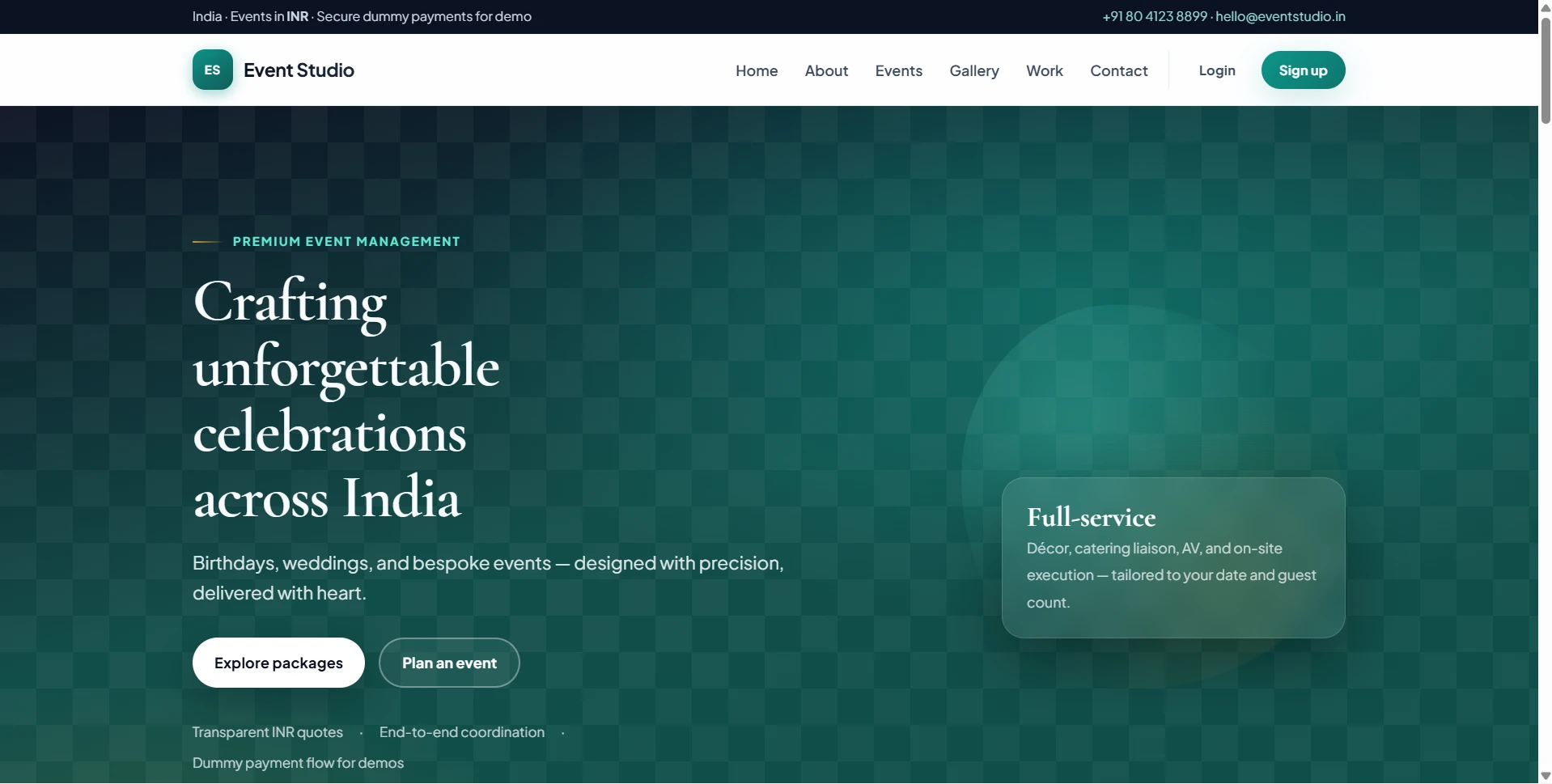
Event Management System , branded as Event Studio, is a PHP and MySQL web application designed for event planning and package booking workflows. The project allows customers to browse event packages, create accounts, select dates, place bookings, submit demo payment details, and share feedback through a simple web interface. For students, this makes it a practical web development project that covers both customer-facing pages and business-side operations in one complete system.
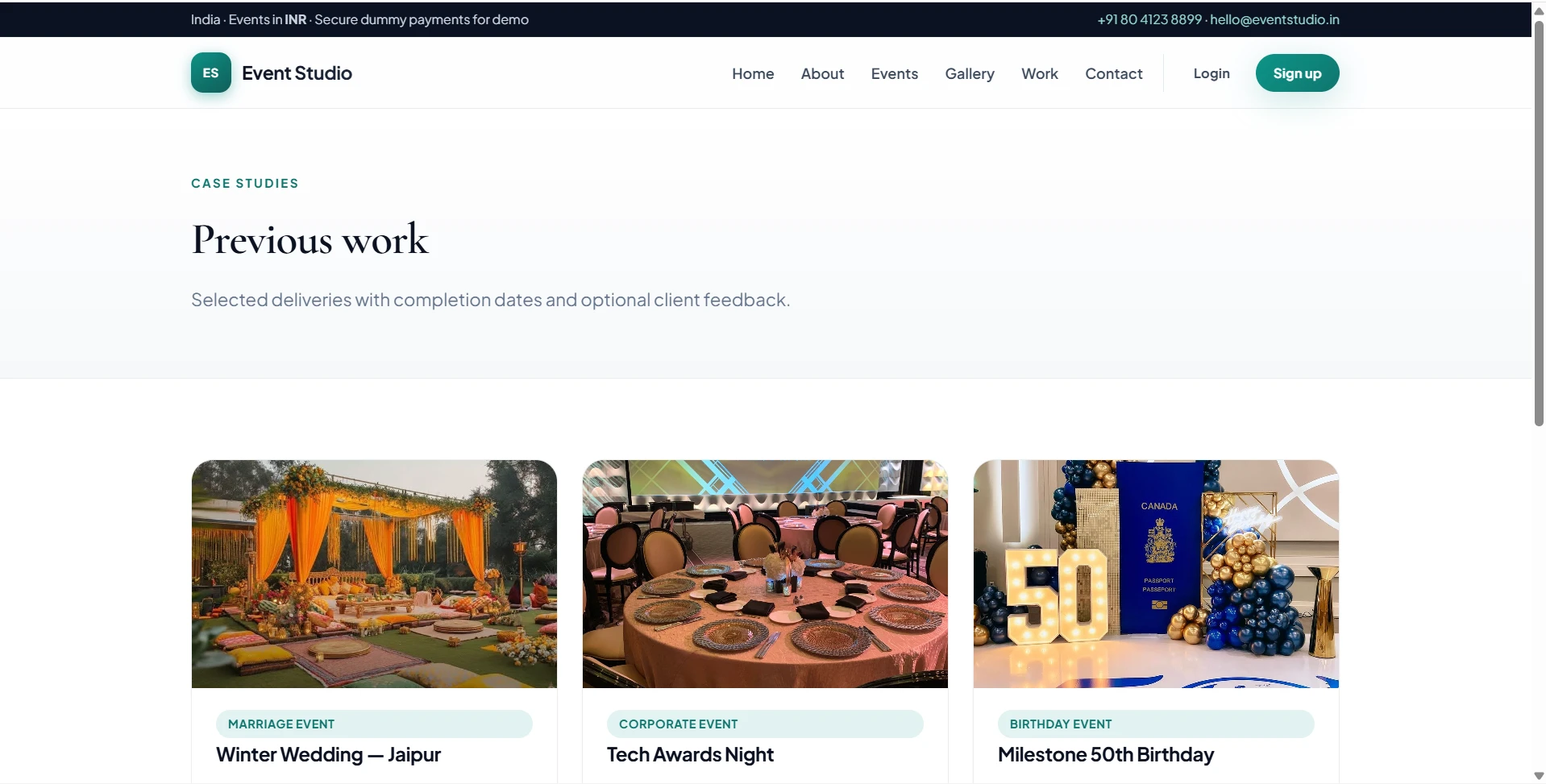
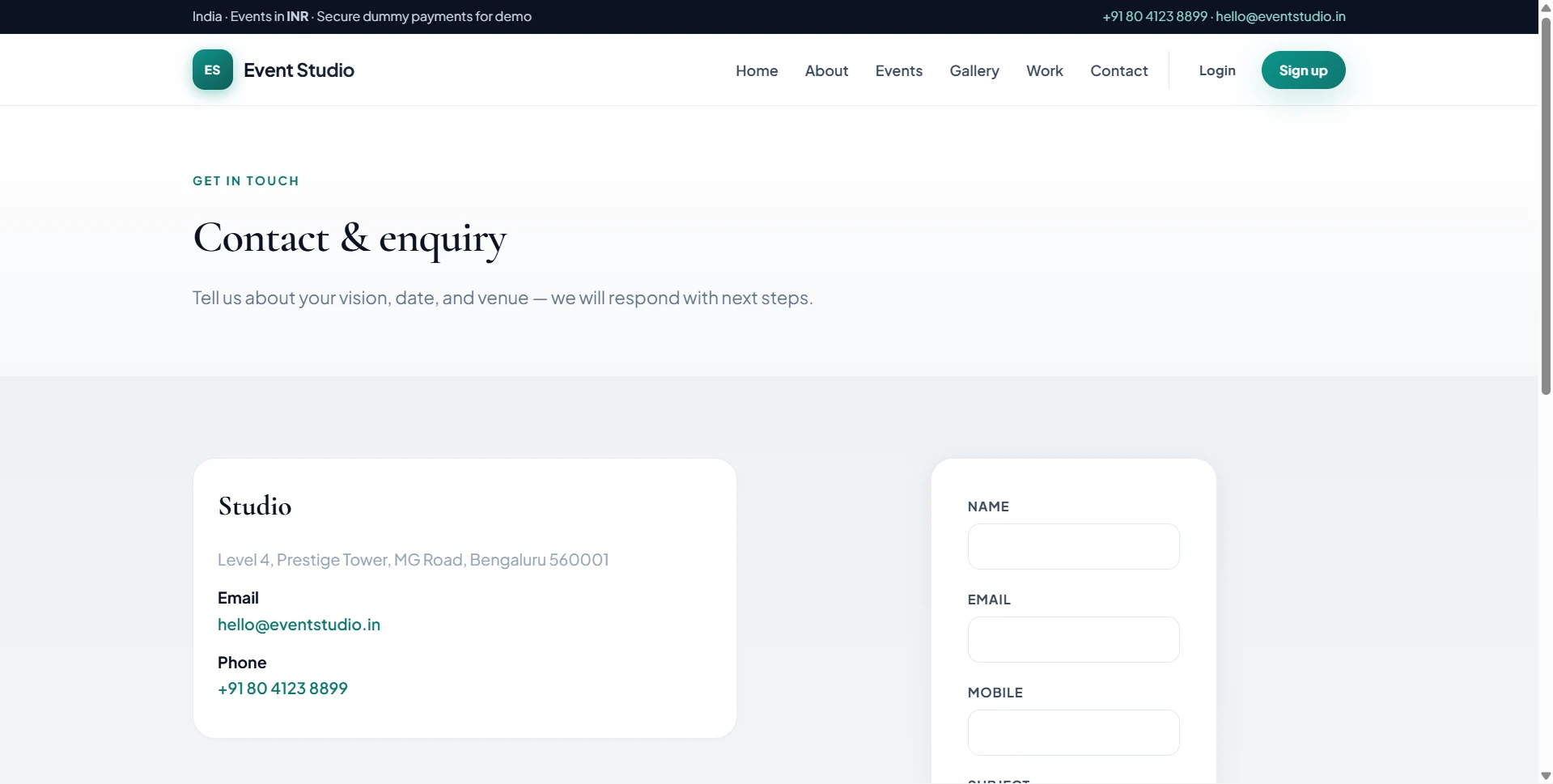
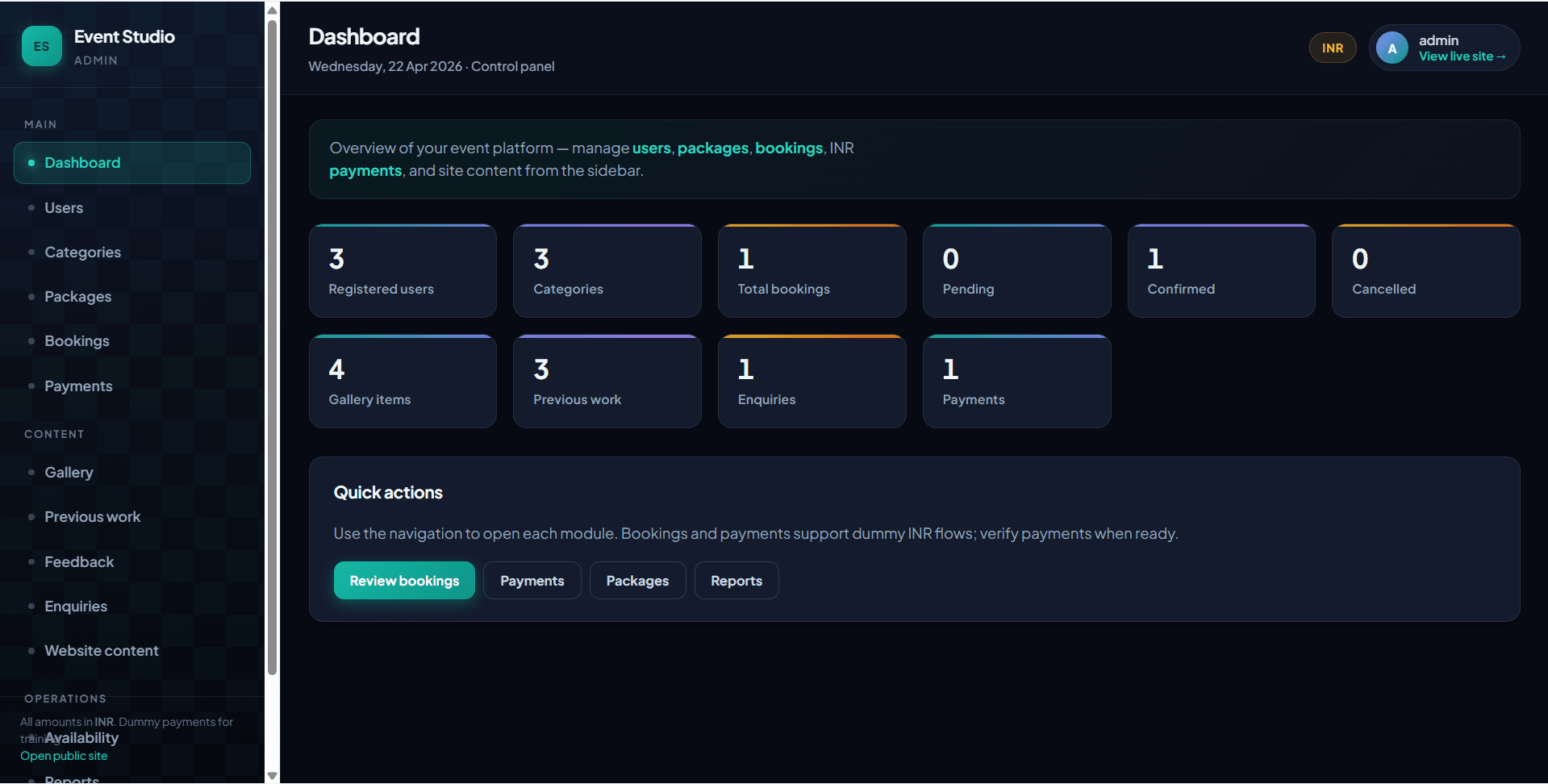
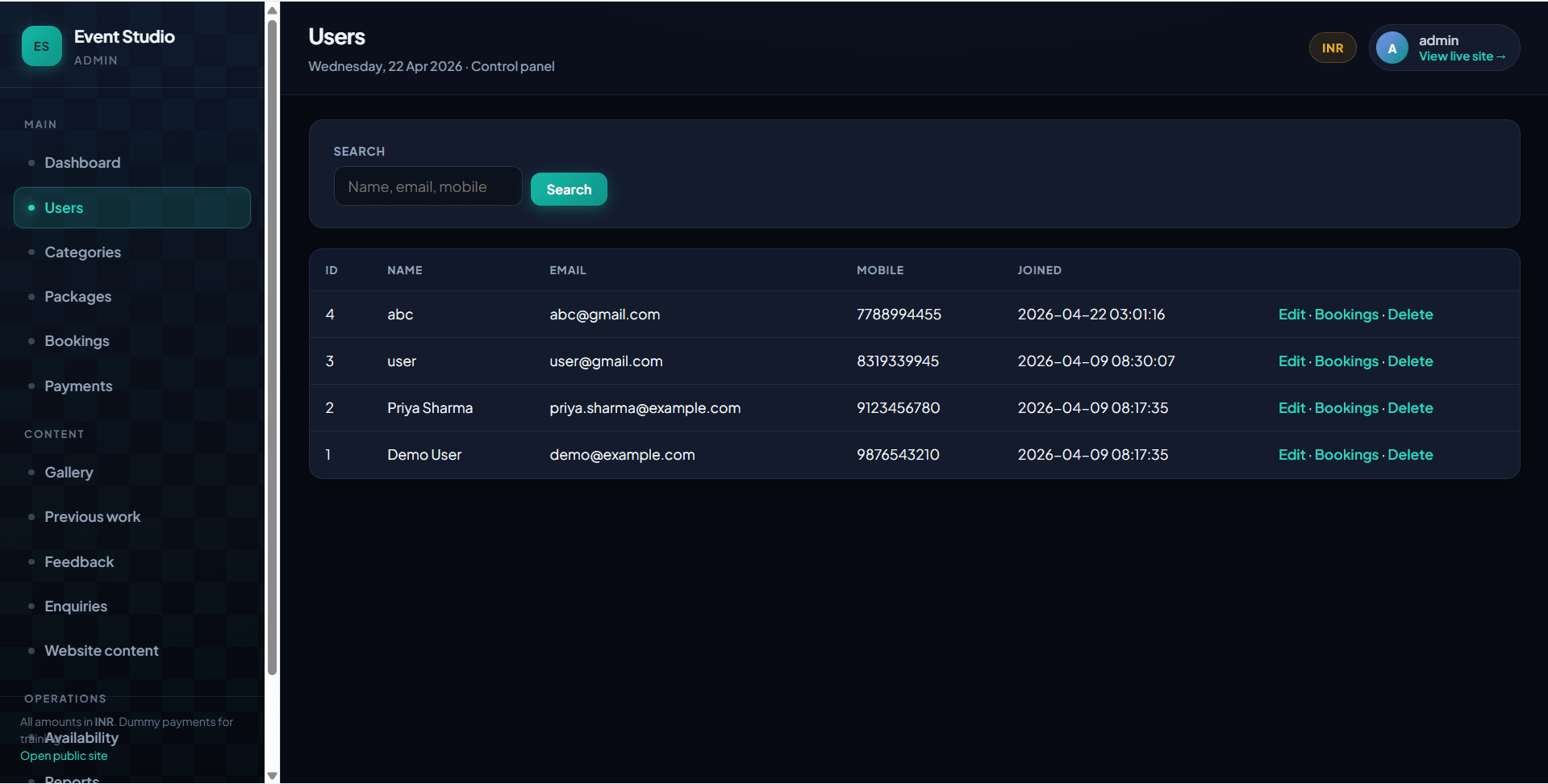
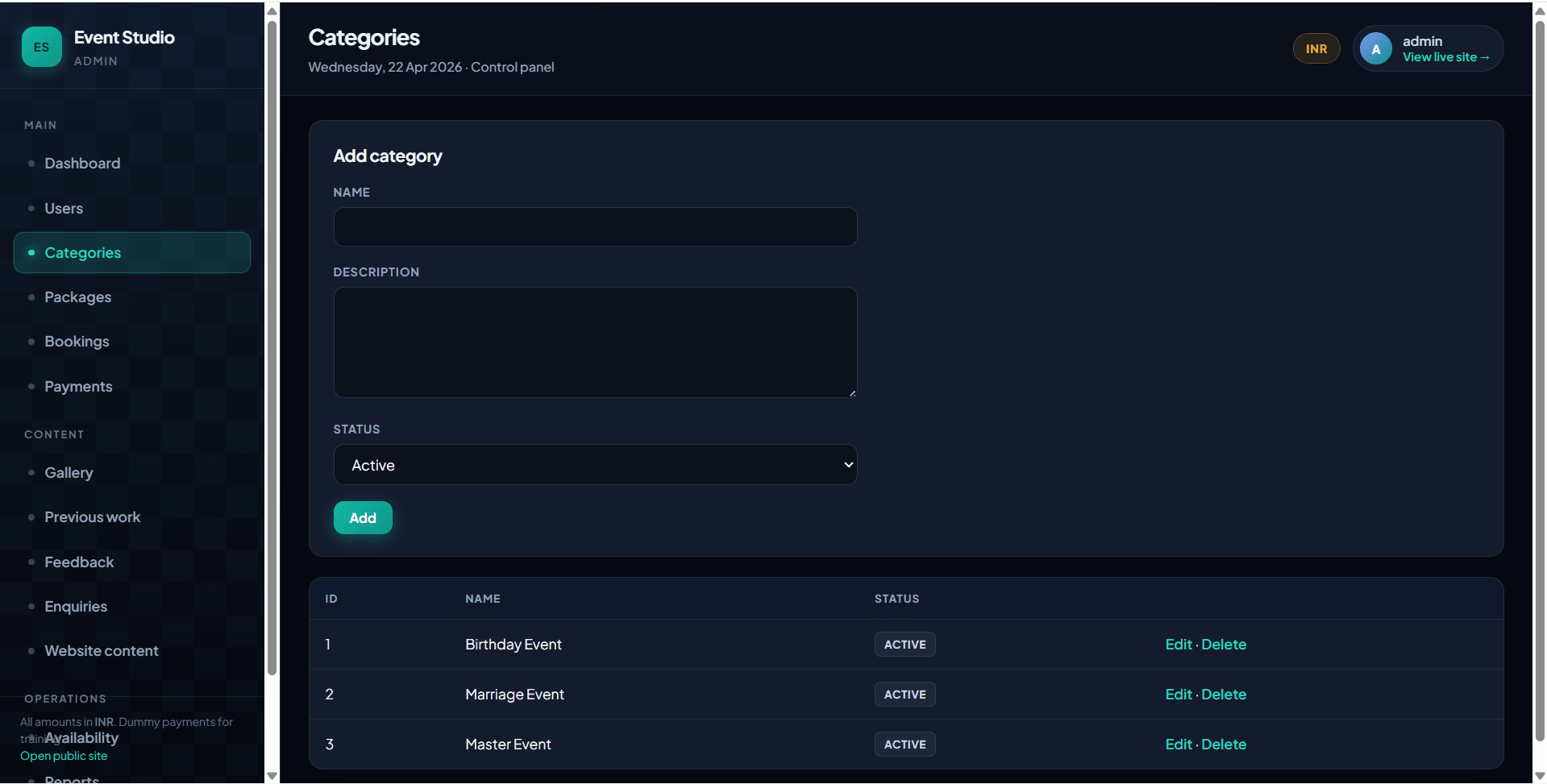
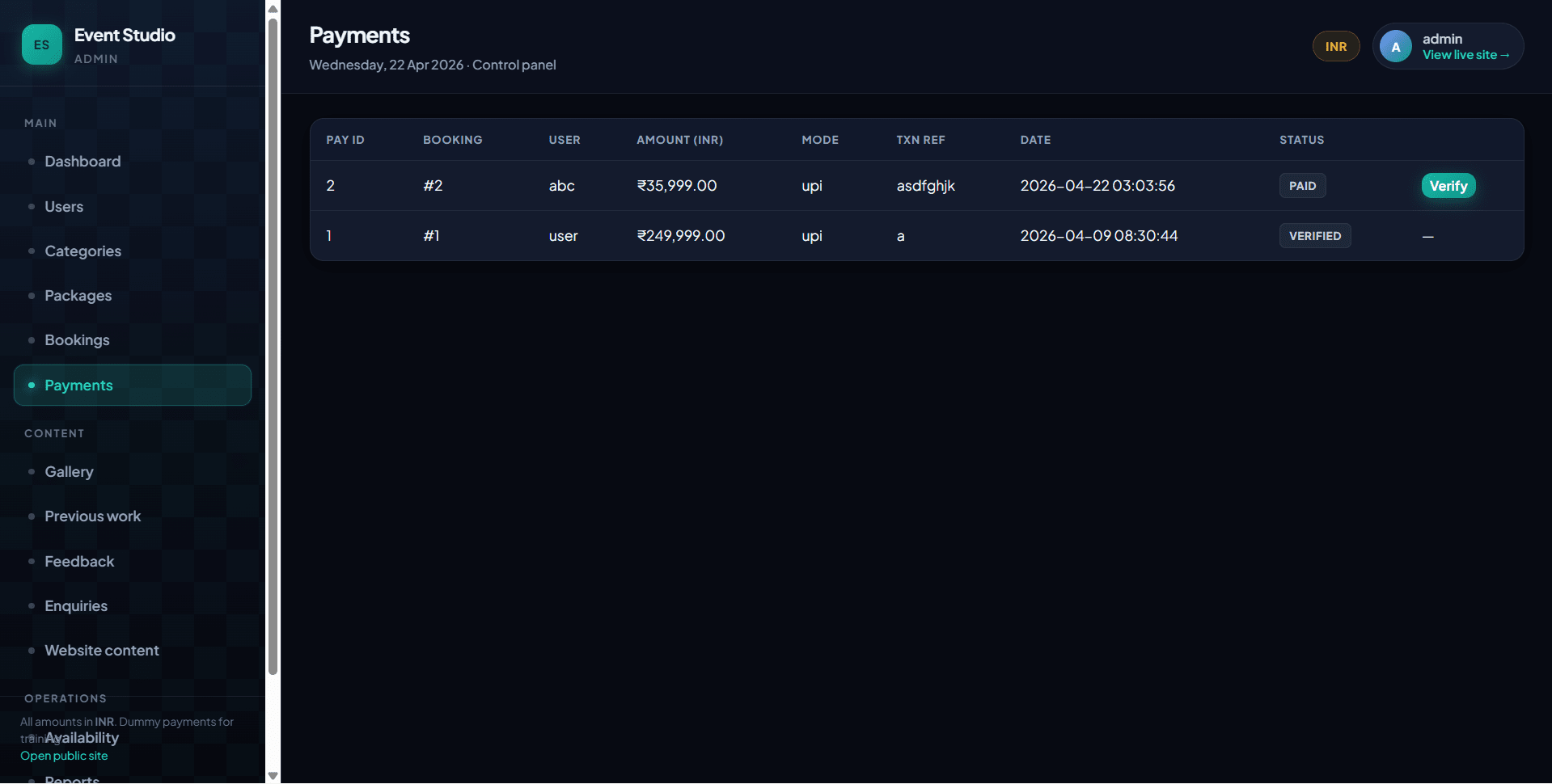
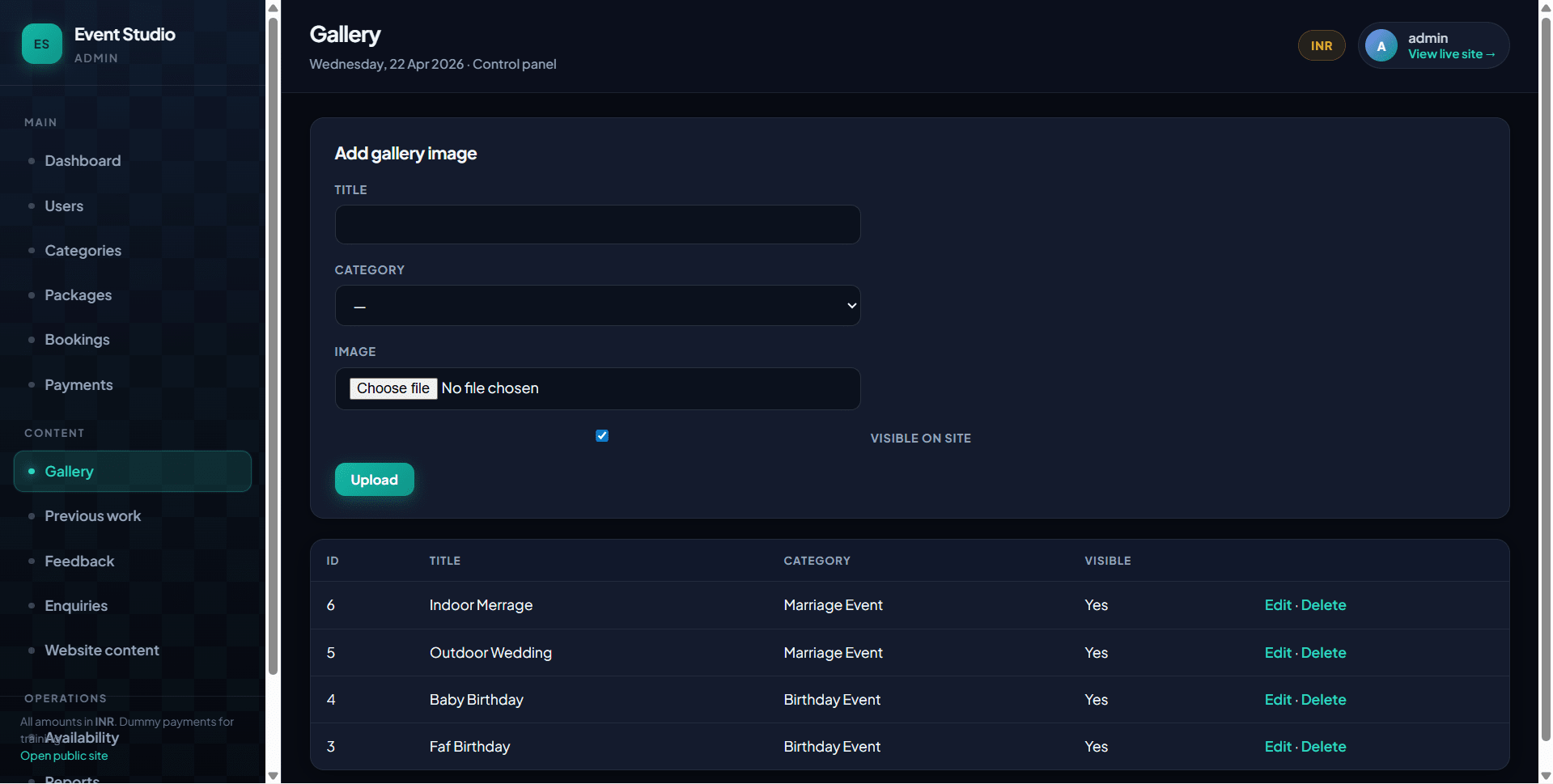
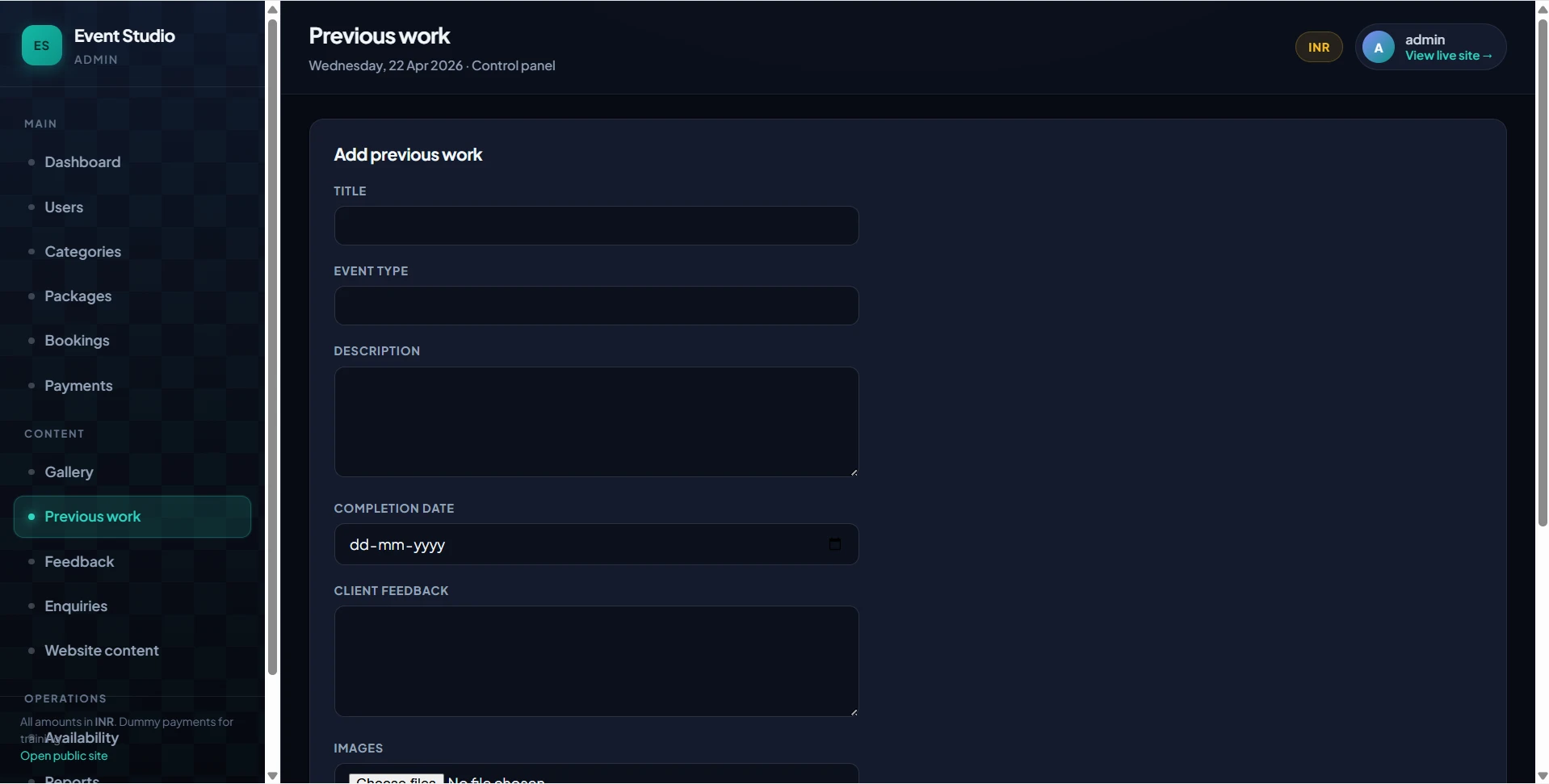
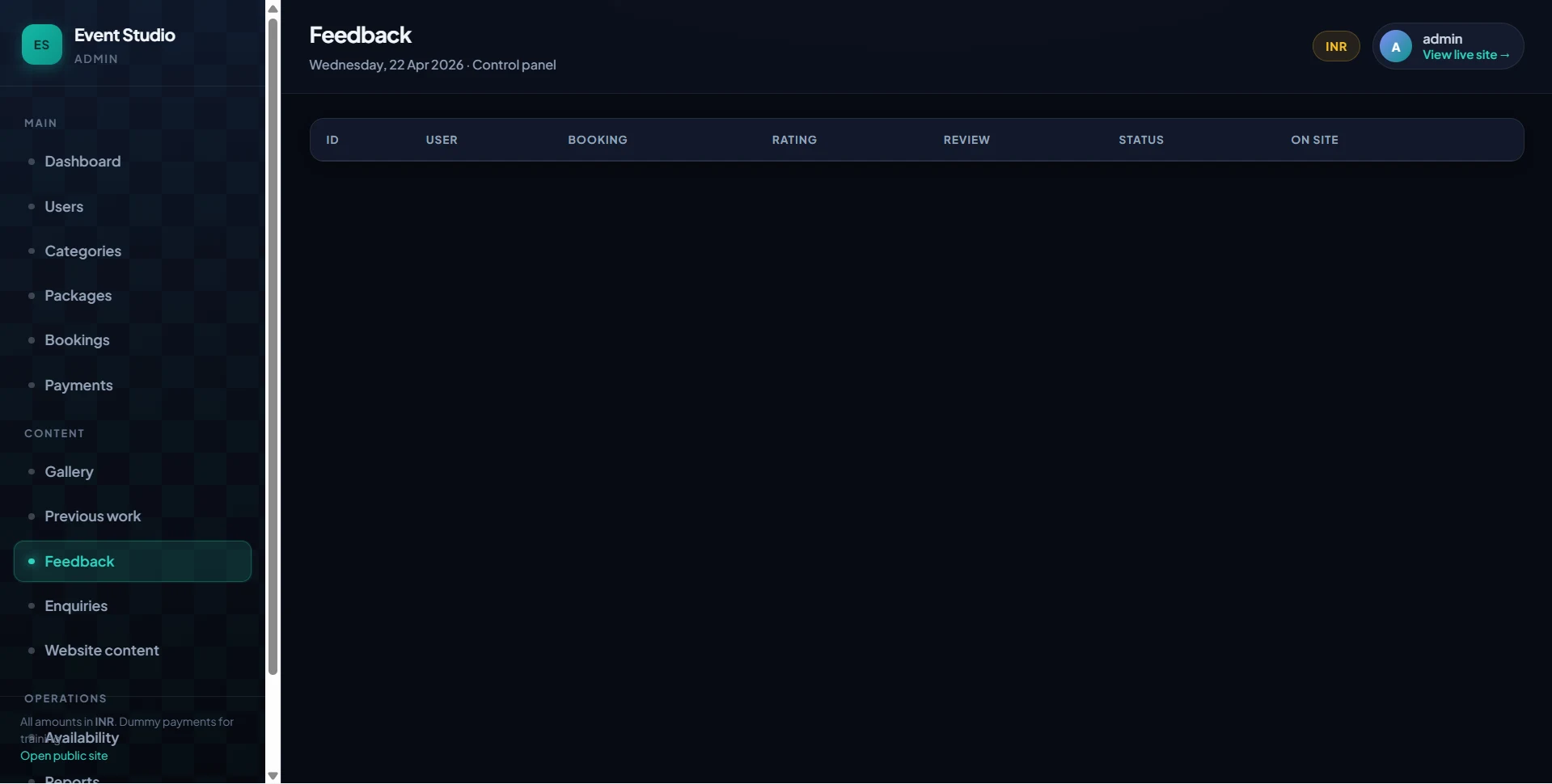
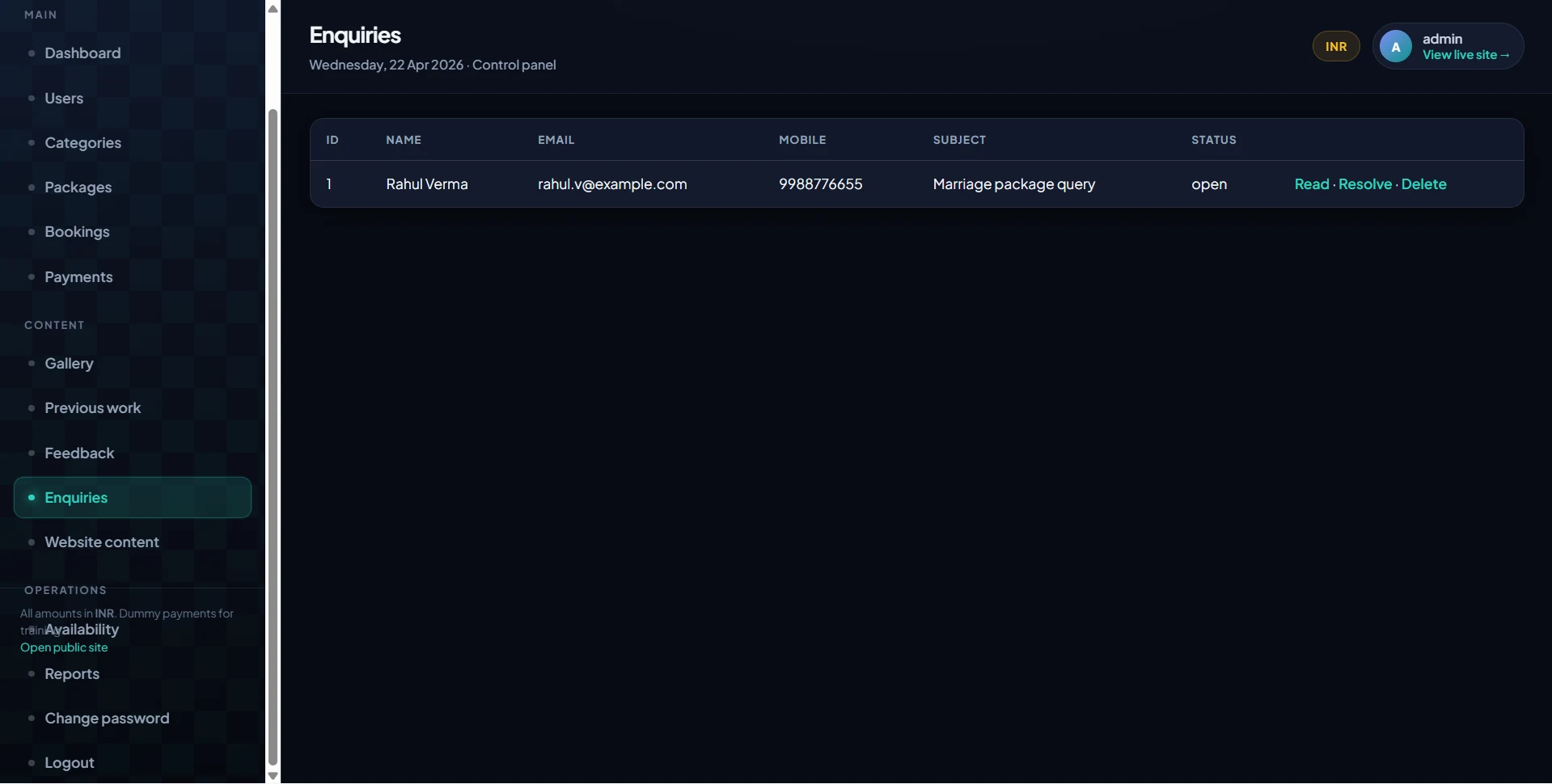
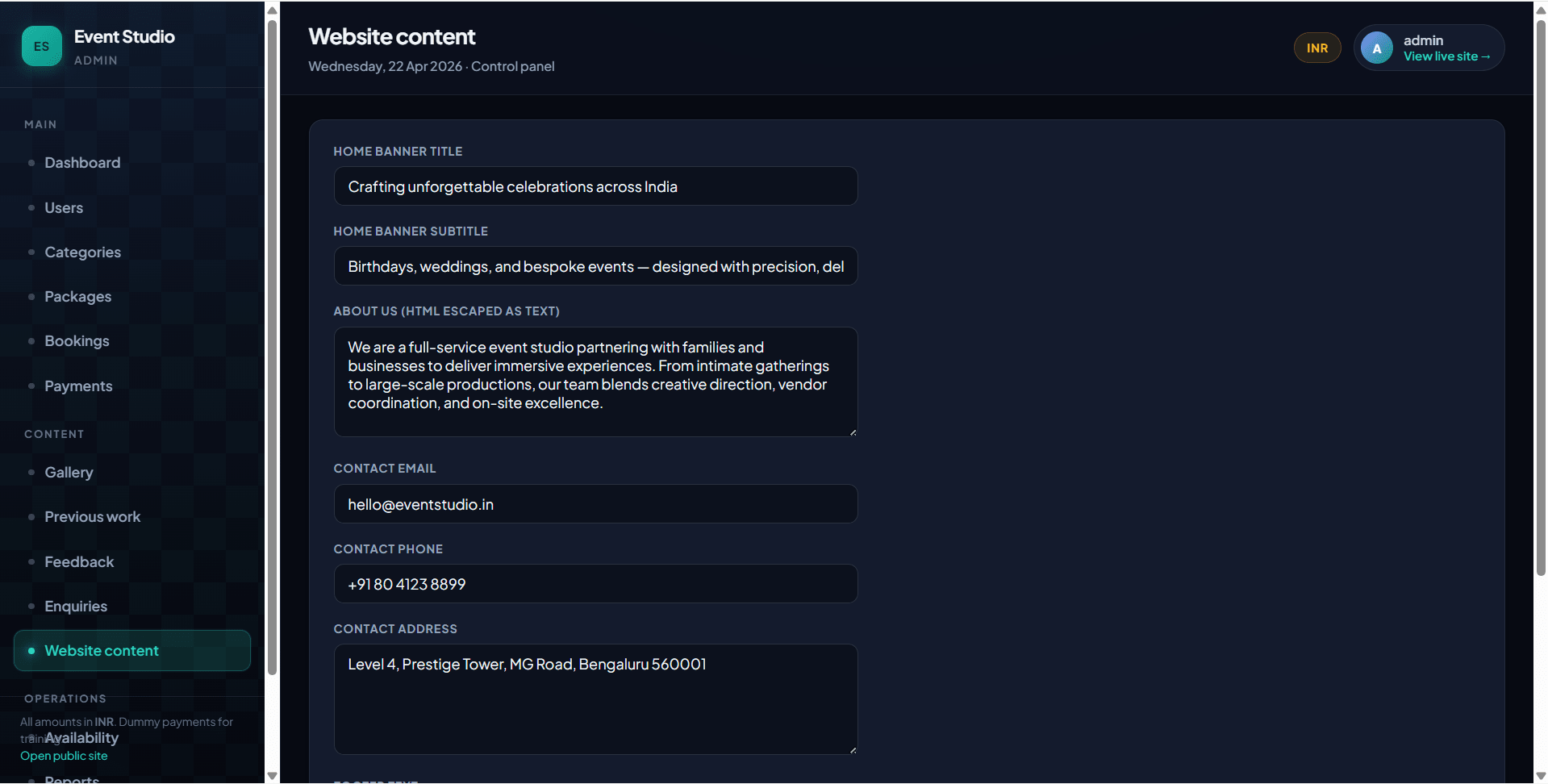
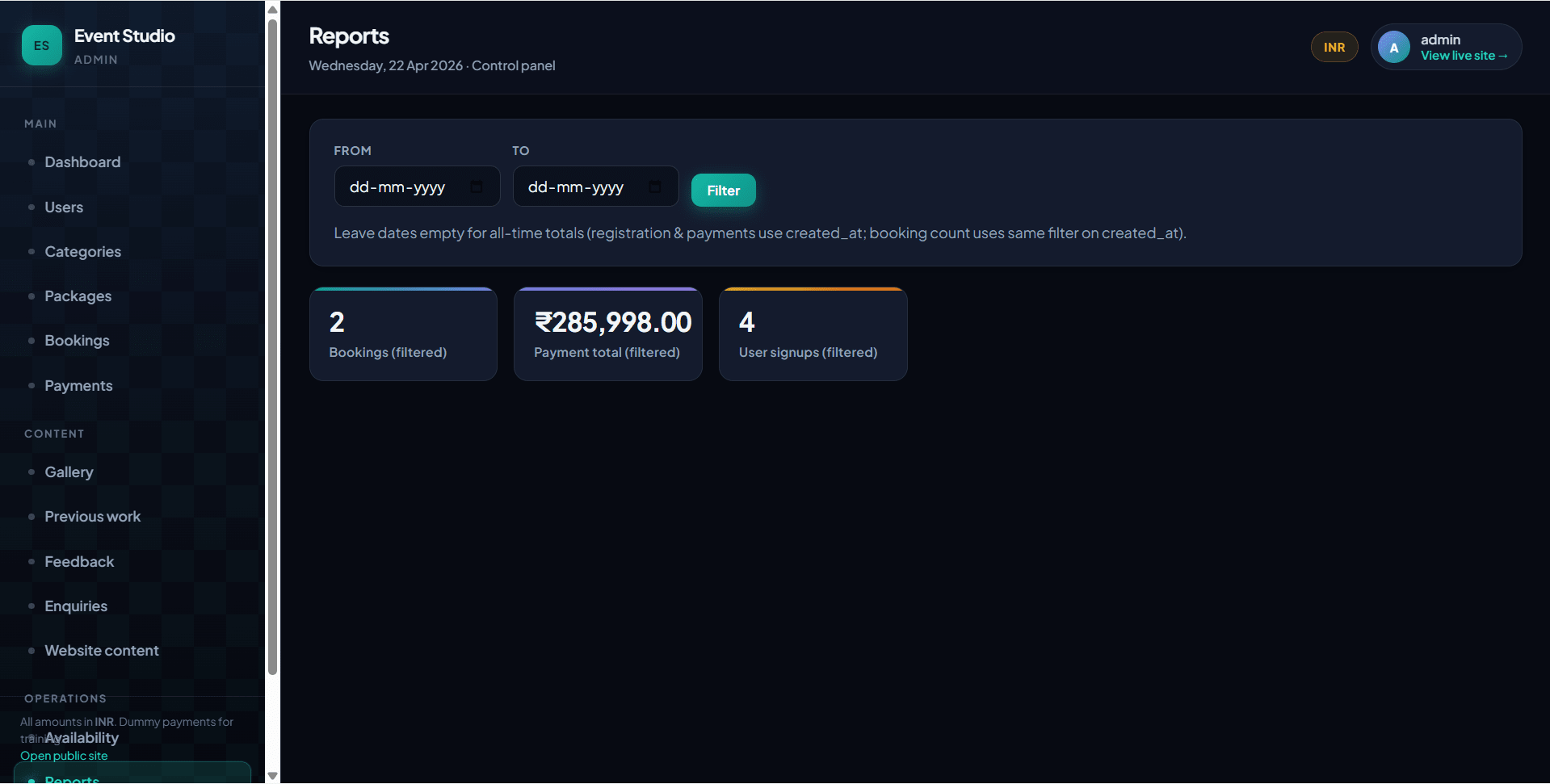
On the admin side, the project includes a separate control panel for managing categories, event packages, bookings, payments, gallery content, previous work, enquiries, blocked dates, and configurable site text. This structure makes the project relevant for B.Tech, BCA, MCA, BE, ME, and related computer science students who need a faculty-ready final year or major project with clear modules and a realistic database model.
The application uses PHP with sessions and PDO, MySQL or MariaDB for data storage, and server-rendered HTML with custom CSS. It runs on a standard Apache setup such as XAMPP, WAMP, or a Linux LAMP environment. FileMakr can position this listing as a student-first project option for source code access, project report alignment, and setup assistance based on college requirements. The included payment flow is clearly a dummy/demo module, making it suitable for learning, testing, and academic presentation rather than real transaction processing.
Ready to download?Pay once · Use for submission & viva
Modules and controls available to administrators
What end users can do in this application
Additional capabilities included in the project
Step-by-step setup on your laptop or PC
pdo_mysql, session, and fileinfoC:\xampp\htdocs\event_management\C:\wamp64\www\event_management\/var/www/html/event_management/config/config.phpDB_HOST, DB_NAME, DB_USER, and DB_PASSChoose one setup method:
Method A: Browser installer
http://localhost/<your-folder>/install.phpMethod B: Manual import
database/schema.sqldatabase/seed.sqldatabase/upgrade_multi_images.sql once after taking a backupassets/uploads/ and related upload directories are writable by the web server if image uploads are neededhttp://localhost/<project-folder>/index.phphttp://localhost/<project-folder>/login.phphttp://localhost/<project-folder>/admin/login.phpinstall.php after successful installationDefault demo accounts for testing after setup
adminadmin123[email protected]user123[email protected]user123Usage terms for academic and personal projects
Search terms and categories for this source code