Online Book Store Project using PHP and MySQL | Source Code
LIMITED TIME
Get Source Code ₹99
Open Live Demo
Real project UI Full source included Opens in new tab

Tap to open live demo

Interactive live demo — verify the project before you buy

Online Book Store Project using PHP and MySQL

Live Demo

Complete final-year project source code with frontend, backend, database, and setup guide. Instant download after secure payment.

  • PHP Stack
  • Instant Download
Secure CCAvenue payment Instant download link WhatsApp support

Choose your plan

Source Code Only

Full ZIP with frontend, backend, database & documentation.

₹99 one-time
  • Complete project source files
  • Database script included
  • How-to-run guide

What's in your download

Review features, setup steps, and credentials before you pay.

Project Overview

Description, tech stack, and what is included

Full source Frontend + backend
Database .sql file
Setup guide README included

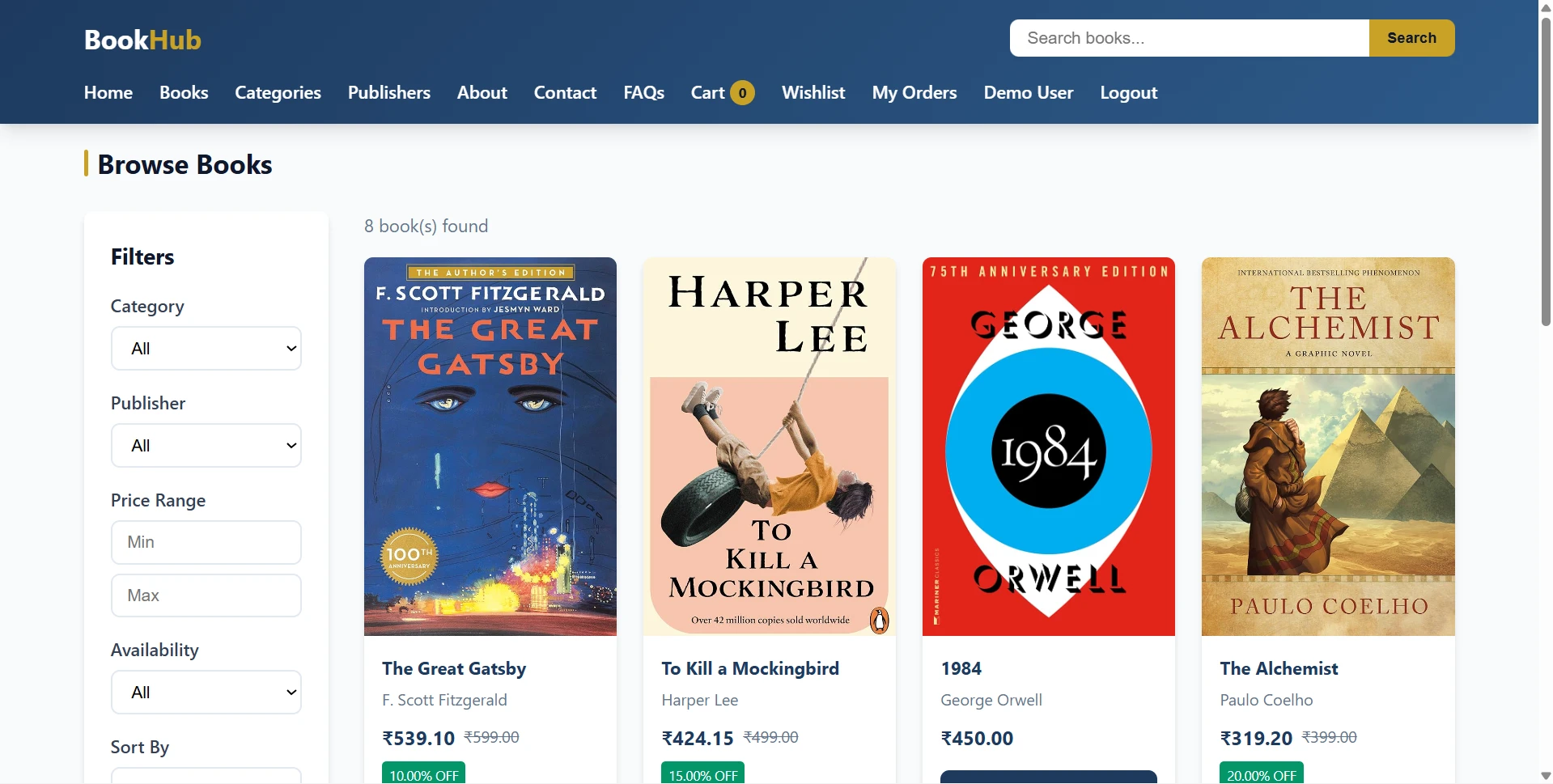
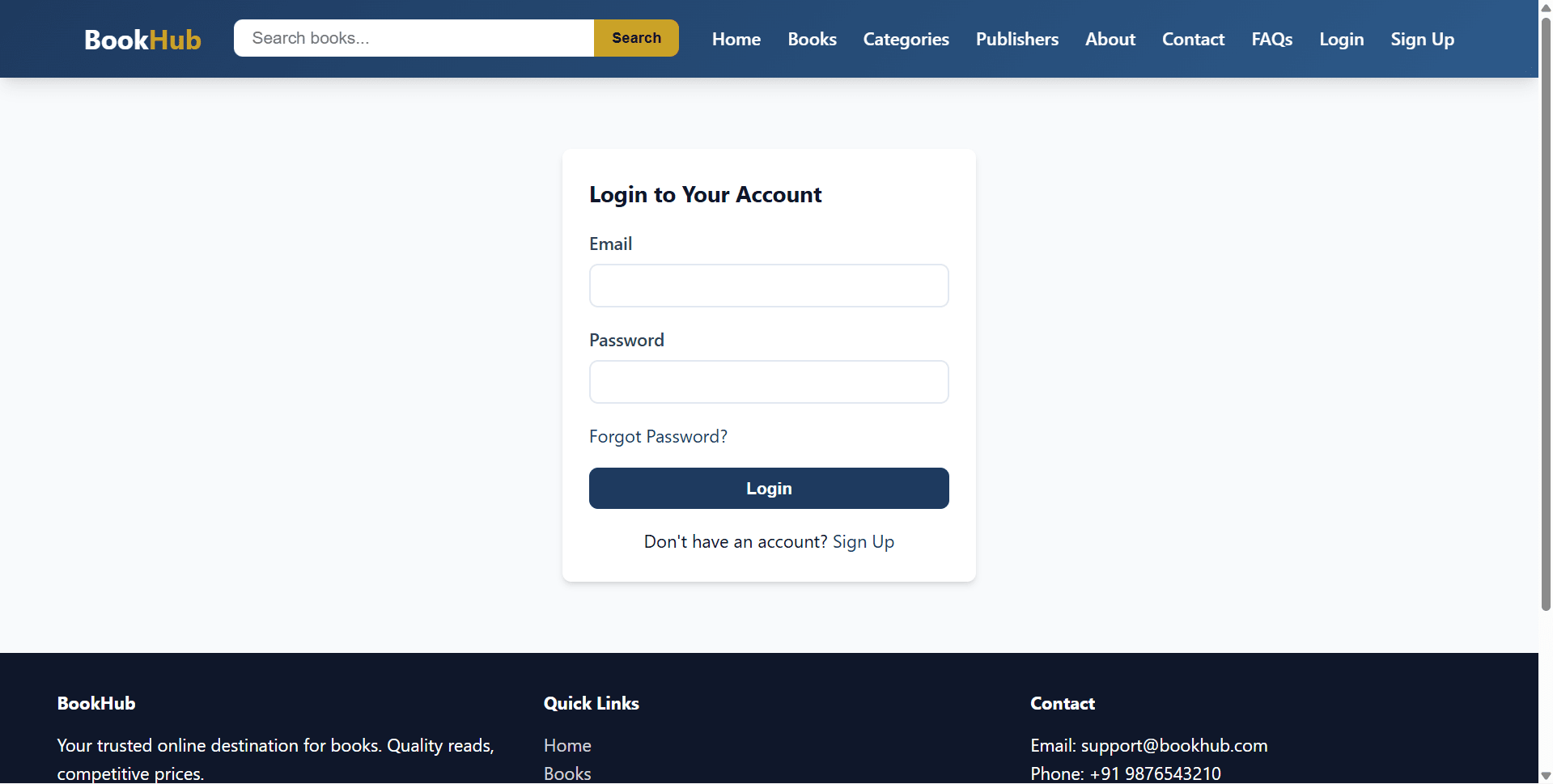
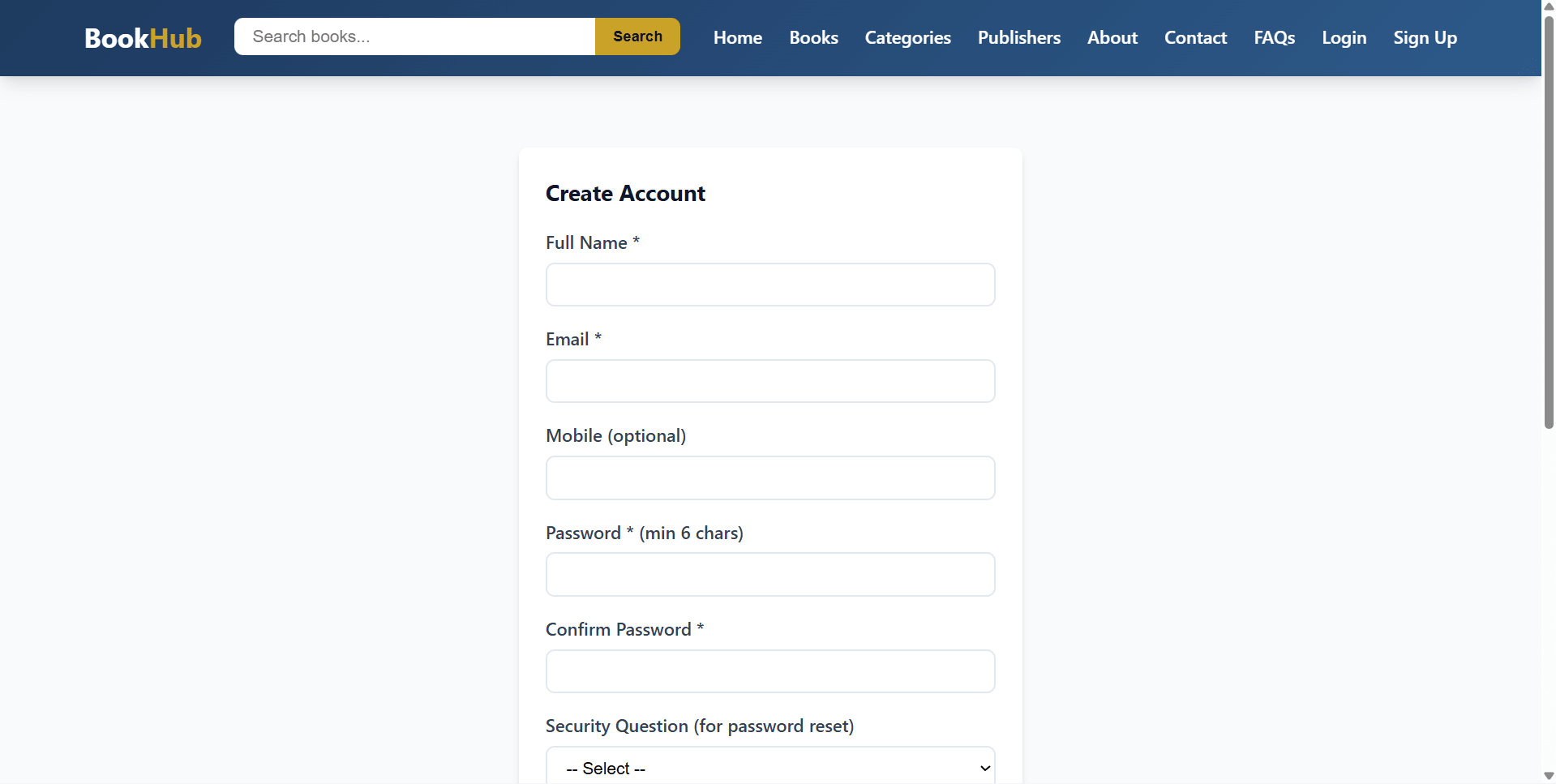
BookHub is a final year project built with Core PHP and MySQL for students who want a complete online bookstore and e-commerce web application. This final year project includes a customer storefront for registration, login, OTP forgot password, catalog browsing, cart, checkout, addresses, wishlist, orders, reviews, and support pages. Customers can search books by title, author, or ISBN, filter by category, publisher, price, and stock, then place COD or manual-payment orders. The admin panel of this final year project manages publishers, categories, books, users, orders, reviews, contacts, FAQs, settings, invoices, and audit logs. With database-persisted carts, purchase-based reviews, inventory restoration on cancellation, book cover uploads, and Gmail SMTP OTP support, BookHub is suitable for a final year major project in PHP, MySQL, e-commerce, and bookstore management.

Technical snapshot

Project
Online Book Store Project using PHP and MySQL
Stack
PHP
Includes
Code, DB, README
License
Academic submission
Secure CCAvenue payment · Instant download · Need help? WhatsApp us

Ready to download?Pay once · Use for submission & viva

Admin Features

Modules and controls available to administrators

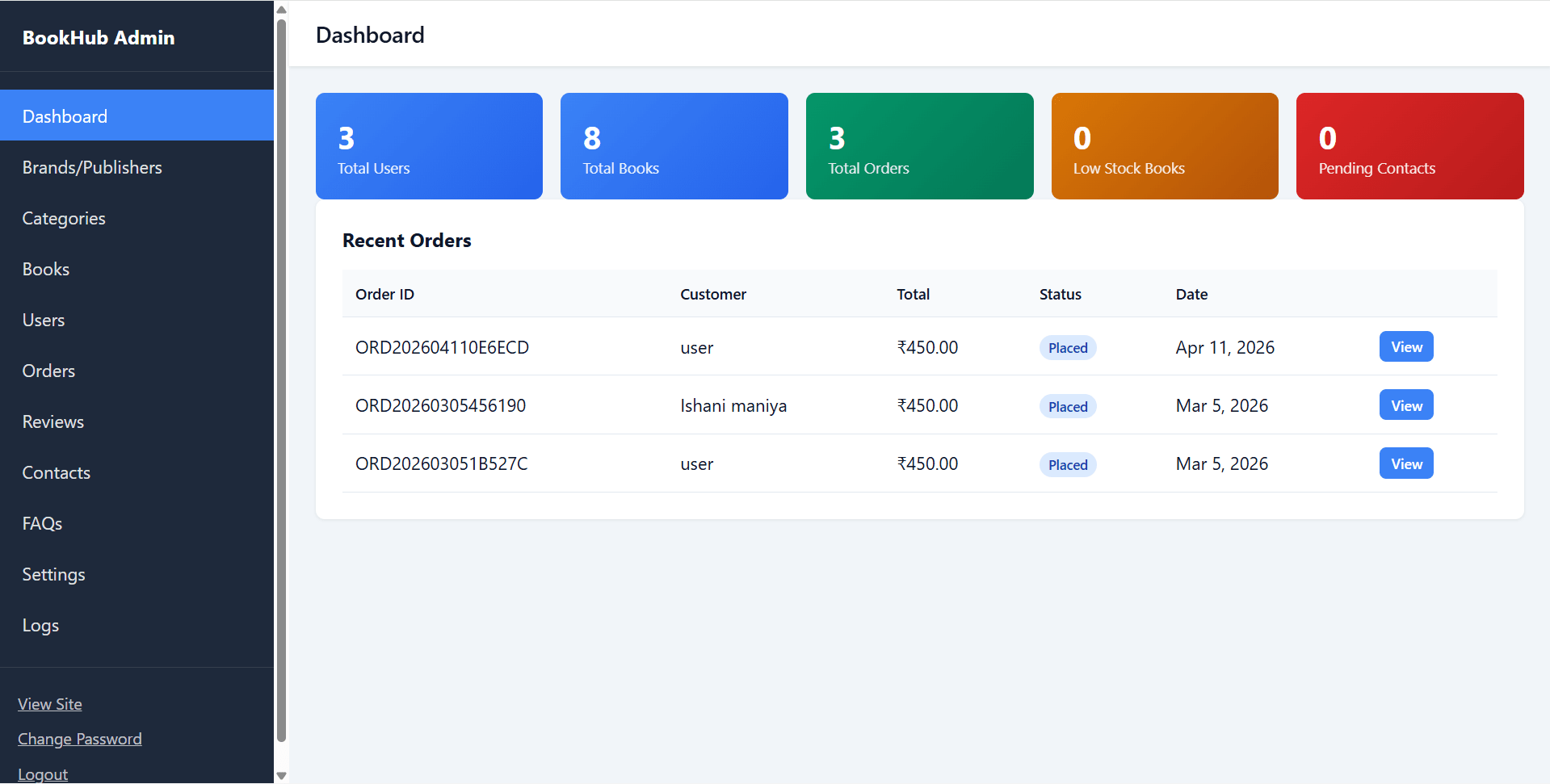
  • Admin dashboard for this final year project with users, books, orders, low-stock titles, unresolved contacts, and recent orders
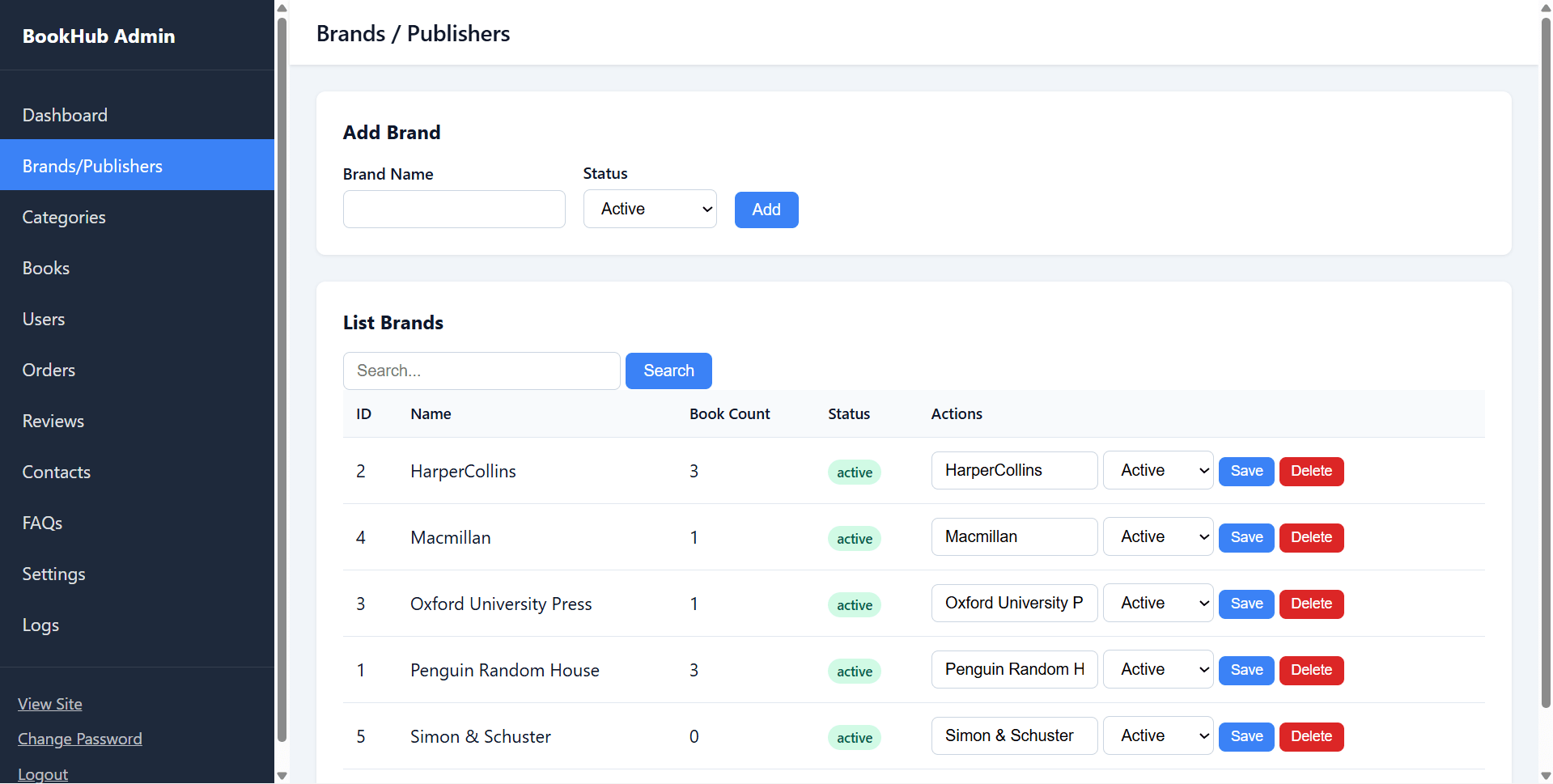
  • Publisher/brand management with add, search, status, book count, edit, and delete/deactivate logic
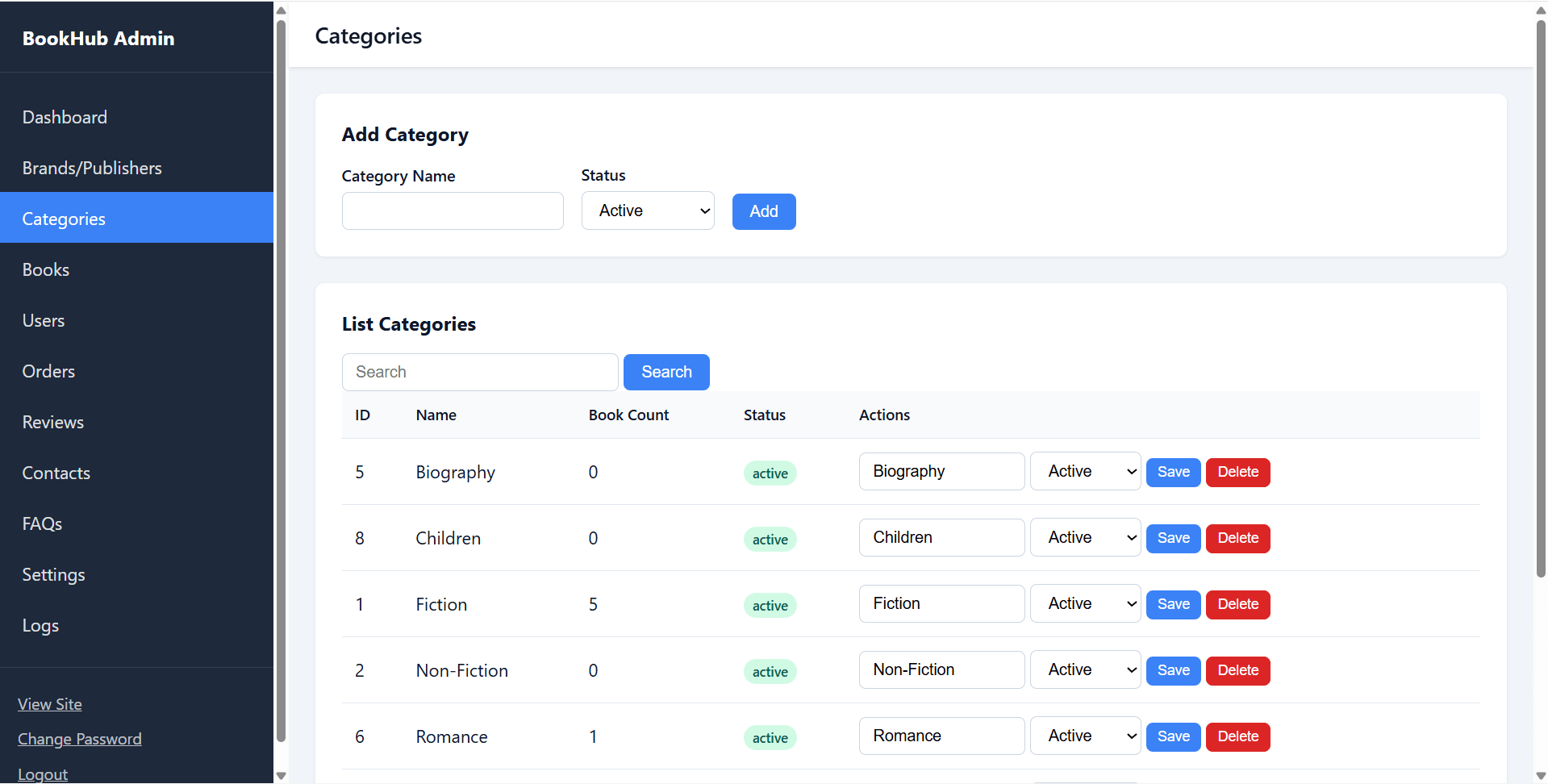
  • Category management with add, search, edit, and delete rules where books are linked
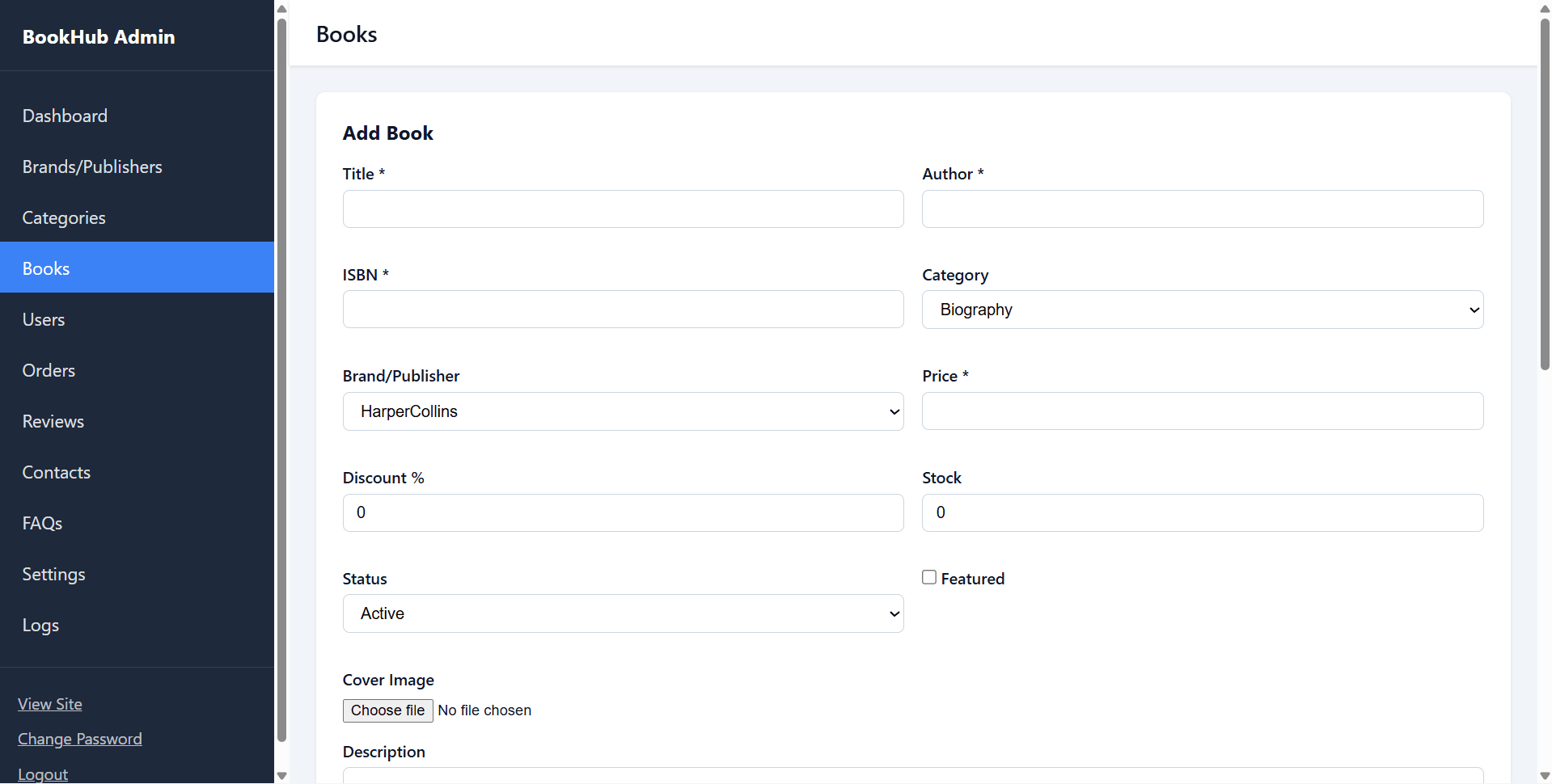
  • Book CRUD with title, author, ISBN, description, category, publisher, price, discount, stock, active status, featured flag, and cover upload
  • Book pagination and search by title, author, or ISBN
  • Manual stock adjustment from book list
  • User listing with search and order count
  • User block/unblock functionality
  • Manual user password reset
  • Order list with status filter and customer/order search
  • Order status and payment status updates
  • Order detail page
  • Printable HTML invoice
  • Review moderation with hide/show or hard delete
  • Contact message management with resolved/unresolved status
  • FAQ add, edit, sort order, status, and delete
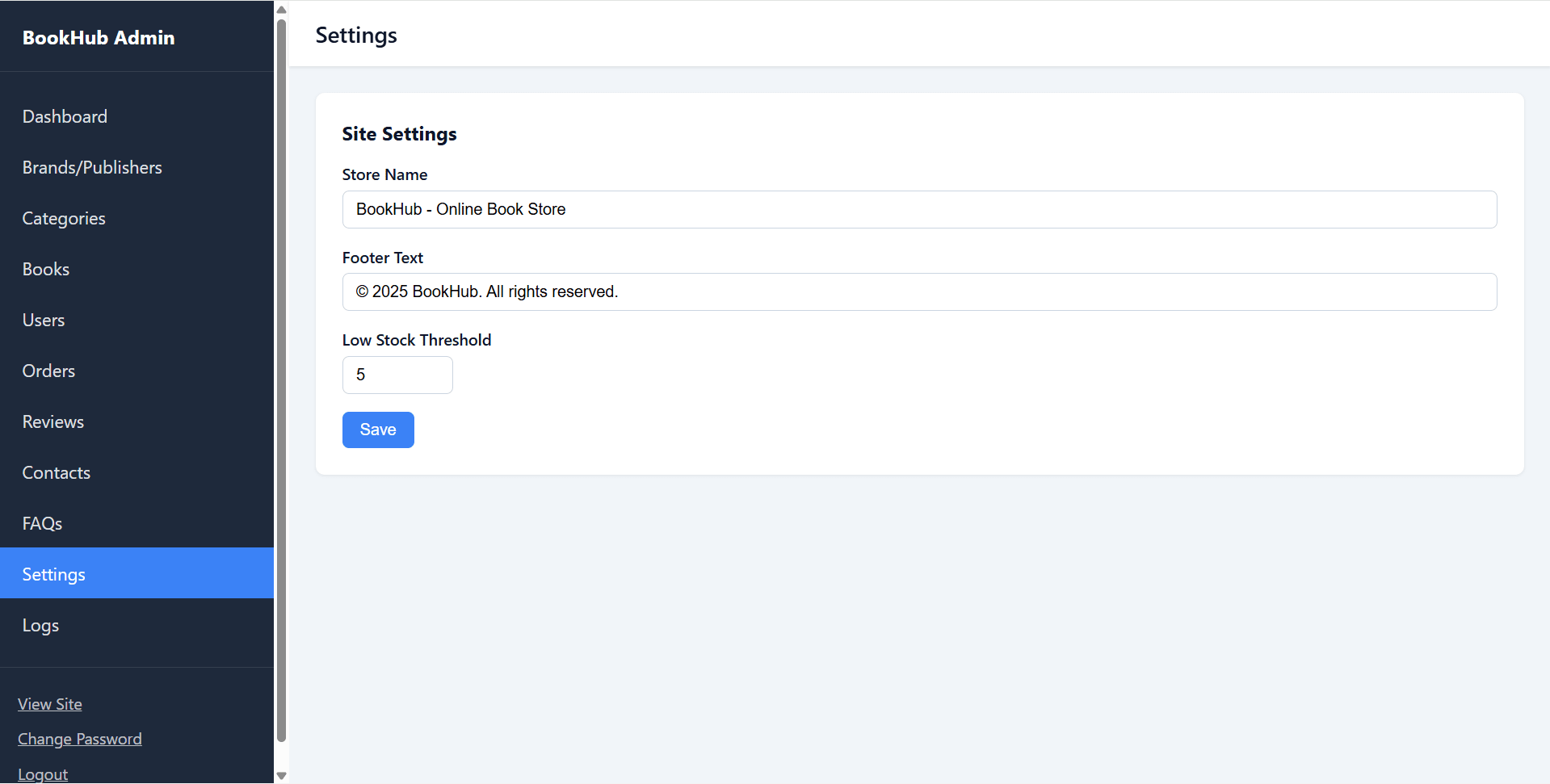
  • Store settings for store name, footer text, and low-stock threshold
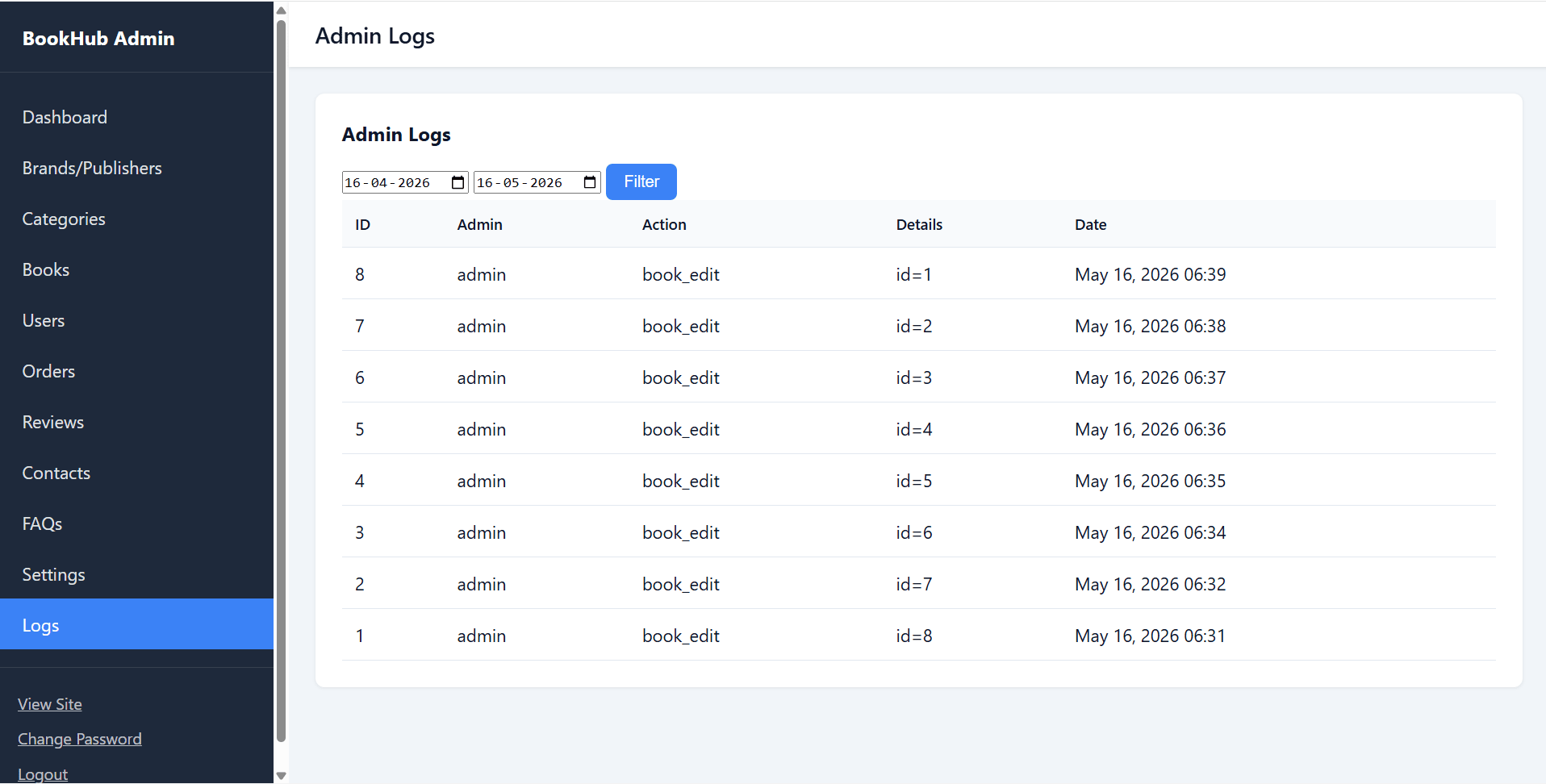
  • Admin audit logs with date-range filters
  • Admin password change and logout

User Features

What end users can do in this application

  • Customer signup and login in this final year project
  • Forgot password using 6-digit OTP through Gmail SMTP
  • Change password for logged-in users
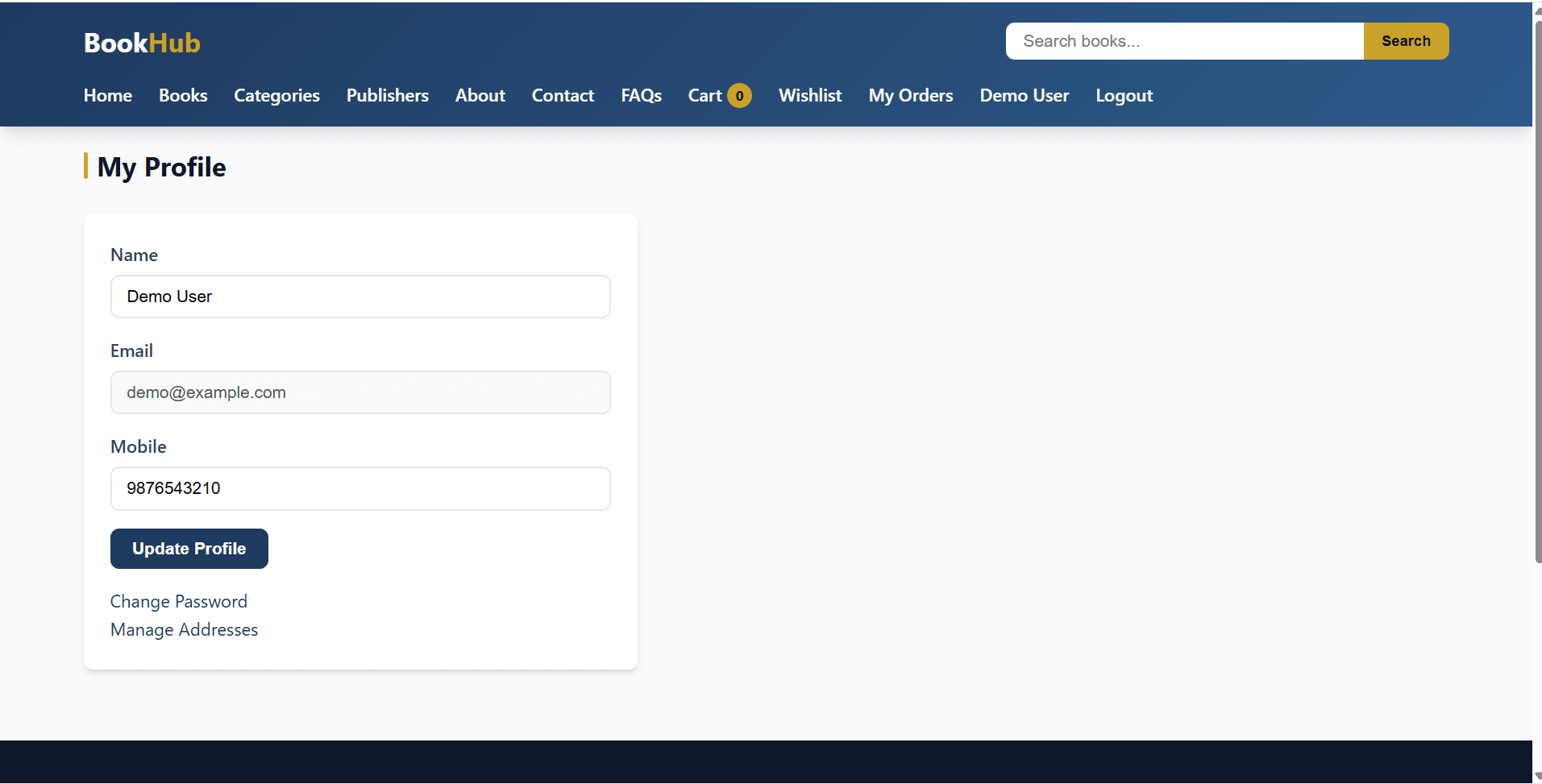
  • Profile update with display name and mobile
  • Address management with add, delete, and default delivery address
  • Home page with featured books, latest arrivals, and search
  • Book listing with pagination
  • Search by title, author, or ISBN
  • Filters by category, publisher, price range, and stock status
  • Sorting by newest, price low to high, price high to low, and title A to Z
  • Book detail with metadata, sale price, stock, average rating, and reviews
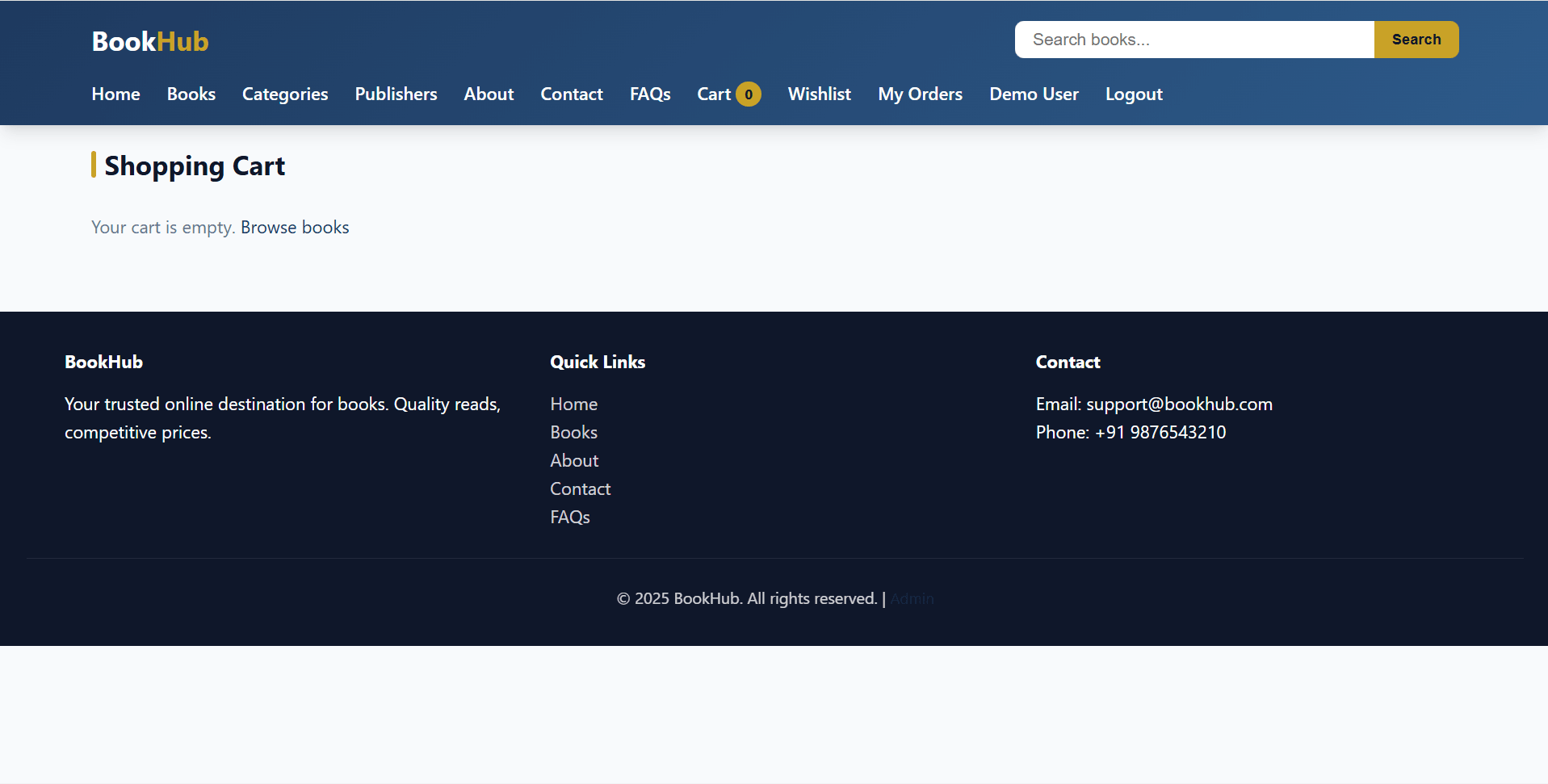
  • Database-persisted shopping cart
  • Cart quantity update with live stock validation
  • Checkout with COD or manual payment mode
  • Order creation with address snapshot and order items
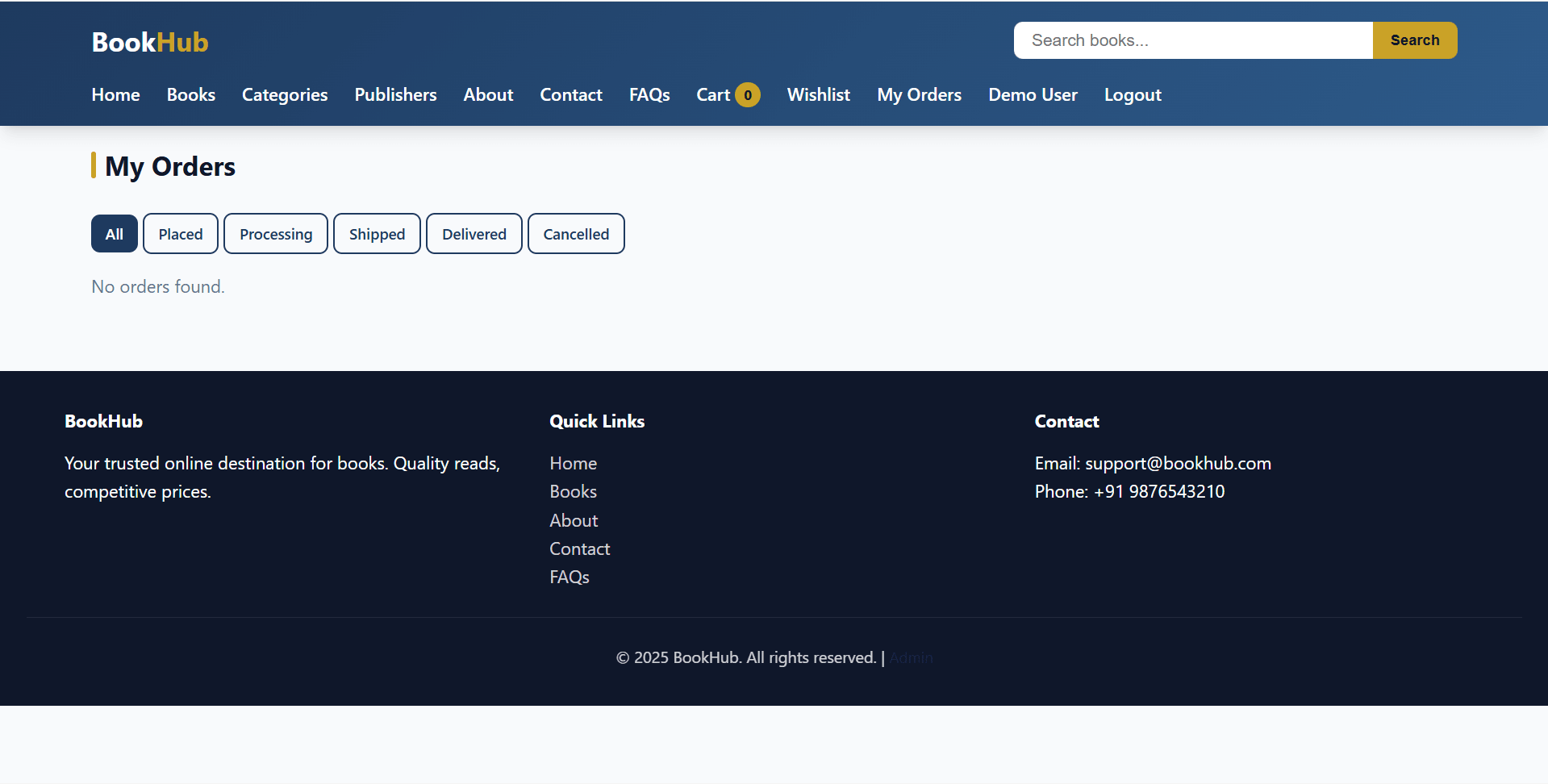
  • Order history with status filter
  • Order detail view
  • Order cancellation while placed or processing, with stock restoration
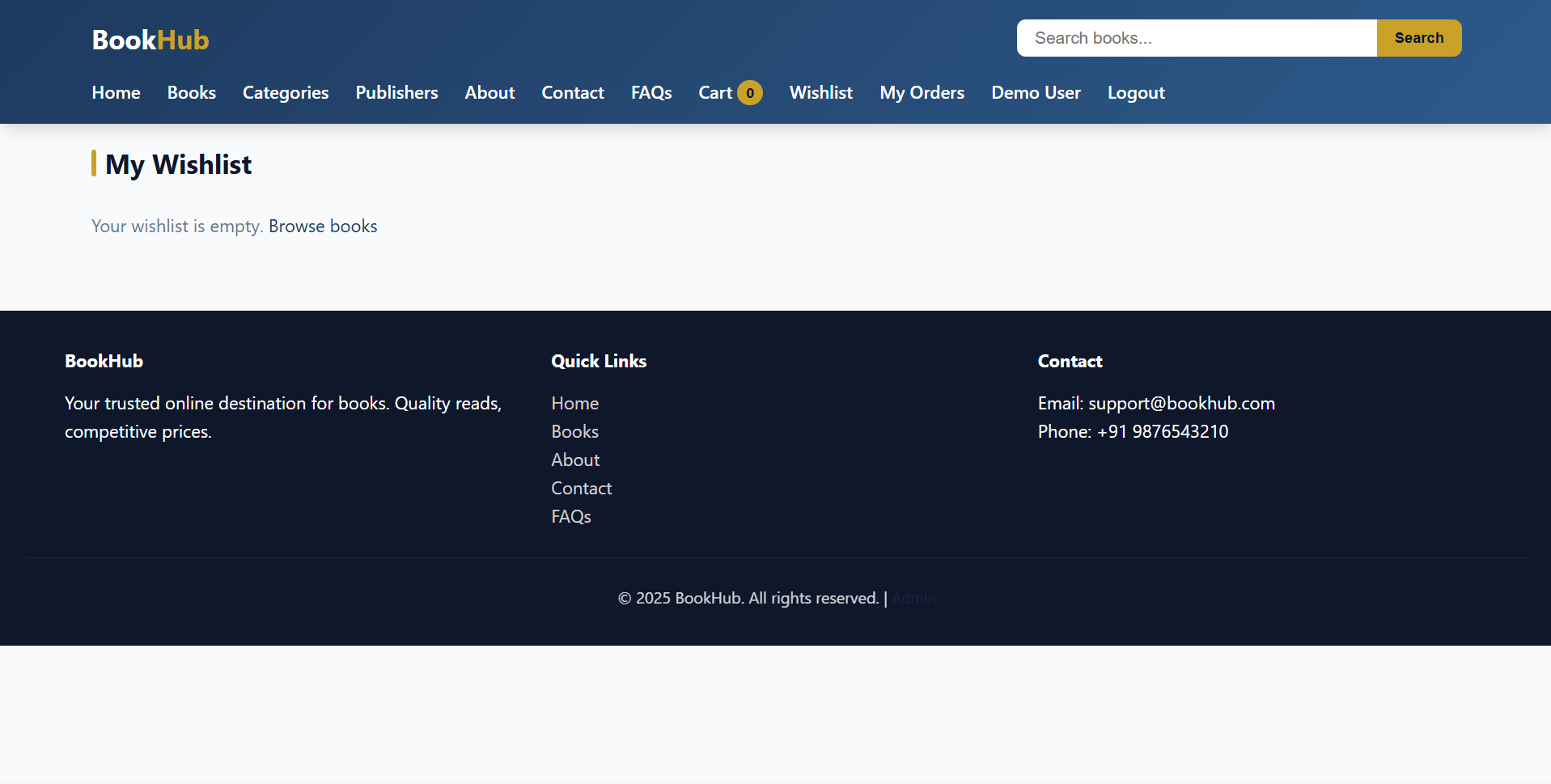
  • Wishlist add/remove and move to cart
  • Review submission, edit, or delete for purchased books only
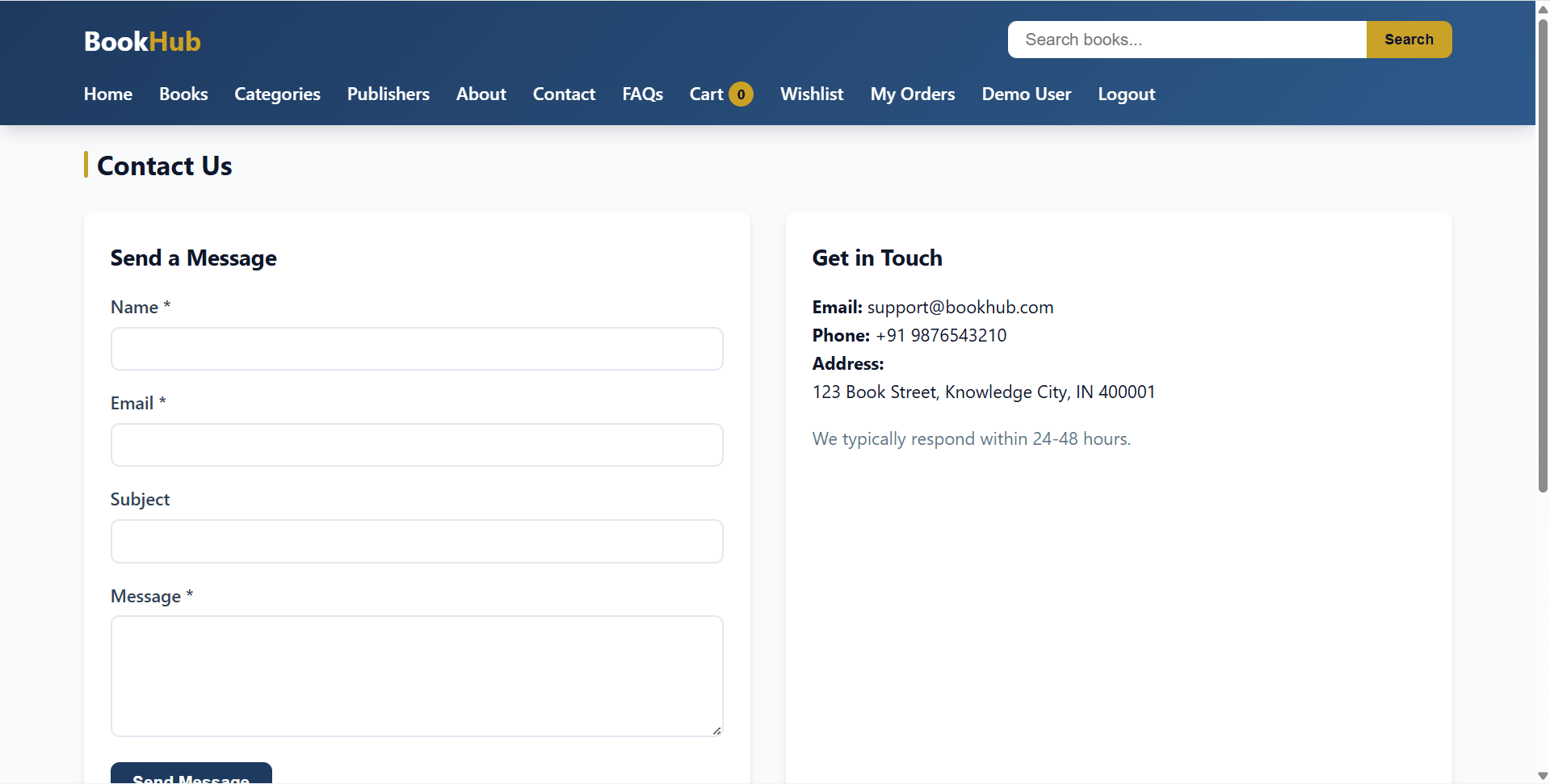
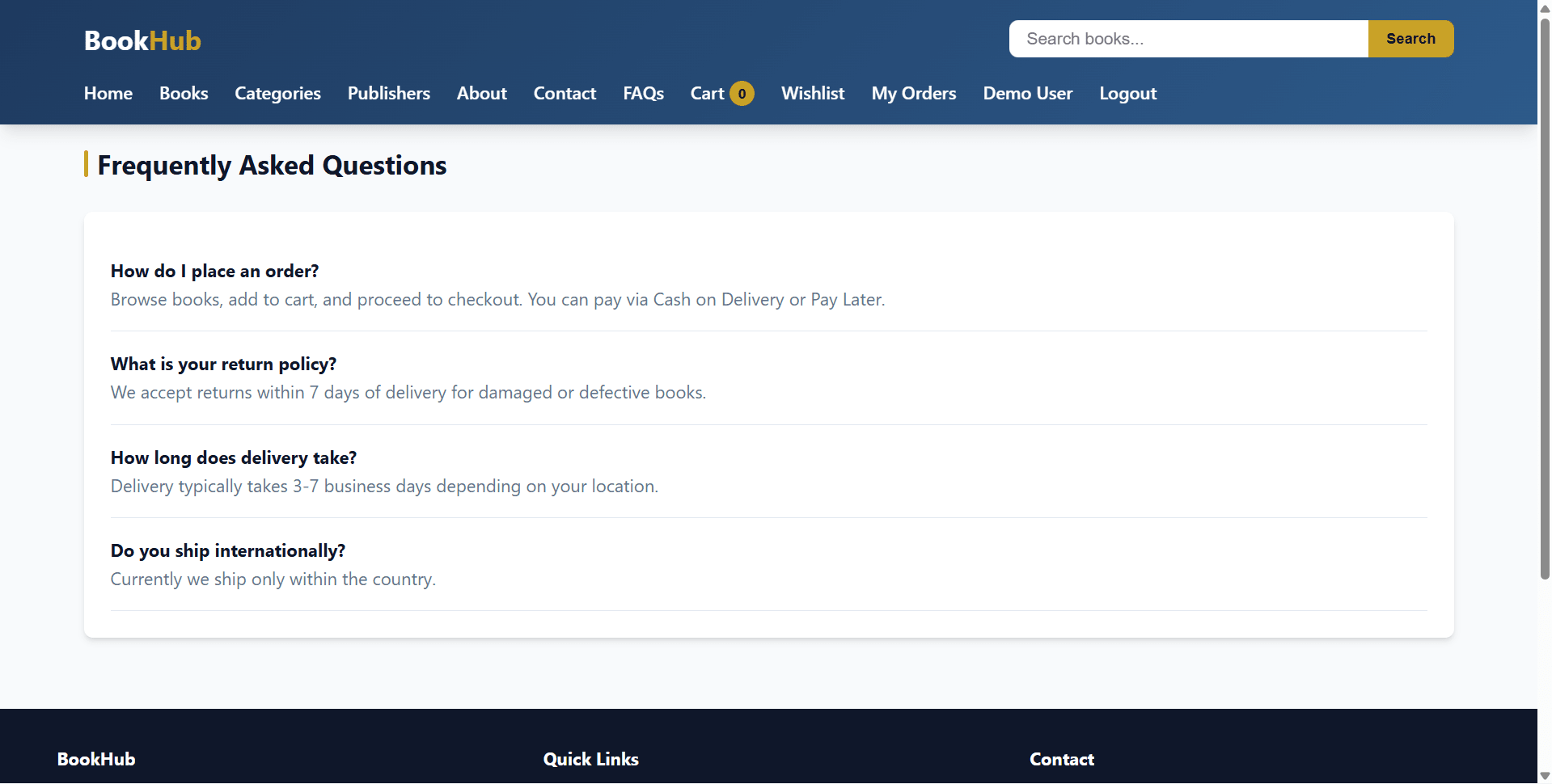
  • Contact form and FAQ viewing

Other Features

Additional capabilities included in the project

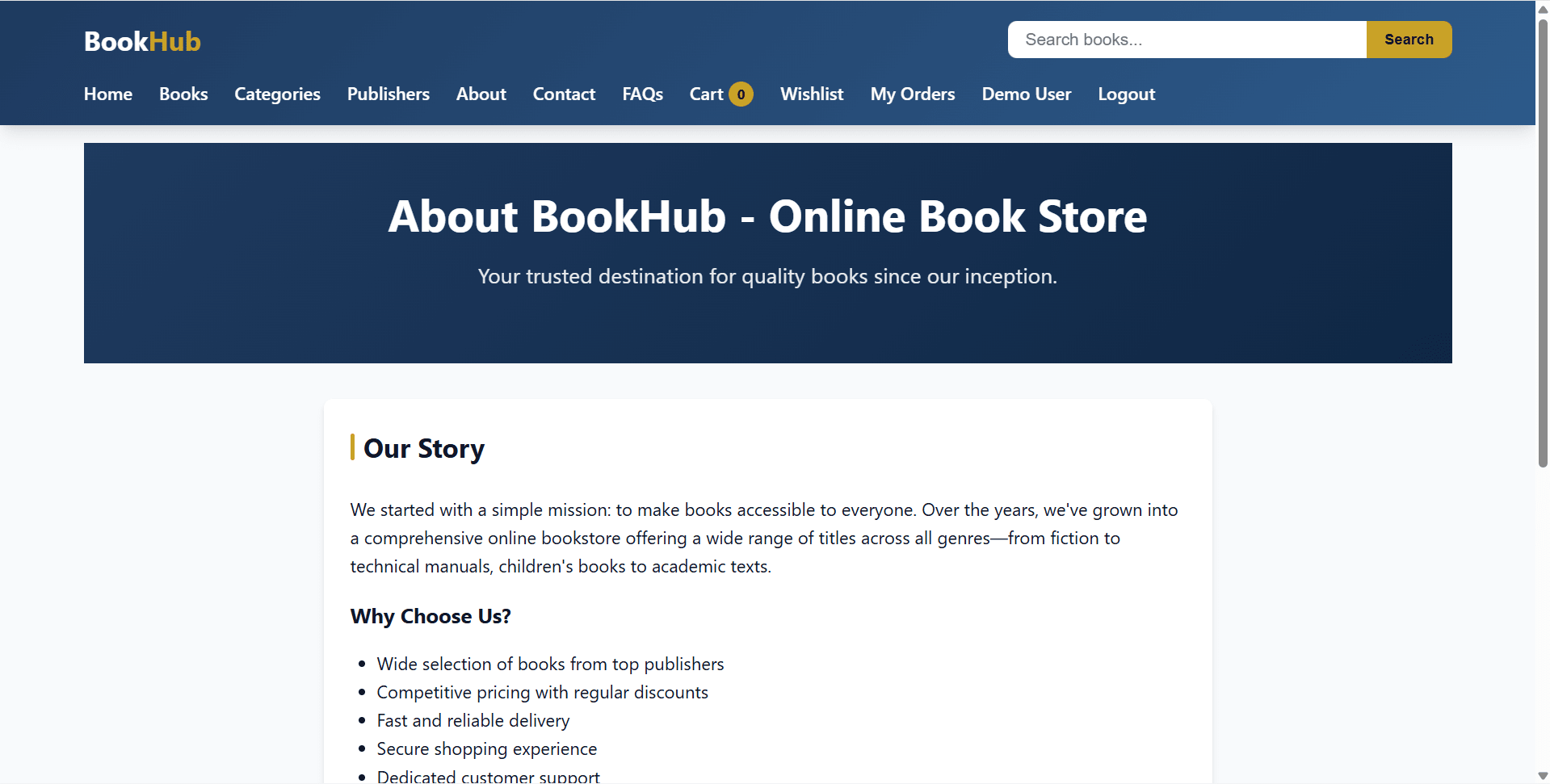
  • Public marketing storefront included in this final year project
  • No Composer required
  • No frontend build step required
  • PHP native sessions for users and admins
  • bcrypt password hashing using password_hash() and password_verify()
  • Gmail SMTP OTP helper for password reset
  • File upload support for book cover images
  • Admin and user sessions handled separately
  • COD/manual payment workflow without payment gateway
  • Demo seed data with books, user, FAQs, contact, and admin password reset
  • Admin initialization script for normalizing admin password
  • Writable uploads/books/ folder for cover images
  • Suitable for final year project demo, viva, source code review, and report preparation

How to Run

Step-by-step setup on your laptop or PC

  • Import the database schema for this final year project:
    mysql -u root -p < database/schema.sql
  • Edit config/database.php and set:
    • DB_HOST
    • DB_USER
    • DB_PASS
    • DB_NAME
    • BASE_URL
  • Optional: configure Gmail OTP email in config/email_config.php:
    • SMTP_USER
    • SMTP_PASS
  • Load demo data:
    php database/seed.php
  • Optional: normalize only the admin password:
    php database/init_admin.php
  • Start using PHP built-in server:
    php -S localhost:8000
  • Open:
    http://localhost:8000
  • For XAMPP/WAMP, copy the project into htdocs, start Apache/MySQL, and adjust BASE_URL if the folder is served as a subdirectory.
  • Ensure uploads/books/ is writable for admin cover image uploads.

Login Credentials

Default demo accounts for testing after setup

Customer Demo

Admin

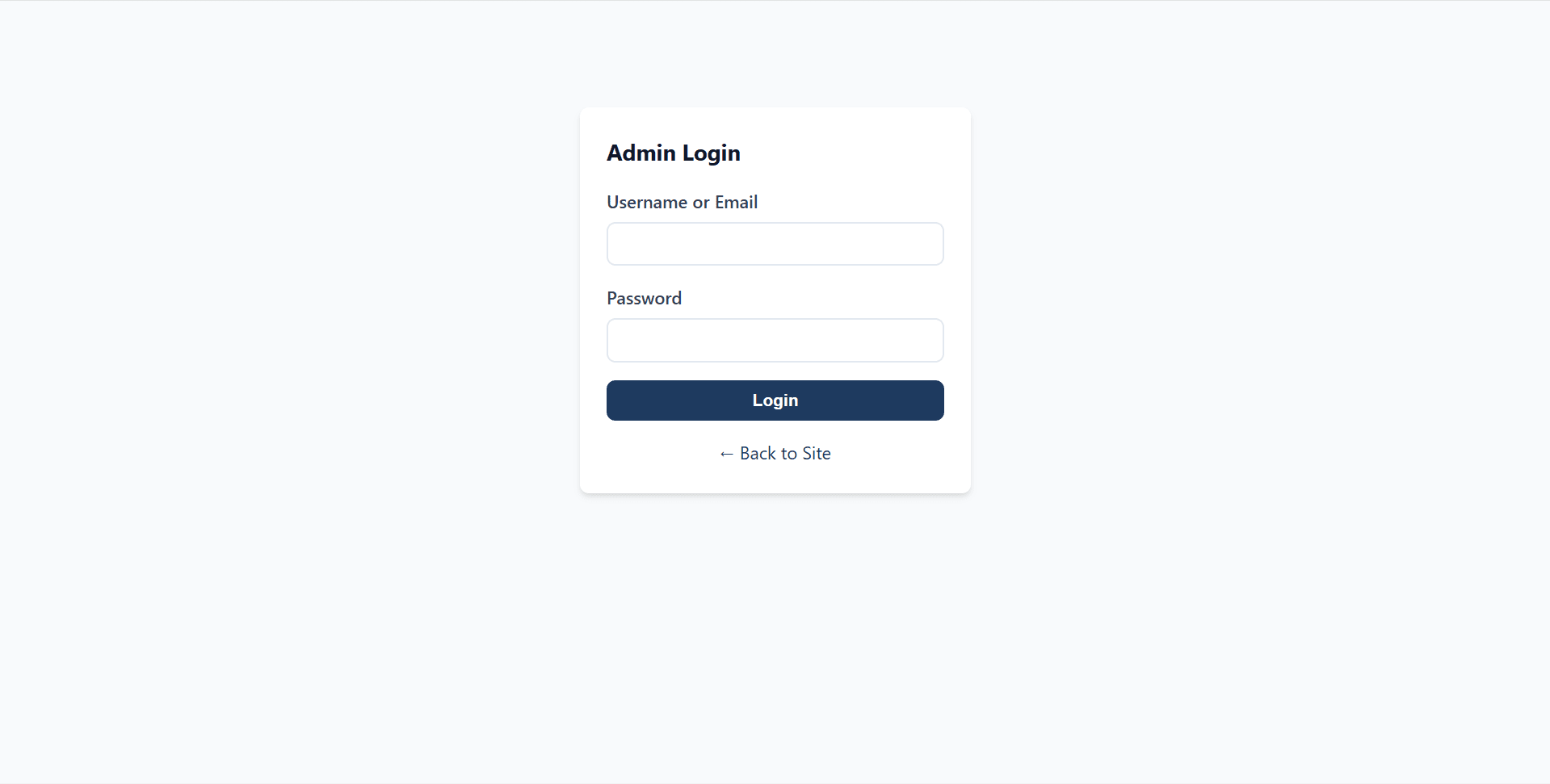
  • Username: admin
  • Password after seed.php or init_admin.php: admin123
  • Password after fresh schema only: password

License

Usage terms for academic and personal projects

Related Tags

Search terms and categories for this source code
Online Book Store Project using PHP and MySQL Source Code Final Year PHP Project Ready-to-Run Code With Database File Plagiarism-Free Faculty Approved