Source Code Only
Full ZIP with frontend, backend, database & documentation.
₹99 one-time
- Complete project source files
- Database script included
- How-to-run guide
Tap to open live demo
Interactive live demo — verify the project before you buy
Complete final-year project source code with frontend, backend, database, and setup guide. Instant download after secure payment.
Choose your plan
Full ZIP with frontend, backend, database & documentation.
We install & configure the project on your laptop within 24 hours.
Review features, setup steps, and credentials before you pay.
Description, tech stack, and what is included
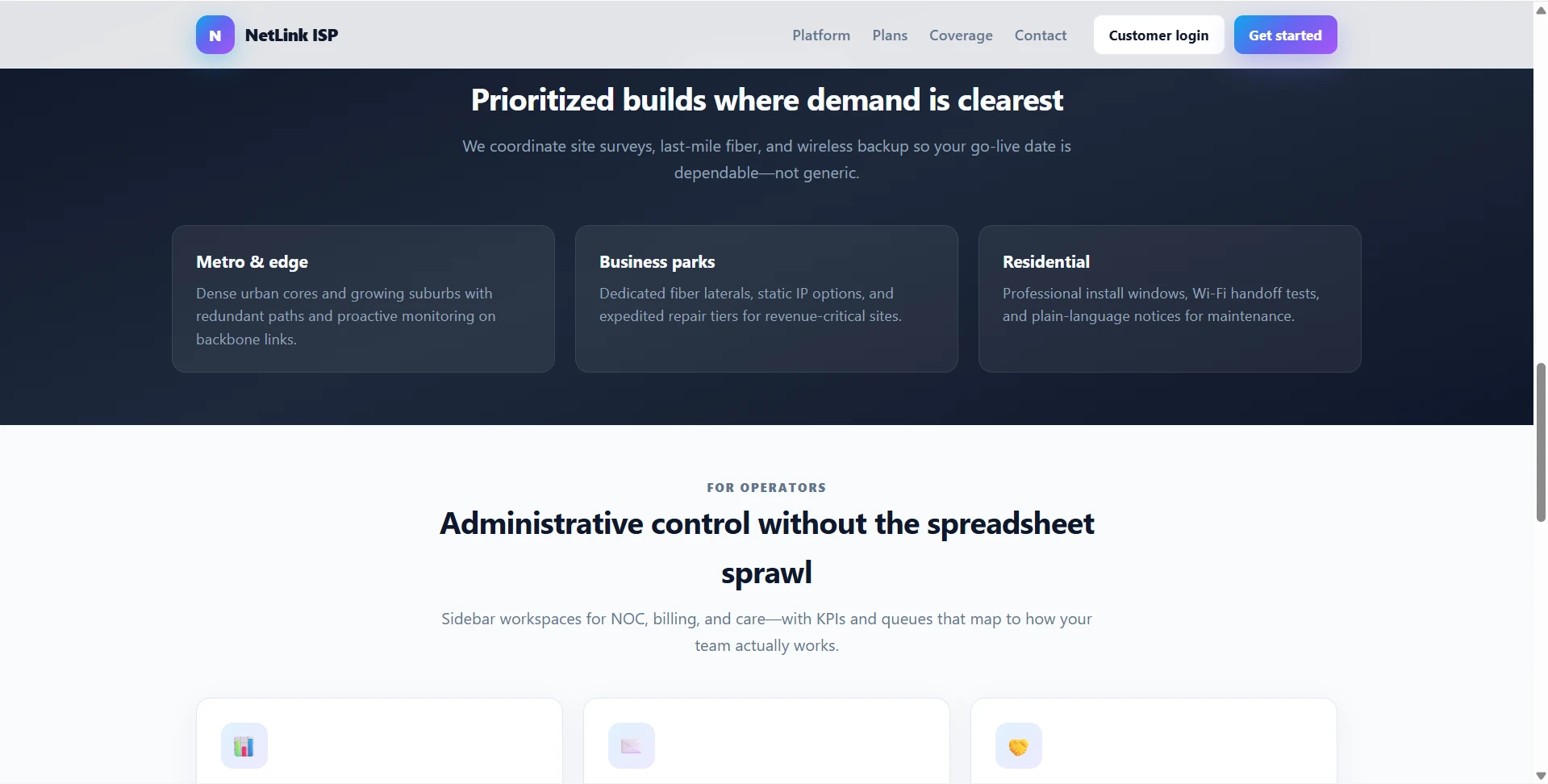
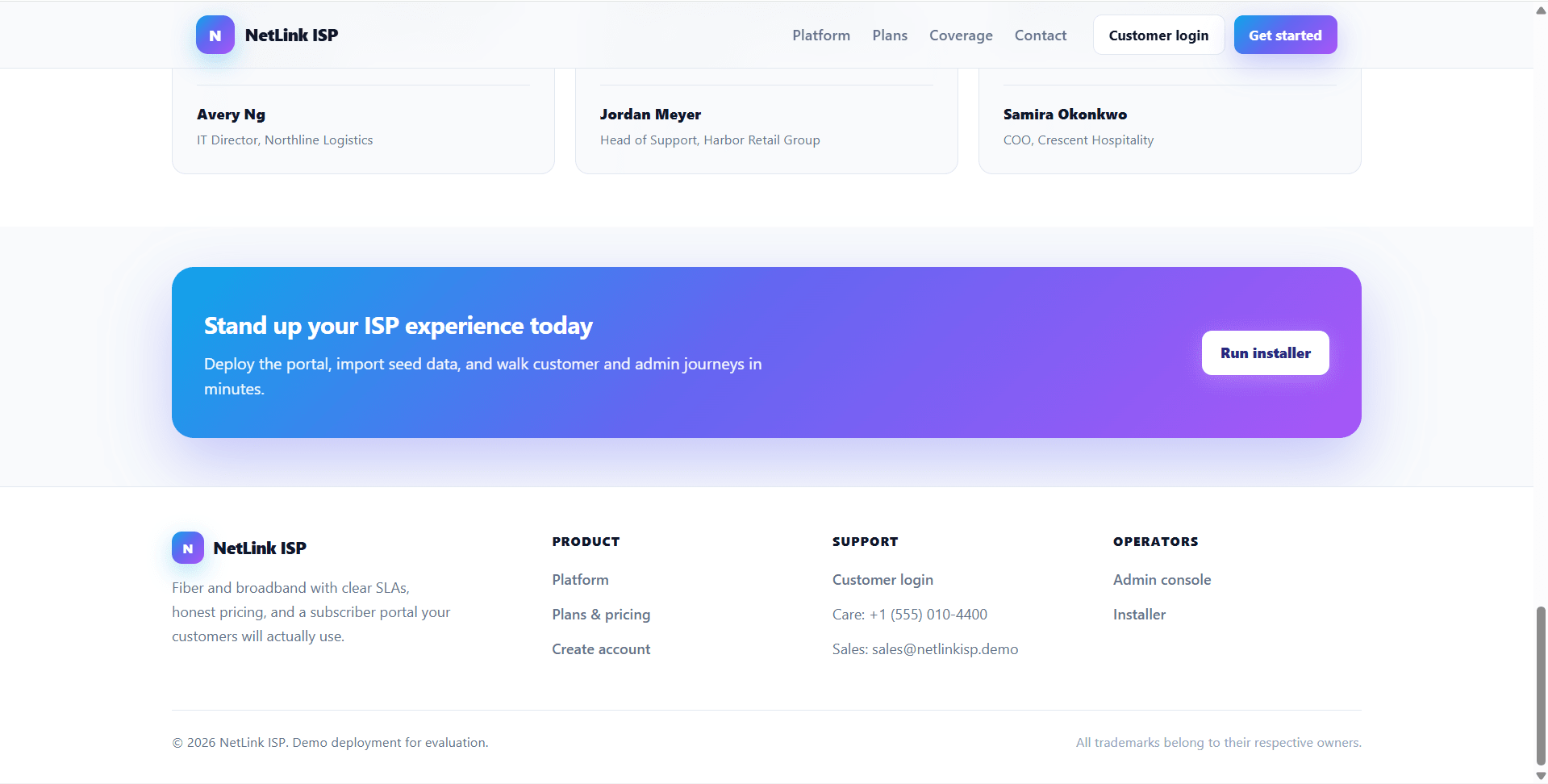
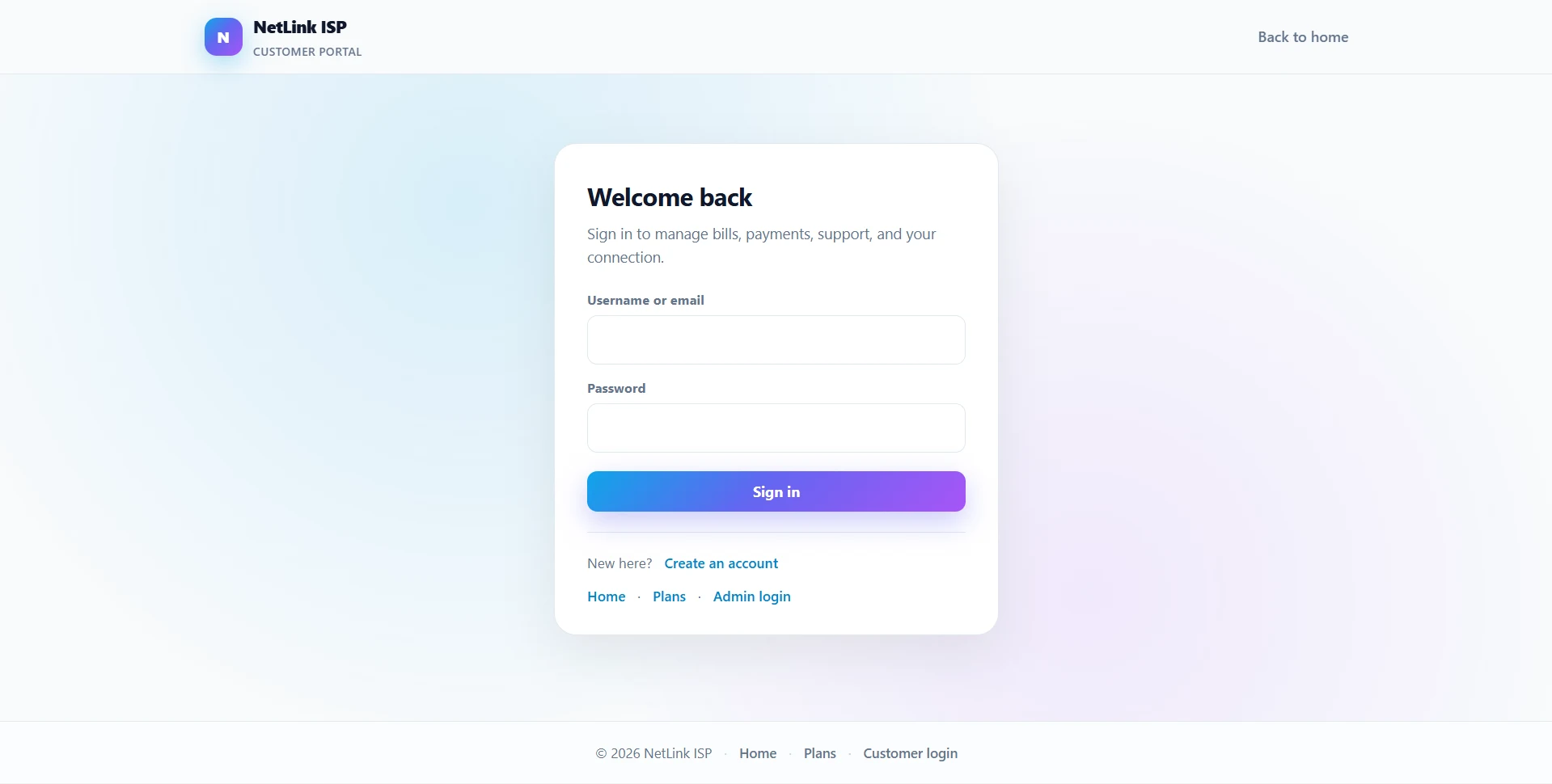
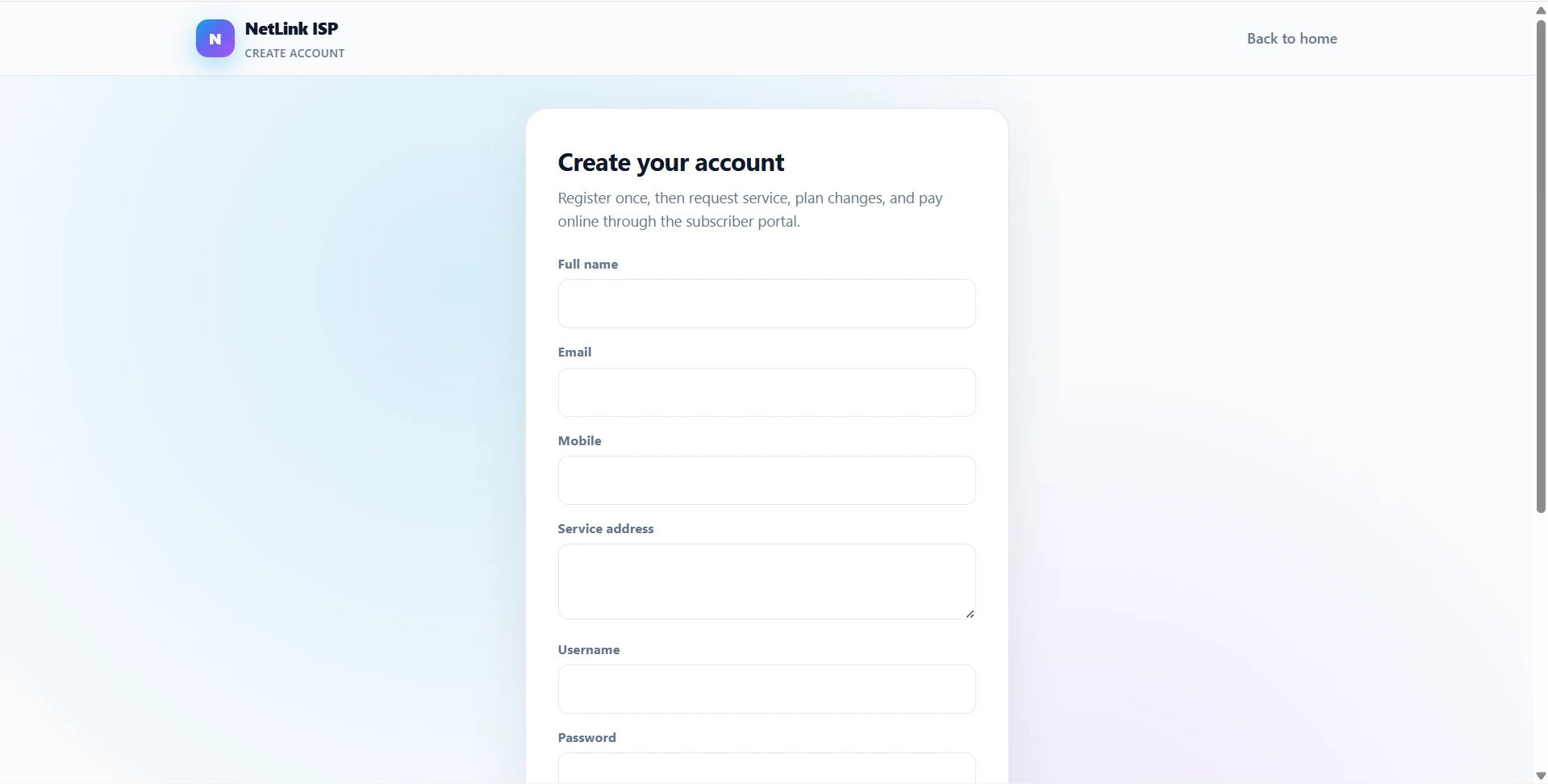
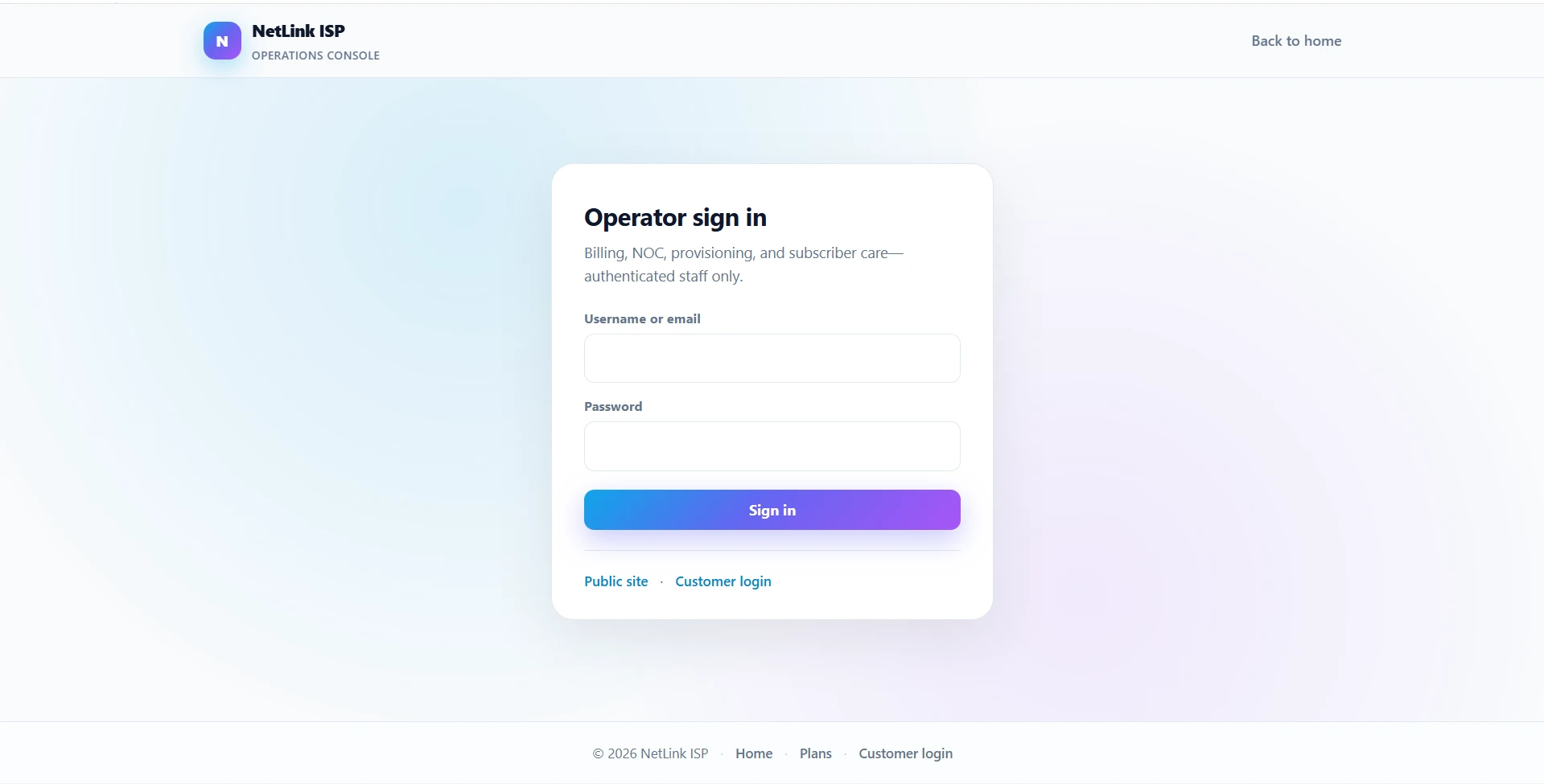
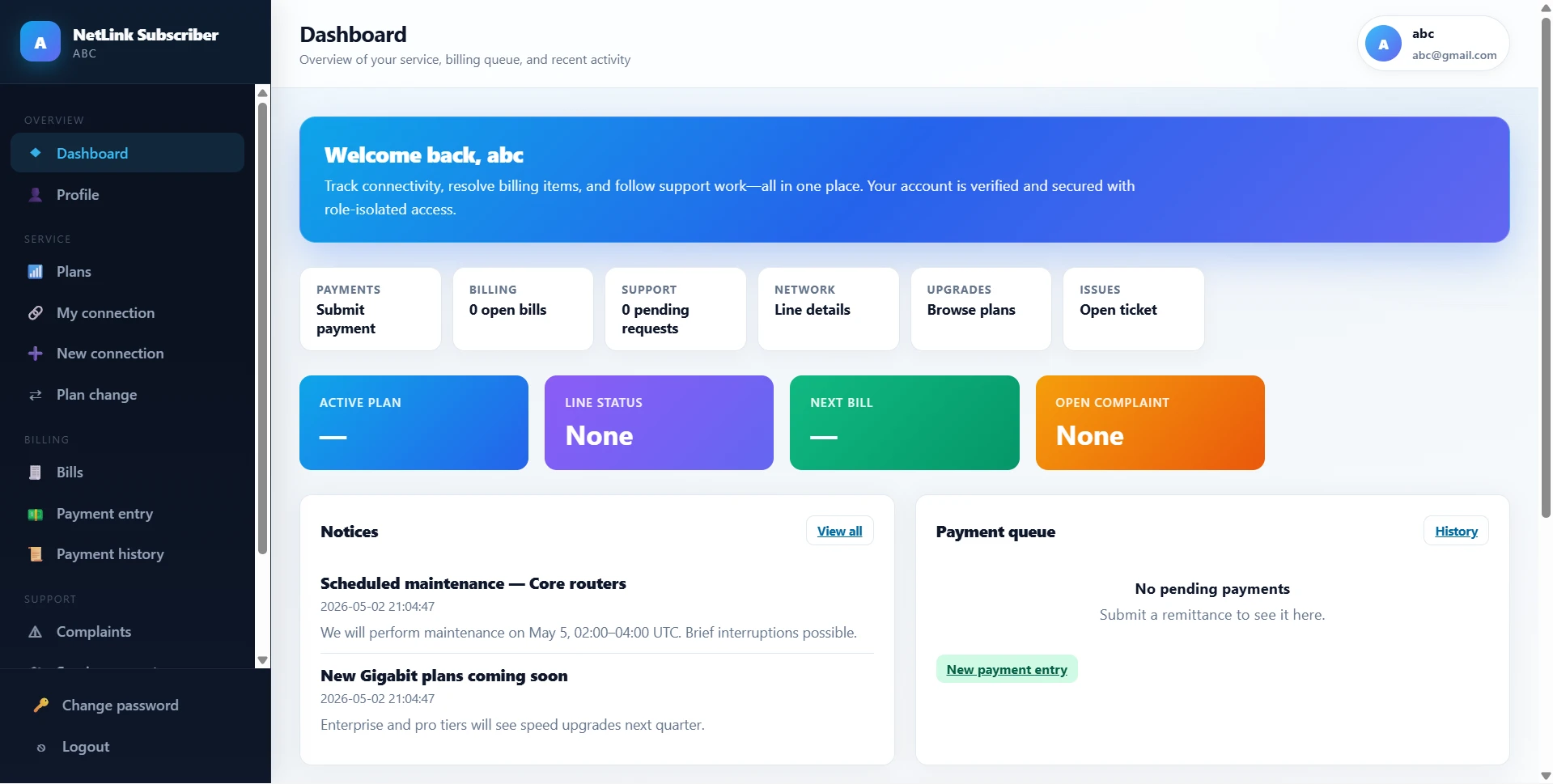
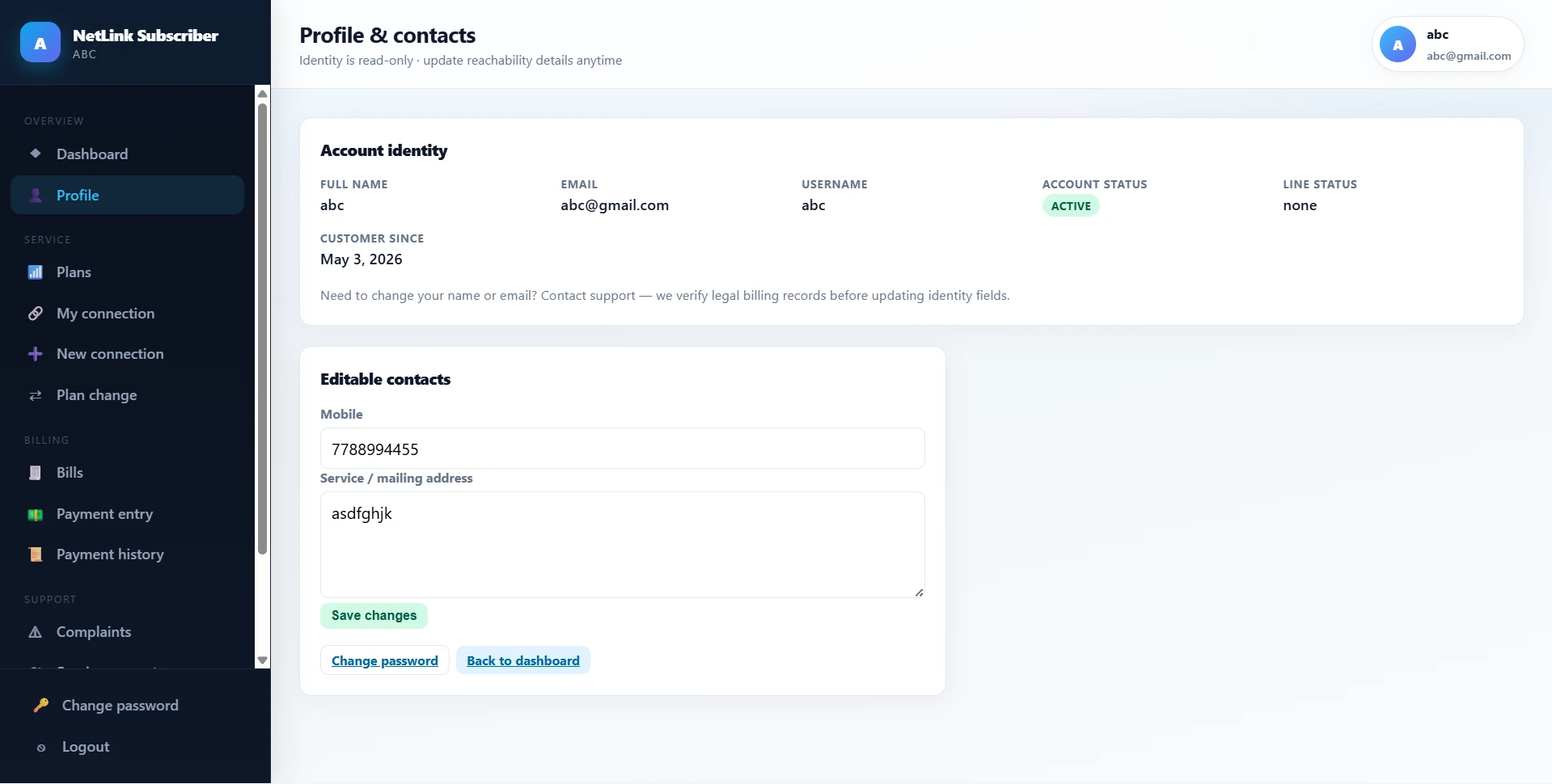
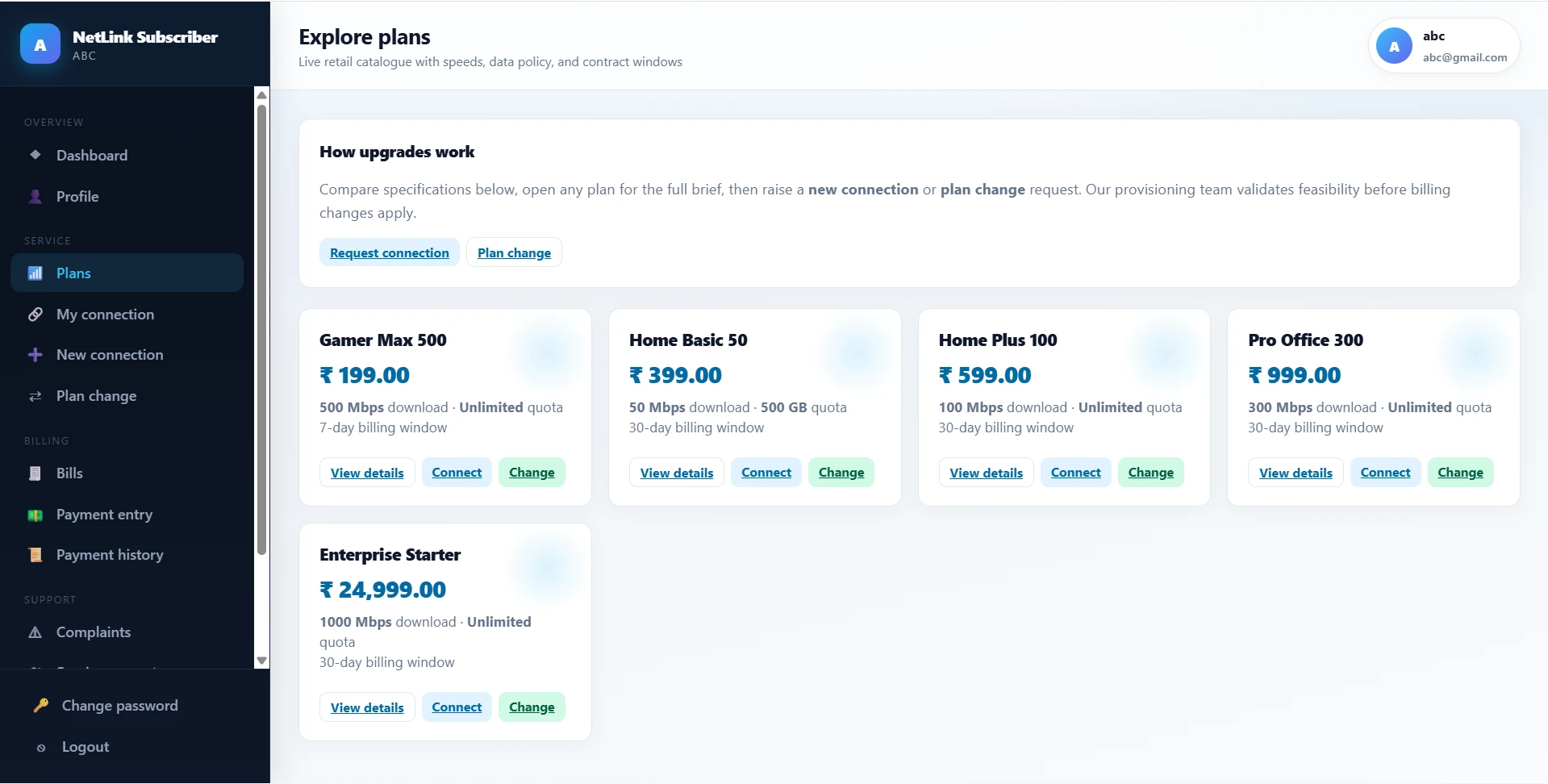
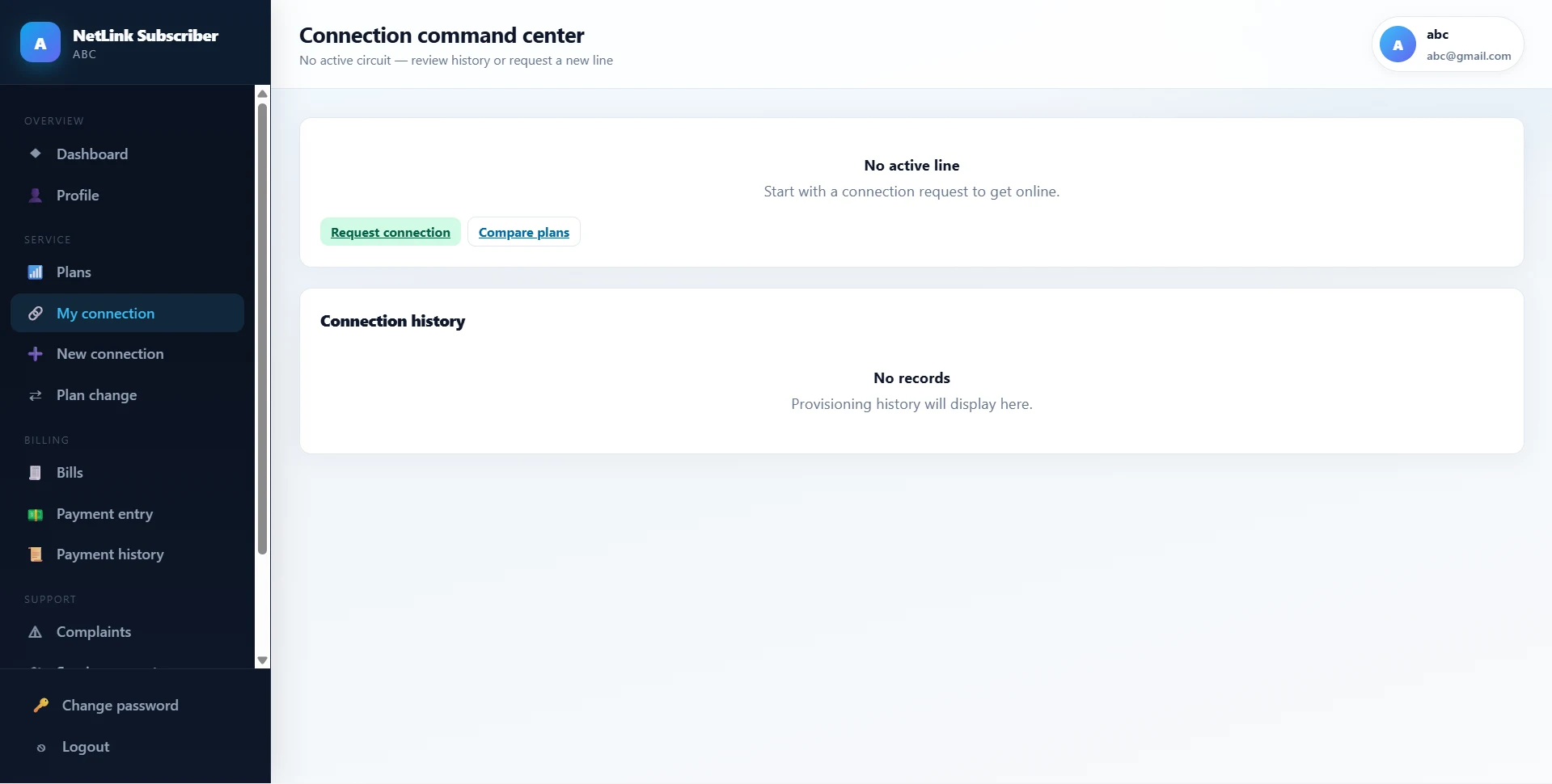
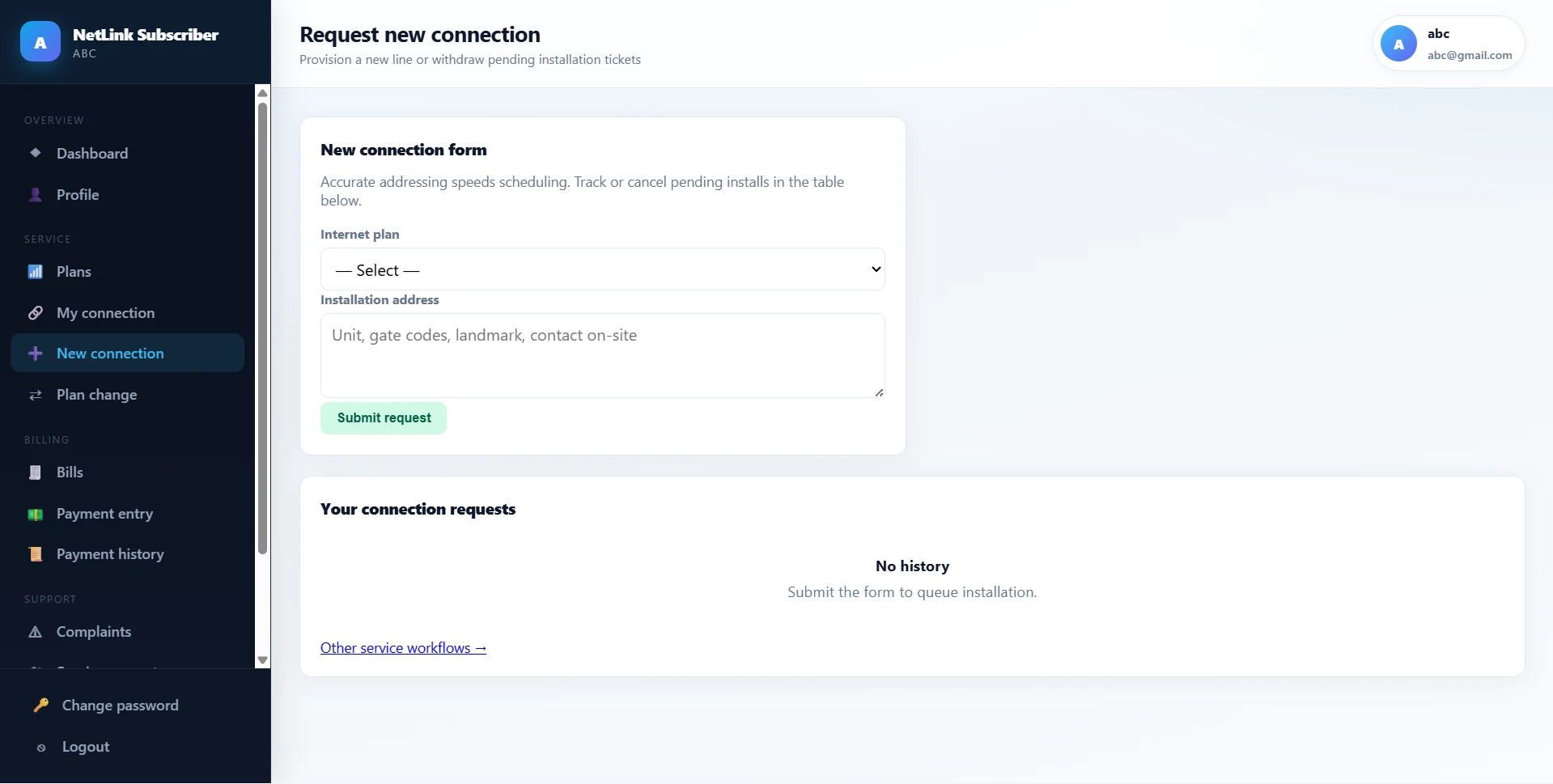
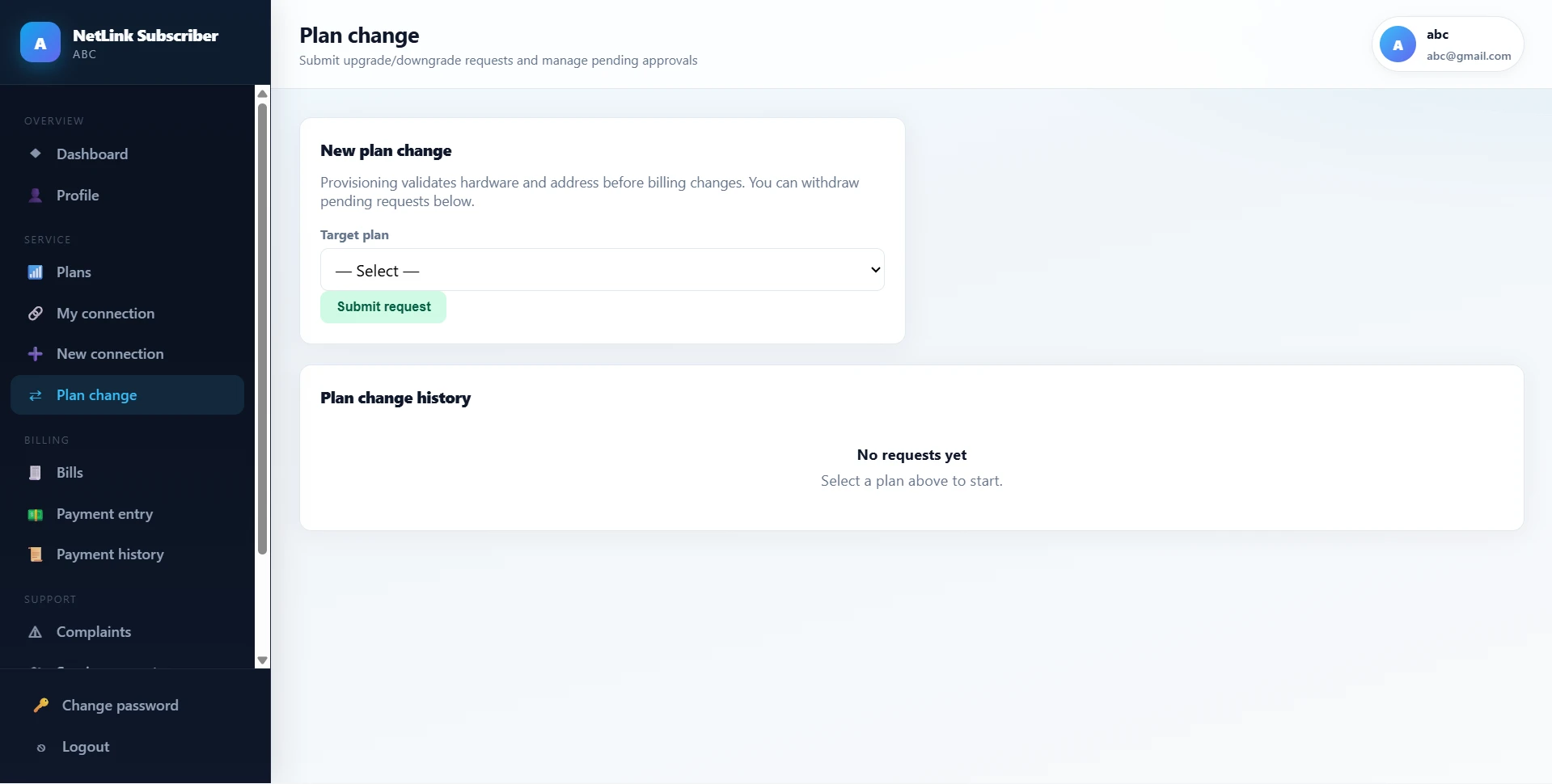
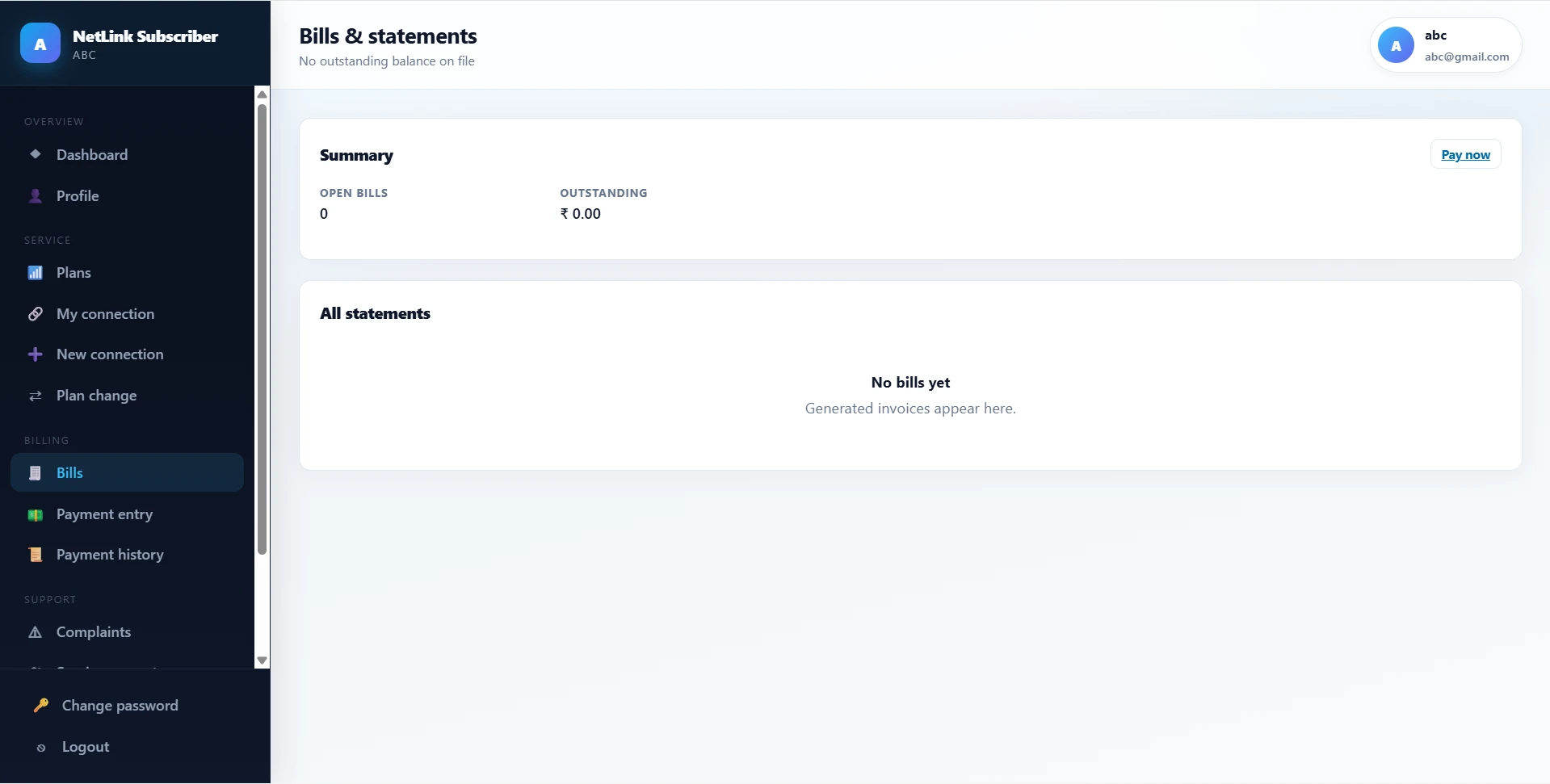
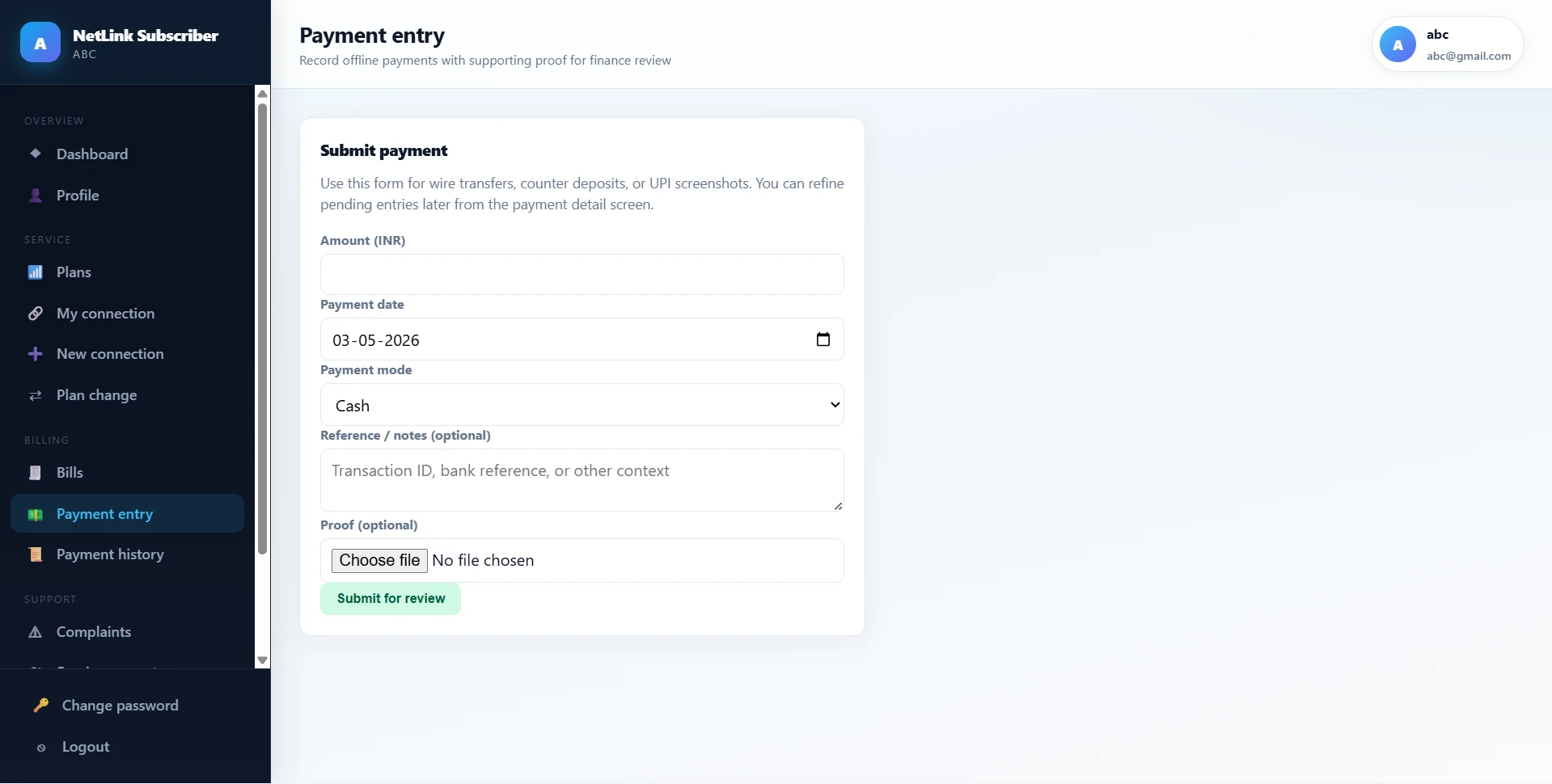
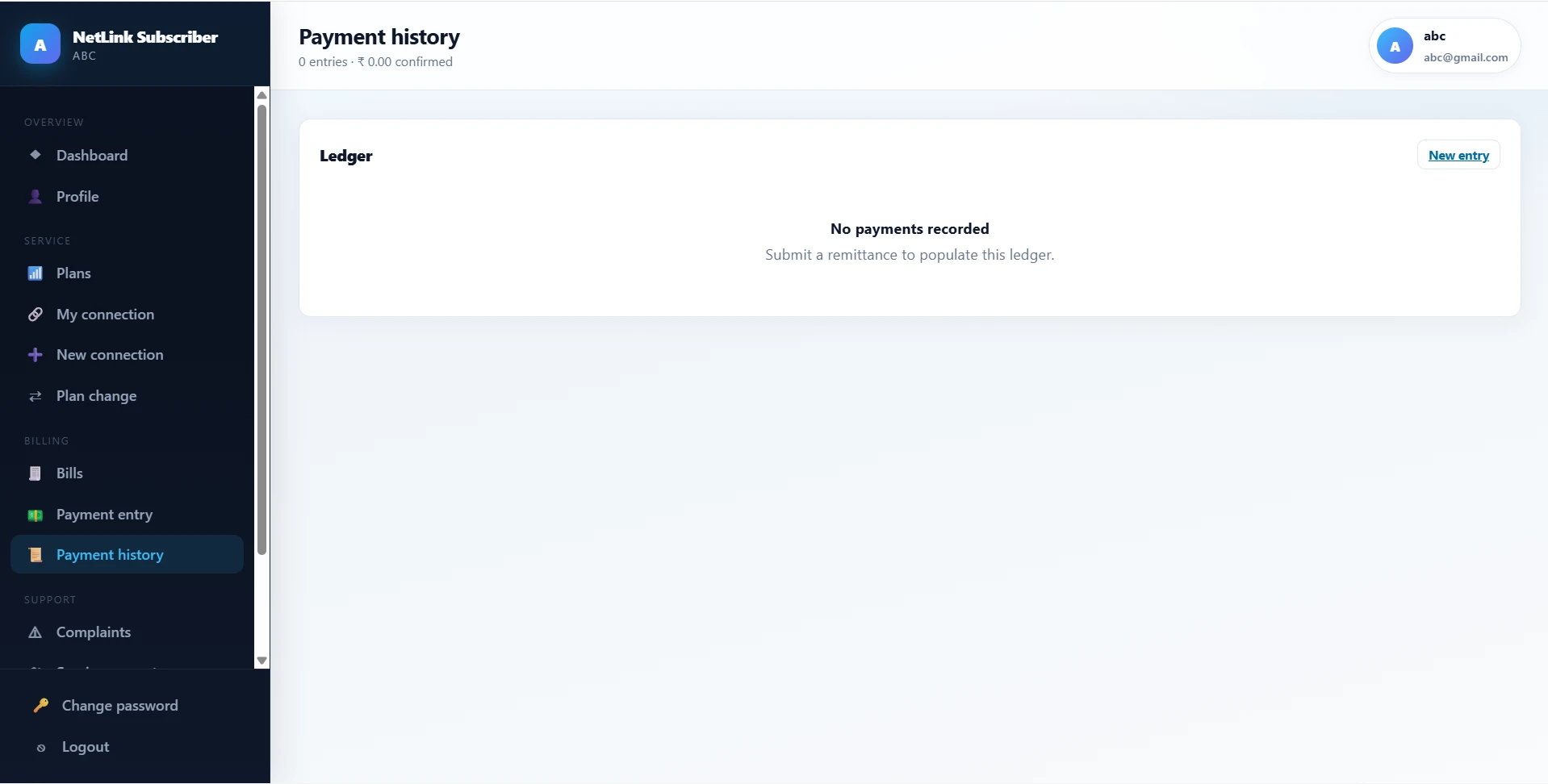
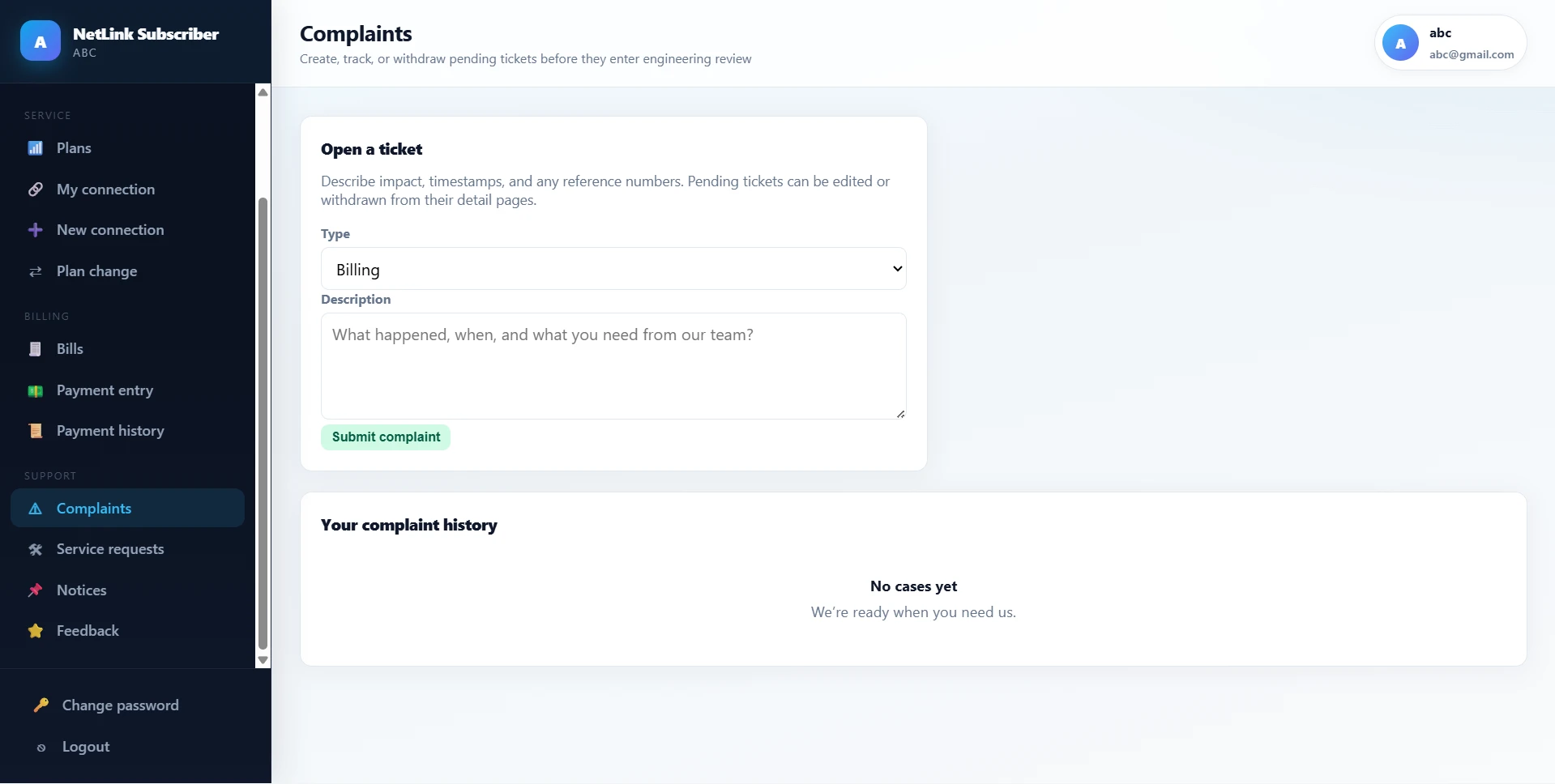
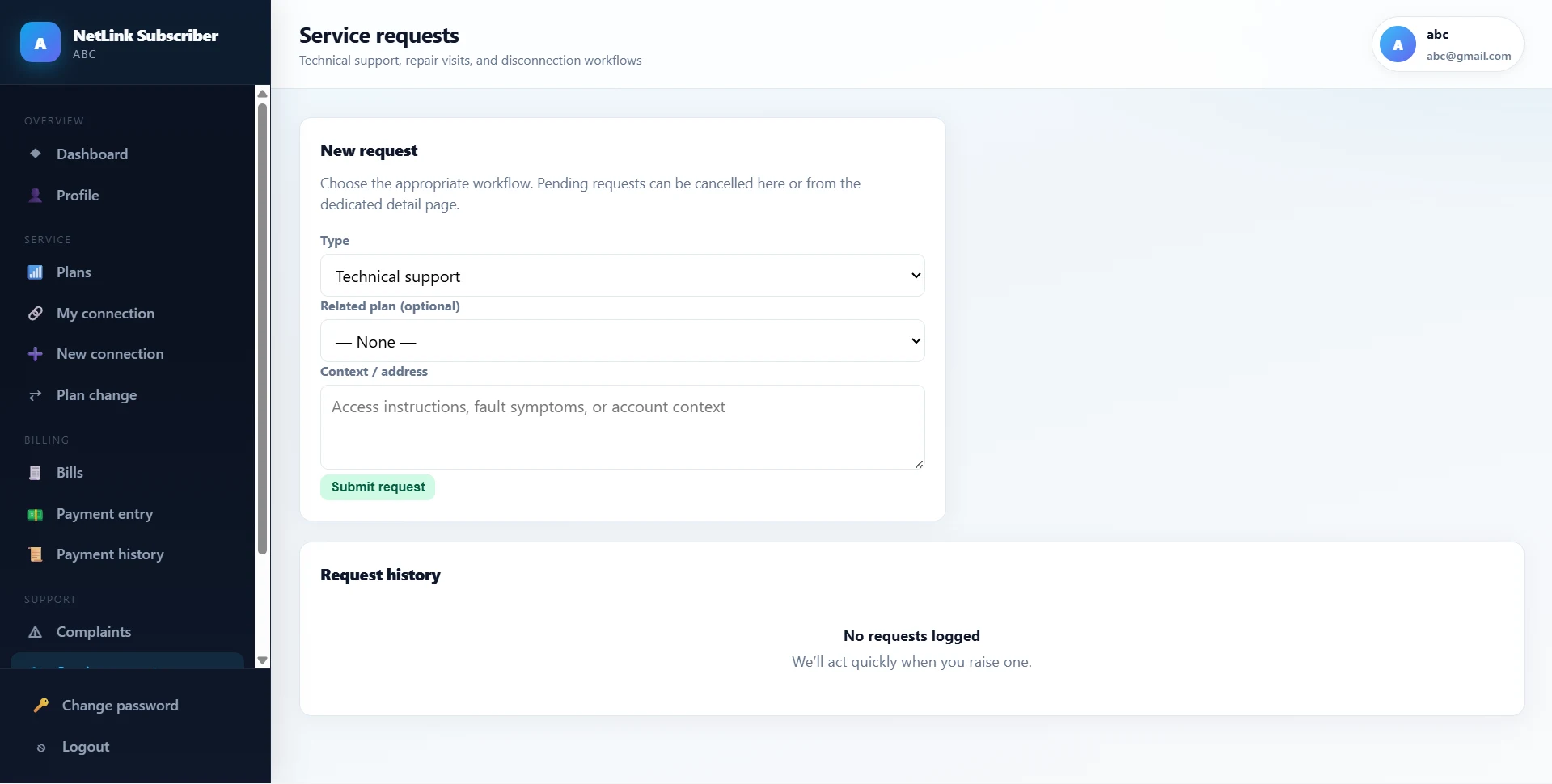
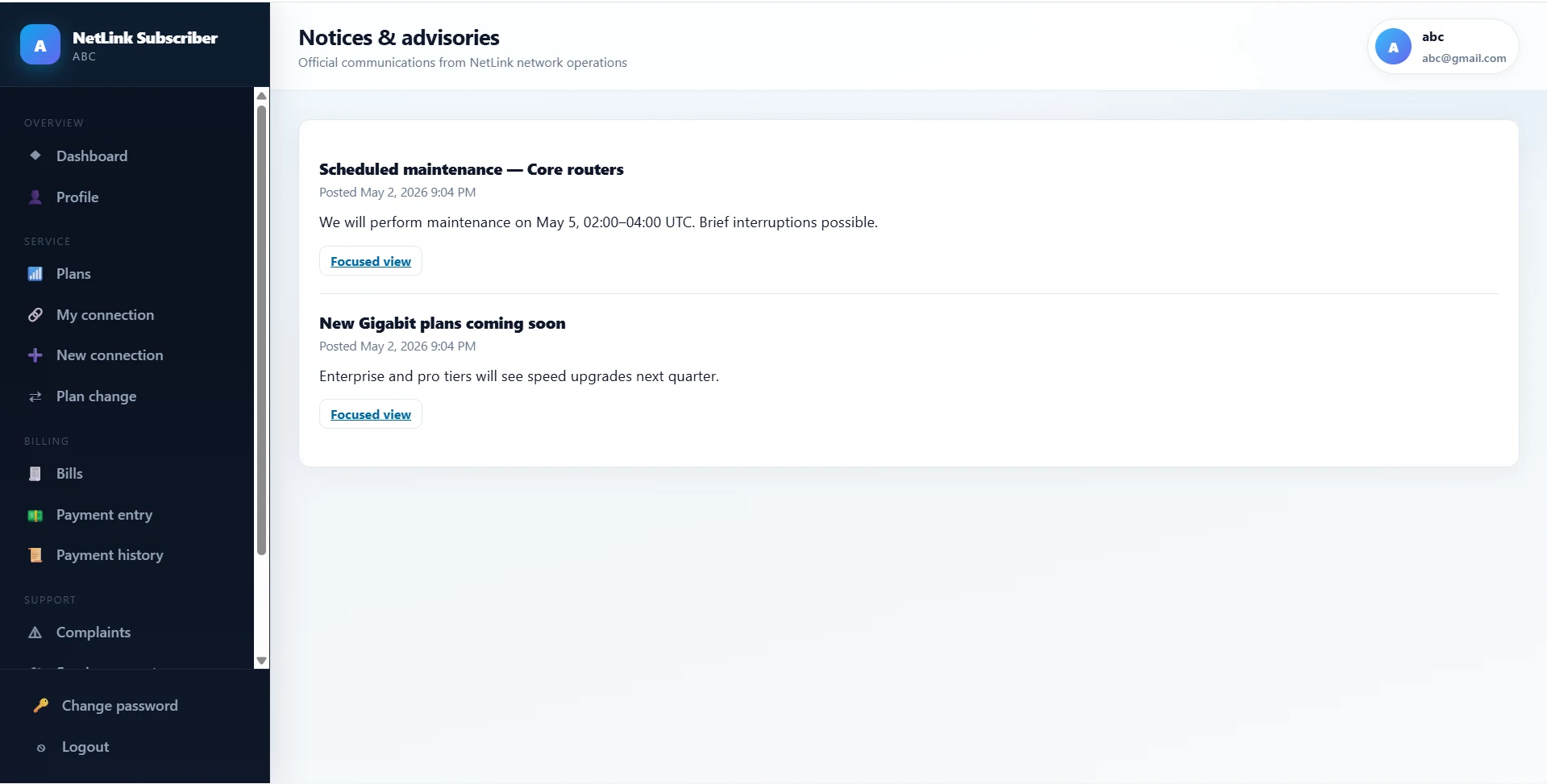
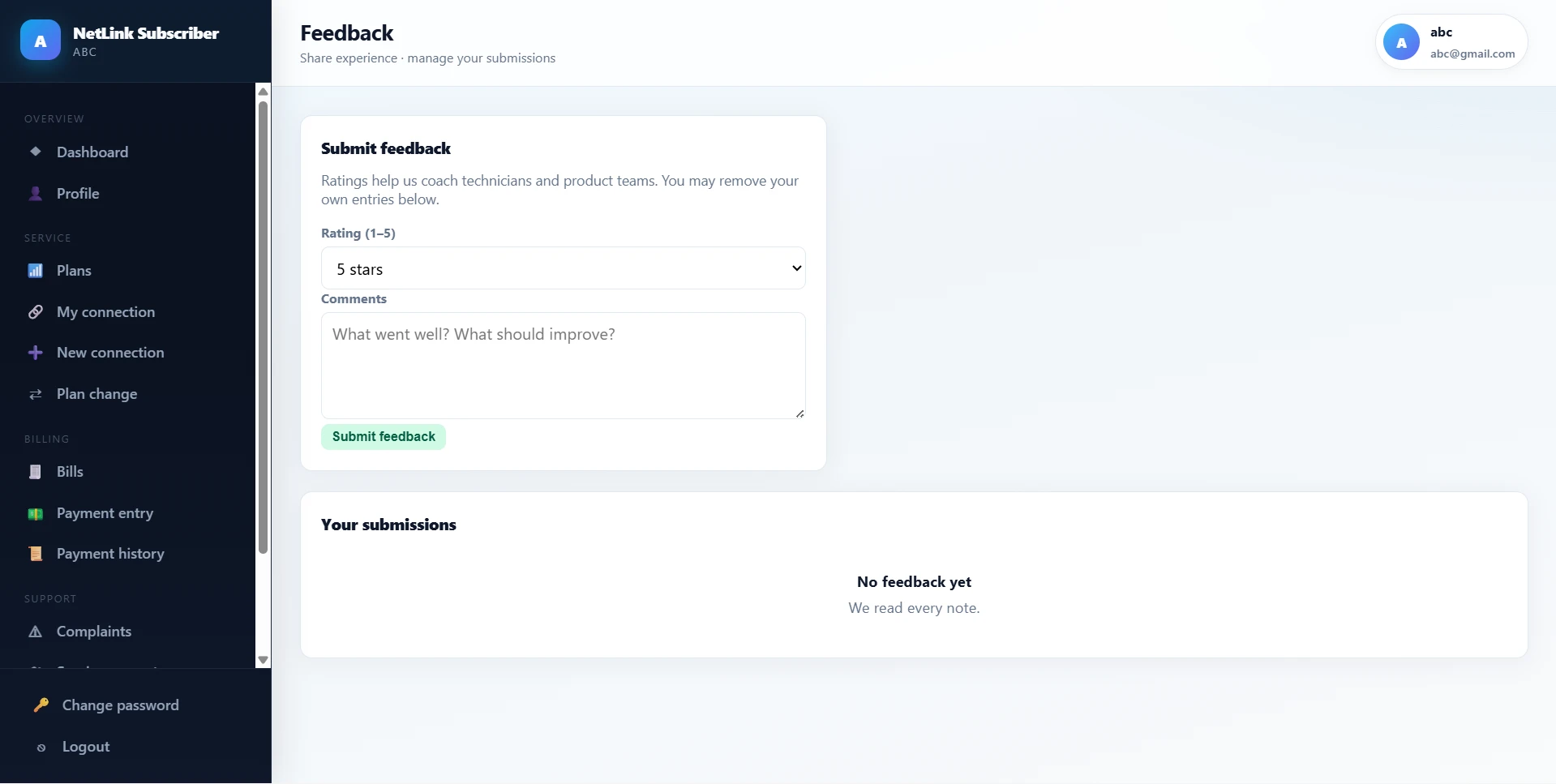
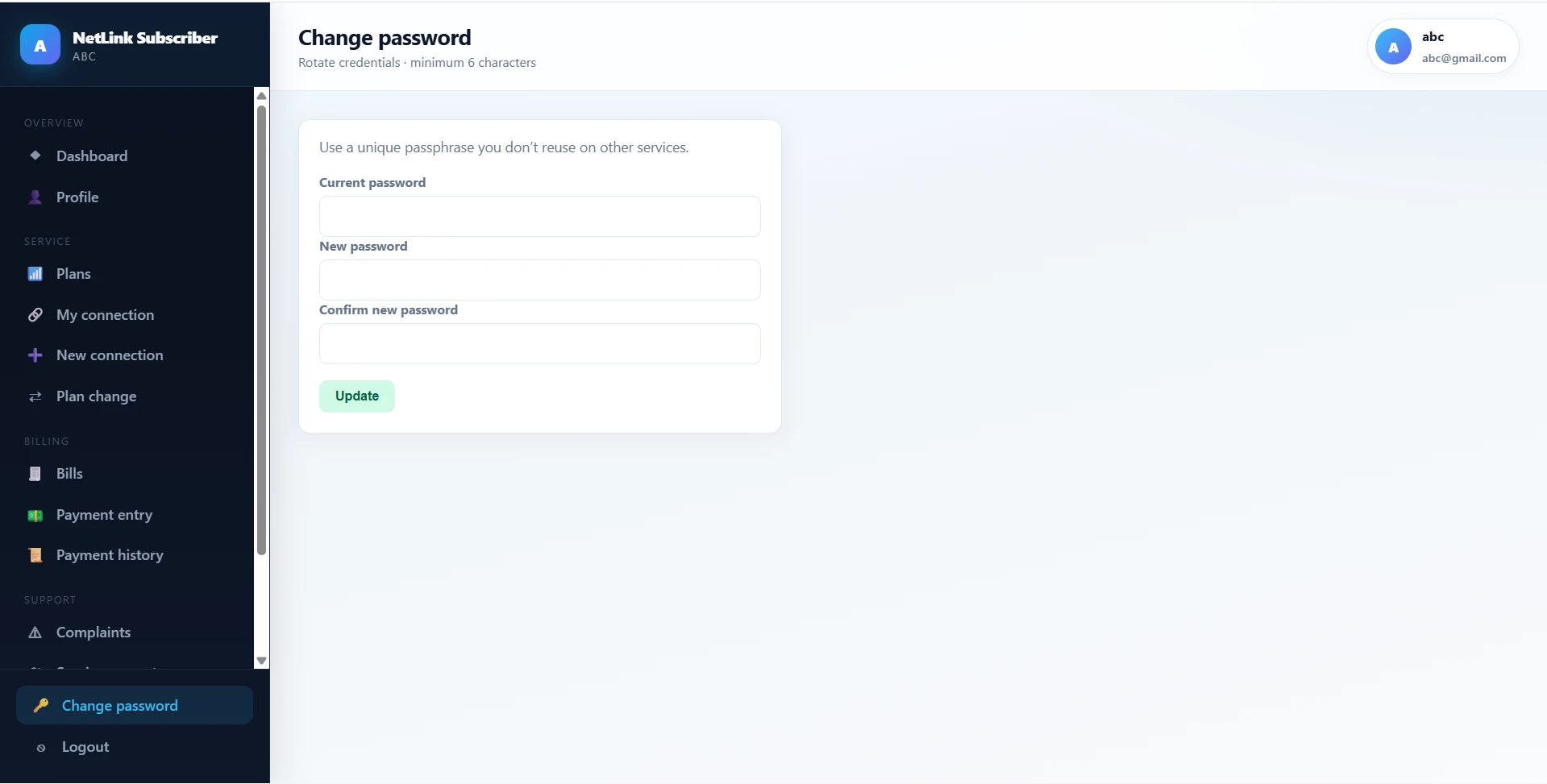
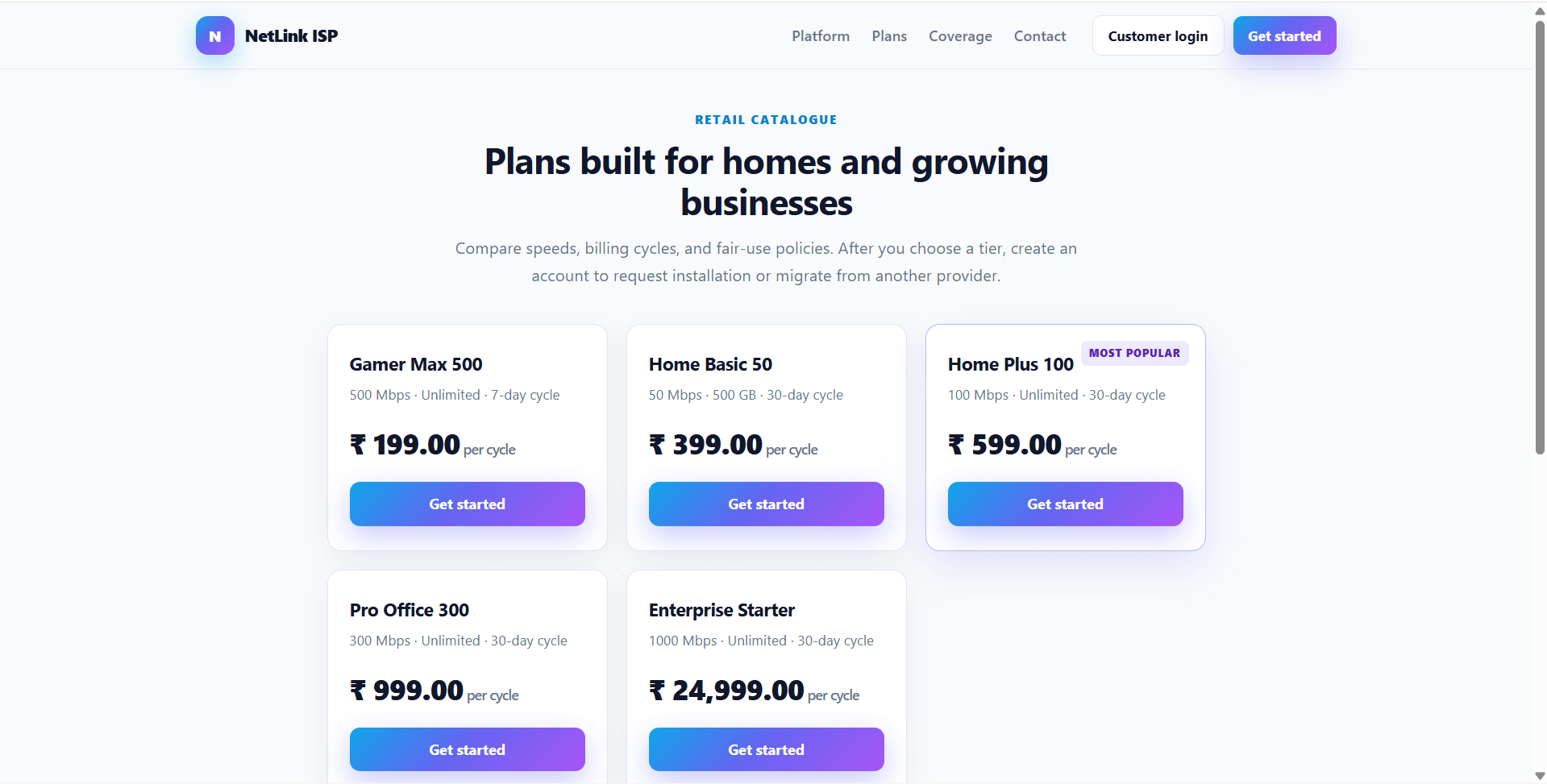
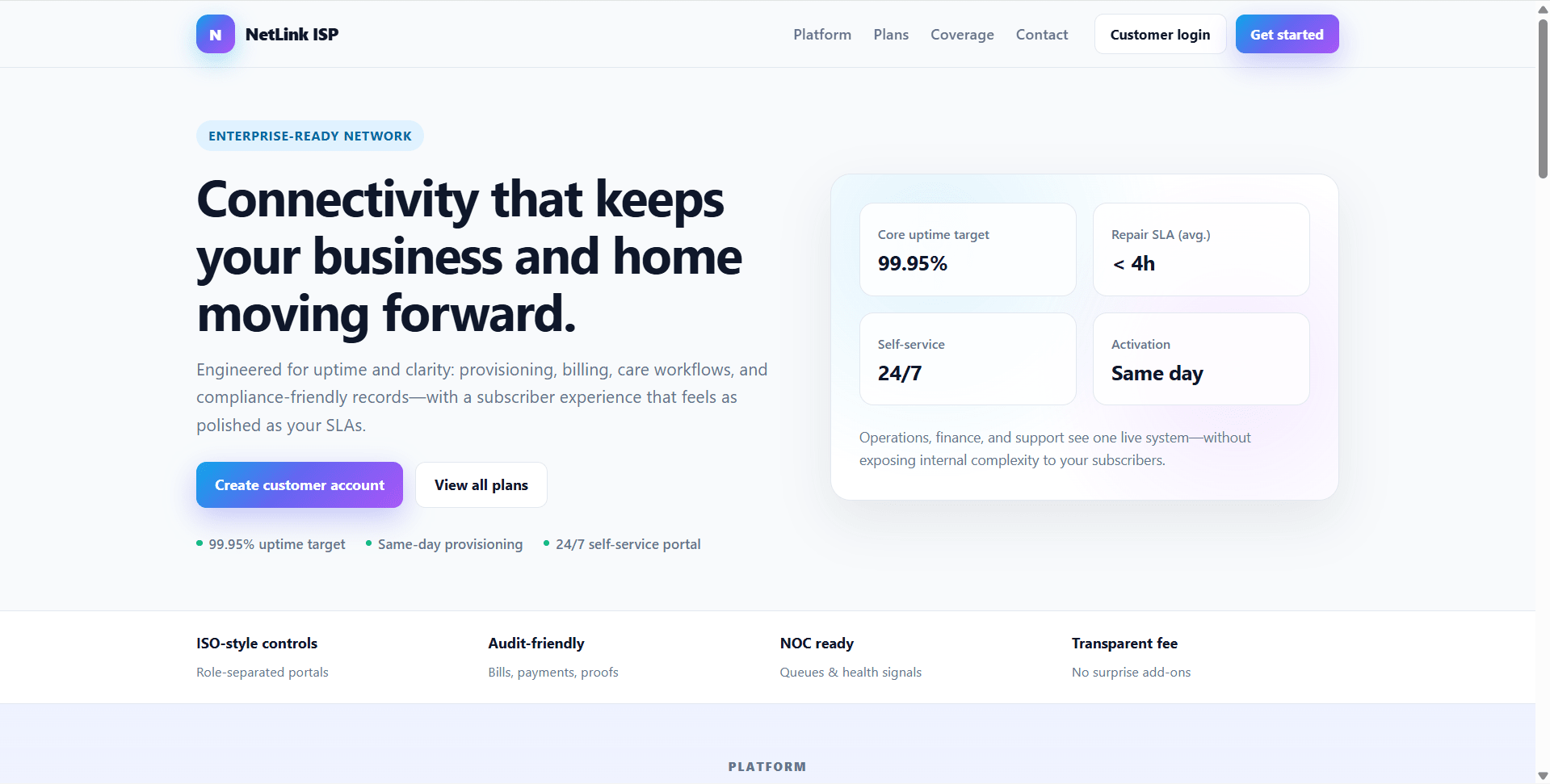
NetLink ISP is a final year project built with PHP and MySQL for students who want a practical Internet Service Provider management web application. This final year project includes a public marketing site, subscriber customer portal, and separate admin operations console. Subscribers can register, browse plans, manage connection requests, view bills, submit payments with optional proof uploads, track complaints, raise service requests, read notices, update profiles, and submit feedback. The admin side of this final year project supports subscriber management, plans, connections, brands, bills, payments, complaints, service requests, notices, reports, feedback, and password management. With INR billing, CSRF-protected forms, local upload handling, seed data, and installer-based setup, NetLink ISP is suitable for a final year major project in PHP, MySQL, billing systems, and customer operations portals
Ready to download?Pay once · Use for submission & viva
Modules and controls available to administrators
What end users can do in this application
Additional capabilities included in the project
uploads/ directory for payment proof filesformat_inr() helper for Indian Rupee displayinstall.phputf8mb4 supportStep-by-step setup on your laptop or PC
config/database.php with your MySQL details:
hostportdbnameuserpasscharsetconfig/config.php and set BASE_URL based on where the project is hosted.http://localhost/install.phpdatabase/schema.sqldatabase/seed.sql/index.php/plans.php/user/login.php/admin/login.phpphp -S localhost:8080 -t .http://localhost:8080/install.phpinstall.php after setup.Default demo accounts for testing after setup
Admin
admin[email protected]passwordDemo Subscribers
All demo subscribers use password: password
averyb / [email protected] — active account, active connectionjordanl / [email protected] — active account, active connectionsamr / [email protected] — active account, expired connectiontkim / [email protected] — inactive account, cannot log inrmorgan / [email protected] — active account, active connectioncnguyen / [email protected] — active account, suspended connectionmpatel / [email protected] — active account, active connectionjcarter / [email protected] — active account, no connectionUsage terms for academic and personal projects
Search terms and categories for this source code