01 Source Code Only
₹99
One-time Payment
- Complete project source code
- Database / data resources
- Dependencies & configuration
- README / setup guide
- Instant download access
Get runnable Civic Issue Reporting Portal Final Year PHP Project Source Code with database files, project setup instructions, live demo options and installation support. This project resource helps students understand the implementation, modules, workflow and technical architecture of a complete PHP project.
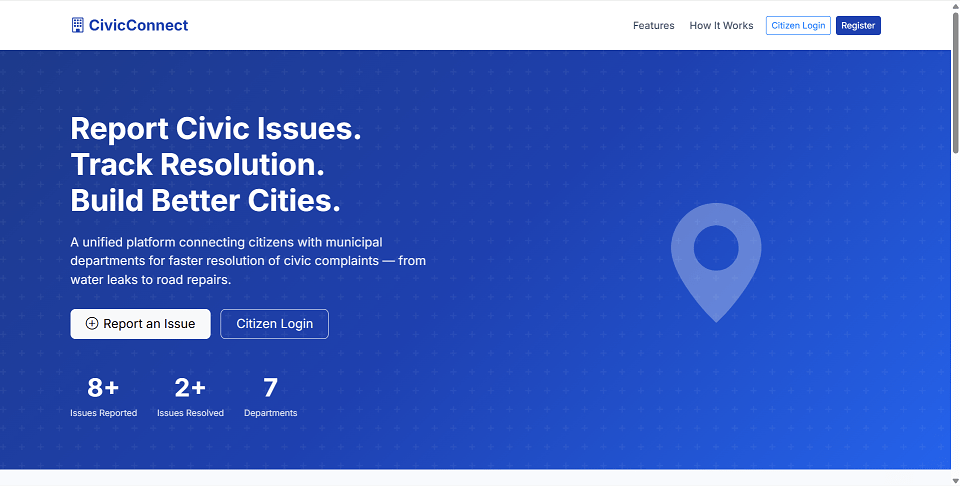
Hover to zoom · Click to expand
Simple pricing. Instant access. Secure checkout.
01 Source Code Only
One-time Payment
02 Code + Setup Support
One-time Payment
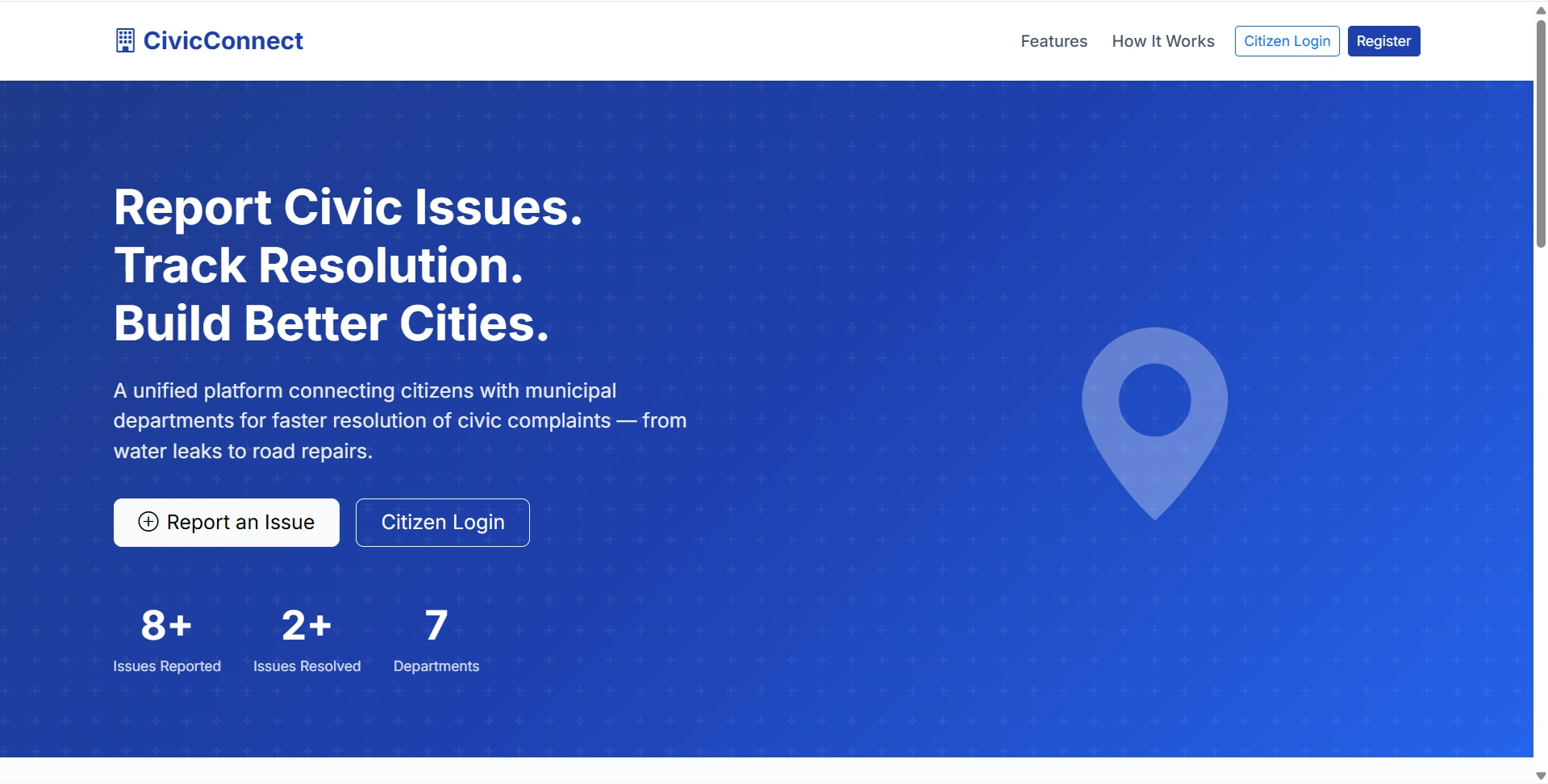
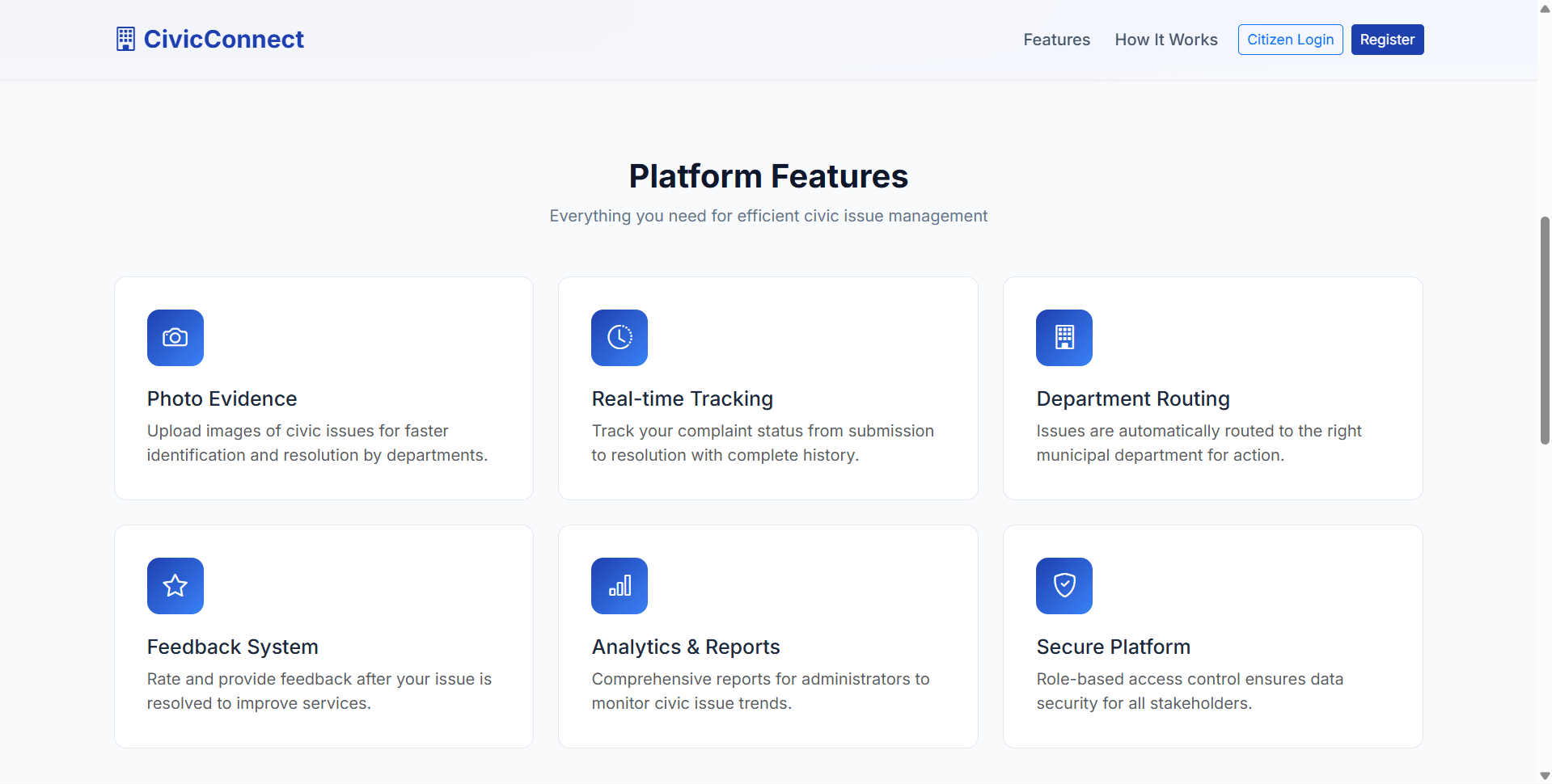
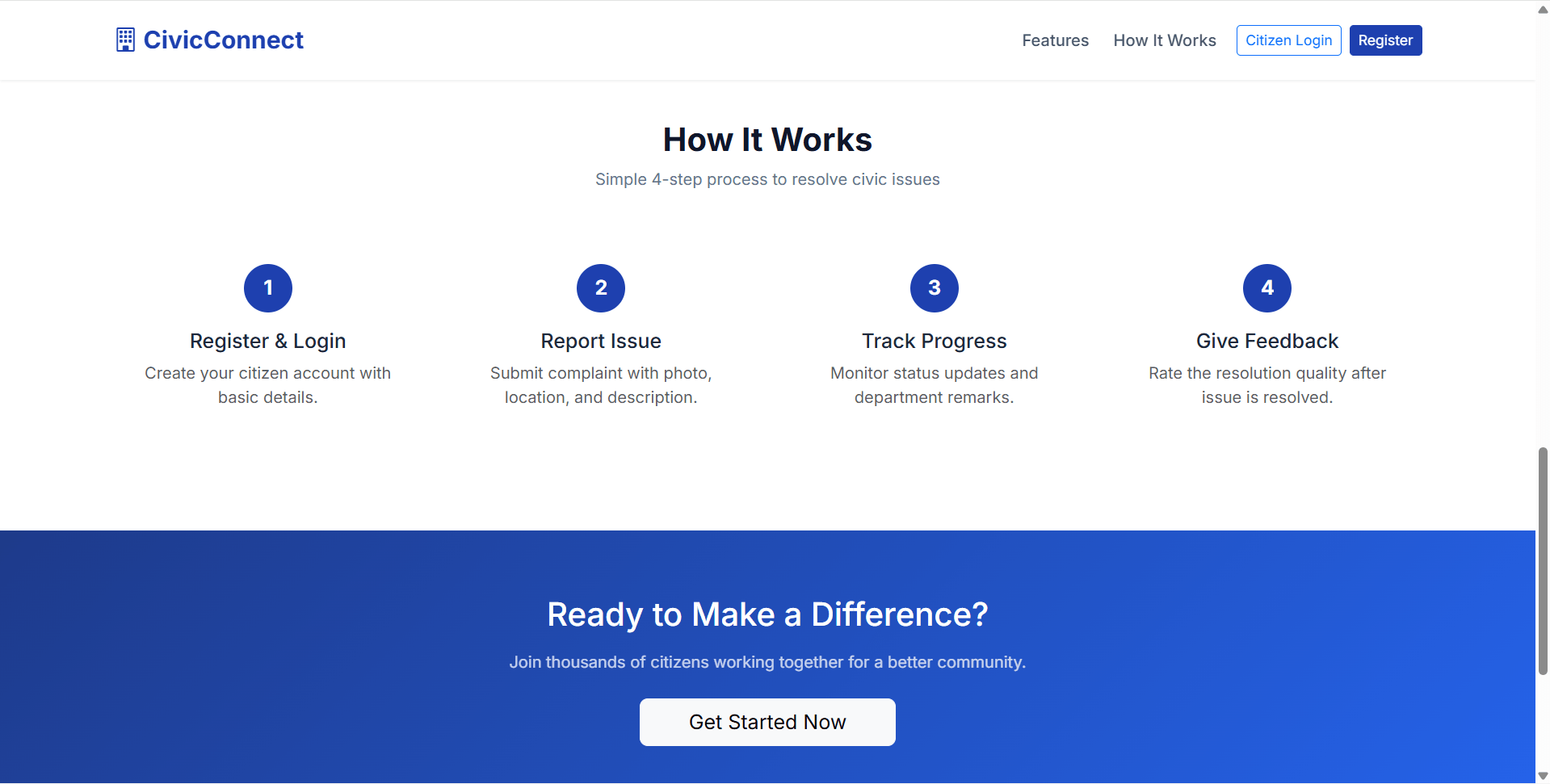
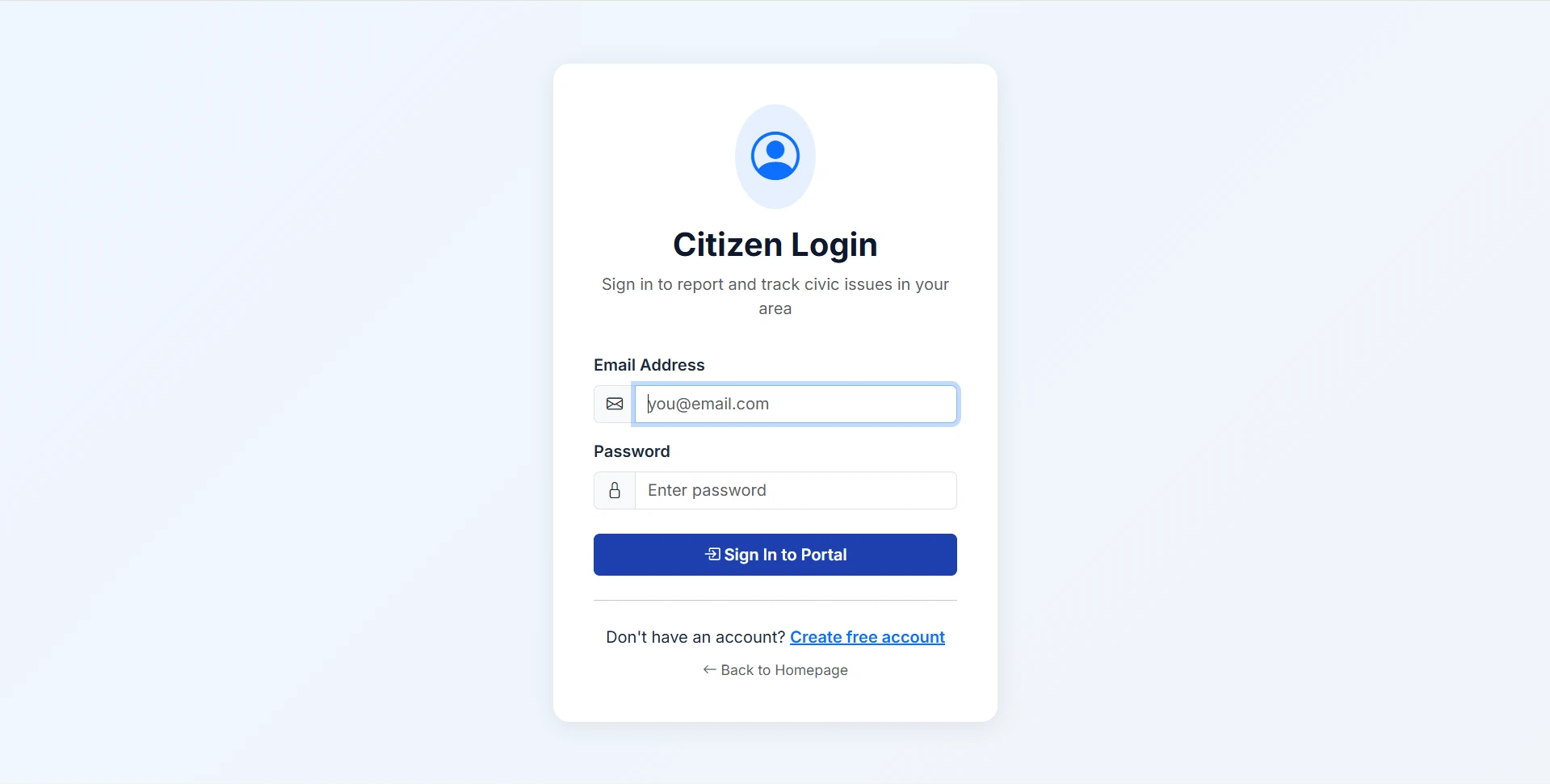
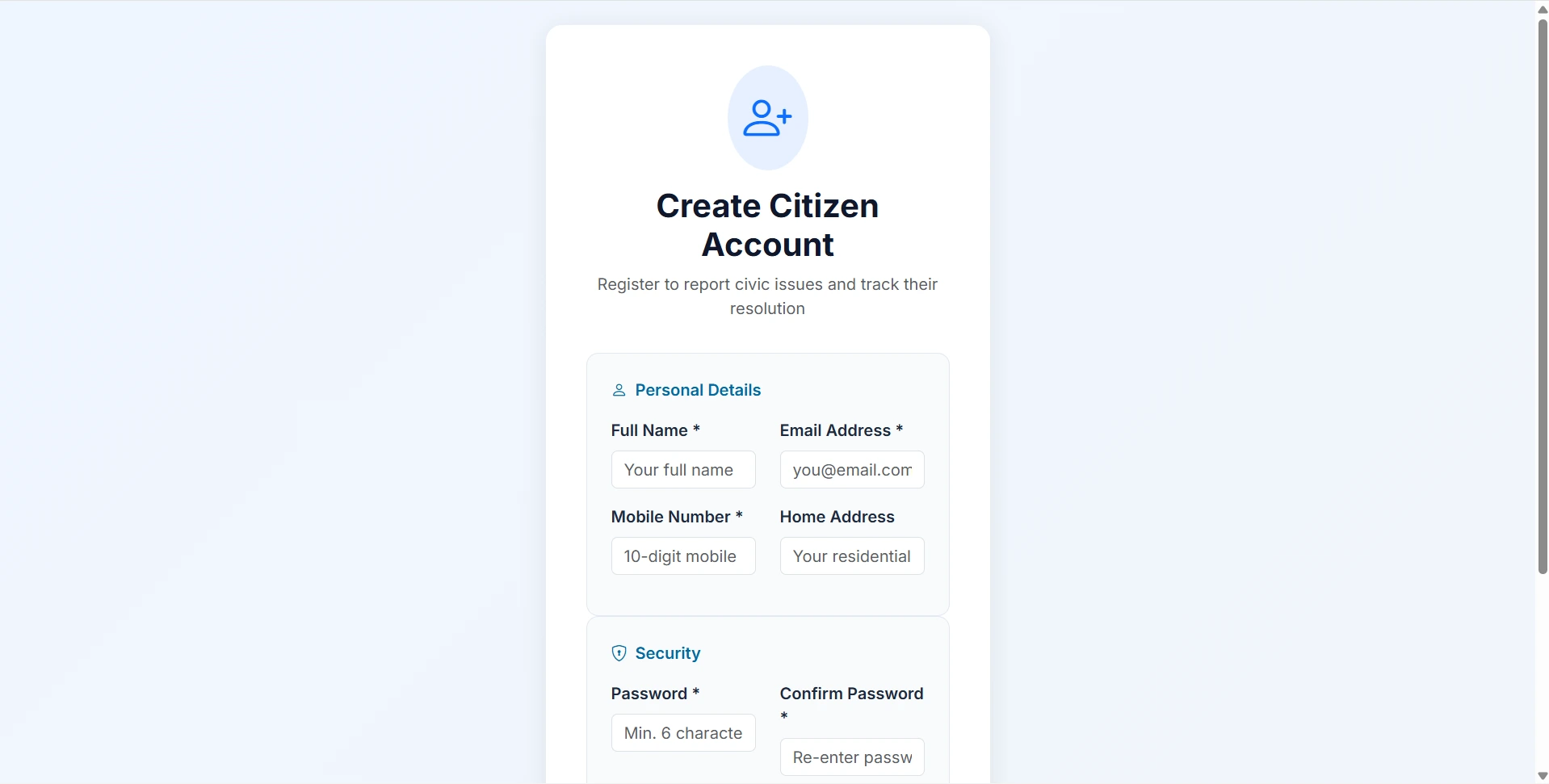
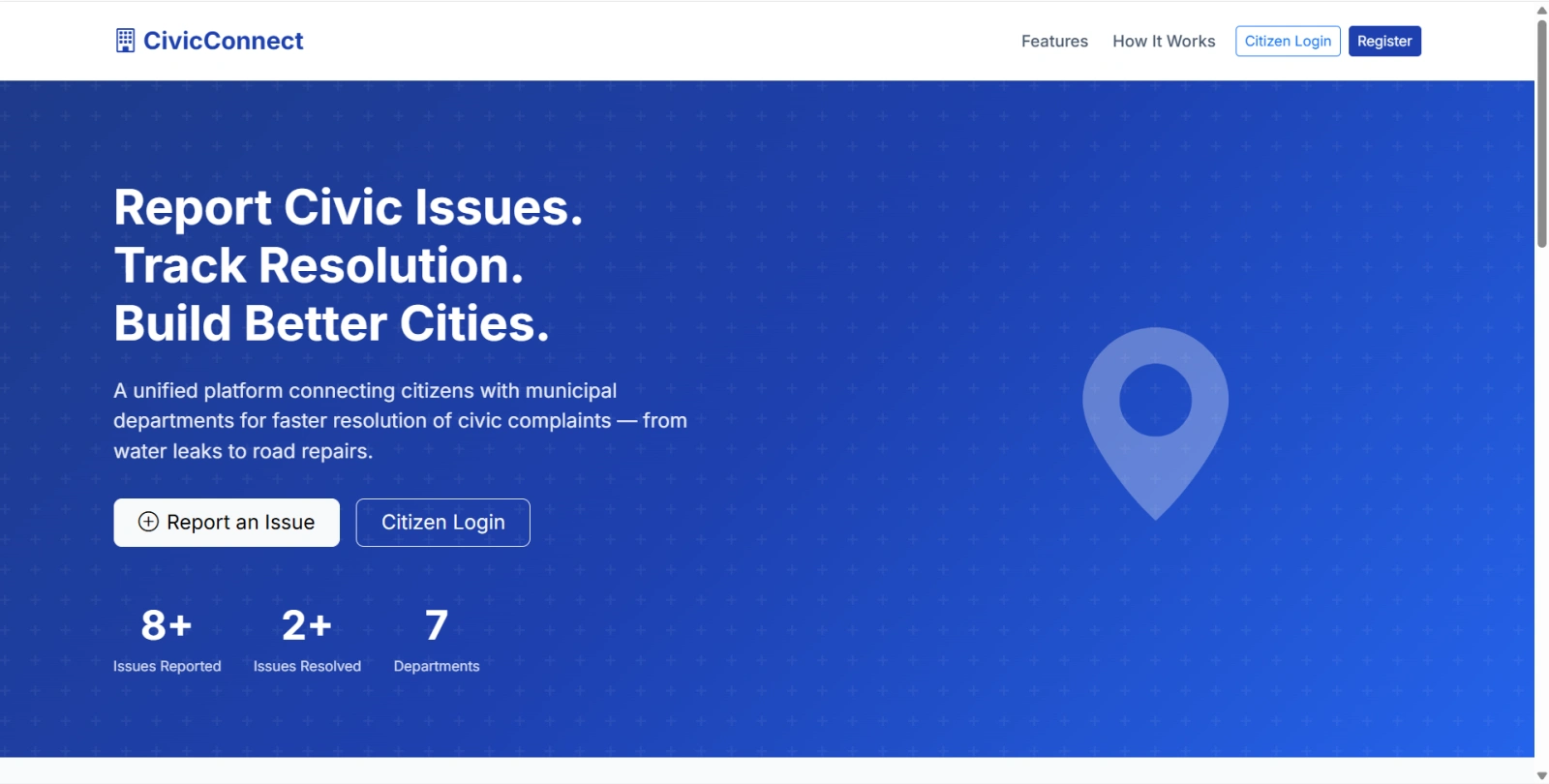
CivicConnect is a final year project developed using Core PHP and MySQL for students who want a practical civic complaint and municipal issue reporting web application. This final year project includes three role-based portals: Admin, Department Staff, and Citizen. Citizens can register, report civic issues with photos and location details, track complaint status, edit submitted complaints, view department remarks, and submit feedback after resolution. Admins can manage departments, department logins, citizens, issue categories, complaints, assignments, feedback, reports, and profiles. Department staff can view assigned complaints, update progress, add remarks, upload resolution proof, and maintain activity history. With complaint lifecycle tracking, department routing, photo evidence, feedback, and printable reports, this project is suitable for a final year major project in PHP, MySQL, and e-governance systems.
Admin
admin[email protected]admin123Department Staff
All use password: dept123
[email protected][email protected][email protected][email protected][email protected][email protected][email protected]Citizens
All use password: user123
htmlspecialchars() output escapinginstall.php setupCopy the final year project folder to web root:
C:\xampp\htdocs\Civic Issue Reporting Portal using PHP and MySQL\
Edit database credentials in:
config/database.php
Use:
define('DB_HOST', 'localhost');
define('DB_NAME', 'civic_portal');
define('DB_USER', 'root');
define('DB_PASS', '');
Open installer:
http://localhost/Civic Issue Reporting Portal using PHP and MySQL/install.php
install.php after successful installation.uploads/complaints/uploads/resolutions/Open:
http://localhost/Civic Issue Reporting Portal using PHP and MySQL/
Admin
admin[email protected]admin123Department Staff
All use password: dept123
[email protected][email protected][email protected][email protected][email protected][email protected][email protected]Citizens
All use password: user123