Source Code Only
Full ZIP with frontend, backend, database & documentation.
₹99 one-time
- Complete project source files
- Database script included
- How-to-run guide
Tap to open live demo
Interactive live demo — verify the project before you buy
Complete final-year project source code with frontend, backend, database, and setup guide. Instant download after secure payment.
Choose your plan
Full ZIP with frontend, backend, database & documentation.
We install & configure the project on your laptop within 24 hours.
Review features, setup steps, and credentials before you pay.
Description, tech stack, and what is included
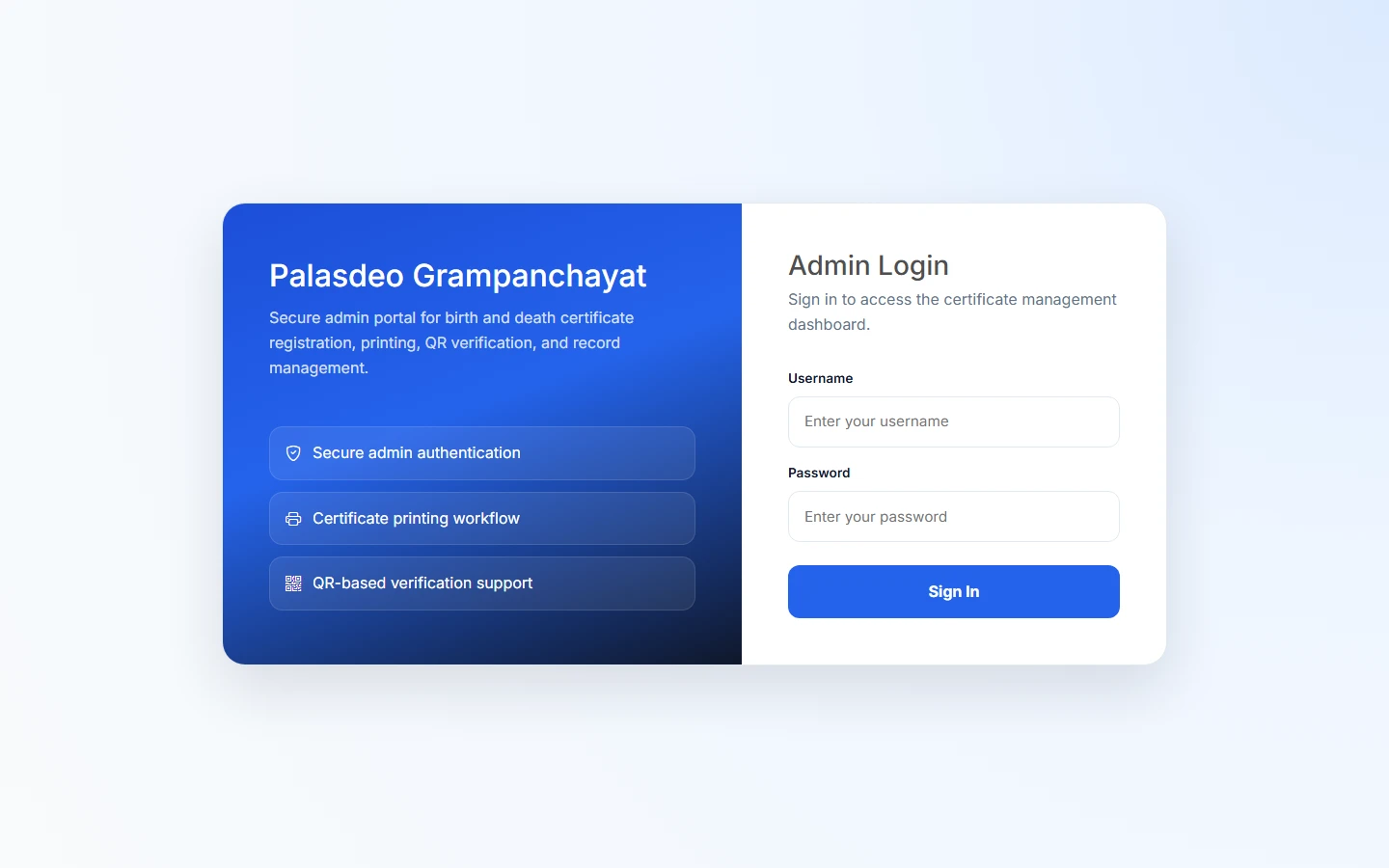
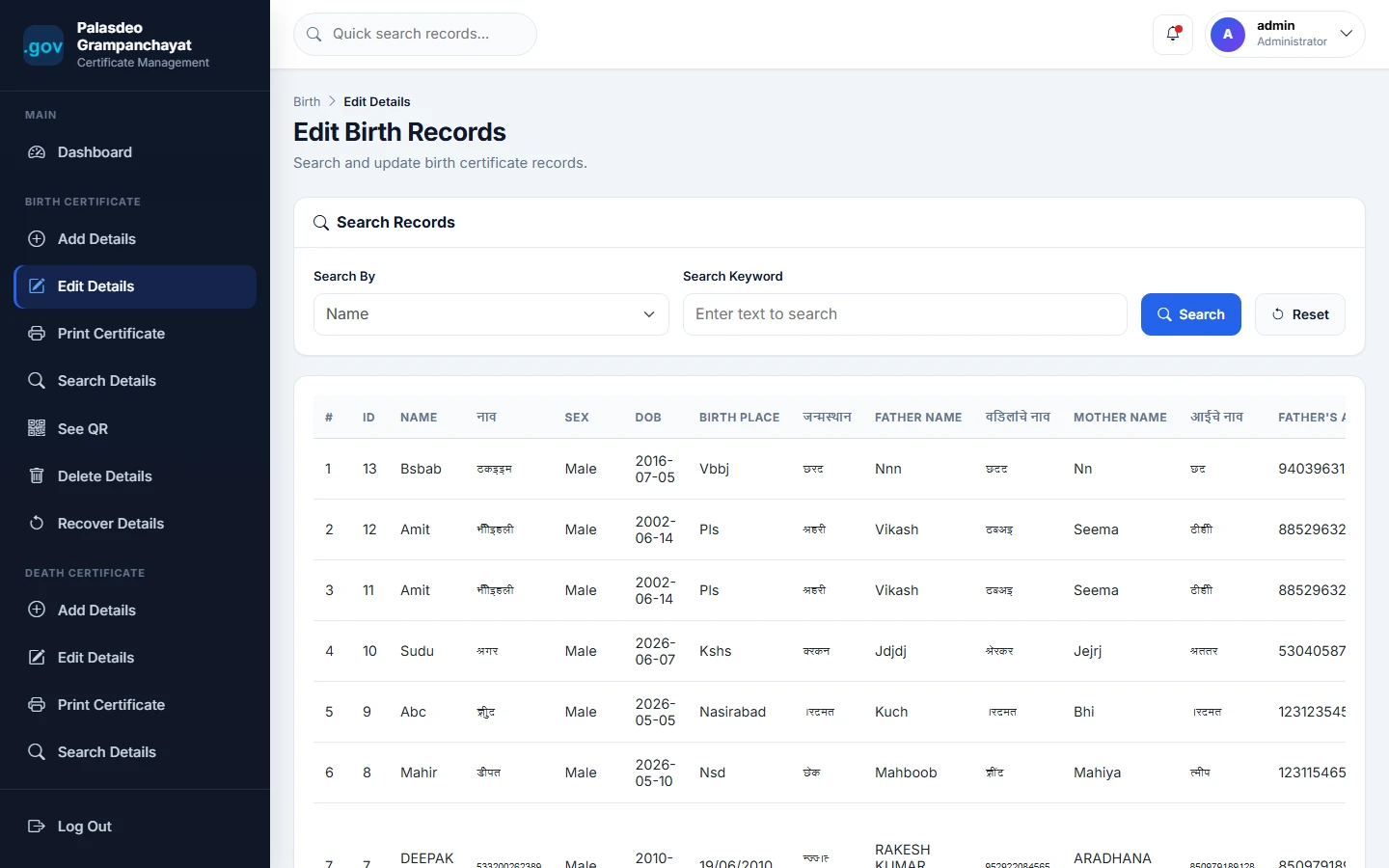
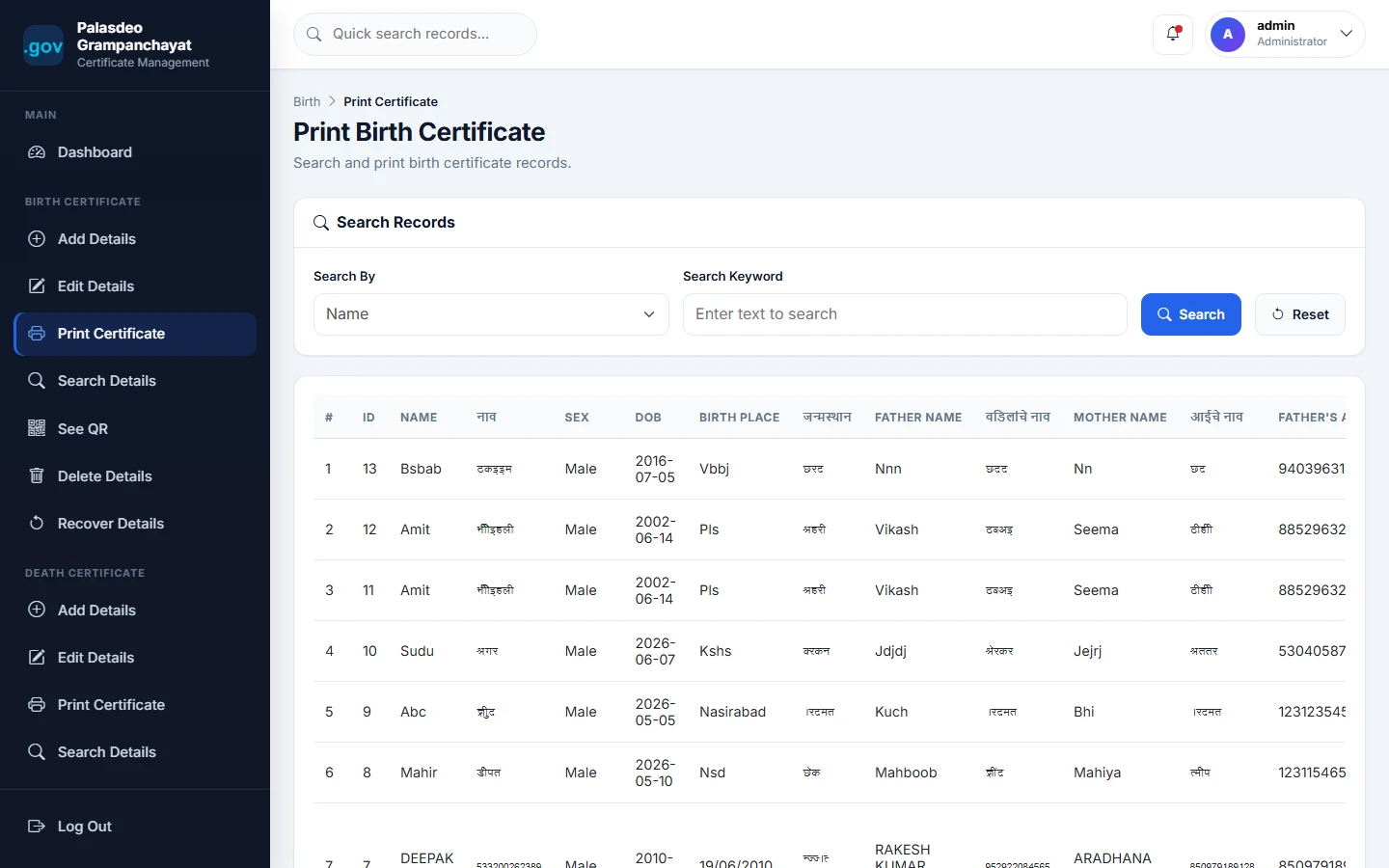
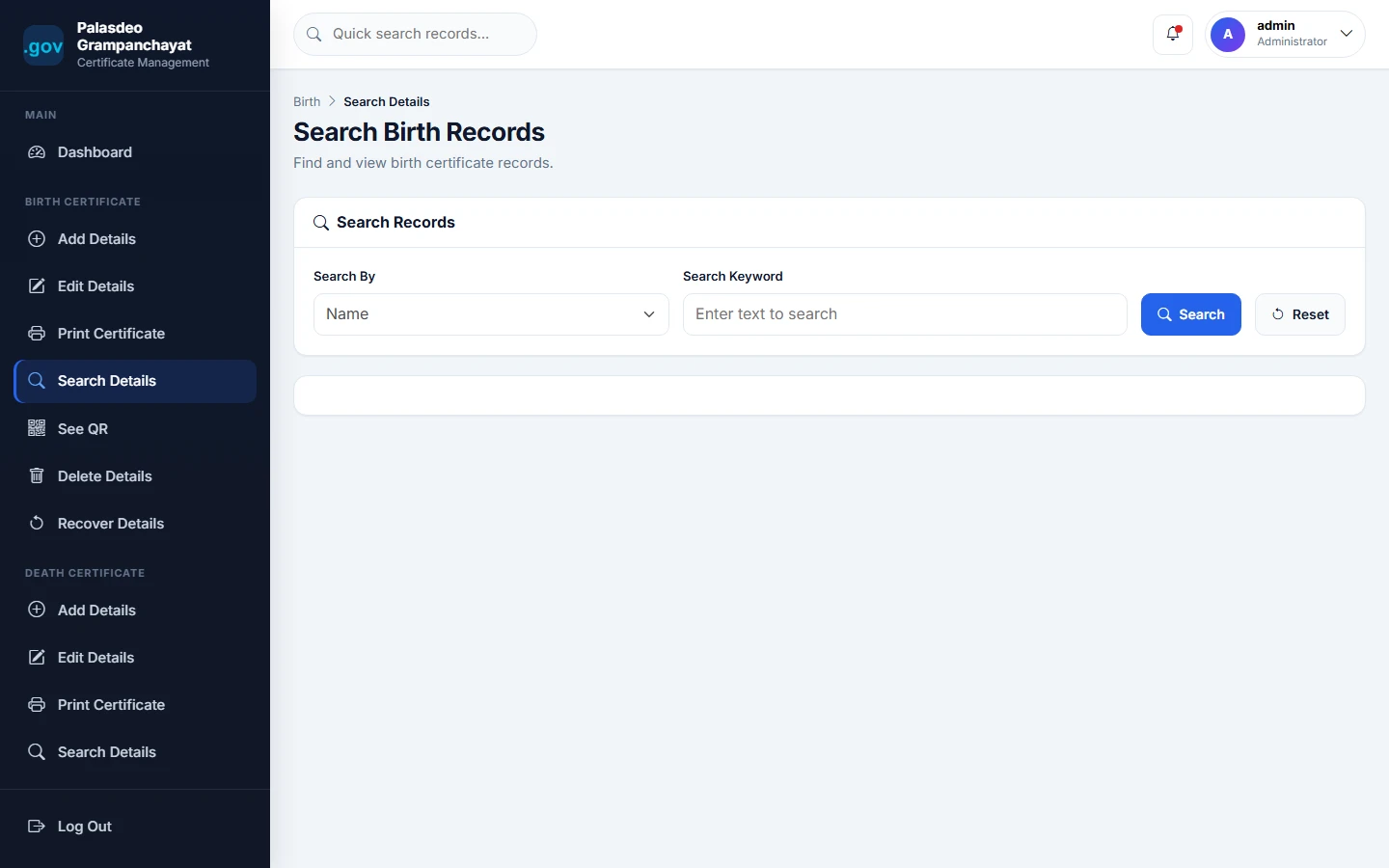
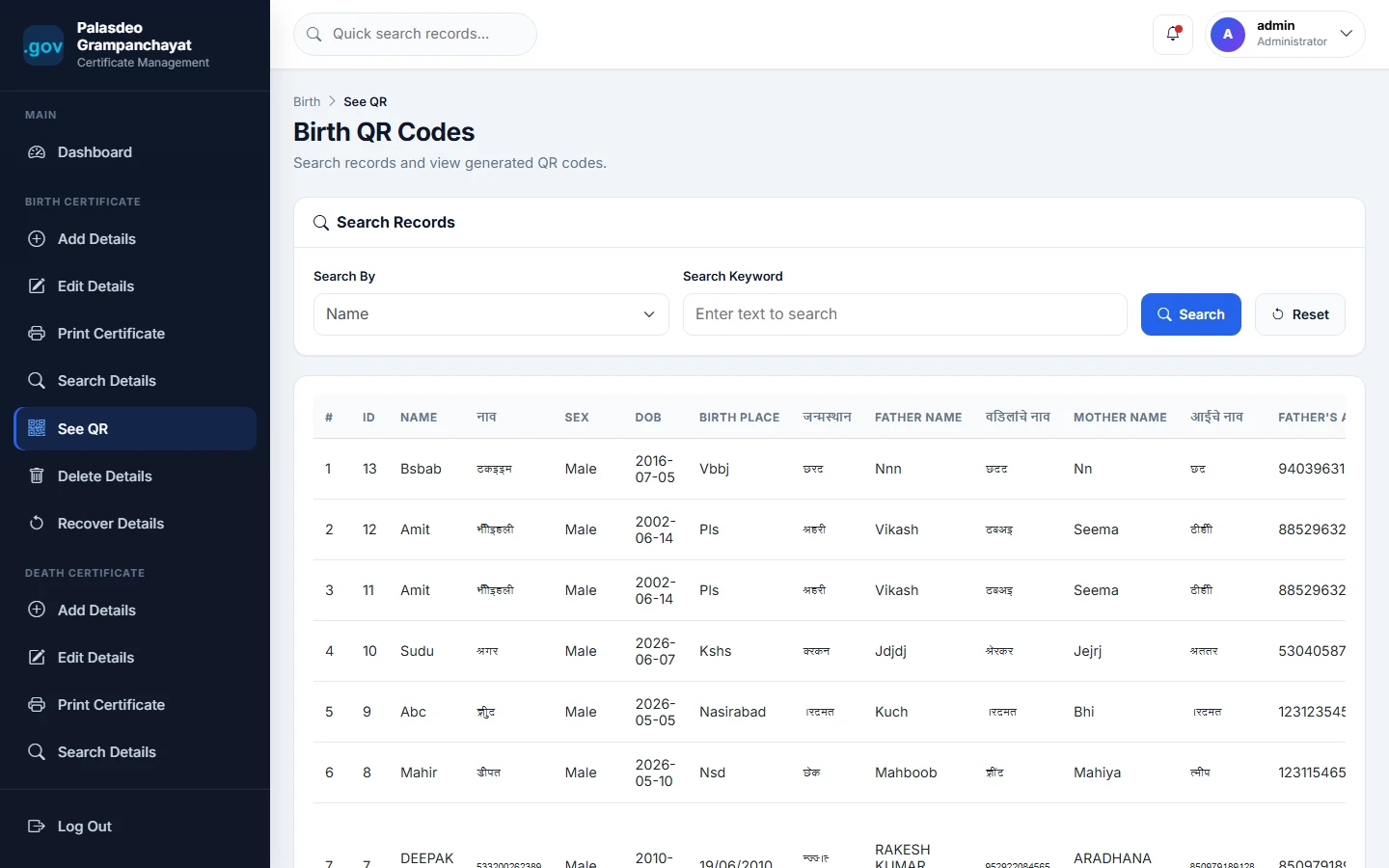
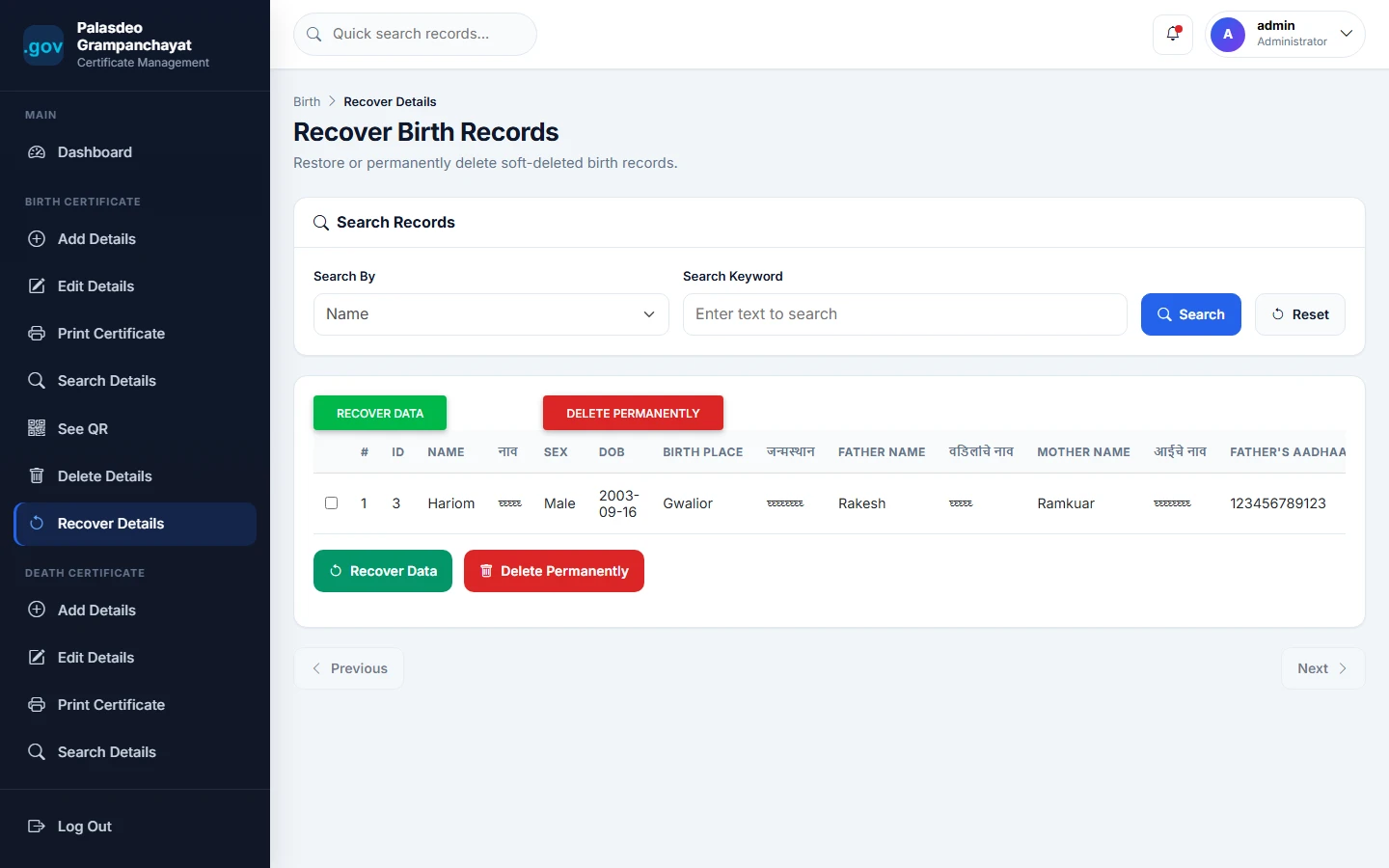
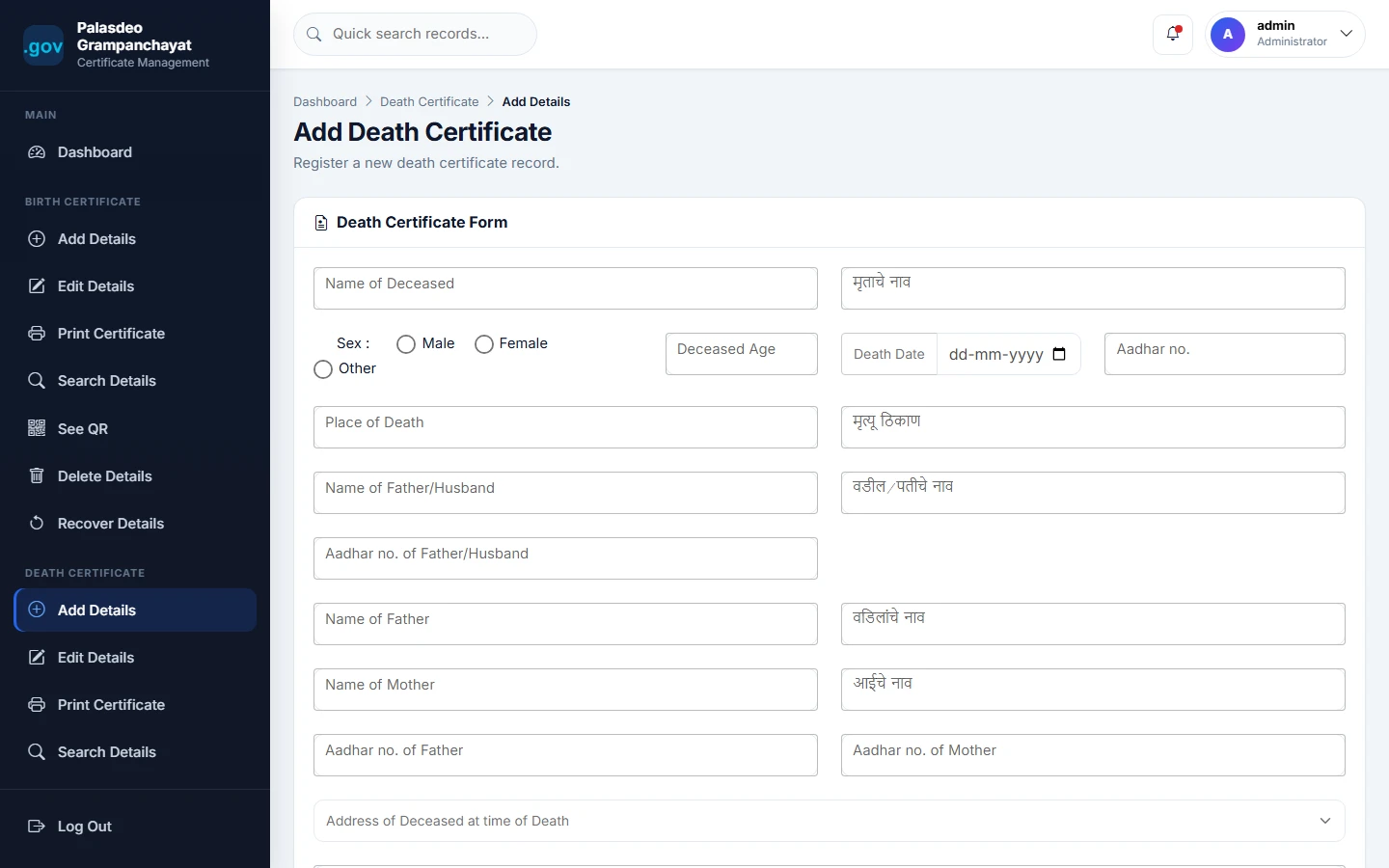
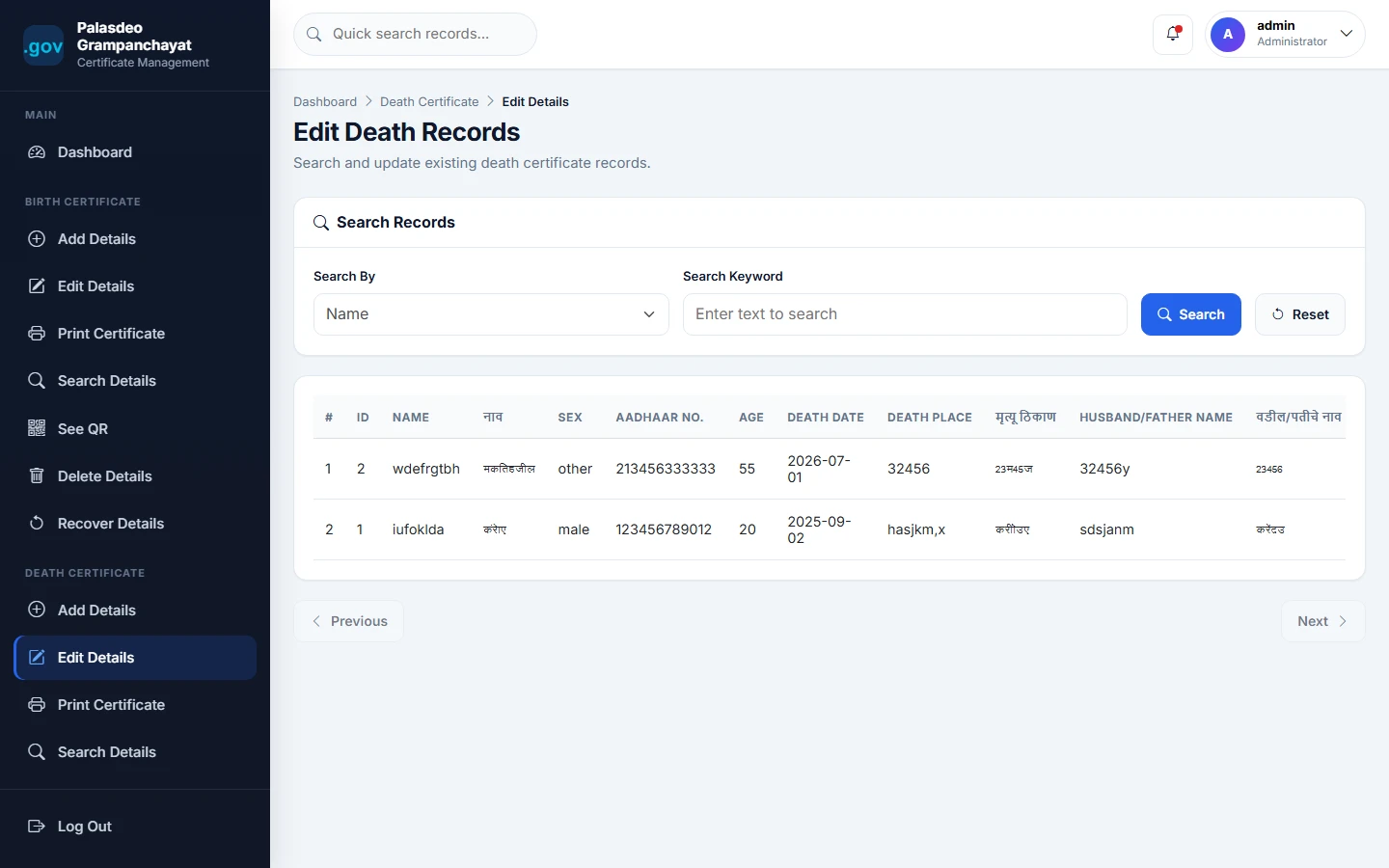
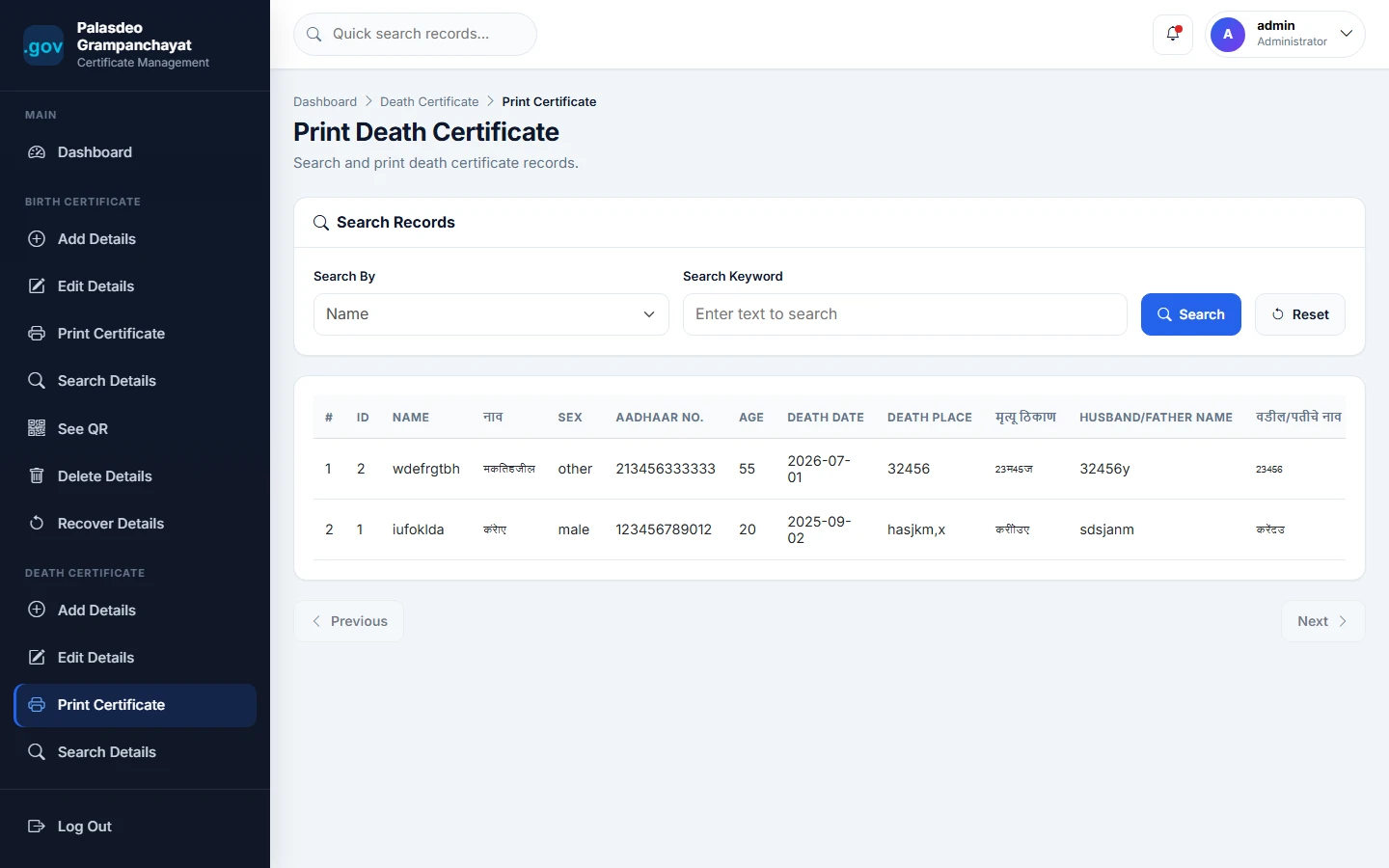
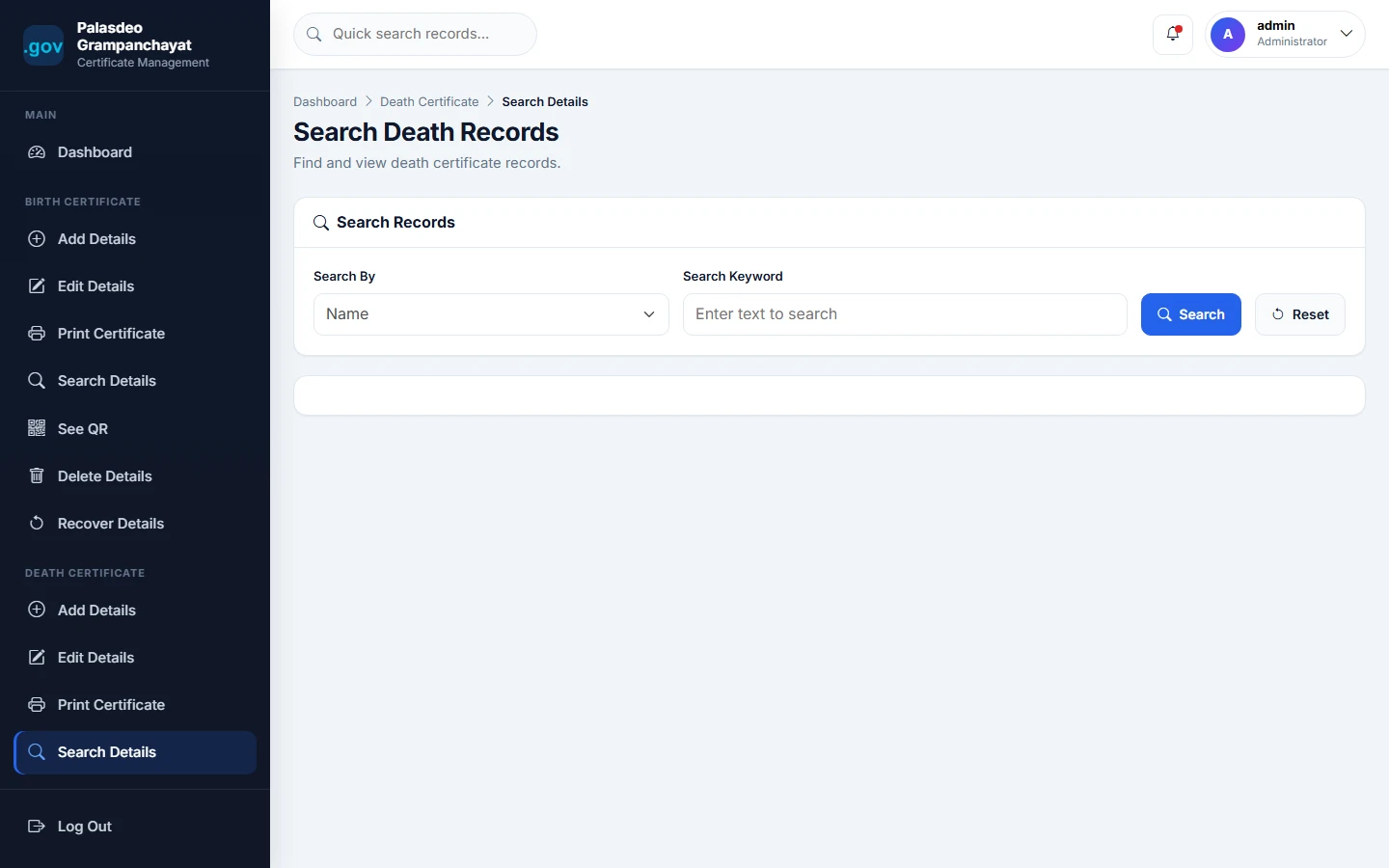
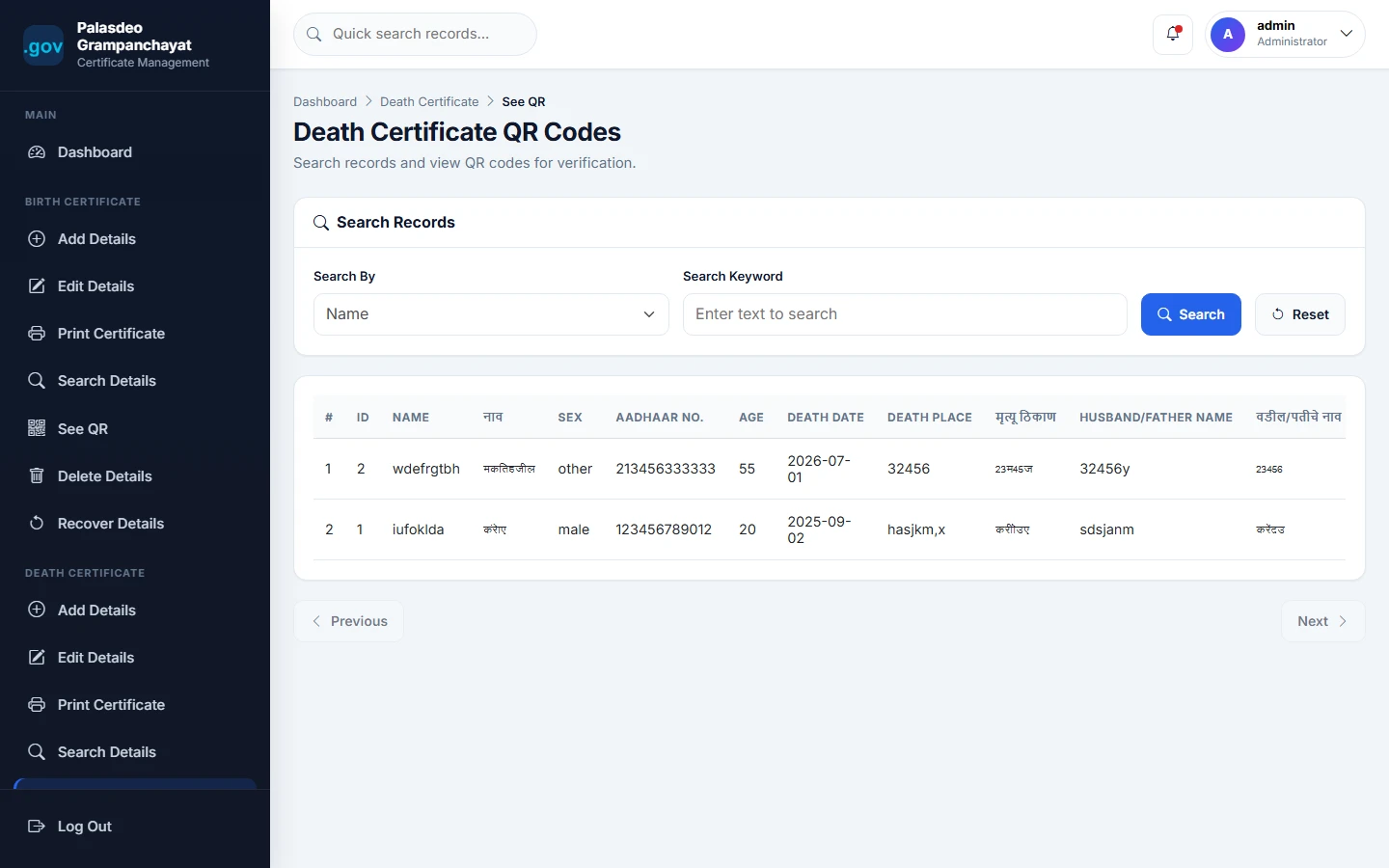
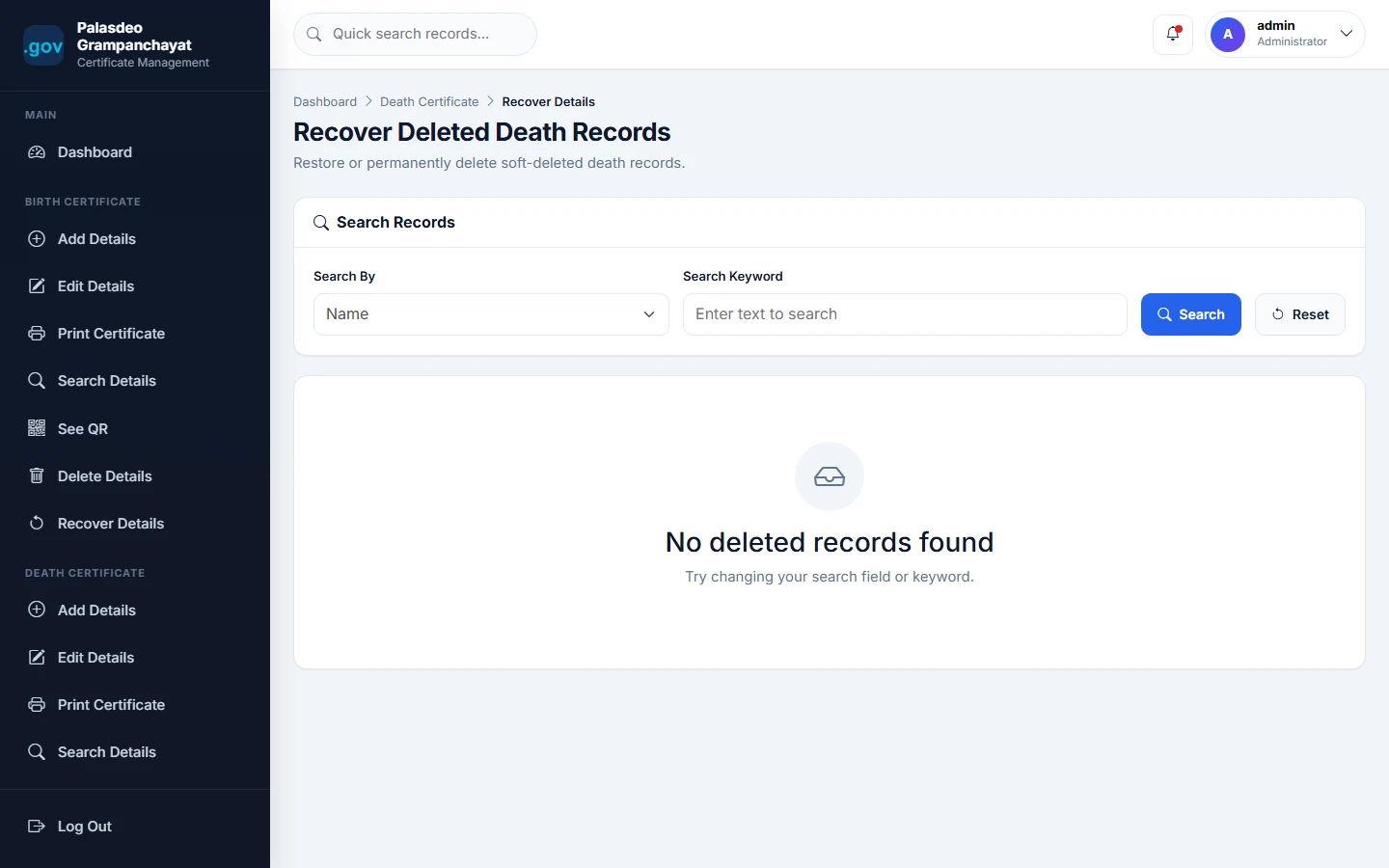
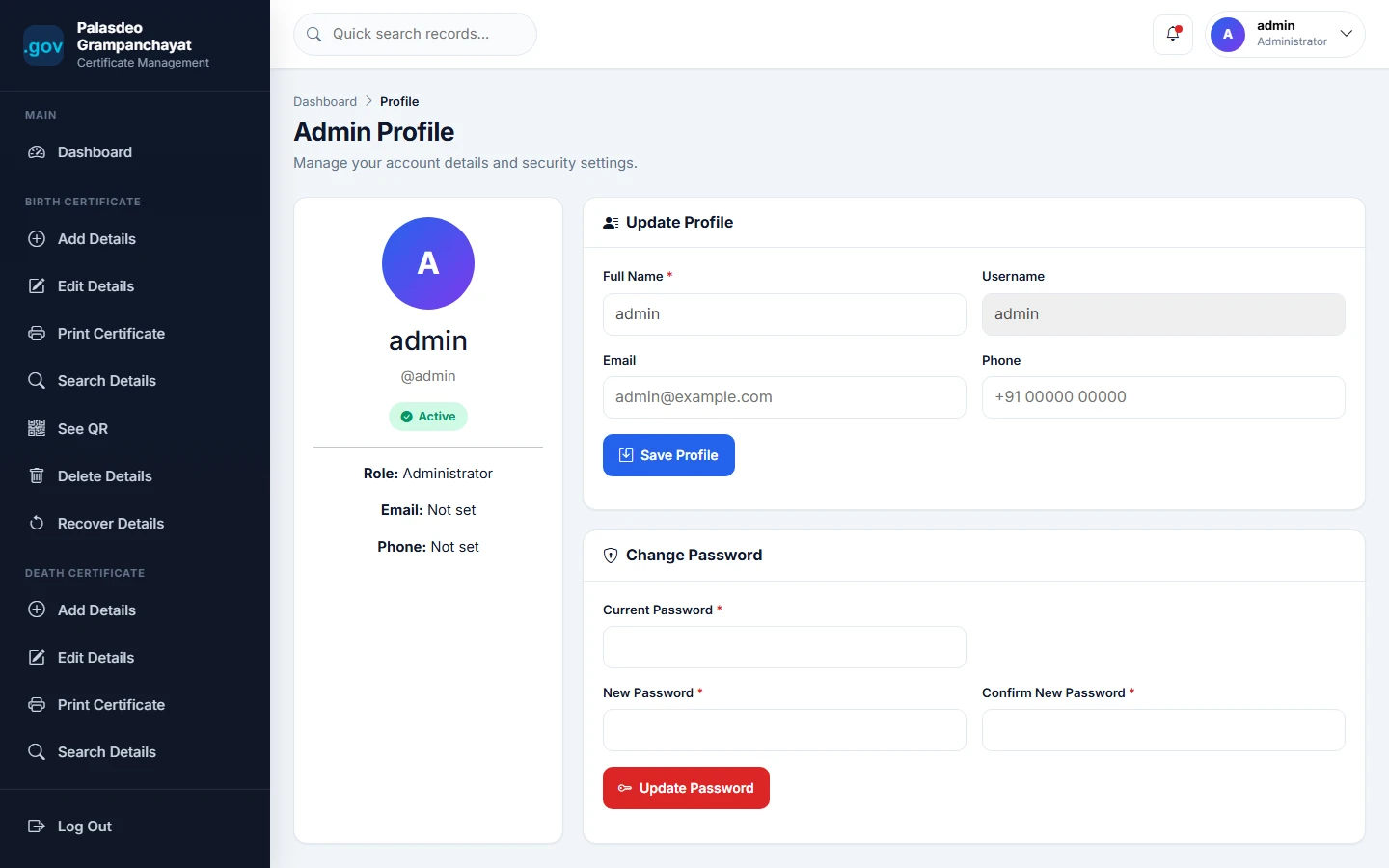
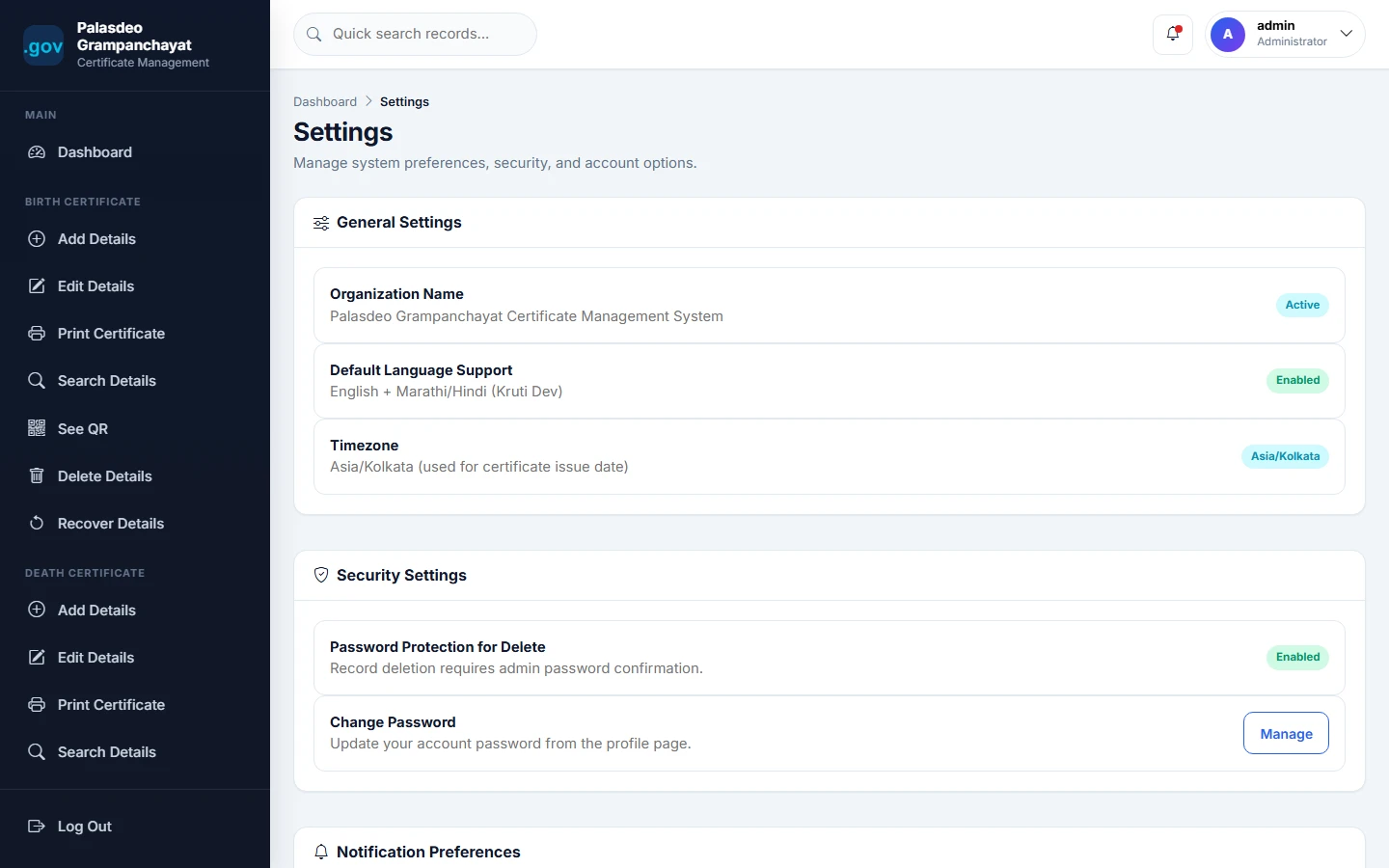
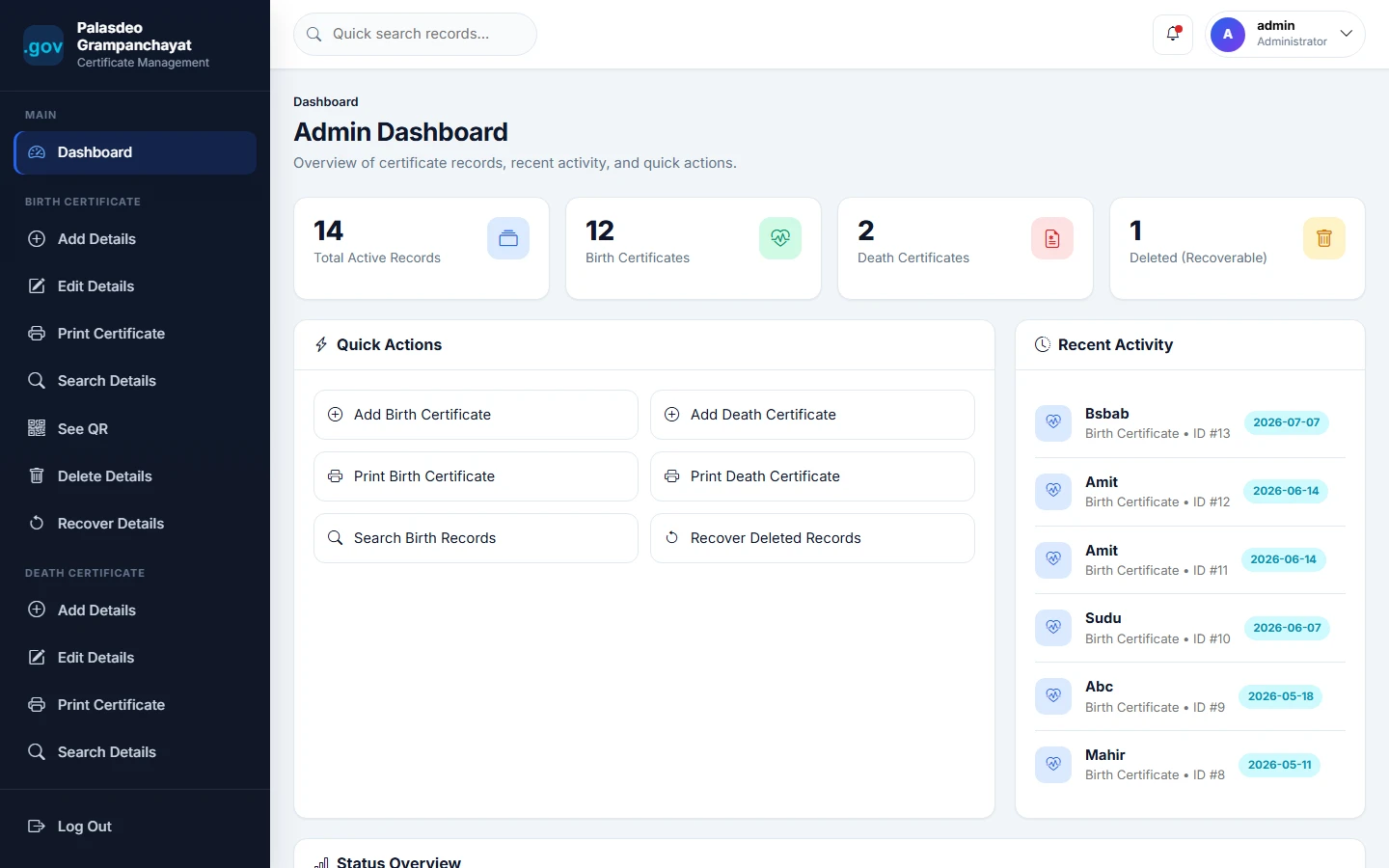
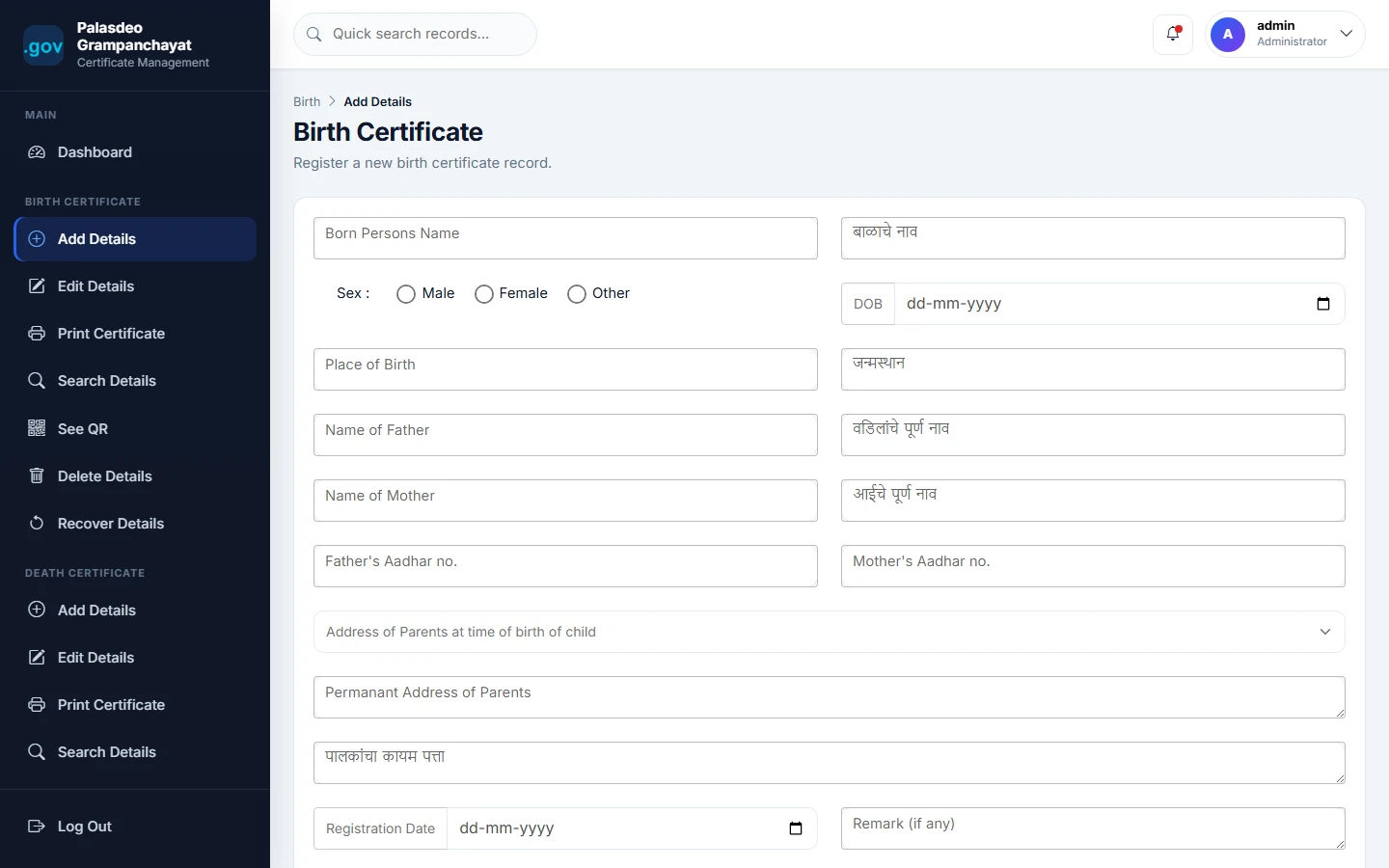
Online Birth and Death Certificate System v2 is a PHP and MySQL based final year project developed for managing birth and death certificate records digitally. This major project helps authorized staff add, search, edit, print, verify, soft delete, and recover birth and death certificate records. The system supports bilingual English and Marathi/Hindi data entry, Aadhaar validation, QR code generation, printable certificate layouts, AJAX search, pagination, password-protected delete operation, and certificate verification support. This online birth and death certificate system source code is suitable for students who need a minor project, major project, final year project, project report, and PHP MySQL based certificate management project.
Ready to download?Pay once · Use for submission & viva
Modules and controls available to administrators
What end users can do in this application
Additional capabilities included in the project
qrImage/Ctrl + PStep-by-step setup on your laptop or PC
Copy the project folder into:
C:\xampp\htdocs\online-birth-and-death-certificate-system-v2\
Create database:
CREATE DATABASE birth_death_certificate_v2;
Open:
database/databasesqlqueries.php
Edit:
connection.php
Configure database details:
$host = 'localhost';
$db = 'birth_death_certificate_v2';
$user = 'root';
$password = '';
Create required QR folder:
qrImage/
qrImage/ has write permission.
http://localhost/online-birth-and-death-certificate-system-v2/
Default demo accounts for testing after setup
Default Admin / Staff Login
adminadmin@123Usage terms for academic and personal projects
Search terms and categories for this source code