01 Source Code Only
₹99
One-time Payment
- Complete project source code
- Database / data resources
- Dependencies & configuration
- README / setup guide
- Instant download access
Get runnable Online Pizza Ordering System Final Year PHP Project Source Code with database files, project setup instructions, live demo options and installation support. This project resource helps students understand the implementation, modules, workflow and technical architecture of a complete PHP project.
Hover to zoom · Click to expand
Simple pricing. Instant access. Secure checkout.
01 Source Code Only
One-time Payment
02 Code + Setup Support
One-time Payment
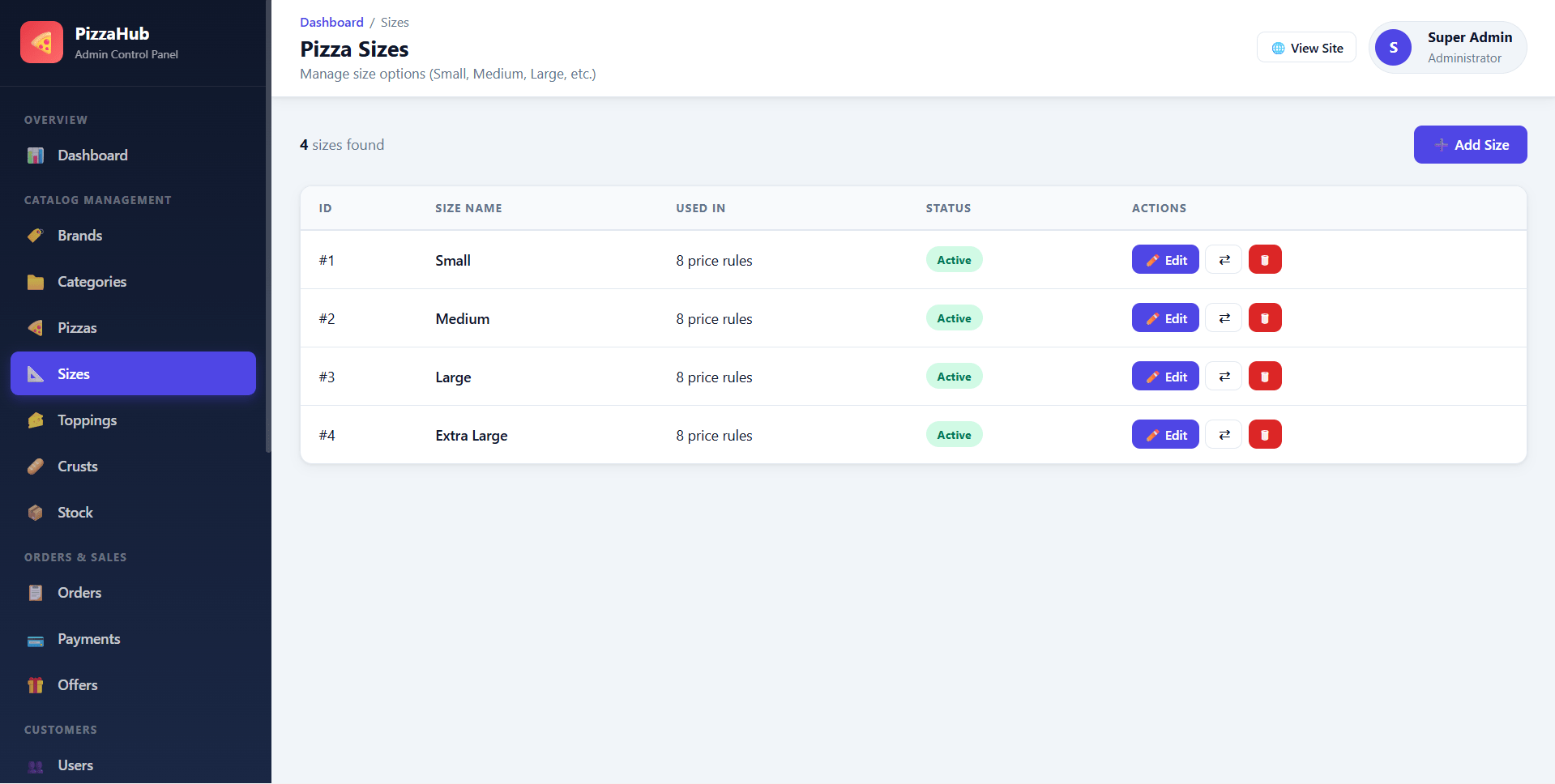
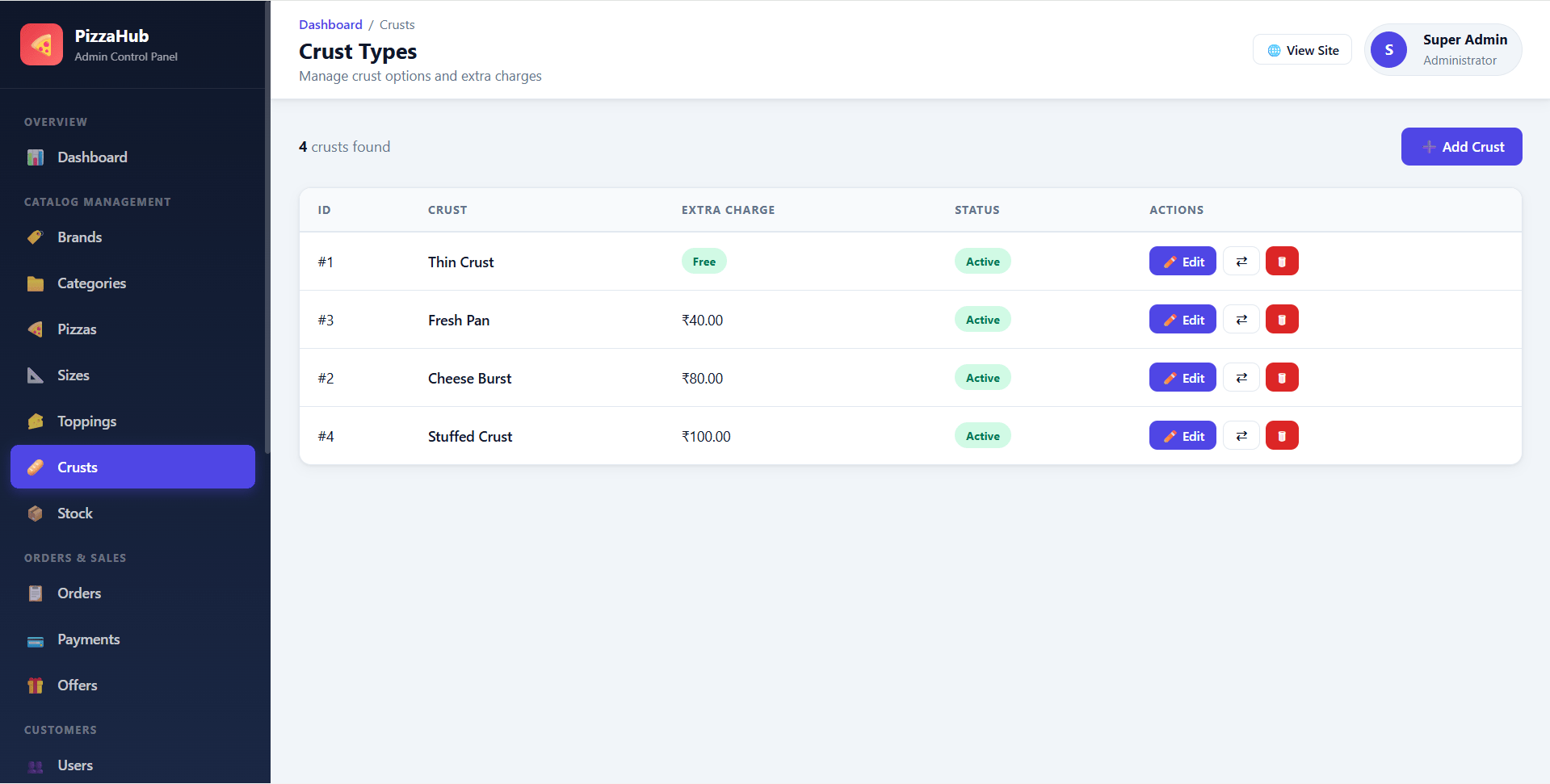
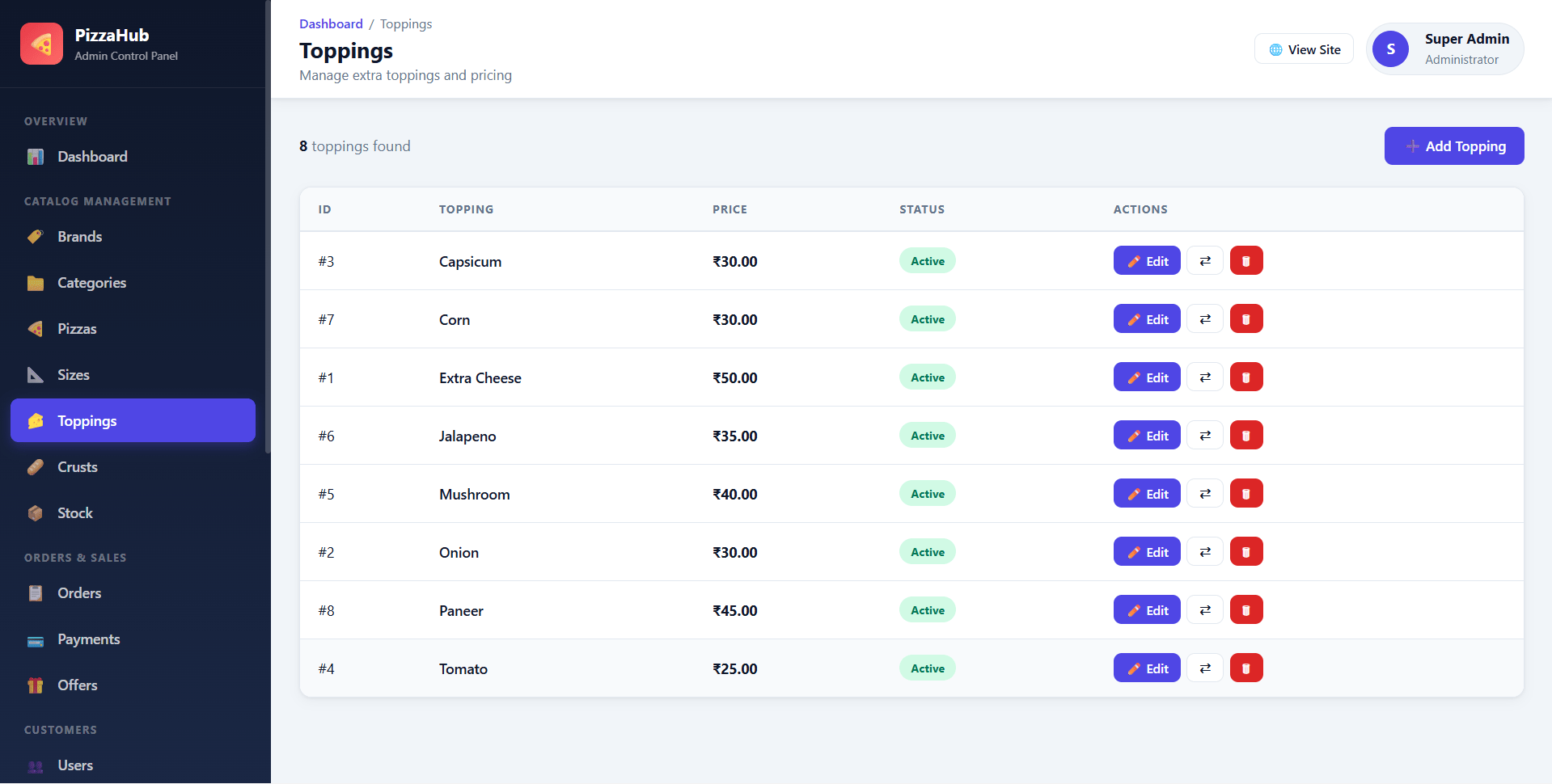
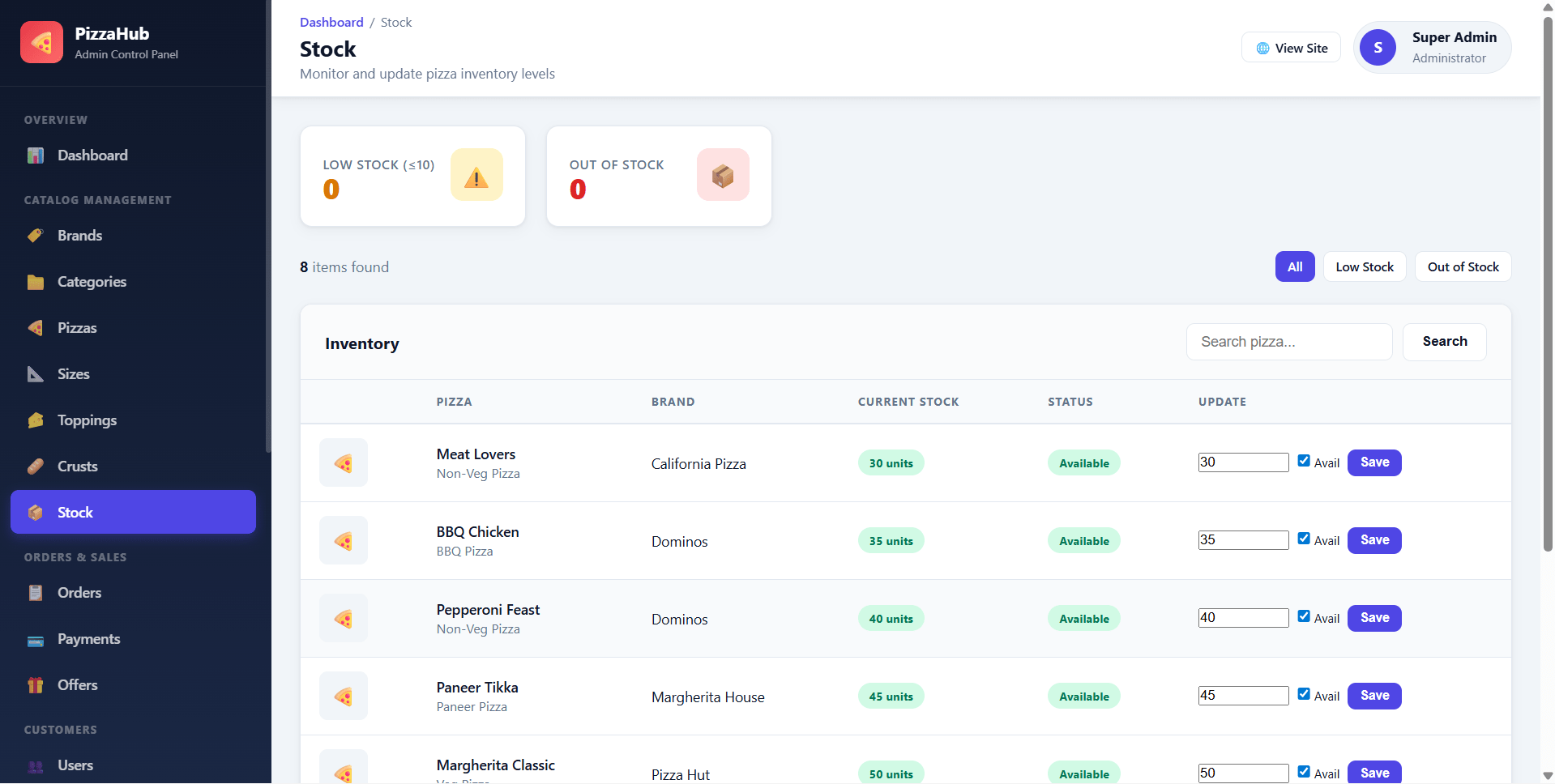
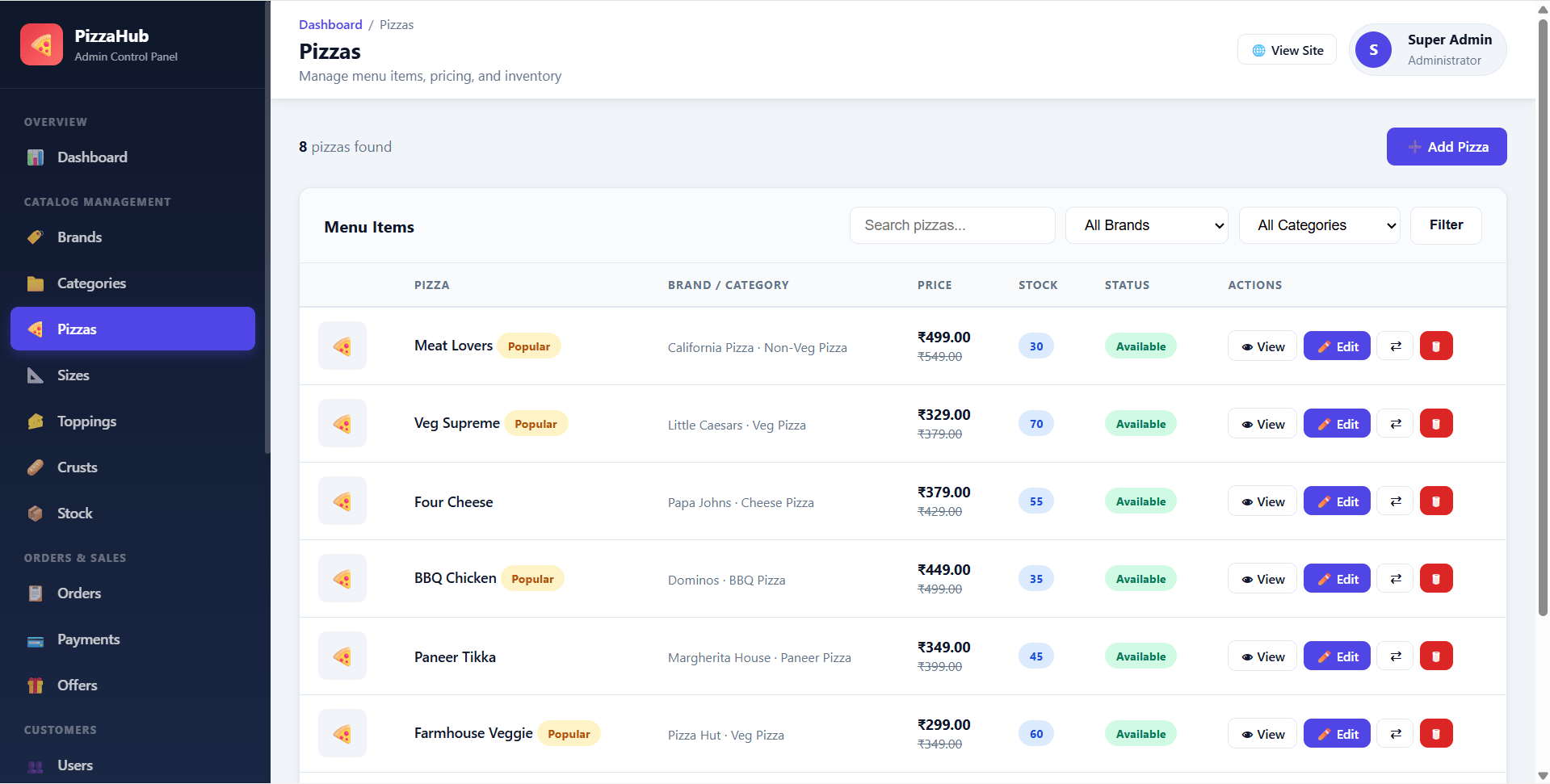
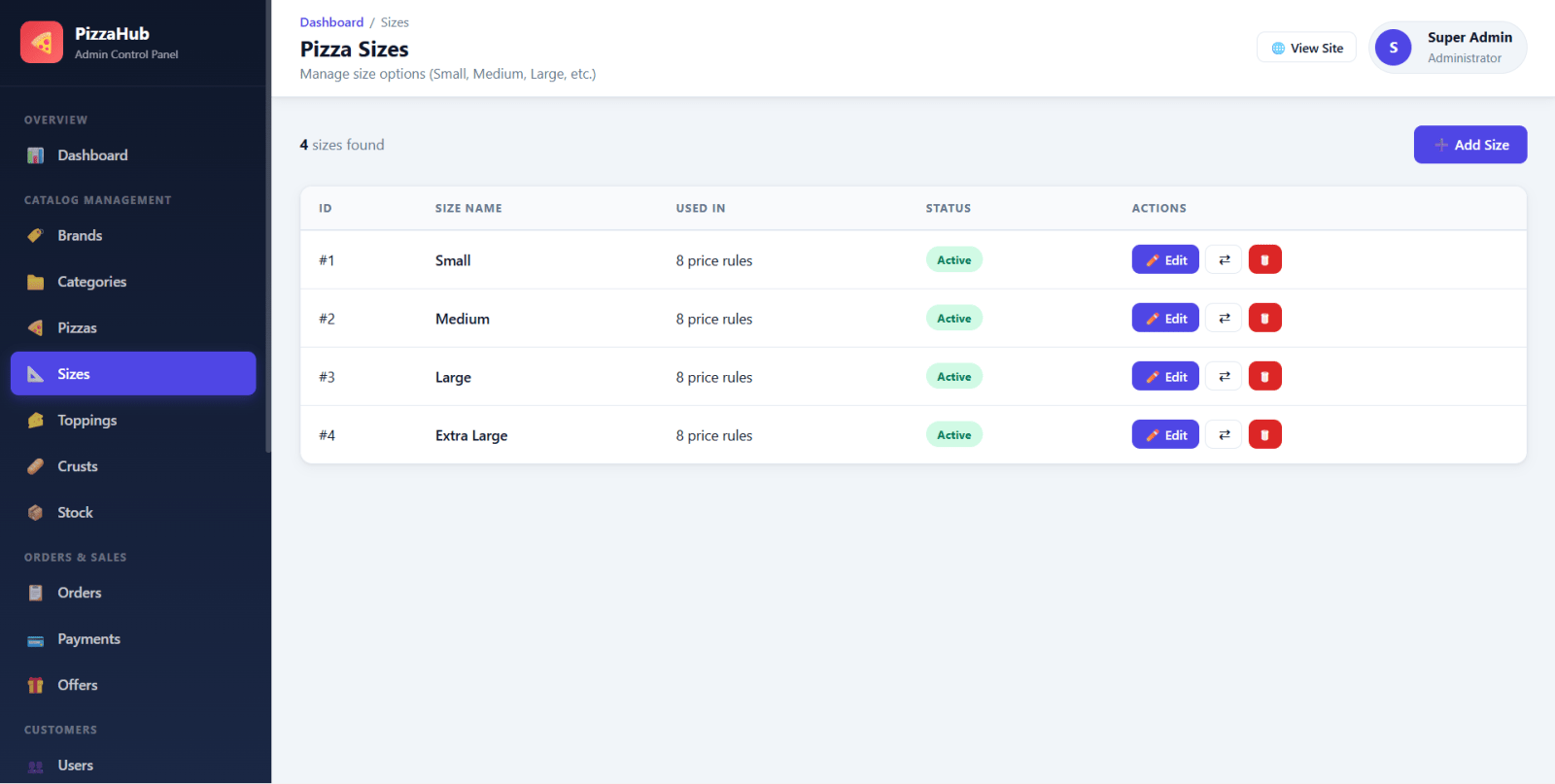
PizzaHub is a final year project developed using Core PHP and MySQL for students who want a complete online pizza ordering web application. This final year project includes a modern storefront where customers can browse pizzas, filter by brand, category, veg/non-veg, price, and size, customize pizzas with size, crust, and toppings, add items to cart, use wishlist, apply offers, place COD orders, track order status, view invoices, and submit reviews after delivery. The admin panel manages brands, categories, pizzas, sizes, toppings, crusts, stock, orders, payments, offers, users, addresses, reviews, contacts, feedback, banners, settings, and reports. With order tracking, COD payment status, inventory alerts, image uploads, and sales analytics, PizzaHub is suitable for a final year major project in PHP, MySQL, and online food ordering systems.
Admin
[email protected]admin123Customer
[email protected]user123password_hash() and password_verify()setup.php password setupC:\xampp\htdocs\Online Pizza Ordering\Import database files:
mysql -u root -p < "database/schema.sql"
mysql -u root -p < "database/seed.sql"
Edit config/database.php:
define('DB_HOST', 'localhost');
define('DB_USER', 'root');
define('DB_PASS', '');
define('DB_NAME', 'pizza_ordering');
Open one-time setup:
http://localhost/Online%20Pizza%20Ordering/setup.php
Ensure upload folders are writable:
assets/uploads/brands/
assets/uploads/pizzas/
assets/uploads/banners/
assets/uploads/settings/
Open:
http://localhost/Online%20Pizza%20Ordering/
Admin
[email protected]admin123Customer
[email protected]user123