01 Source Code Only
₹99
One-time Payment
- Complete project source code
- Database / data resources
- Dependencies & configuration
- README / setup guide
- Instant download access
Get runnable Online Railway Reservation System Final Year PHP Project Source Code with database files, project setup instructions, live demo options and installation support. This project resource helps students understand the implementation, modules, workflow and technical architecture of a complete PHP project.
Hover to zoom · Click to expand
Simple pricing. Instant access. Secure checkout.
01 Source Code Only
One-time Payment
02 Code + Setup Support
One-time Payment
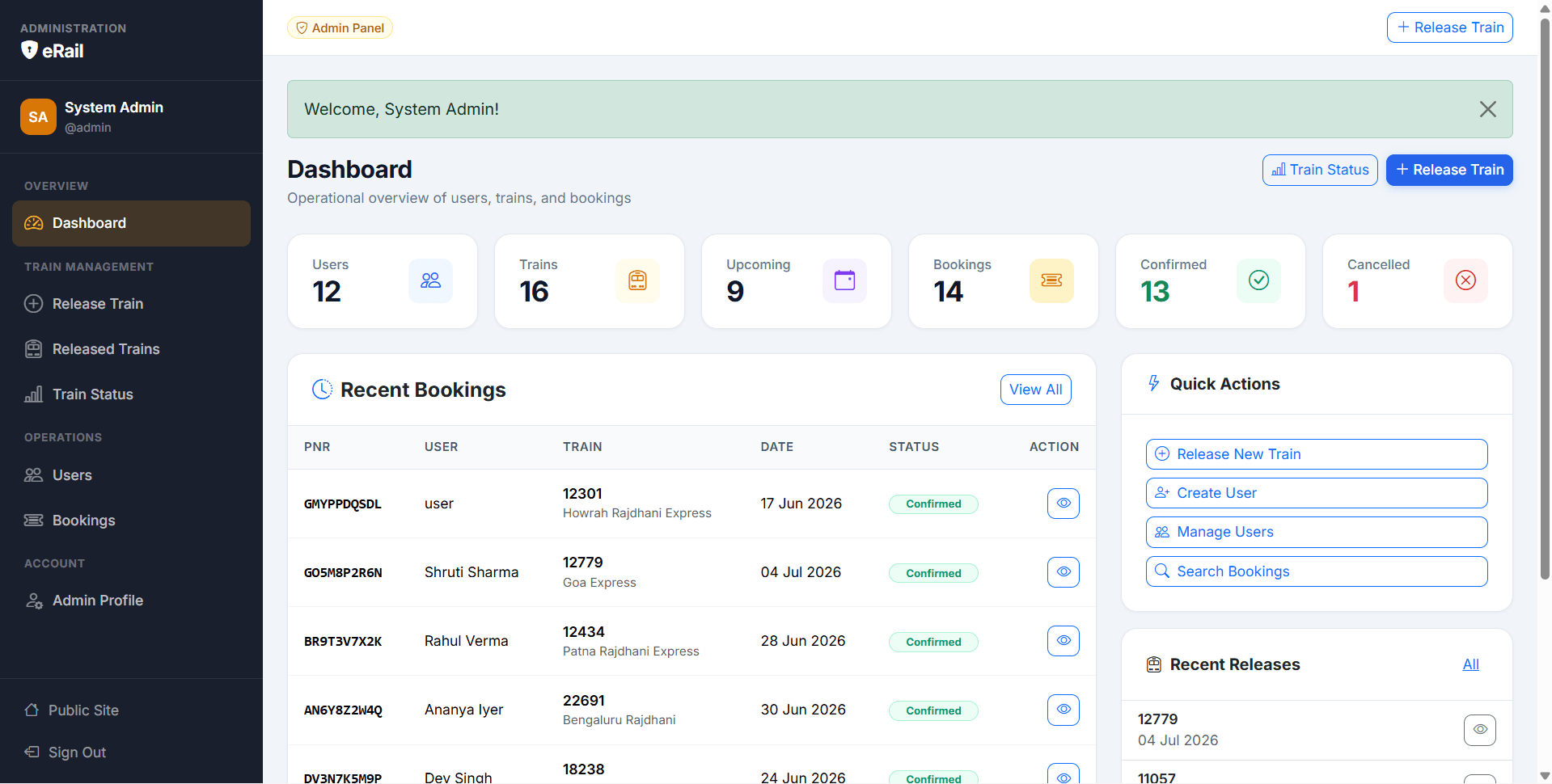
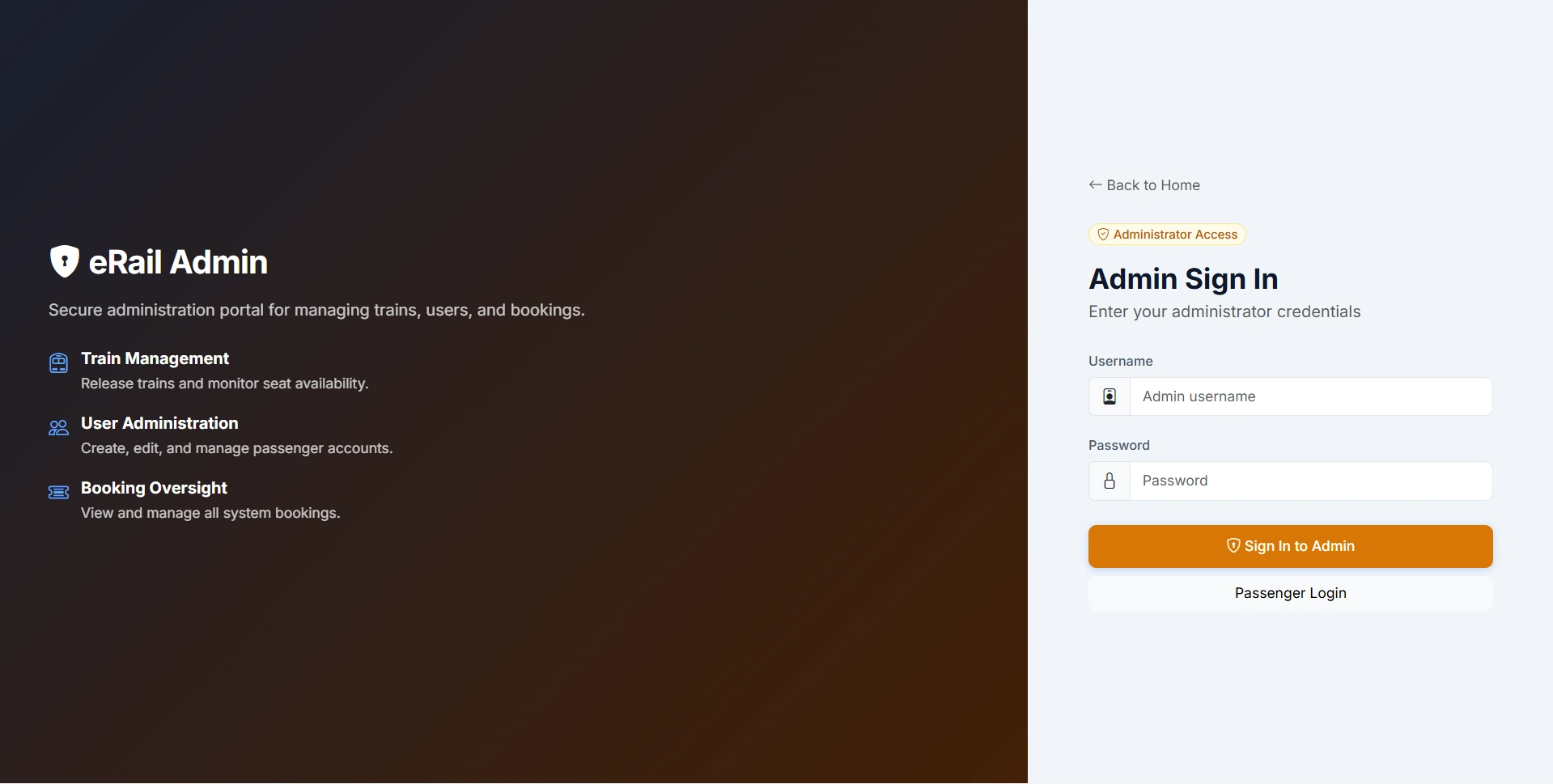
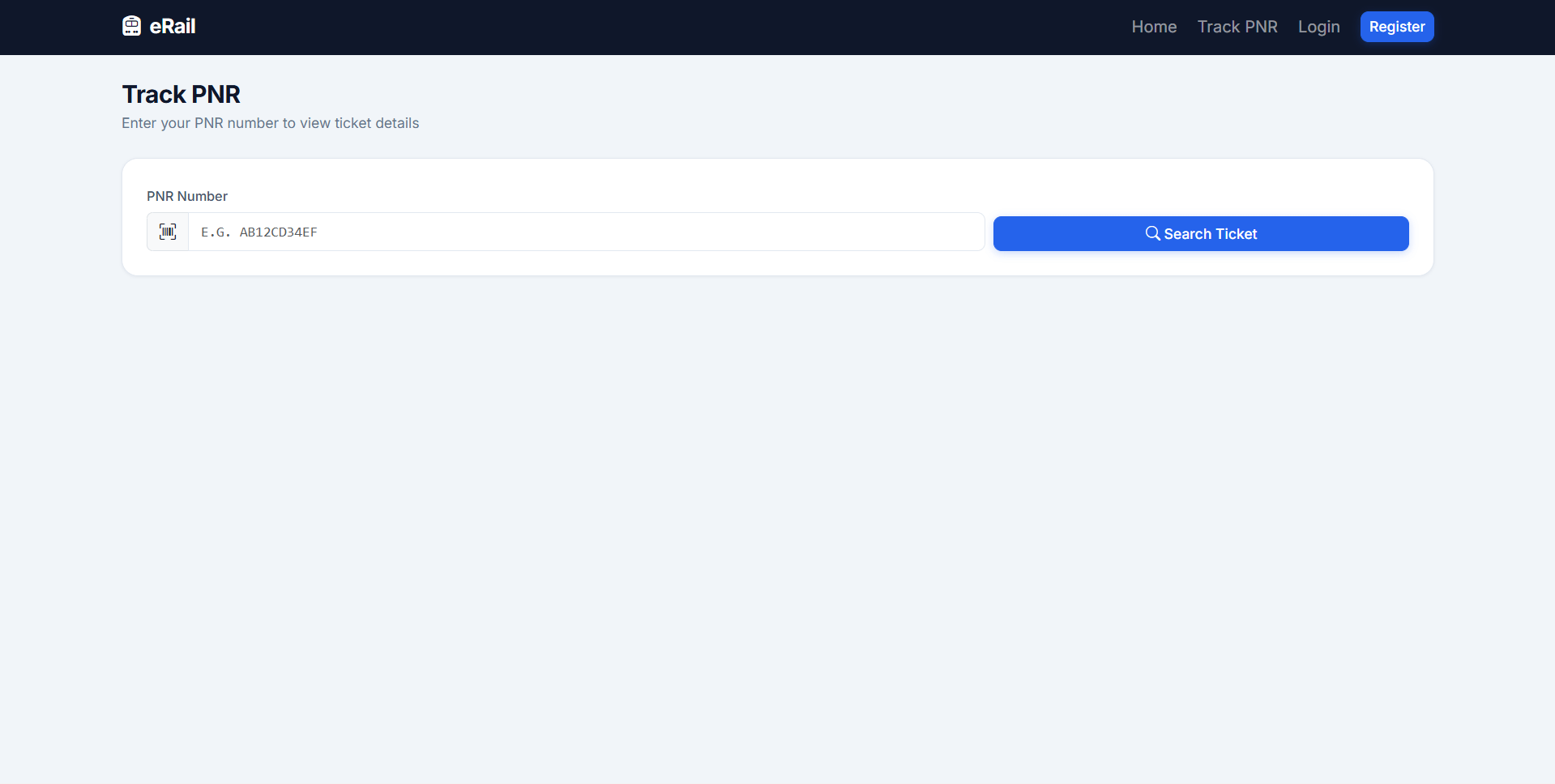
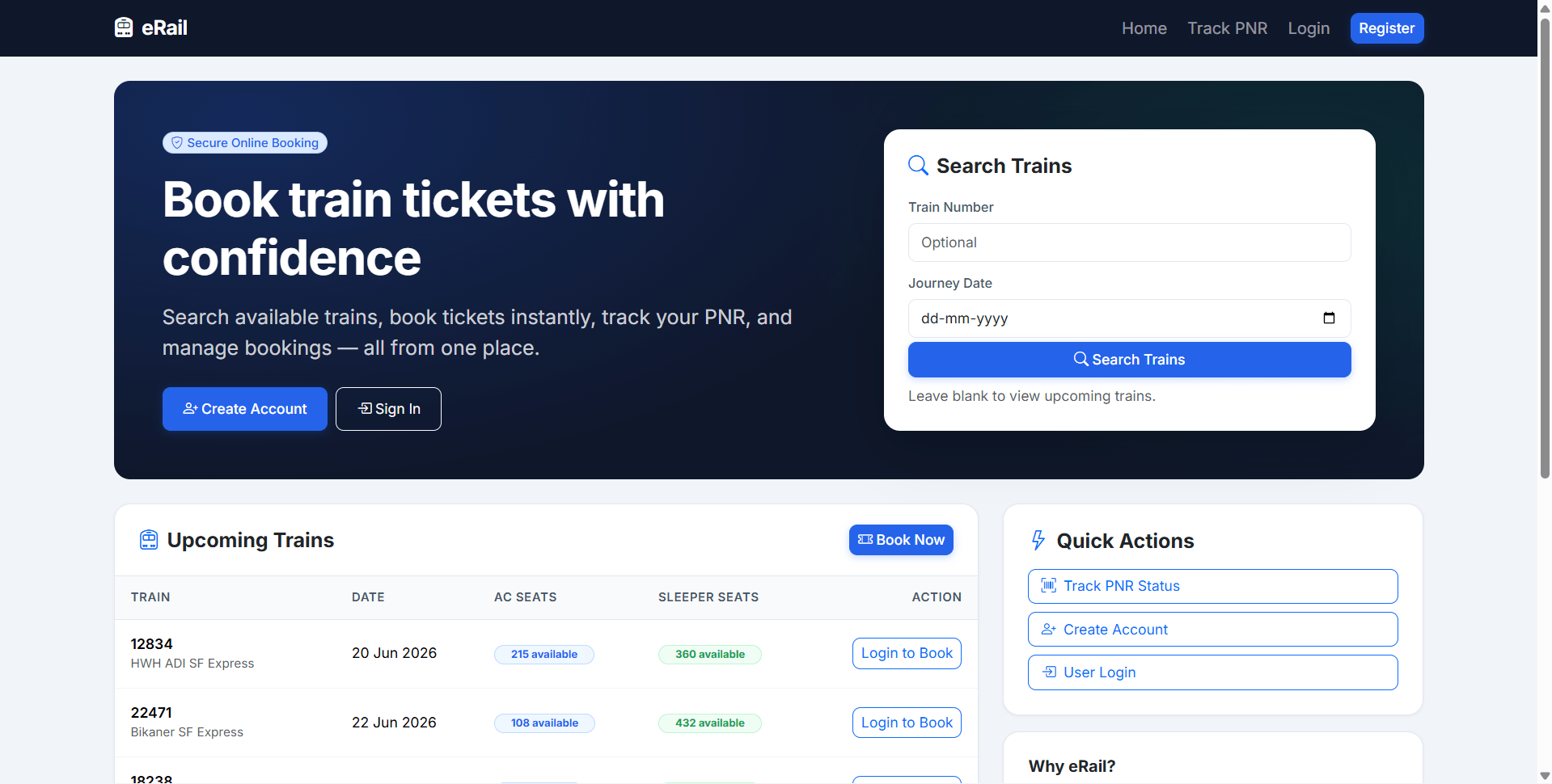
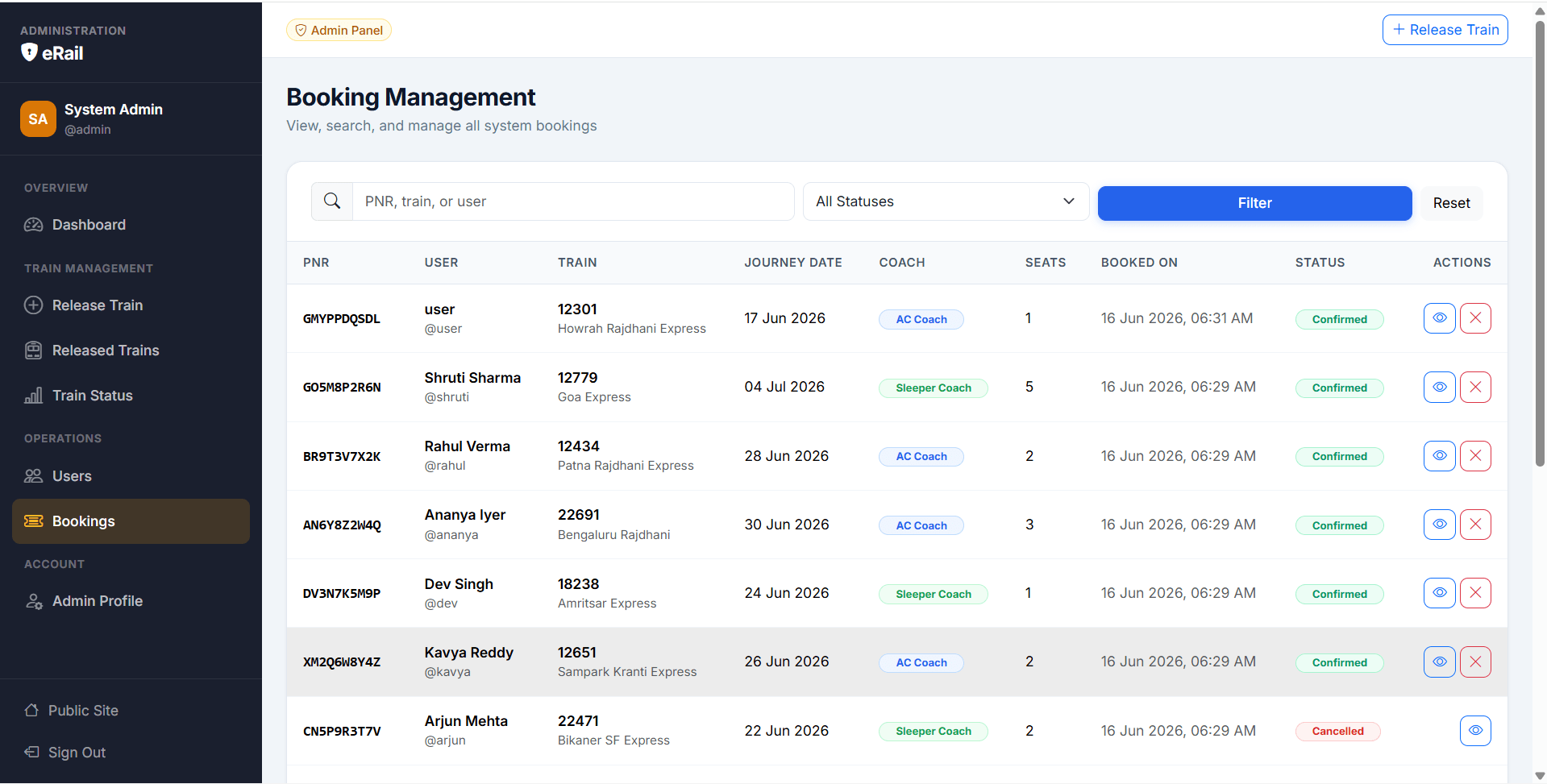
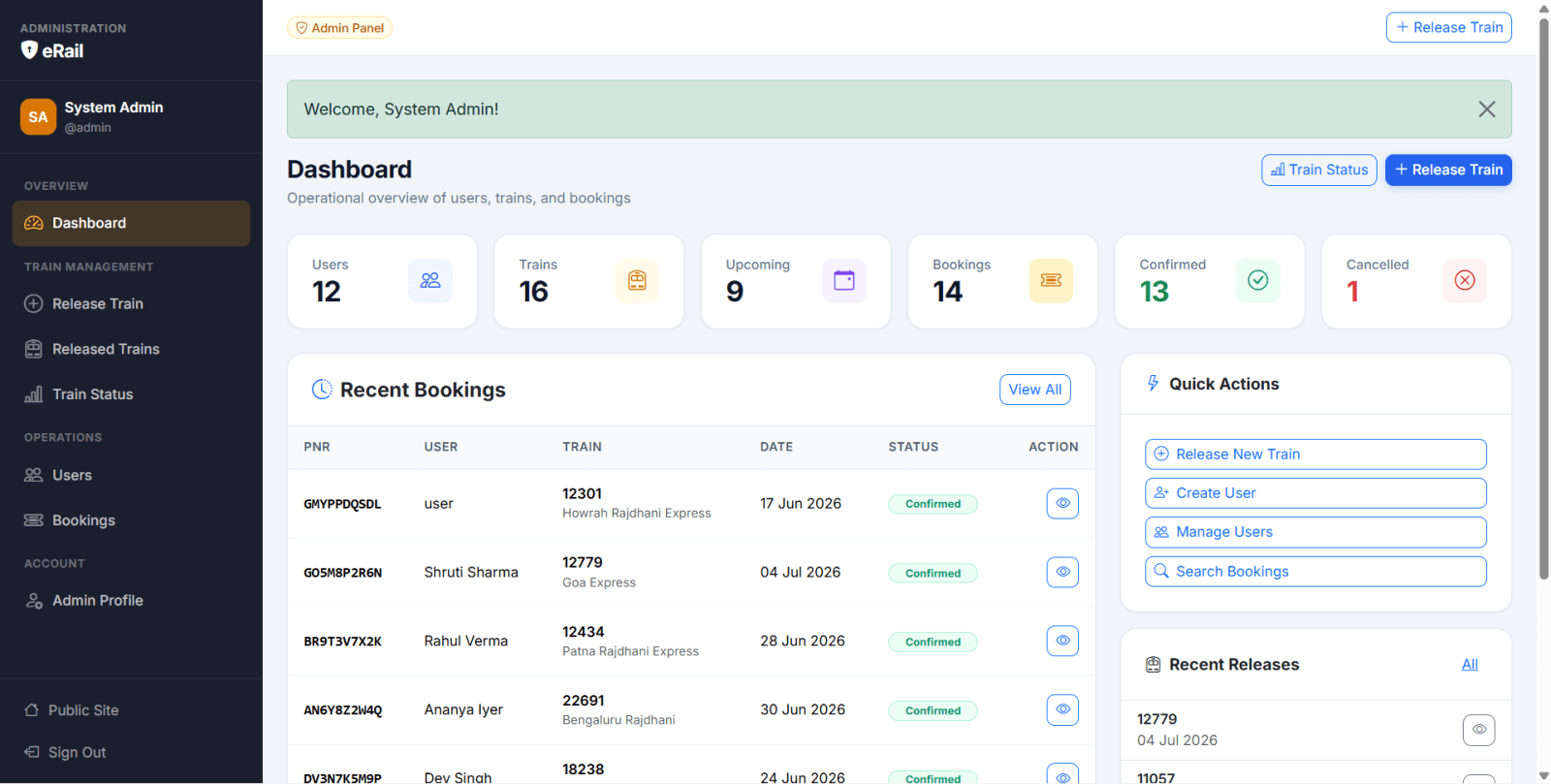
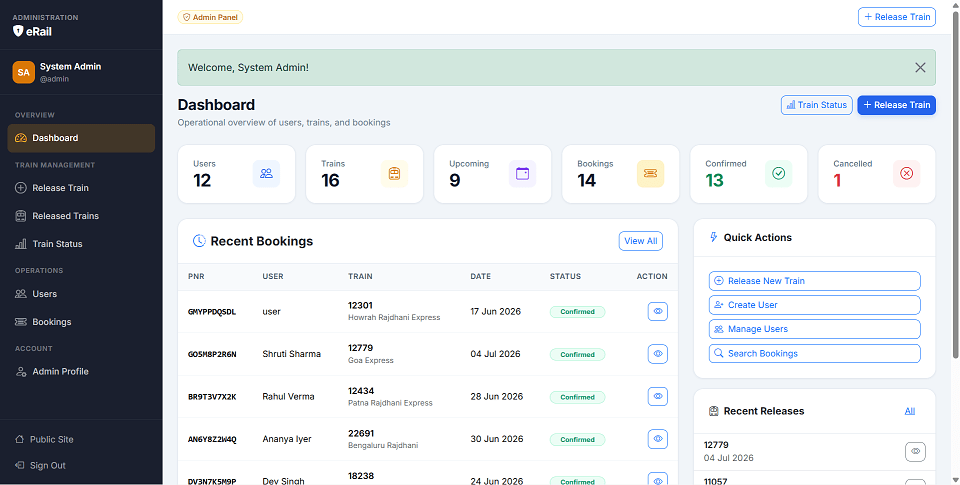
Online Railway Reservation System is a final year project developed using Core PHP and MySQL for students who want a complete online railway ticket booking and administration system. This final year project includes a public landing page, passenger portal, and admin panel. Passengers can register, log in, browse released trains, check AC and Sleeper seat availability, book tickets, generate PNR, view booking history, cancel upcoming bookings, print tickets, and manage profiles. Admins can release trains, view released train status, manage users, monitor bookings, cancel bookings, and check seat occupancy. The system uses stored procedures and triggers to block duplicate train releases and validate seat availability before booking. With PNR tracking, sequential seat assignment, CSRF protection, and database-level rules, this project is suitable for a final year major project in PHP, MySQL, and railway reservation systems.
Admin
adminadmin123Users
All use password: user123
user
sp_release_trainsp_train_statustrg_bookings_before_insertCopy the final year project folder into your web root:
C:\xampp\htdocs\erail
Import database:
mysql -u root -p < database/database.sql
Optional: import extra test data:
mysql -u root -p erail < database/seed.sql
Edit database config:
config/config.php
Set:
define('DB_HOST', 'localhost');
define('DB_NAME', 'erail');
define('DB_USER', 'root');
define('DB_PASS', '');
define('APP_URL', 'http://localhost/erail');
Open:
http://localhost/erail/
User login:
http://localhost/erail/auth/login.php
Admin login:
http://localhost/erail/auth/admin_login.php
Admin
adminadmin123Users
All use password: user123
user