01 Source Code Only
₹99
One-time Payment
- Complete project source code
- Database / data resources
- Dependencies & configuration
- README / setup guide
- Instant download access
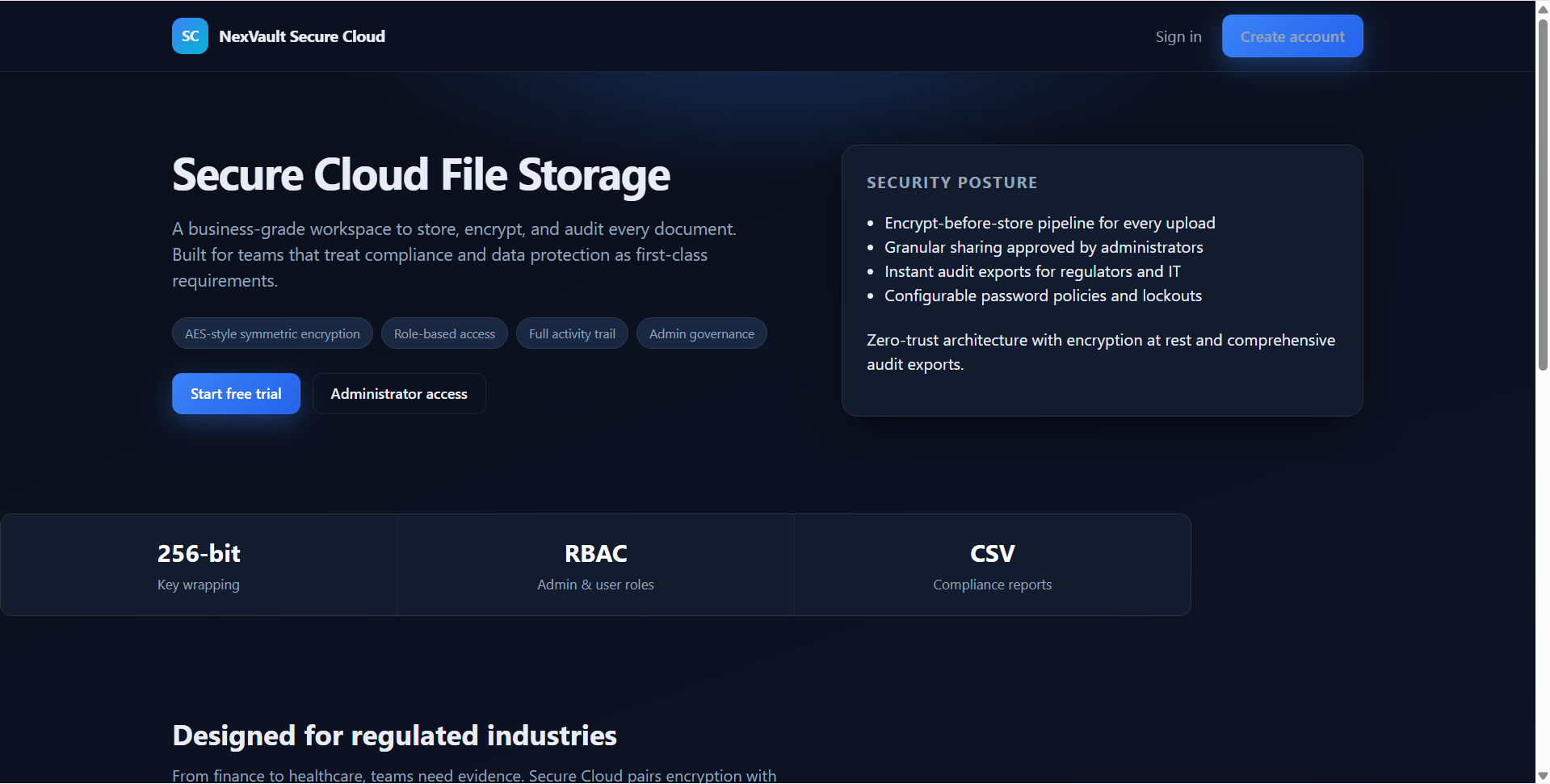
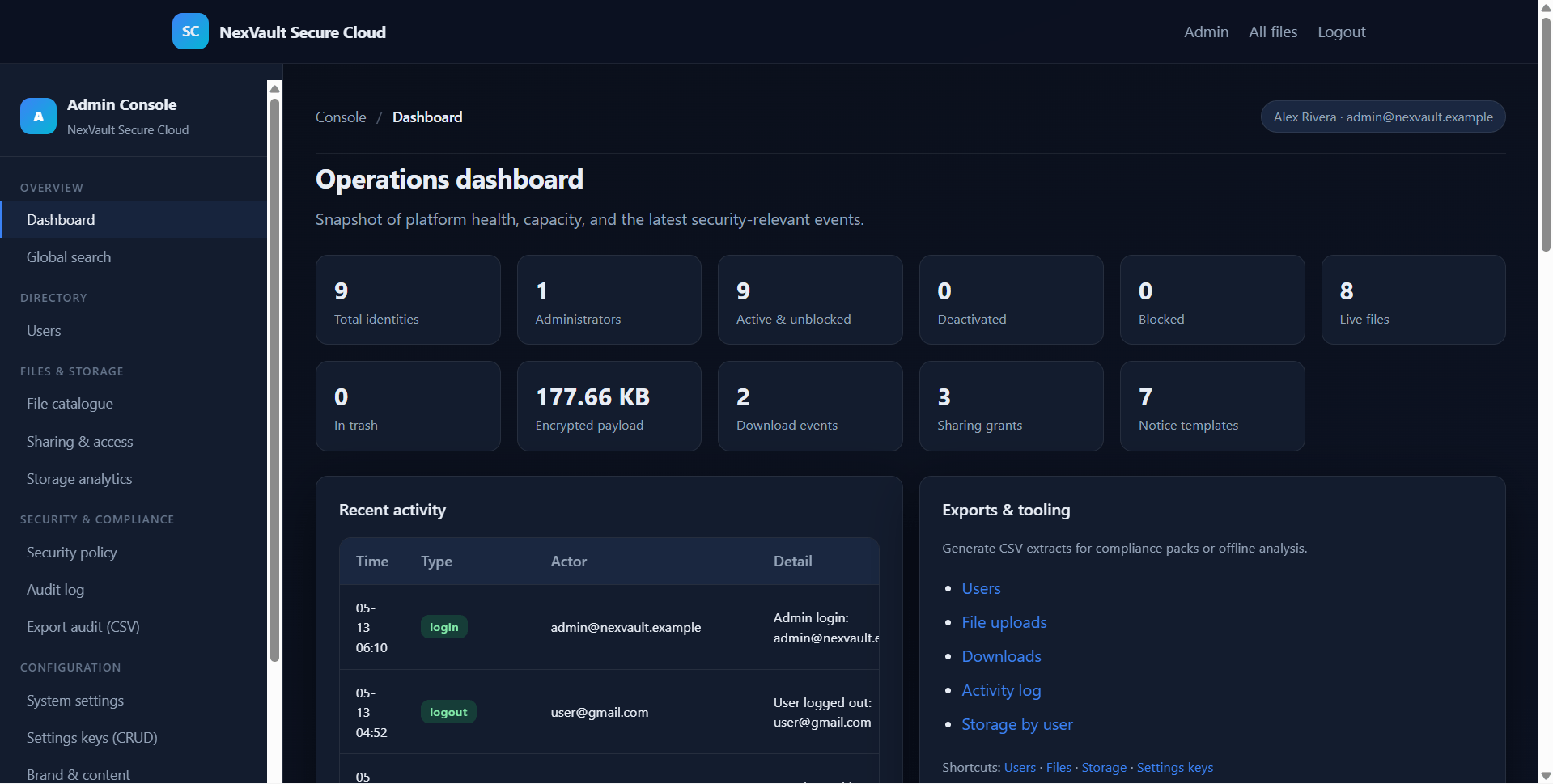
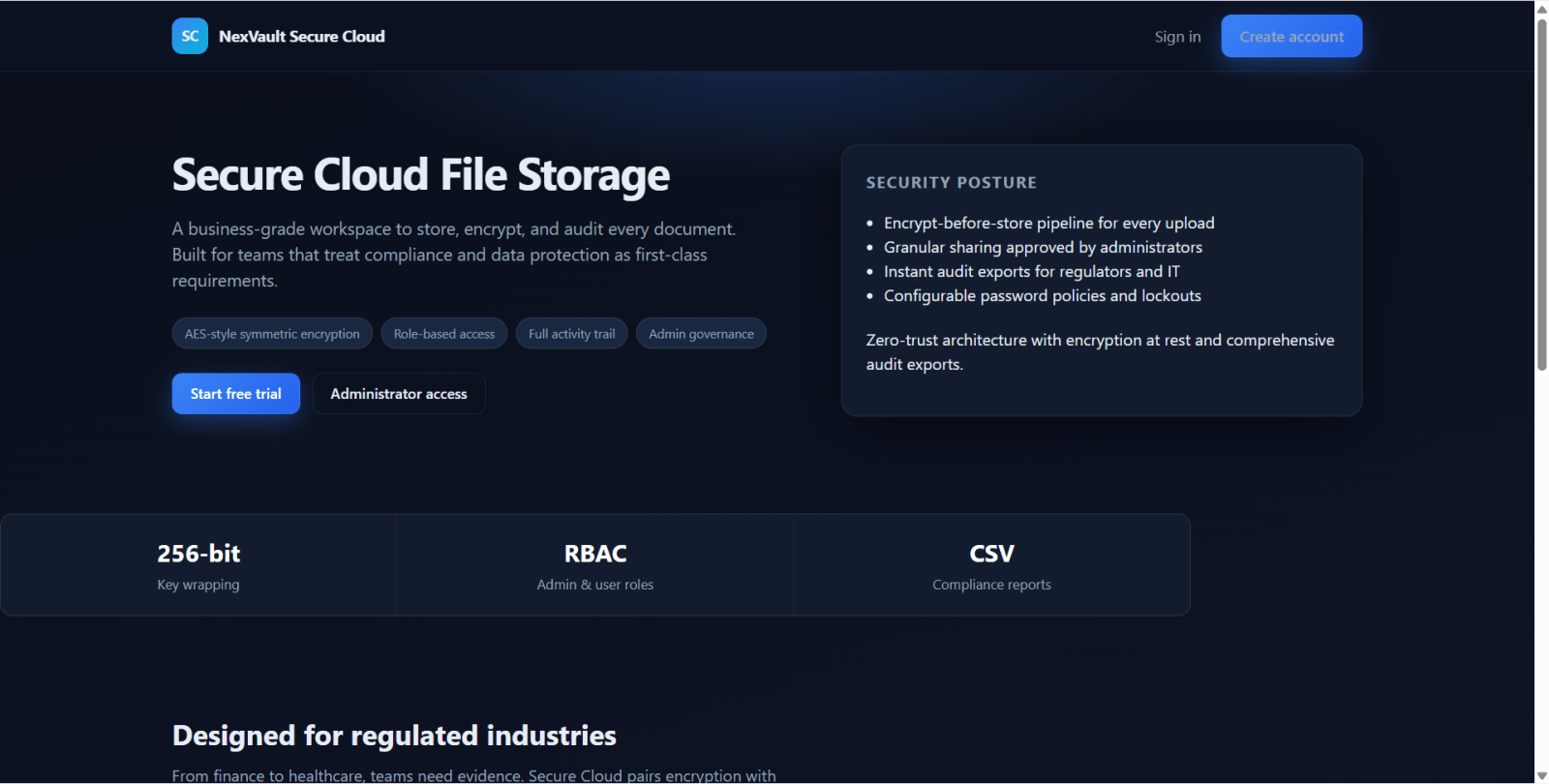
Get runnable Secure Cloud File Storage System Final Year Flask Project Source Code with database files, project setup instructions, live demo options and installation support. This project resource helps students understand the implementation, modules, workflow and technical architecture of a complete PYTHON project.
Hover to zoom · Click to expand
Simple pricing. Instant access. Secure checkout.
01 Source Code Only
One-time Payment
02 Code + Setup Support
One-time Payment
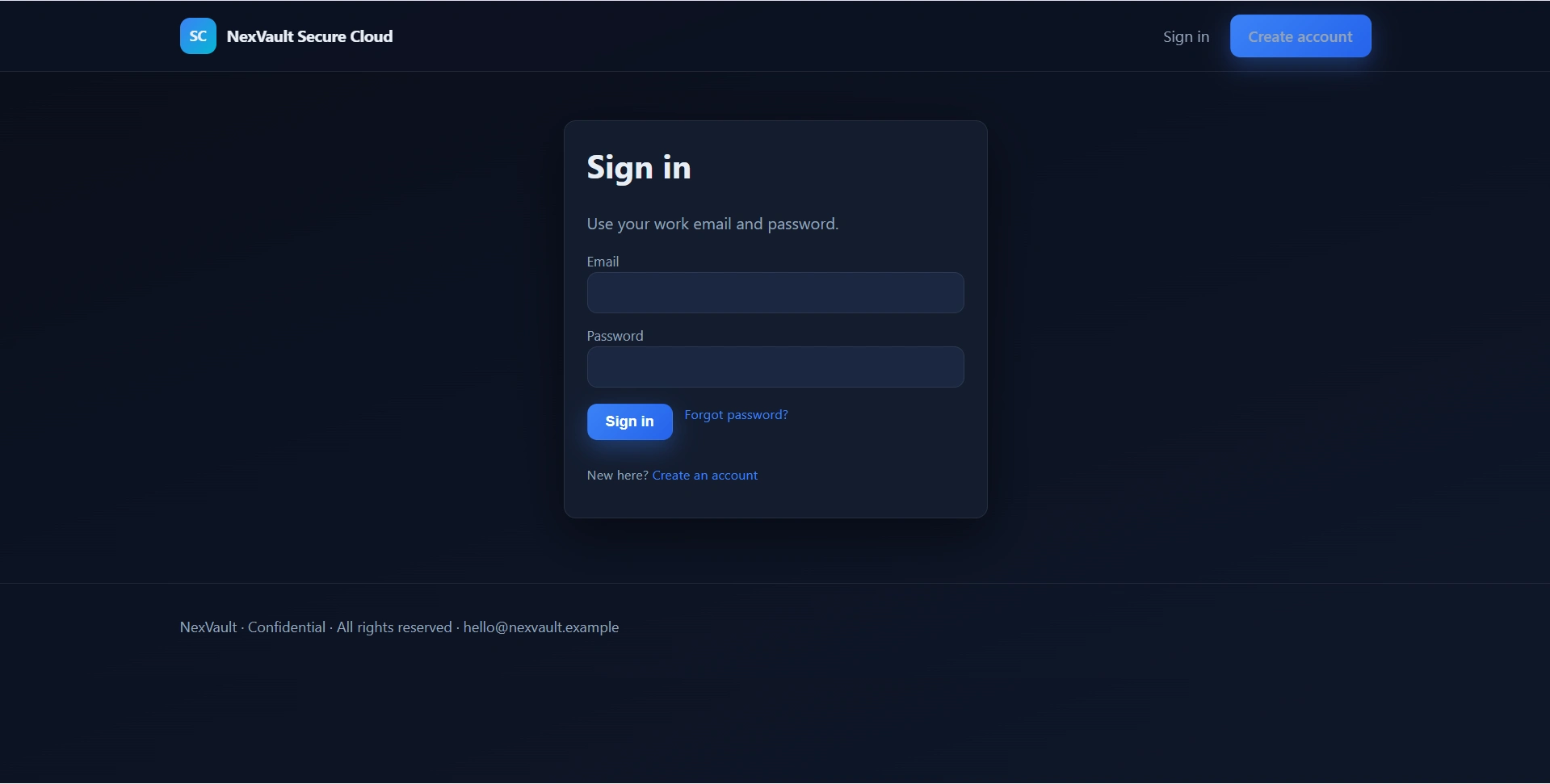
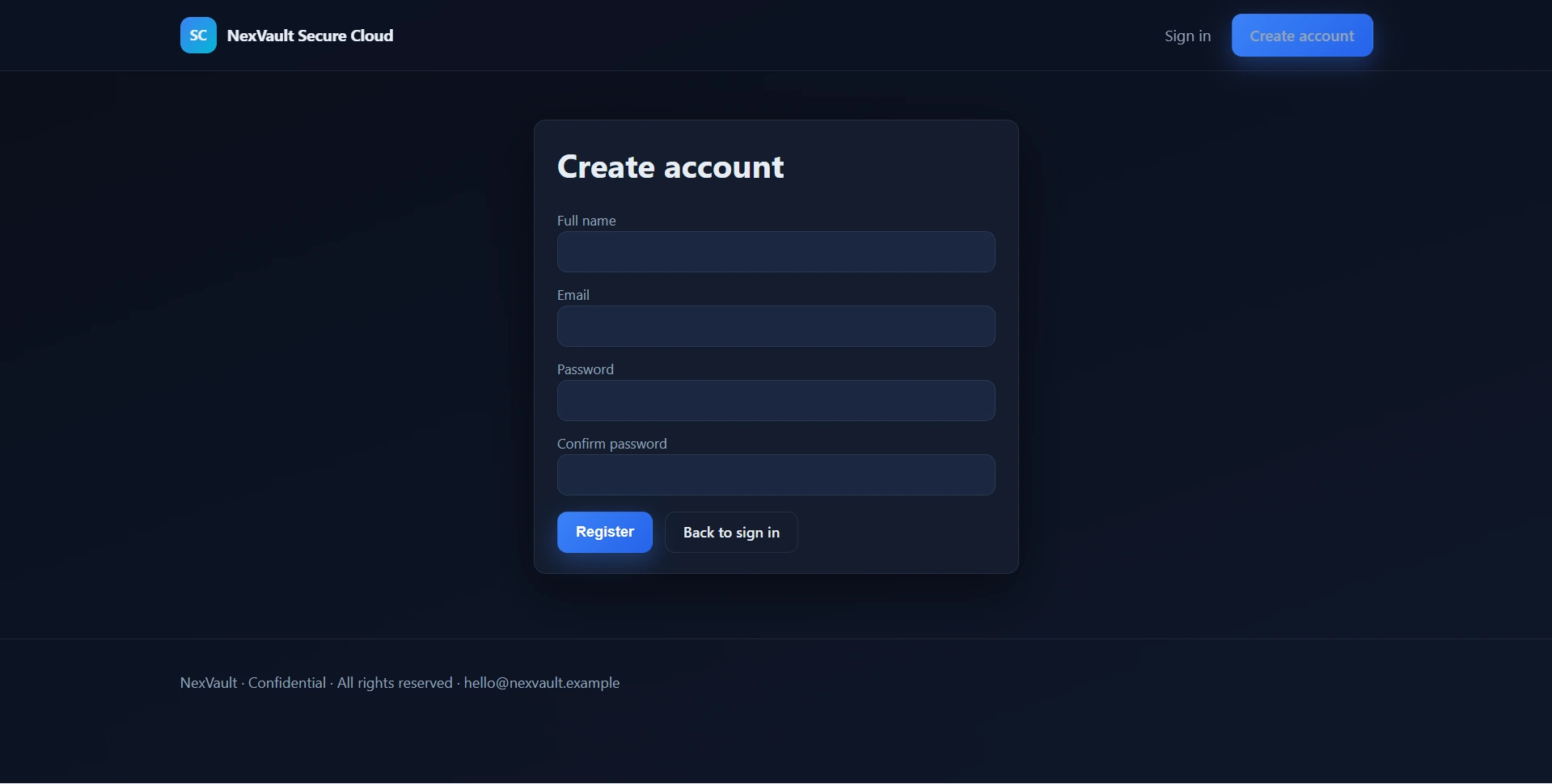
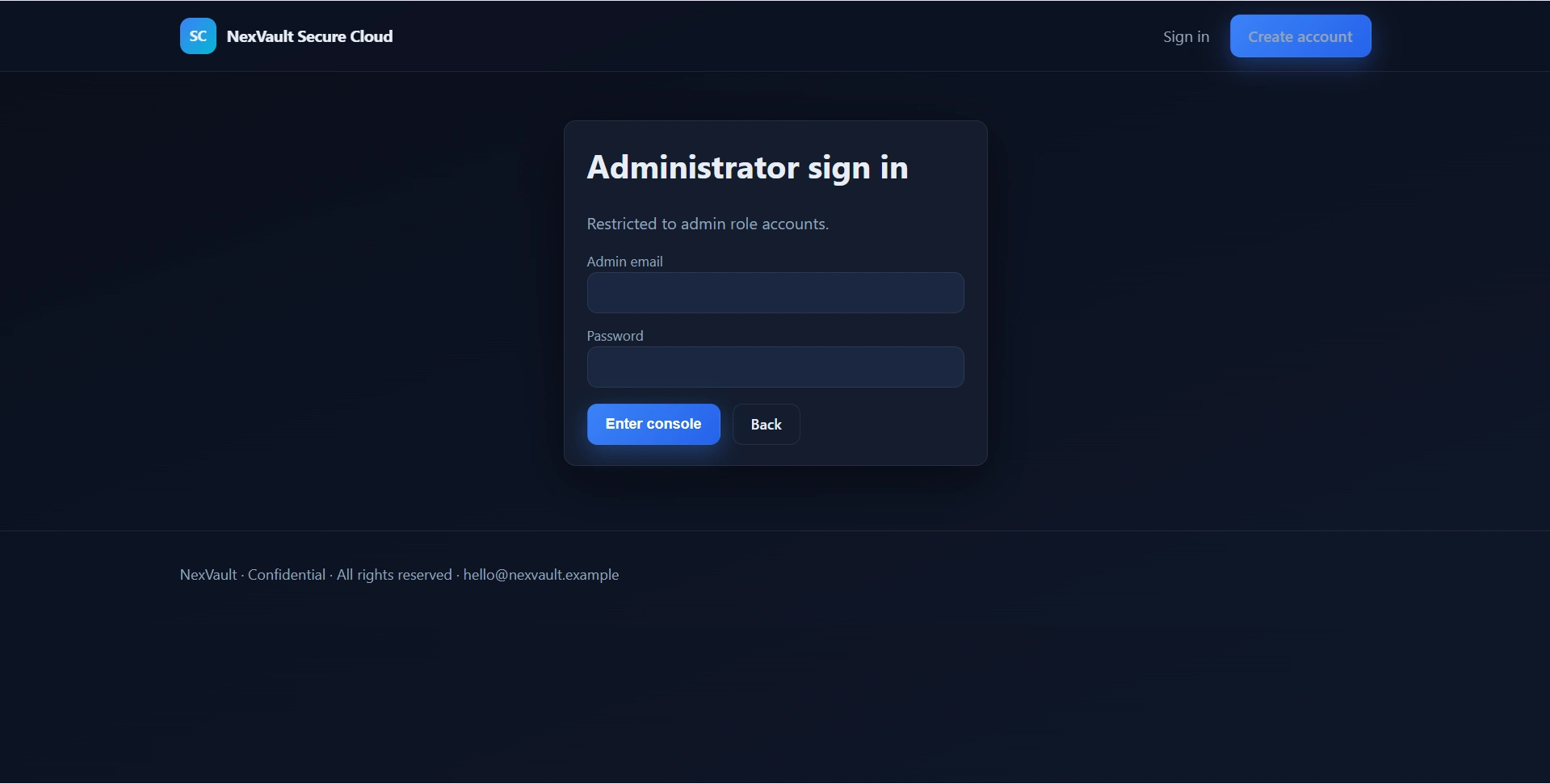
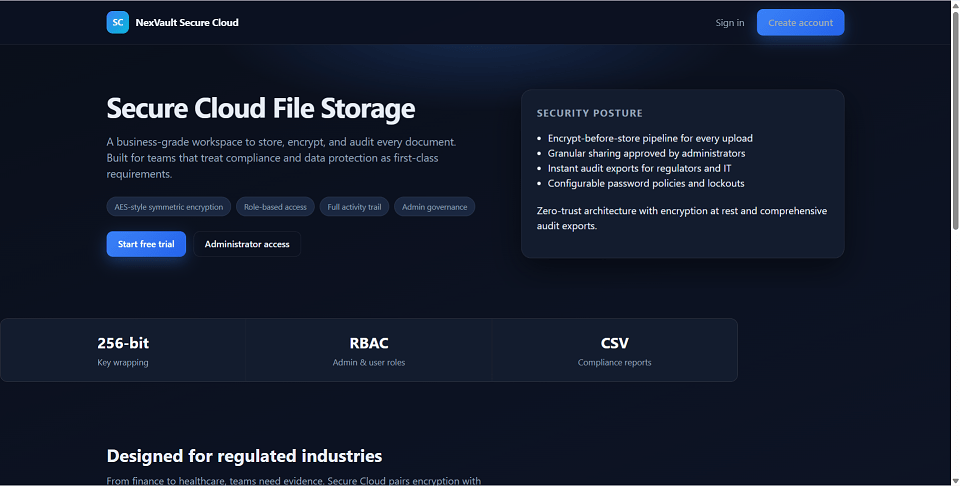
Secure Cloud File Storage System is a final year project built with Python Flask for students who want a practical encrypted cloud storage and secure file management web application. This final year project includes a business-style landing page, user vault, and administrator console with role-based access. Users can register, upload encrypted files, search and filter uploads, download decrypted files, rename or soft-delete owned files, share files with registered users, and track account activity. Administrators can manage users, monitor storage analytics, configure security policies, review audit logs, manage branding, generate CSV reports, and control file-sharing access. The system uses Fernet encryption for secure file storage and supports optional SMTP-based password reset. With encryption workflows, audit tracking, role-based security, and storage analytics, this project is suitable for a final year major project in Flask, cybersecurity, cloud storage, and secure file management.
Administrator
[email protected]Admin123!Standard Users
All users use password: User123!
cd "Secure Cloud File Storage System"python -m venv .venv.\.venv\Scripts\Activate.ps1source .venv/bin/activatepip install -r requirements.txtpython seed.pypython run.pyhttp://127.0.0.1:5000//auth/login/auth/admin-login/app/adminAdministrator
[email protected]Admin123!Standard Users
All users use password: User123!