01 Source Code Only
₹99
One-time Payment
- Complete project source code
- Database / data resources
- Dependencies & configuration
- README / setup guide
- Instant download access
Get runnable Superstore Sales and Profit Prediction Final Year Project Source Code with database files, project setup instructions, live demo options and installation support. This project resource helps students understand the implementation, modules, workflow and technical architecture of a complete MACHINE-LEARNING project.
Hover to zoom · Click to expand
Simple pricing. Instant access. Secure checkout.
01 Source Code Only
One-time Payment
02 Code + Setup Support
One-time Payment
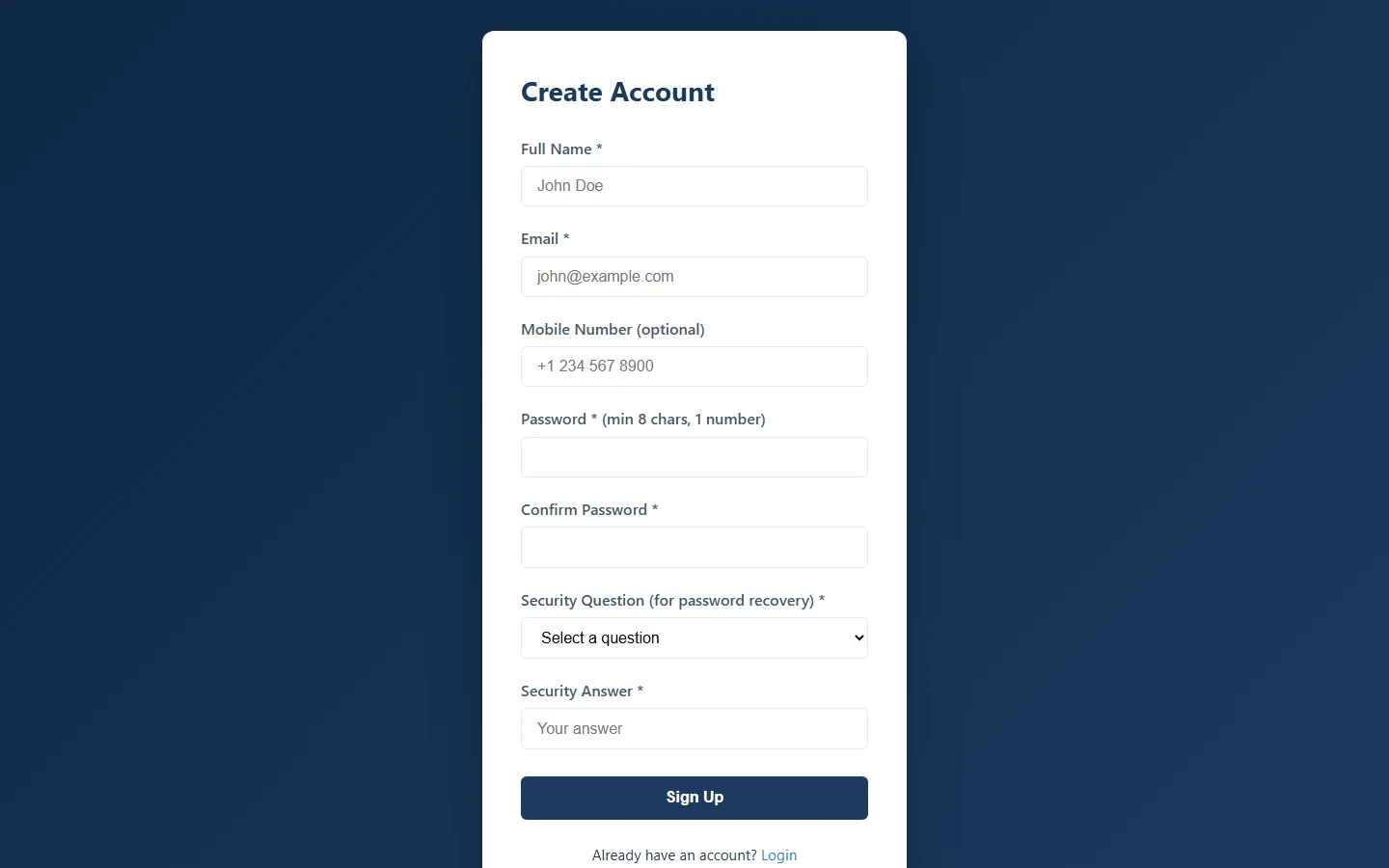
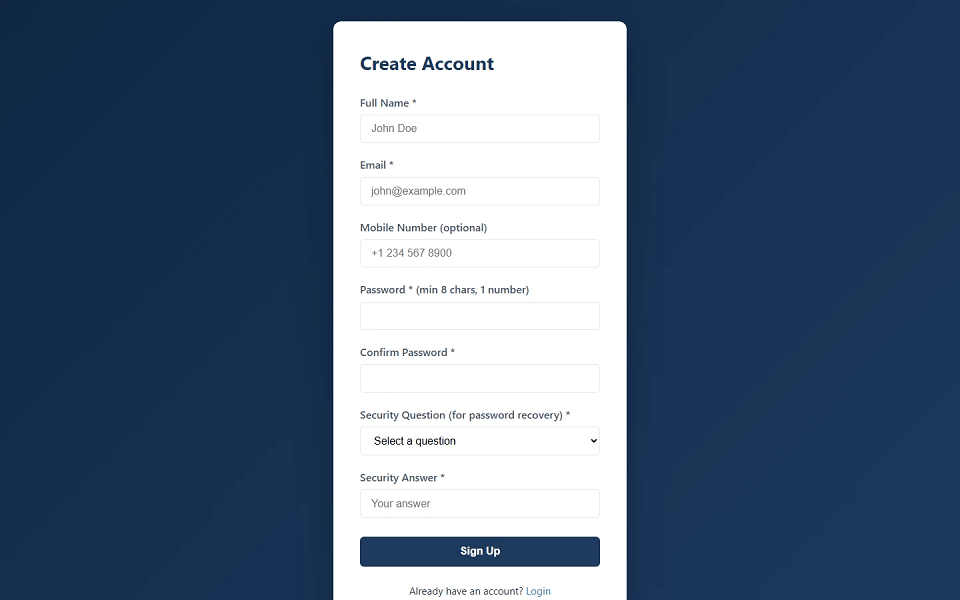
Superstore Sales and Profit Prediction is a full-stack Python Flask based final year project developed for predicting sales and profit using the Superstore dataset. This major project includes user management, dataset management, CSV upload, dataset preview, data cleaning, filters, machine learning model training, prediction forms, bulk CSV prediction, business insights, training history, prediction history, and admin management. Users can sign up, log in, manage profile, recover passwords through email and security question, upload datasets, select dataset versions, preview data with search/sort, clean missing values and duplicates, apply filters, train Random Forest models, predict sales and profit, and view prediction history. Admin users can manage users and clean datasets. This Superstore Sales and Profit Prediction source code is suitable for students who need a final year project, major project, minor project, source code, and project report based on Flask, pandas, scikit-learn, SQLite, and machine learning.
Admin Account
[email protected]Admin@123Demo User Account
[email protected]User@123Other dummy users:
Any seeded dummy user can be used with the default user password if available in the seed data.
Use sample dataset:
sample_superstore.csv
The system supports business filters such as:
Open terminal in the project folder:
cd "superstore-sales-and-profit-prediction"
Create virtual environment:
python -m venv venv
Activate virtual environment on Windows:
venv\Scripts\activate
Install dependencies:
pip install -r requirements.txt
Create .env file by copying:
.env.example
Add mail credentials:
[email protected]
MAIL_PASSWORD=your-app-password
Initialize database and seed dummy data:
python seed_data.py
Run the application:
python app.py
http://localhost:5000
sample_superstore.csv
Admin Account
[email protected]Admin@123Demo User Account
[email protected]User@123Other dummy users:
Any seeded dummy user can be used with the default user password if available in the seed data.