Source Code Only
Full ZIP with frontend, backend, database & documentation.
₹99 one-time
- Complete project source files
- Database script included
- How-to-run guide
Tap to open live demo
Interactive live demo — verify the project before you buy
Complete final-year project source code with frontend, backend, database, and setup guide. Instant download after secure payment.
Choose your plan
Full ZIP with frontend, backend, database & documentation.
We install & configure the project on your laptop within 24 hours.
Review features, setup steps, and credentials before you pay.
Description, tech stack, and what is included
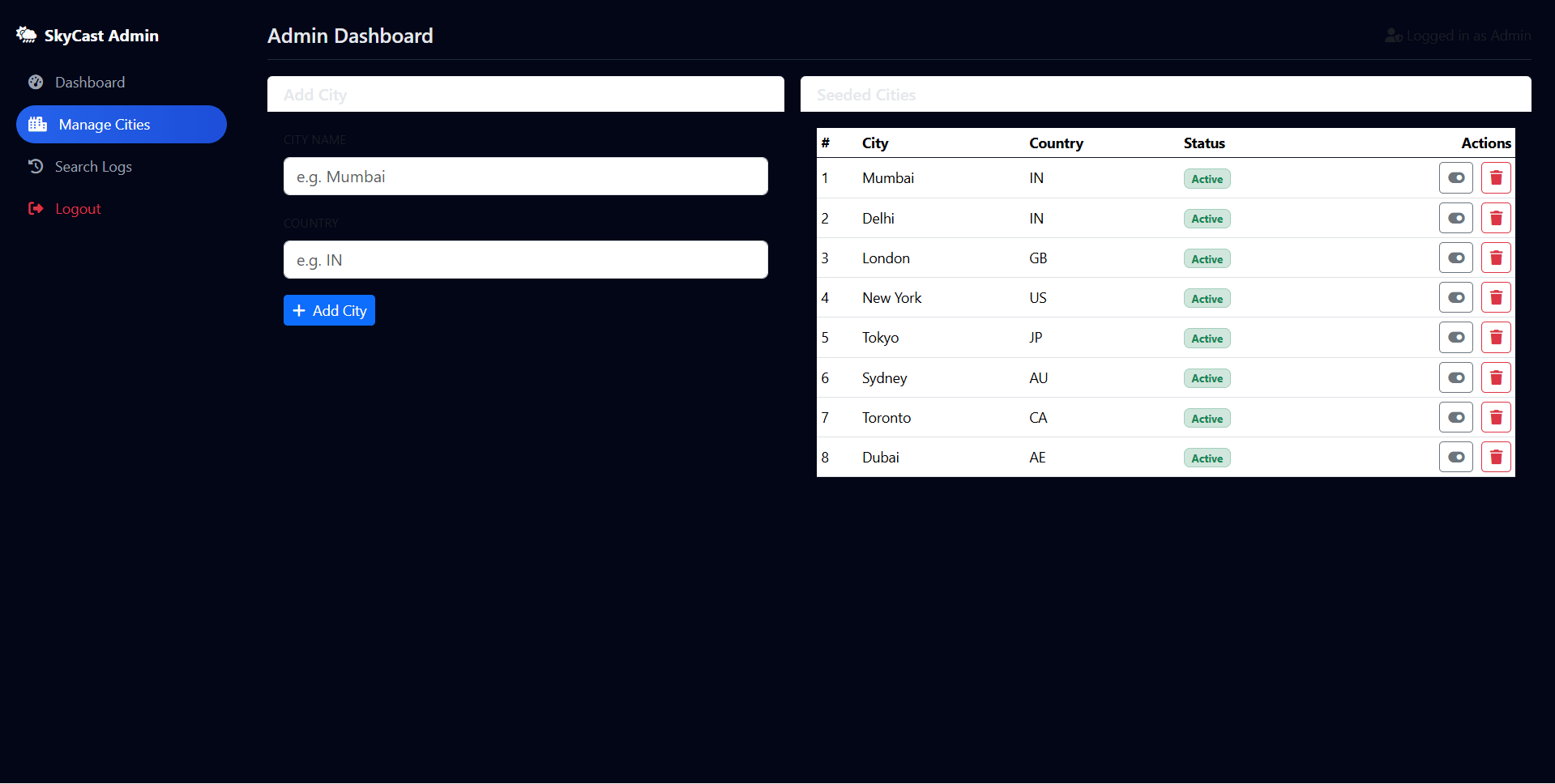
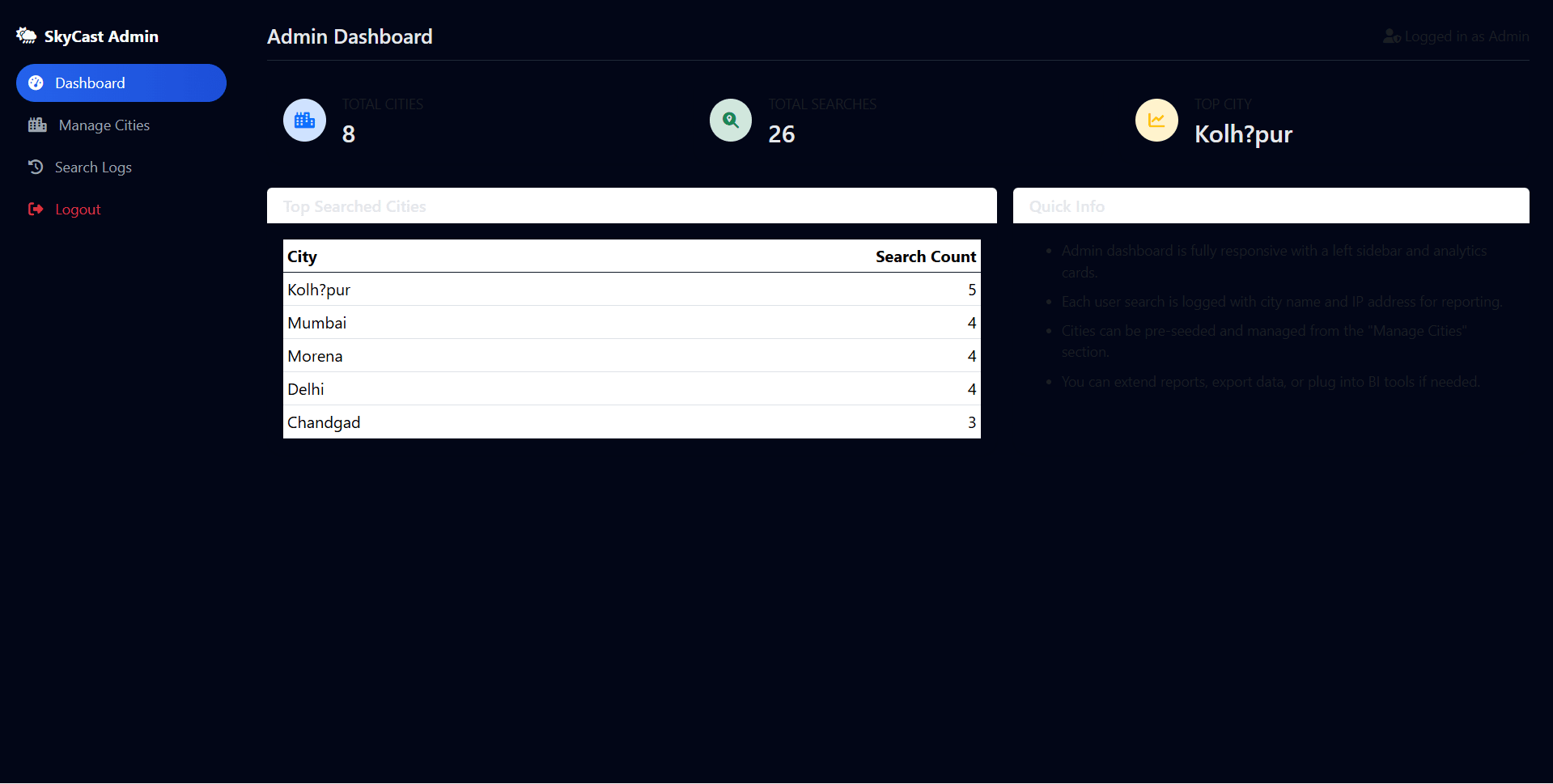
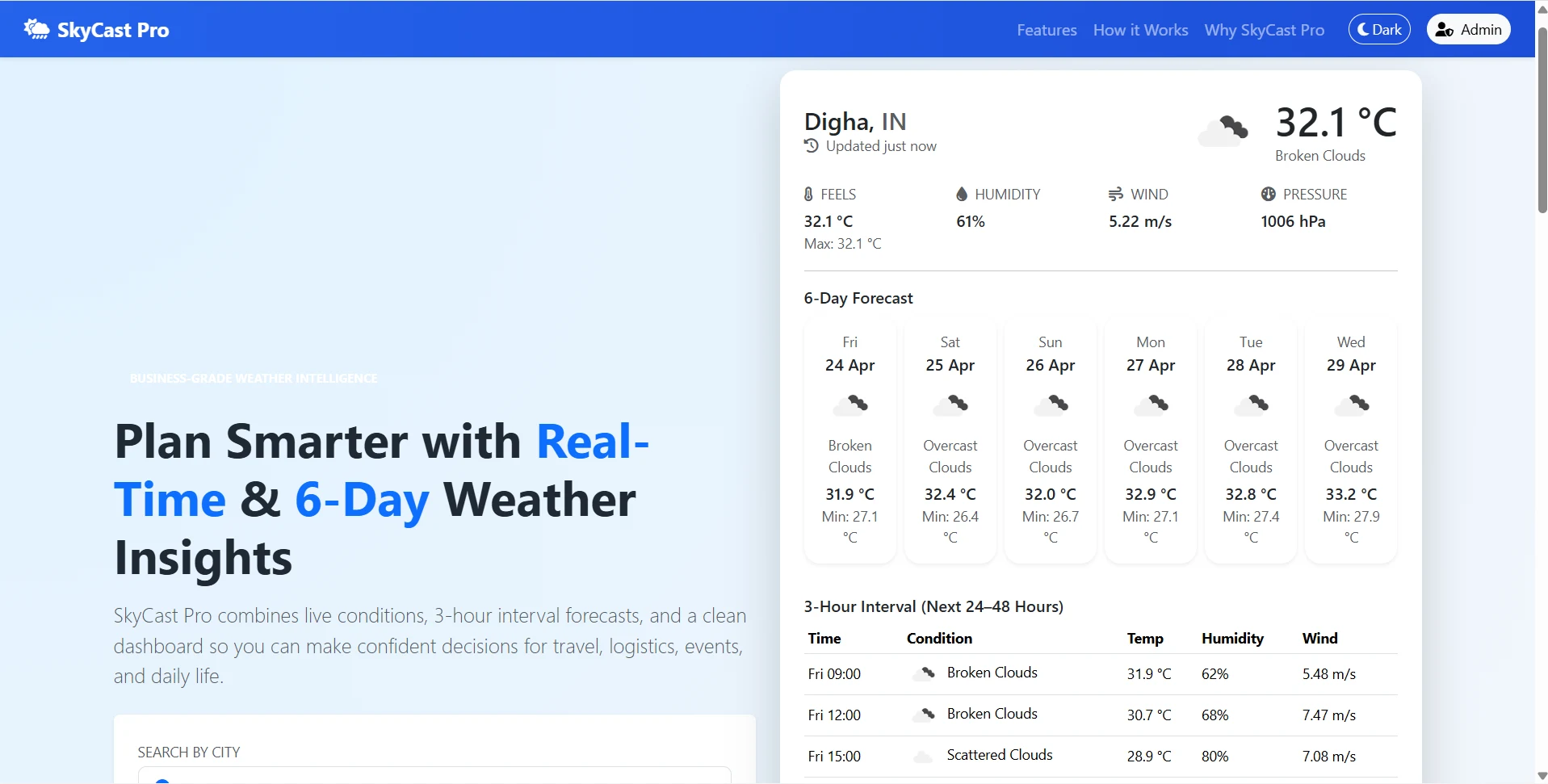
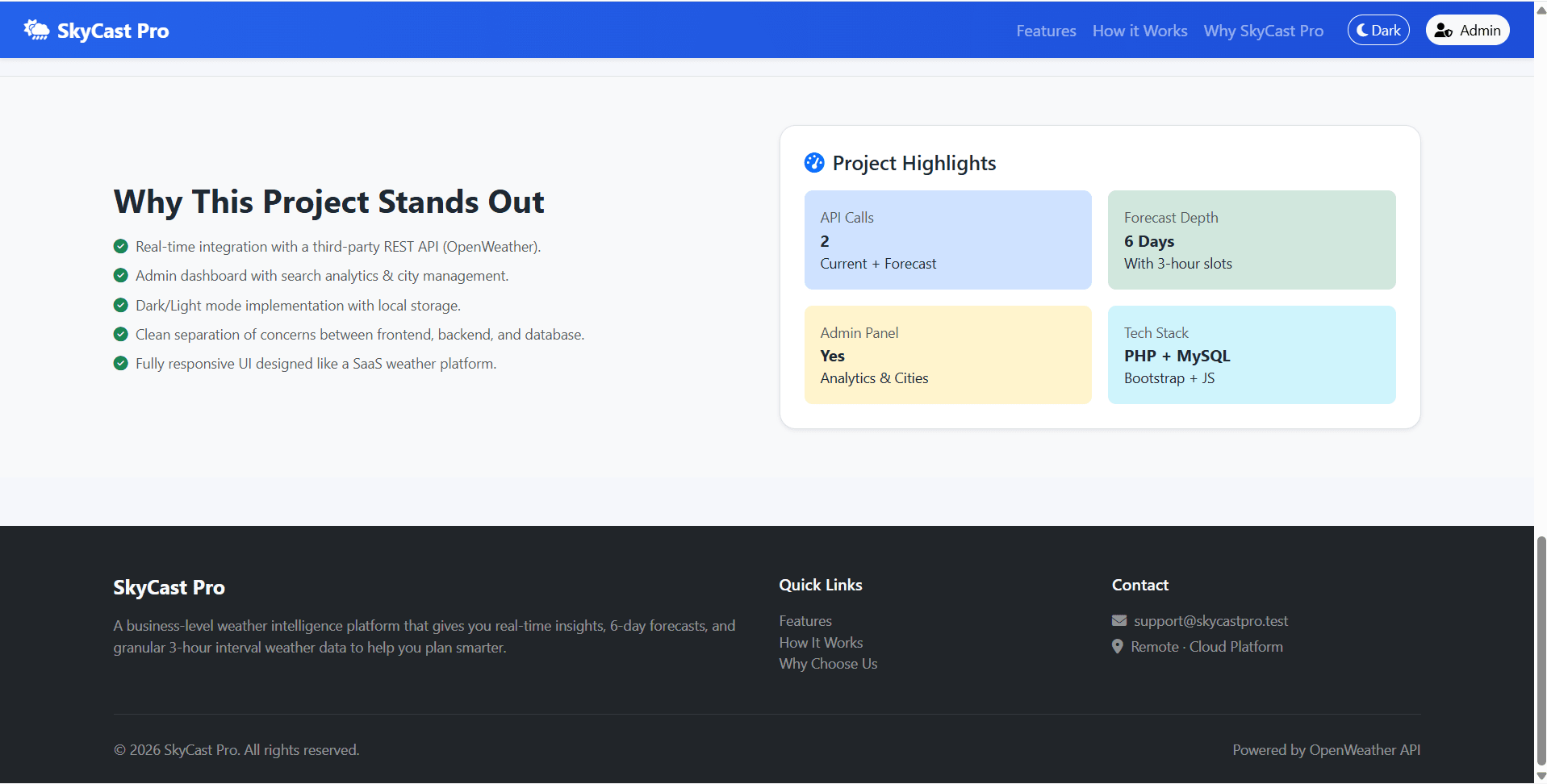
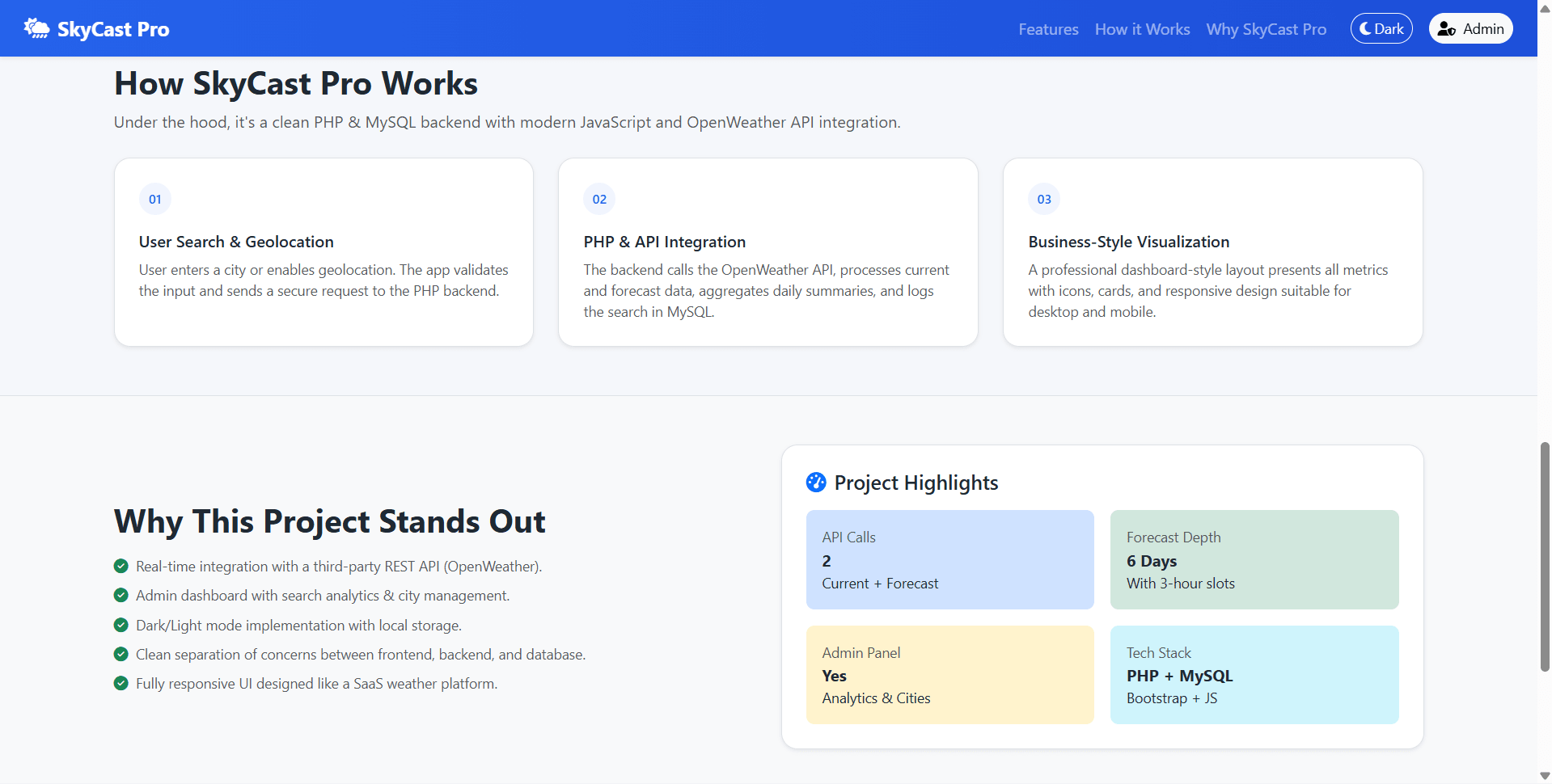
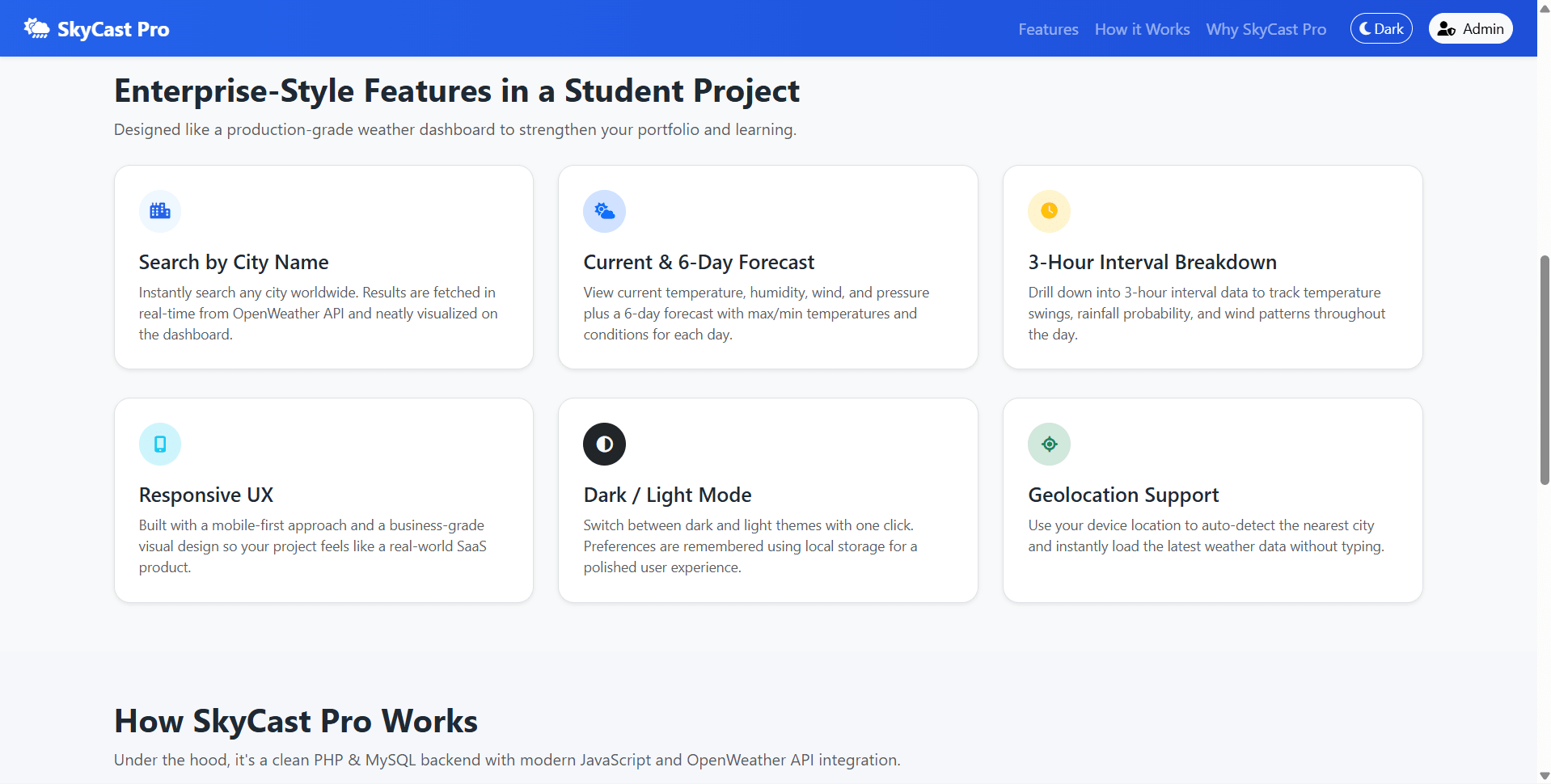
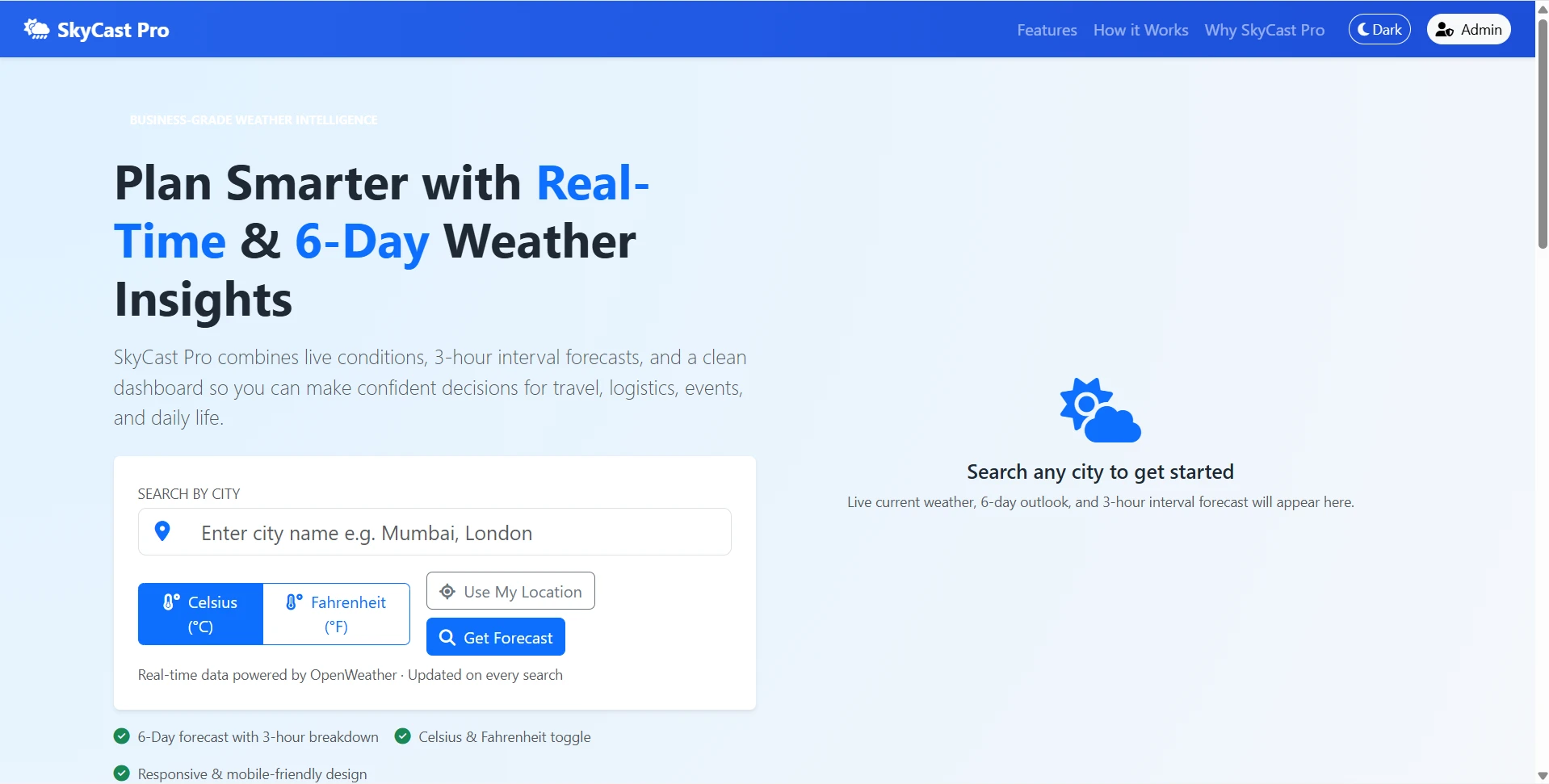
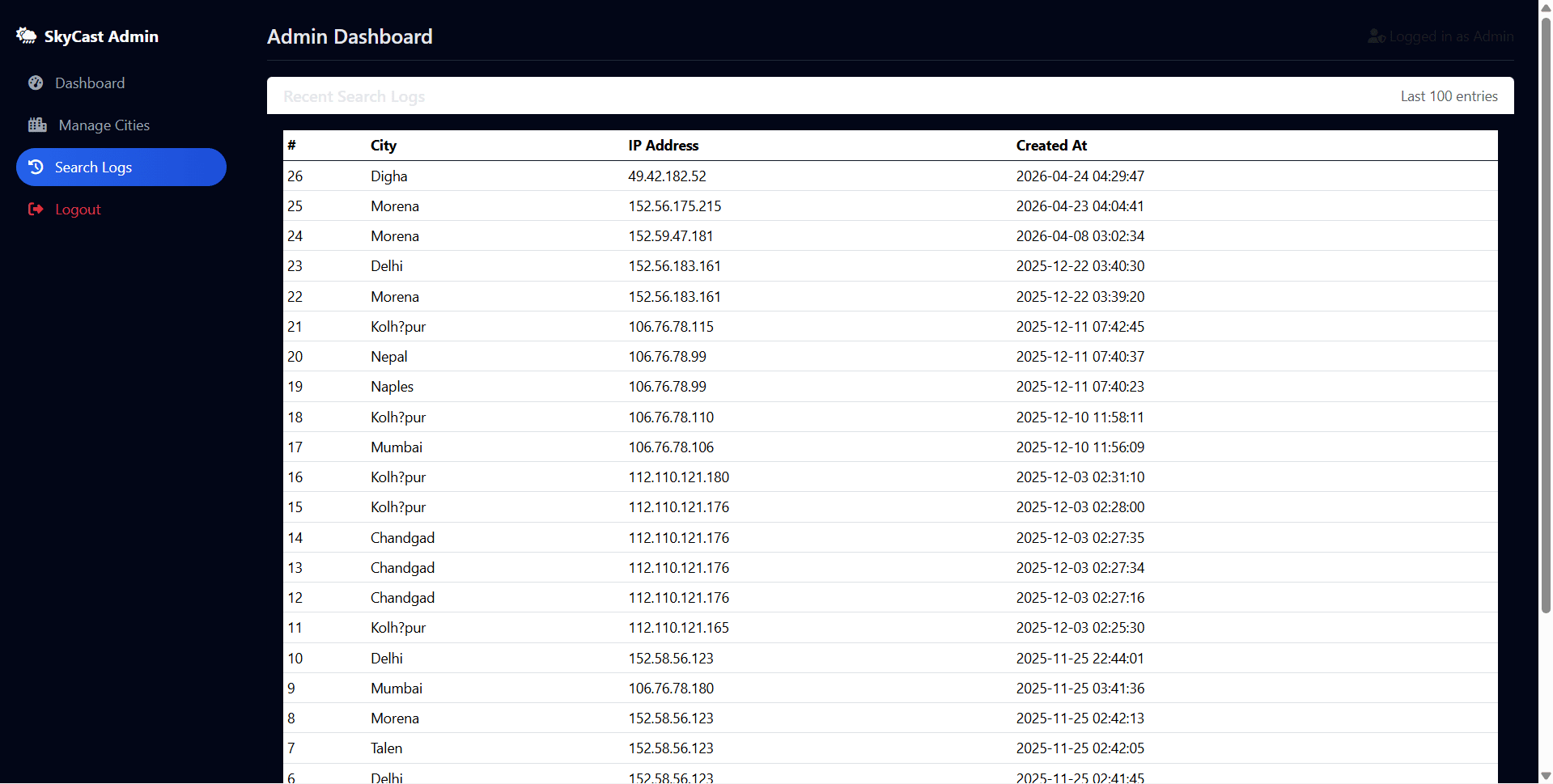
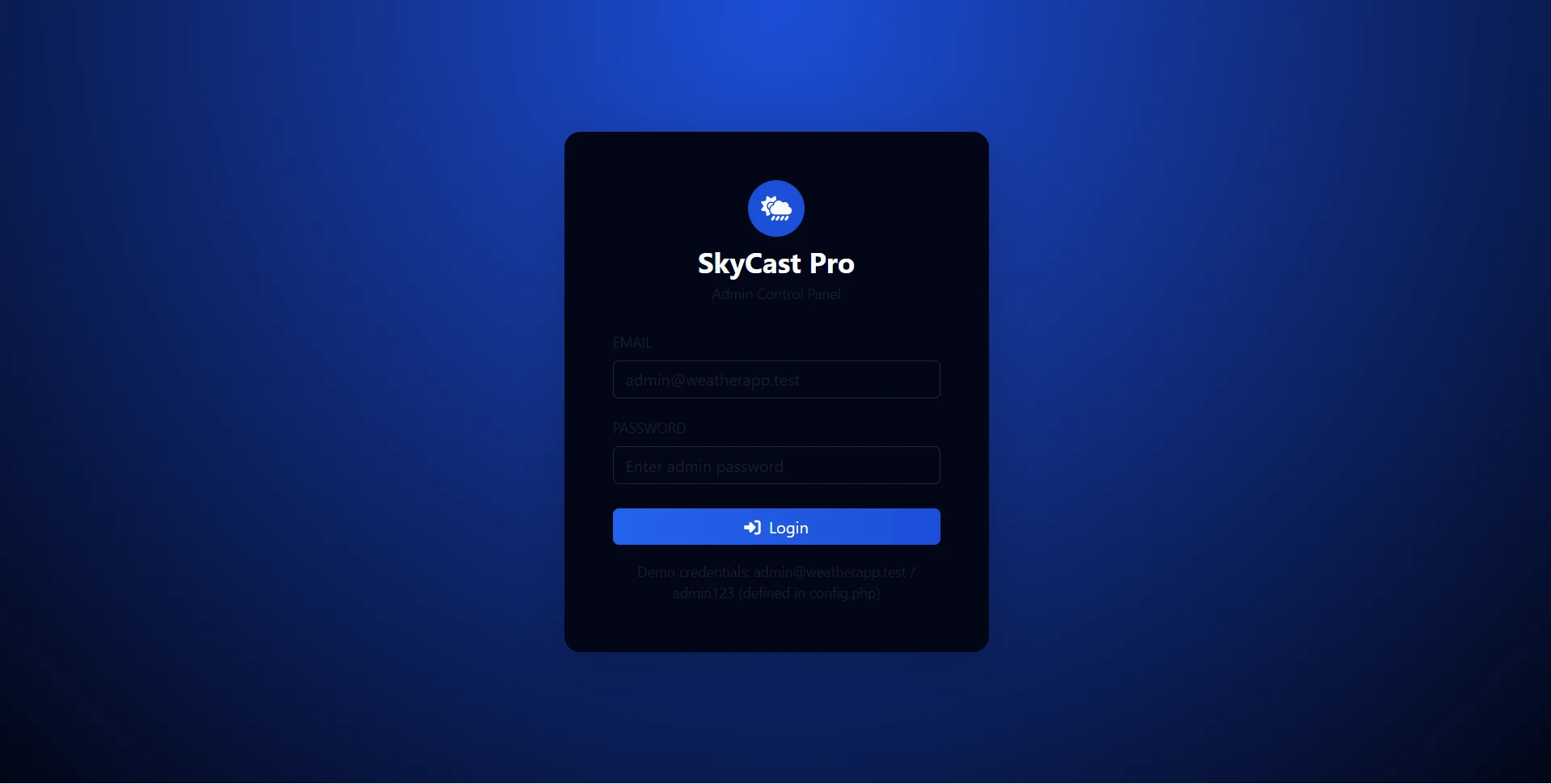
SkyCast Pro is a final year project developed using PHP, MySQL, and OpenWeather API for providing real-time weather forecasting and climate information. This final year project allows users to search weather conditions by city name, view current weather information, access 6-day weather forecasts, monitor 3-hour interval forecasts, use geolocation-based weather detection, switch between dark and light themes, and track weather trends. Administrators can manage cities, monitor search analytics, view weather search logs, manage system settings, and analyze platform usage through a professional dashboard. With API integration, forecast analytics, weather monitoring, responsive design, and administrative controls, this project is suitable for a final year major project in PHP, MySQL, and weather information systems.
Ready to download?Pay once · Use for submission & viva
Modules and controls available to administrators
What end users can do in this application
Additional capabilities included in the project
Step-by-step setup on your laptop or PC
Copy the final year project folder into:
C:\xampp\htdocs\weather_forecasting_php\
Create database:
CREATE DATABASE weather_forecasting;
Import:
database.sql
seed.sql
Configure database settings:
config/config.php
Update:
DB_HOST
DB_USER
DB_PASS
Replace:
YOUR_OPENWEATHER_API_KEY_HERE
with your OpenWeather API key.
Open:
http://localhost/weather_forecasting_php/index.php
Default demo accounts for testing after setup
[email protected]admin123Usage terms for academic and personal projects
Search terms and categories for this source code