Library Management System Final Year PHP Project | Source Code
LIMITED TIME
Get Source Code ₹99
Open Live Demo
Real project UI Full source included Opens in new tab

Tap to open live demo

Interactive live demo — verify the project before you buy

Library Management System Final Year PHP Project

Live Demo

Complete final-year project source code with frontend, backend, database, and setup guide. Instant download after secure payment.

  • PHP Stack
  • Instant Download
Secure CCAvenue payment Instant download link WhatsApp support

Choose your plan

Source Code Only

Full ZIP with frontend, backend, database & documentation.

₹99 one-time
  • Complete project source files
  • Database script included
  • How-to-run guide

What's in your download

Review features, setup steps, and credentials before you pay.

Project Overview

Description, tech stack, and what is included

Full source Frontend + backend
Database .sql file
Setup guide README included

Library Management System Final Year PHP Project is a PHP and MySQL based final year project developed for managing library operations digitally. This major project includes Admin, Librarian, and Student portals with role-based access. Admins can manage librarians, students, categories, authors, publishers, books, book requests, book issue records, returns, fines, reports, profile settings, and library settings. Librarians can manage students, books, book requests, issue books, return books, collect fines, and generate reports. Students can browse books, request books, view issued books, check return history, view fines, and update profile details. This online library management system source code is suitable for students who need a final year project, major project, minor project, source code, and project report based on PHP and MySQL.

Technical snapshot

Project
Library Management System Final Year PHP Project
Stack
PHP
Includes
Code, DB, README
License
Academic submission
Secure CCAvenue payment · Instant download · Need help? WhatsApp us

Ready to download?Pay once · Use for submission & viva

Admin Features

Modules and controls available to administrators

  • Admin login for this final year project
  • Admin dashboard with total books, categories, authors, publishers, librarians, and students
  • Issued, returned, pending return, overdue, and unpaid fine statistics
  • Recent issue and return activity feed
  • Pending book request alerts
  • Admin profile update
  • Admin password change with current password verification
  • Library name and default issue period settings
  • Librarian CRUD with search and status filter
  • Librarian activate/deactivate and password reset
  • Student CRUD with auto Library ID
  • Student status management and issue history
  • Category CRUD with book count and active/inactive status
  • Author CRUD with linked books detail
  • Publisher CRUD with book count
  • Book CRUD with title, ISBN, category, author, publisher, edition, price, rack, quantity, and cover image
  • Book available vs issued quantity tracking
  • Book request approval/rejection with admin notes
  • Book issue with due date validation
  • Book return with late days and automatic fine calculation
  • Fine amount per day and max issue days settings
  • Paid/unpaid fine tracking
  • Printable reports for inventory, issued books, returns, pending returns, fines, students, and librarians

User Features

What end users can do in this application

  • Librarian login for this final year project
  • Librarian dashboard with books, available copies, issued books, overdue records, students, and pending requests
  • Overdue alerts and pending request summary
  • Librarian profile update
  • Librarian password change
  • Desk activity summary
  • Student create, search, edit, and delete where allowed
  • Student issue history view
  • Book create, search, list, and edit
  • Available/issued count viewing
  • Book request review
  • Approve, reject, or proceed to issue from request
  • Issue books to active students
  • Pre-fill issue screen from approved book request
  • Return books and calculate fines
  • View fine records
  • Mark collected fines as paid
  • Issue, return, pending return, and fine reports with print support

Other Features

Additional capabilities included in the project

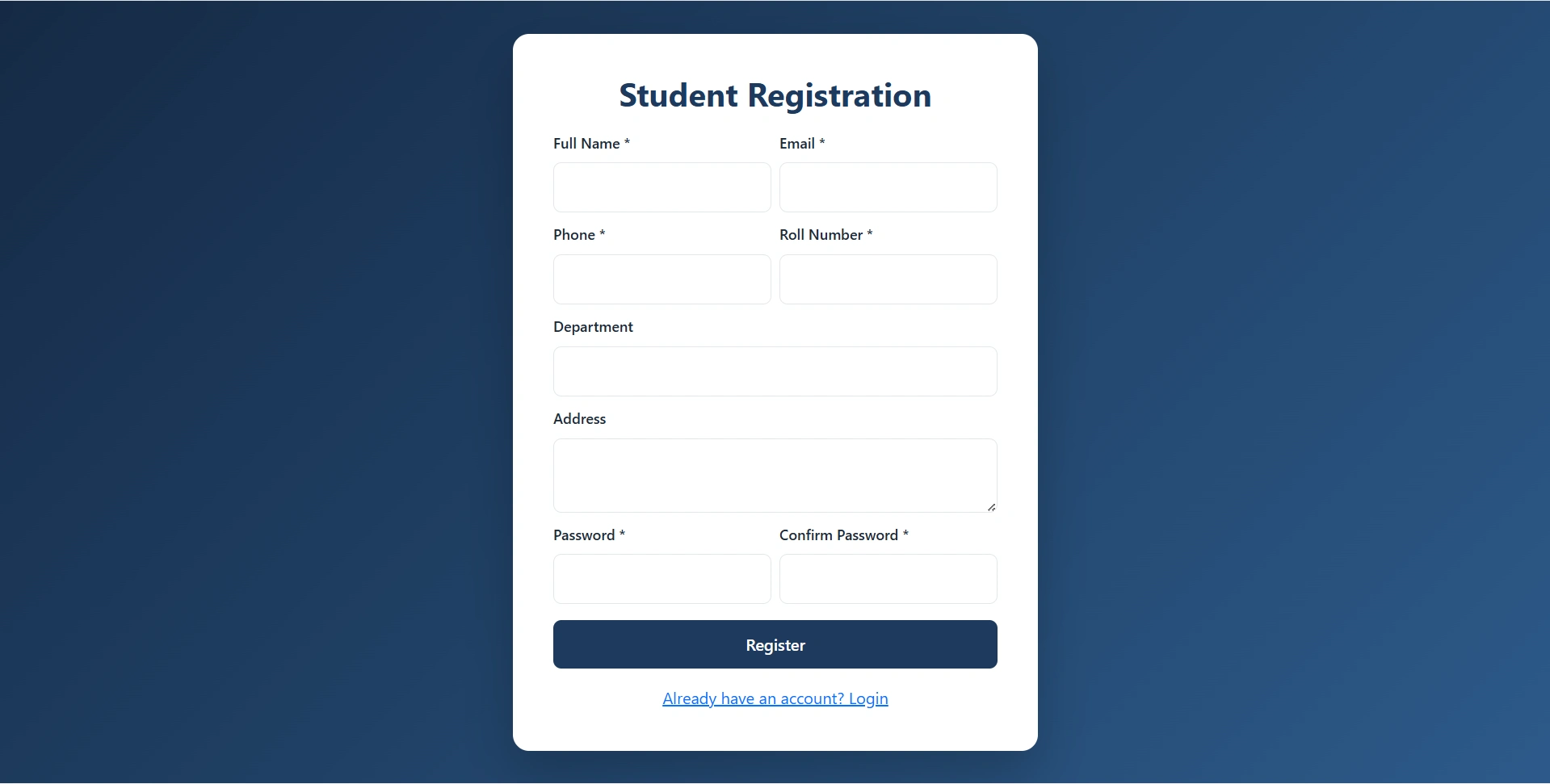
  • Student registration in this final year project
  • Auto-generated Library ID such as LIB001
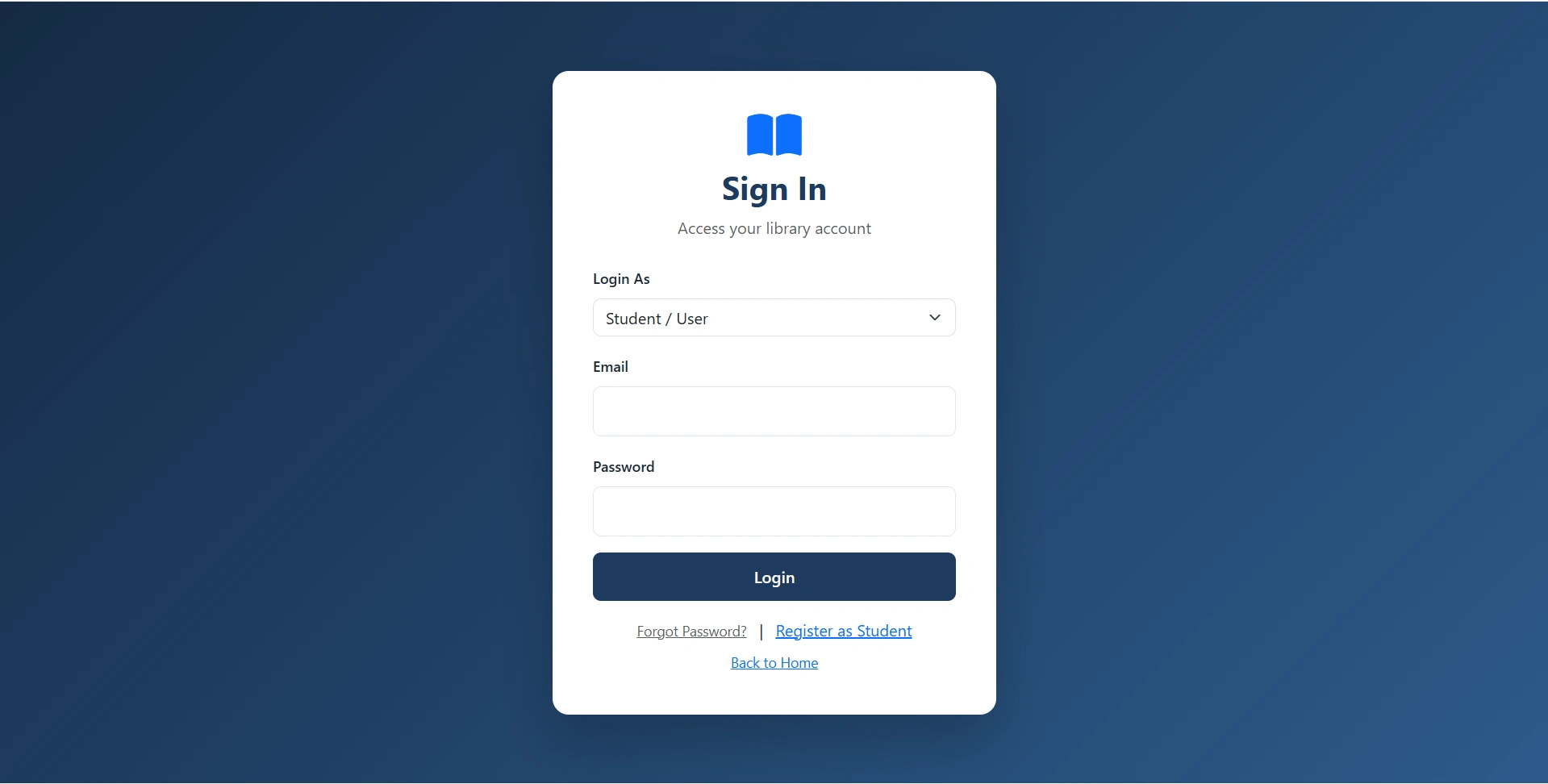
  • Student login through role selector
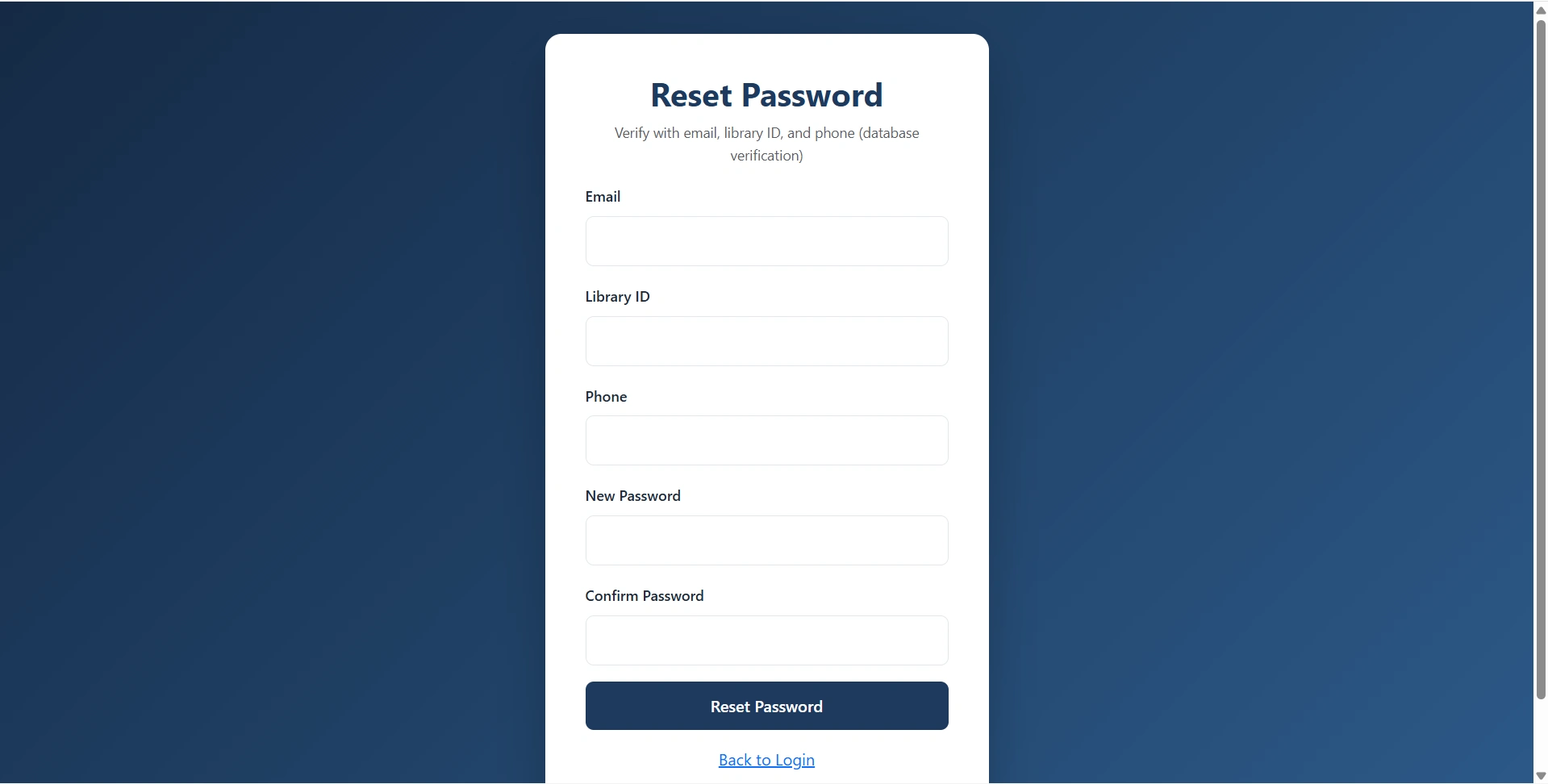
  • Forgot password using email, Library ID, and phone verification
  • Student dashboard with Library ID, account status, issued books, returns, unpaid fines, and overdue alerts
  • Browse books with search by title, author, category, publisher, or ISBN
  • Filter books by category and availability
  • Book cards with cover, price, and availability badge
  • Book detail page with full specs and author information
  • Submit request for available book
  • View book requests by status
  • Edit pending request notes and expected return date
  • Cancel pending book request
  • View issued books with active, overdue, returned filters
  • Due date badges and overdue warning
  • Return history with late days and fine amount
  • Fine listing with paid/unpaid filter
  • Detailed fine record view
  • Profile update with name, phone, department, and address
  • Password change
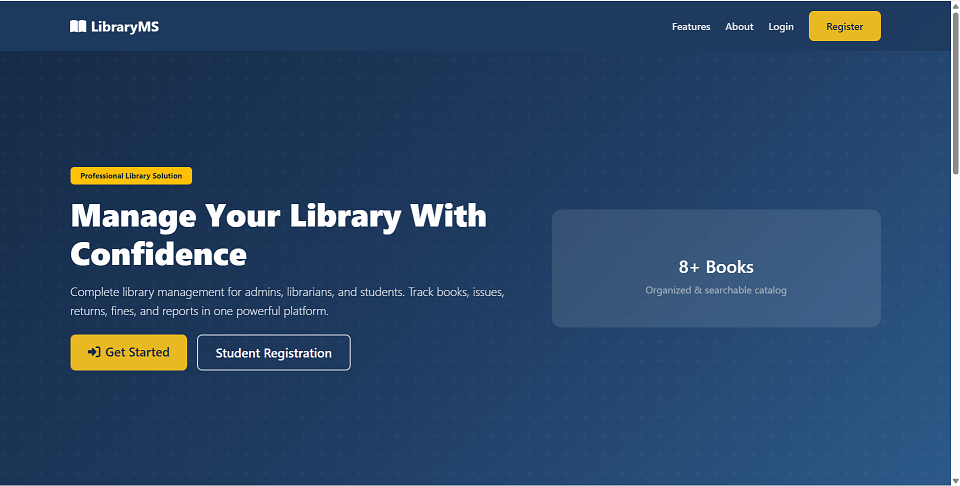
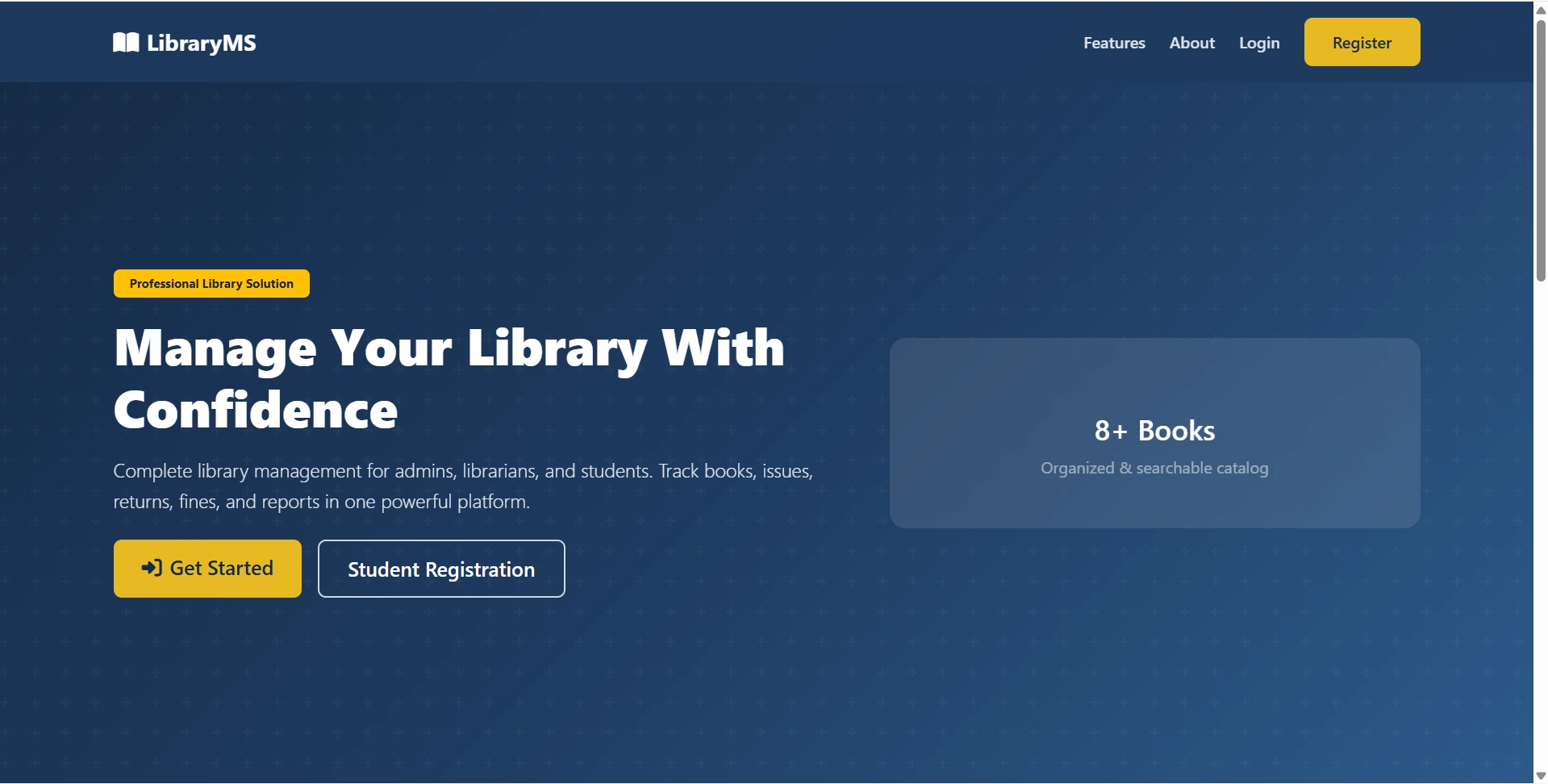
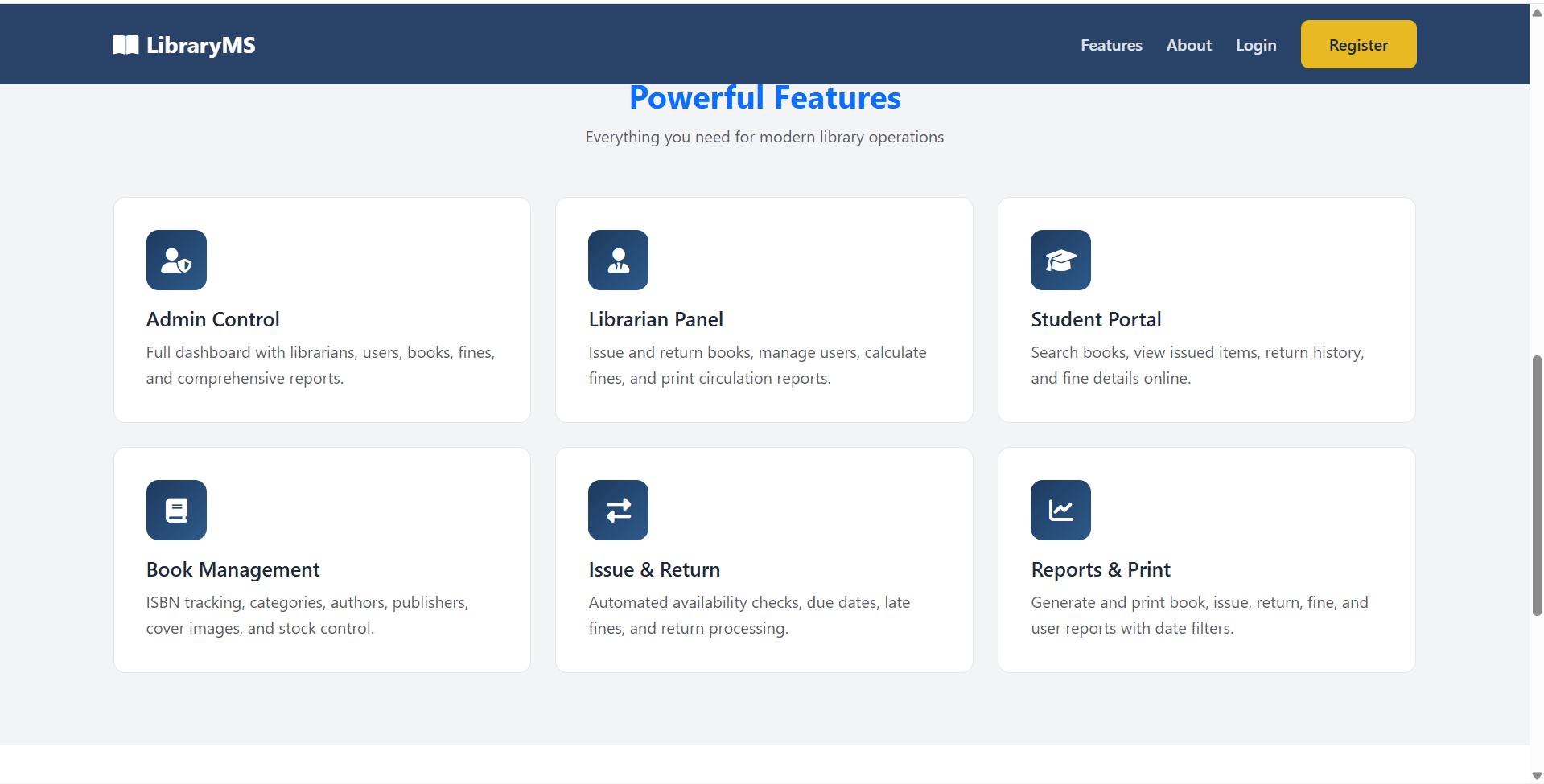
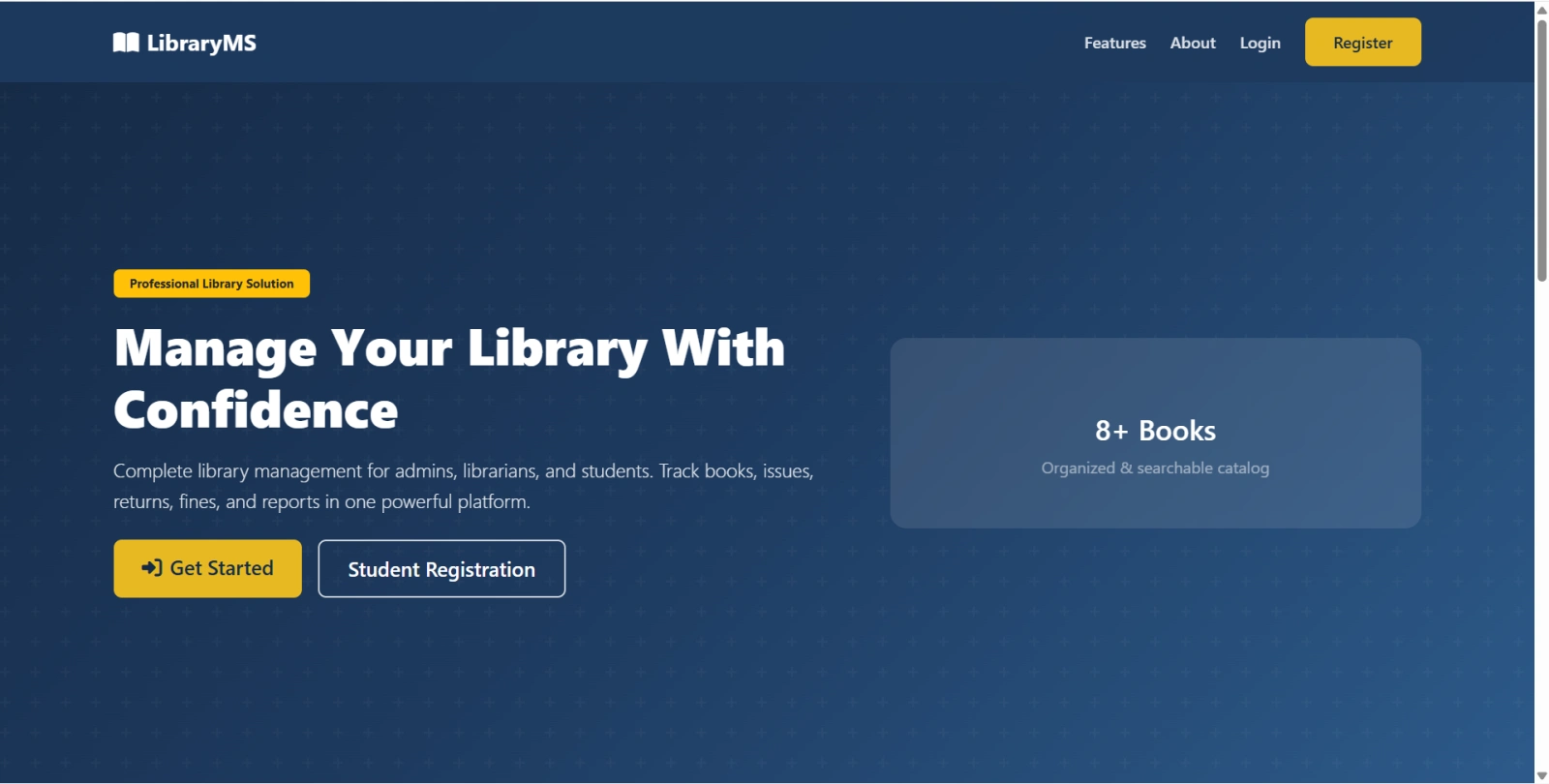
  • Public landing page included in this final year project
  • Unified login with Admin, Librarian, and Student role selector
  • Role-based access control using requireRole()
  • Flash success/error messages
  • PDO prepared statements
  • Password hashing with password_hash() and password_verify()
  • Input sanitization using htmlspecialchars()
  • Email, phone, ISBN duplicate validation
  • Business rule: unavailable books cannot be issued
  • Business rule: users/books with active issues cannot be deleted
  • Inactive students cannot receive new book issues
  • Book cover image uploads to uploads/covers/
  • Bootstrap 5.3.2 UI
  • Font Awesome icons
  • Role-specific portal themes
  • Auto-detected base path with optional override
  • One-click setup.php installer
  • Migration support for book request table
  • Suitable for final year project demo, viva, source code review, and report preparation

How to Run

Step-by-step setup on your laptop or PC

  • Copy the final year project folder to your web server document root:
    • XAMPP: C:\xampp\htdocs\Library Management System\
    • WAMP: C:\wamp64\www\Library Management System\
  • Start Apache and MySQL.
  • Configure database credentials in config/database.php if needed:


    define('DB_HOST', 'localhost');
    define('DB_NAME', 'library_management');
    define('DB_USER', 'root');
    define('DB_PASS', '');
  • Open the installer:


    http://localhost/Library Management System/setup.php
  • The installer will:
    • Create database library_management
    • Create all tables
    • Import seed data
    • Set correct password hashes for default accounts
  • Open the application:


    http://localhost/Library Management System/
  • Direct panel URLs:
    • Admin: /admin/dashboard.php
    • Librarian: /librarian/dashboard.php
    • Student: /user/dashboard.php
    • Login: /auth/login.php
  • If login fails after manual import, run setup.php once to refresh password hashes.

Login Credentials

Default demo accounts for testing after setup

Admin

Librarian

Student

License

Usage terms for academic and personal projects

Related Tags

Search terms and categories for this source code

Library Management System Final Year PHP Project Source Code Final Year PHP Project Ready-to-Run Code With Database File Plagiarism-Free Faculty Approved final year project major project minor project source code project report online library management system library management system final year project PHP MySQL final year project library source code library project report book issue return system student library portal librarian management system book request system library fine management PHP library management project