Library Management System Final Year Project Source Code
Get runnable Library Management System Final Year Project Source Code with database files, project setup instructions, live demo options and installation support.
This project resource helps students understand the implementation, modules, workflow and technical architecture of a complete PHP project.
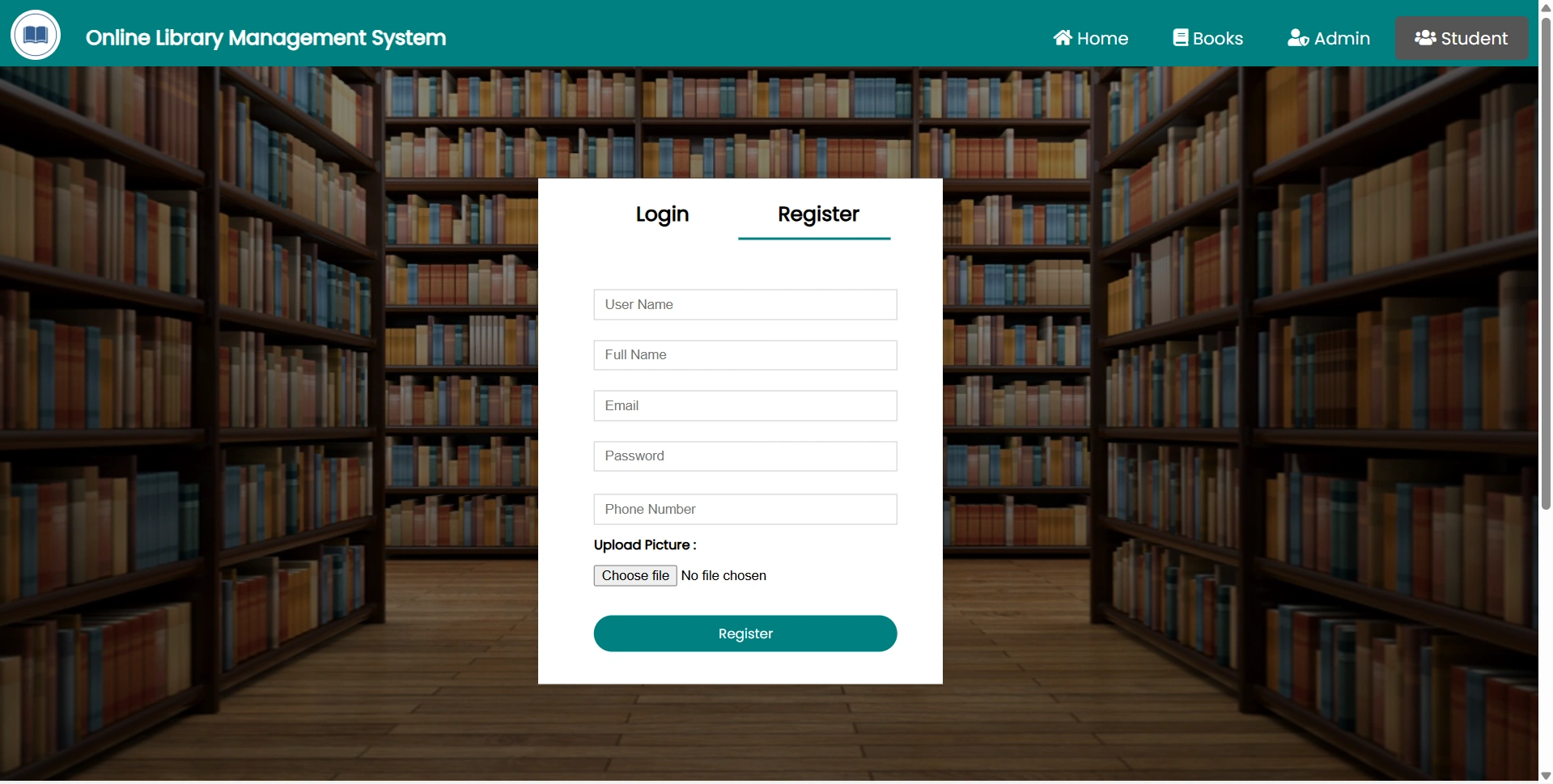
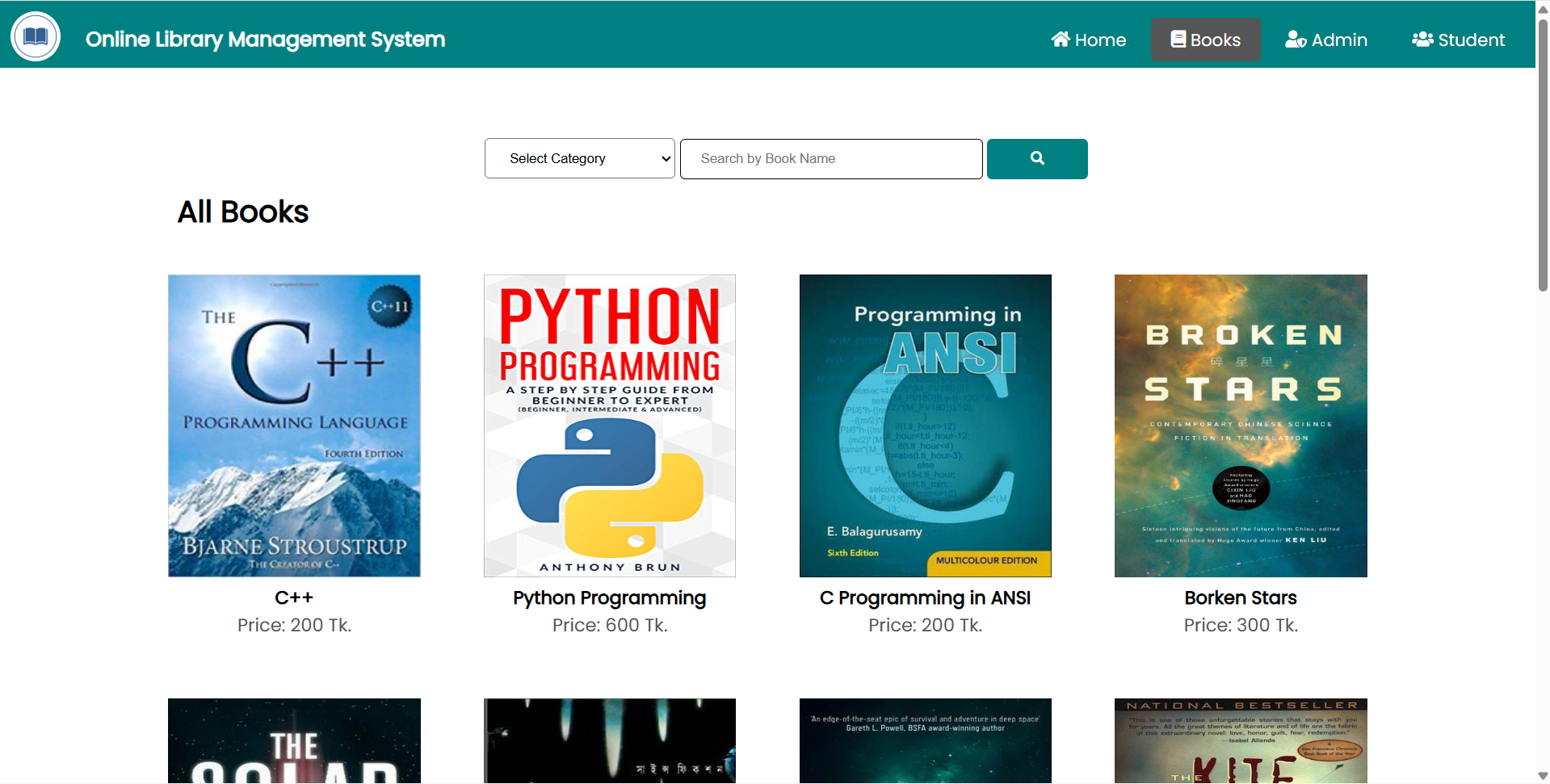
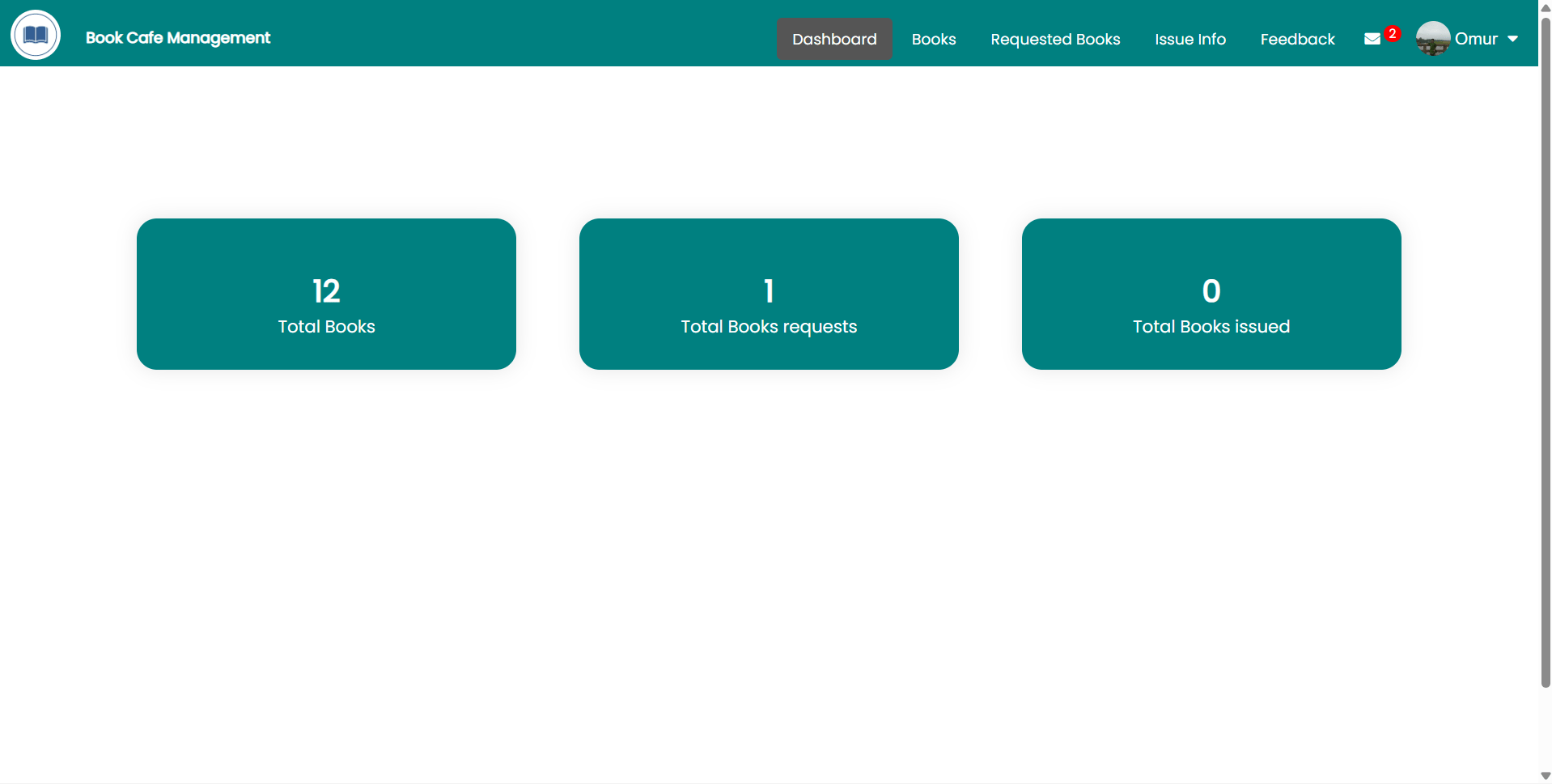
Library Management System is a web-based final year project developed to computerize and manage the daily work of a library. This major project provides both Admin and Student/User login facilities. Admin can monitor the complete system, manage book categories, manage authors, add books, update books, delete books, issue books to students, update book return details, search students using student ID, view student details, and change password. Students can register themselves, receive a unique student ID after registration, log in to their dashboard, view available books in the library, update profile details, view issued books, check issue date and return date-time, change password, and recover forgotten password. This Library Management System source code is suitable for students who need a final year project, major project, minor project, source code, and project report based on PHP, MySQL, and database-driven library management.
Book Management Features in this final year project
Admin can manage complete book records including:
Book title
Book category
Book author
Book availability
Book issue status
Book return status
Book actions:
Add new book
Update book details
Delete book
View listed books
Issue book to student
Update book after return
Category Management Features in this final year project
Admin can organize books by category.
Category actions:
Add new category
View category list
Update category details
Delete category
Example categories can include:
Computer Science
Management
Literature
Engineering
Mathematics
Science
General Knowledge
Author Management Features in this final year project
Admin can manage book authors.
Author actions:
Add author
View authors
Update author details
Delete author
This helps maintain organized book records in the library database.
Book Issue and Return Features in this final year project
The system supports library issue and return workflow.
Issue process:
Student registers
        ↓
Student receives student ID
        ↓
Admin searches student by student ID
        ↓
Admin issues book to student
        ↓
System stores issue date
        ↓
Student views issued book details
        ↓
Admin updates details when book is returned
        ↓
System stores return date-time
Issue record may include:
Student ID
Student name
Book name
Book category
Author name
Issue date
Return date-time
Book status
Student Record Features in this final year project
Admin can search and view student records.
Student details may include:
Student ID
Student name
Email
Mobile number
Registration date
Profile details
Issued books
Book return details
Password Features in this final year project
Admin Password
Admin can:
Enter current password
Enter new password
Confirm new password
Update password
Student Password
Student can:
Change own password
Recover forgotten password
Continue using account after password recovery
Common System Features in this final year project
Admin authentication
Student authentication
PHP session management
Protected admin pages
Protected student pages
Required field validation
Login credential validation
Error messages for invalid login
Confirmation messages after actions
Student ID based search
Database-driven record storage
Simple and practical college-level workflow
Open the project folder:
cd "library-management-system"
Start local server using XAMPP, WAMP, or Laragon.
Place the project folder inside:
htdocs/
Create MySQL database:
library_management
Import the provided SQL database file through phpMyAdmin.
Configure database connection in the PHP configuration file: