Online Food Ordering Web Application Final Year Project Source Code
Get runnable Online Food Ordering Web Application Final Year Project Source Code with database files, project setup instructions, live demo options and installation support.
This project resource helps students understand the implementation, modules, workflow and technical architecture of a complete PHP project.
Online Food Ordering Web Application Final Year Project
Project's Overview
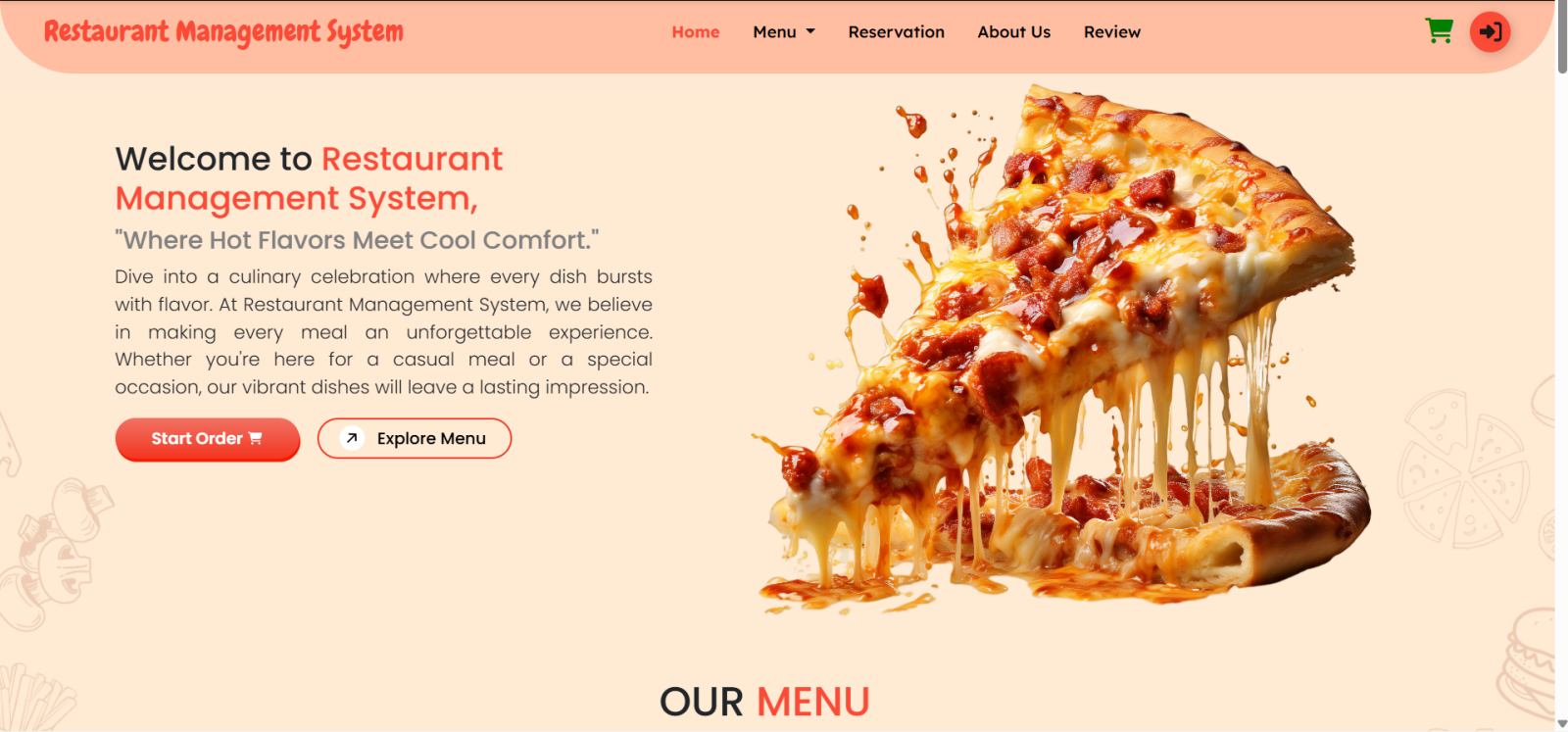
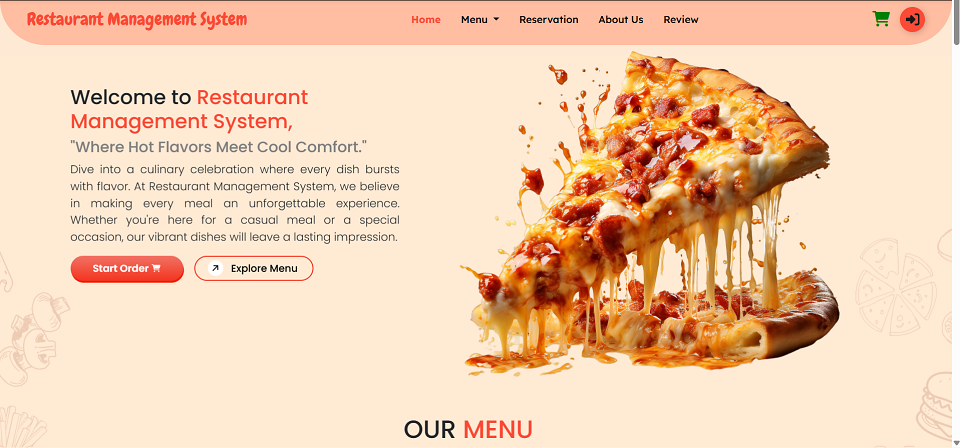
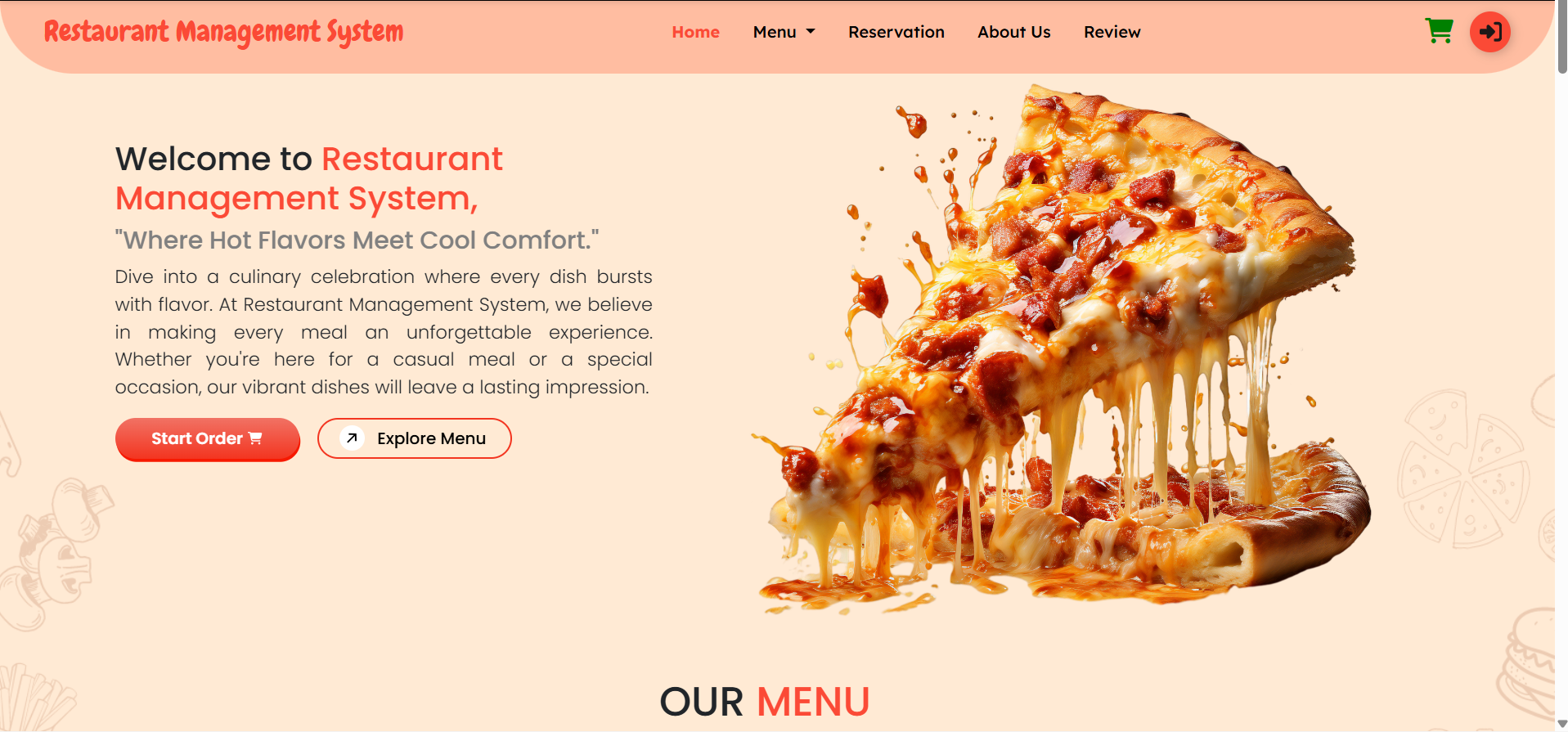
Online Food Ordering System is a PHP-based web application developed for restaurants and food service providers to manage online food orders efficiently. This final year project allows users to register, log in, browse categorized food items, add items to cart, update cart quantities, place orders, track order status, view order history, submit reviews, reserve tables, and manage profile details. The Admin panel provides complete control over dashboard statistics, earnings, orders, reservations, users, food menus, restaurants, customer reviews, staff roles, and admin profile settings. This major project is suitable for B.Tech, BCA, MCA, and other computer science students who need a practical minor project, source code, and project report based on PHP and MySQL for the food service industry.
This project includes source code licensed under the MIT License. Original Author: Asna Assalam FileMakr has modified and repackaged this project for academic use. Full license text is included with the product as required under MIT terms.
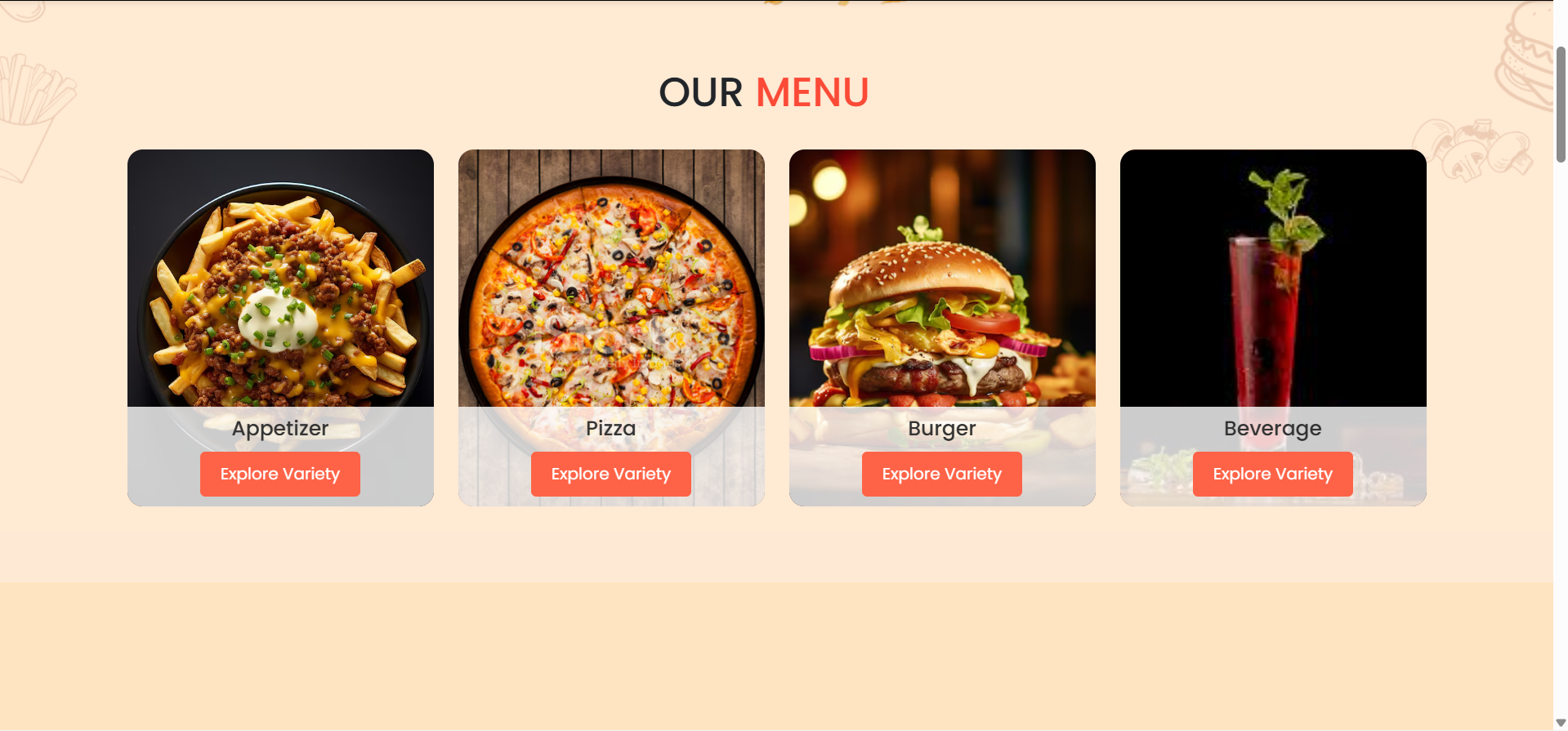
Menu Management Features in this final year project
Admin can manage restaurant menu records such as:
Food item name
Food category
Food image
Food price
Food description
Food availability status
Menu actions:
Add new food item
Edit food item details
Delete food item
Categorize menu item
Update food price
Manage available menu list
Cart and Order Features in this final year project
The system supports a complete cart and order workflow.
Cart actions:
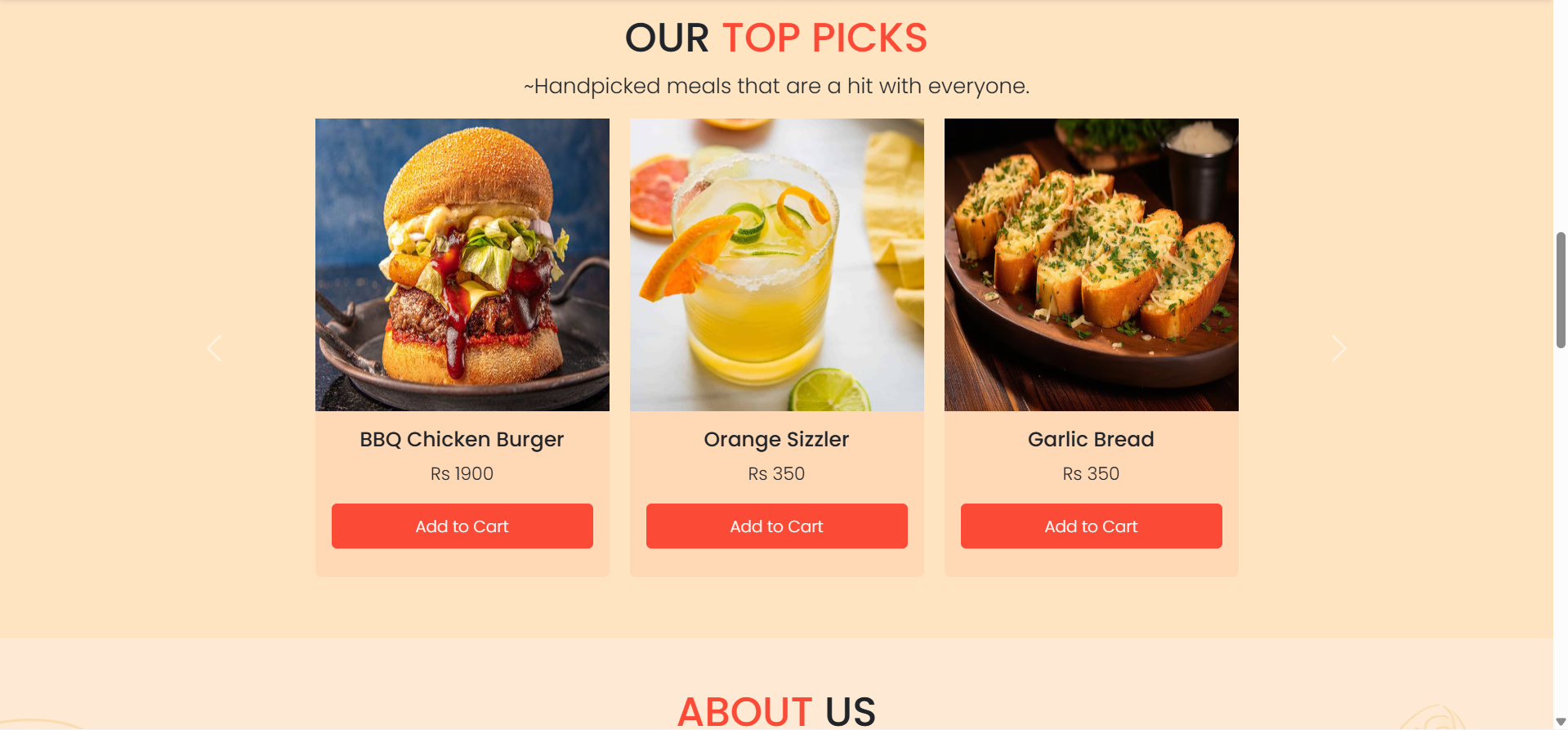
Add food item to cart
Update quantity
Remove item from cart
View cart total
Continue checkout
Order actions:
Place order
Track order status
View current order
View previous orders
Review completed order
Order workflow:
User registers or logs in
        ↓
User browses menu
        ↓
User adds food items to cart
        ↓
User updates cart if needed
        ↓
User places order
        ↓
Admin receives order
        ↓
Admin updates order status
        ↓
User tracks order status
        ↓
User views order history
        ↓
User reviews previous order
Reservation Features in this final year project
The system includes table reservation functionality.
User can:
Book a table
Select date
Select time
Enter guest count
Submit reservation request
Admin can:
View table reservations
Monitor table booking details
Manage reservation records
Track reservation count from dashboard
Review Management Features in this final year project
User Side
View previous orders
Submit review
Share feedback for food/order experience
Admin Side
Read customer reviews
Respond to customer reviews
Monitor customer feedback
Improve restaurant service based on reviews
Staff Management Features in this final year project
Admin can manage restaurant staff roles.
Staff actions may include:
Add staff
Manage staff role
Update staff responsibility
View staff records
This helps the restaurant manage internal staff operations from the admin panel.
Dashboard Features in this final year project
Admin Dashboard
The admin dashboard can display:
Total earnings
Total orders
Total reservations
Total registered users
Recent orders
Order status summary
Reservation summary
User Dashboard
The user dashboard can display:
Current orders
Order status
Order history
Profile shortcuts
Reservation details
Profile Management Features in this final year project
Admin Profile
Admin can:
Update email
Update password
Update personal admin details
User Profile
User can:
Update name
Update password
Update contact details
Open the project folder:
cd "online-food-ordering-system"
Start local server using XAMPP, WAMP, or Laragon.
Place the project folder inside:
htdocs/
Create MySQL database:
online_food_ordering
Import the provided SQL database file through phpMyAdmin.
Configure database connection in the PHP configuration file: