Sign Language Recognition System using Python | Source Code
LIMITED TIME
Get Source Code ₹99
View All Screenshots
Real project UI Full source included

Tap to browse screenshots · Request demo access

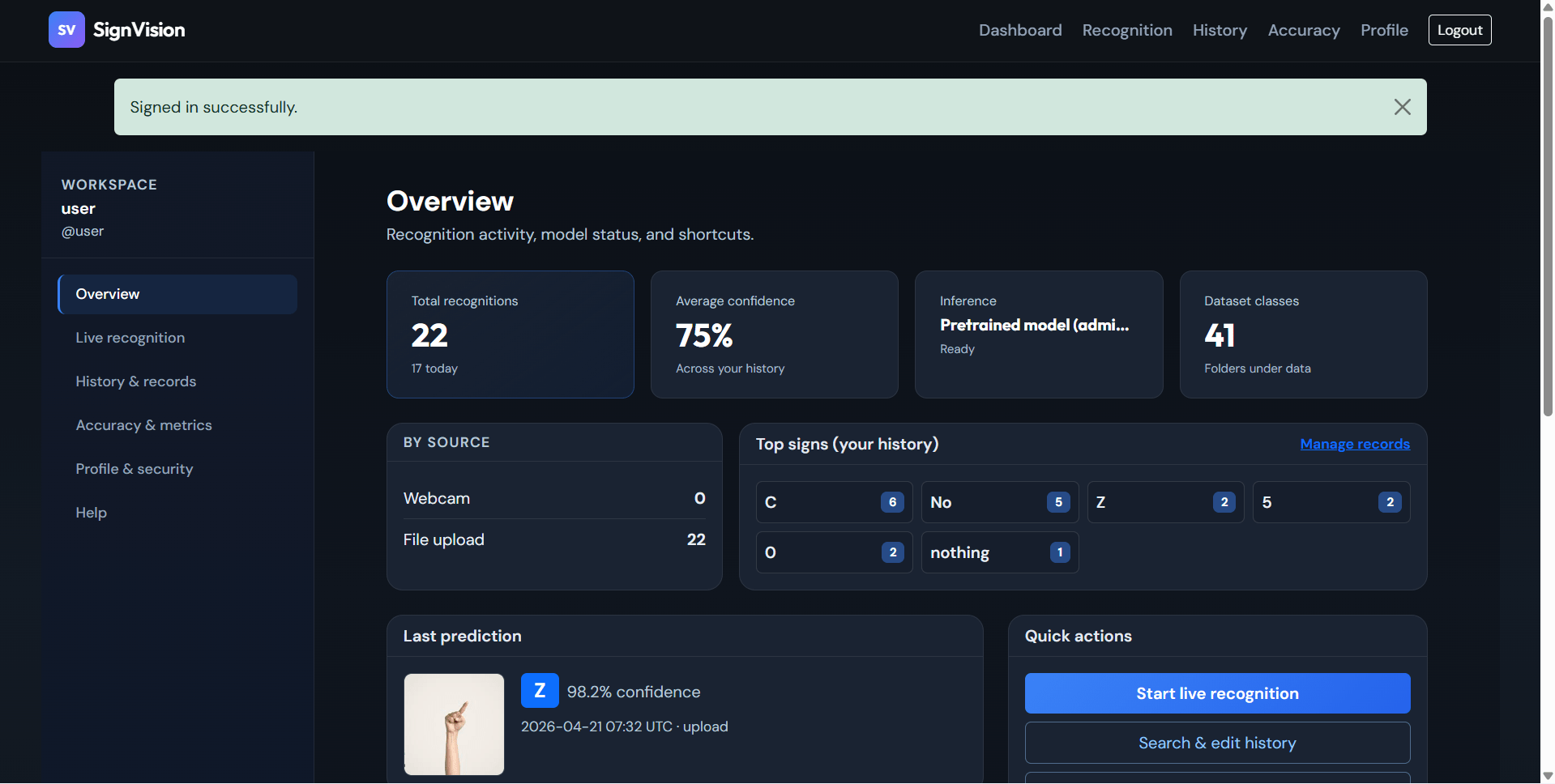
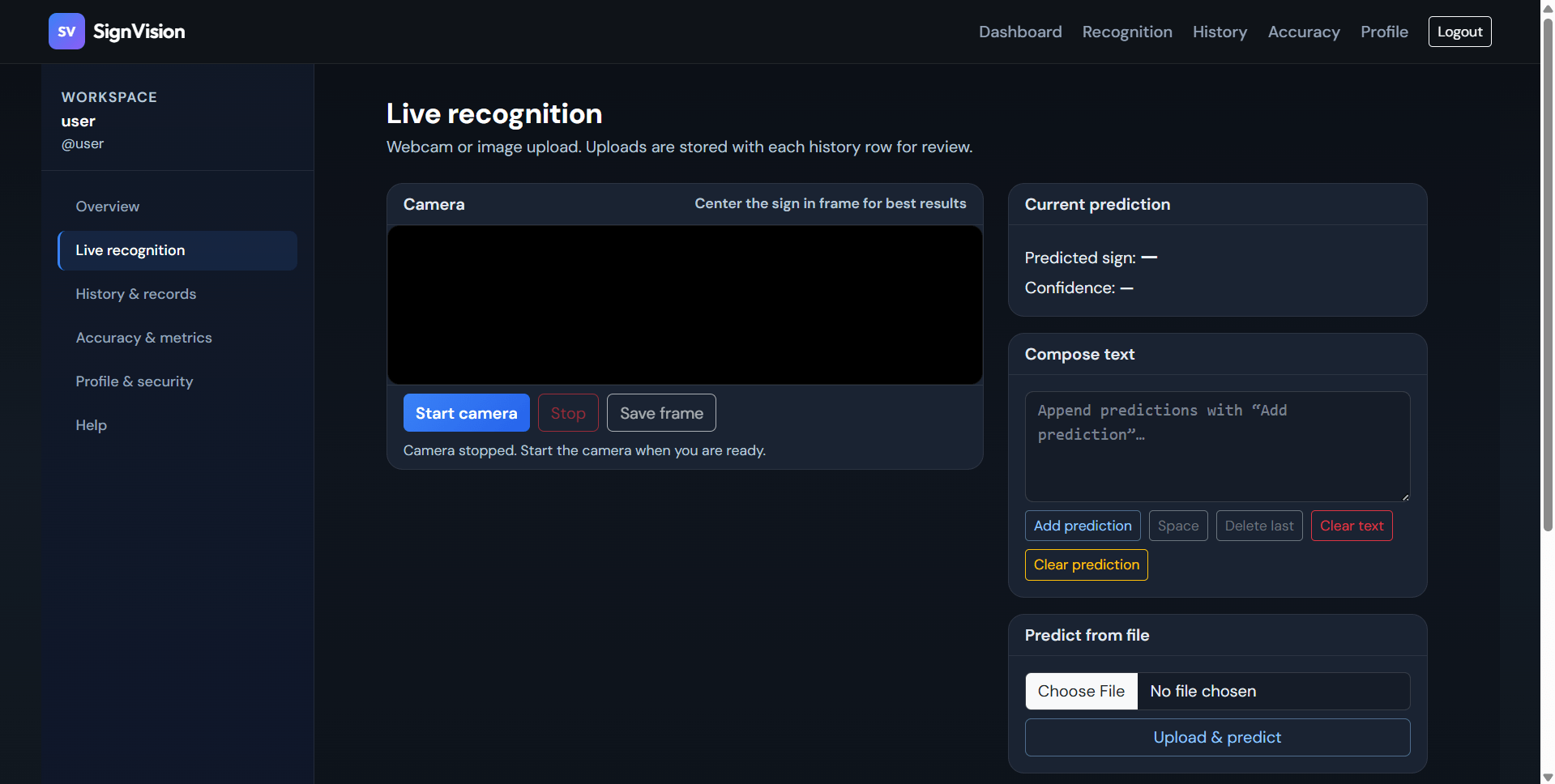
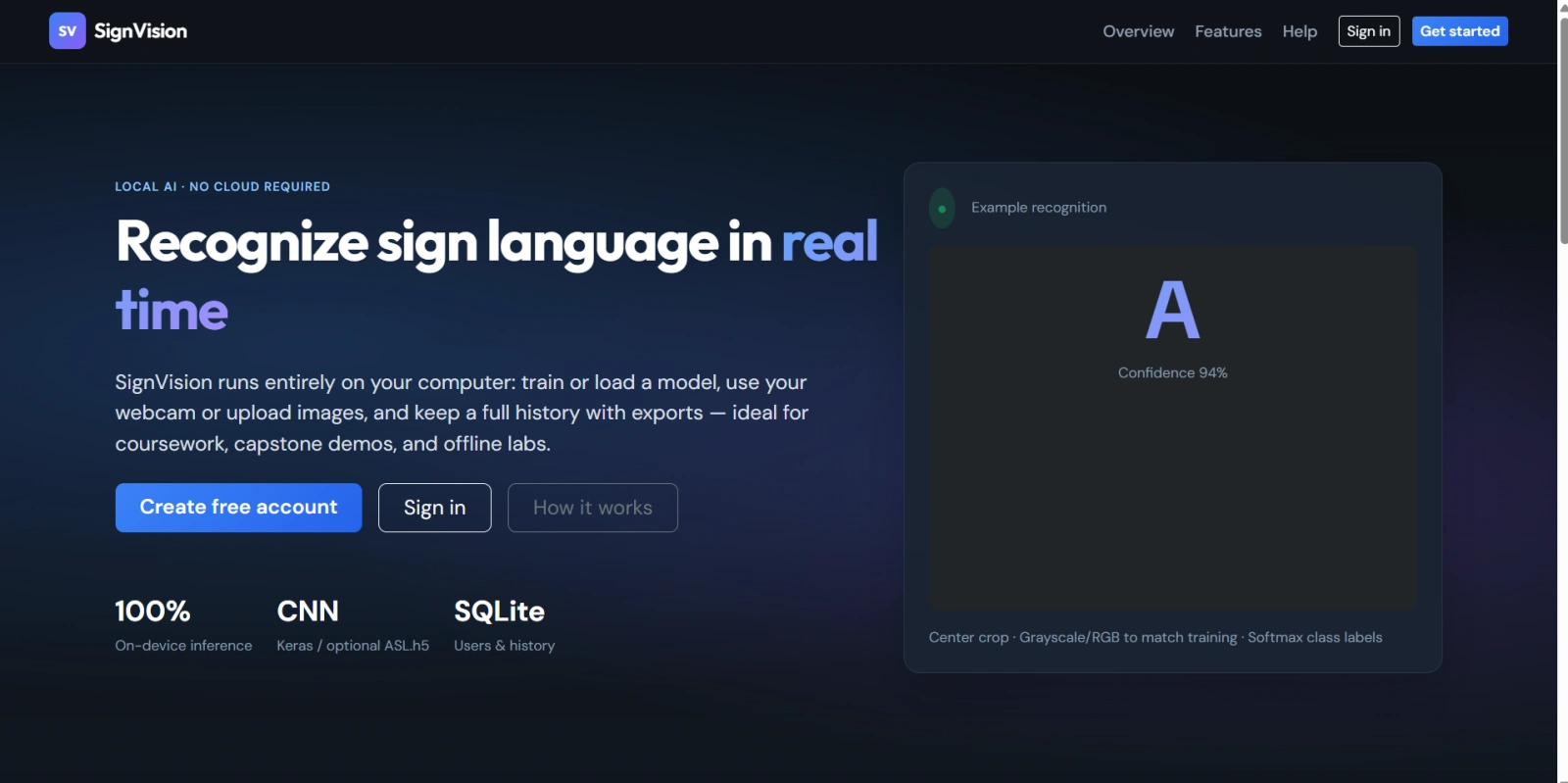
15 UI screenshots — preview every screen before purchase

Sign Language Recognition System using Python

Complete final-year project source code with frontend, backend, database, and setup guide. Instant download after secure payment.

  • PYTHON Stack
  • Instant Download
Secure CCAvenue payment Instant download link WhatsApp support

Choose your plan

Source Code Only

Full ZIP with frontend, backend, database & documentation.

₹99 one-time
  • Complete project source files
  • Database script included
  • How-to-run guide

What's in your download

Review features, setup steps, and credentials before you pay.

Project Overview

Description, tech stack, and what is included

Full source Frontend + backend
Database .sql file
Setup guide README included

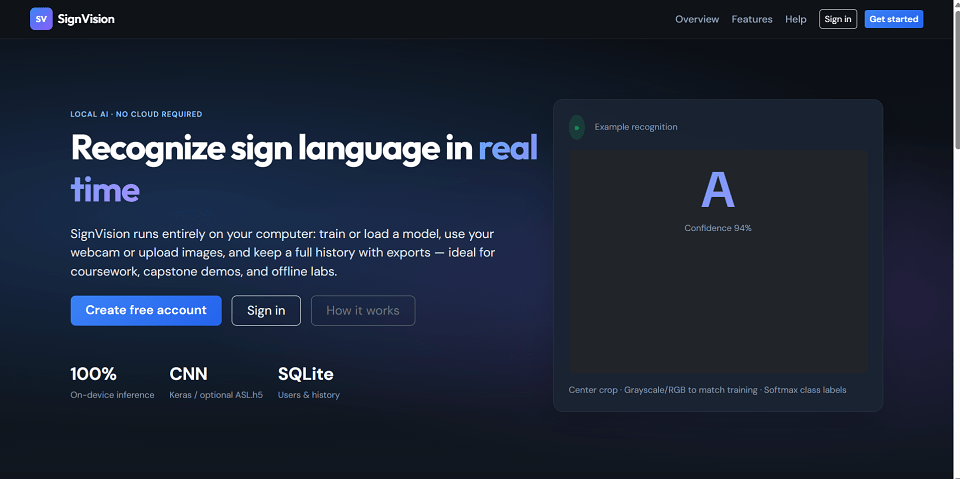
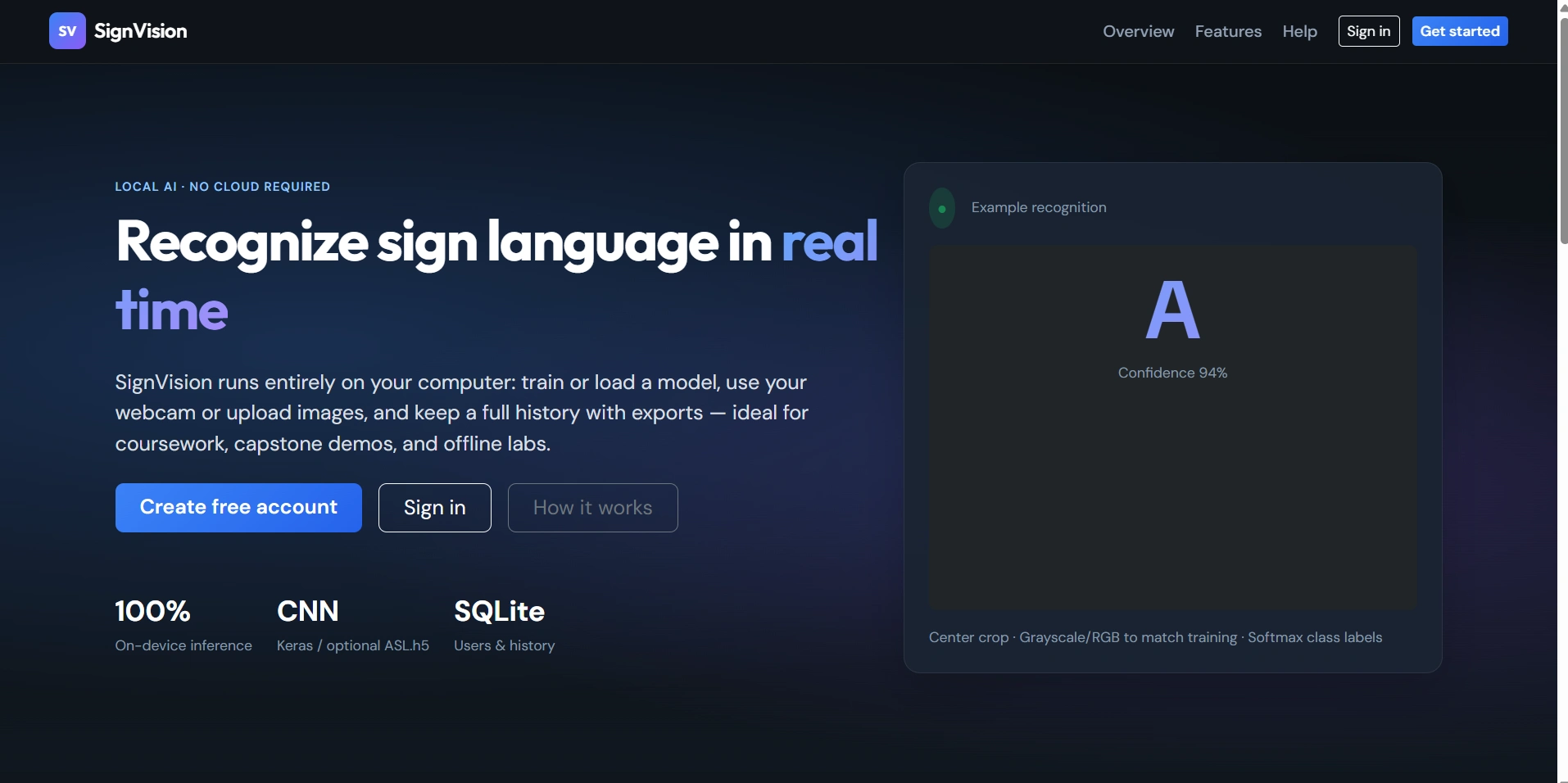
SignVision AI is a final year major project for sign language recognition developed using Python and Flask. This AI-based web application detects and predicts sign language gestures through a live webcam or uploaded image using a trained CNN model built with Keras and TensorFlow. The system includes secure user authentication, admin panel, recognition history, model training, dataset management, accuracy reports, PDF/CSV export, and local SQLite database integration. It is a complete machine learning and full-stack web development project suitable for final year college students

Technical snapshot

Project
Sign Language Recognition System using Python
Stack
PYTHON
Includes
Code, DB, README
License
Academic submission
Secure CCAvenue payment · Instant download · Need help? WhatsApp us

Admin Features

Modules and controls available to administrators

  • Secure admin login dashboard
  • View total users, active users, predictions and daily usage
  • Manage users: activate, deactivate and delete users
  • Manage dataset classes and image uploads
  • Browse and delete dataset images
  • Train and retrain CNN model from admin panel
  • View all recognition history records
  • Export global history in CSV and PDF format
  • Monitor prediction logs and system statistics
  • View top predicted signs and recent registered users

User Features

What end users can do in this application

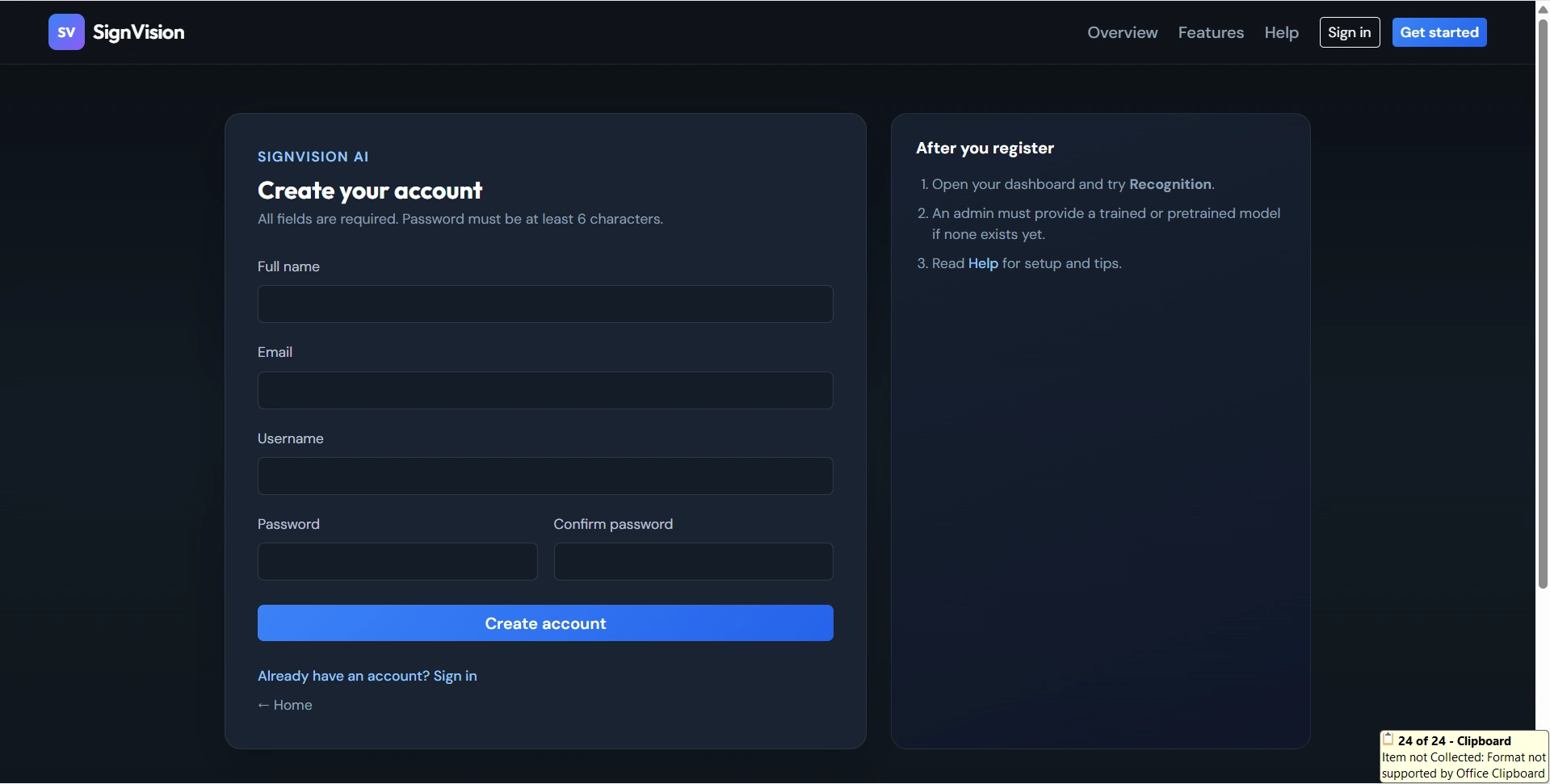
  • User registration with full validation
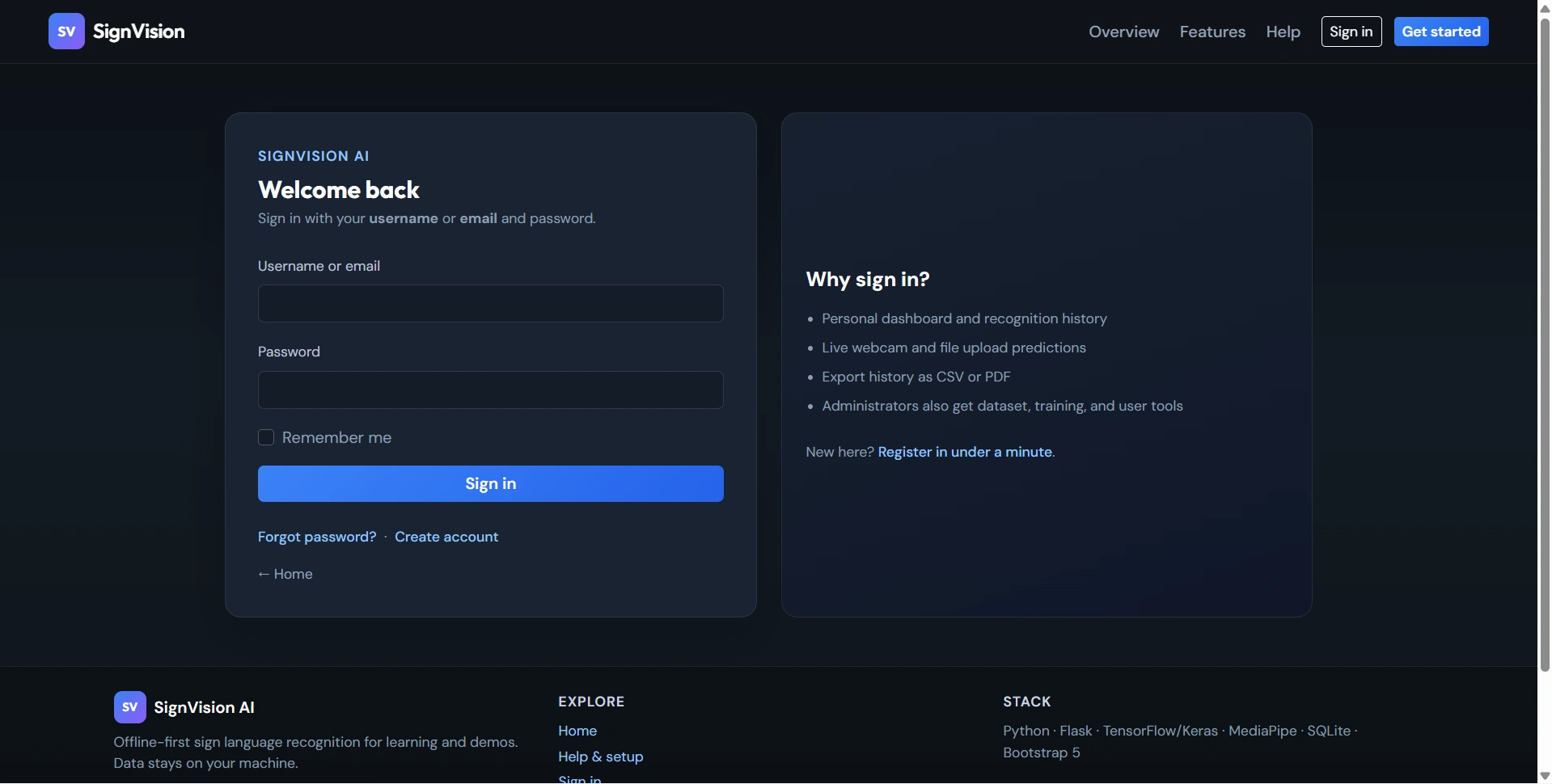
  • Login using username or email
  • Forgot password and reset password option
  • Secure profile management
  • Dashboard with prediction summary and last login
  • Real-time sign language recognition using webcam
  • Manual image upload for gesture prediction
  • Live confidence score and status updates
  • Text output with sentence building options
  • Save webcam frame as image
  • View personal recognition history
  • Search recognition history by sign and date
  • Delete selected history or clear all records
  • Export personal history in CSV and PDF format
  • View accuracy report and confusion matrix
  • Help page for user guidance


Other Features

Additional capabilities included in the project

  • AI-based gesture recognition using CNN
  • MediaPipe hand region detection support
  • Local SQLite database integration
  • Keras model training on custom dataset folders
  • Automatic support for small and large datasets
  • Classification report and per-class statistics
  • Bootstrap responsive user interface
  • Flask-Login based session handling
  • Password hashing with Werkzeug
  • CSRF protection using Flask-WTF
  • No external API required, fully offline processing
  • Suitable for academic and educational use

How to Run

Step-by-step setup on your laptop or PC

  • Download and extract the project source code.
  • Open the project folder in terminal or command prompt.
  • Install the required packages using:
    pip install -r requirements.txt
  • Optionally seed the database using:
    python seed_db.py --force
  • Run the Flask application using:
    python run.py
  • Open your browser and visit:
    http://127.0.0.1:5000
  • For model training, run:
    python train_model.py
  • Login as admin to manage dataset, users and model training.

Login Credentials

Default demo accounts for testing after setup

Admin Login
Username: admin
Password: Admin@123

Demo User Login
Username: alice
Password: User@123
License

Usage terms for academic and personal projects

Related Tags

Search terms and categories for this source code

Sign Language Recognition System using Python Source Code Final Year PYTHON Project Ready-to-Run Code With Database File Plagiarism-Free Faculty Approved