01 Source Code Only
₹99
One-time Payment
- Complete project source code
- Database / data resources
- Dependencies & configuration
- README / setup guide
- Instant download access
Get runnable Medical Inventory Billing Final Year Python Project Source Code with database files, project setup instructions, live demo options and installation support. This project resource helps students understand the implementation, modules, workflow and technical architecture of a complete PYTHON project.
Hover to zoom · Click to expand
Simple pricing. Instant access. Secure checkout.
01 Source Code Only
One-time Payment
02 Code + Setup Support
One-time Payment
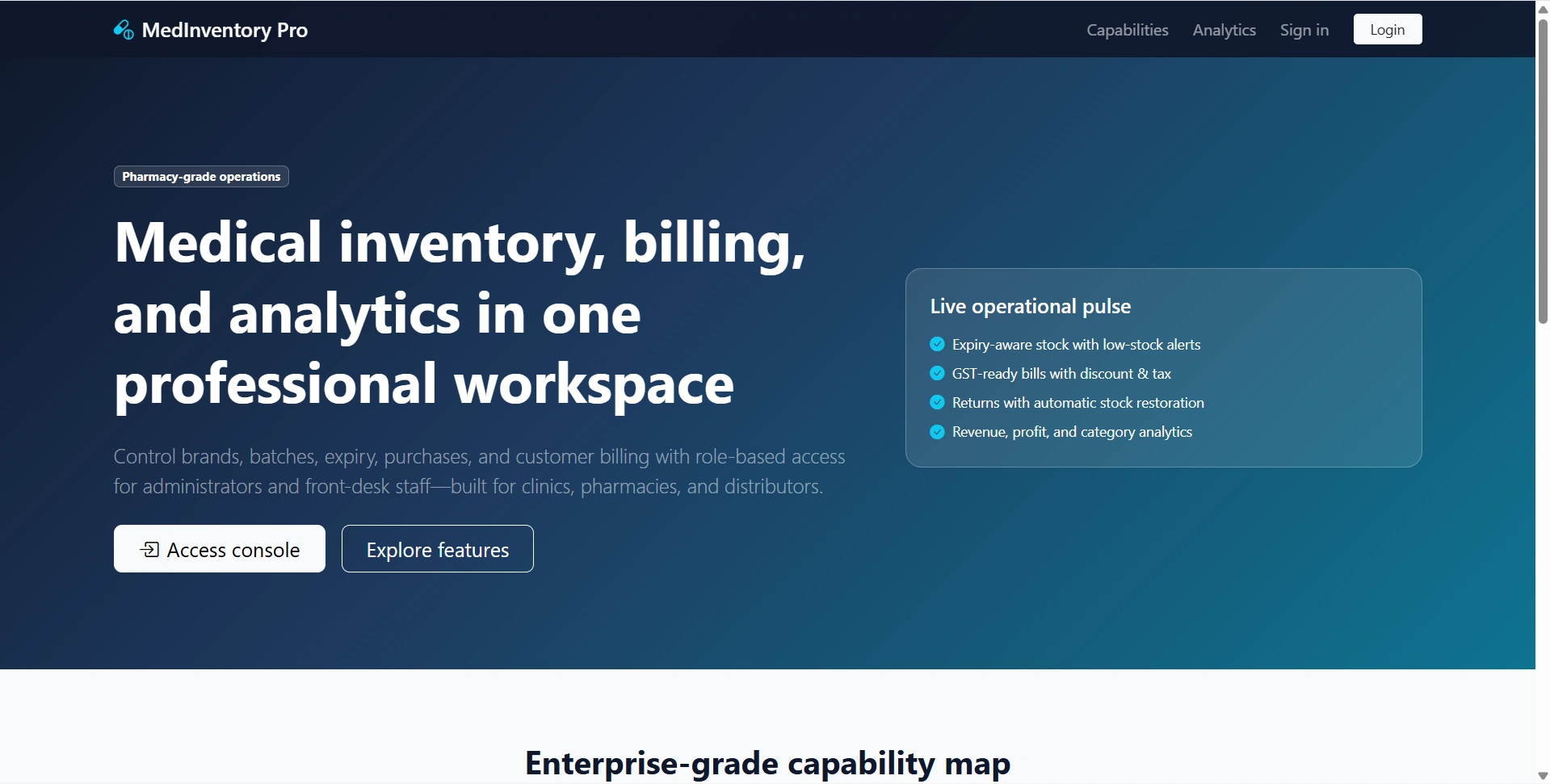
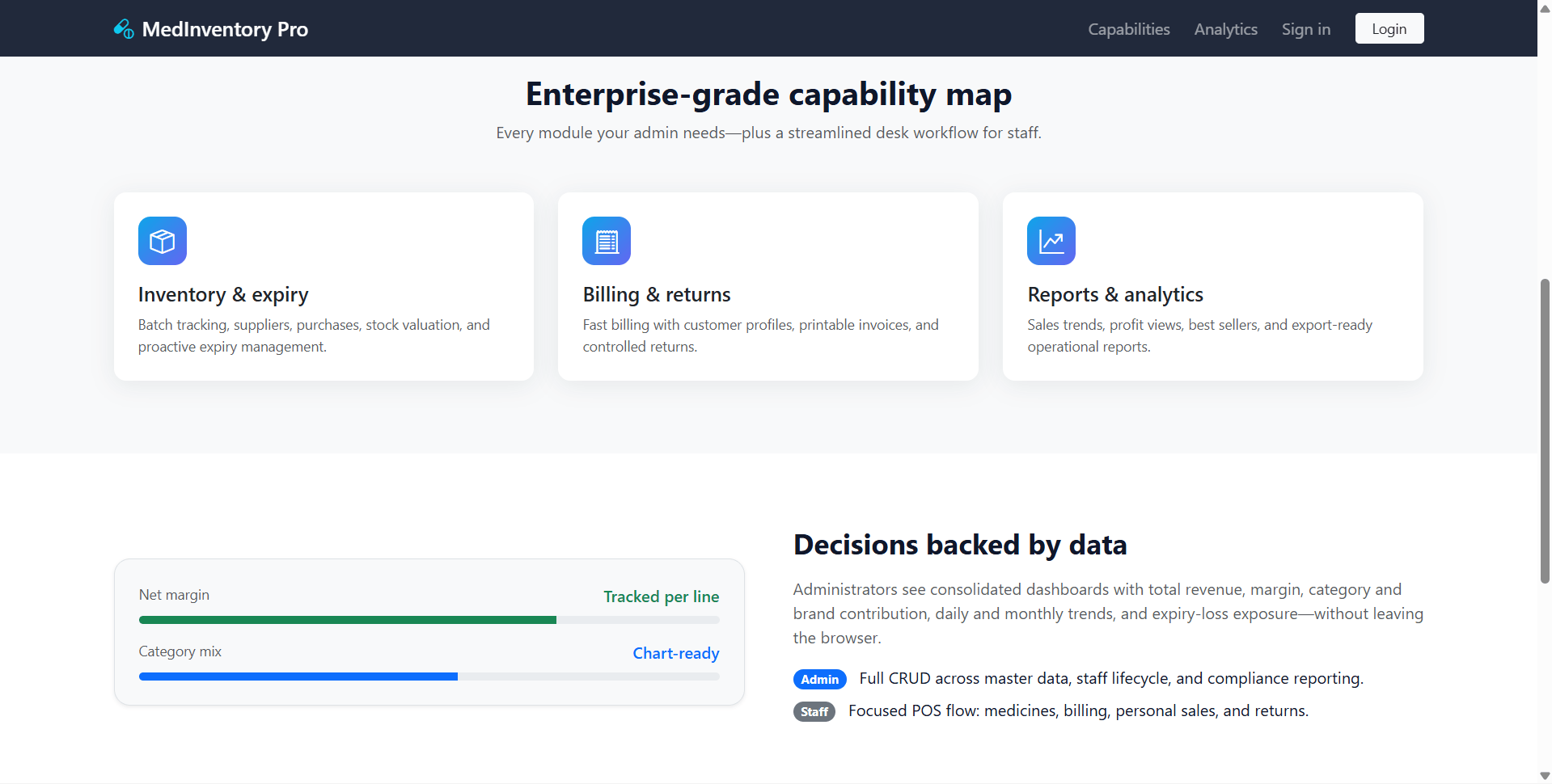
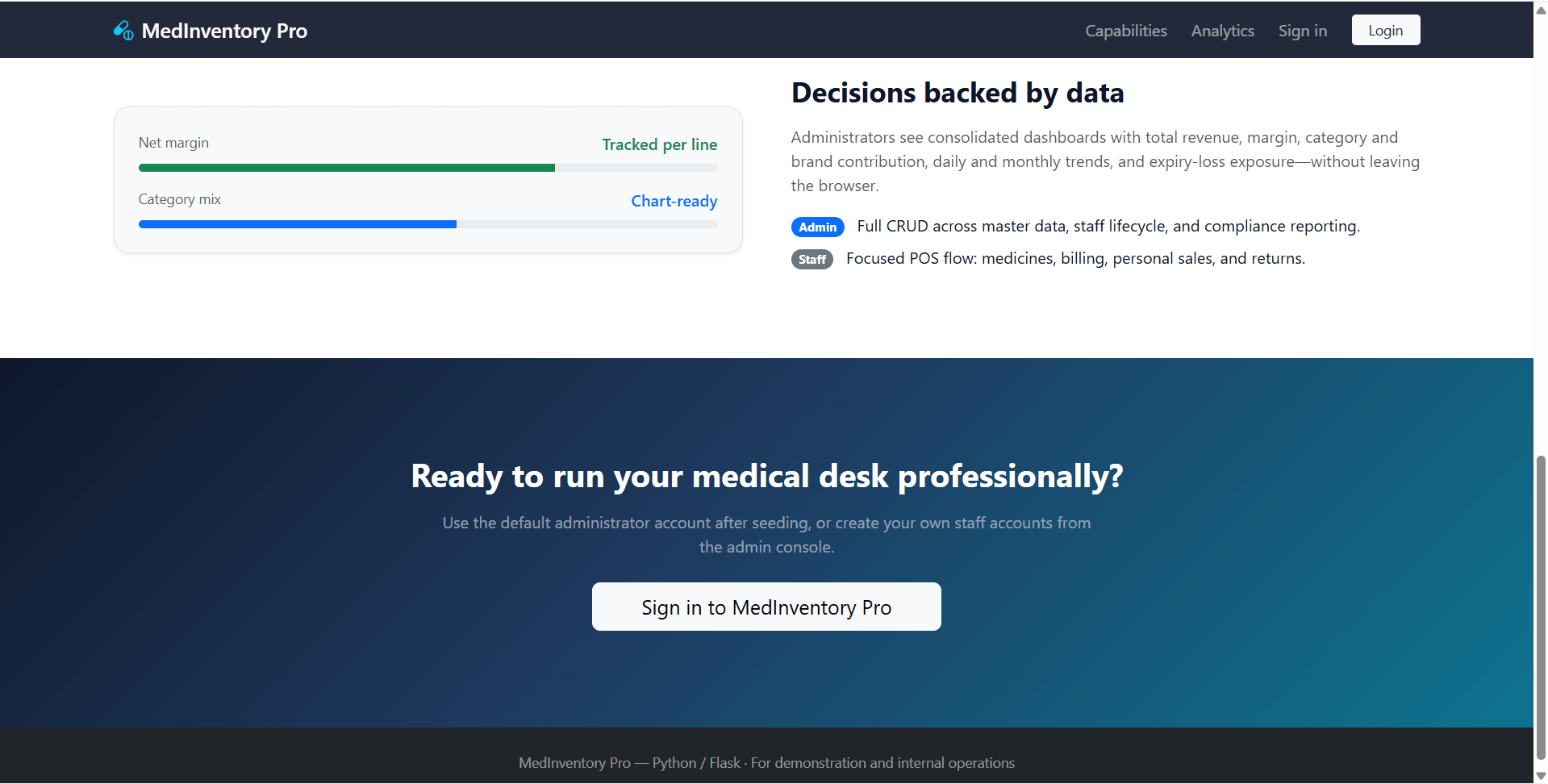
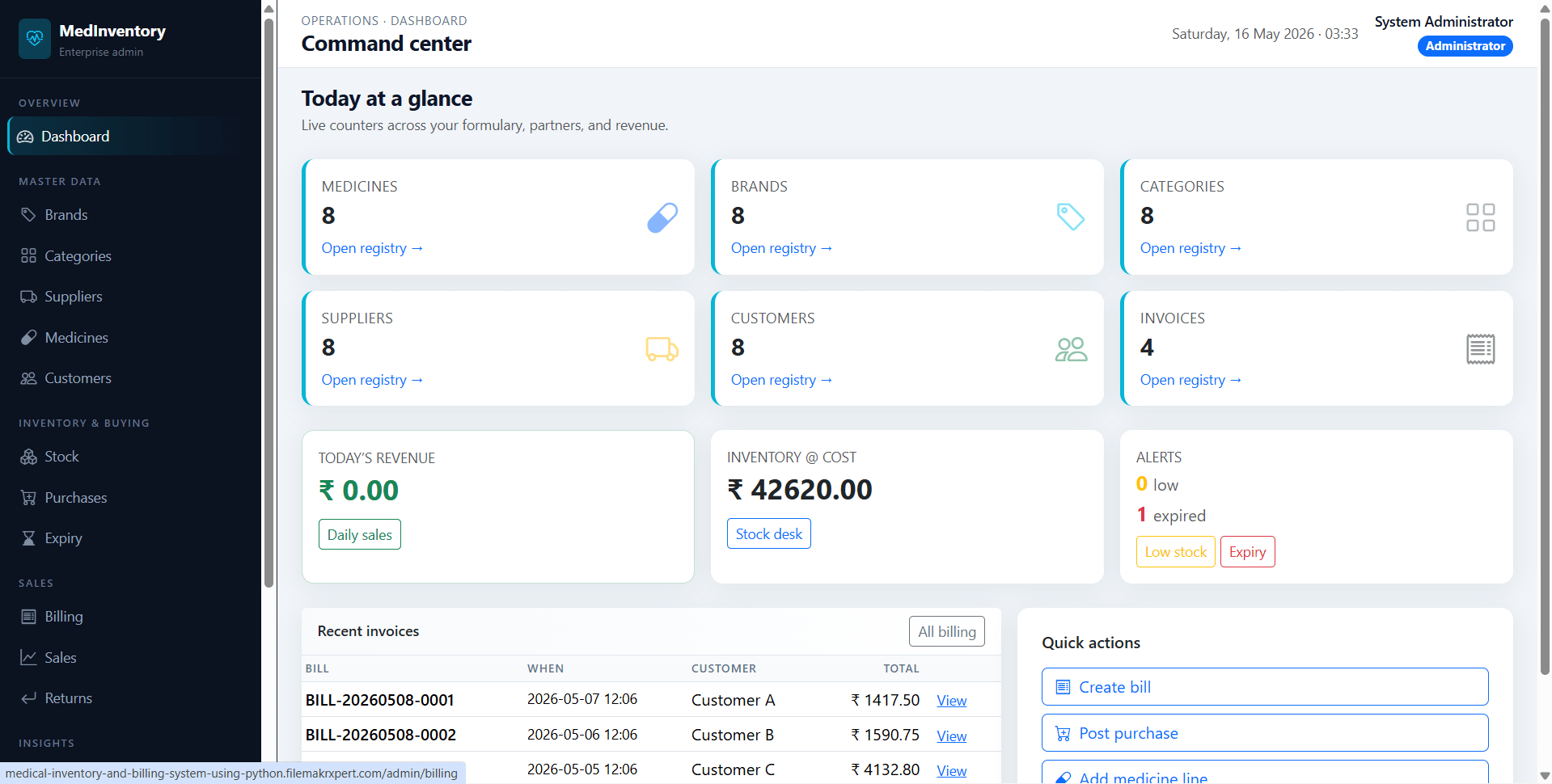
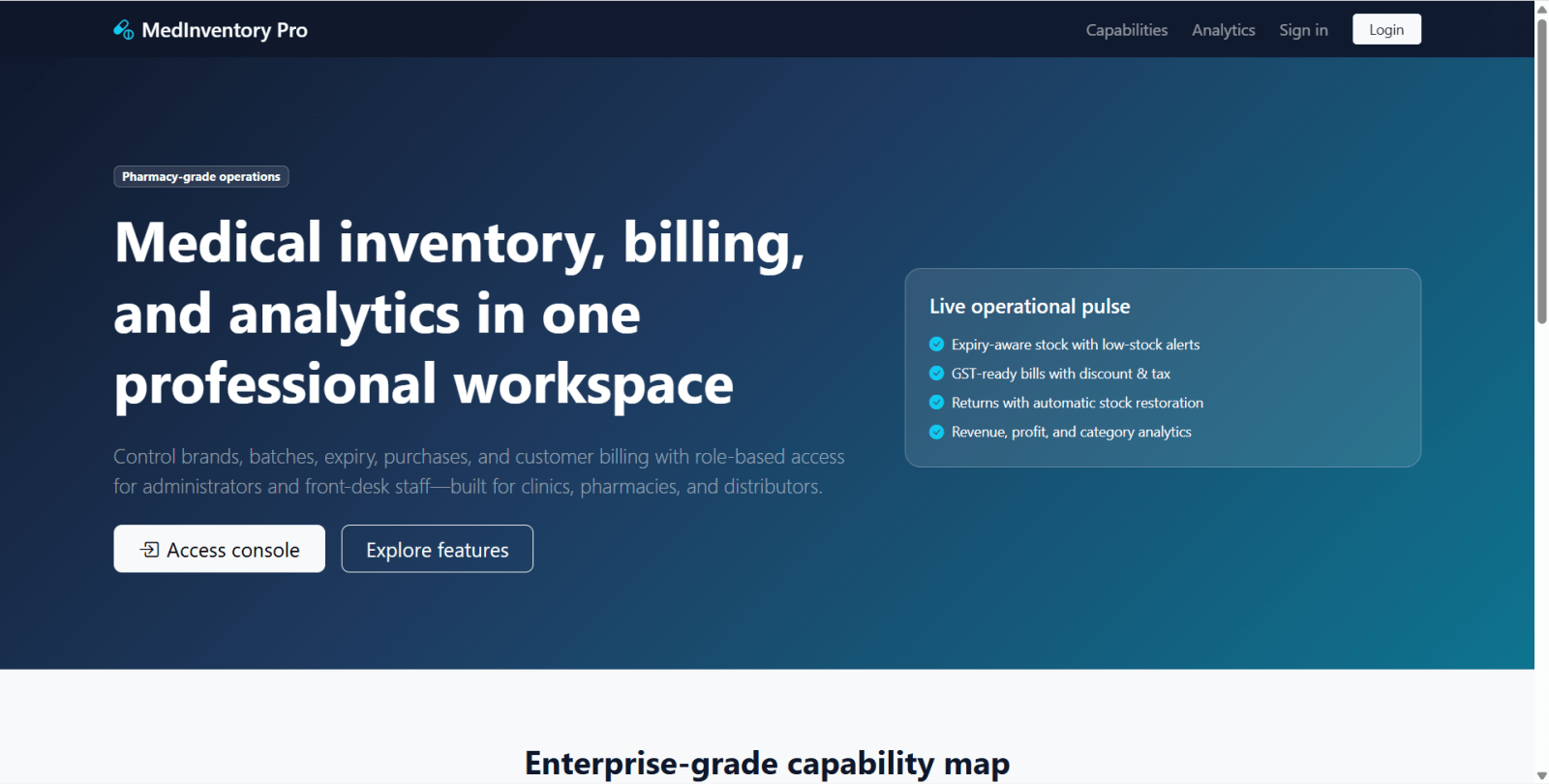
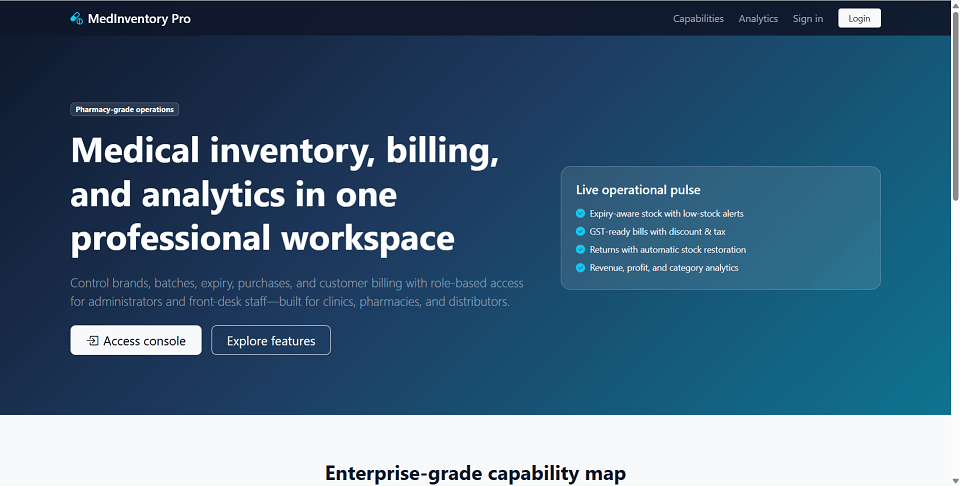
MedInventory Pro is a final year project built with Python Flask and SQLite for students who want a practical pharmacy inventory and medical billing web application. This final year project includes separate administrator and staff panels with role-based access. Administrators can manage brands, categories, suppliers, medicines, customers, stock, purchases, expiry lists, bills, returns, sales reports, analytics, and staff users. Staff users can work from a counter-style dashboard, browse medicines, create customers, generate POS-style bills, print receipts, process returns for their own bills, and monitor stock status. The system supports discounts, tax, auto bill numbers, printable bills, stock decrementing, return restocking, expiry tracking, Chart.js analytics, and dynamic reports. It is suitable for a final year major project in Flask, pharmacy management, inventory control, and billing systems.
Auto-created Administrator
adminadmin123Demonstration Staff
Only after running seed_data.py:
staff1staff123staff2staff123cd "path/to/Medical Inventory & Billing System with Analytics"python -m venv .venvpython3 -m venv .venv.\.venv\Scripts\Activate.ps1source .venv/bin/activatepip install -r requirements.txtpython seed_data.pypython run.pyhttp://127.0.0.1:5000/login and use admin or staff credentials.Auto-created Administrator
adminadmin123Demonstration Staff
Only after running seed_data.py:
staff1staff123staff2staff123