Source Code Only
Full ZIP with frontend, backend, database & documentation.
₹99 one-time
- Complete project source files
- Database script included
- How-to-run guide
Tap to open live demo
Interactive live demo — verify the project before you buy
Complete final-year project source code with frontend, backend, database, and setup guide. Instant download after secure payment.
Choose your plan
Full ZIP with frontend, backend, database & documentation.
We install & configure the project on your laptop within 24 hours.
Review features, setup steps, and credentials before you pay.
Description, tech stack, and what is included
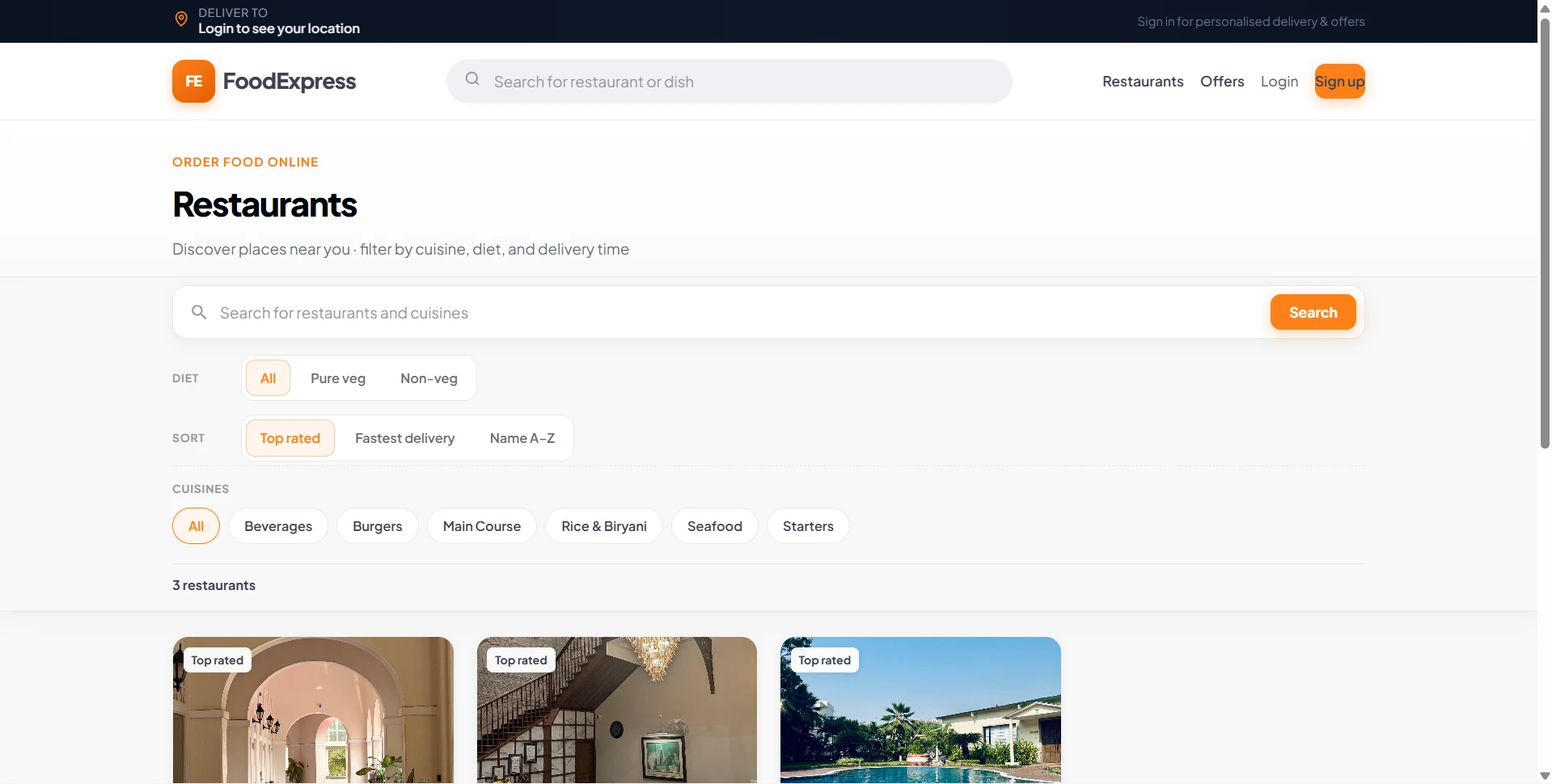
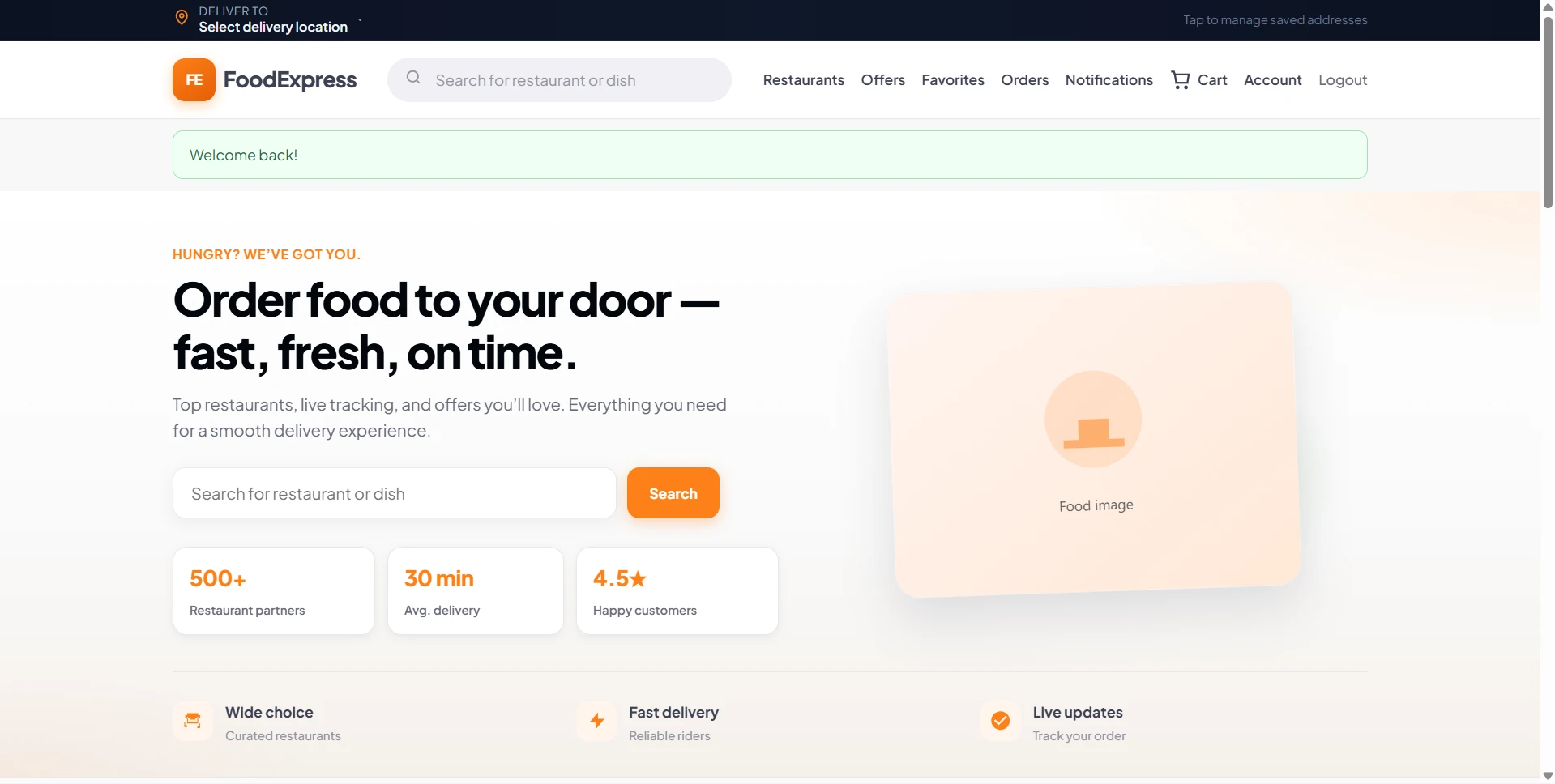
FoodExpress is a Swiggy-style food delivery system project built in Core PHP and MySQL for students who need a practical web application for final-year, major, or minor project work. The project supports three separate roles—customer, restaurant vendor, and administrator—so it demonstrates a complete ordering workflow rather than a basic static restaurant website. It is suitable for B.Tech, MCA, BCA, BE, ME, BSc, and MSc students who want a real-world CRUD plus transaction-based project that can be explained clearly during project review, viva, or demo sessions.
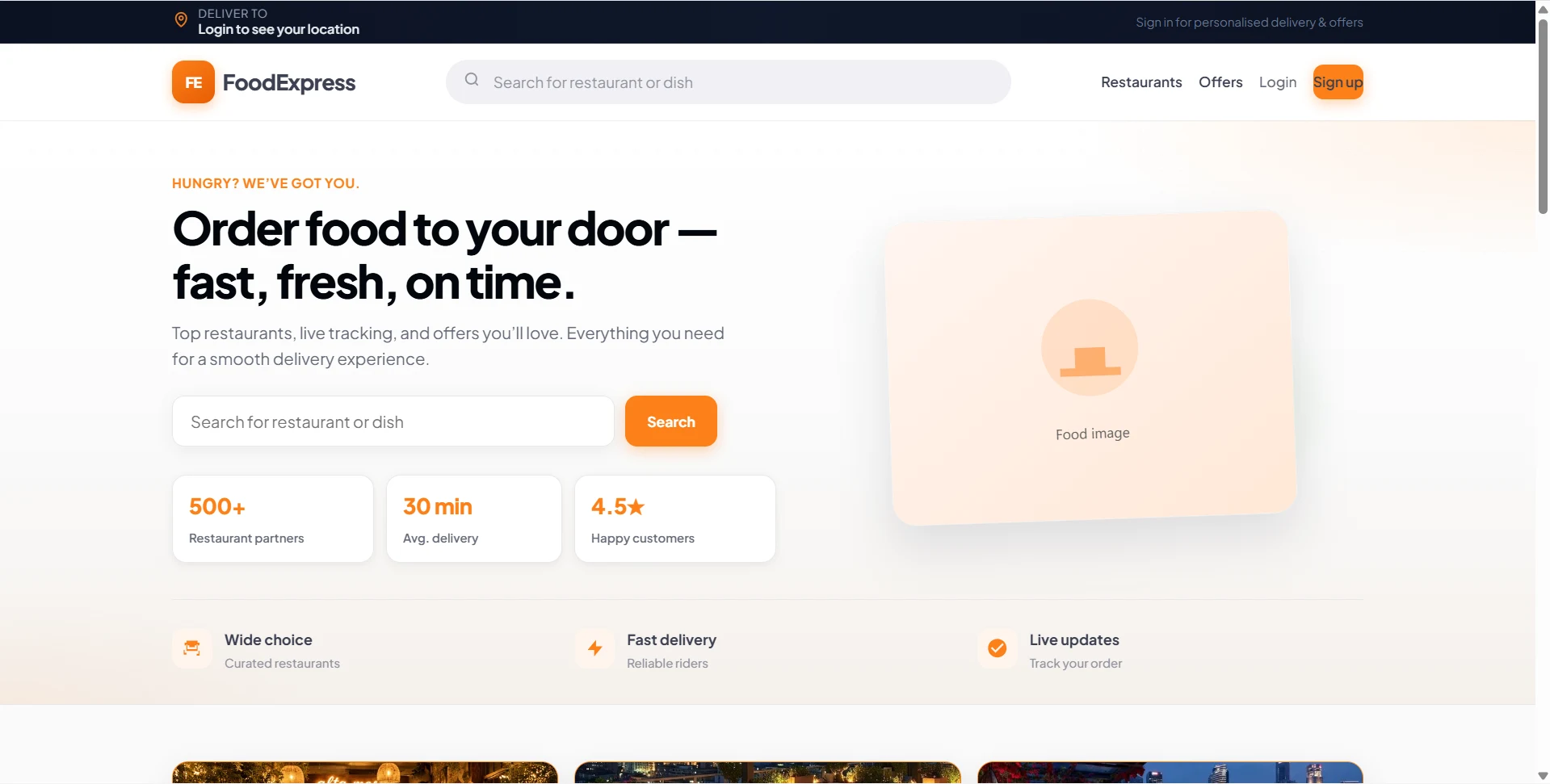
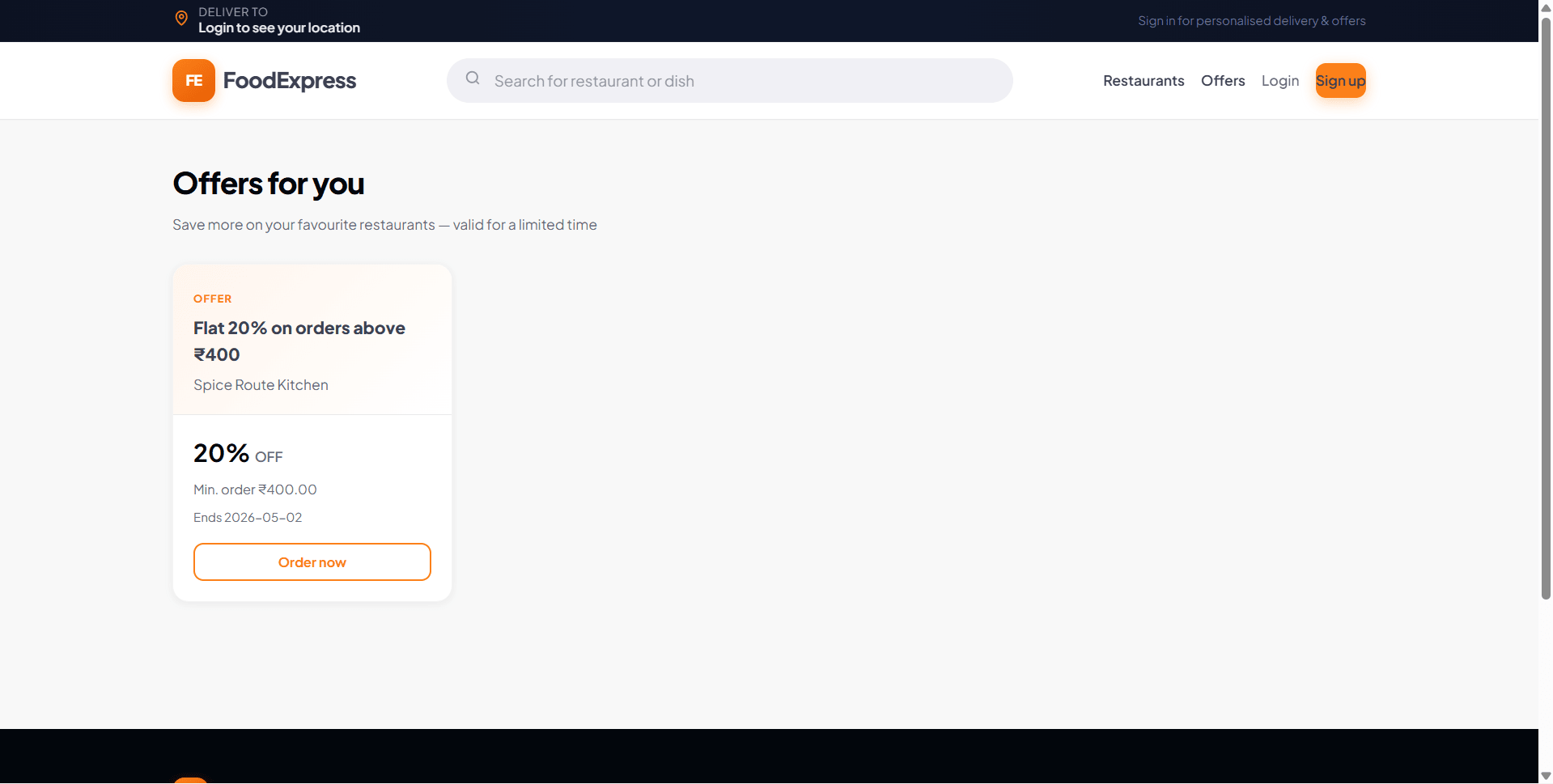
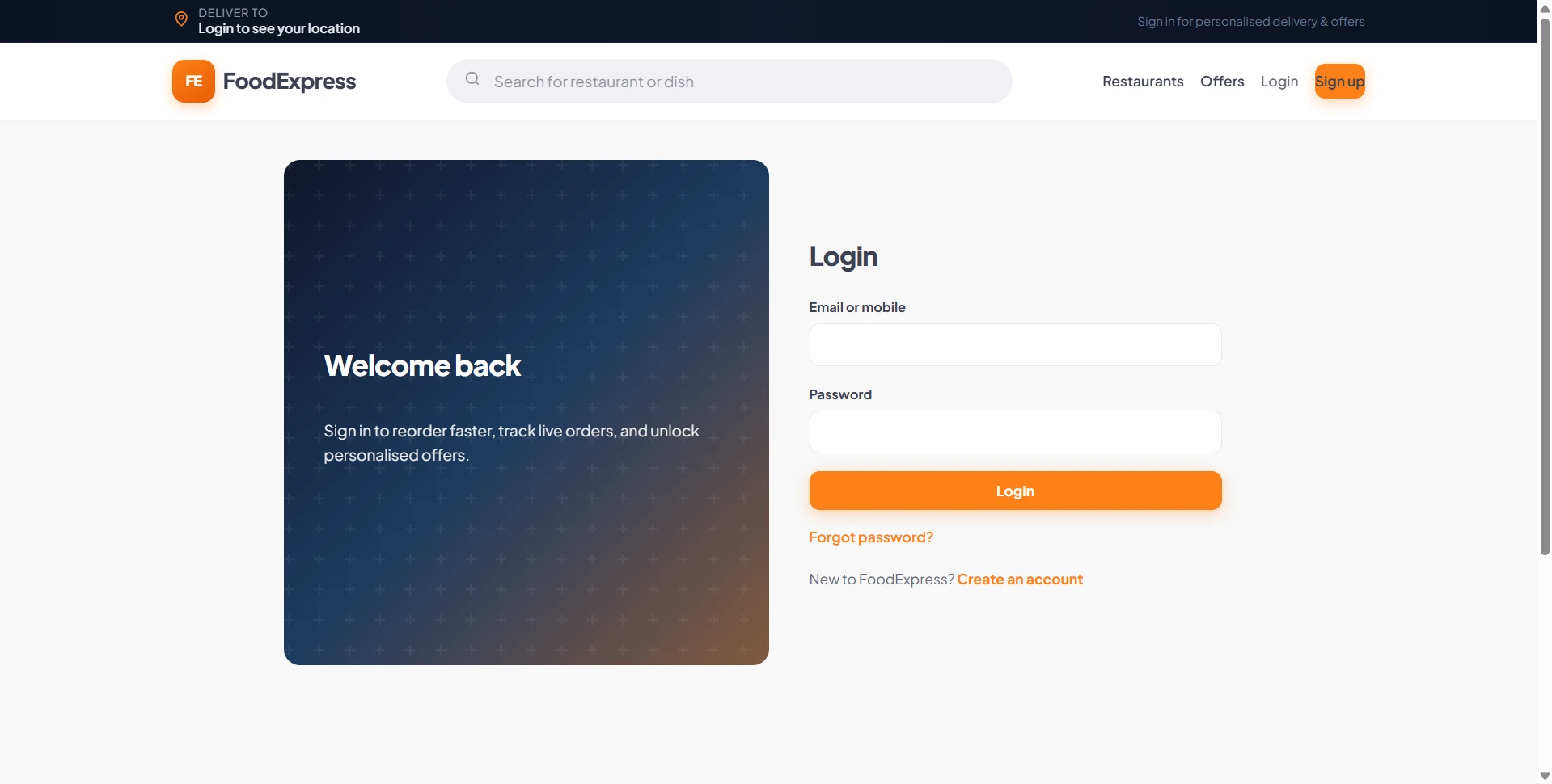
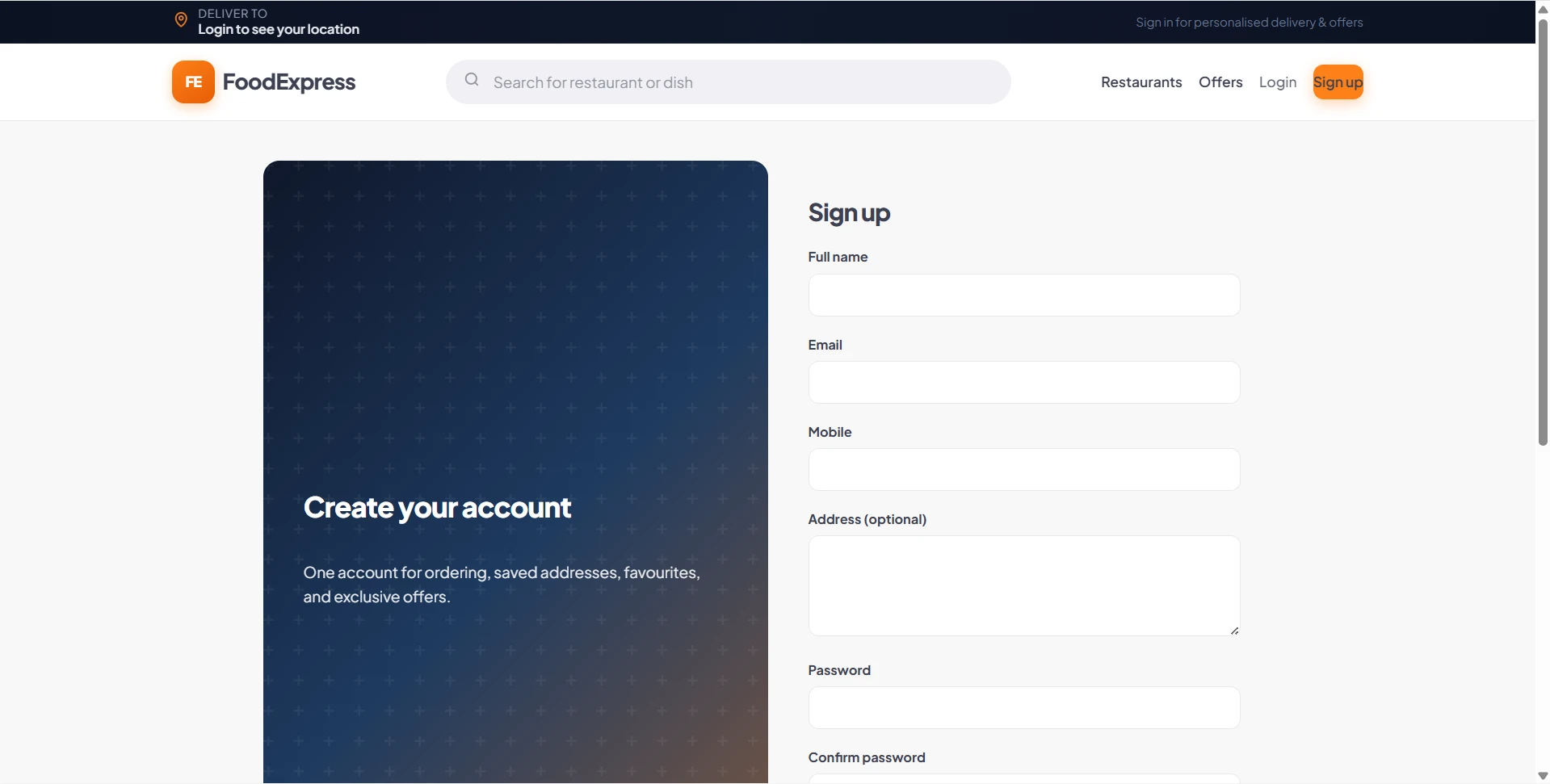
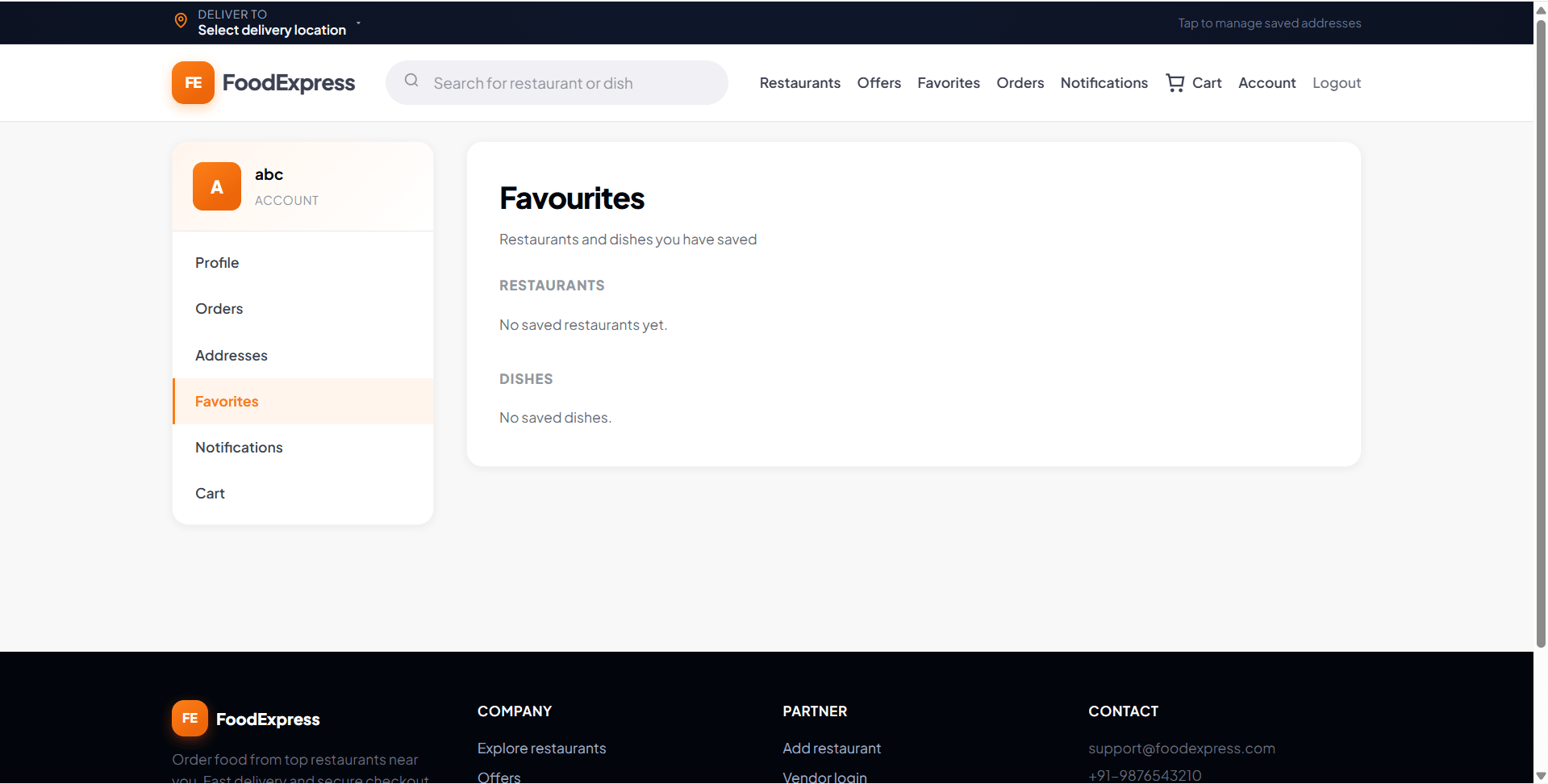
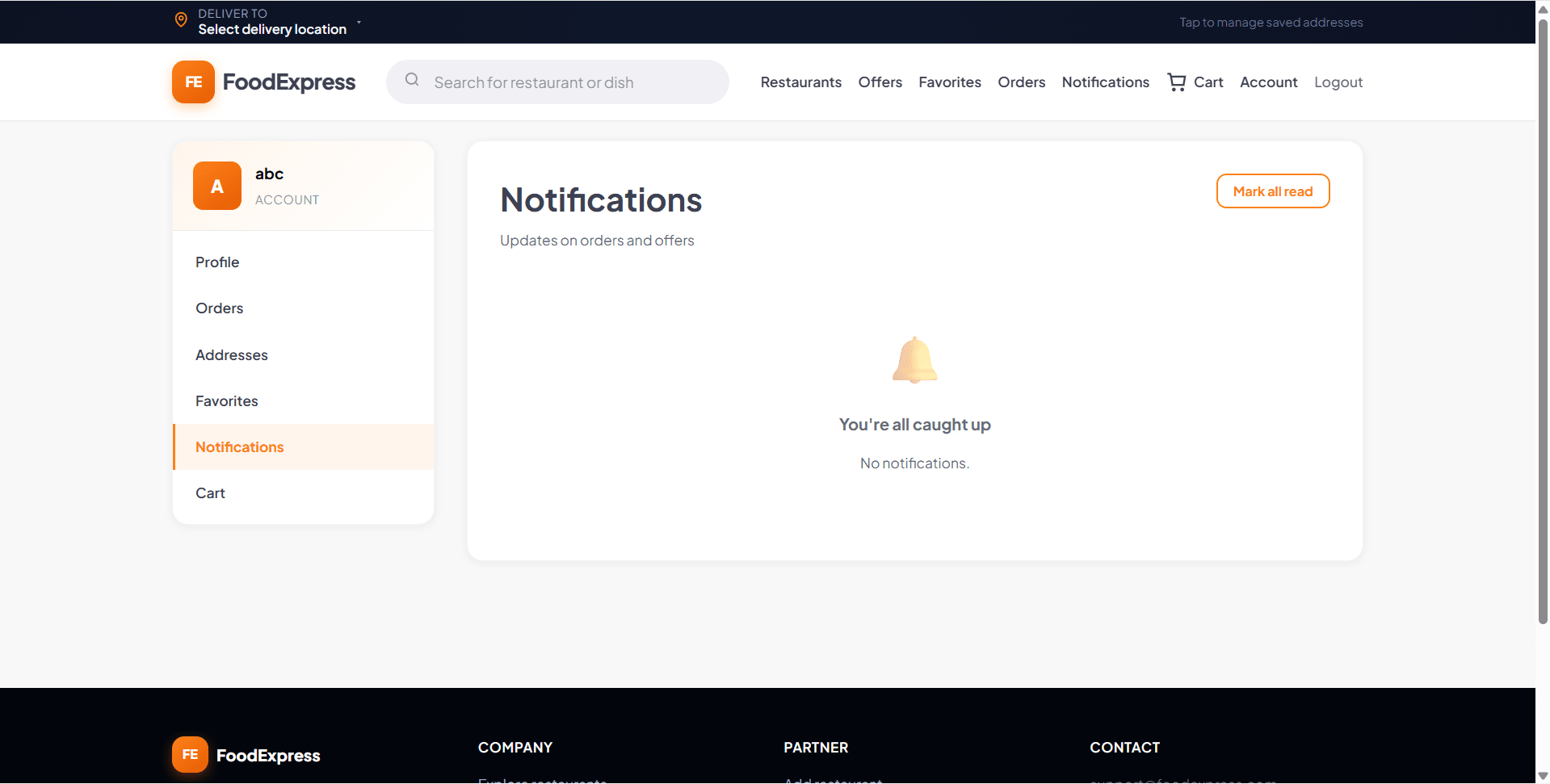
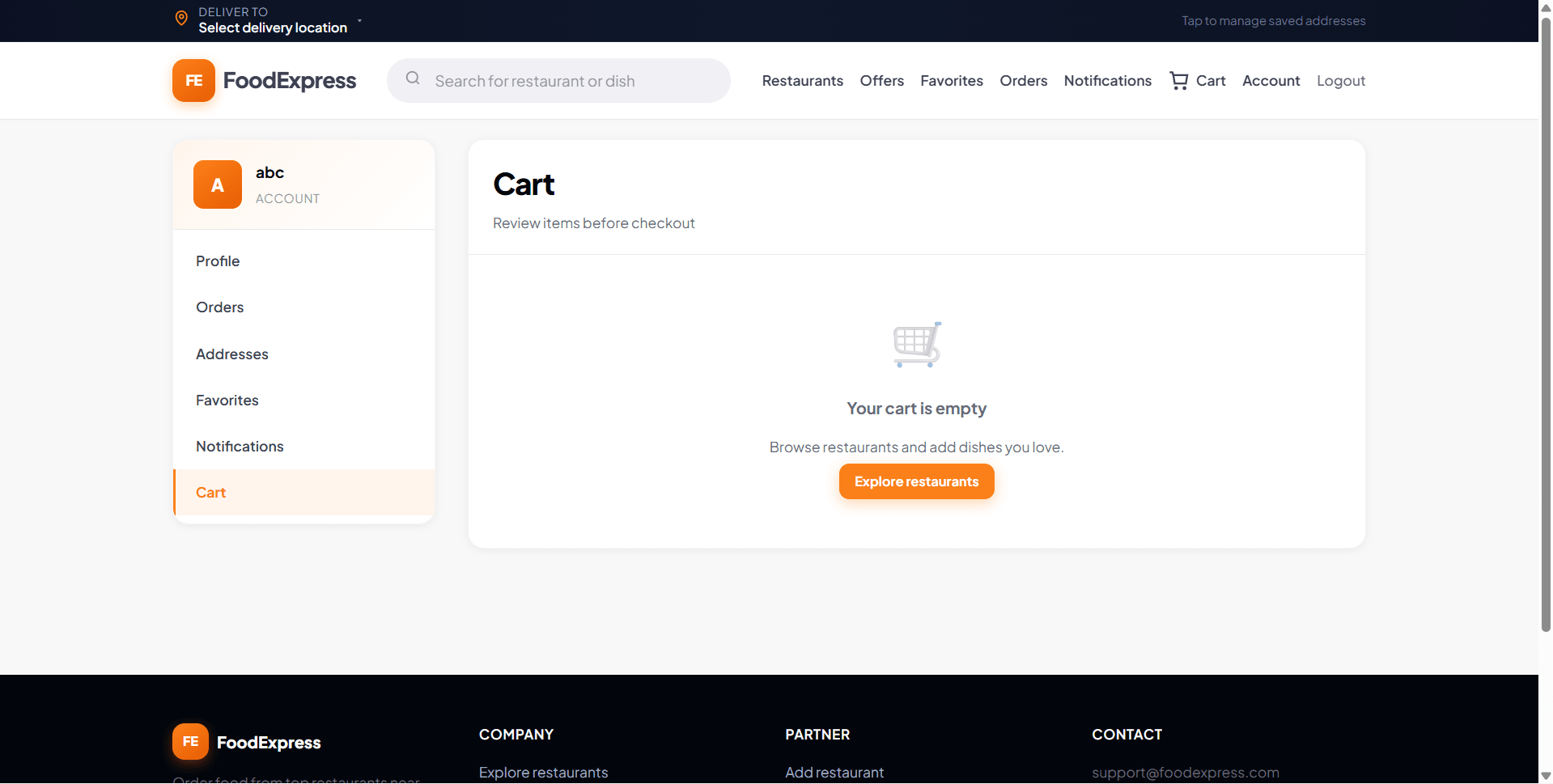
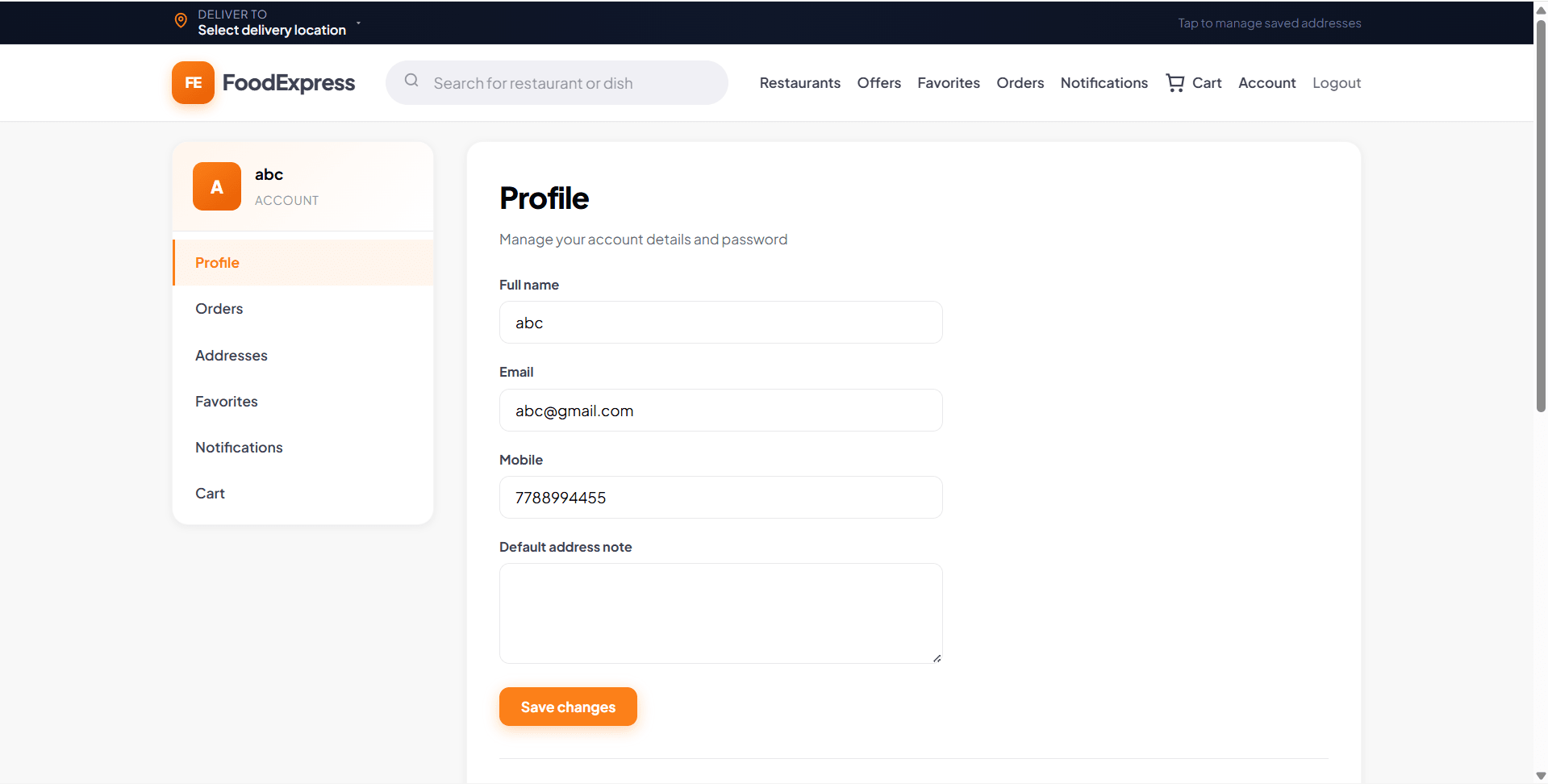
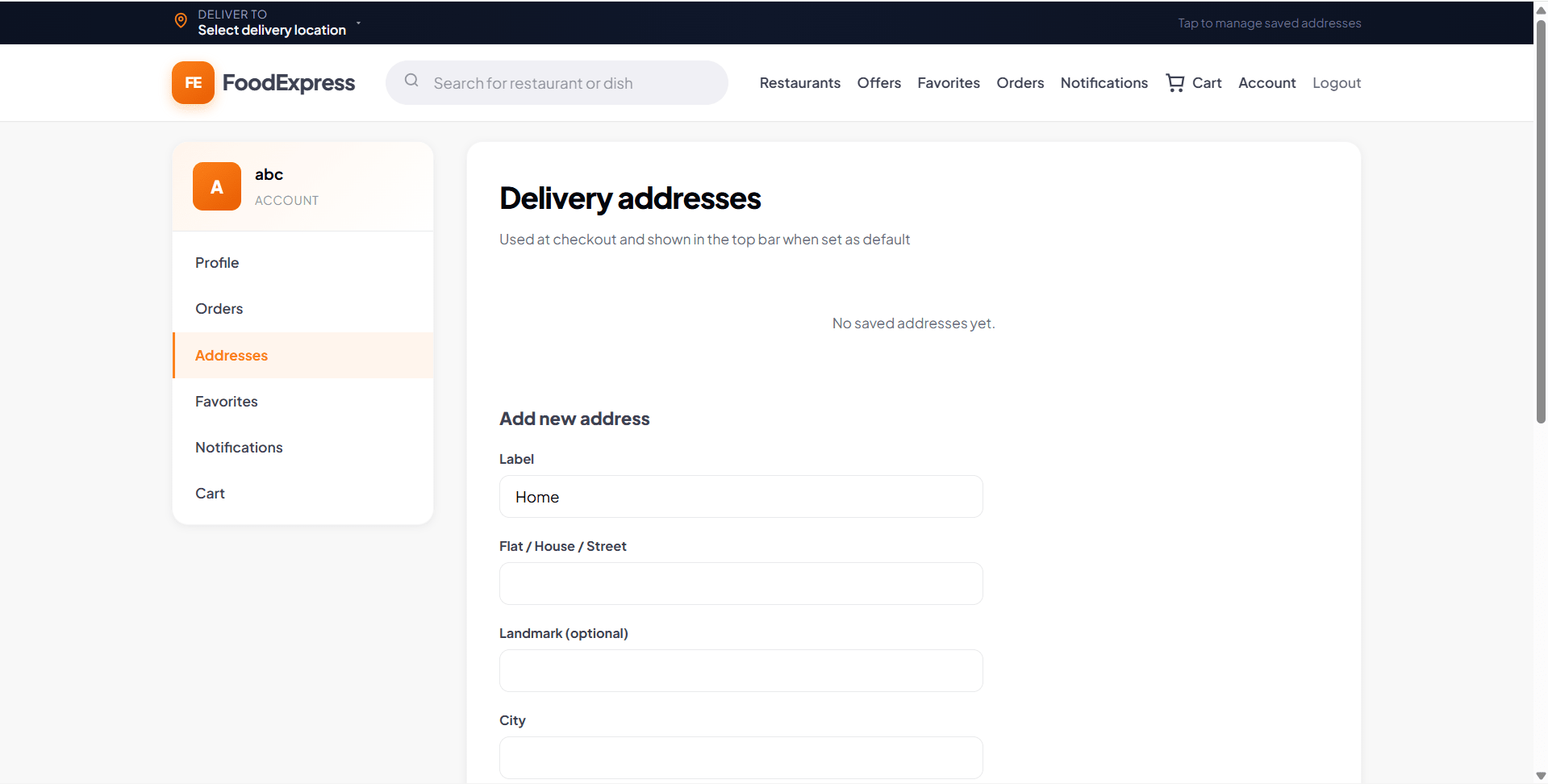
On the customer side, FoodExpress includes registration, login, password reset, profile management, multiple delivery addresses, restaurant discovery, menu browsing, favourites, cart, checkout, coupon application, order placement, order tracking, and post-delivery reviews. The platform also supports practical business logic such as one-restaurant-per-cart handling, tax and delivery charge calculation, minimum order validation, and in-app notifications for order updates.
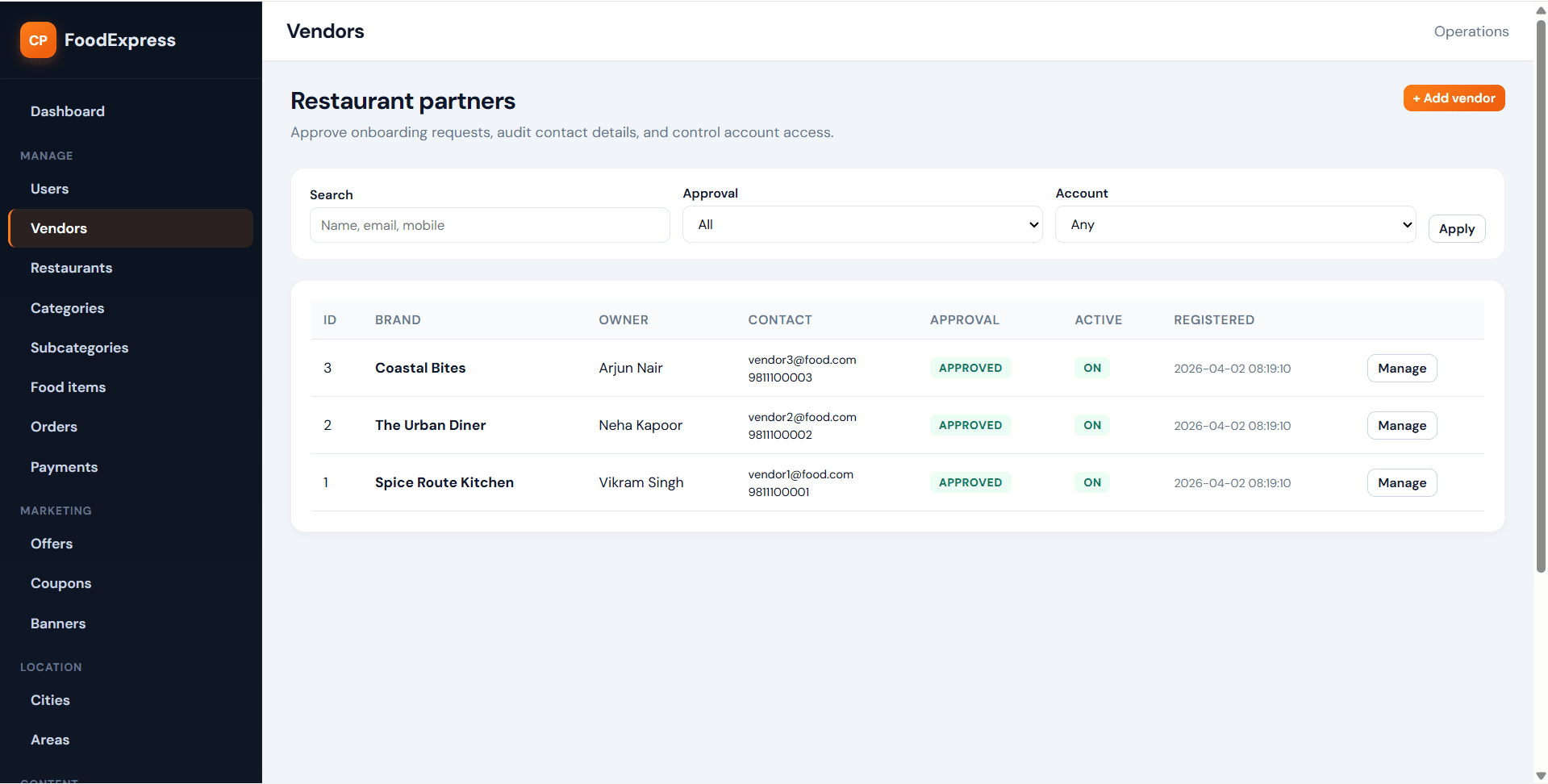
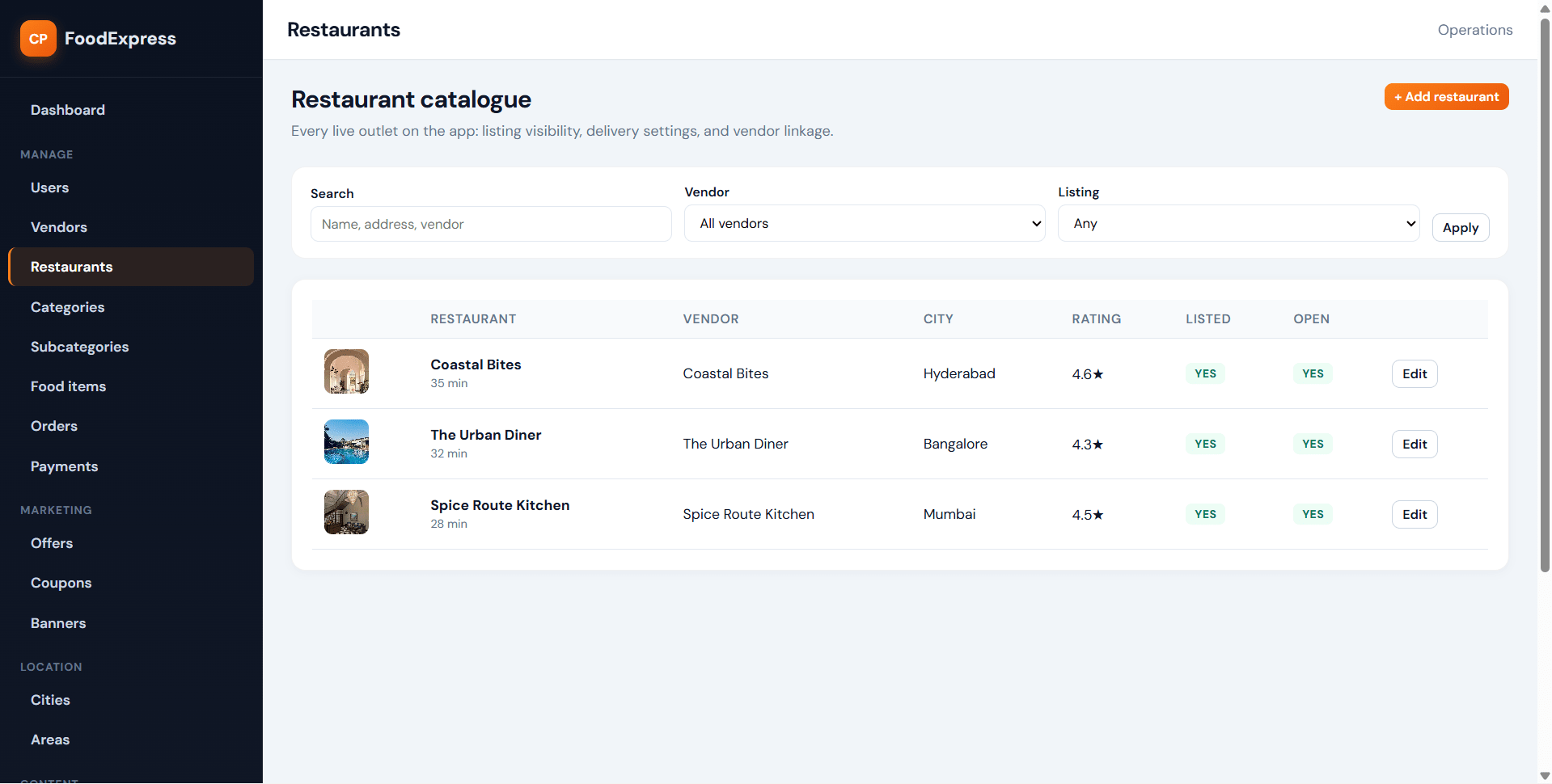
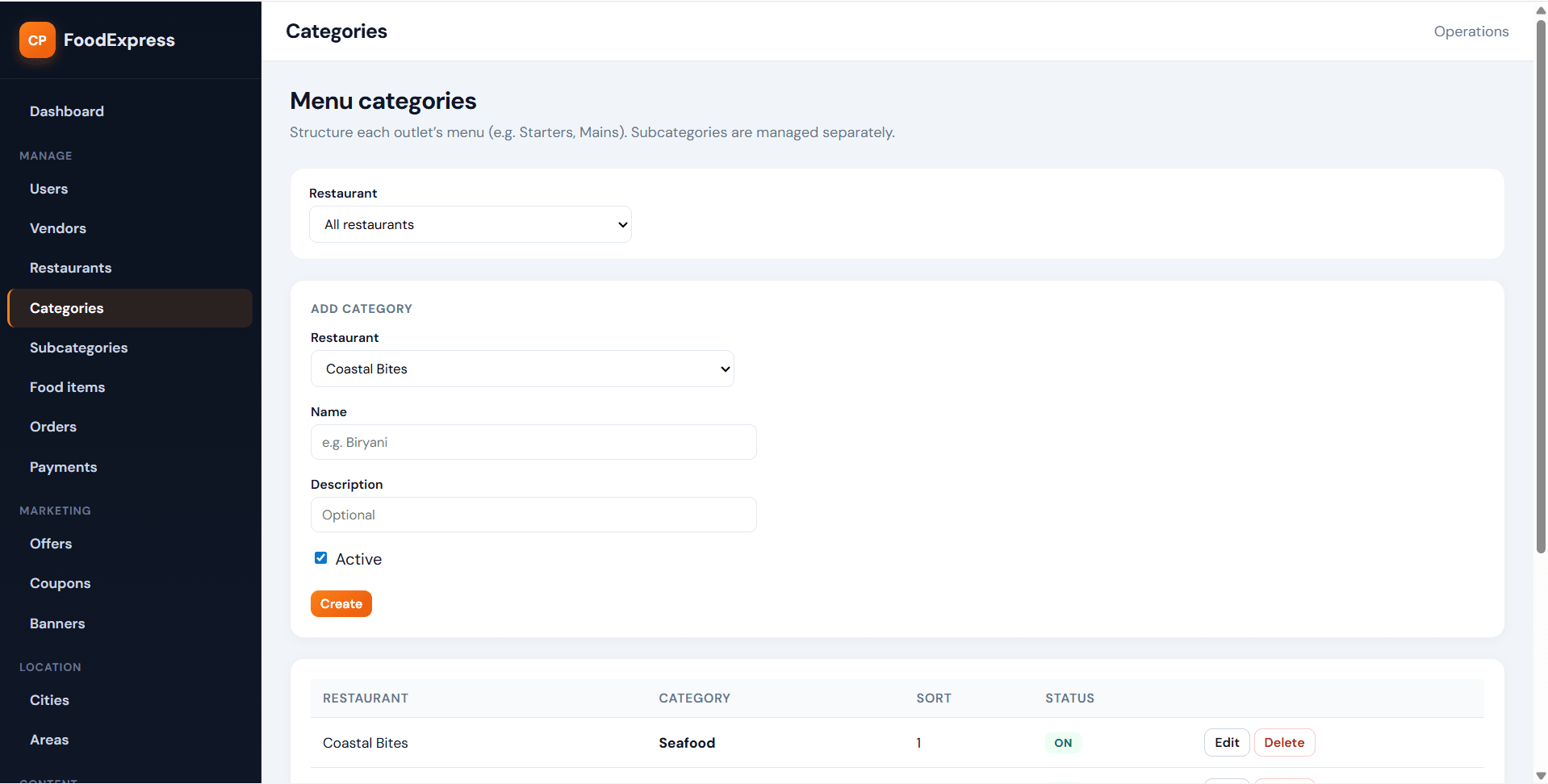
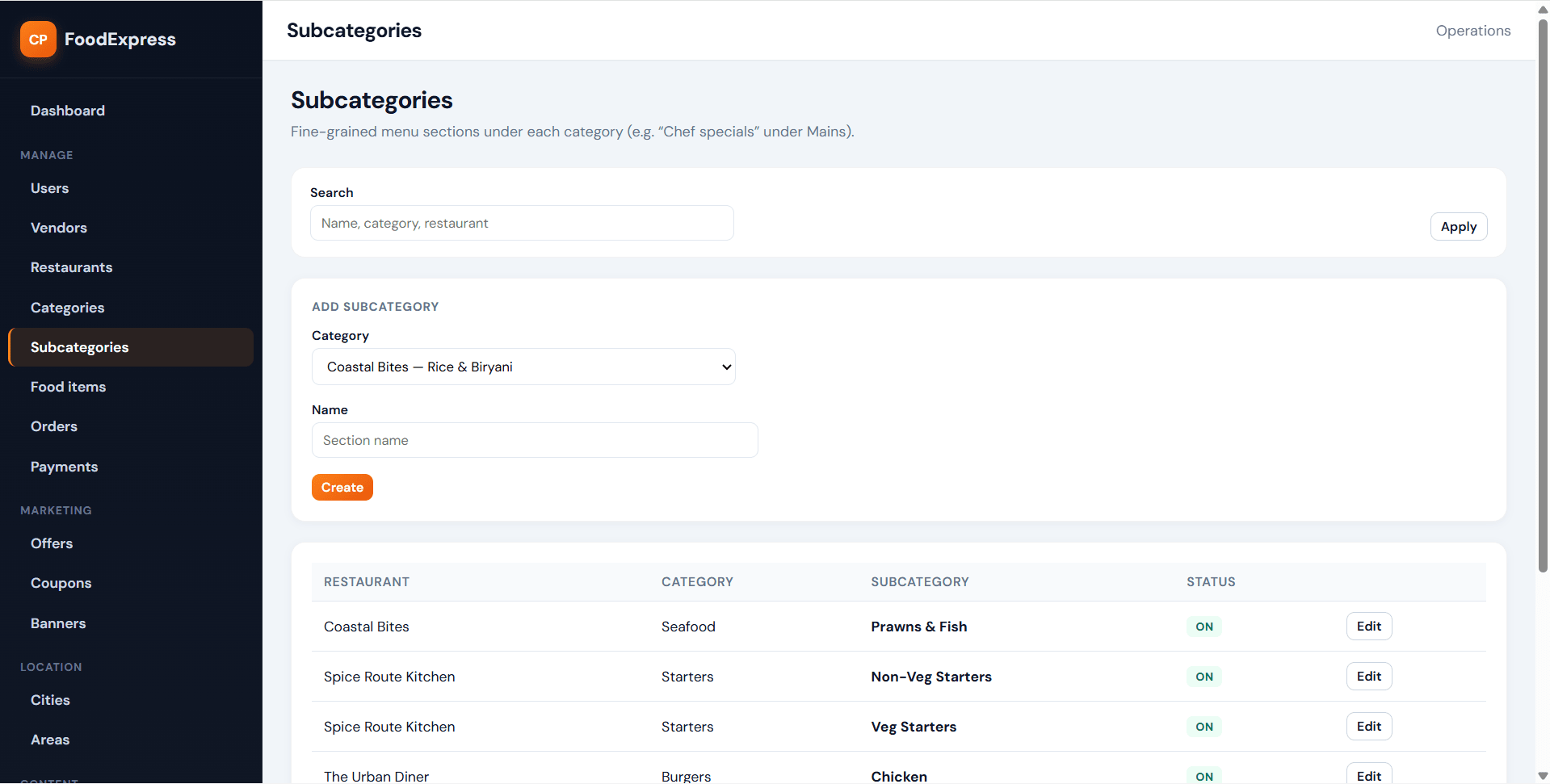
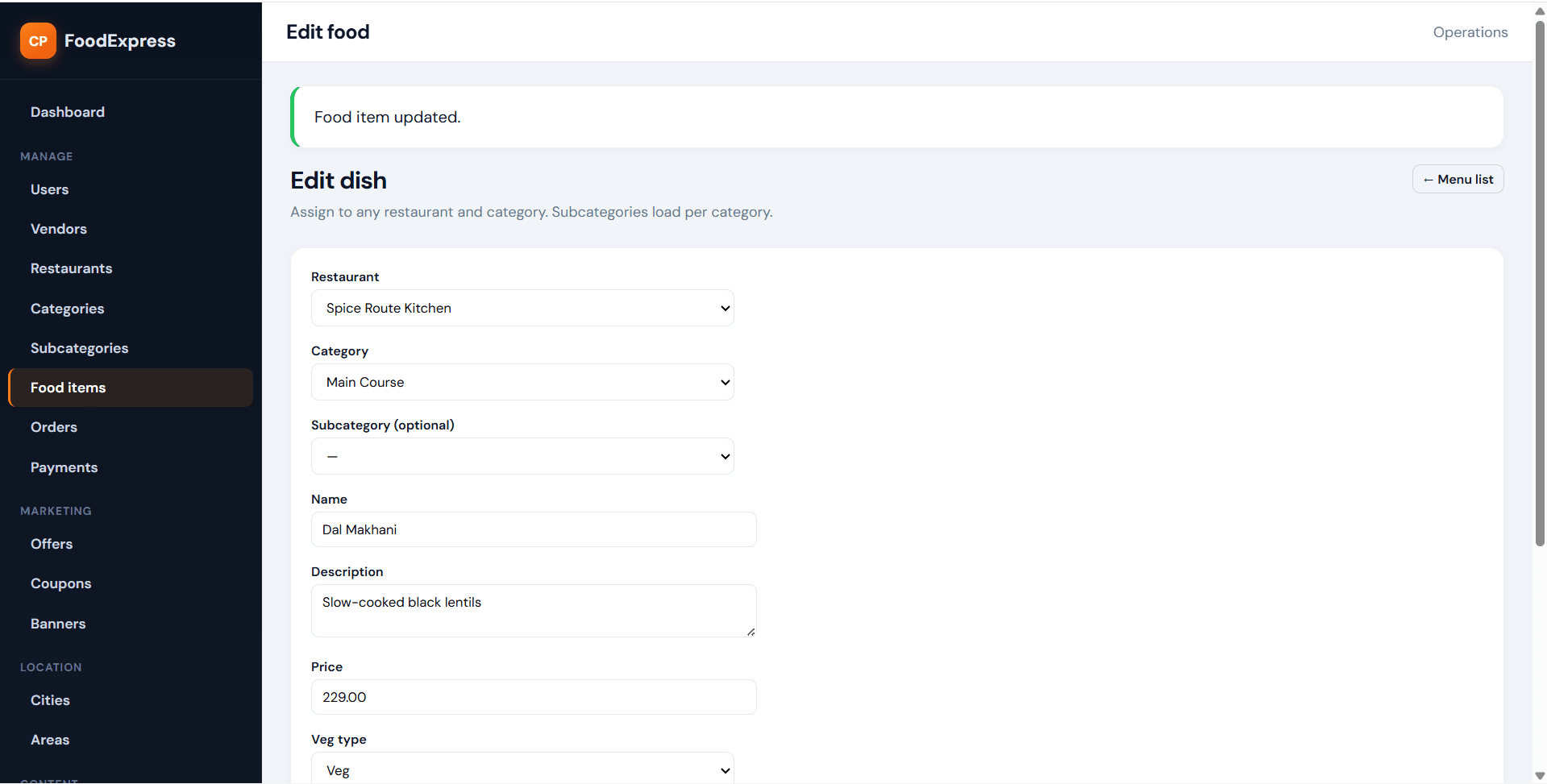
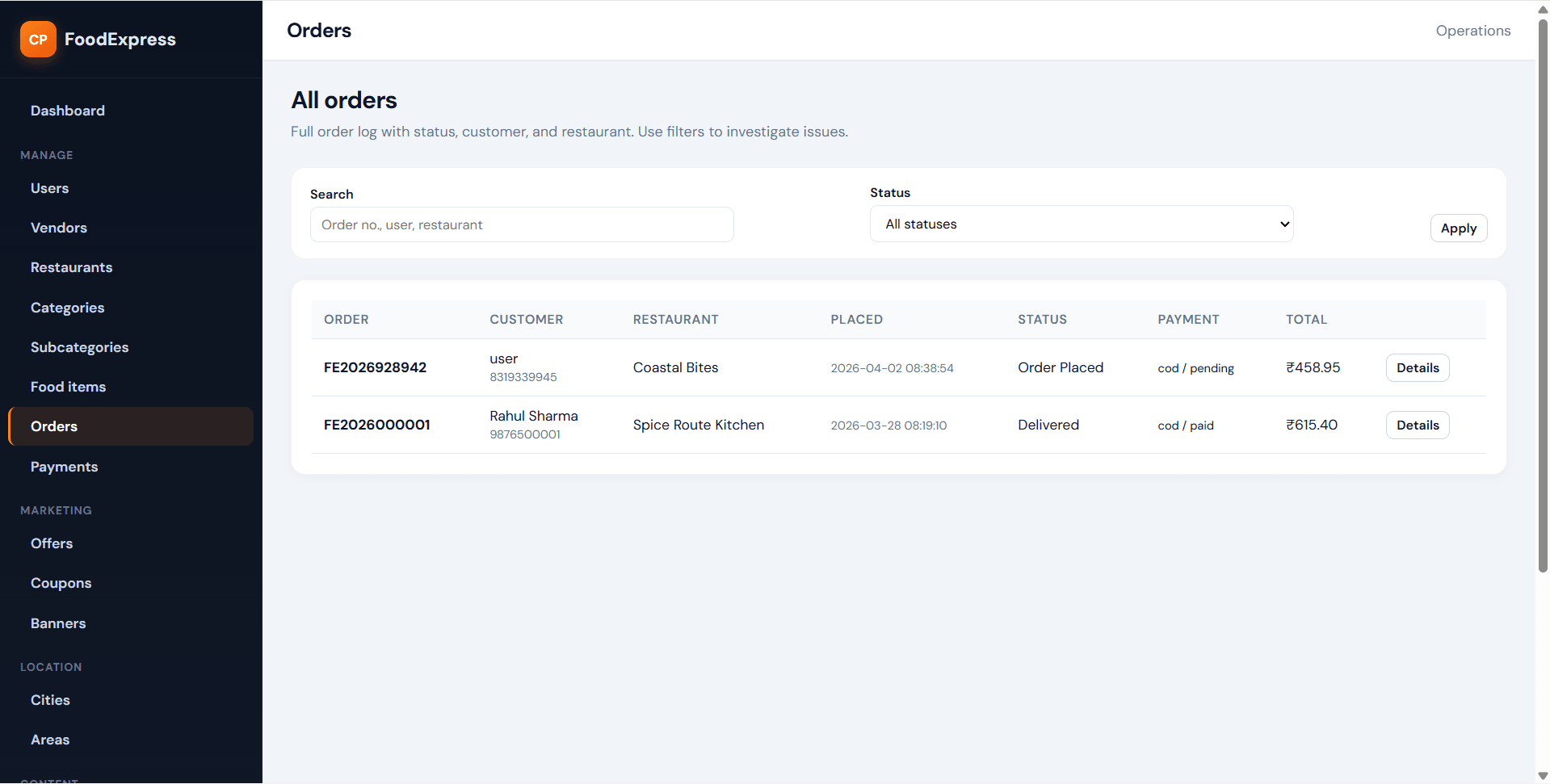
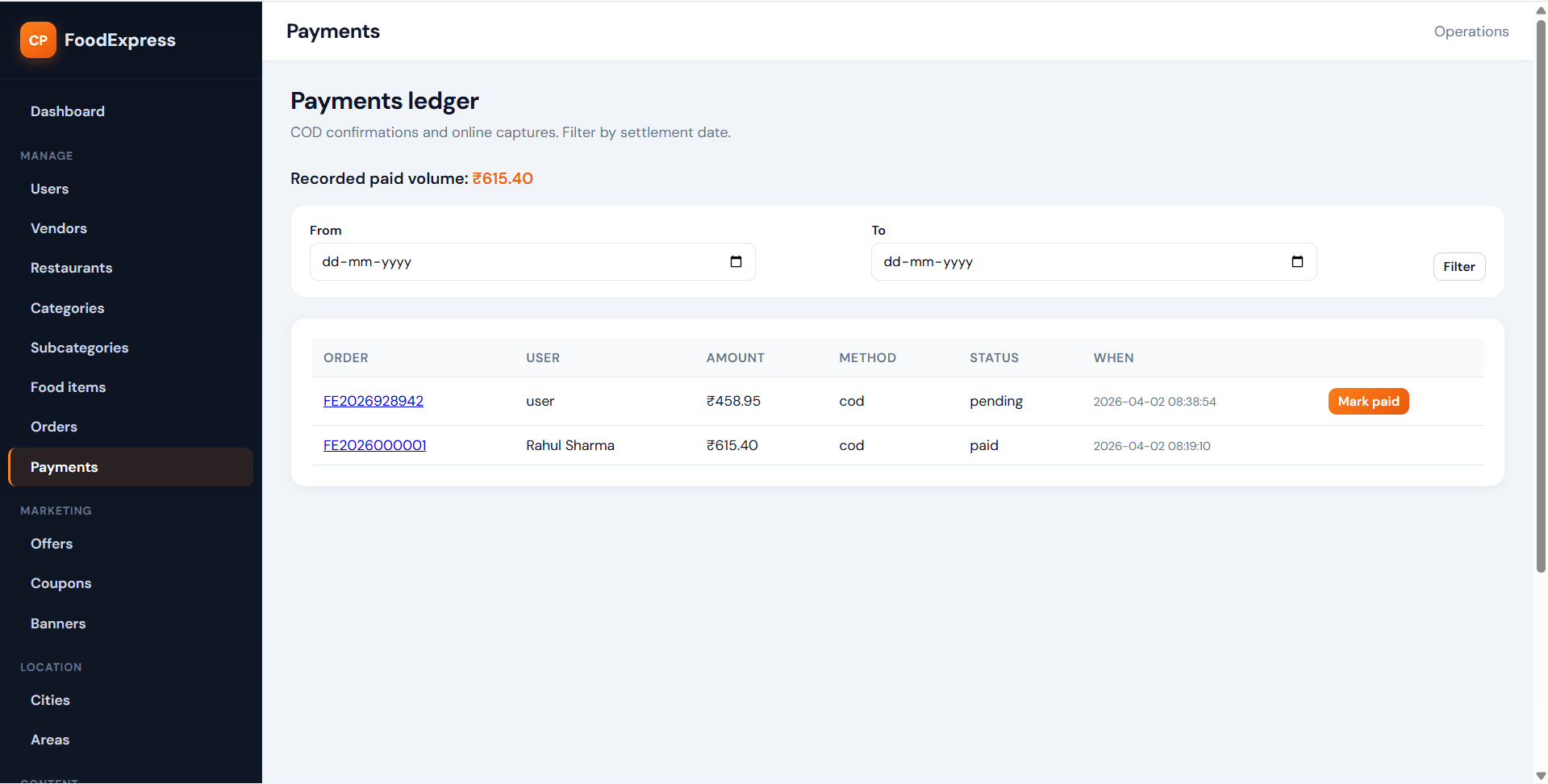
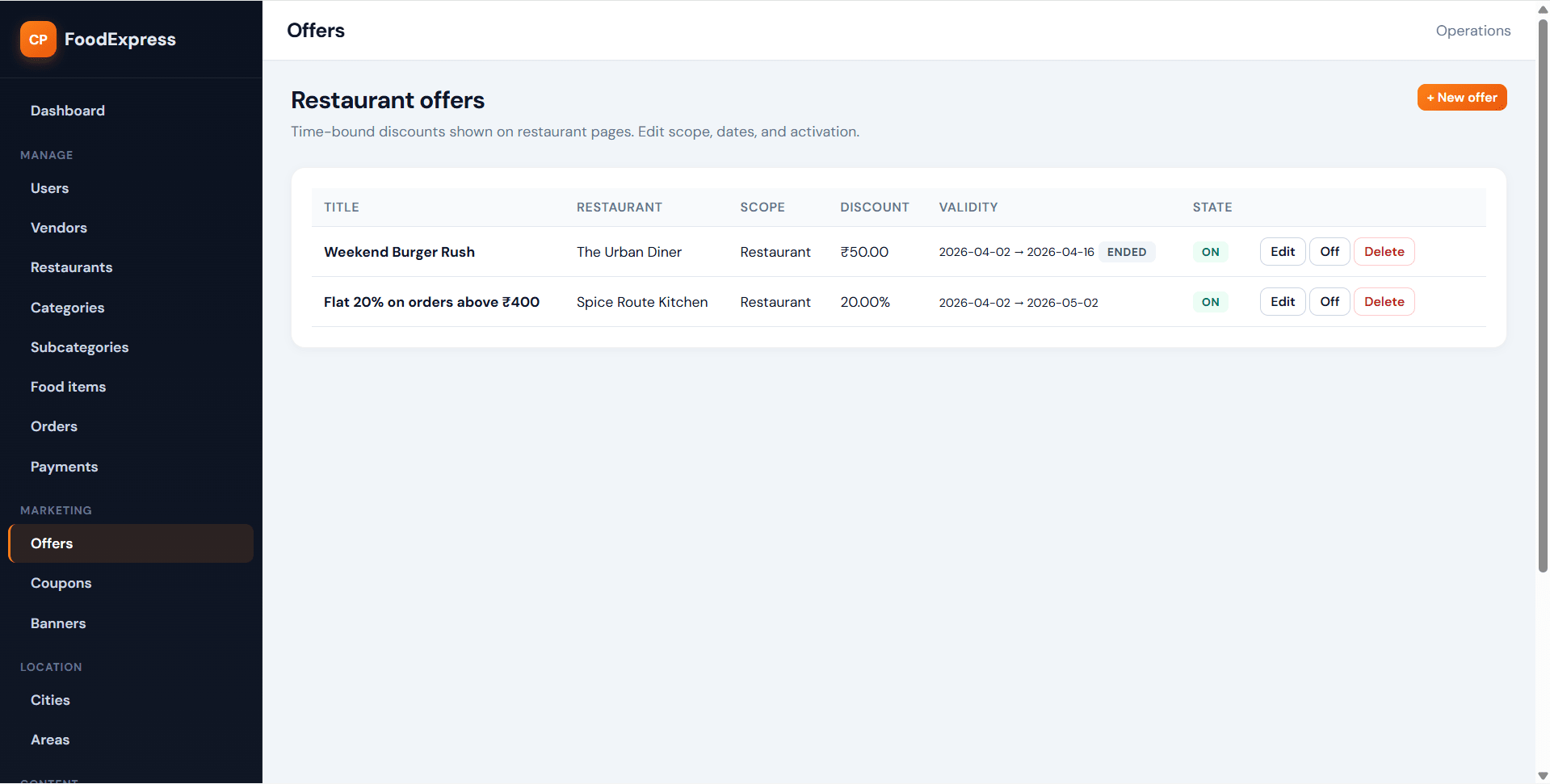
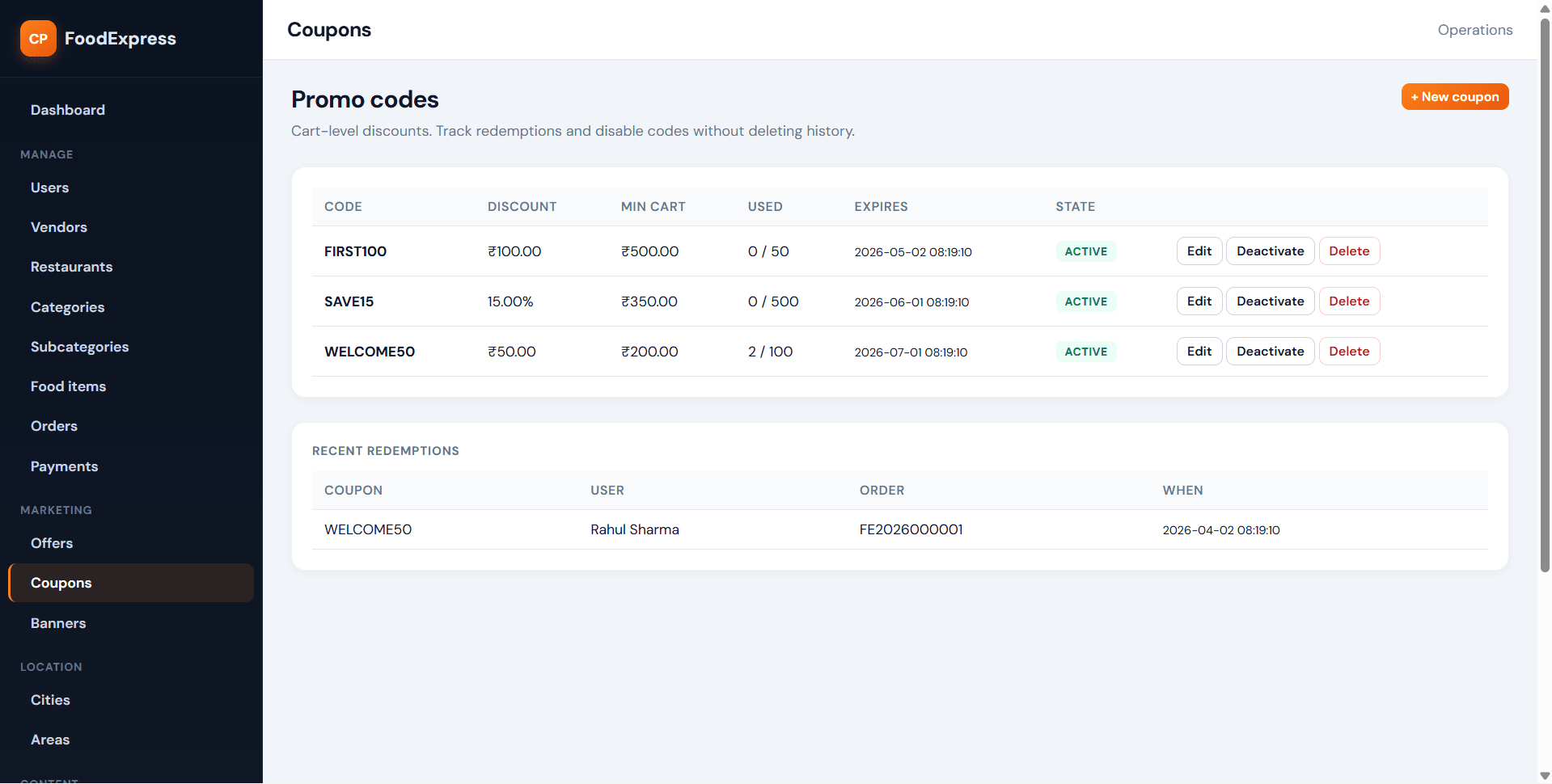
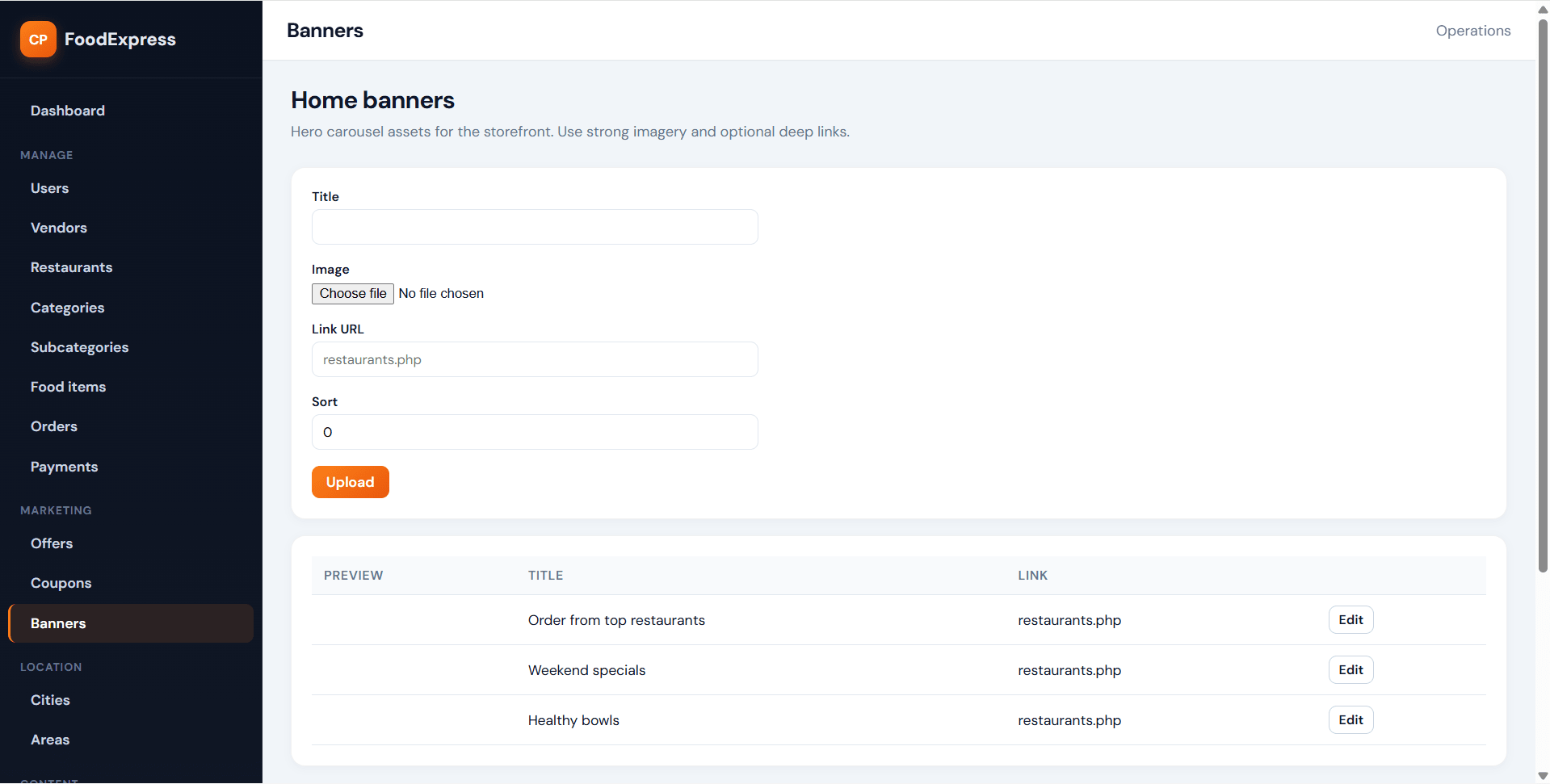
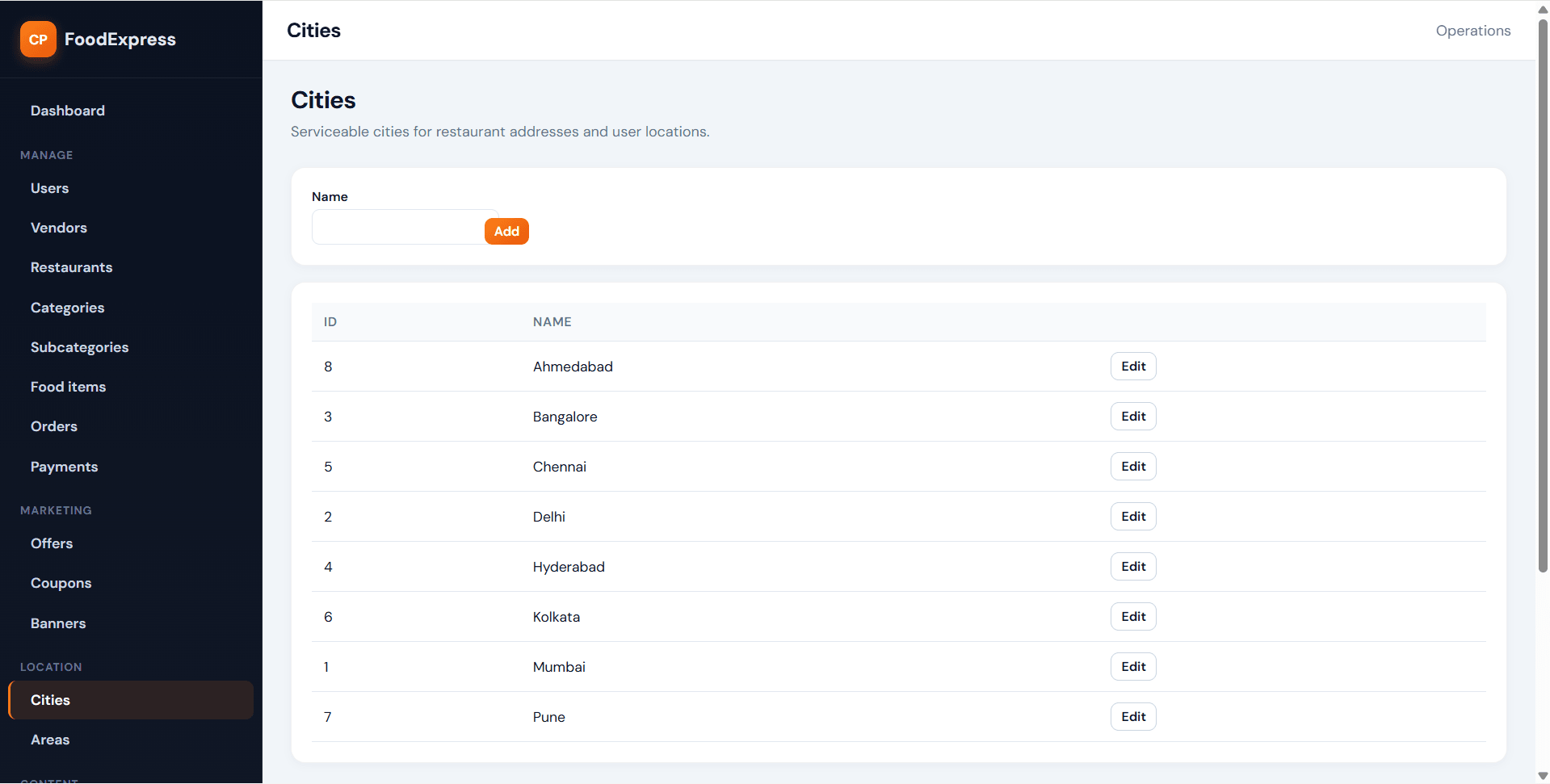
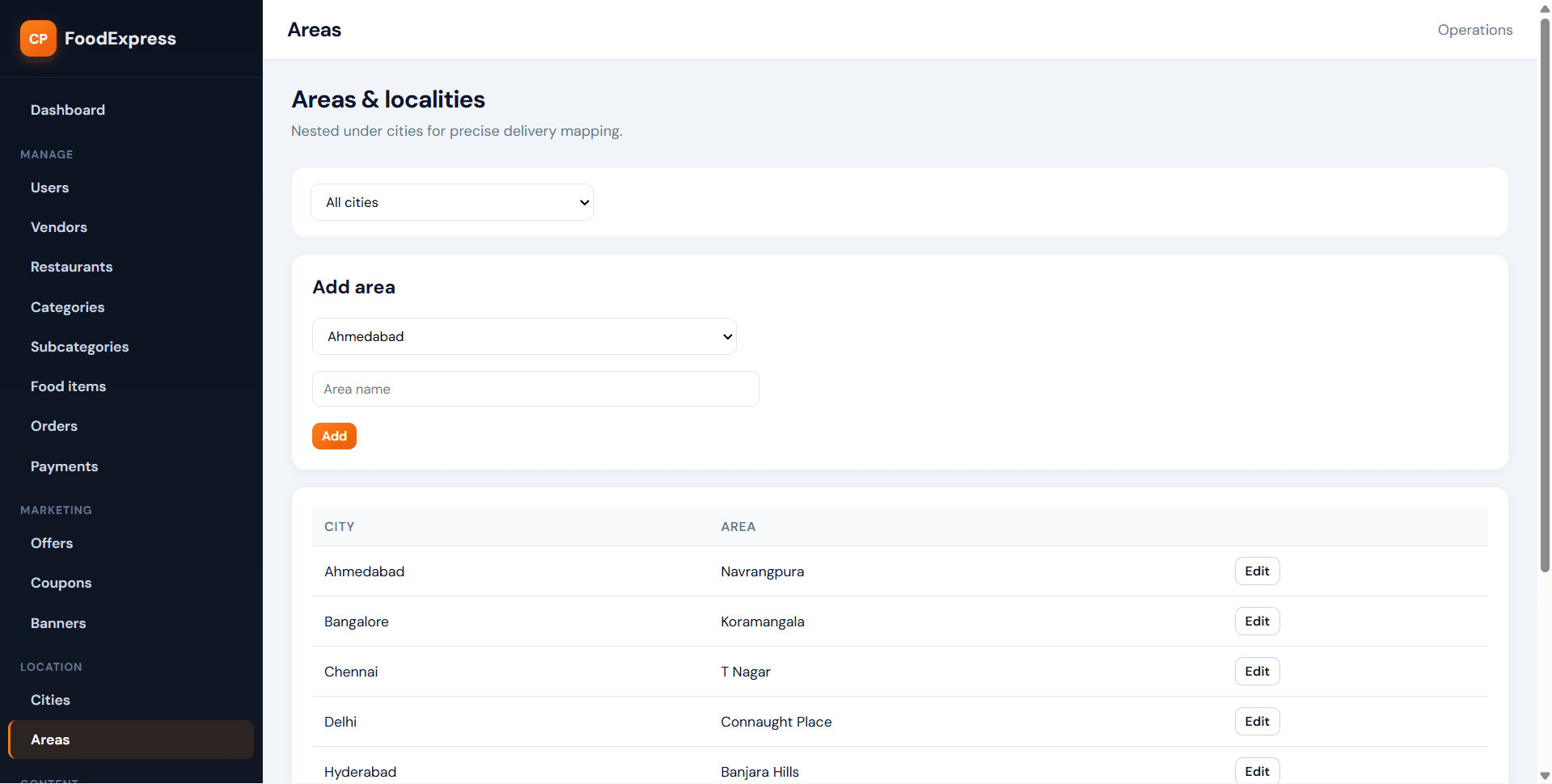
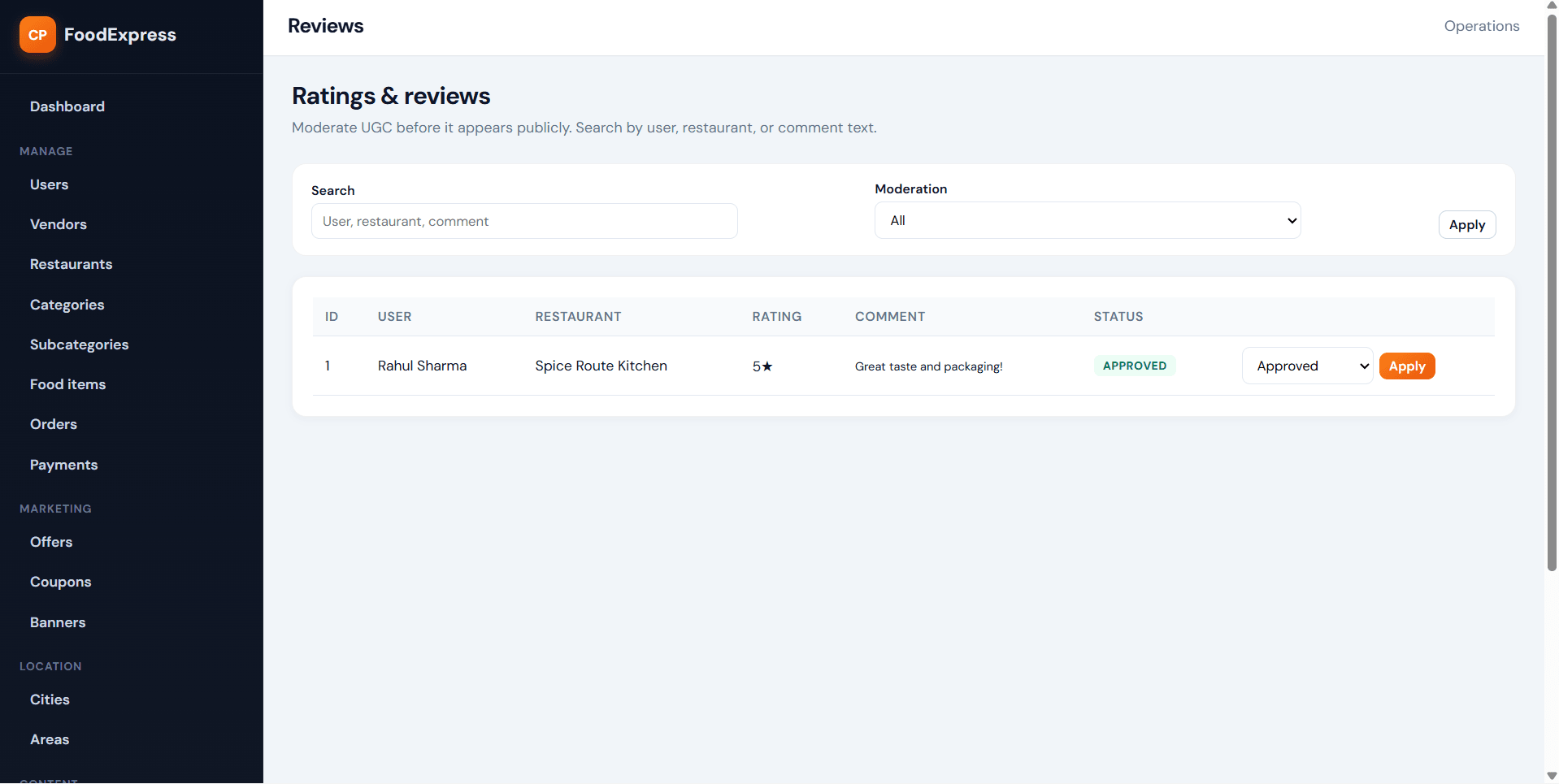
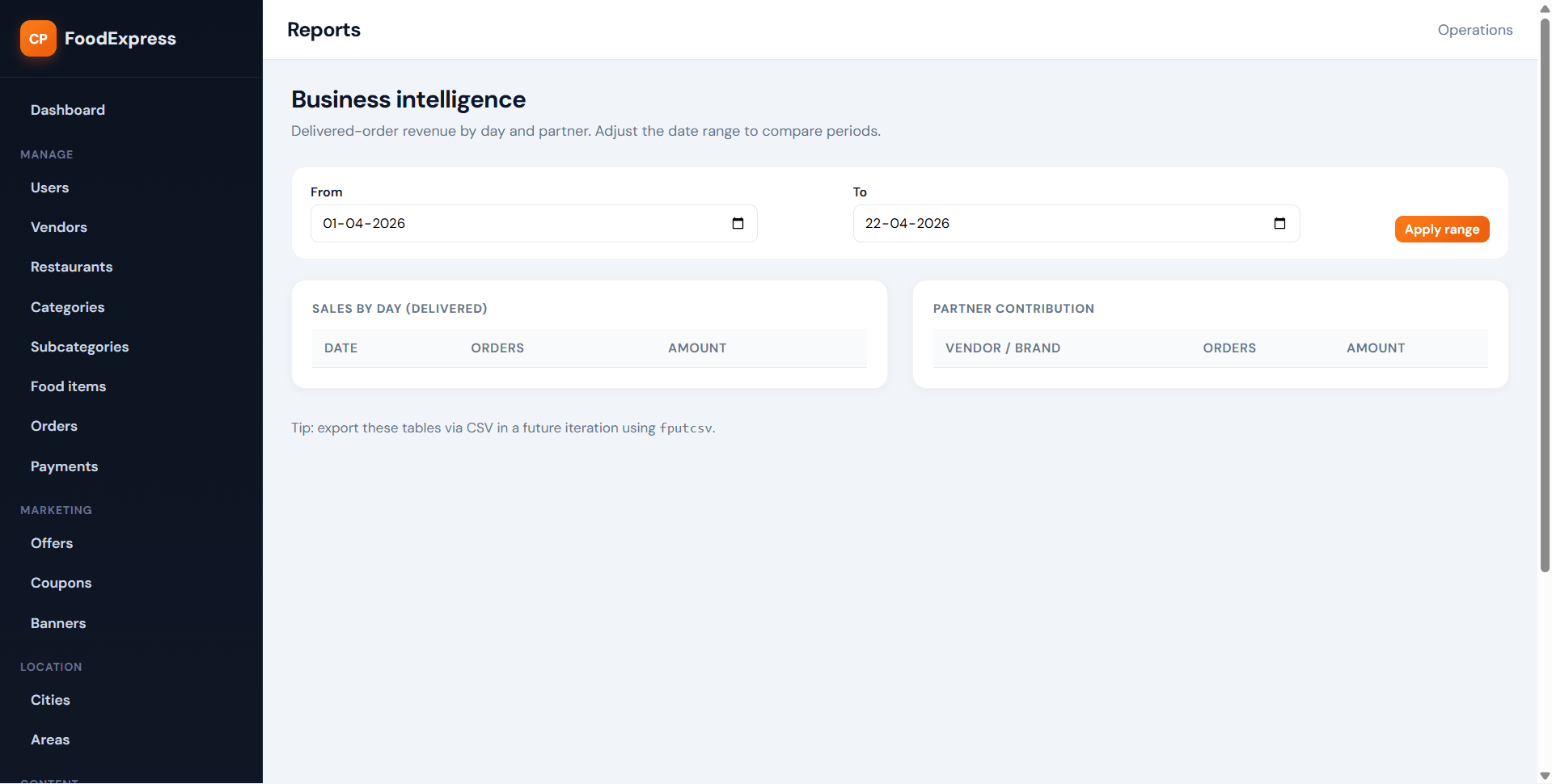
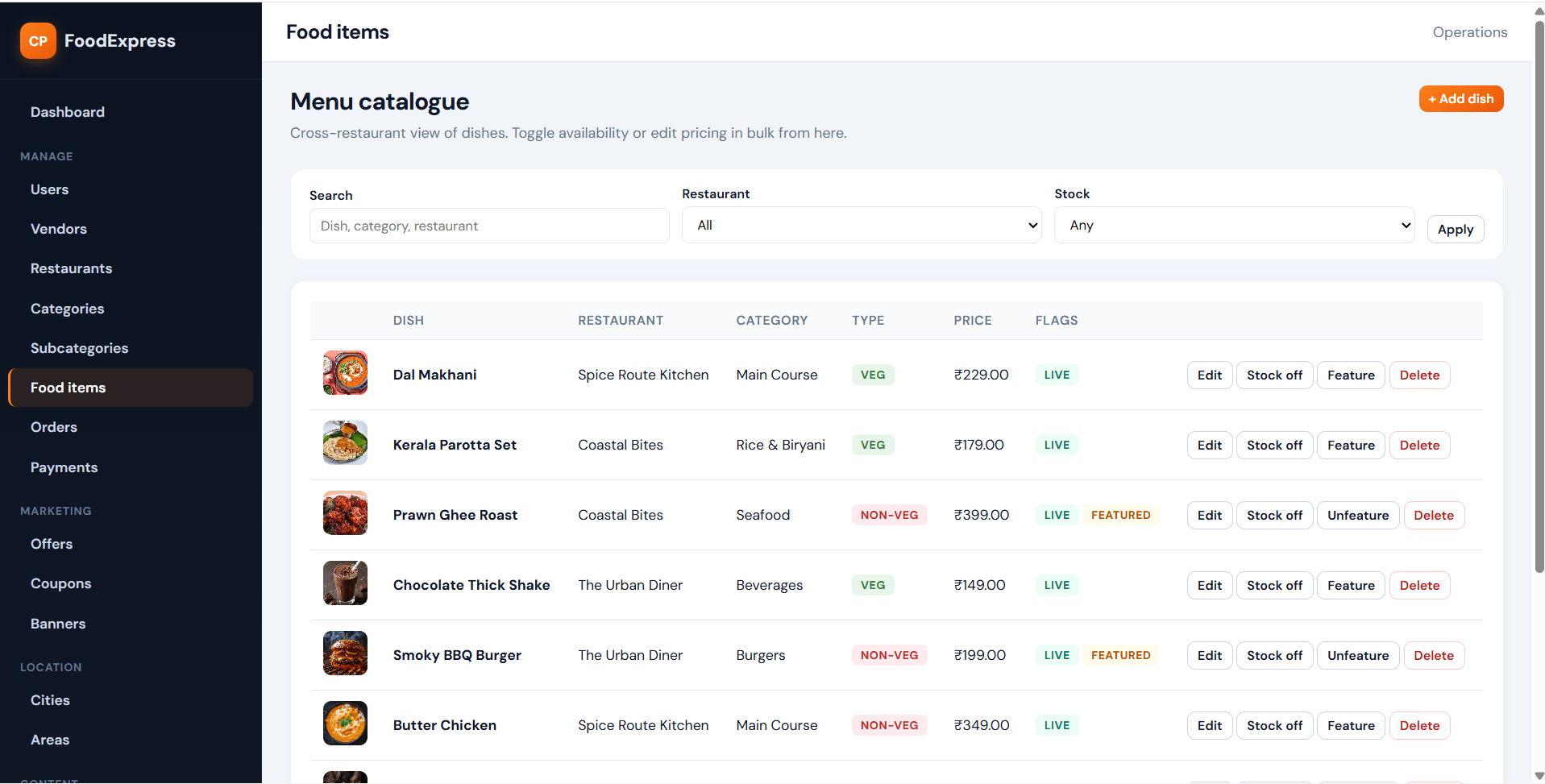
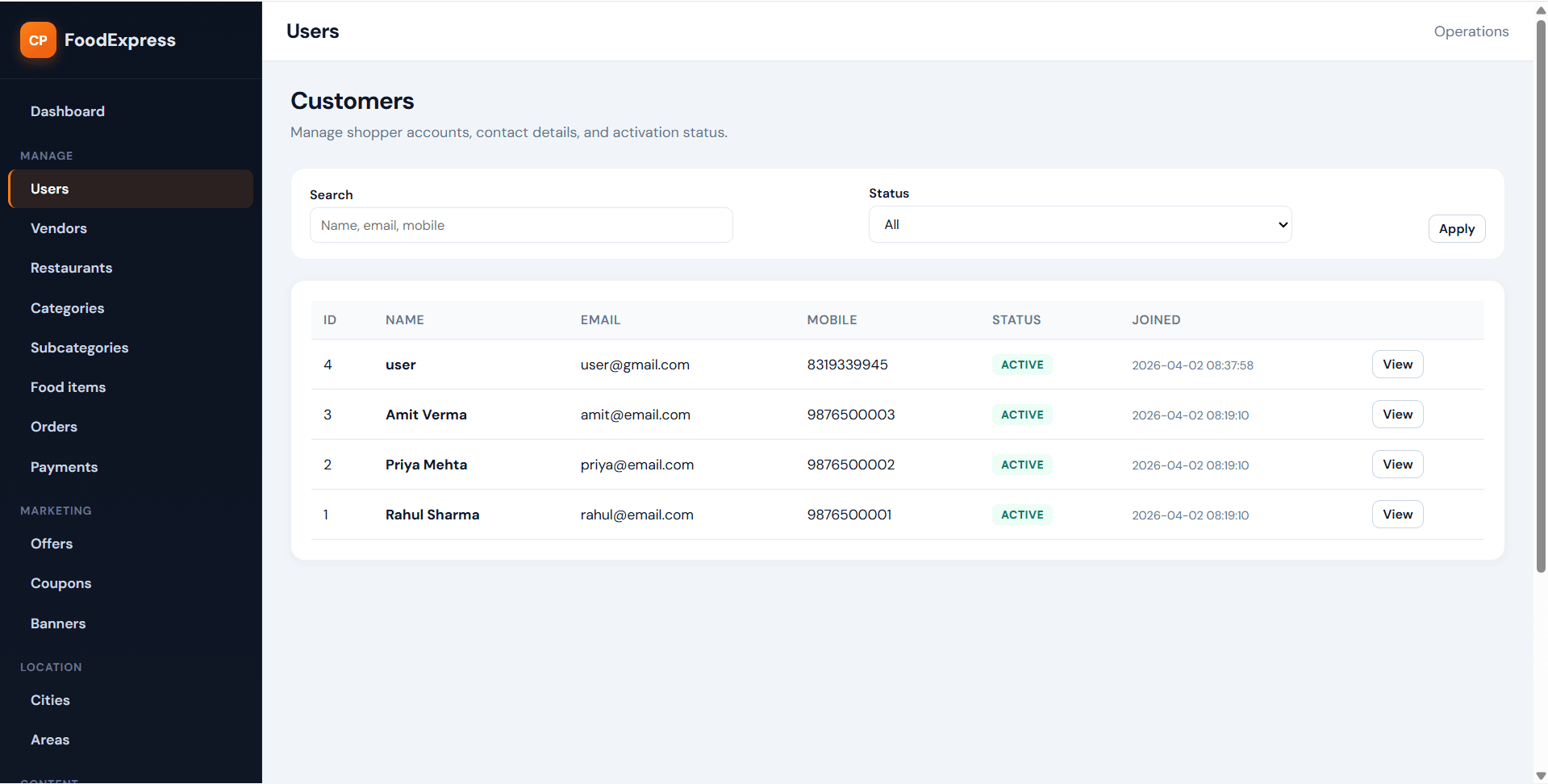
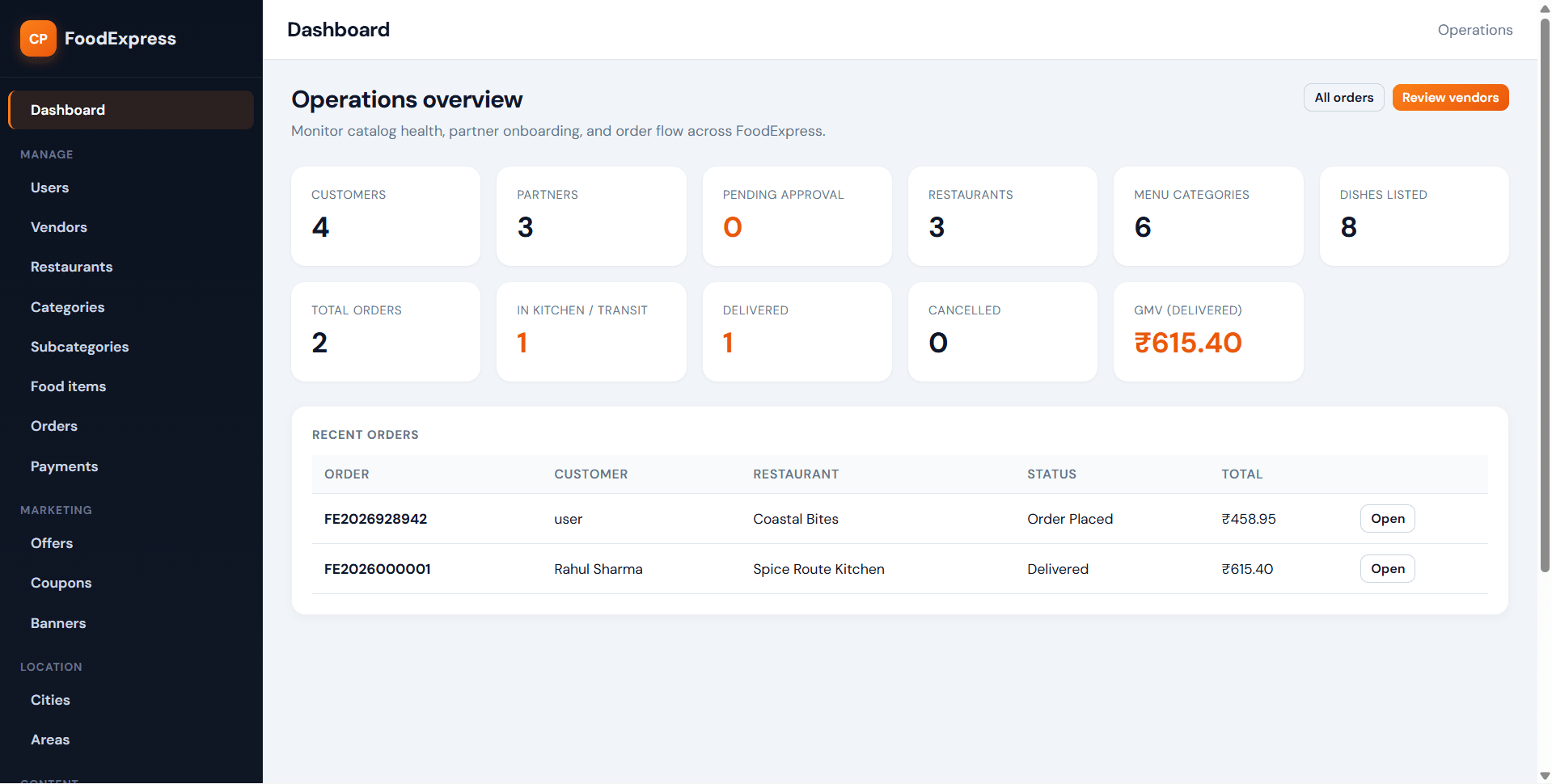
The admin dashboard is designed for platform control, while the vendor panel focuses on restaurant operations. Admin users can manage vendors, restaurants, categories, menu items, offers, coupons, banners, locations, reviews, orders, payments, reports, and core platform settings. Vendors can manage menus, process orders, create offers, track earnings, and respond to reviews. Built with PHP sessions, CSRF tokens, PDO prepared statements, and MySQL, the project is structured for local deployment and academic customization. FileMakr can support setup guidance and documentation alignment based on college requirements.
Ready to download?Pay once · Use for submission & viva
Modules and controls available to administrators
The Admin Panel gives full control over the food ordering platform and restaurant operations.
What end users can do in this application
The User Panel is designed to give customers a smooth and modern online food ordering experience.
Additional capabilities included in the project
The Vendor Panel allows restaurant owners to manage their restaurant profile, menu, offers, and customer orders.
Step-by-step setup on your laptop or PC
Follow the steps below to run this Online Food Ordering System in PHP and MySQL on your local server.
Download the source code and extract the project folder into your server root directory such as:
htdocs for XAMPPwww for WAMPStart:
Open phpMyAdmin and create a new database.
Import the provided SQL file into your newly created database.
Open the database configuration file and update:
Open your browser and run the project using:
http://localhost/project-folder-name/
Default demo accounts for testing after setup
Use the admin, vendor, or user login credentials to access the system.
The project includes modules for food ordering, restaurant management, coupon handling, order tracking, and reporting. Based on your uploaded details, the application contains separate authentication flows and role-based dashboards for admin, vendor, and user accounts.
Usage terms for academic and personal projects
Search terms and categories for this source code