Online Food Ordering System using python | Source Code
LIMITED TIME
Get Source Code ₹99
Open Live Demo
Real project UI Full source included Opens in new tab

Tap to open live demo

Interactive live demo — verify the project before you buy

Online Food Ordering System using python

Live Demo

Complete final-year project source code with frontend, backend, database, and setup guide. Instant download after secure payment.

  • PYTHON Stack
  • Instant Download
Secure CCAvenue payment Instant download link WhatsApp support

Choose your plan

Source Code Only

Full ZIP with frontend, backend, database & documentation.

₹99 one-time
  • Complete project source files
  • Database script included
  • How-to-run guide

What's in your download

Review features, setup steps, and credentials before you pay.

Project Overview

Description, tech stack, and what is included

Full source Frontend + backend
Database .sql file
Setup guide README included

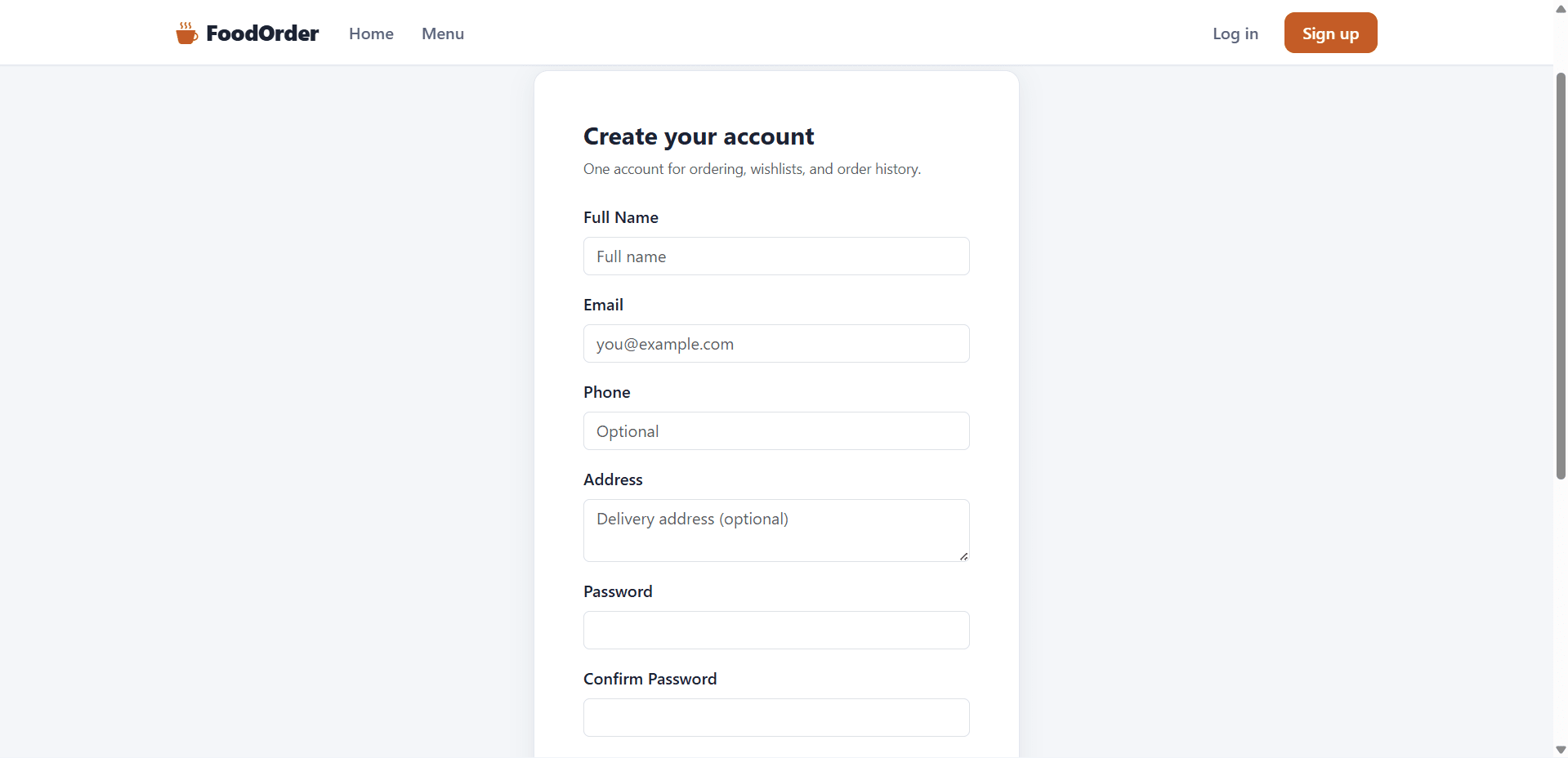
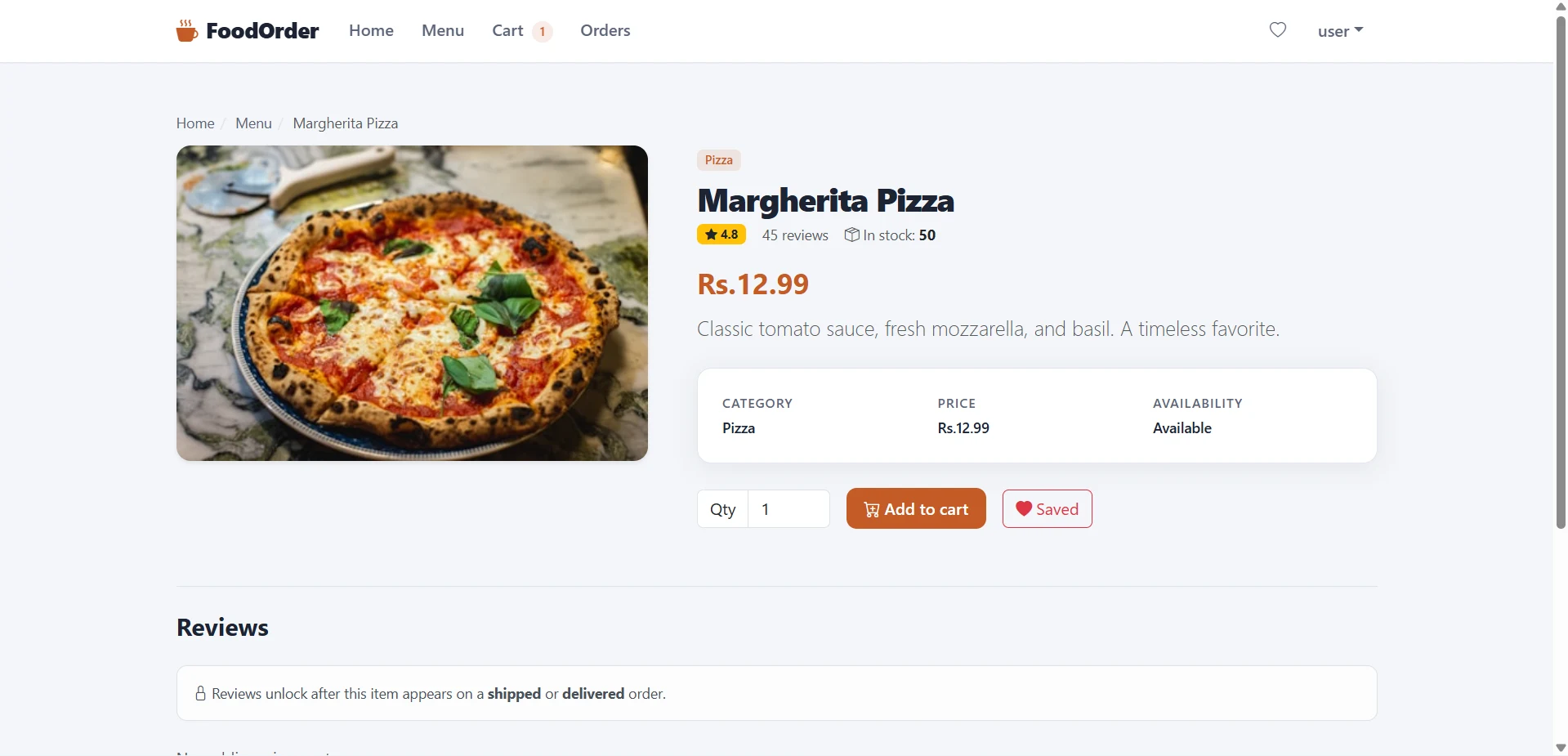
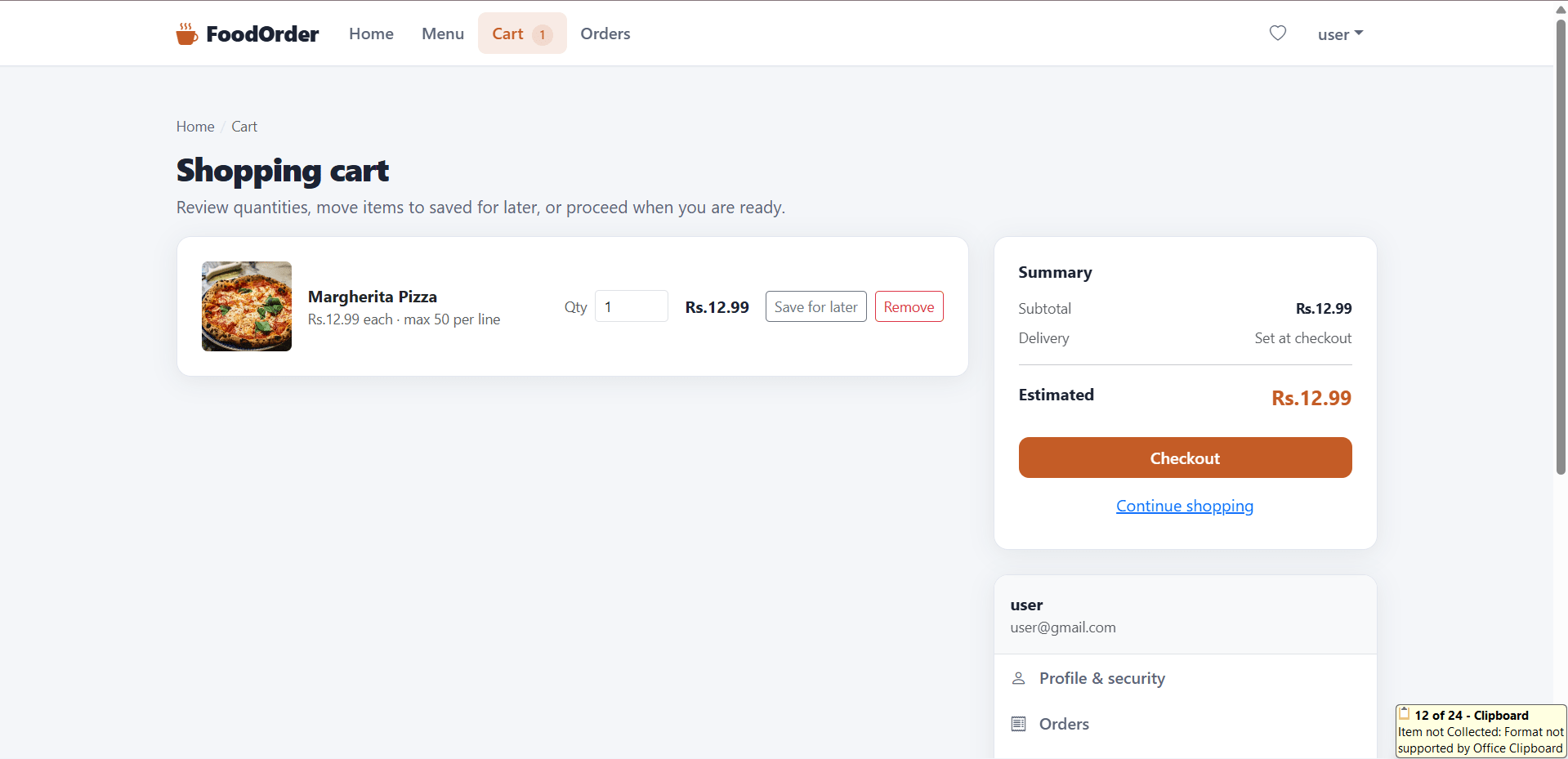
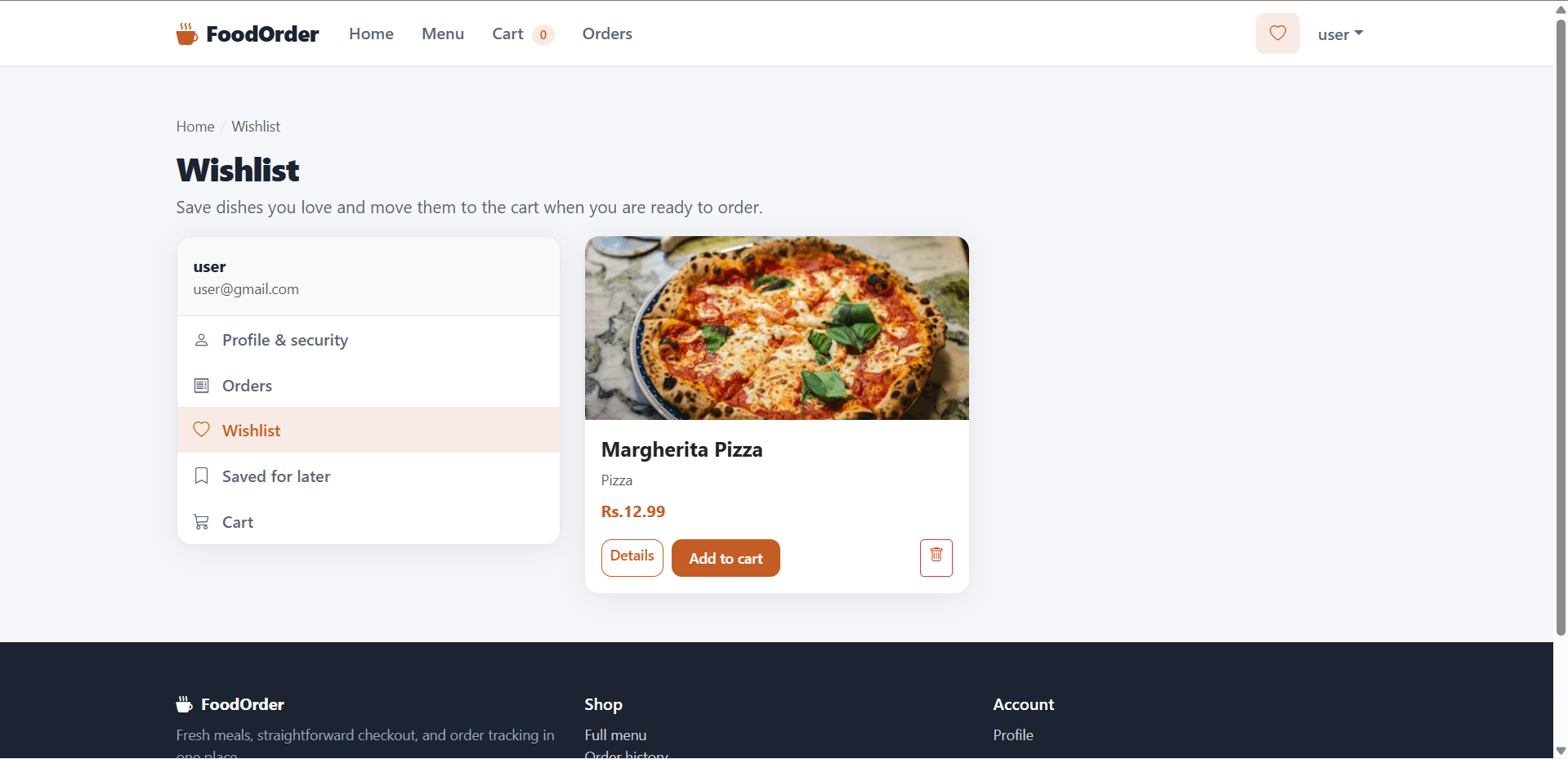
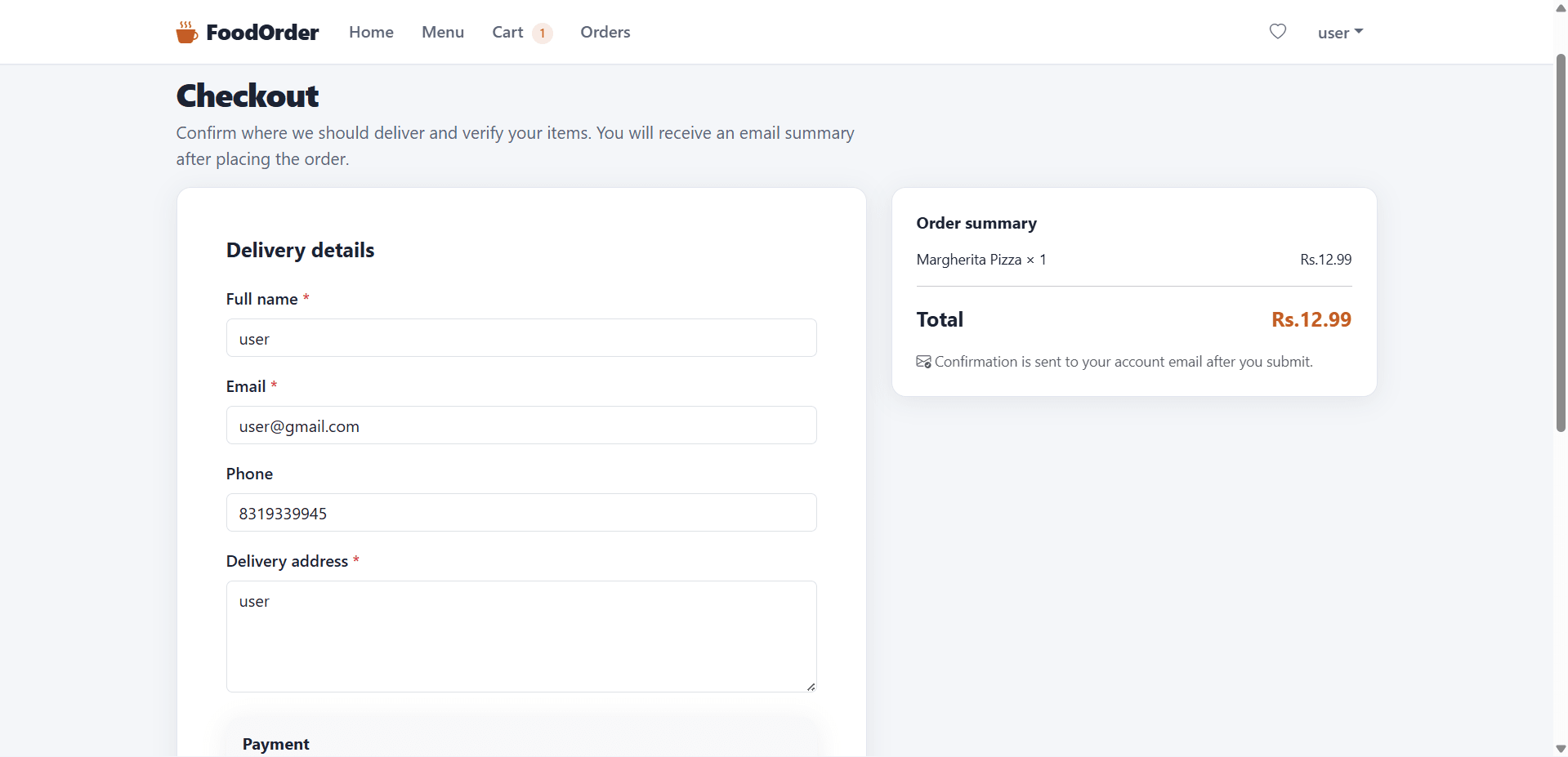
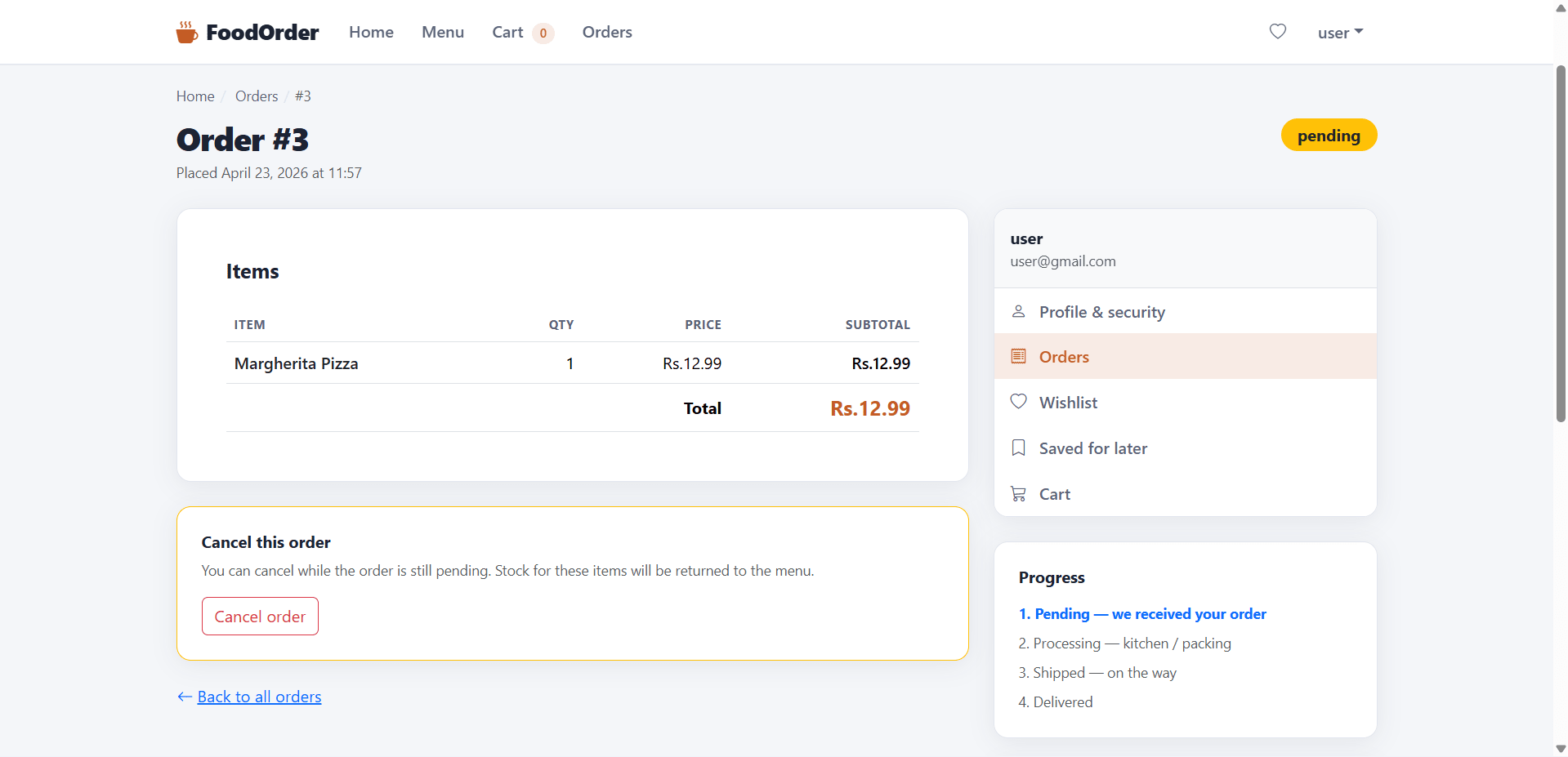
Online Food Ordering System is a Python Flask-based final year project designed for students who want a practical web application with real e-commerce workflow coverage. This final year project includes both user and admin modules, making it suitable for academic submission, source code study, and demonstration. Users can sign up, manage profiles, reset passwords through Gmail, browse products with search and filters, add items to cart, use wishlist and saved-for-later options, place orders, and review purchased products. The admin side of this final year project includes dashboard statistics, order management, product management, user management, review control, and payment status updates. With seeded demo data, structured project files, and simple Flask setup, this project is a good fit for students looking for a final year major project in Python web development, e-commerce systems, or database-backed application design

Technical snapshot

Project
Online Food Ordering System using python
Stack
PYTHON
Includes
Code, DB, README
License
Academic submission
Secure CCAvenue payment · Instant download · Need help? WhatsApp us

Ready to download?Pay once · Use for submission & viva

Admin Features

Modules and controls available to administrators

  • Separate admin features in this final year project for complete platform control
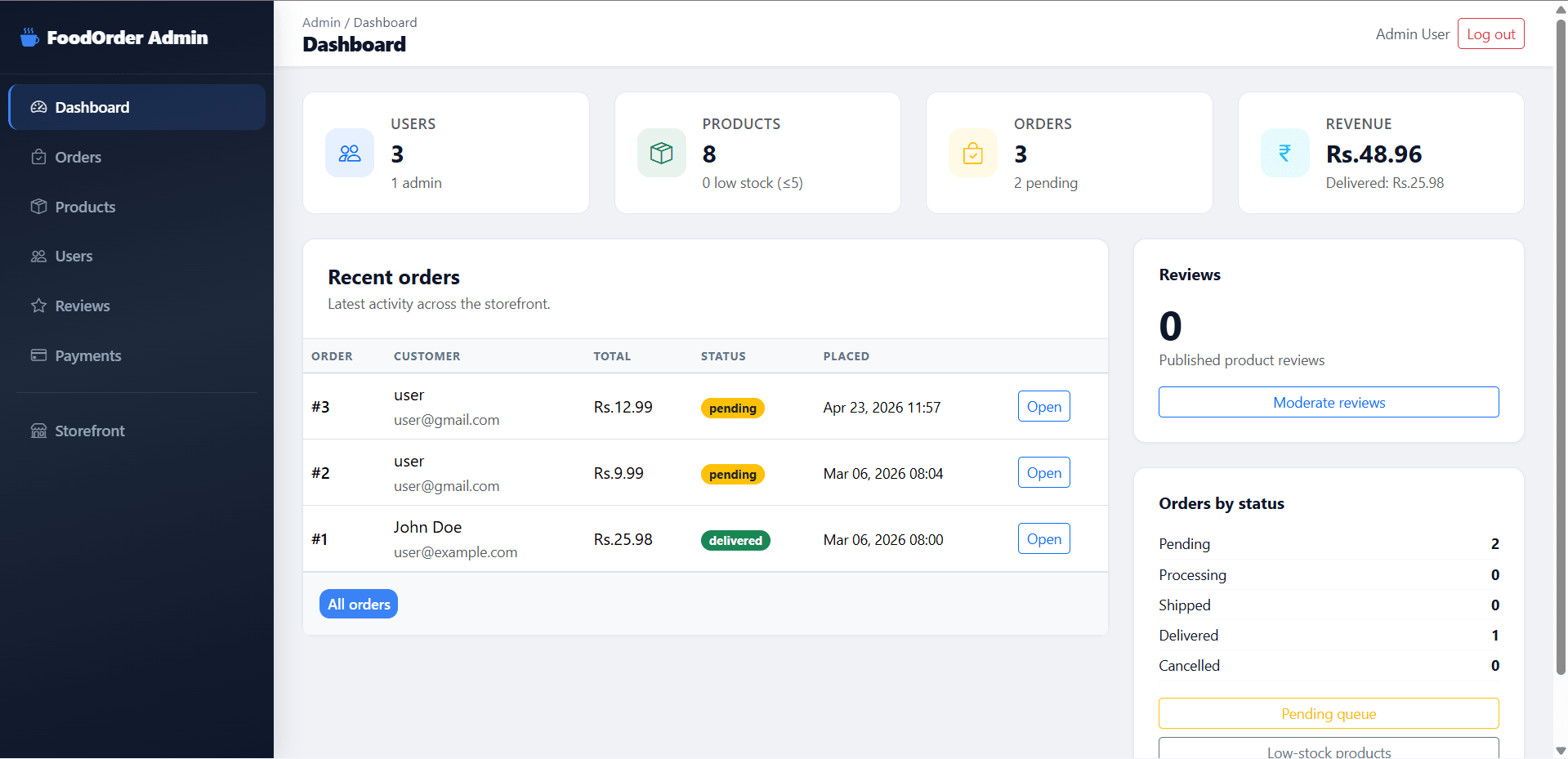
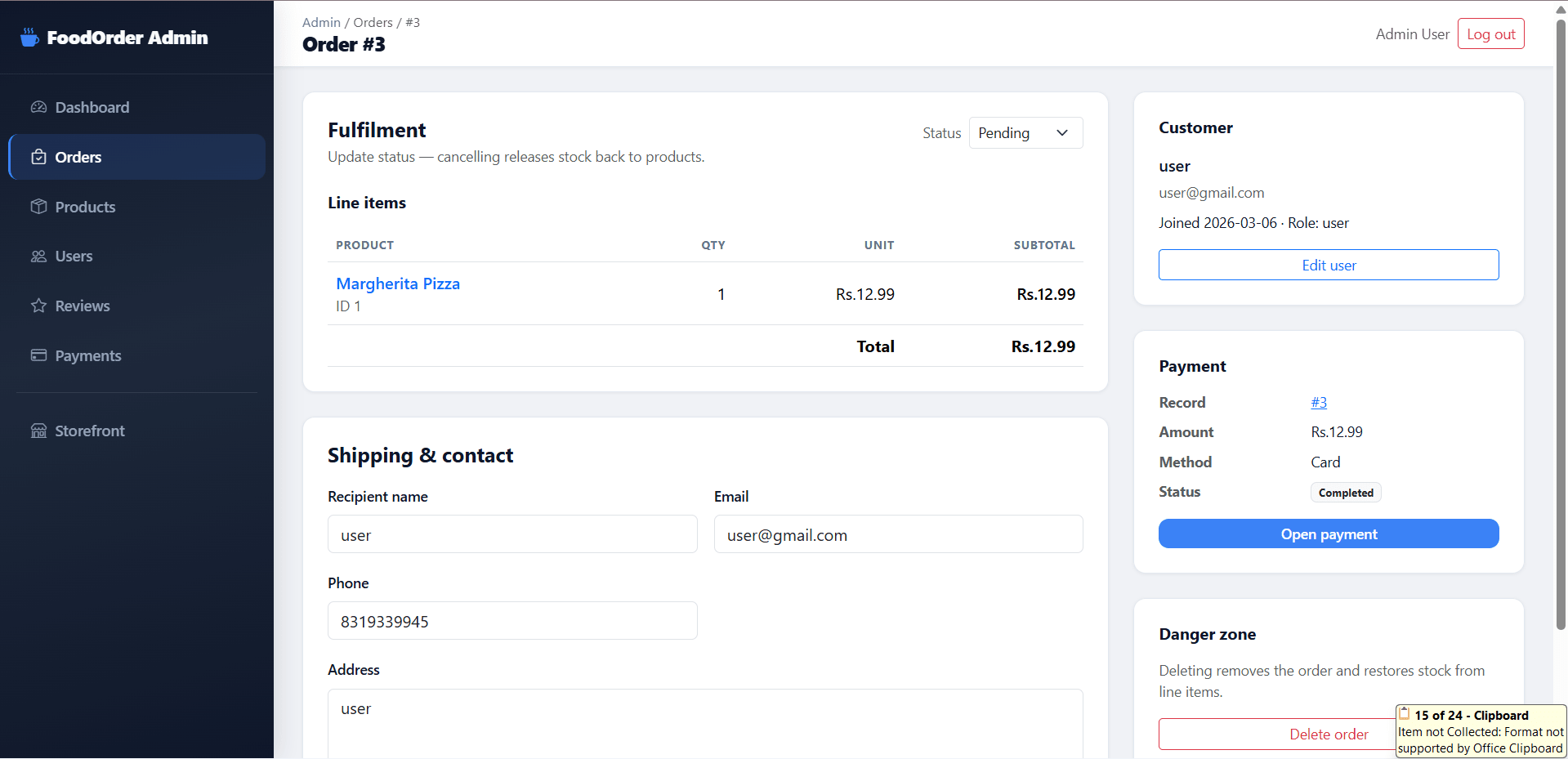
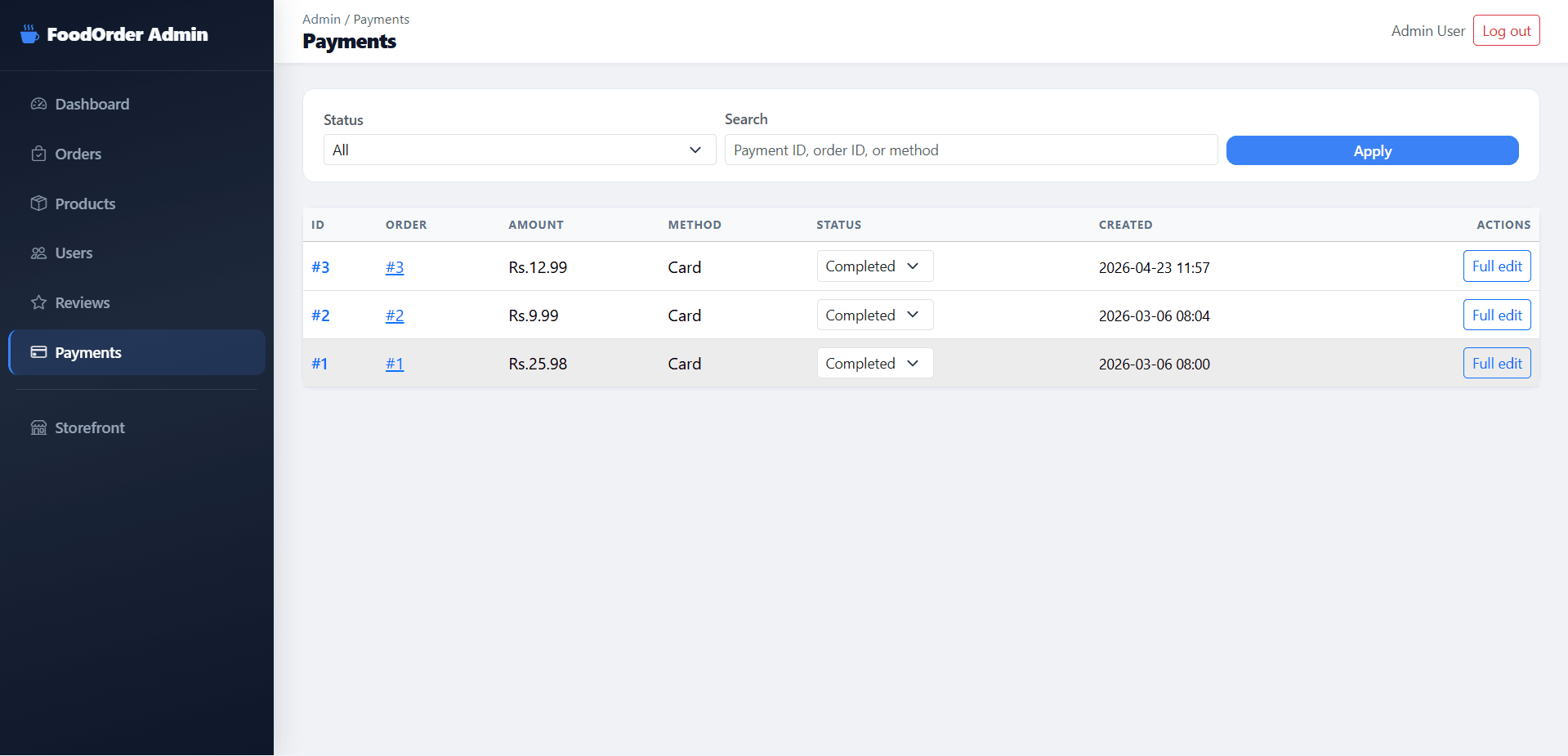
  • Dashboard with statistics, revenue, and recent orders
  • Order management with status update and delete options
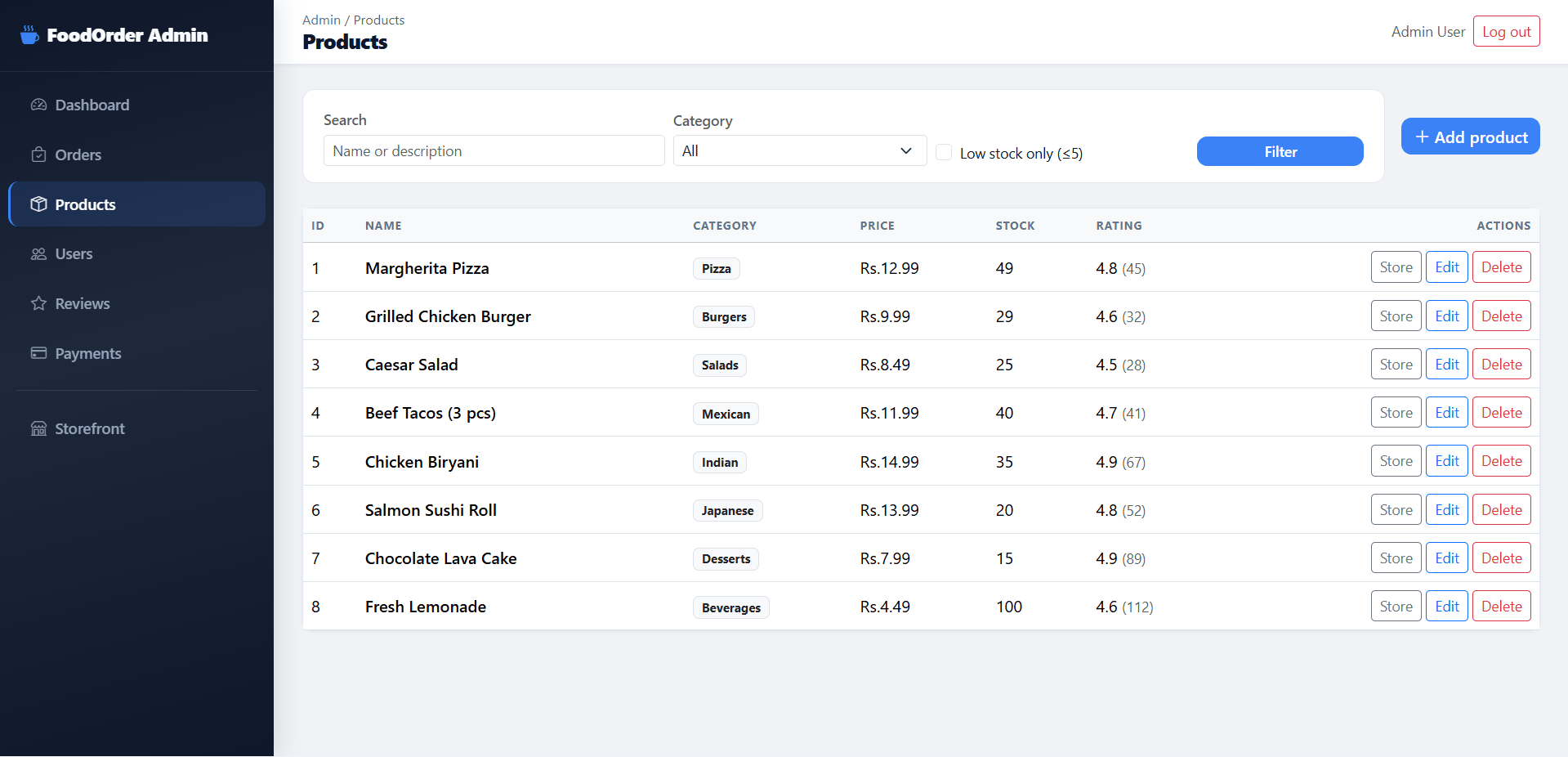
  • Product management with add, edit, and delete operations
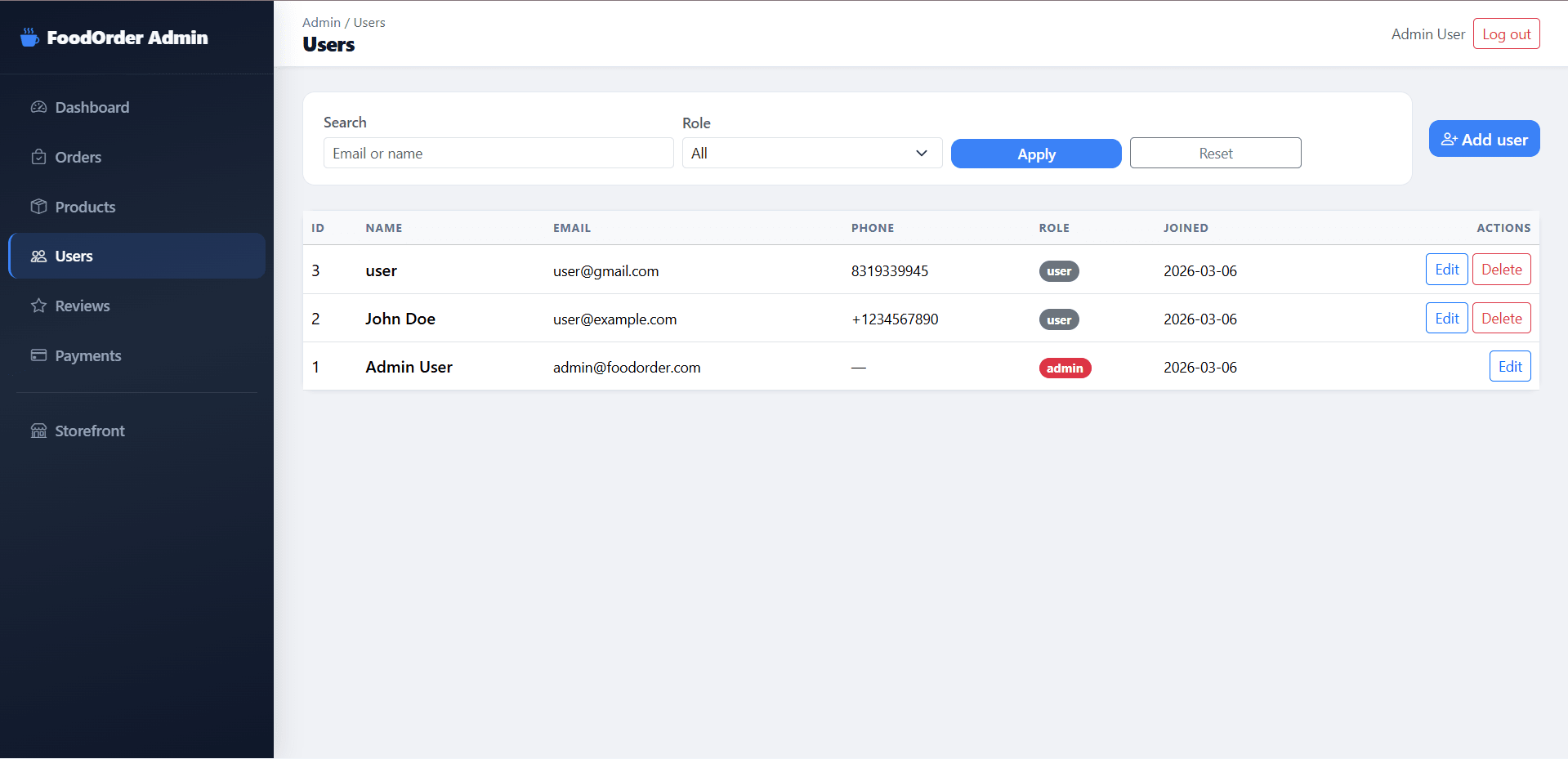
  • User management for editing and deleting users
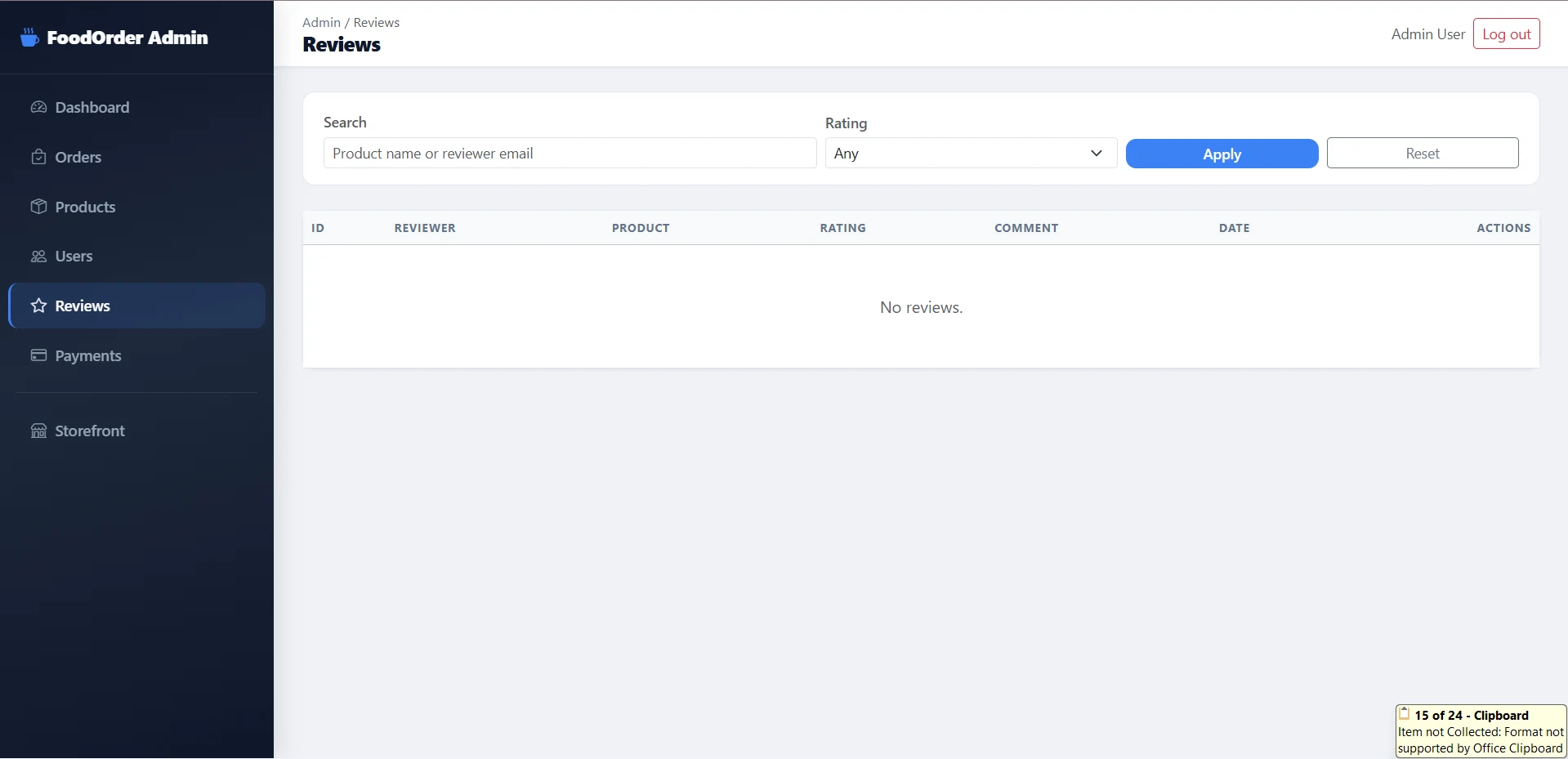
  • Review management to view and remove reviews
  • Payment management with payment status update support

User Features

What end users can do in this application

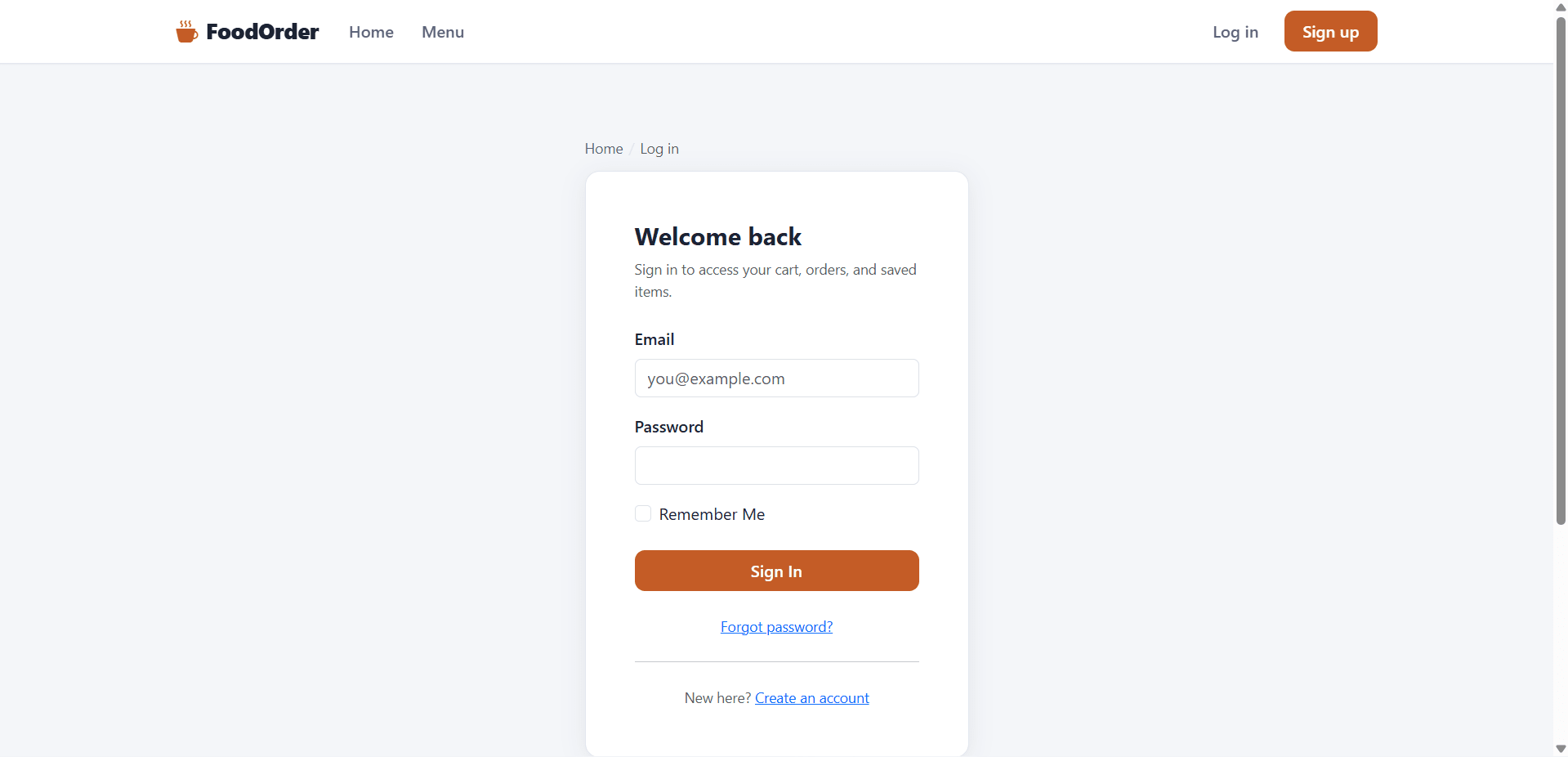
  • Secure login and signup for this final year project
  • Profile management with profile and password update options
  • Password reset through Gmail configuration
  • Shopping cart with add, remove, and quantity update
  • Saved-for-later option for future purchases
  • Wishlist to save products
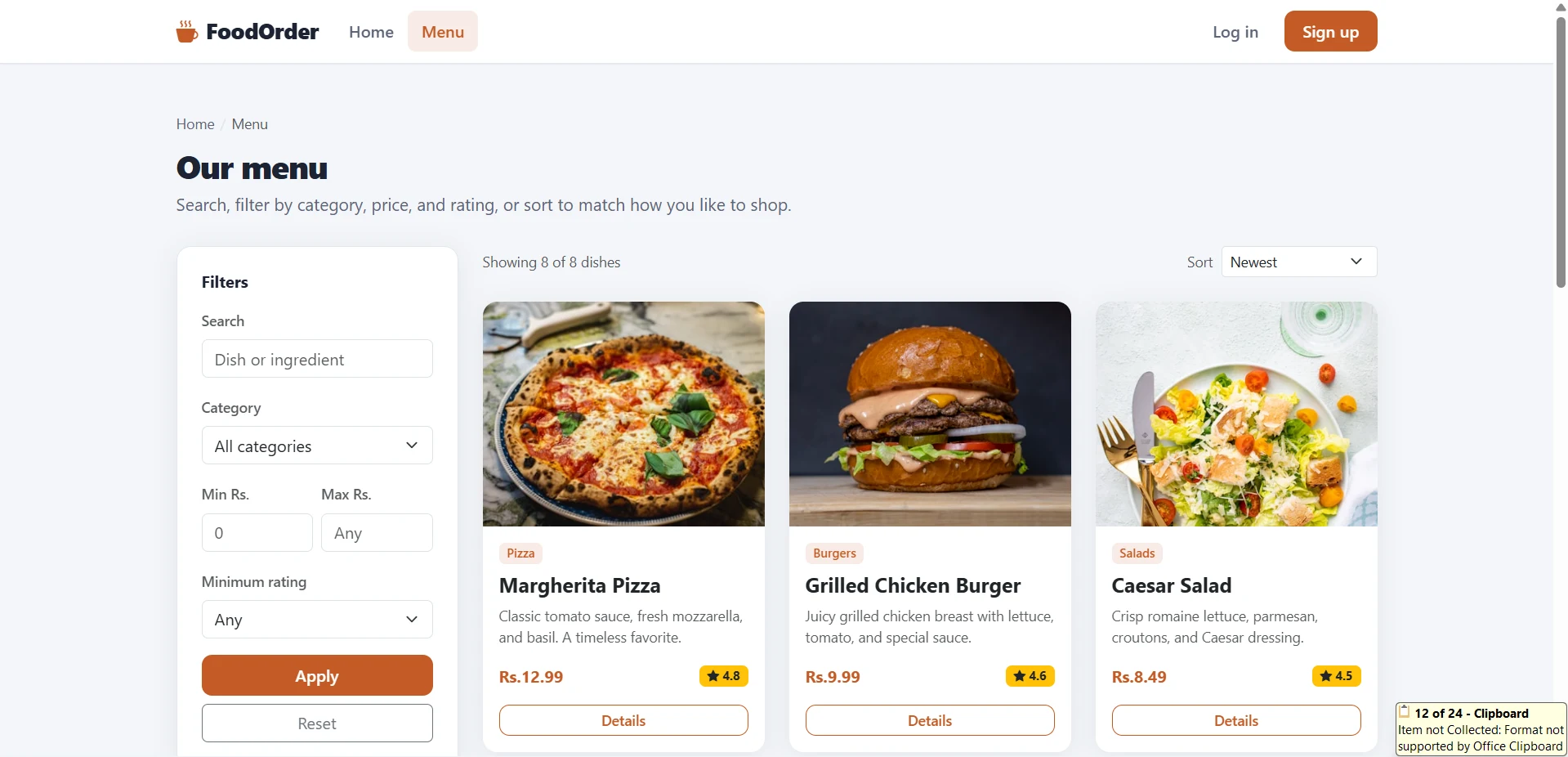
  • Product browsing with pagination, search, and filters
  • Session-based shipping information during checkout
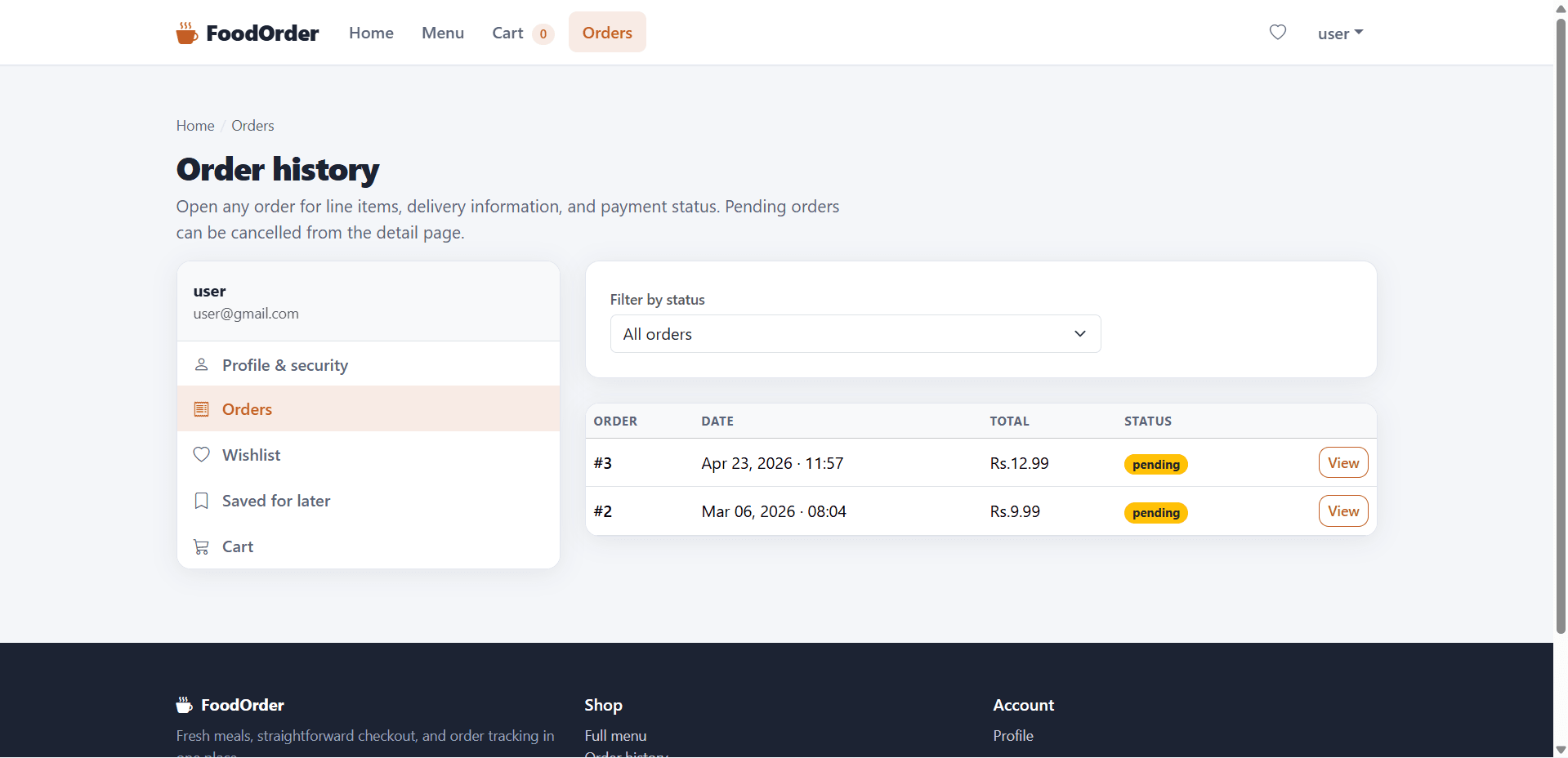
  • Order history with status-based filters
  • Order confirmation email on successful placement
  • Product review system for purchased products only

Other Features

Additional capabilities included in the project

  • Python Flask architecture suitable for final year project demonstration
  • Email utility integration for password reset and order confirmation
  • Seed script for demo product and user creation
  • Structured project layout with app factory and blueprints
  • Jinja2 template-based frontend rendering
  • Optional .env configuration support
  • Demo admin and user login credentials included
  • Suitable for final year report, viva, source code review, and lab demonstration

How to Run

Step-by-step setup on your laptop or PC

  • Install the required dependencies:
    pip install -r requirements.txt
  • Optional: configure email support for this final year project by copying .env.example to .env
  • For Gmail password reset setup:
    • Enable 2FA on your Google account
    • Generate a Google App Password
    • Set MAIL_USERNAME and MAIL_PASSWORD in .env or environment variables
  • Seed the database using:
    python seed.py
  • Run the final year Flask project using:
    python run.py
  • Open the application in your browser at:
    http://localhost:5000

Login Credentials

Default demo accounts for testing after setup

Administrator

  • Email: [email protected]
  • Password: admin123
  • Useful for testing the admin panel of this final year project

Demo User

  • Email: [email protected]
  • Password: user123
  • Useful for testing user-side ordering features in this final year project

License

Usage terms for academic and personal projects

Related Tags

Search terms and categories for this source code
Online Food Ordering System using python Source Code Final Year PYTHON Project Ready-to-Run Code With Database File Plagiarism-Free Faculty Approved online food ordering system final year project Flask final year project Python food ordering system food ordering project with source code online food ordering Flask project final year major project in Python food delivery web app project cart wishlist order management project admin panel Flask project e-commerce final year project